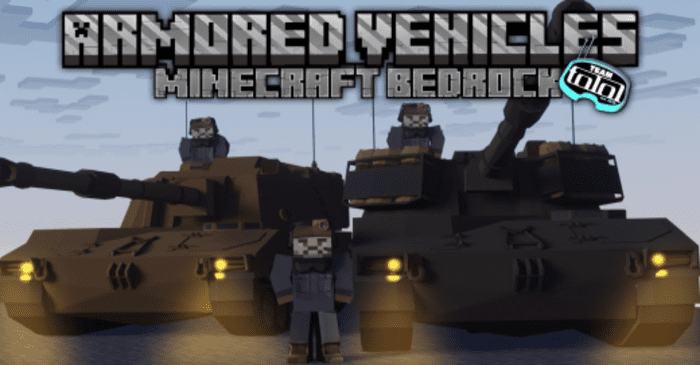
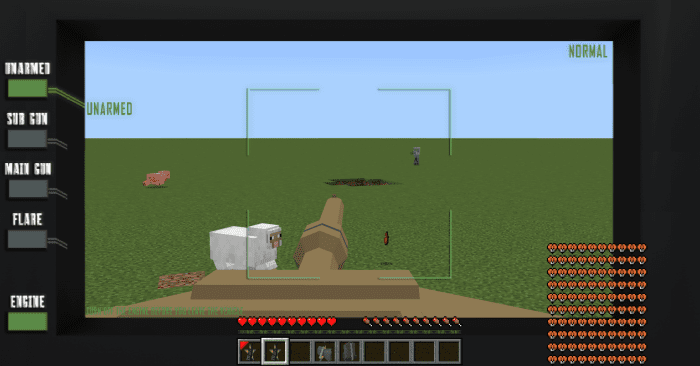
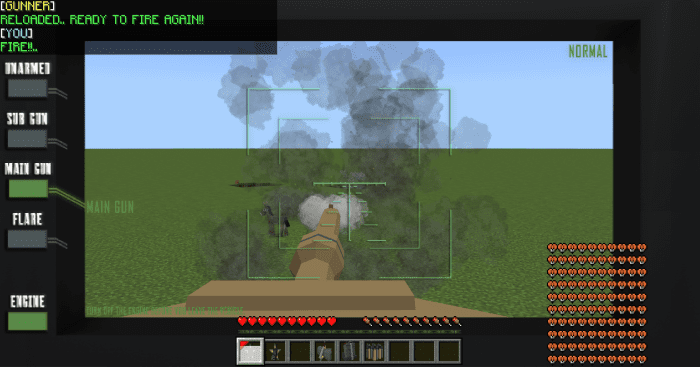
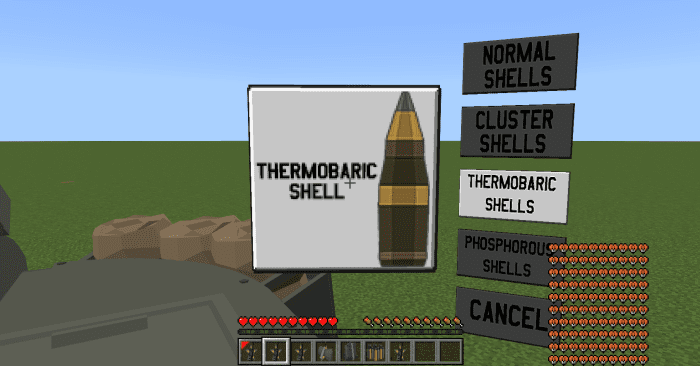
TT Armored Vehicles Addon adds vehicles that are designed for land-based combined arms battles, providing both Survival Mode and Creative Mode gameplay options in Minecraft. In Survival Mode, you can navigate your Minecraft world using these tanks to protect yourself from hostile entities. In Creative Mode, you have the freedom to craft your own war scenarios using these armored vehicles. Additionally, you can engage in multiplayer battles with friends, using your preferred tanks to outmaneuver and defeat them.
Features:
- Ammunition System: Unlike other army vehicles has unlimited ammo. Vehicles and Tanks in this addon have limited Ammunition.
- NPCs: You can transform your Tanks into NPC tanks which makes them move & engage the enemies freely.
- Team Color: You can play with your friends and declare war on them by joining the different team colors.
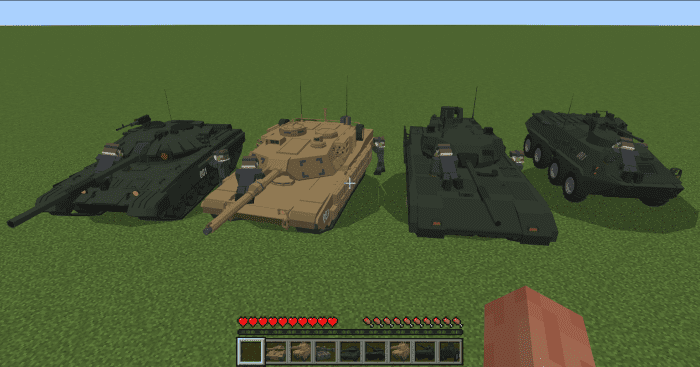
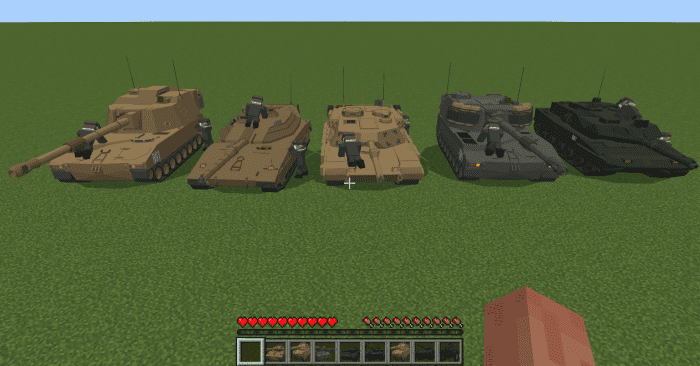
Armored Vehicles Available:
- Abrams
- T-90
- T-14
- Strv-122
- Bradley
- BTR 82
- M109 Paladin
- M109 Doher/Rochev
How to play:
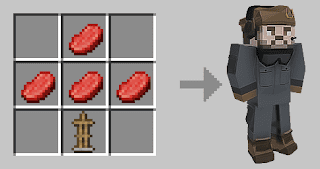
- No need for a lot of Crafting Recipes to spawn Armored Vehicles and tanks.
- You just need to craft 1 spawn egg. Then you can get any items in this addon, from this entity.
- Complete tutorial about how to Drive, Reload the munition, Fire the Munition, and use artillery can be found in the videos below.
Tutorial videos:
Screenshots:
Installation Note:
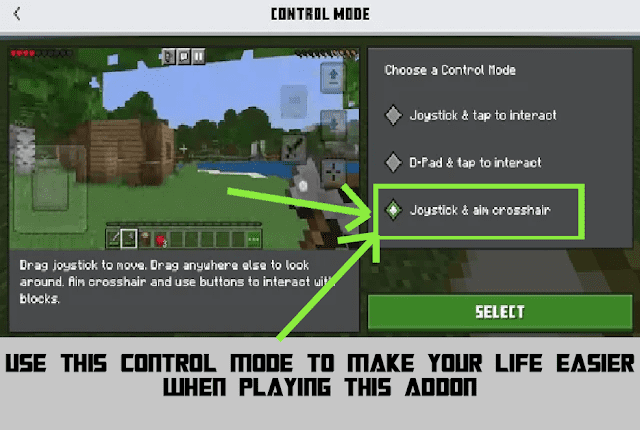
- Use this control mode to make your life easier when playing this addon:
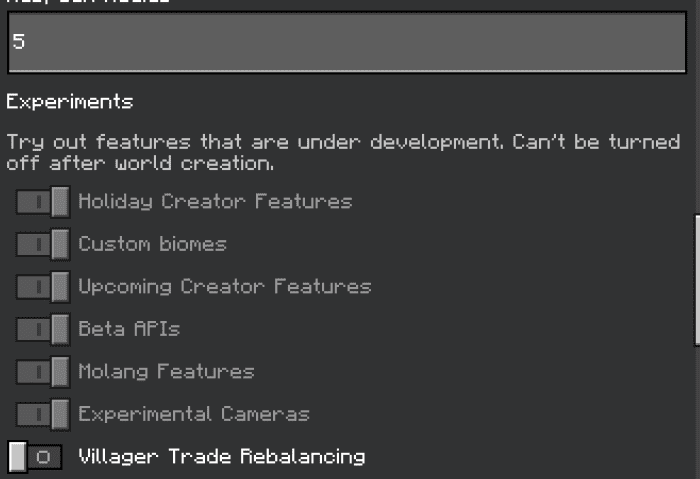
- Make sure you turn on the Experimental Gameplay:
TT Armored Vehicles Addon Download Links
For Minecraft PE/Bedrock 1.20
Behavior: Download from server 1 – Download from server 2
Resource: Download from server 1 – Download from server 2
- Edition: Minecraft Bedrock
- File type: .mcpack or .mcaddon
- Minecraft version listed: 1.20
- How to install: Download the .mcpack or .mcaddon file. → Open it — Minecraft imports it. → In your world: Behavior Packs → Available → Activate, then the same under Resource Packs.
- Where to get it: In MCModsHub, or directly above on this page.
Install steps are the general flow for this file type — How to install Minecraft Bedrock addons & mods walks through it step by step.
- Pack type: .mcaddon — behaviour and resource pack in one file
- Complete pack — everything it depends on is inside the file
- Download size: 13.3 MB
- Download link checked 17 Jun 2026 — working
- Mirrored on our own servers — the download does not depend on the original host
These come from our own check of the pack file, not from the source page.