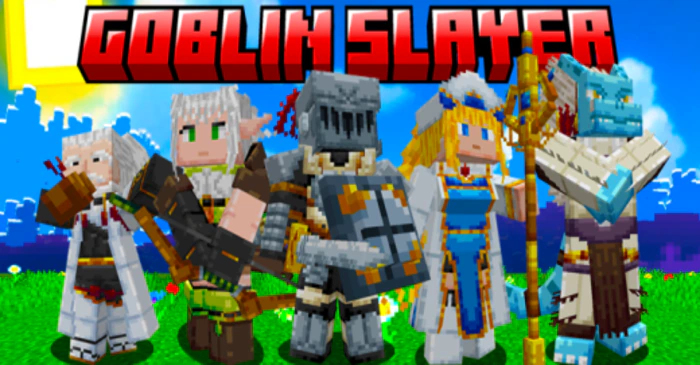
Goblin Slayer Addon (1.20, 1.19) – MCPE/Bedrock Mod
Bedrock add-on listed for Minecraft 1.19–1.20. Download on the author's site.
⬇ Download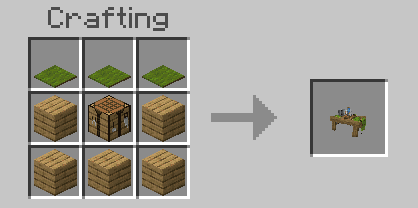

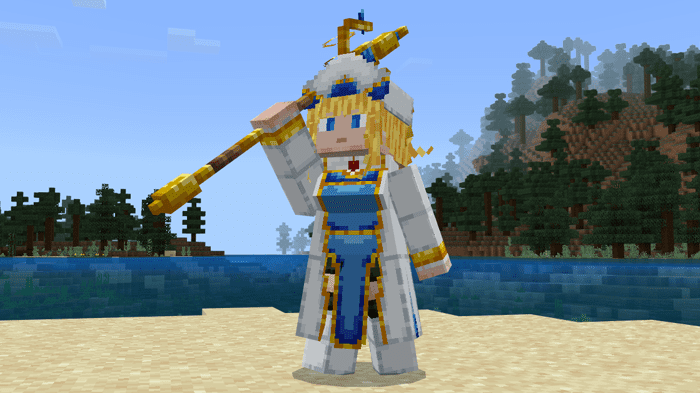
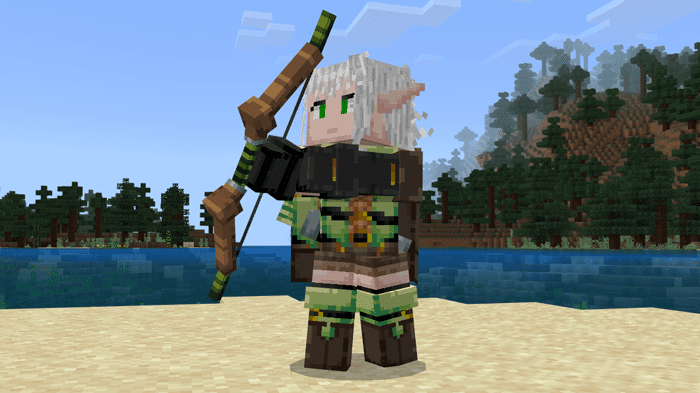
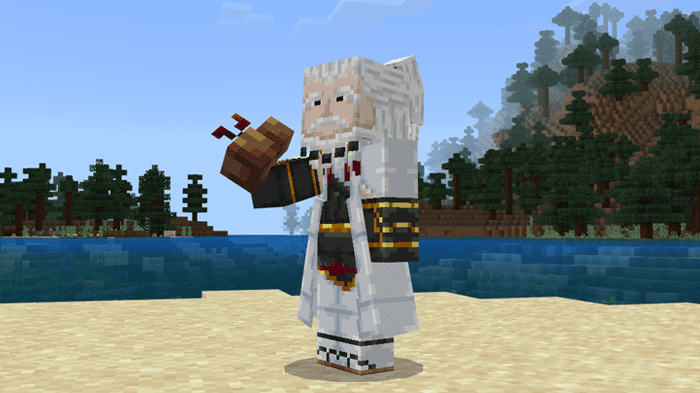
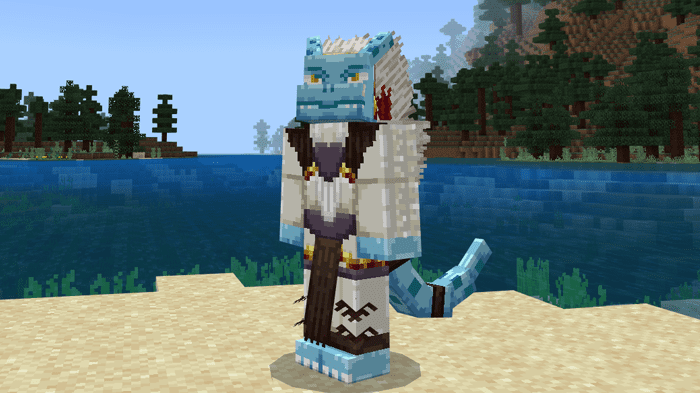
Amidst a world shrouded in darkness and teeming with perilous creatures, goblins are one of the most prevalent and yet often underestimated threats. Will you be able to survive Goblin Slayer Addon?
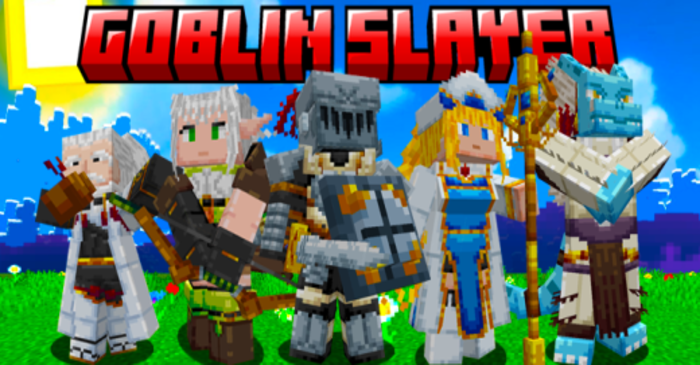
Features:
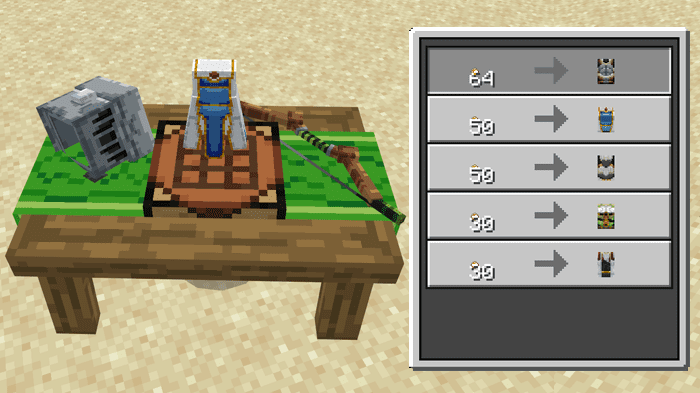
Table Craft:
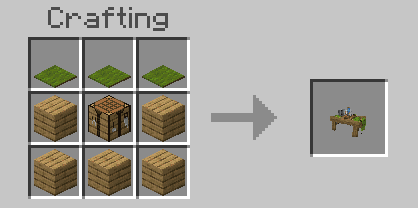
- With this table, everything becomes possible in this addon.
- All you need is coins to buy the characters and have fun.
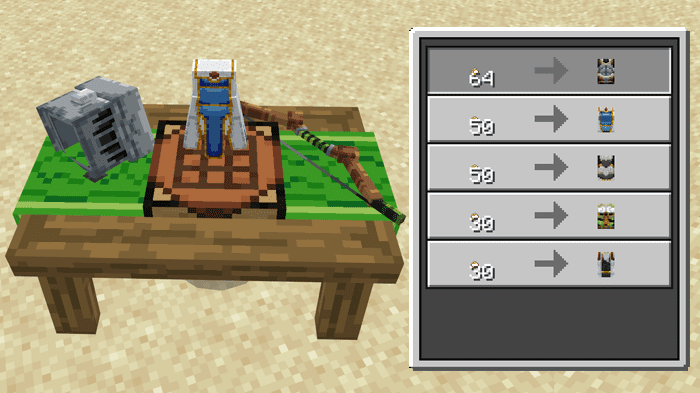
- You can get coins by defeating the Goblins that will appear in your world.

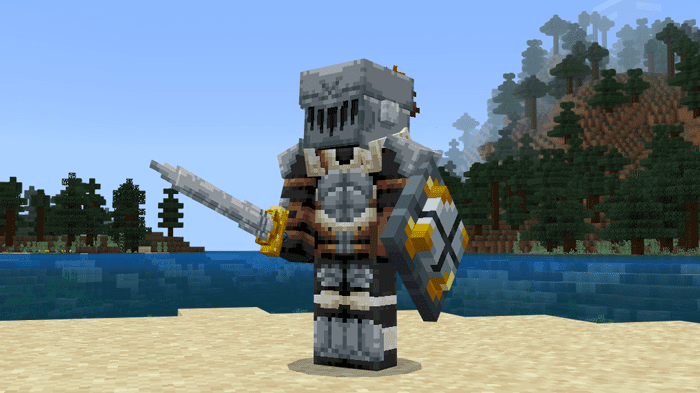
Goblin Slayer:
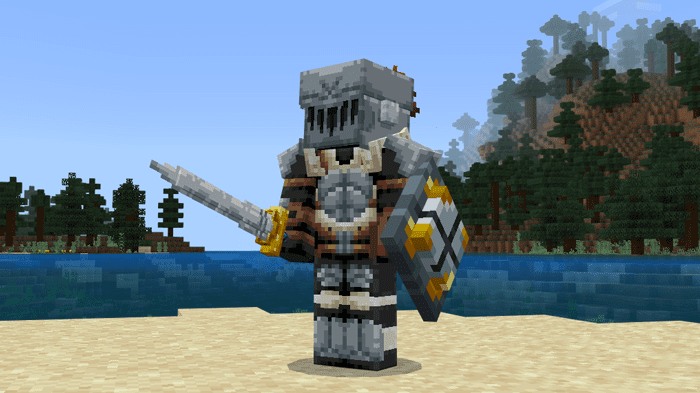
Abilities:
- With sword in hand, you can fire wind slashes
- With the shield in hand, you can defend yourself from attacks by pressing the shift button.
Onna Shinkan:
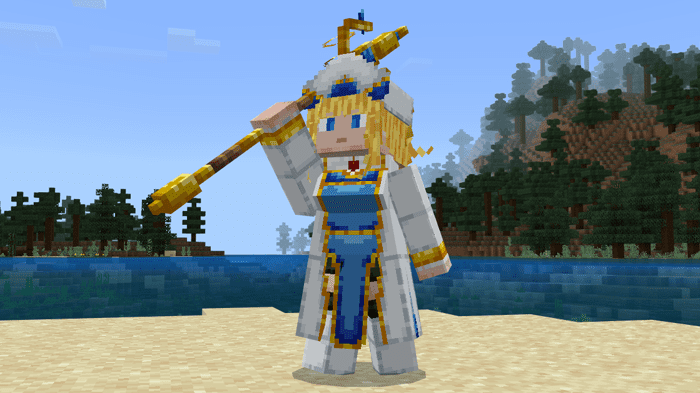
Abilities:
- With the staff in hand, you can activate the regeneration magic.
- You can also activate regeneration for people around you.
- To change the magic just hold the staff and press the shift button
High Elf Archer:
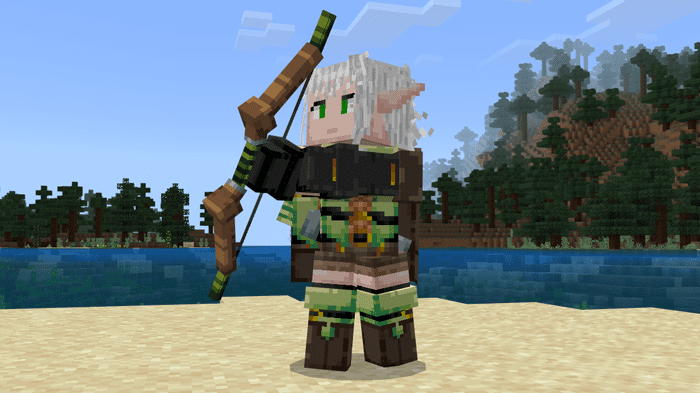
Abilities:
- With the bow in your hand, you can shoot different arrows.
Dwarf Shaman:
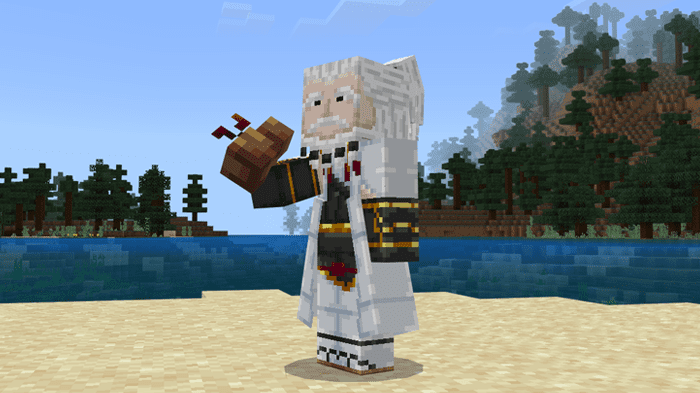
Abilities:
- None
Tokage Souryo:
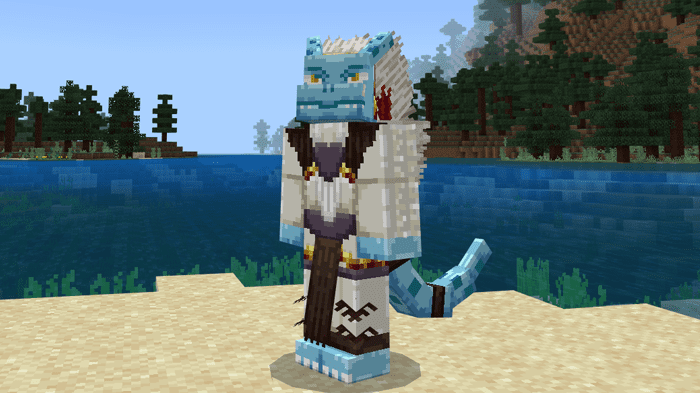
Abilities:
- Holding shift and jumping looking up it is possible to activate the super jump.
- Looking up while hitting the screen it is possible to break several blocks that are in your way.
Goblins:
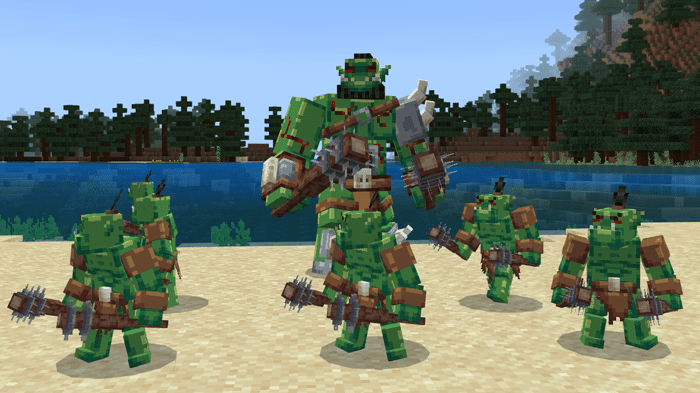
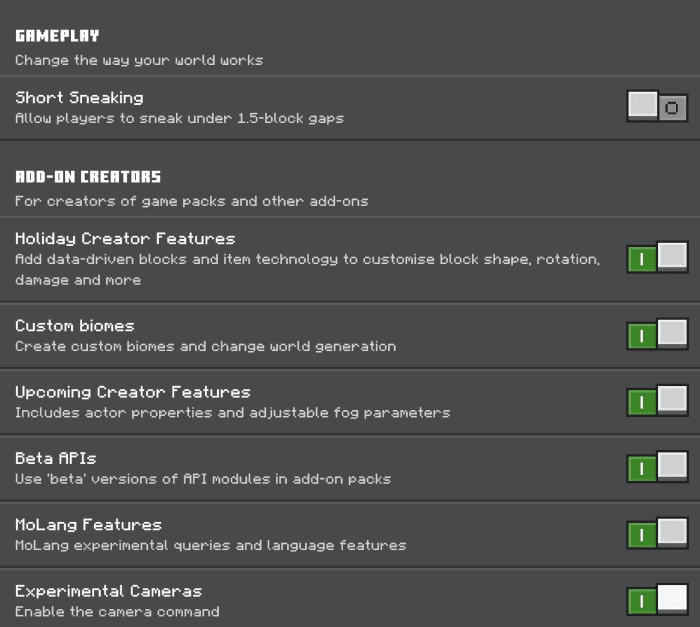
Installation Note:
- Make sure you turn on the Experimental Gameplay.
Goblin Slayer Addon Download Links
For Minecraft PE/Bedrock 1.20, 1.19
Behavior: Download from server 1 – Download from server 2
Resource: Download from server 1 – Download from server 2
- Edition: Minecraft Bedrock
- File type: .mcpack or .mcaddon
- Minecraft versions listed: 1.20, 1.19
- How to install: Download the .mcpack or .mcaddon file. → Open it — Minecraft imports it. → In your world: Behavior Packs → Available → Activate, then the same under Resource Packs.
- Where to get it: Opens on the file's original source — not every file is mirrored on our own servers.
Install steps are the general flow for this file type — How to install Minecraft Bedrock addons & mods walks through it step by step.
Goblin Slayer Addon (1.20, 1.19) – MCPE/Bedrock Mod is a free Minecraft Bedrock addon. Compatible with Minecraft 1.20, 1.19. Download it and open it directly in the game.