
Mystica Crops Addon (1.20, 1.19) – Automate Your Farming
Bedrock add-on listed for Minecraft 1.18–1.20 (behavior + resource pack). File opened and checked on 22 Sep 2026; installs from the MC Bedrock Mods app on Android.
⬇ Download


Mystica Crops Addon adds many items, blocks, and new mobs into your world. More than that, this addon adds a creative way to automate your farming.
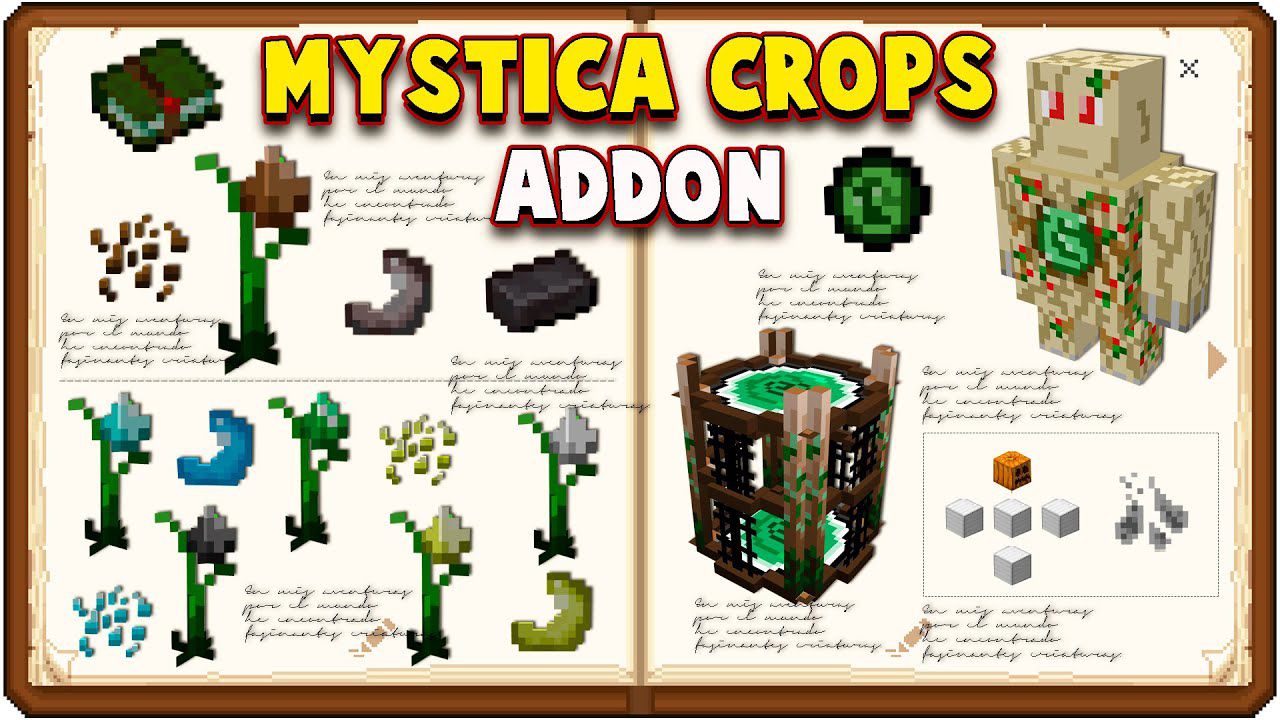
Features:
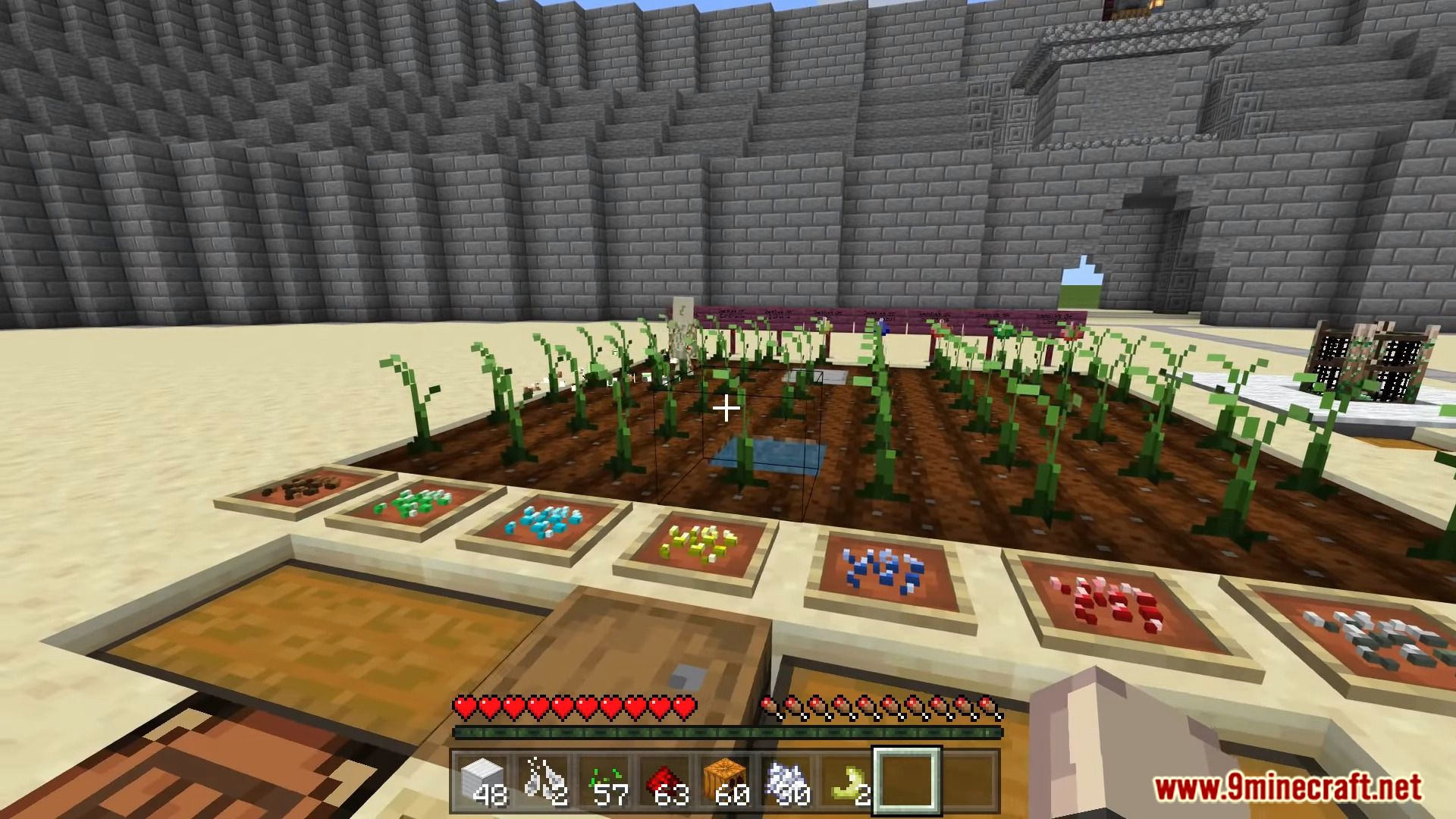
The Ore Plants:
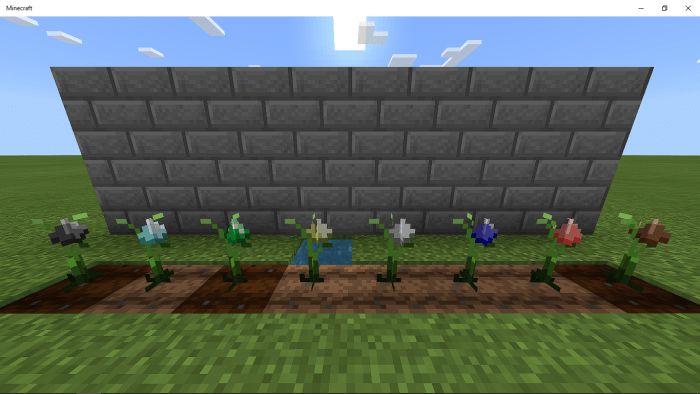
These plants drop items depending on what type of ore plant it is coal, iron, gold, diamond, netherite, lapis, emerald, or redstone. These plants can only be planted of tilted soil just like a normal crop. Breaking these plants will not drop anything so be careful.
You can also Bonemeal the plants to speed its growth.
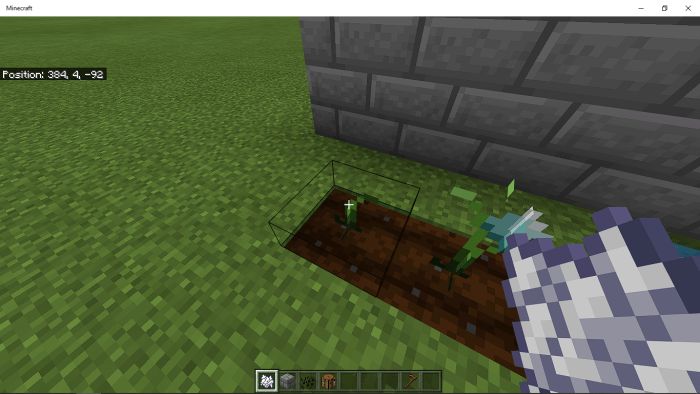
When it’s in its final stage an ore chunk will appear. To harvest it you can just right click on the plant/interact with the plant then you will get an ore chunk.

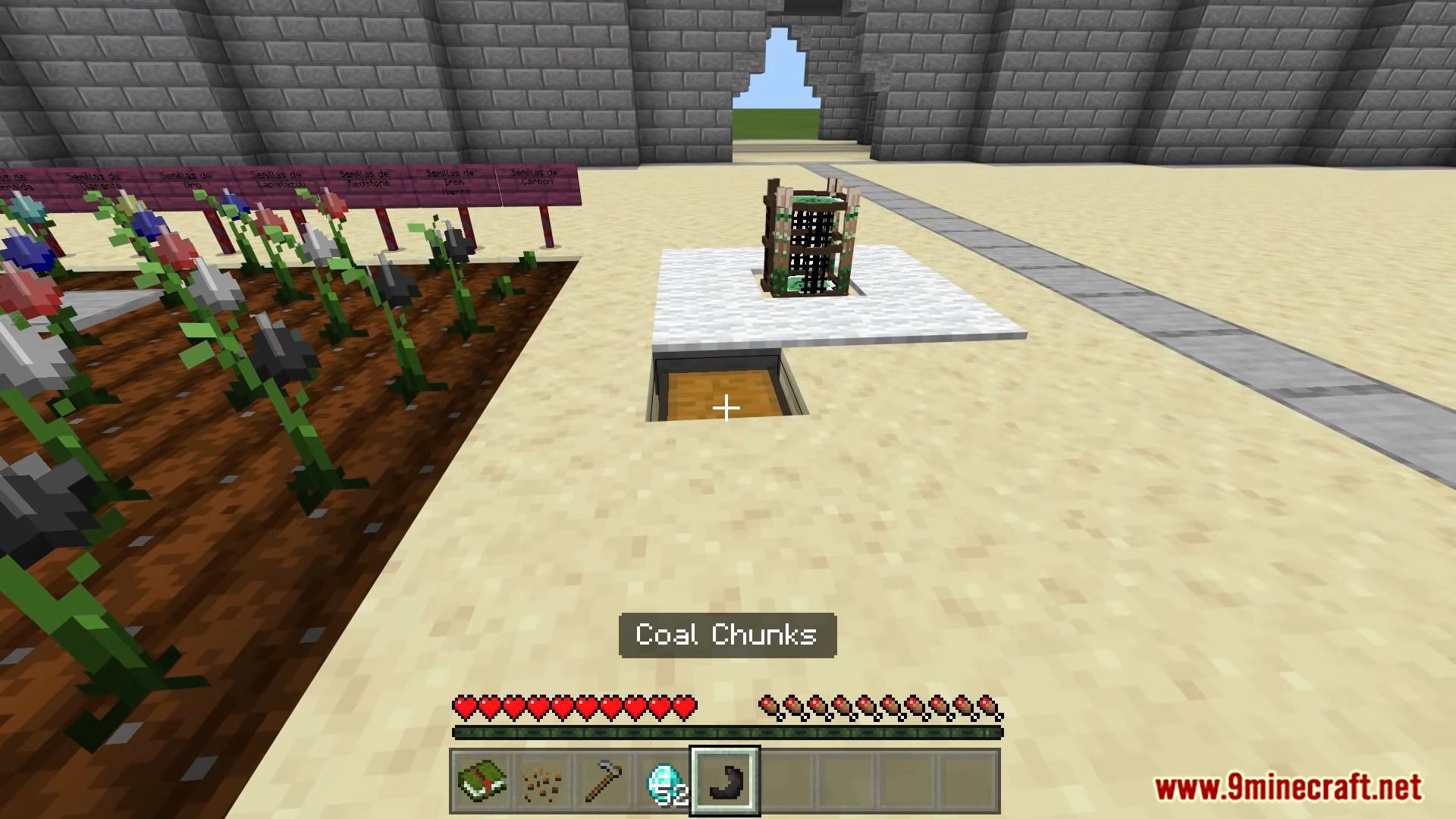
(What an ore chunk looks likes. ex: coal chunk)
You can put this into a crafting table using a 2×2 recipe to get an ingot.
Mystica Book Item:
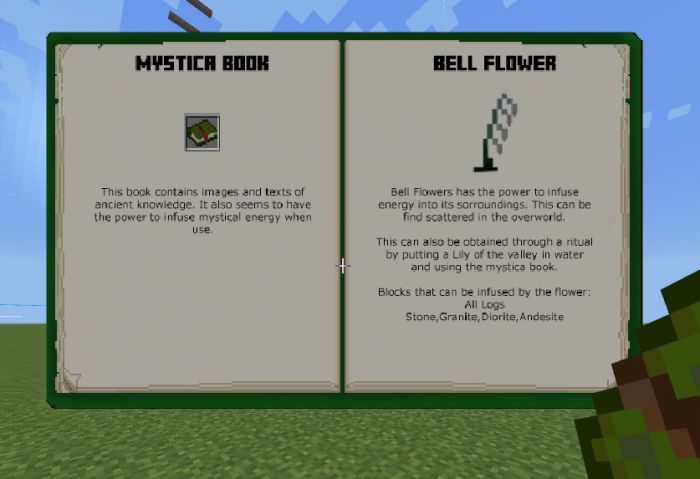
- The most important item. It contains valuable information.
- Sneak while holding to open book. Sneak while using the book to move to the next page.
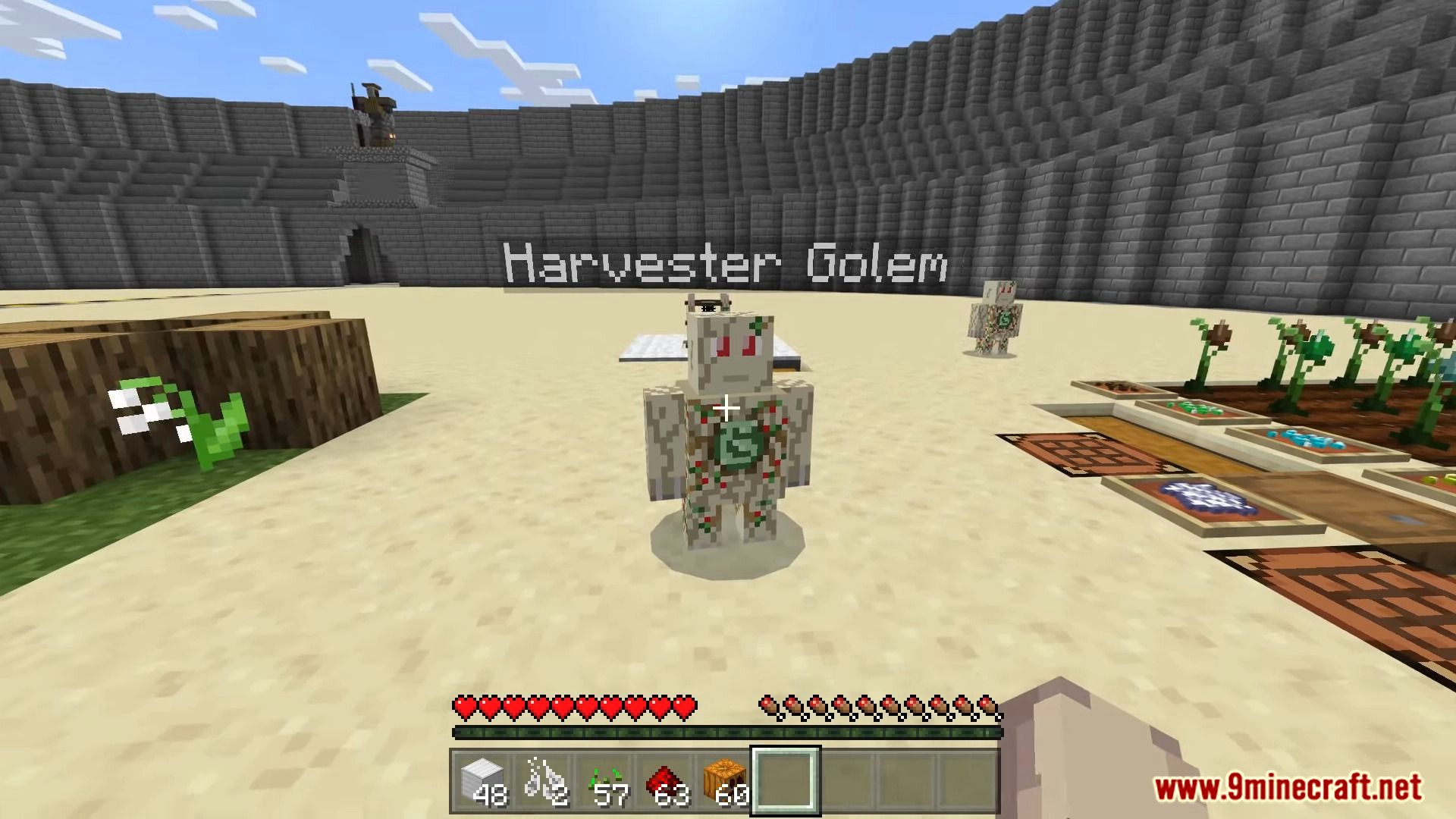
The Harvester Golem:
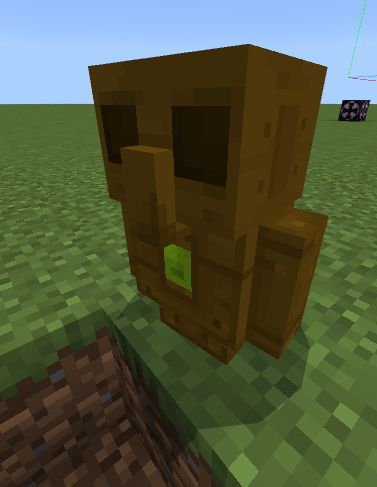
The Harvester Golem is an essential part of automating your ore plant farm. In order to spawn a Harvester Golem you would need to craft a Golem’s Pearl.
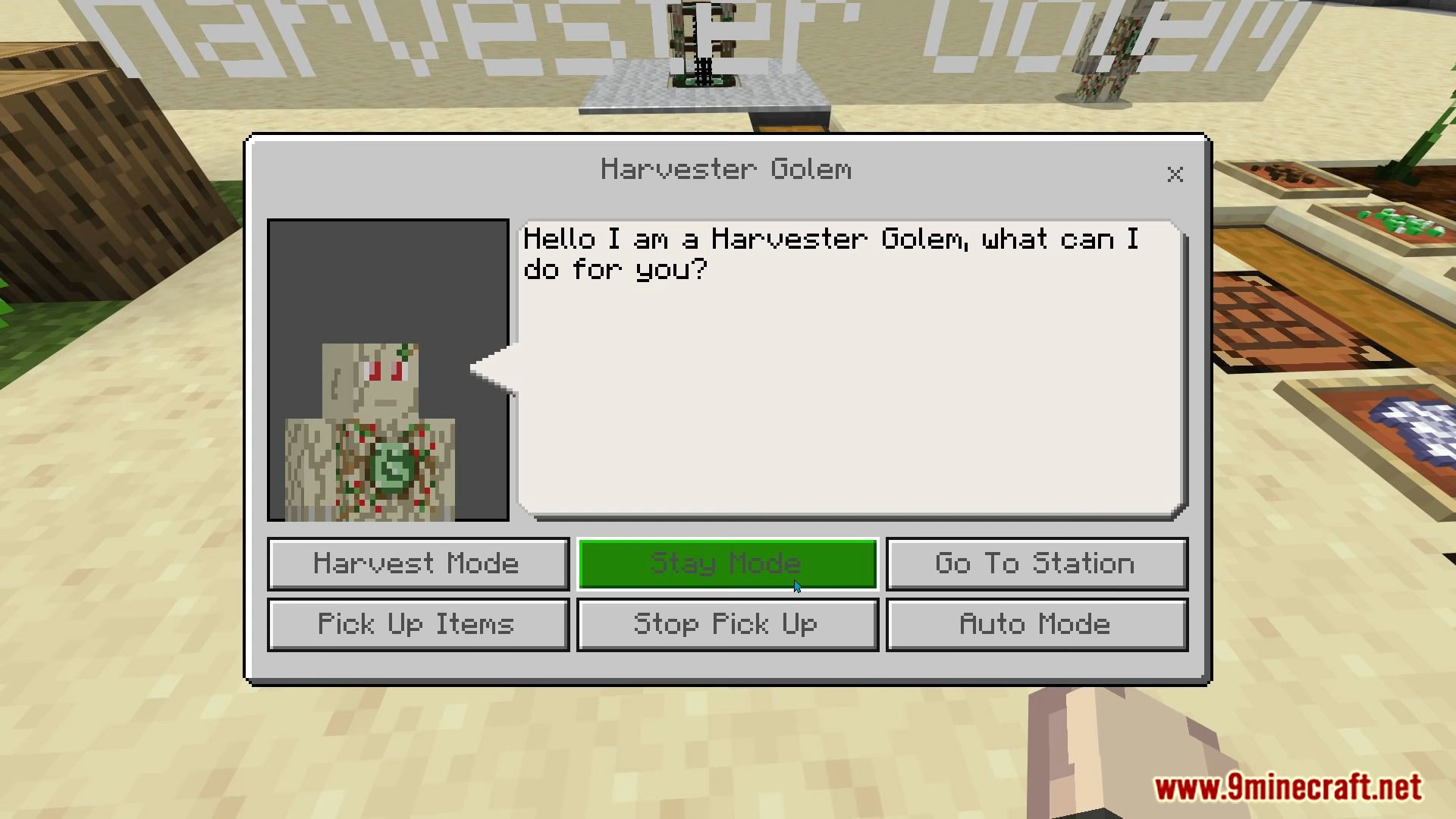
Once summoned you would need to interact with the golem and choose a mode you like.
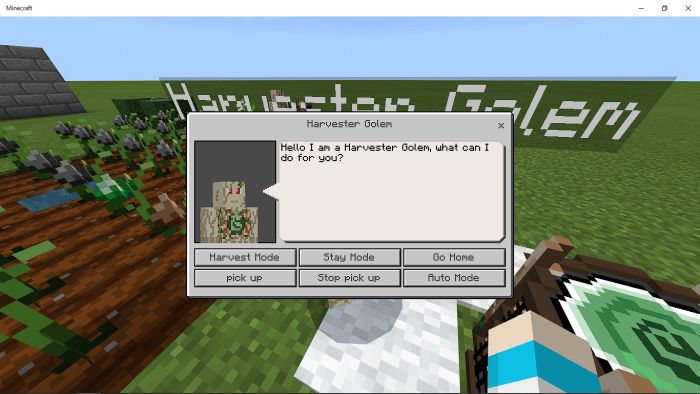
Golem Modes:
- Harvest Mode: Will harvest the nearest fully grown ore plant.
- Stay Mode: It will not do anything.
- Go Home: It will go to the nearest Harvester Station.
- Pick up: It would suck up the nearest items.
- Stop pick up: It would not suck up item. Be careful turning this on it would empty its inventory
- Auto Mode: A combine harvest and home mode after a certain amount of time it would harvest ore plants and after would go to the harvester station.
There is no way to access its inventory but you can hopper the items out of the golem.
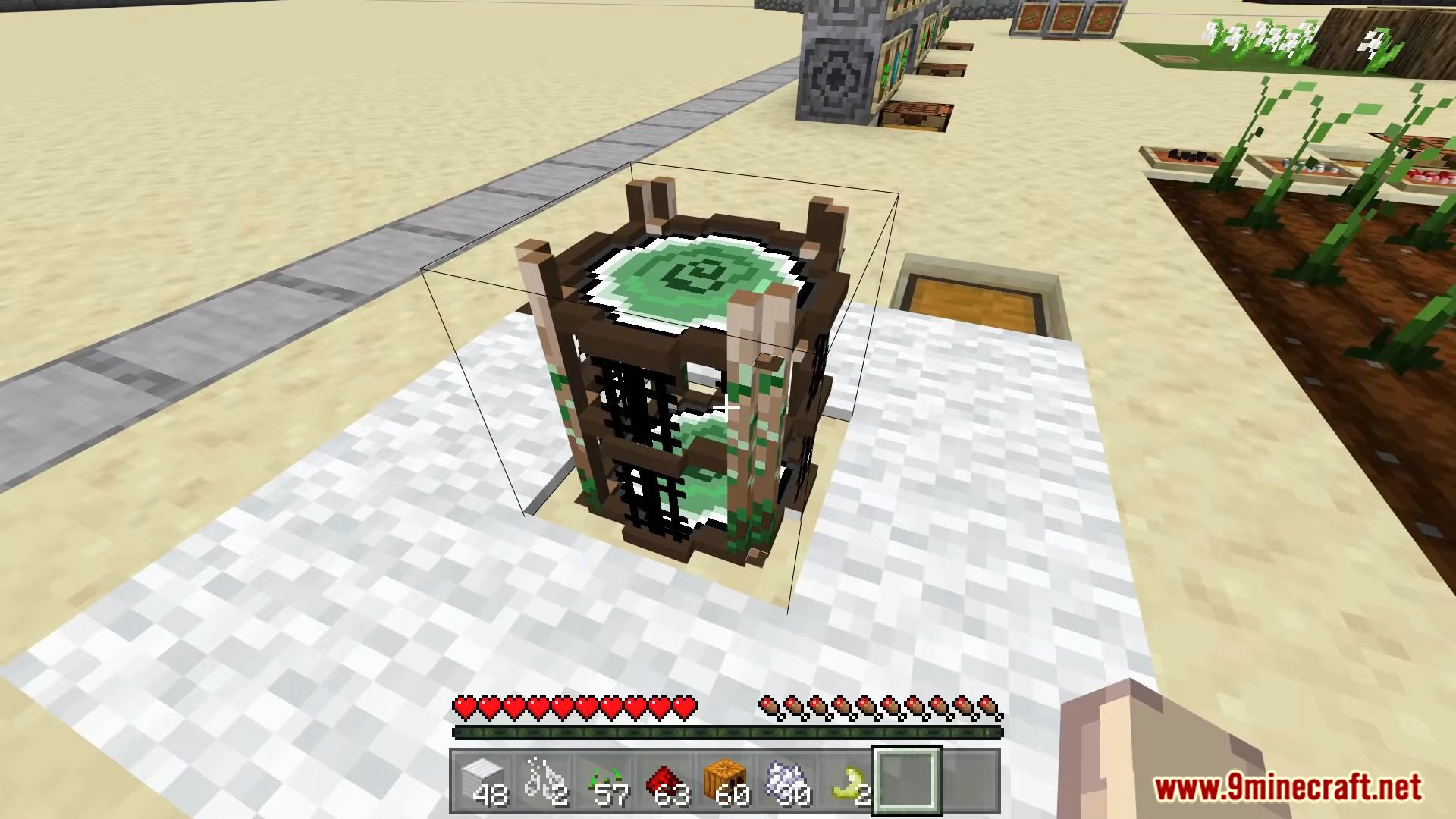
The Harvester Station:
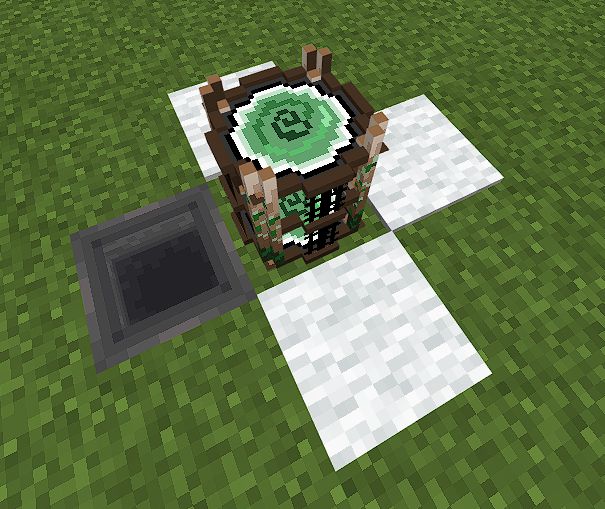
This is another essential part of automation this is where the golems go when going home.
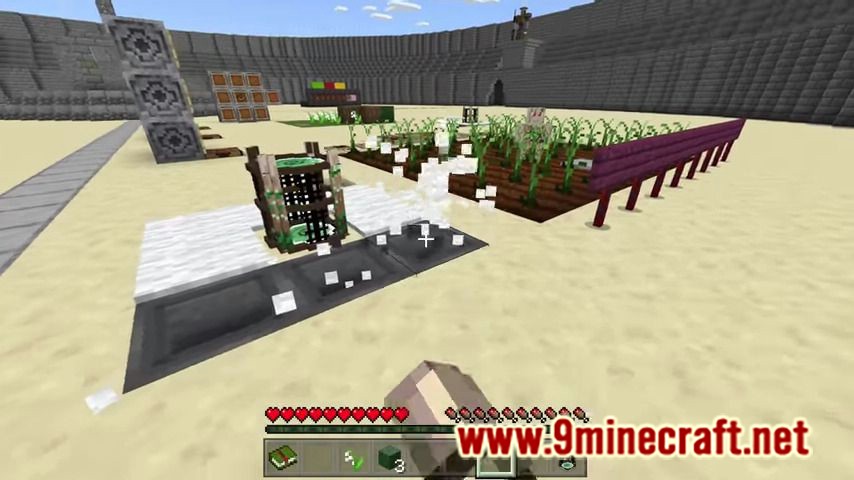
As you can see there are white carpets on each side of the station under those carpets are hoppers.
Harvester Golems would stand on top of those carpets and the hoppers would suck the items out.
Special Mechanics:
This addon uses different ways to get items without using the crafting table.
Show MoreGetting Bell Flowers:
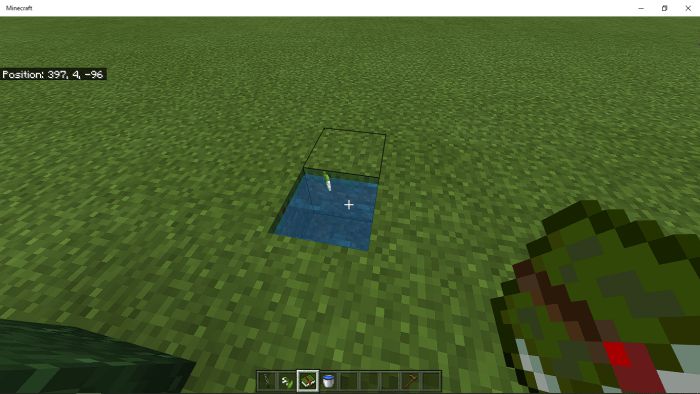
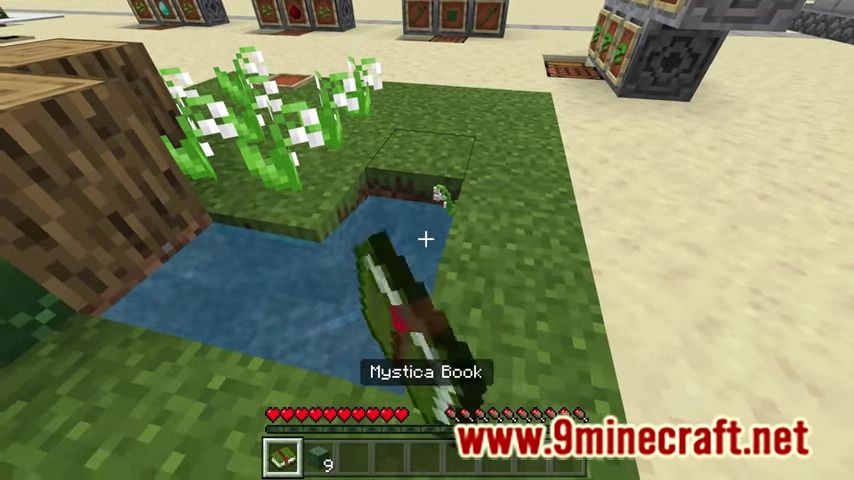
Toss a Lily of the valley plant on a water source or flowing water then right click/use the mystic book. Be sure to be near the lily when you use the book. Bell flowers can also be found in the overworld.
Getting Mystic Logs and Petrified Stone:
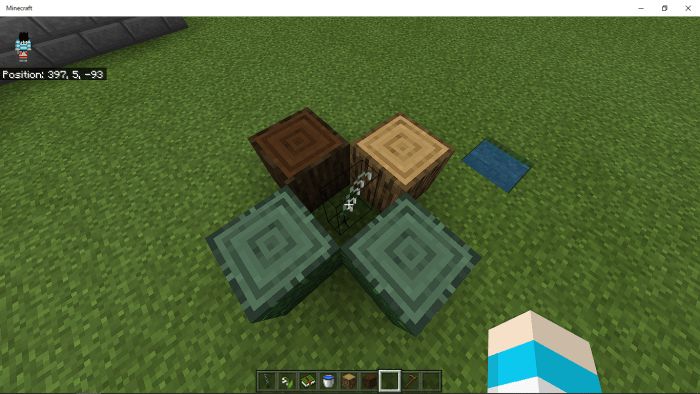
Place a Bell Flower near any logs (can’t use nether variant logs) then wait for it to turn into mystic logs. The mystic logs are those green looking logs.
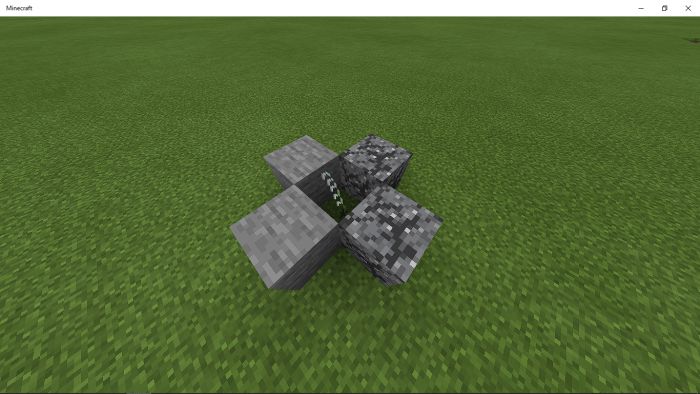
The Mystic Circle:
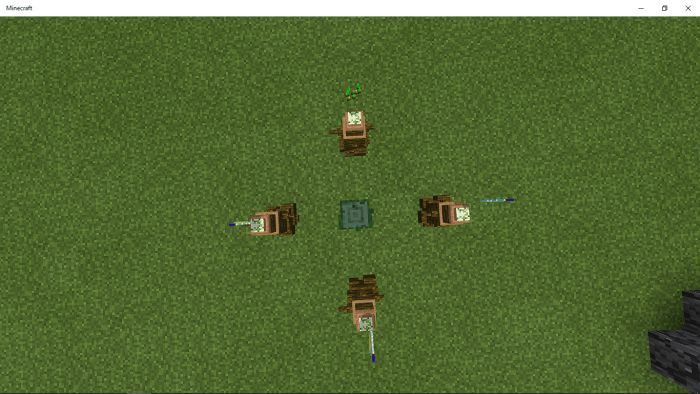
Putting items on the infuser in the correct pattern and activating it using a blank slate will output an item.
How to use:
- Drop items on the infusers make sure it in the correct order ( check recipe for orders)
- Right click/tap on the stump while holding the empty slate
- It will out put your desired item/block
To know if your are placing it in the right direction look at the stump it will tell you where is north.
Gathering Sap:
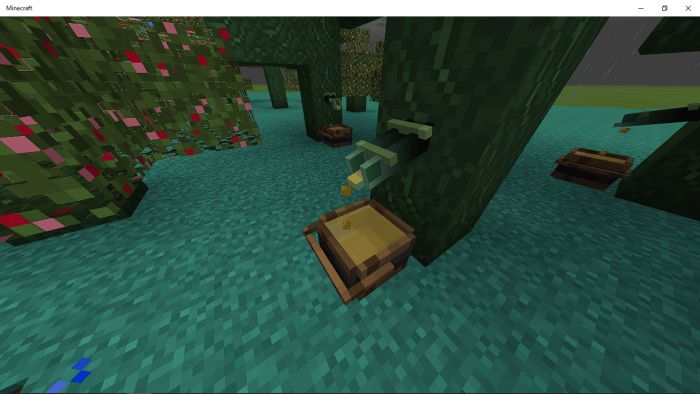
Place a Tree Sap tap on a mystic log then under it put a sap catcher.
To get the sap use a glass bottle then click/tap on the sap catcher.
Sap is also edible.
Research Table:
For researching recipes for mystica circle.
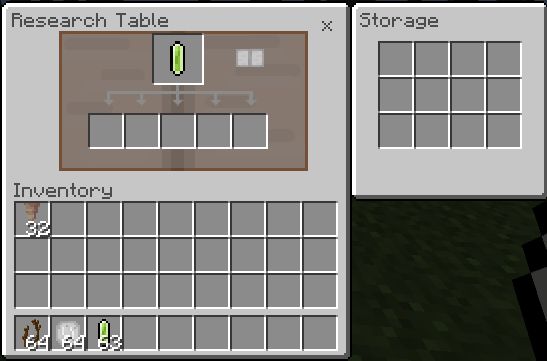
Planting a Mystic Tree and the Mystic Grass:
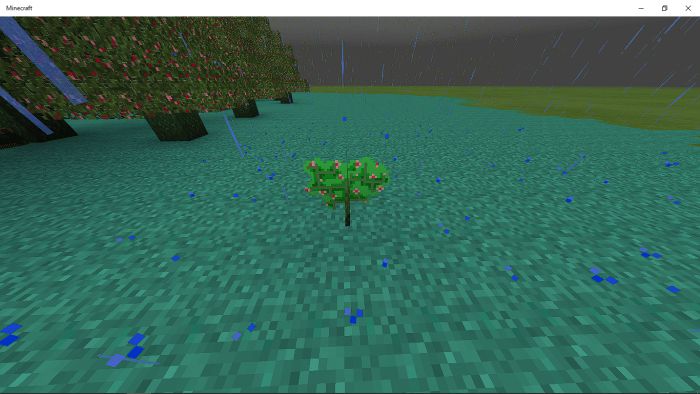
In order to plant this sapling you must first need to craft this using the mystic circle.
This tree can only be planted on Mystic Grass and bonemeal also works on them.
The Mystic Grass can also be crafted using the mystic circle.
The Evergrowth:
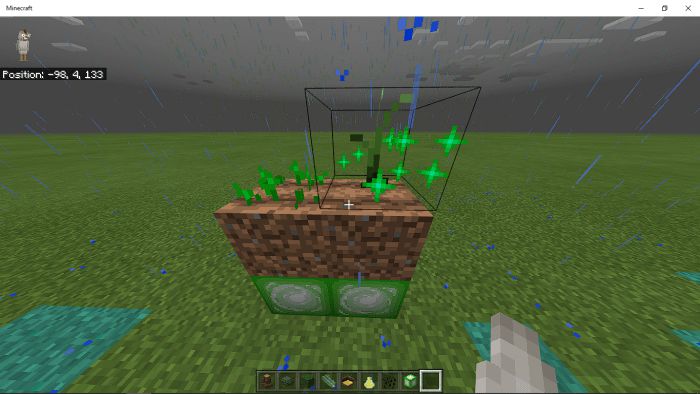
The Evergrowth Block can help speed up growing of crops vanilla or mystic crops but doesn’t work with trees.
Place it under your farm in order for it to work just like the picture above.
This block is not stackable or does not hasten the growth speed of crops when many are placed underneath.
Structures:
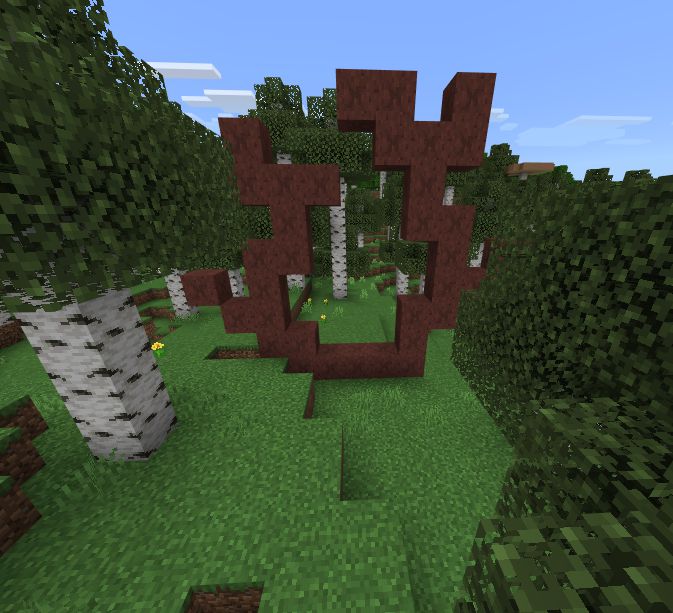
Show MoreAncient Gateway
- Biomes: Birch, Flower Forest, Taiga
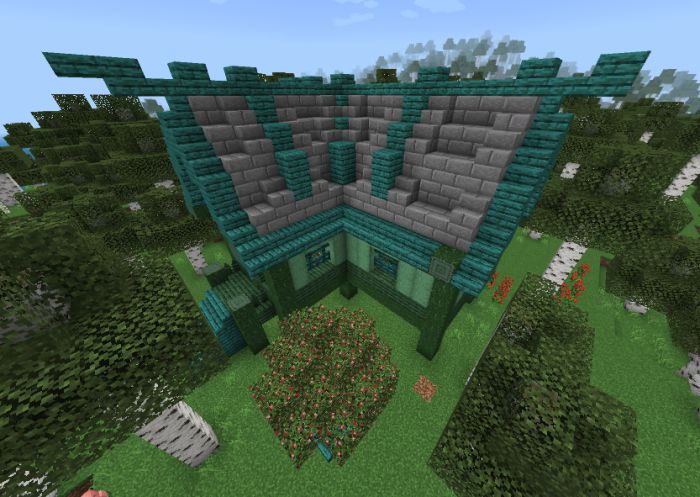
Abandoned Houses
- Biomes: Forest
- Variants: With Tree, Without Tree, Broken
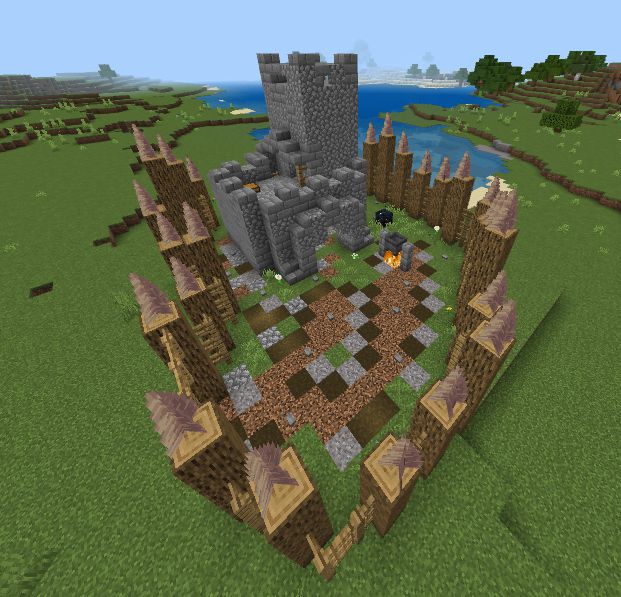
Goblin Fort
- Biomes: Plains, Dessert
- Mobs: Club Goblins, Archer Goblins
Crafting Recipes:
Recipes can be found in crafting table and research table.
Screenshots:
Show More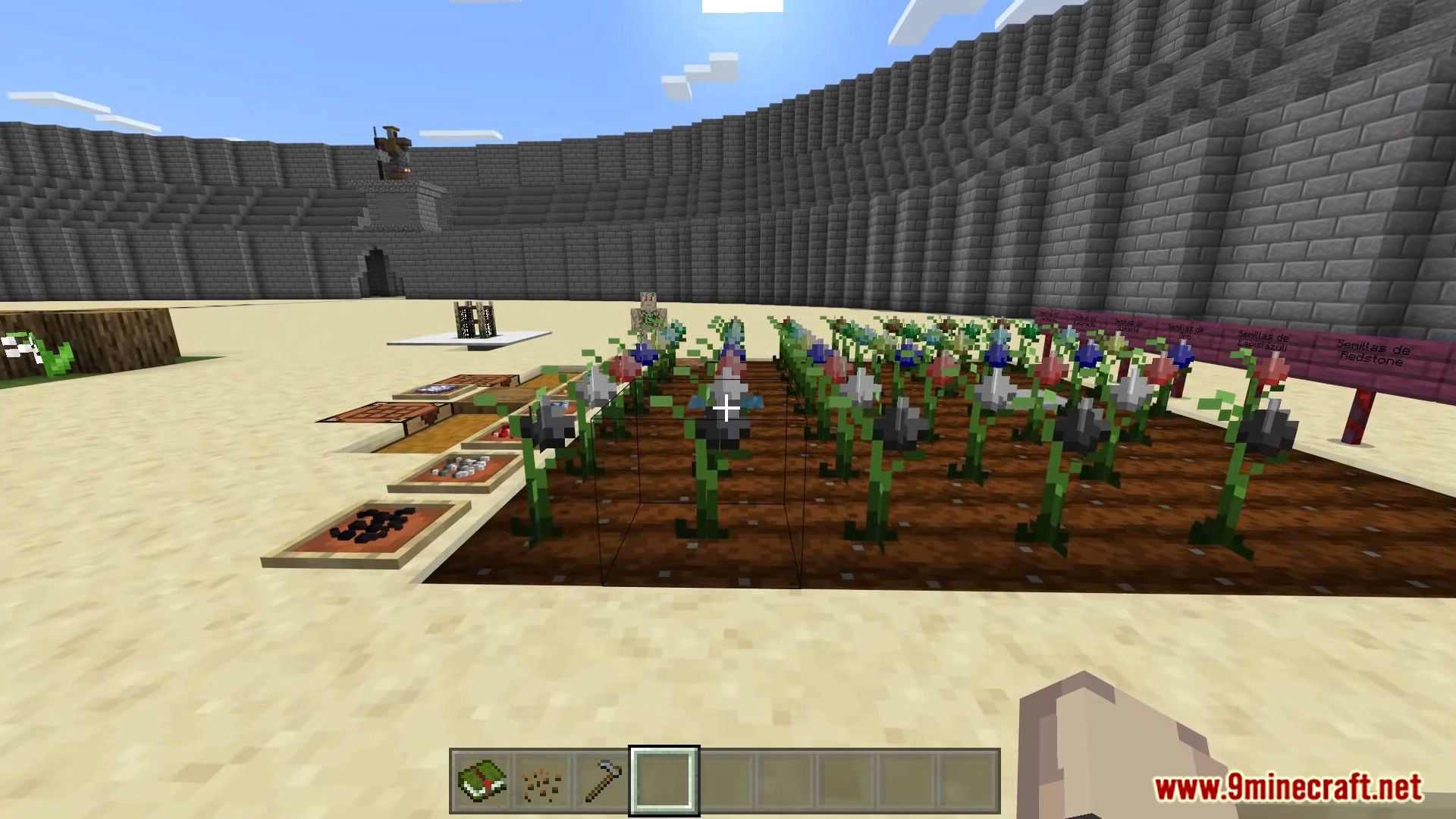
Installation Note:
- All experimental modes must be turned on.
Mystica Crops Addon Download Links
For MCPE/Bedrock 1.19, 1.18
For MCPE/Bedrock 1.20
mcaddon: Download from server 1 – Download from server 2
- Edition: Minecraft Bedrock
- File type: .mcpack or .mcaddon
- Minecraft versions listed: 1.20, 1.19
- How to install: Download the .mcpack or .mcaddon file. → Open it — Minecraft imports it. → In your world: Behavior Packs → Available → Activate, then the same under Resource Packs.
- Where to get it: In MCModsHub, or directly above on this page.
Install steps are the general flow for this file type — How to install Minecraft Bedrock addons & mods walks through it step by step.
- Pack type: .mcaddon — behaviour and resource pack in one file
- Manifest requires Minecraft 1.18.20 or newer
- Complete pack — everything it depends on is inside the file
- Download size: 10.1 MB
- Download link checked 17 Jun 2026 — working
- Mirrored on our own servers — the download does not depend on the original host
These come from our own check of the pack file, not from the source page.