CineCam Addon (1.20) – Java-Like Cinematic Camera
Bedrock add-on listed for Minecraft 1.19–1.20 (behavior + resource pack). Needs Beta APIs. File opened and checked on 19 Sep 2026; installs from the MC Bedrock Mods app on Android.
The "CineCam" addon is a compact yet powerful tool that brings the cinematic camera feature from Java Edition to Bedrock Edition. CineCam Addon uses…
⬇ Download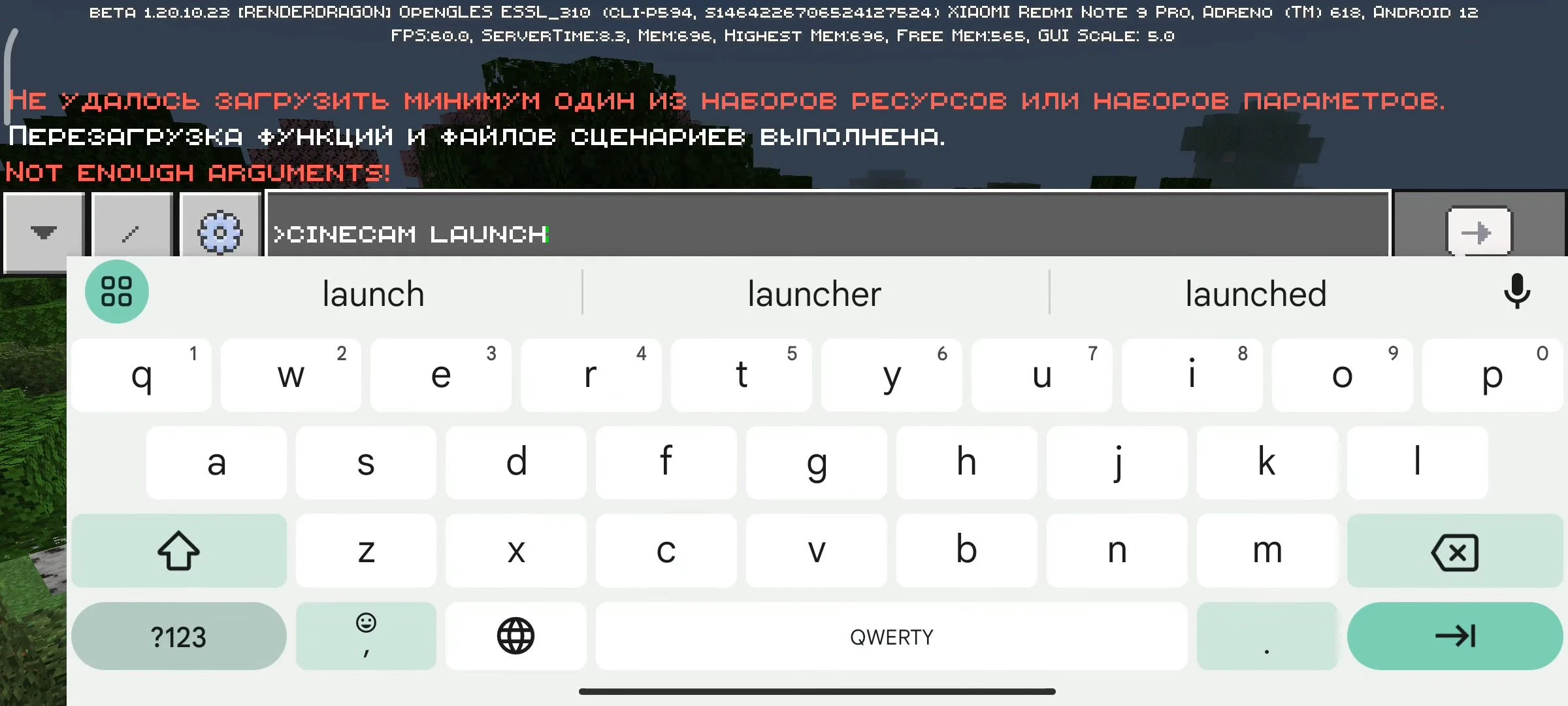
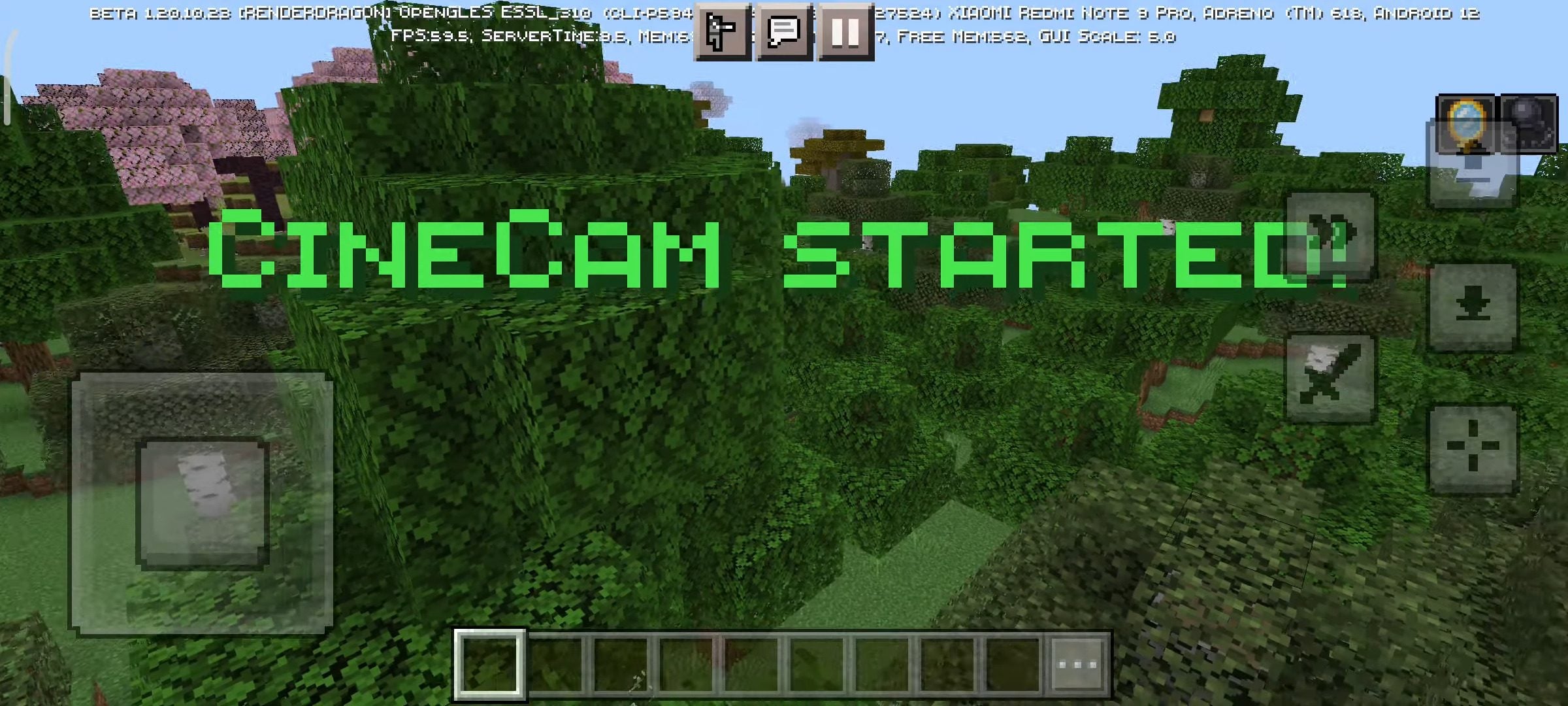
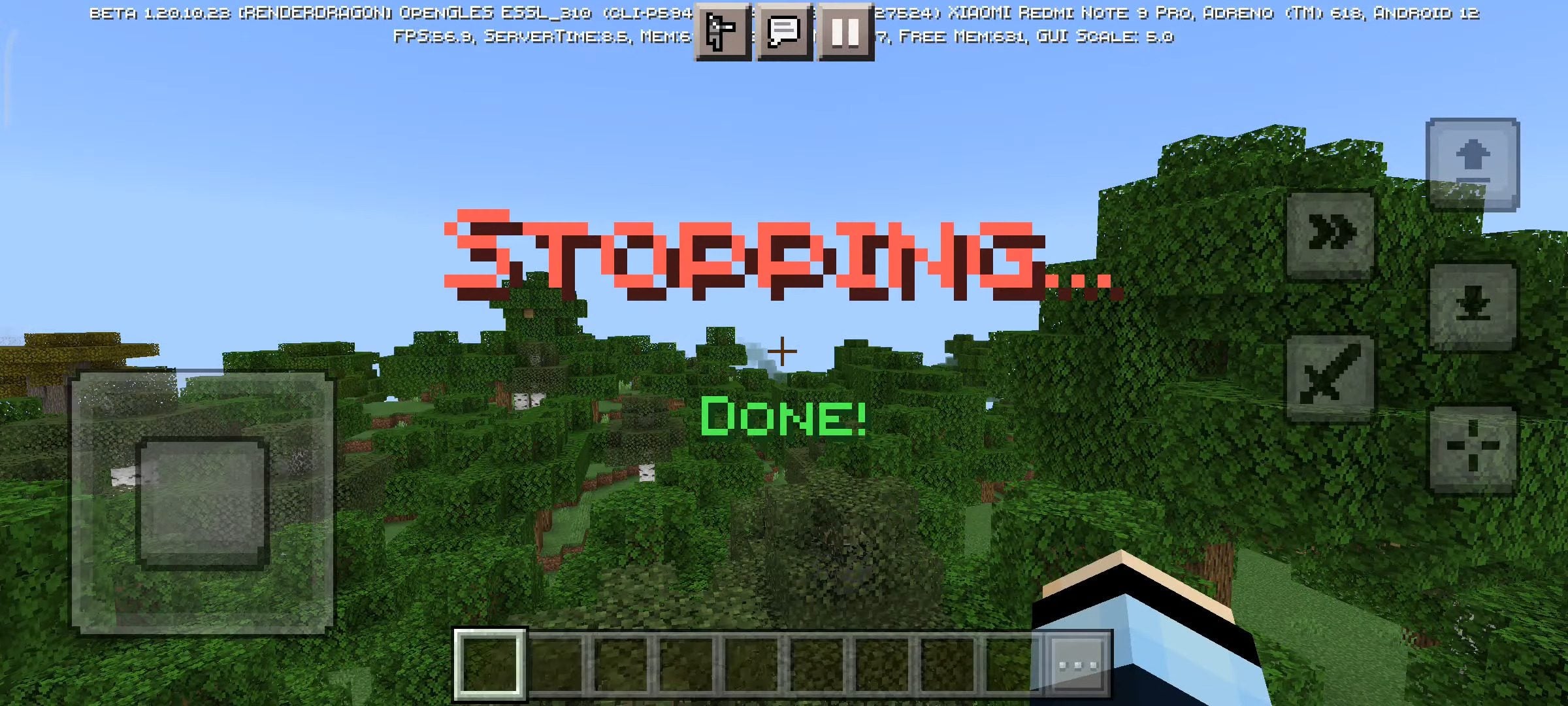
The “CineCam” addon is a compact yet powerful tool that brings the cinematic camera feature from Java Edition to Bedrock Edition. CineCam Addon uses simple chat commands to control the speed of the camera and to launch or stop the Cinematic Camera. This feature is particularly useful for recording footage and creating videos within the game. This addon, which only requires a behavior pack (resource pack is optional), replicates the cinematic camera experience found in the Java Edition of Minecraft.
Features:
How to use?
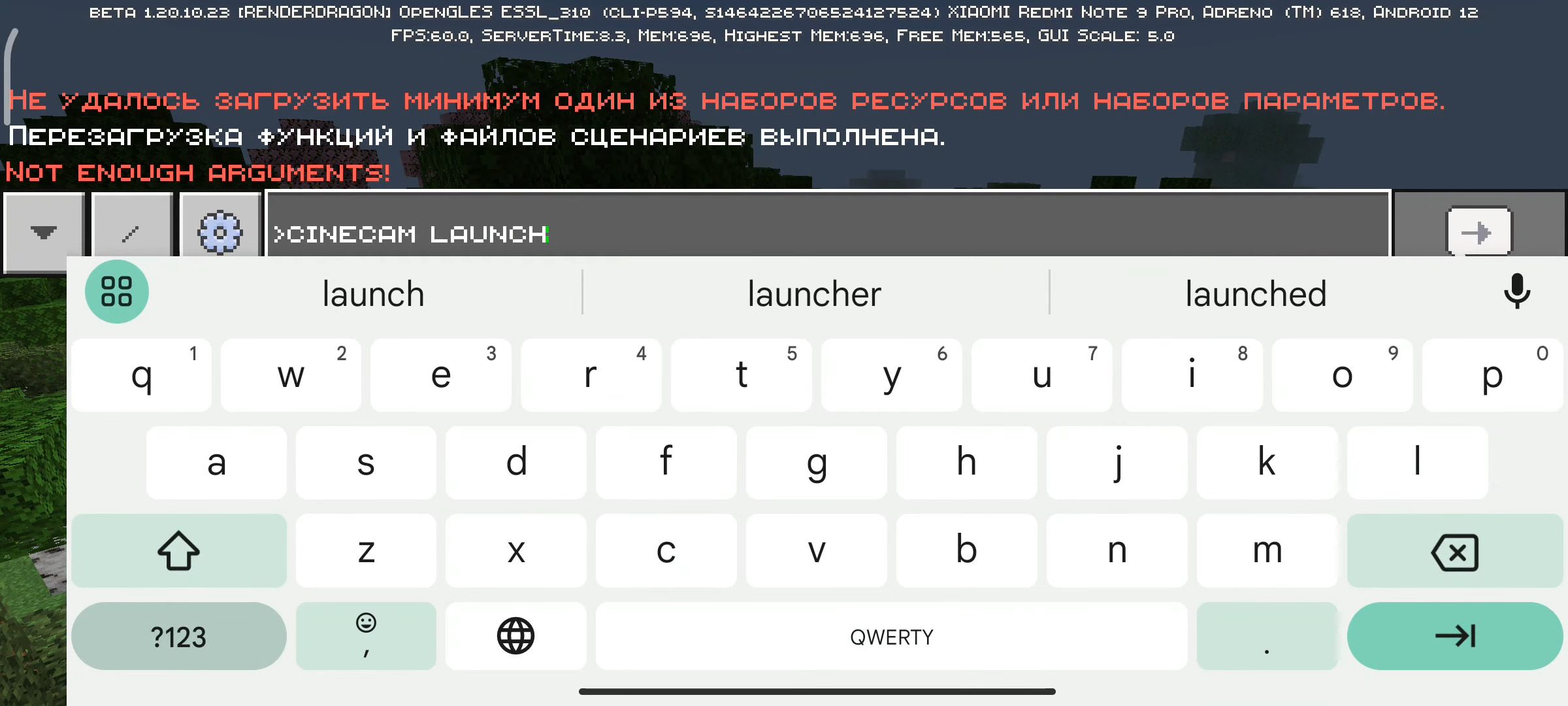
CineCam uses commands to use cinematic cameras. Use > as a command prefix
The only command is “cinecam”(with prefix “>”)
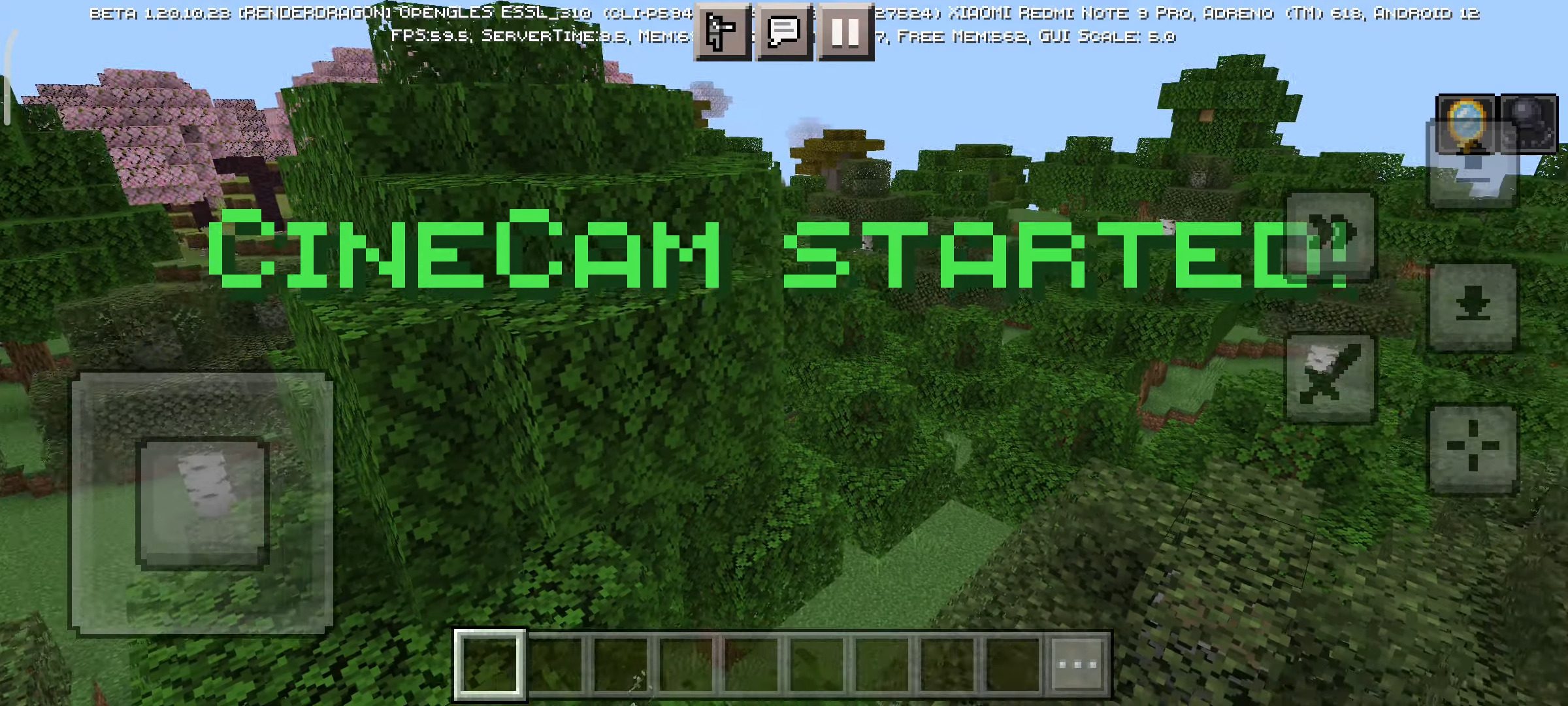
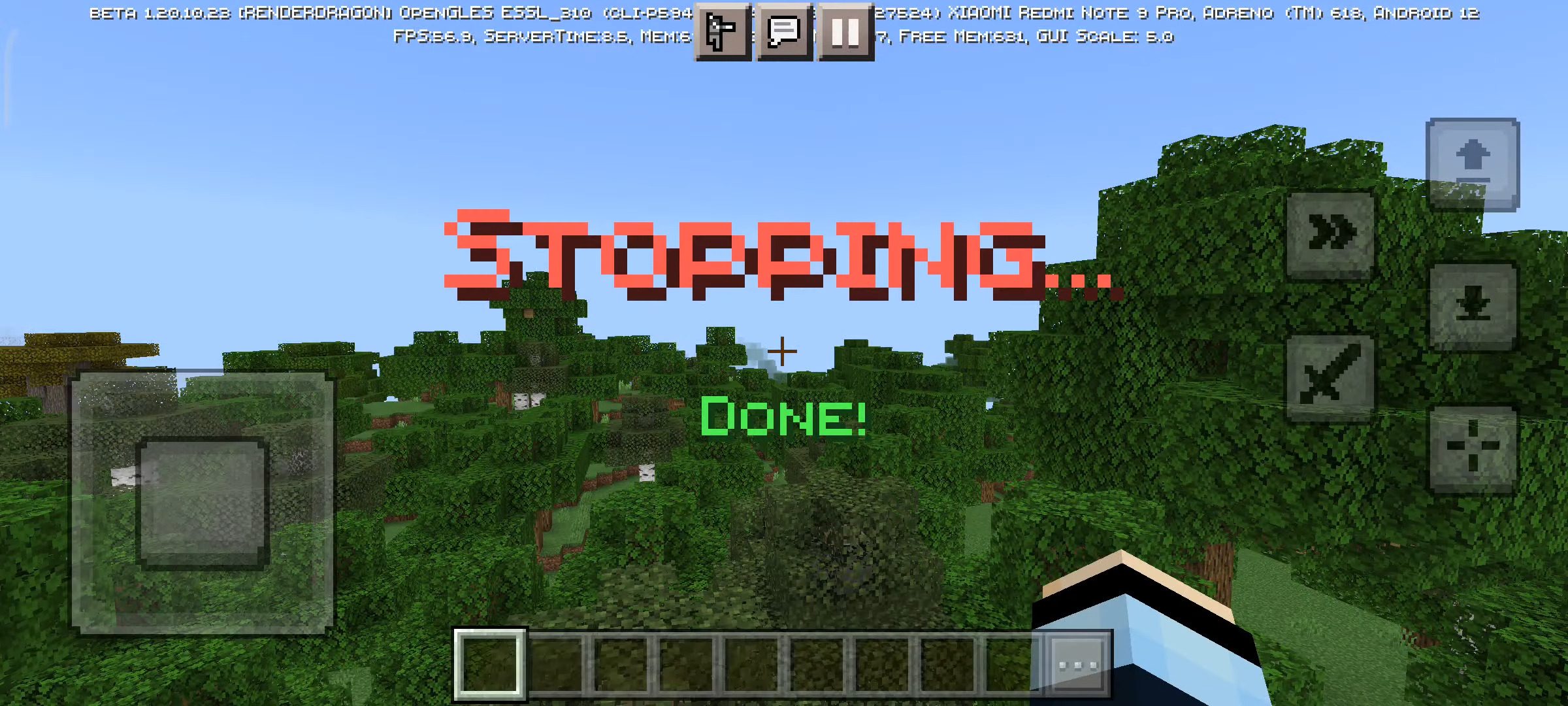
It has 2 arguments, “launch” or “stop”. Stopping has a delay (1 second). There’s also an optional argument, strength, which is written just after “launch”. Strength is used to control the speed. A lower value is faster and a bigger value is slower and more cinematic. The default value is 1.
- Use “–walk” after strength to be able to move in cinematic mode. Use “–nolimit” before strength to remove strength limits(0.25-5.00).
- “>cinecam help” opens the in-game manual.
Examples of CineCam commands:
- >cinecam launch 0.25
- >cinecam stop
- >cinecam launch –nolimit 5.5 –walk
- >cinecam help
Screenshots:
Installation Note:
- Make sure you activated all the Experimental Gameplay.
CineCam Addon Download Links
For Minecraft PE/Bedrock 1.20
mcaddon: Download from server 1 – Download from server 2
- Edition: Minecraft Bedrock
- File type: .mcpack or .mcaddon
- Minecraft version listed: 1.20
- How to install: Download the .mcpack or .mcaddon file. → Open it — Minecraft imports it. → In your world: Behavior Packs → Available → Activate, then the same under Resource Packs.
- Where to get it: In MCModsHub, or directly above on this page.
Install steps are the general flow for this file type — How to install Minecraft Bedrock addons & mods walks through it step by step.
- Pack type: .mcaddon — behaviour and resource pack in one file
- Manifest requires Minecraft 1.19.60 or newer
- Needs Beta APIs switched on in the world settings
- Complete pack — everything it depends on is inside the file
- Download link checked 17 Jun 2026 — working
- Mirrored on our own servers — the download does not depend on the original host
These come from our own check of the pack file, not from the source page.