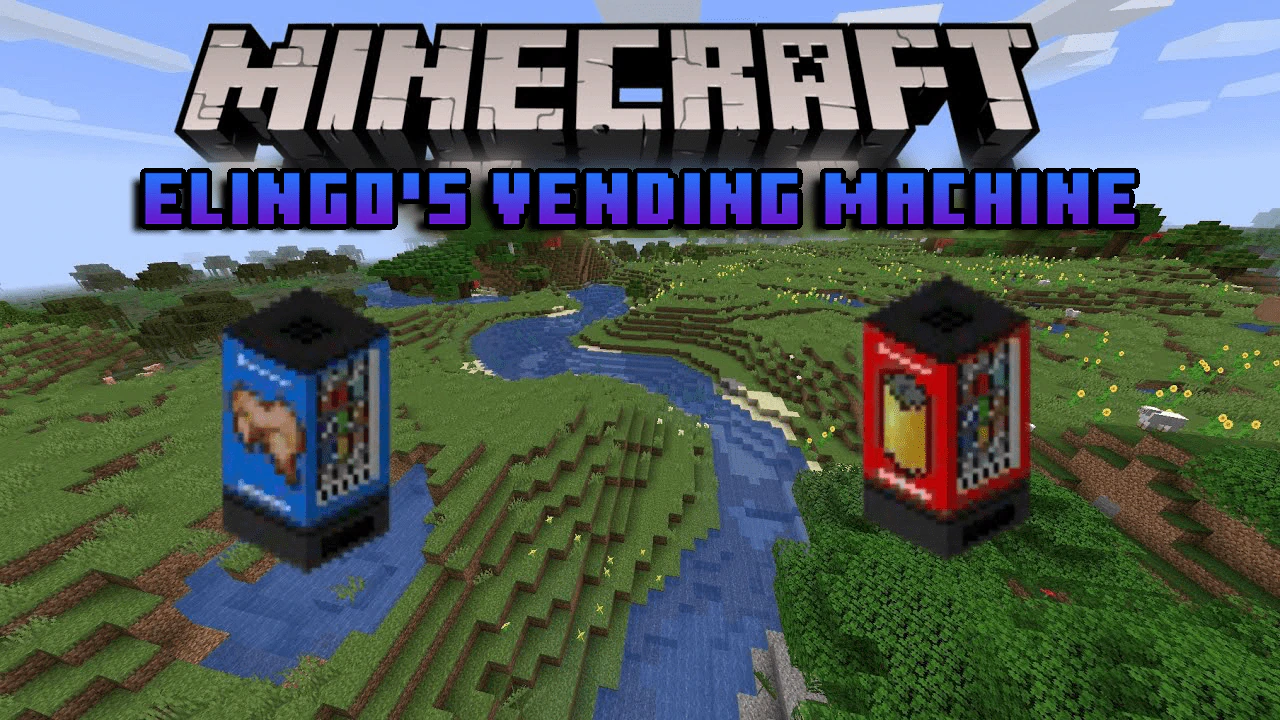
Elingo's Vending Machine Addon (1.20, 1.19) – Snacks, Drinks, and More
Bedrock add-on listed for Minecraft 1.19–1.20 (behavior + resource pack). File opened and checked on 16 Oct 2026; installs from the MC Bedrock Mods app on Android.
Elingo's Vending Machine Addon adds two new vending machines to the game that give you different snacks such as chips and drinks. You have to craft money…
⬇ Download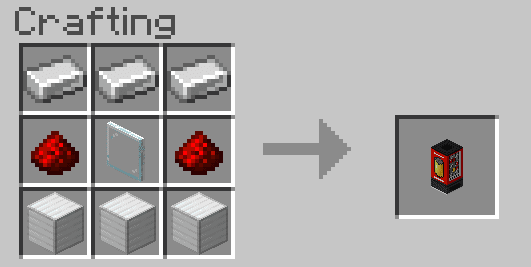
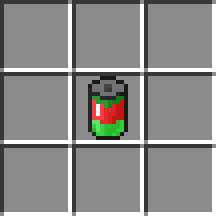
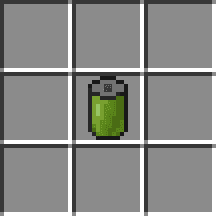
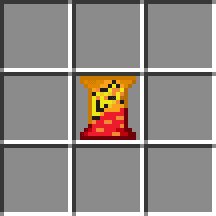
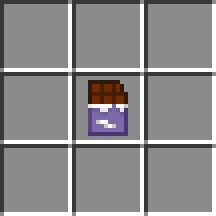
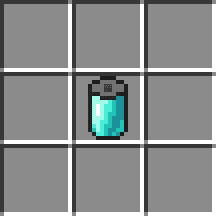
Elingo’s Vending Machine Addon adds two new vending machines to the game that give you different snacks such as chips and drinks. You have to craft money to get them. The addon also adds special effects to some snacks, such as speed, strength, jump boost, teleportation, and spawns TNT.
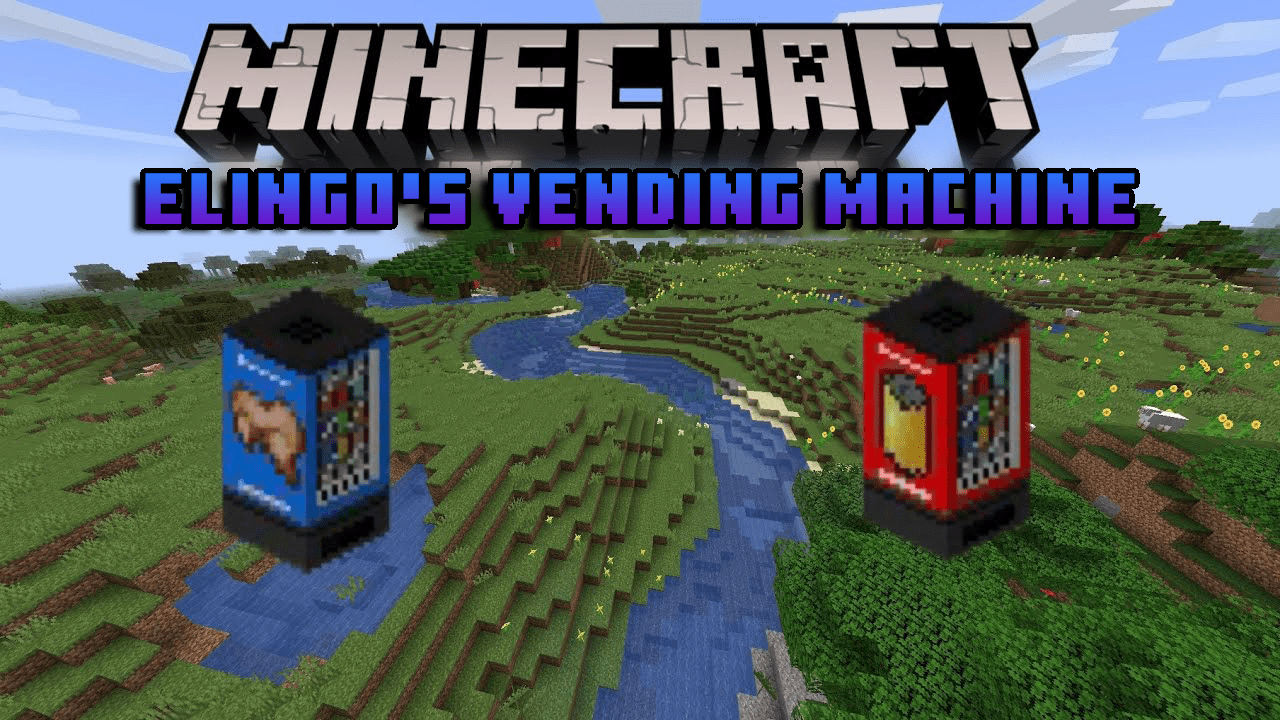
Features:
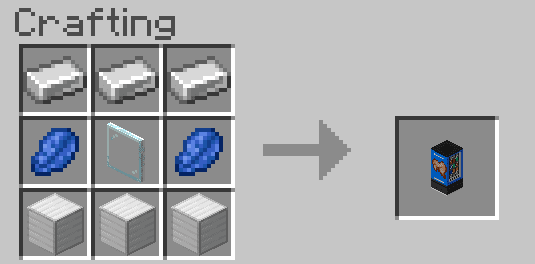
Here is the crafting recipe for the vending machines:
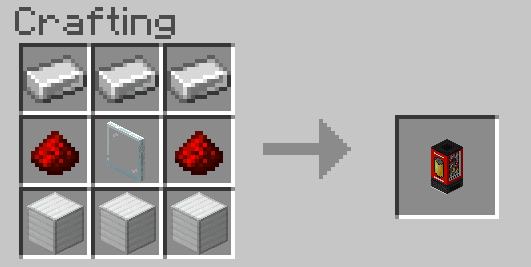
This vending machine only gives you the normal Minecraft food.
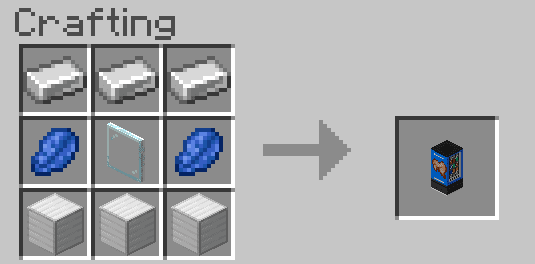
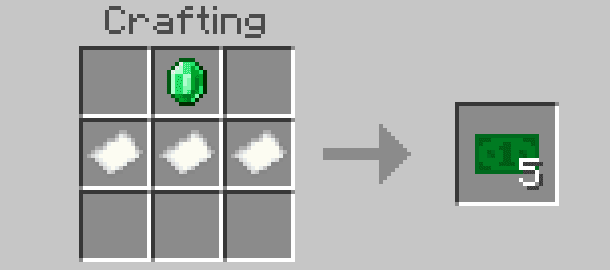
Here is the crafting recipe for the money you buy the snacks with.
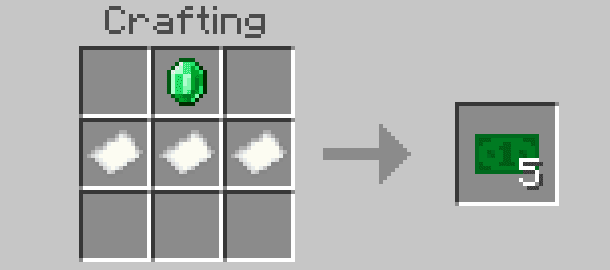
Following is a list of all the snacks and drinks:
Apple Can
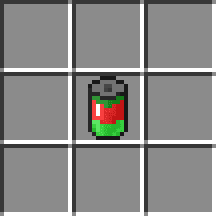
Bamboo Can
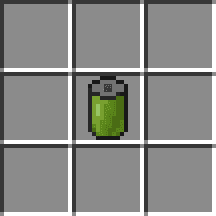
Cheetos
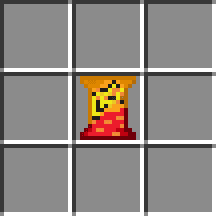
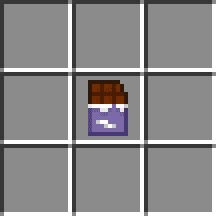
Chocolate Bar
- gives you speed
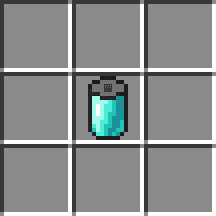
Diamond Can
- gives you strength
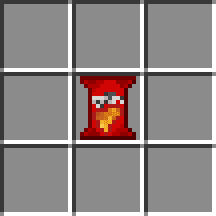
Red Doritos
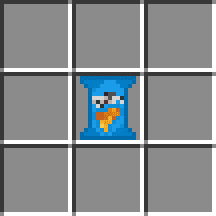
Blue Doritos
Orange Doritos
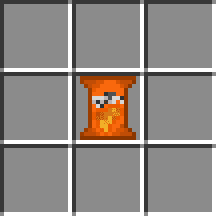
Ruffles Blue
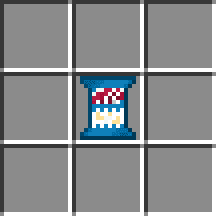
Ruffles Green
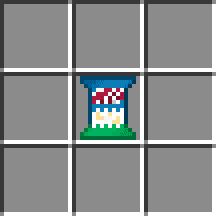
Ruffles Orange
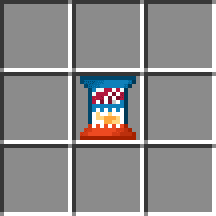
Enchanted Can
- gives you the effects of an enchanted golden apple
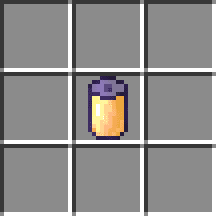
Ender Can
- teleports you in a random direction 16 blocks away
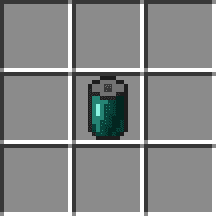
Fanta Can
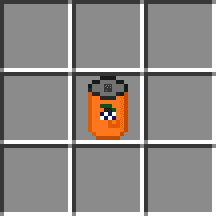
Golden Can
- gives you the effects of a golden apple
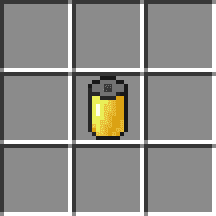
Lays
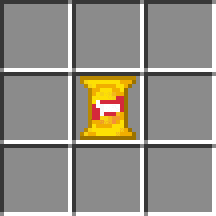
Swedish Fish
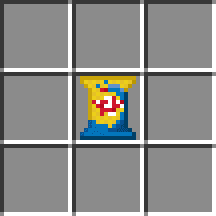
Melon Can
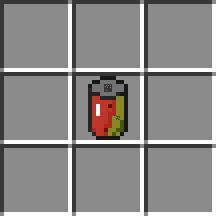
Monster Energy Can
- gives you speed
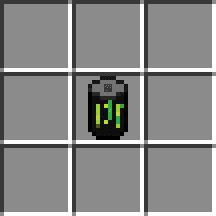
Mountain Dew Can
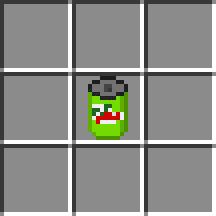
Pepsi Can
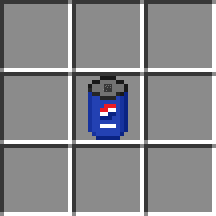
Red Bull Can
- gives you speed
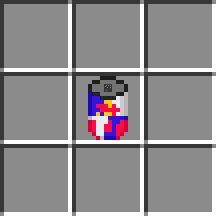
Slime Can
- gives you a jump boost
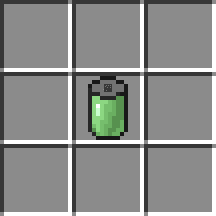
Soda Can
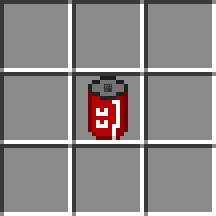
Sprite Can
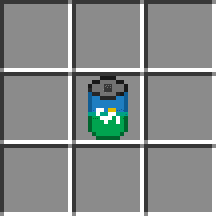
TNT Can
- gives you speed + spawns TNT
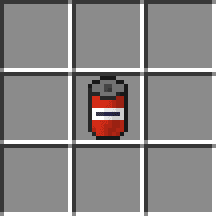
Money Bill
- can be used to buy snacks at the vending machine
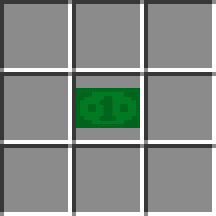
Installation Note:
- Make sure you turn on the Experimental Gameplay.
Elingo’s Vending Machine Addon Download Links
For Minecraft PE/Bedrock 1.20, 1.19
Behavior: Download from server 1 – Download from server 2
Resource: Download from server 1 – Download from server 2
- Edition: Minecraft Bedrock
- File type: .mcpack or .mcaddon
- Minecraft versions listed: 1.20, 1.19
- How to install: Download the .mcpack or .mcaddon file. → Open it — Minecraft imports it. → In your world: Behavior Packs → Available → Activate, then the same under Resource Packs.
- Where to get it: In MCModsHub, or directly above on this page.
Install steps are the general flow for this file type — How to install Minecraft Bedrock addons & mods walks through it step by step.
- Pack type: .mcaddon — behaviour and resource pack in one file
- Complete pack — everything it depends on is inside the file
- Download size: 118 KB
- Download link checked 17 Jun 2026 — working
- Mirrored on our own servers — the download does not depend on the original host
These come from our own check of the pack file, not from the source page.