More Tree Variants Addon (1.20, 1.19) – MCPE/Bedrock Mod
Bedrock add-on listed for Minecraft 1.19–1.20 (behavior pack only). File opened and checked on 30 Sep 2026; installs from the MC Bedrock Mods app on Android.
⬇ Download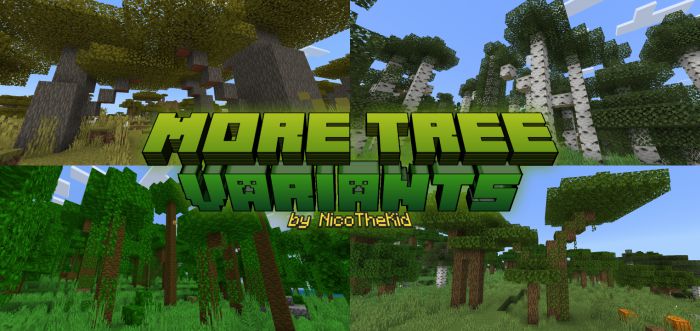
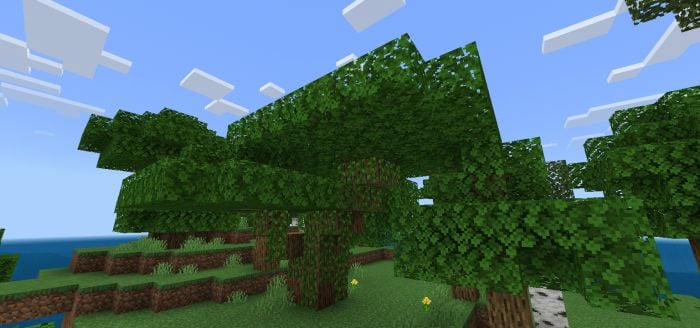
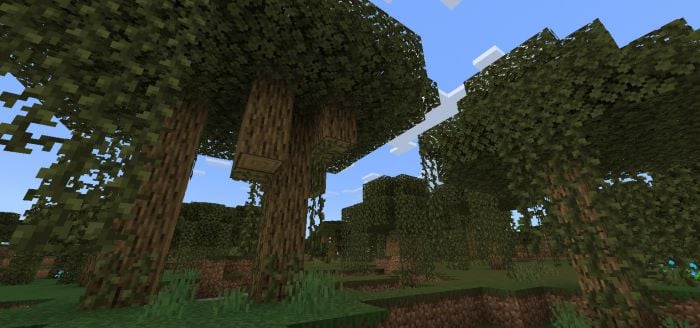
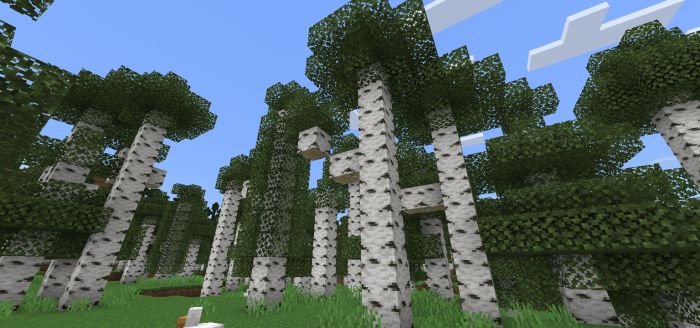
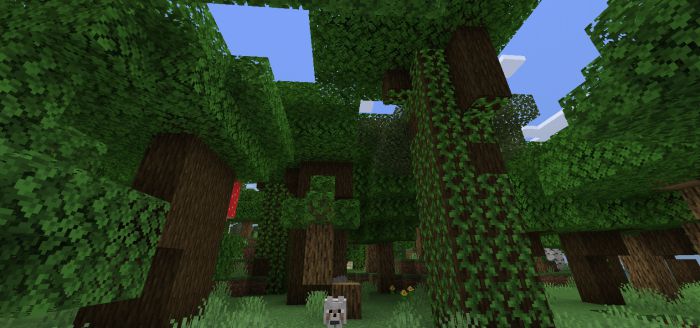
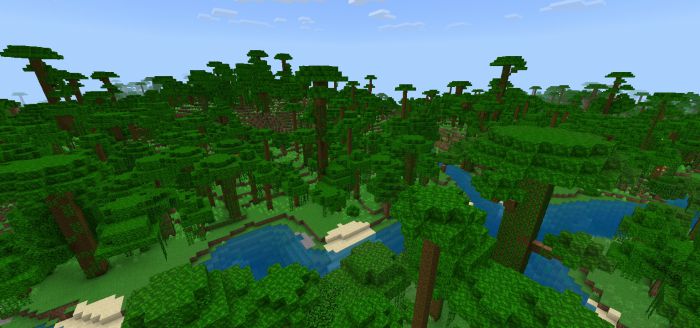
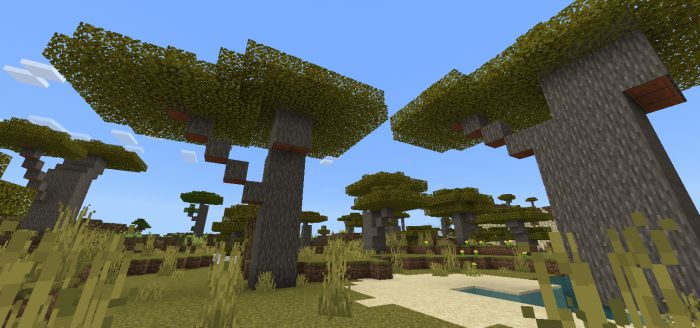
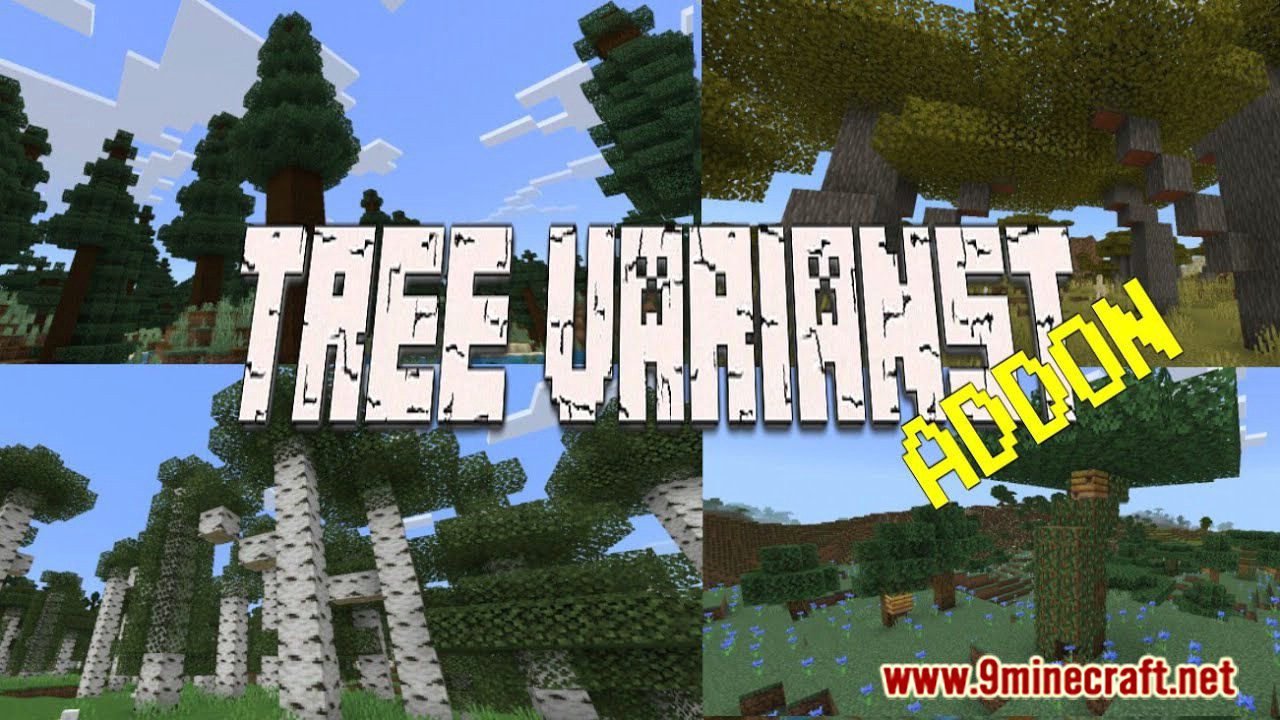
More Tree Variants Addon makes the trees appear more natural and wild-looking trees. If you want to make your world look more interesting and adventurous, this may be the one you need. Trees will change sizes: you can find both small specimens and giant ones. In addition, bushes will appear.
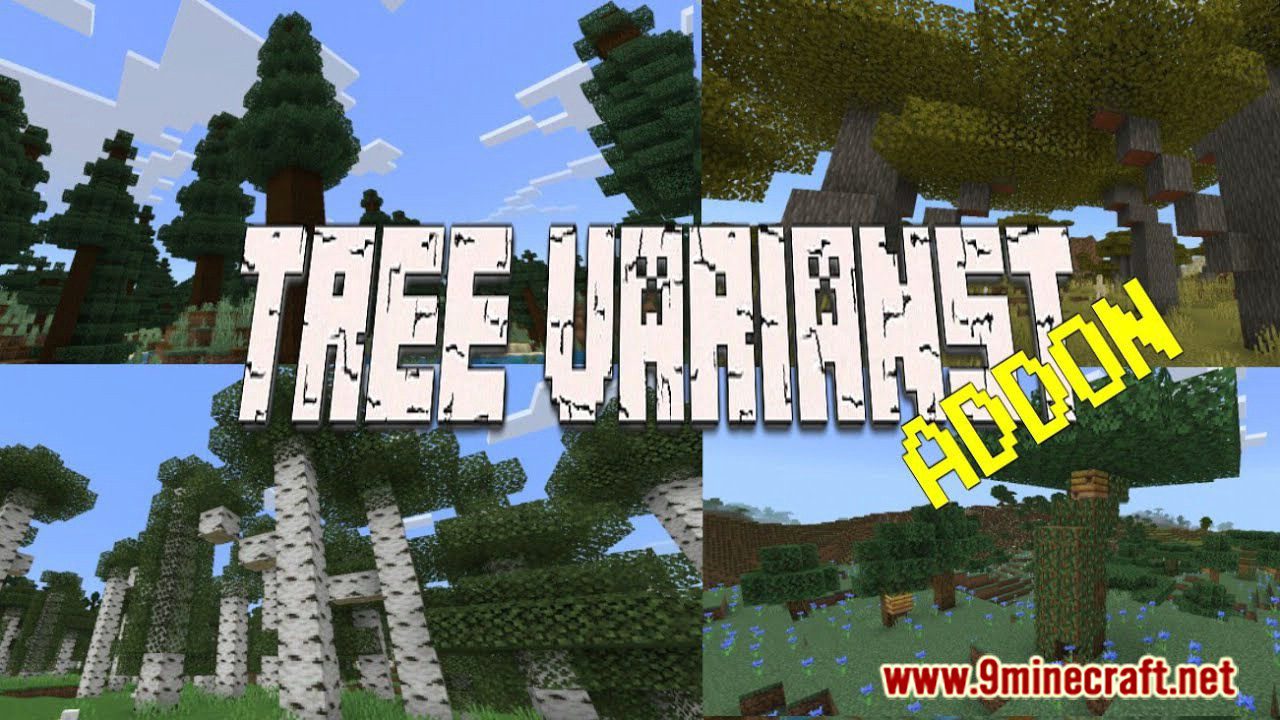
Features:
This mod will add a bunch of tree variants in Minecraft trees, by modifying the tree features. The tree generation may not change at all, from spawn rates or spawning places. Expect the Taigas Forest which adds more tiny trees and bushes.
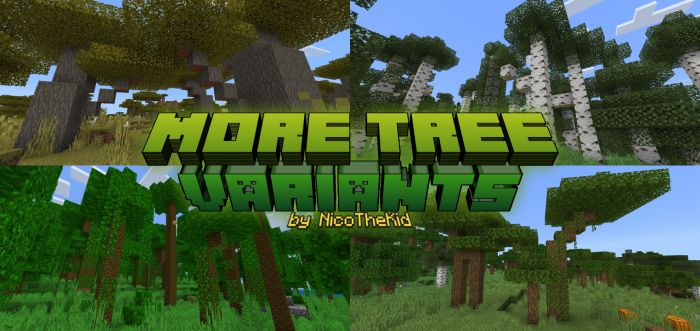
Most of the trees may appear in different forms like; large, small, mega, tall, branched, and even bush forms. This mod does not add any new types of trees or blocks. Also, this mod is compatible with most of the other mods or add-ons.
Tree Variants:
Oak Trees
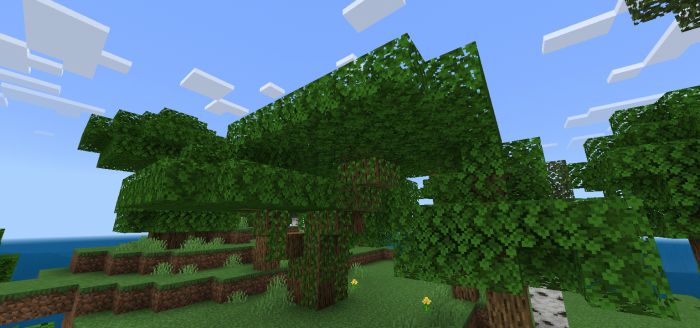
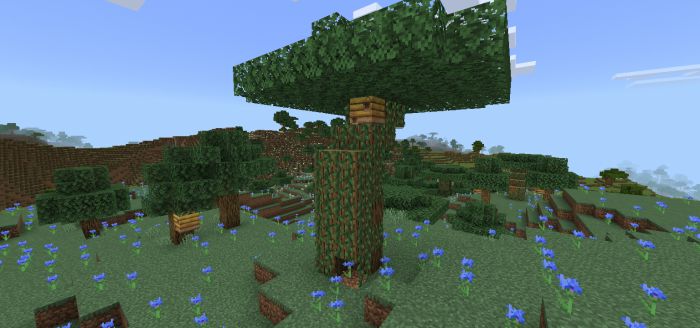
Oak Trees with Beehive
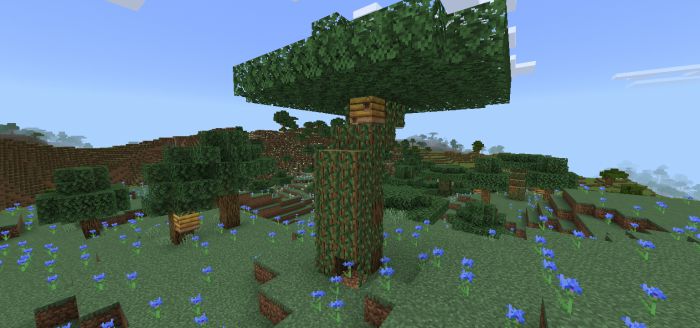
Swamp Oak Trees
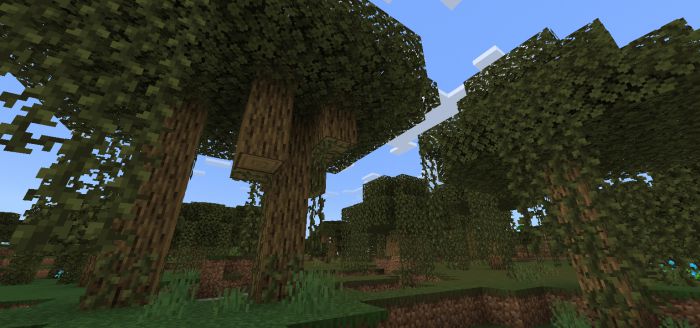
Birch Trees
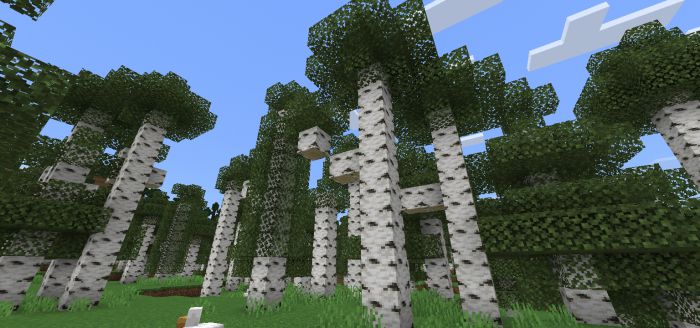
Dark Oak Trees
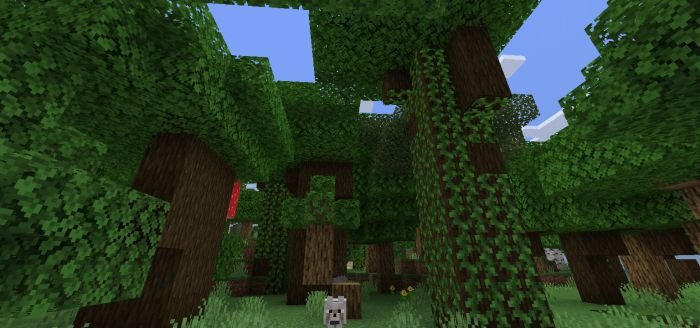
Jungle Trees
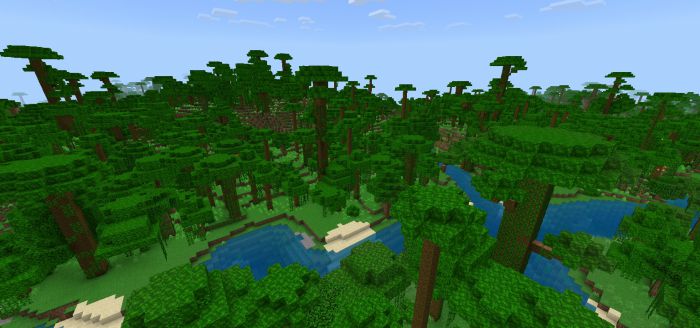
Acacia Trees
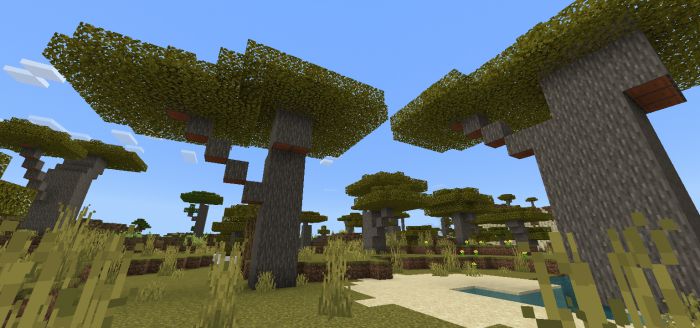
Spruce Trees
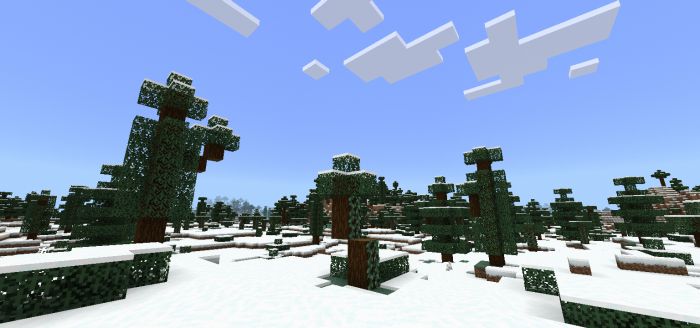
Azalea Trees
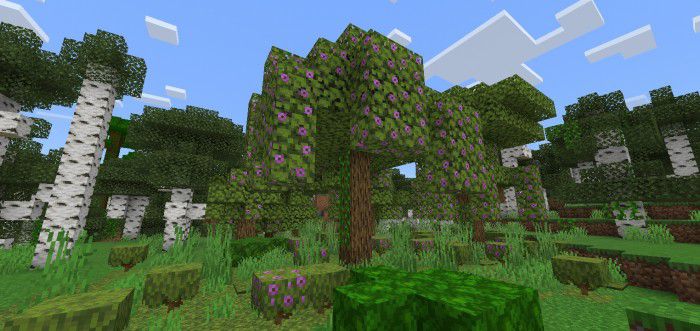
Subpacks:
There are 2 options you can find to toggle when you activated this mod. The options will modify the type of varieties you want, if it just a default variant or a taller variant.
“Default Tree Variants”
- In this option, the trees will have more varieties and with their average height.

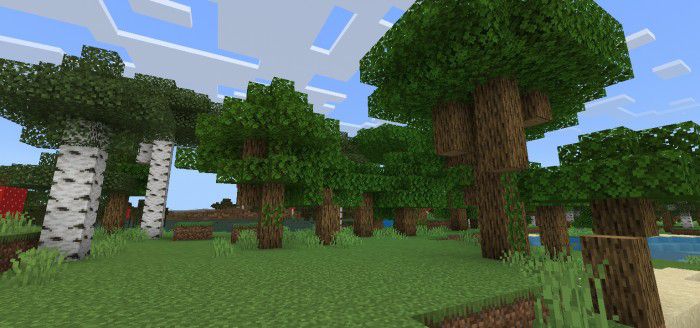
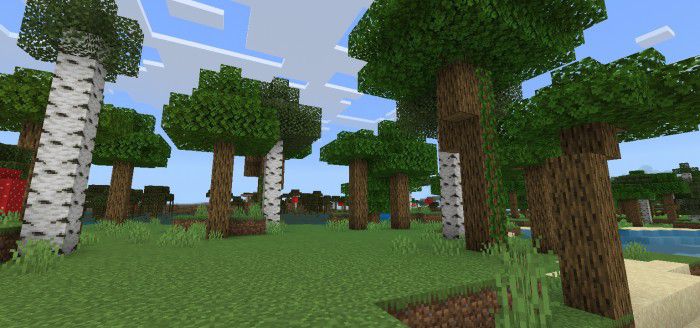
“Taller Tree Variants”
- In this option, the trees will have the same varieties as the default. But, it has more height.

Installation Note:
- Remove the old version before installing the new version.
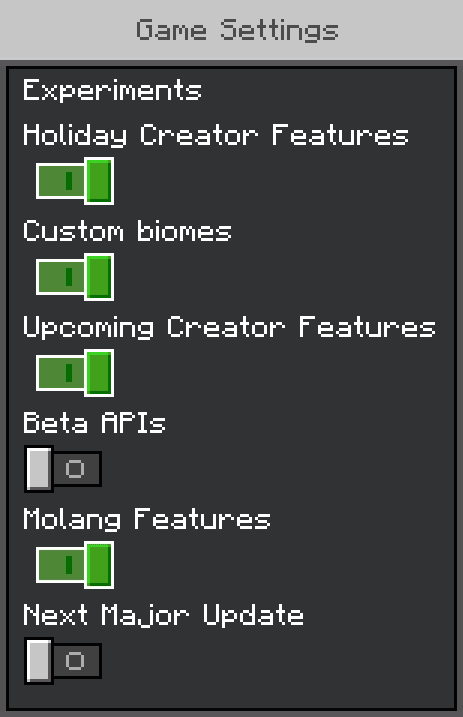
- Don’t forget to turn on all of these experimental gameplay options:
More Tree Variants Addon Download Links
For Minecraft PE/Bedrock 1.20
mcpack: Download from Server 1 – Download from Server 2
For Minecraft PE/Bedrock 1.19, 1.18
mcpack: Download from Server 1 – Download from Server 2
- Edition: Minecraft Bedrock
- File type: .mcpack or .mcaddon
- Minecraft versions listed: 1.20, 1.19
- How to install: Download the .mcpack or .mcaddon file. → Open it — Minecraft imports it. → In your world: Behavior Packs → Available → Activate, then the same under Resource Packs.
- Where to get it: In MCModsHub, or directly above on this page.
Install steps are the general flow for this file type — How to install Minecraft Bedrock addons & mods walks through it step by step.
- Pack type: .mcaddon — behaviour and resource pack in one file
- Manifest requires Minecraft 1.19.50 or newer
- Complete pack — everything it depends on is inside the file
- Download link checked 17 Jun 2026 — working
- Mirrored on our own servers — the download does not depend on the original host
These come from our own check of the pack file, not from the source page.