AddonsBedrock
myQuestAPI Addon (1.20) – Open Source Quests Book
Bedrock add-on listed for Minecraft 1.20 (behavior pack only). Needs Beta APIs. File opened and checked on 3 Oct 2026; installs from the MC Bedrock Mods app on Android.
⬇ Download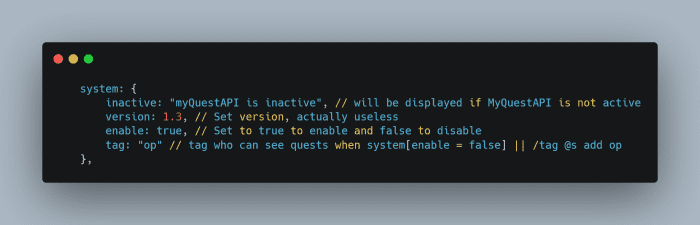
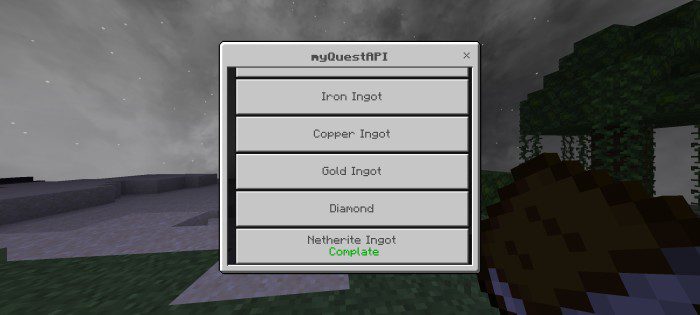
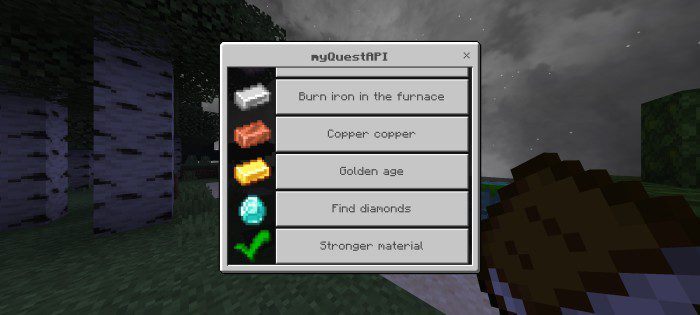
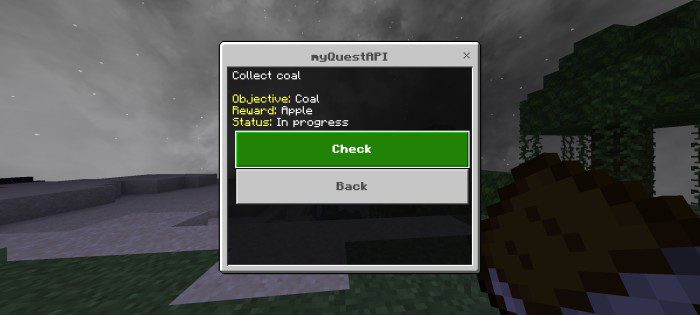
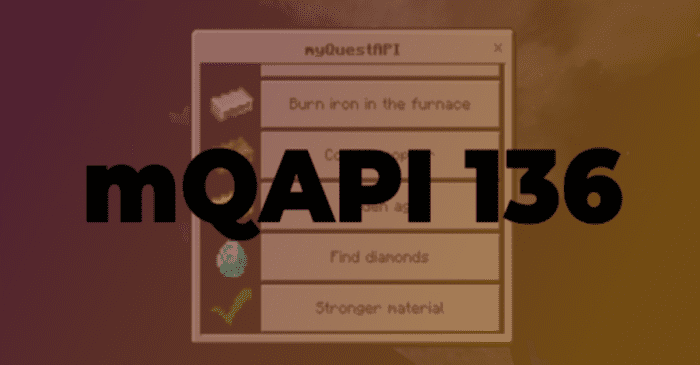
myQuestAPI Addon or Open Source Quests Book lets you create quests easily without writing much code. It has no limitations and supports custom items and blocks. It works with all addons and the latest Minecraft versions.
Features:
How to use:
- First open script/user/config.js files
System Configuration:
- inactive: send message when mQAPI is inactive
- version: Set your config.js version
- enable: Boolean, to enable or disable mQAPI
- tag: tag who can see and use quest when mQAPI inactive
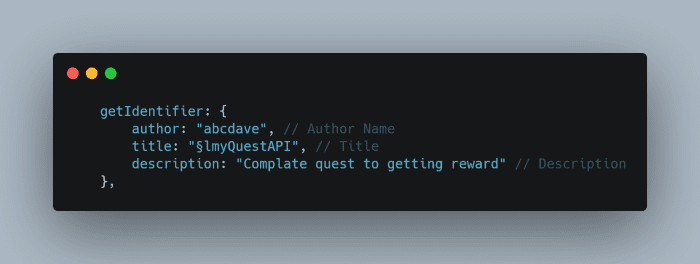
Identifier Configuration:
- author: config.js author name. You can use your name
- title: Title
- description: Description
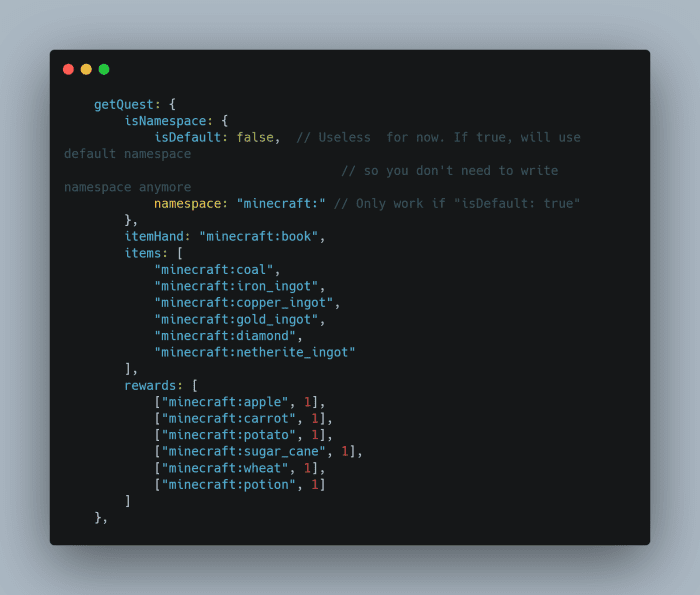
Add Quest:
- isNameSpace: ??? Future feature
- itemHand: Set the item used to open the mQAPI form
- items: Quest objective items
- rewards: Give player rewards after completing quests
Form Settings:
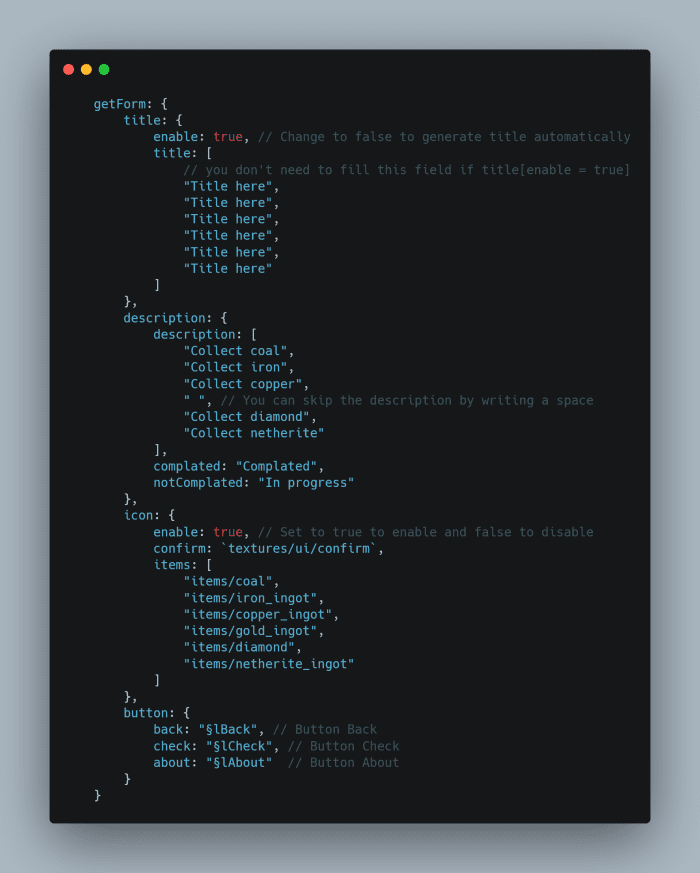
- title: enable: Change to false to generate title automatically
- title: title: Title
- description: description: Write a description for each quest
- icon: enable: Enable or disable icons
- icon: confirm: File path, Confirmation icon
- icon: items: File path, Quest icon
How to Migrate to the latest version:
- Just copy and paste title, items, description, icon, dan rewards variable to the new config.js
Screenshots:
Installation Note:
- Requires GameTest toggles.
- This addon will work with other addons.
myQuestAPI Addon Download Links
For Minecraft PE/Bedrock 1.20
mcpack: Download from server 1 – Download from server 2
Quick facts
- Edition: Minecraft Bedrock
- File type: .mcpack or .mcaddon
- Minecraft version listed: 1.20
- How to install: Download the .mcpack or .mcaddon file. → Open it — Minecraft imports it. → In your world: Behavior Packs → Available → Activate, then the same under Resource Packs.
- Where to get it: In MCModsHub, or directly above on this page.
Install steps are the general flow for this file type — How to install Minecraft Bedrock addons & mods walks through it step by step.
File checked by MCModsHub
- Pack type: .mcpack — a single pack
- Manifest requires Minecraft 1.20.10 or newer
- Needs Beta APIs switched on in the world settings
- Complete pack — everything it depends on is inside the file
- Download link checked 17 Jun 2026 — working
- Mirrored on our own servers — the download does not depend on the original host
These come from our own check of the pack file, not from the source page.