AddonsBedrock
Simple Backpack Addon (1.20, 1.19) – Compatiple With Other Addons
Bedrock add-on listed for Minecraft 1.19–1.20 (behavior + resource pack). File opened and checked on 28 Sep 2026; installs from the MC Bedrock Mods app on Android.
⬇ Download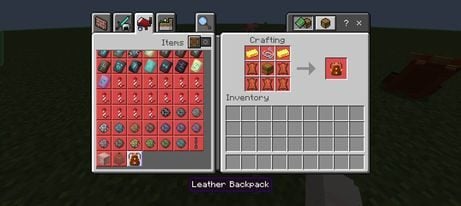
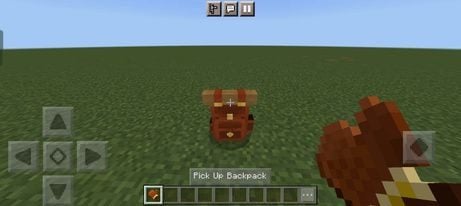
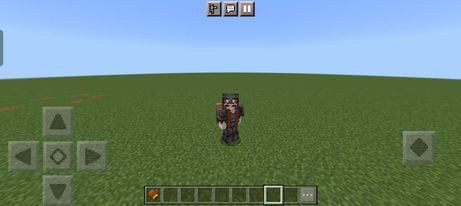
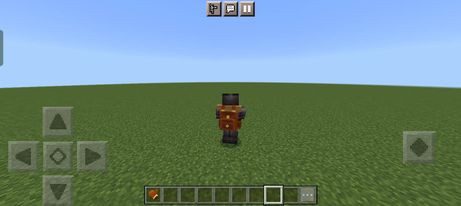
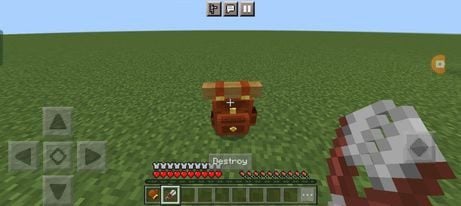
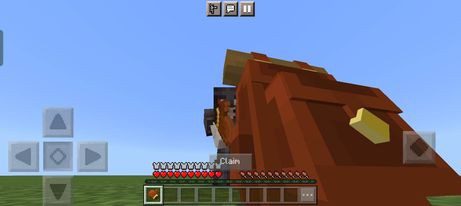
Simple Backpack Addon introduces a functional backpack to the game, this addon doesn’t use the player.json file, making it compatible with other addons.
Features:
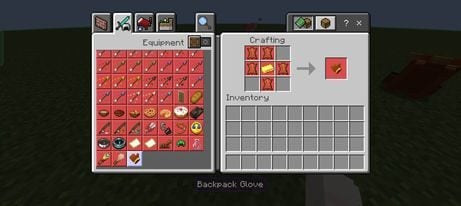
- The backpack can be crafted using the provided recipe, and it has the same capacity as a standard Minecraft chest. To interact with the backpack, you’ll need a Backpack Glove, which can also be crafted. Once you have the backpack and the glove, you can open the backpack’s inventory by right-clicking (on PC) or long-pressing (on mobile).
Crafting Recipes:
Backpack Recipe:
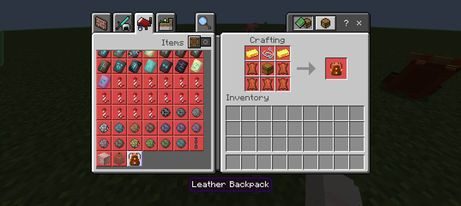
- (To interact with the backpack we also need a Backpack Glove)
Backpack Glove Recipe:
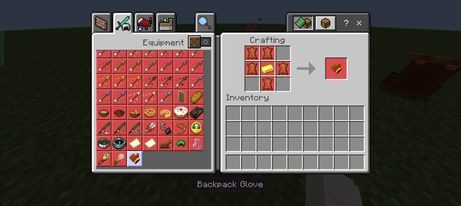
How to use:
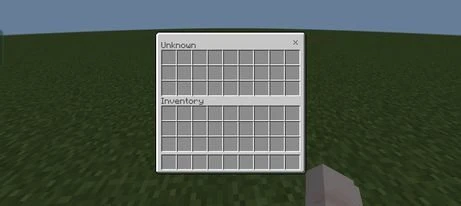
- Right-click (on pc) or long press (on mobile) to open the backpack’s inventory:
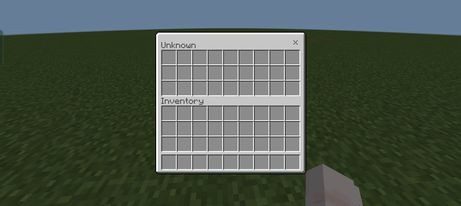
- (Backpack will have a capacity equal to a normal Minecraft chest).
- To pick up the backpack we have to hold the backpack glove in the main hand and interact with the backpack
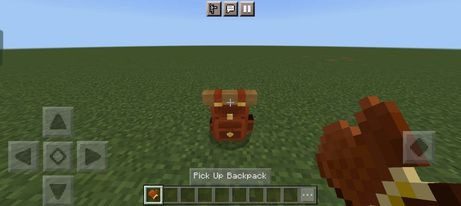
- (The backpack will be attached to the player’s back instead of wearing it like normal armor so we can wear armor alongside it)
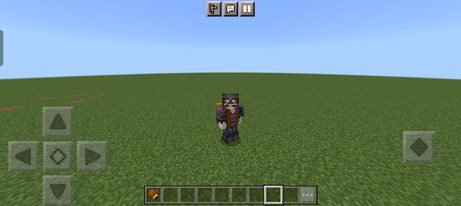
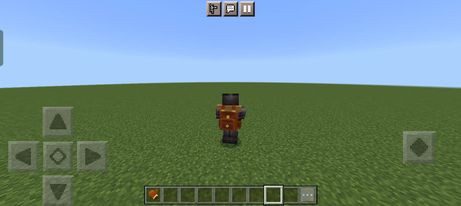
- We can use a pair of shears to “destroy” the backpack if we don’t need to use it anymore.
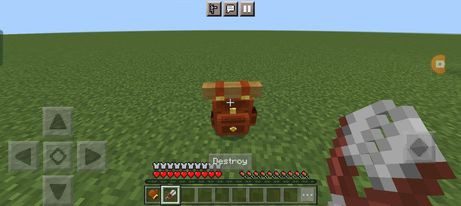
How to deal with bugs when they happen:
- In some situations, we may encounter bugs that prevent us from picking up our backpacks. To fix it we have to go sneaking and hold the backpack glove in our main hand to “Reclaim” the backpack
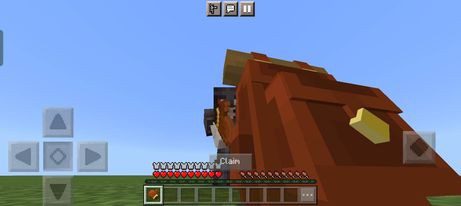
- Then we will be able to pick it up like usual.
Go to Nether with our Backpack:
- Because the backpack is an entity so we will need some tricks in other to go to the Nether with our Backpack:
- Here is the way to go to Nether with our Backpack:
Installation Note:
- This addon is compatible with other addons.
- Make sure you activated all the Experimental Gameplay:
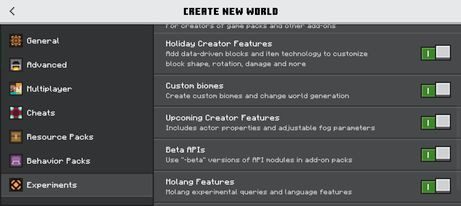
Simple Backpack Addon Download Links
For Minecraft PE/Bedrock 1.20, 1.19
mcaddon: Download from server 1 – Download from server 2
Quick facts
- Edition: Minecraft Bedrock
- File type: .mcpack or .mcaddon
- Minecraft versions listed: 1.20, 1.19
- How to install: Download the .mcpack or .mcaddon file. → Open it — Minecraft imports it. → In your world: Behavior Packs → Available → Activate, then the same under Resource Packs.
- Where to get it: In MCModsHub, or directly above on this page.
Install steps are the general flow for this file type — How to install Minecraft Bedrock addons & mods walks through it step by step.
File checked by MCModsHub
- Pack type: .mcaddon — behaviour and resource pack in one file
- Manifest requires Minecraft 1.19.50 or newer
- Complete pack — everything it depends on is inside the file
- Download size: 19 KB
- Download link checked 17 Jun 2026 — working
- Mirrored on our own servers — the download does not depend on the original host
These come from our own check of the pack file, not from the source page.