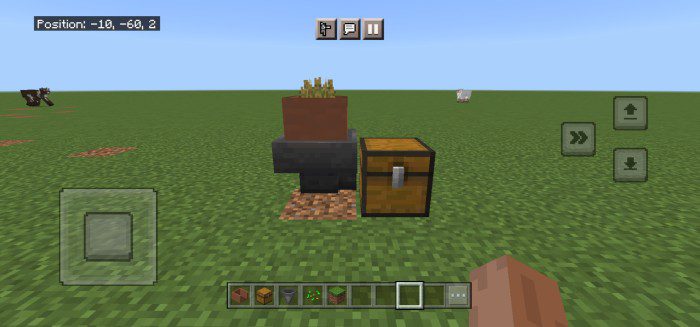
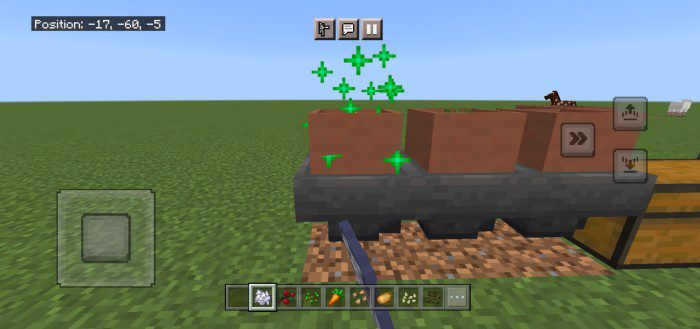
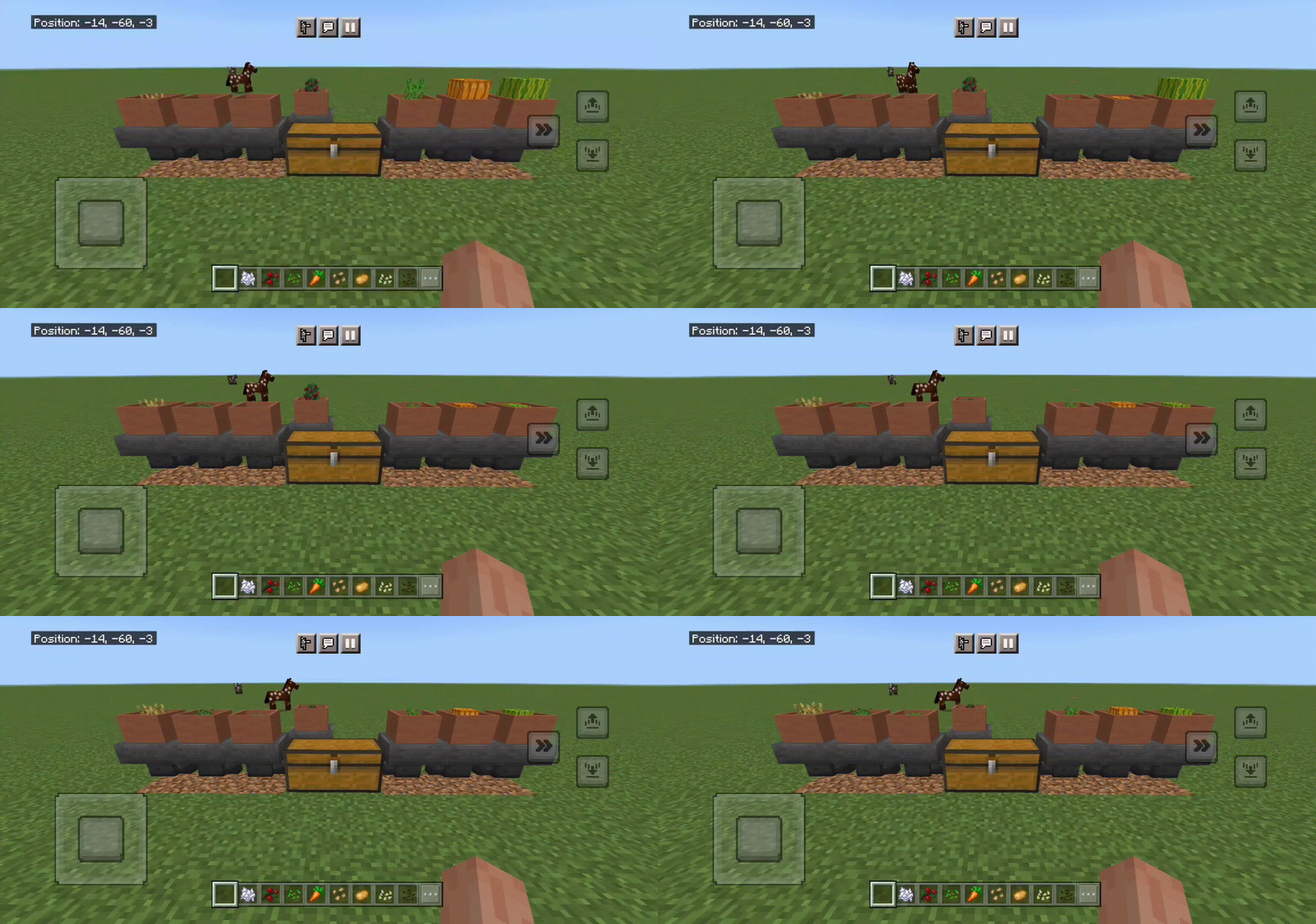
Magic Botany Pot Addon makes cutting trees and farming easier and faster. You can leave it to grow automatically while you do other things, like mining, building houses, or raising animals. It also has a feature that lets Hopper transfer items to chests. This addon is great for you if you want to save time and have more fun. This addon is inspired by the Botany Pot from Minec4aft JAVA.
Features:
The difference between Magic Pot and Botany Pot:
- Magic Pot and Botany Pot are one but with a new name and better quality addons.
How it works?
- Place the Pot and interact with the block to grow the plants such as dirt, grass, and interact sprouts or seeds to grow it.
Sprouts & Flowers Seed
Sprouts and Flower Seeds it’s a new item. It can craft by using Minecraft items to Magic Botany Pot items.
- Sprout Items List: Oak Sprout, Spruce Sprout, Birch Sprout, Jungle Sprout, Acacia Sprout, Dark Oak Sprout
- Flower Seed Items List: Poppy Seed, Blue Orchid Seed, Allium Seed, Azure Bluet Seed, Red Tulip Seed, Orange Tulip Seed, White Tulip Seed, Pink Tulip Seed, Oxeye Daisy Seed, Cornflower Seed, Lily of the Valley Seed, Dandelion Seed
Pot Types
- Dirt, Grass
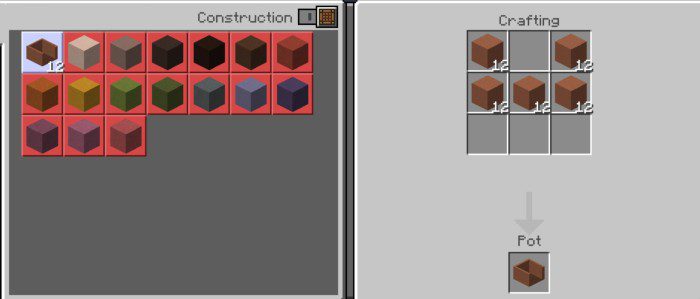
Pot Recipes
- Currently, there is only one color. Other colors will be added later.
Growing Time
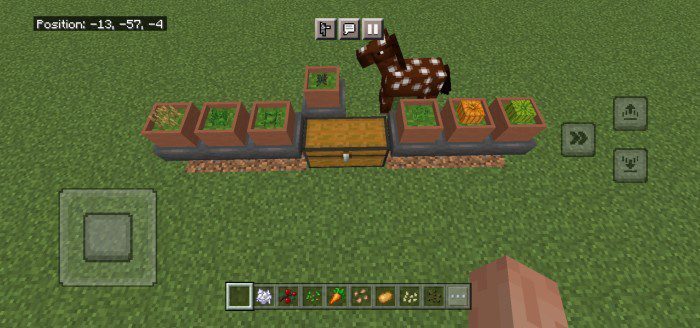
- Sprouts | Oak, Spruce, Birch, Jungle, Acacia, Dark Oak: 120s (2min)
- Flower Seeds | Poppy, Blue Orchid, Allium, Azure Bluet, Red Red Tulip, Orange Tulip, White Tulip, Pink Tulip, Oxeye Daisy, Cornflower, Lily of the Valley, Dandelion: 30s
- Minecraft Seeds (1) | Wheat, Beetroot, Carrot, Potato, Sweet Berries: 30s
- Minecraft Seeds (2) | Melon, Pumpkin : 60s (1min)
Functions
- No need farmland to grow.
- You can also use bone meal to make it grow faster.
- Animation while growing.
Magic Botany Pot Addon Download Links
For Minecraft PE/Bedrock 1.19
mcaddon: Download from server 1 – Download from server 2
- Edition: Minecraft Bedrock
- File type: .mcpack or .mcaddon
- Minecraft version listed: 1.19
- How to install: Download the .mcpack or .mcaddon file. → Open it — Minecraft imports it. → In your world: Behavior Packs → Available → Activate, then the same under Resource Packs.
- Where to get it: In MCModsHub, or directly above on this page.
Install steps are the general flow for this file type — How to install Minecraft Bedrock addons & mods walks through it step by step.
- Pack type: .mcaddon — behaviour and resource pack in one file
- Manifest requires Minecraft 1.19.50 or newer
- Complete pack — everything it depends on is inside the file
- Download size: 205 KB
- Download link checked 17 Jun 2026 — working
- Mirrored on our own servers — the download does not depend on the original host
These come from our own check of the pack file, not from the source page.