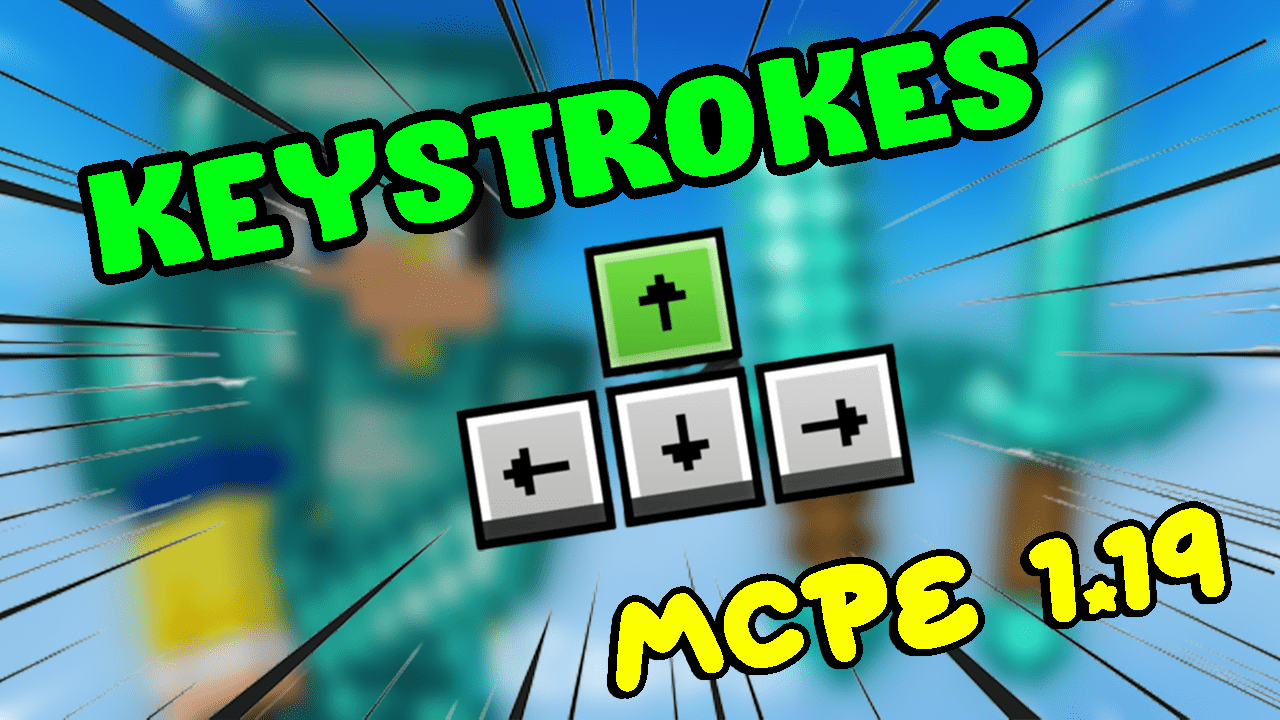
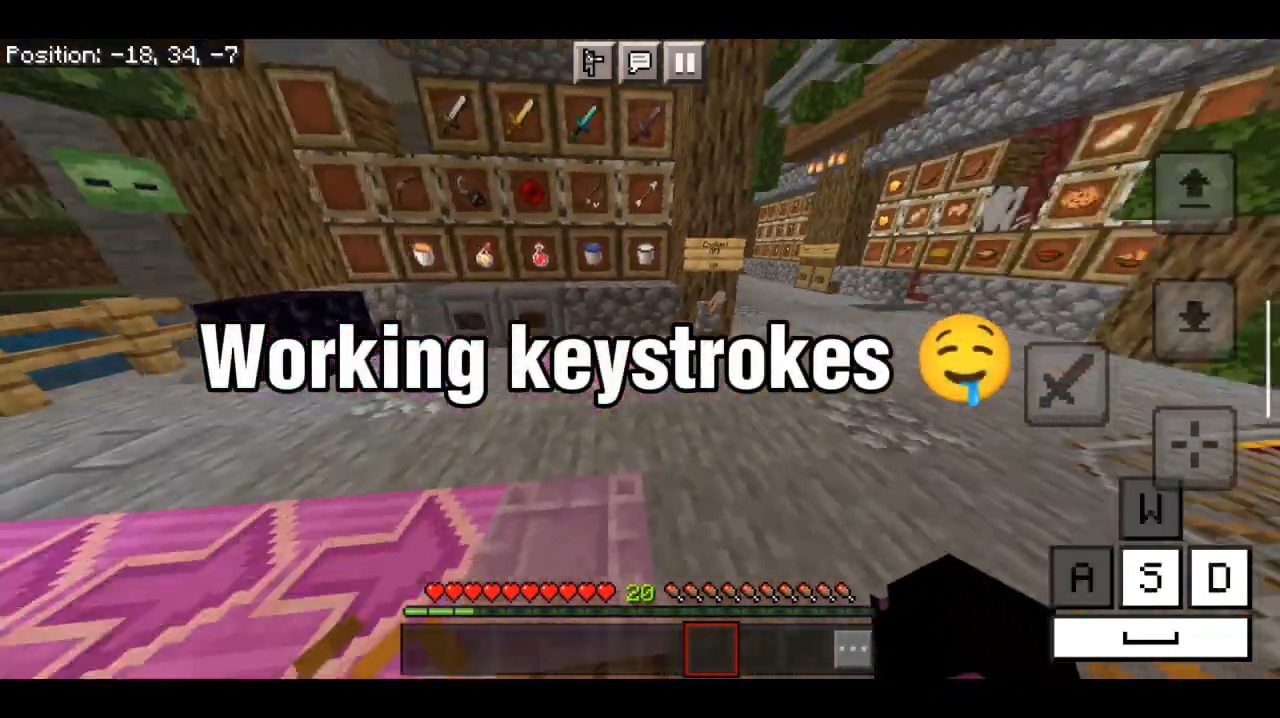
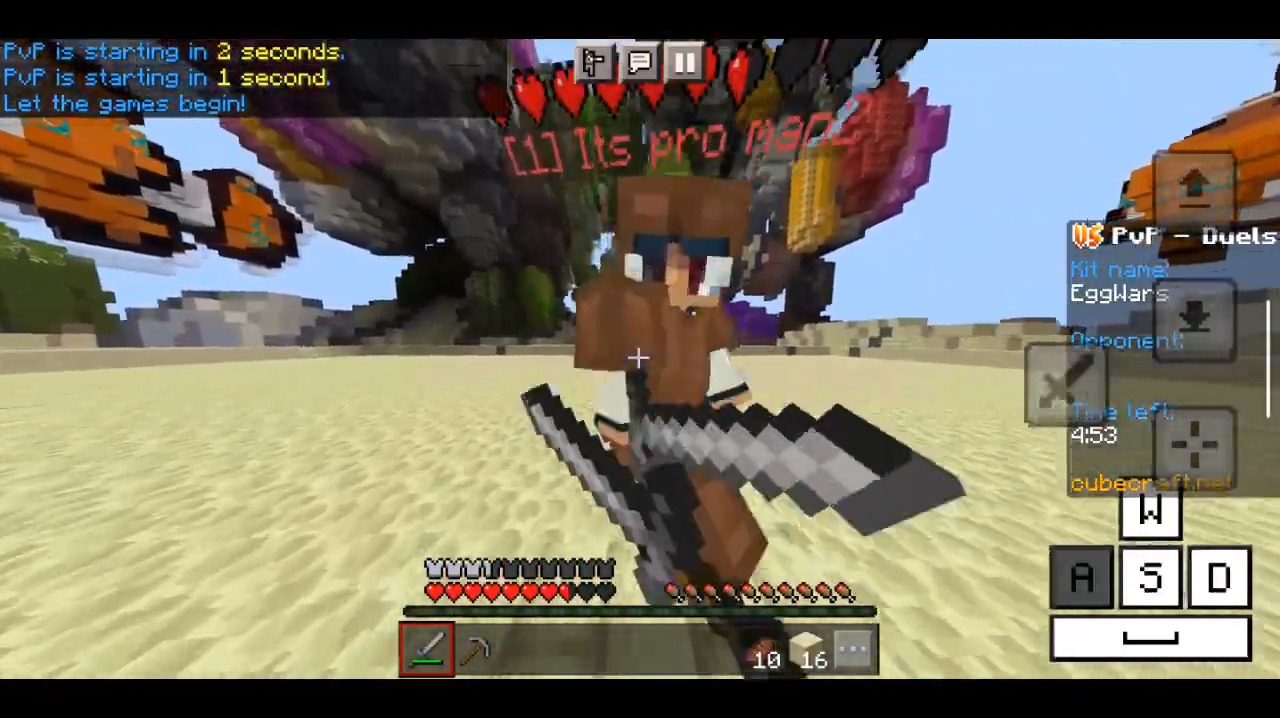
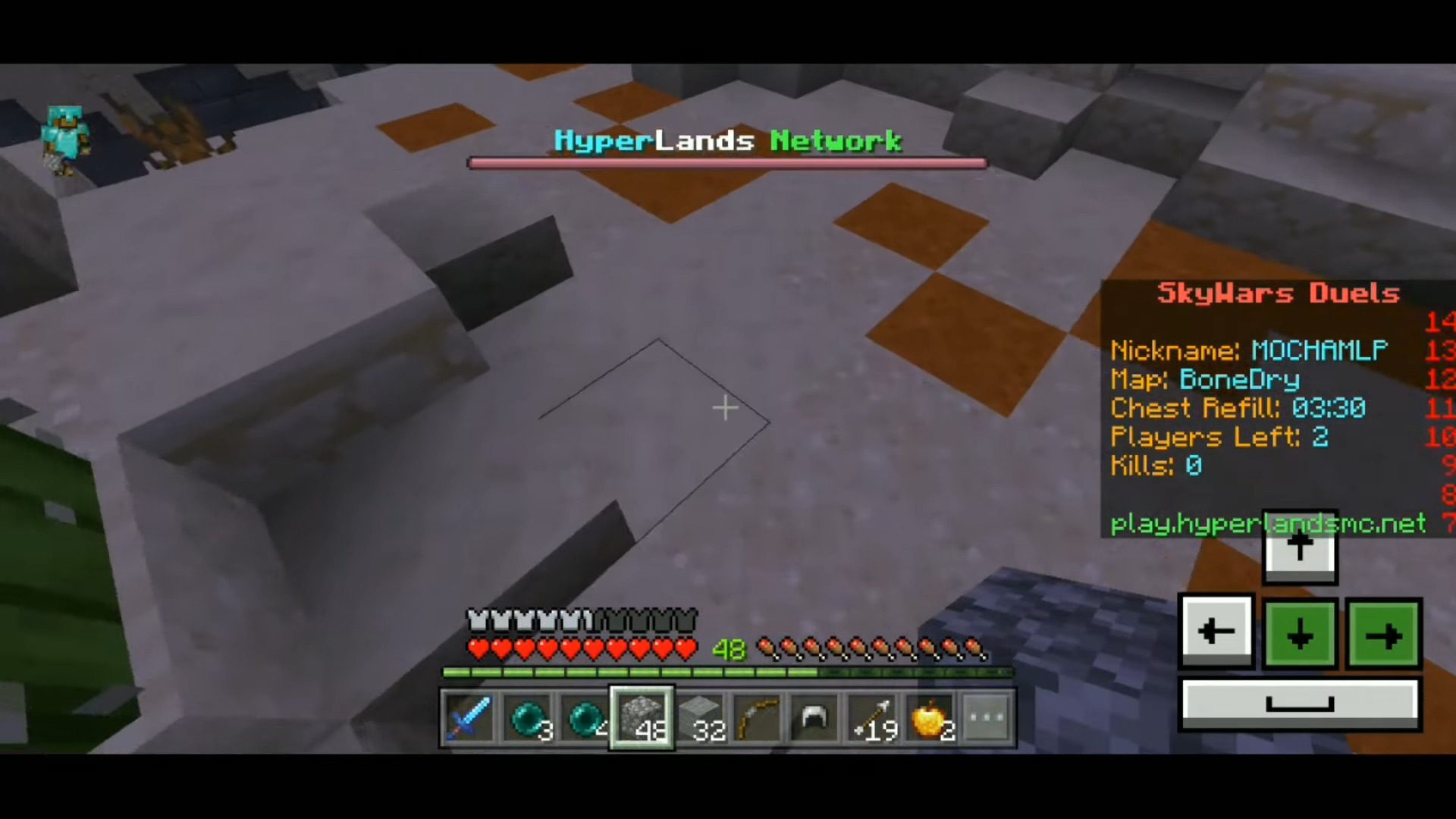
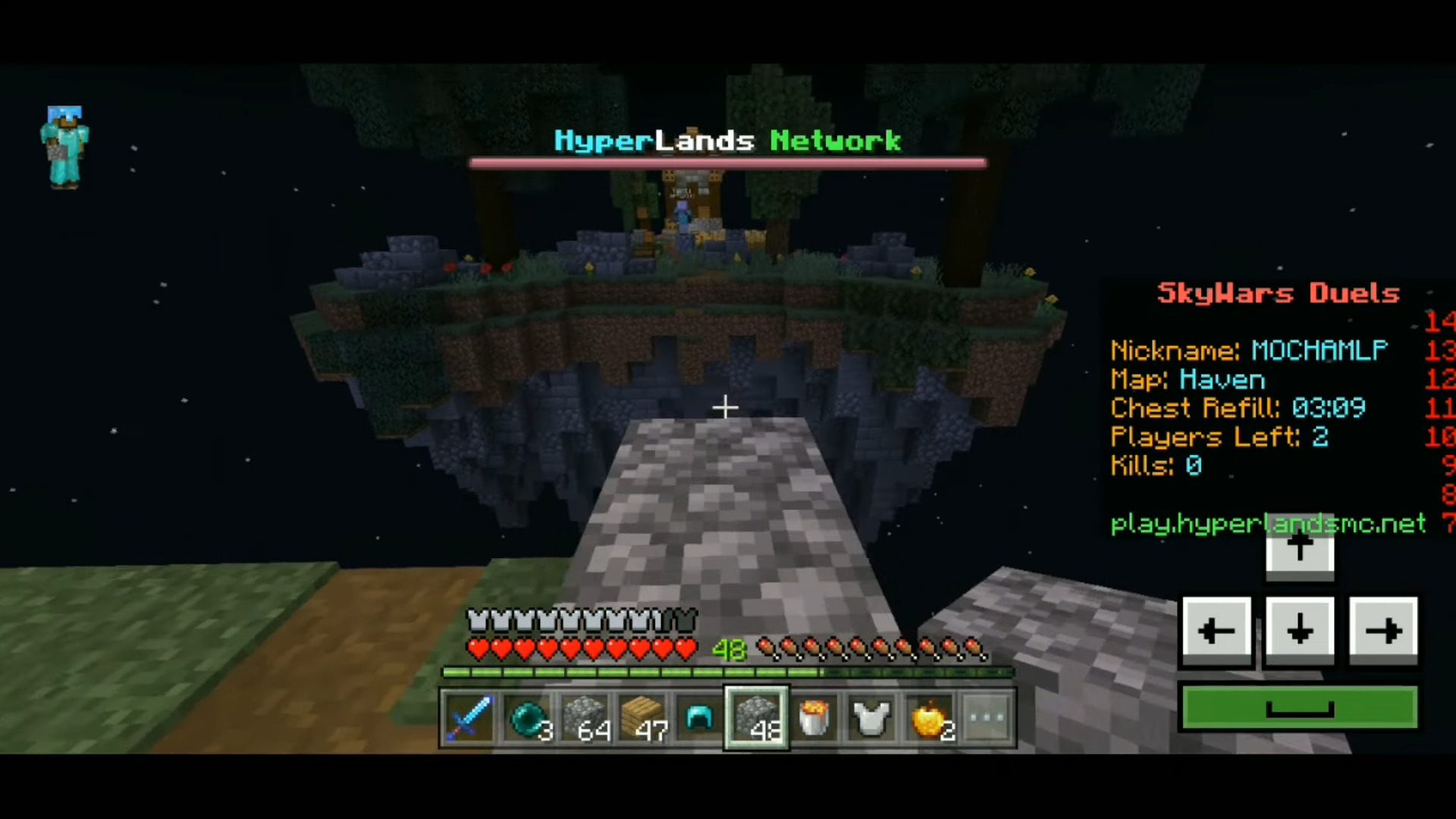
Keystrokes Addon enhances the appearance of the Minecraft control pad by adding a customizable keyboard design on the bottom right of the screen. It can be used for various devices such as mobile phones, tablets, Xbox One, PlayStation 4, Nintendo Switch, and Windows 10. If you are looking for a way to improve the appearance of your control pad and show your keystrokes on your device, you should try Keystrokes Mod.
Screenshots:
Installation Note:
- Make sure you activated the Experimental Gameplay.
Keystrokes Addon Download Links
For Minecraft PE/Bedrock 1.19
mcpack: Download from server 1 – Download from server 2
Quick facts
- Edition: Minecraft Bedrock
- File type: .mcpack or .mcaddon
- Minecraft version listed: 1.19
- How to install: Download the .mcpack or .mcaddon file. → Open it — Minecraft imports it. → In your world: Behavior Packs → Available → Activate, then the same under Resource Packs.
- Where to get it: In MCModsHub, or directly above on this page.
Install steps are the general flow for this file type — How to install Minecraft Bedrock addons & mods walks through it step by step.
Verified by MCModsHub
- Save it as 62830.mcpack before opening — it downloads as .mcaddon, but it is a .mcpack pack
- Manifest requires Minecraft 1.16.0 or newer
- Complete pack — everything it depends on is inside the file
- Download size: 27 KB
- Download link checked 17 Jun 2026 — working
- Mirrored on our own servers — the download does not depend on the original host
These come from our own check of the pack file, not from the source page.