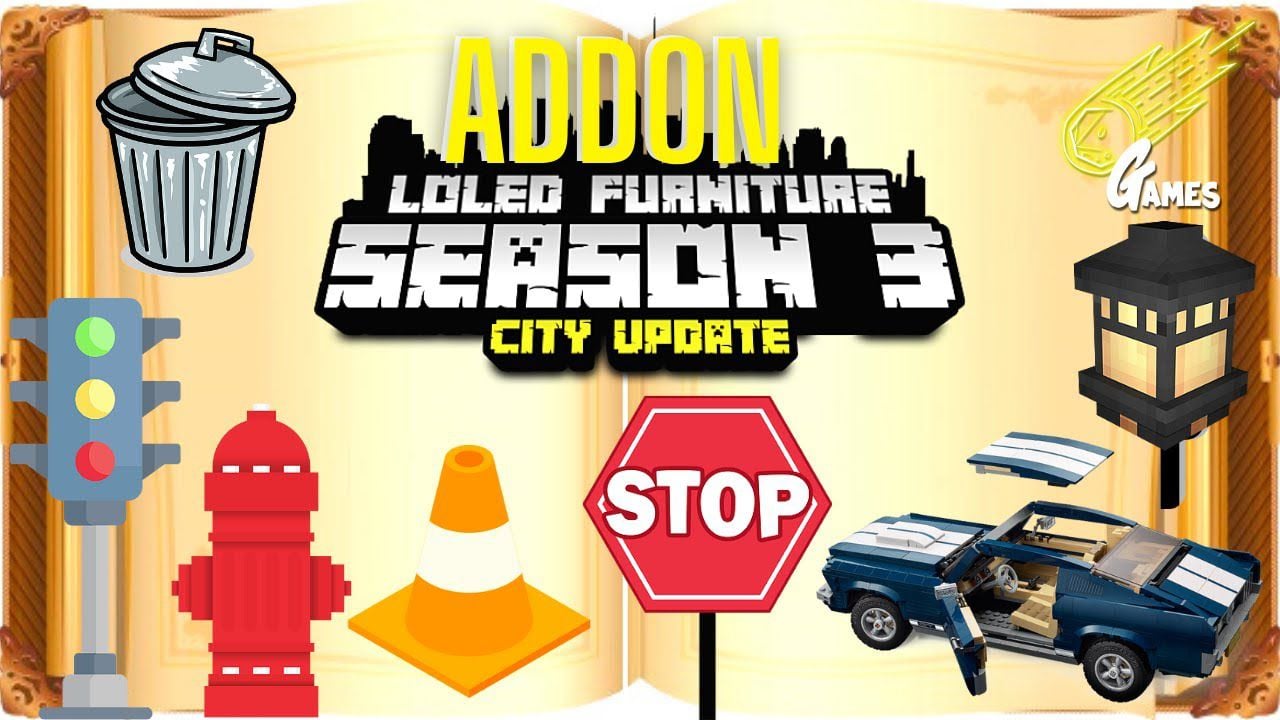
Loled Furniture Addon (1.20) – MCPE/Bedrock Mod
Bedrock add-on listed for Minecraft 1.17–1.20 (behavior + resource pack). File opened and checked on 19 Sep 2026; installs from the MC Bedrock Mods app on Android.
⬇ Download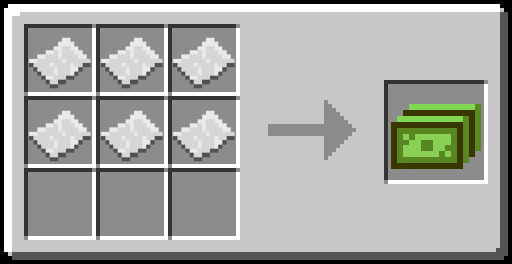
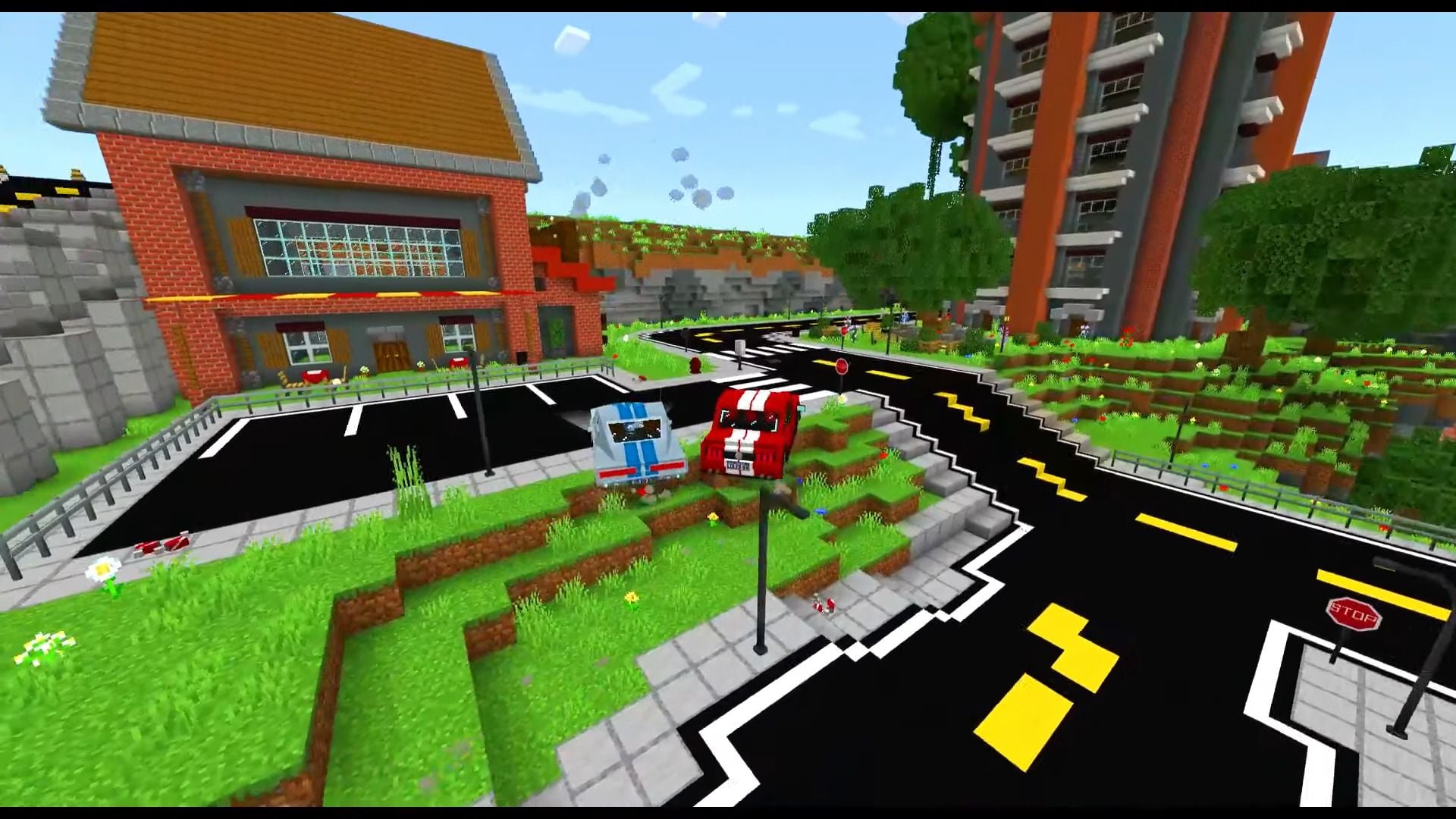
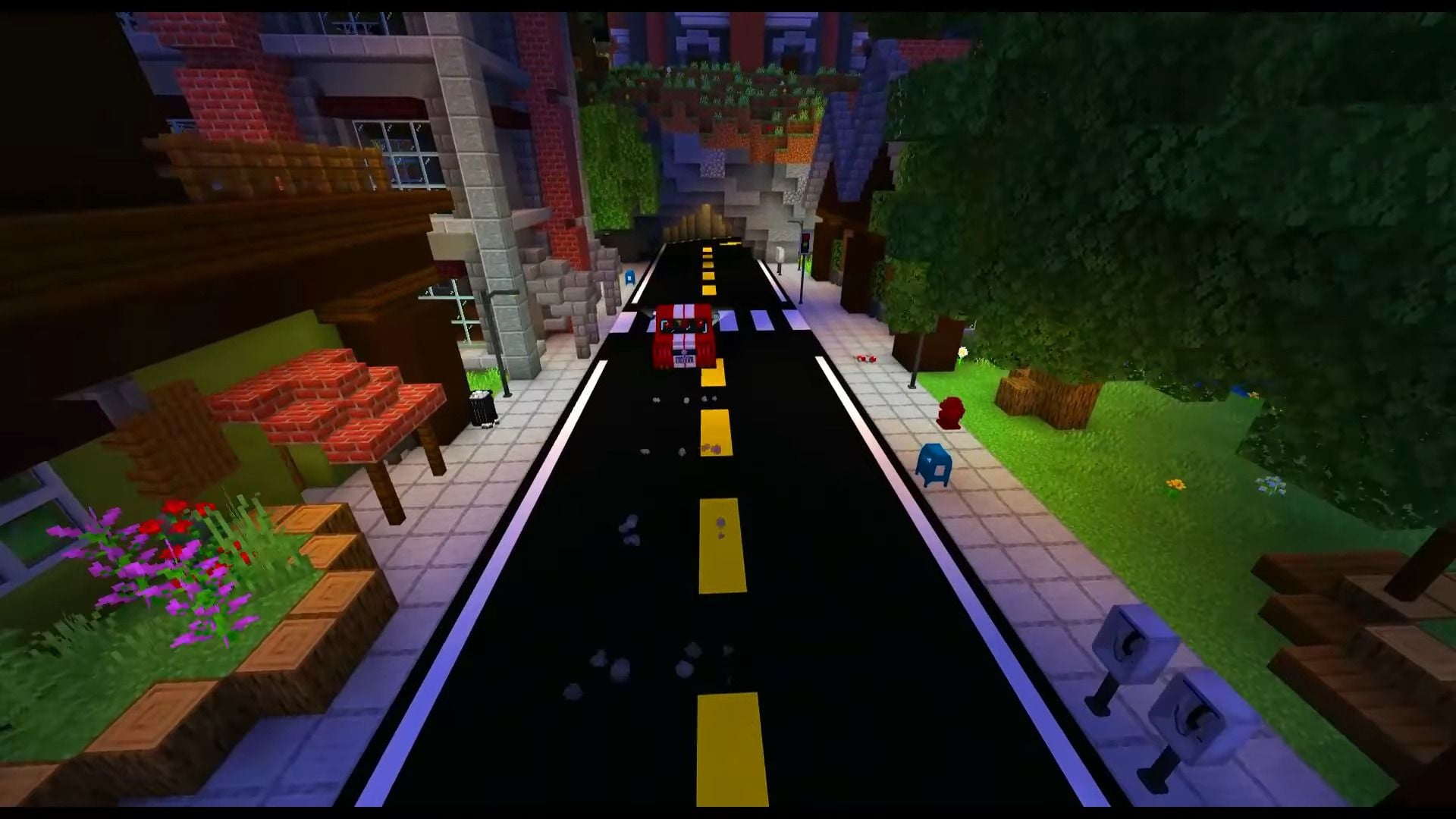
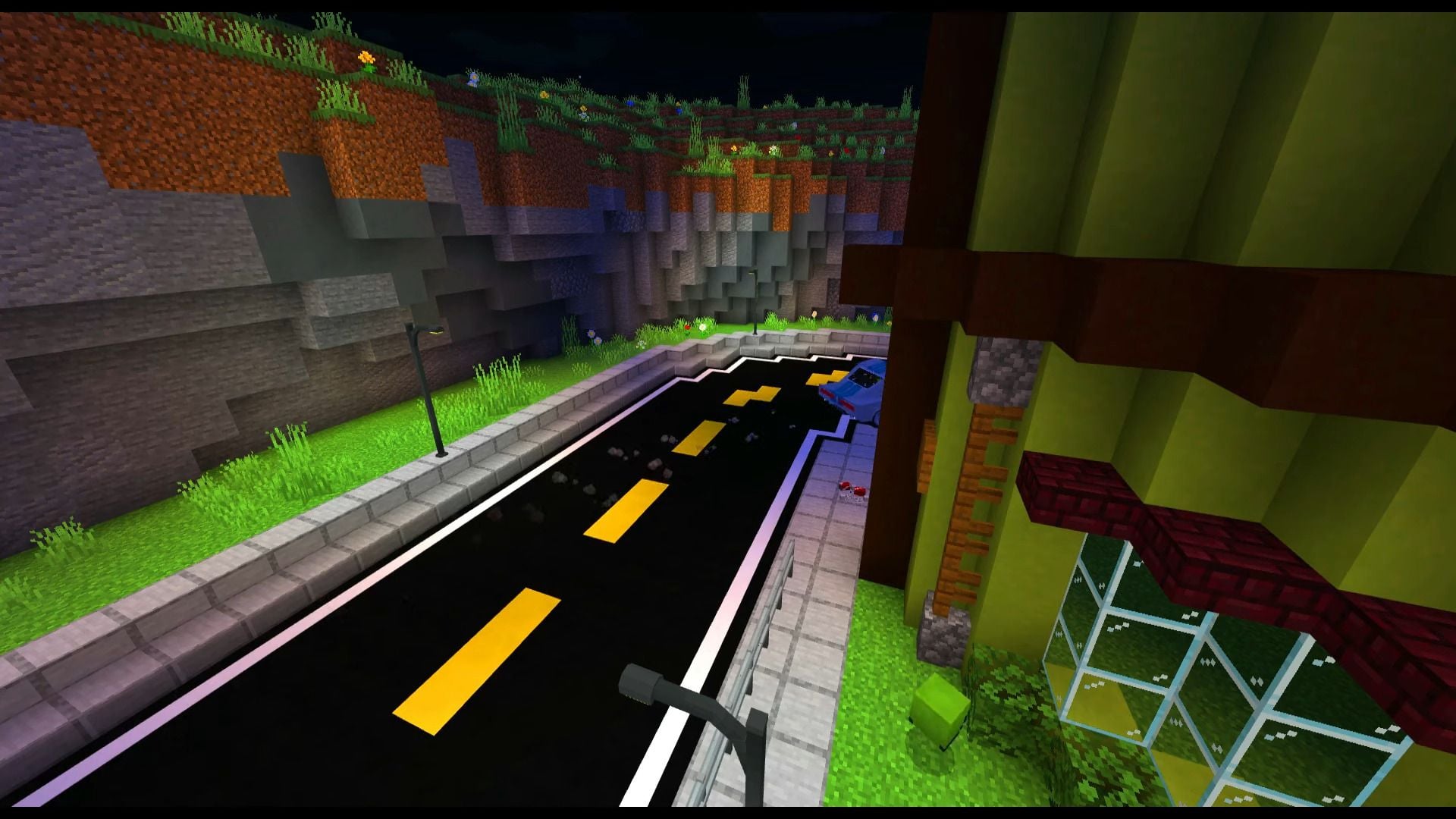
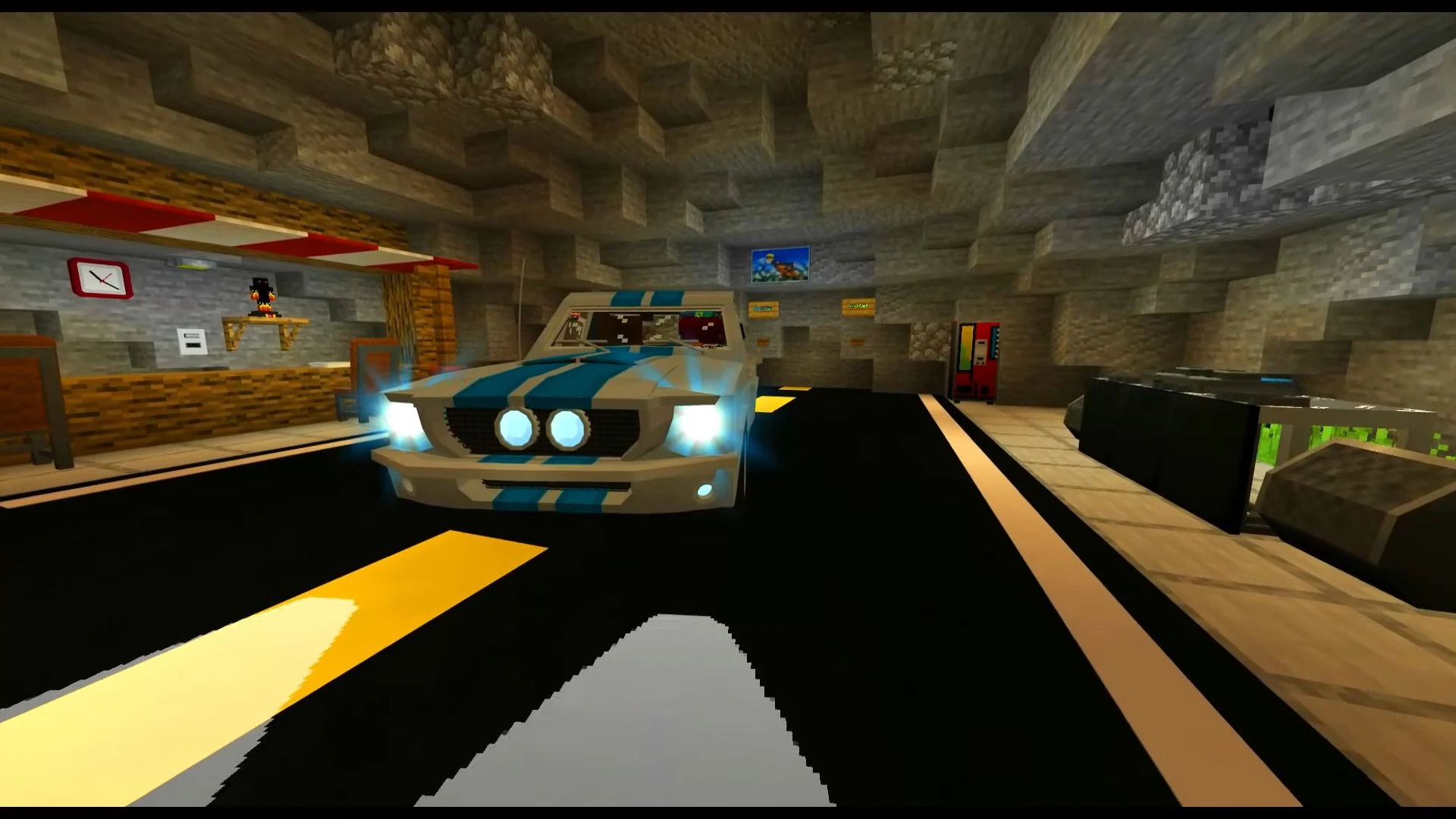
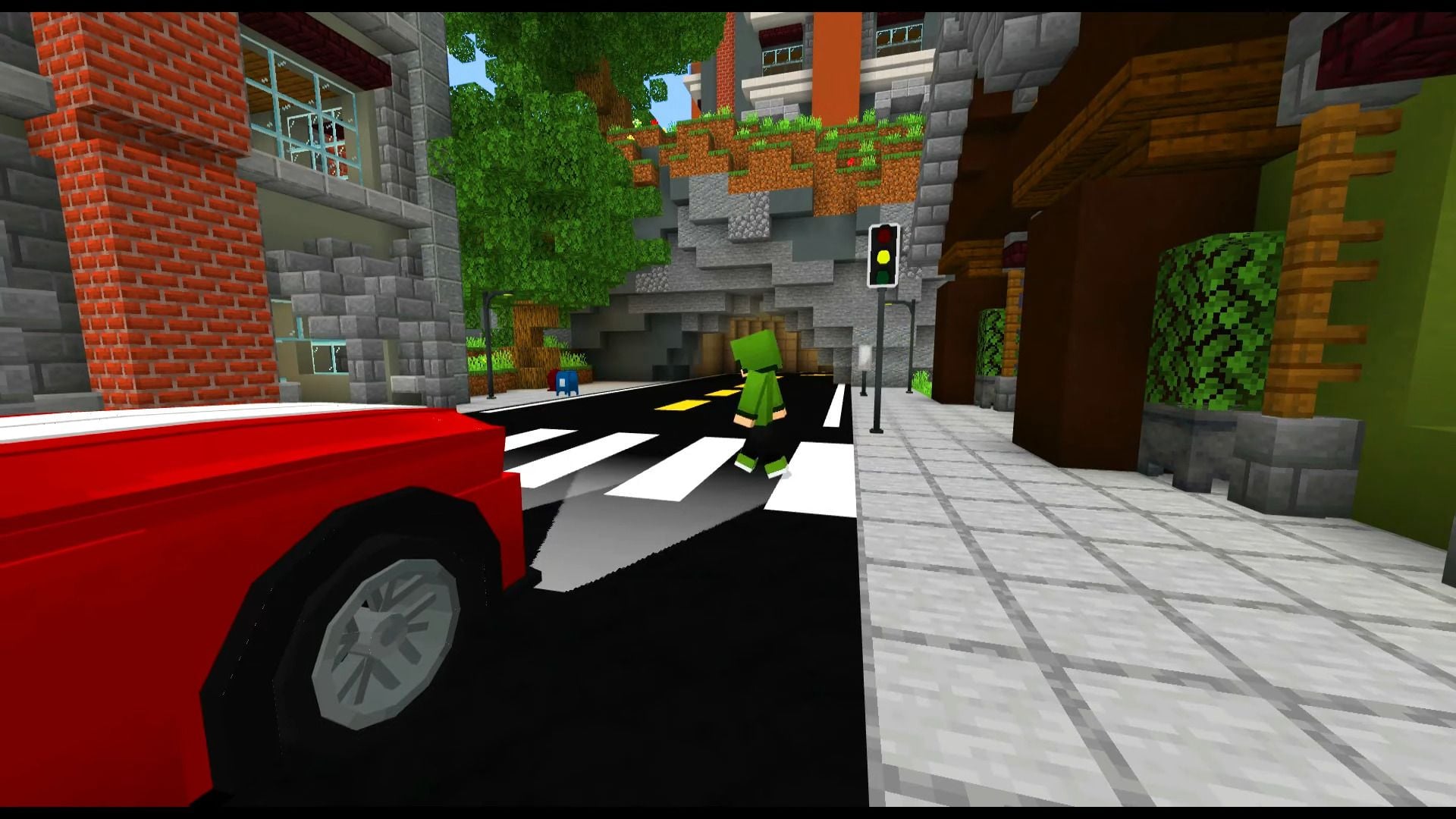
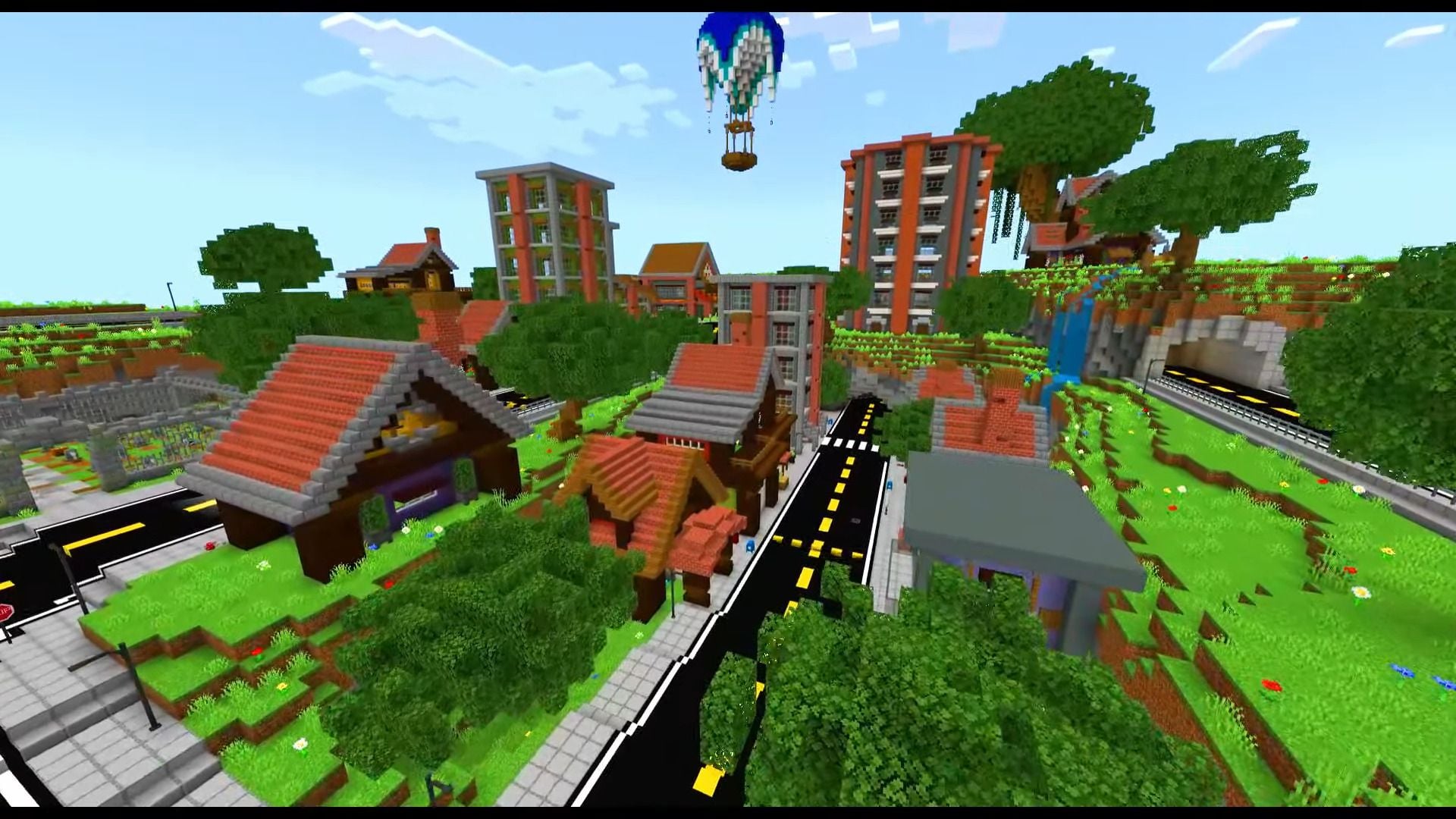
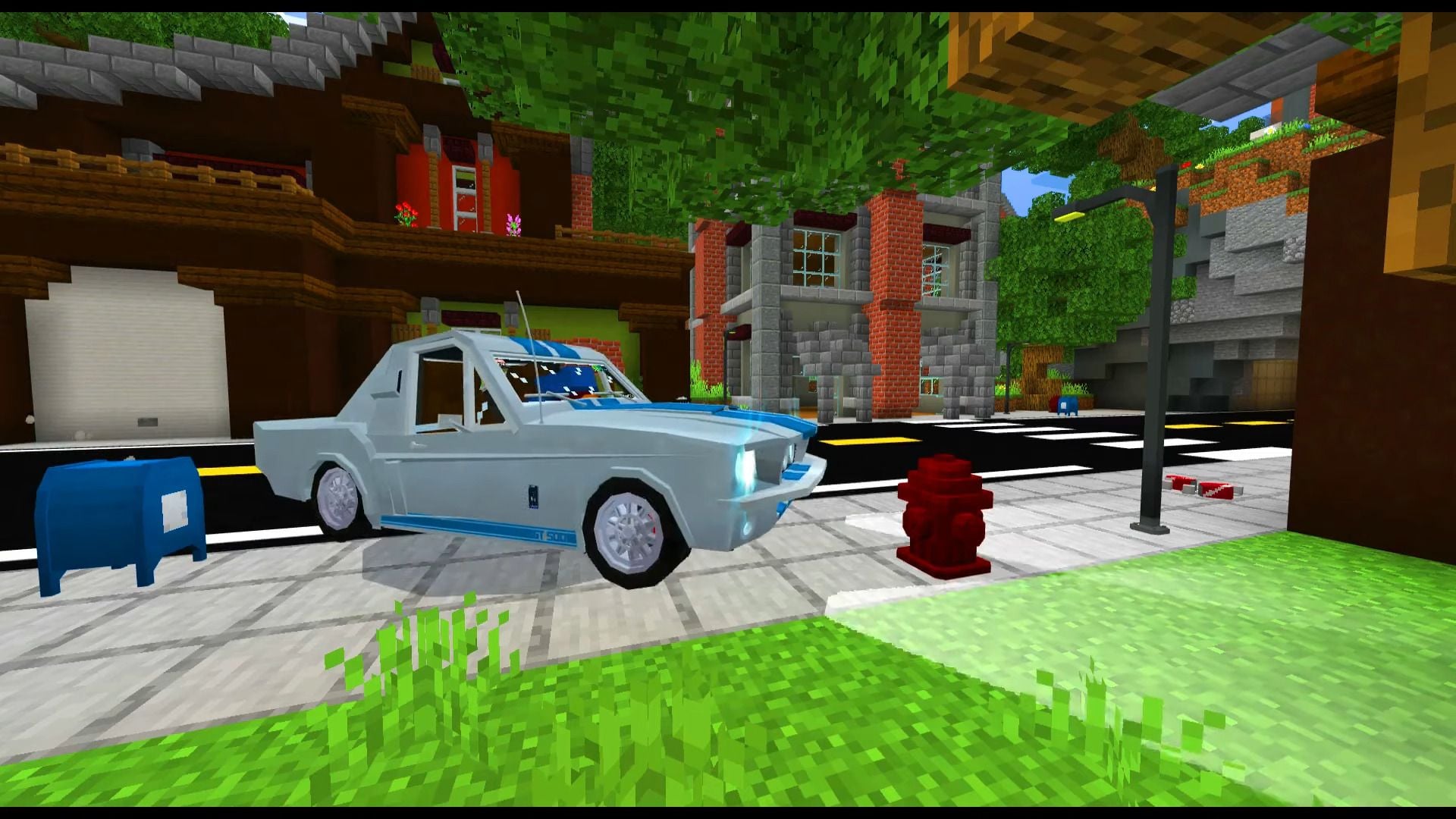
Loled Furniture Addon is a beautiful and modern furniture addon that adds over 200 blocks and several of these blocks are functional! Loled Furniture contains many amazing blocks you can decorate your home with. This review will show a small part of the available blocks.
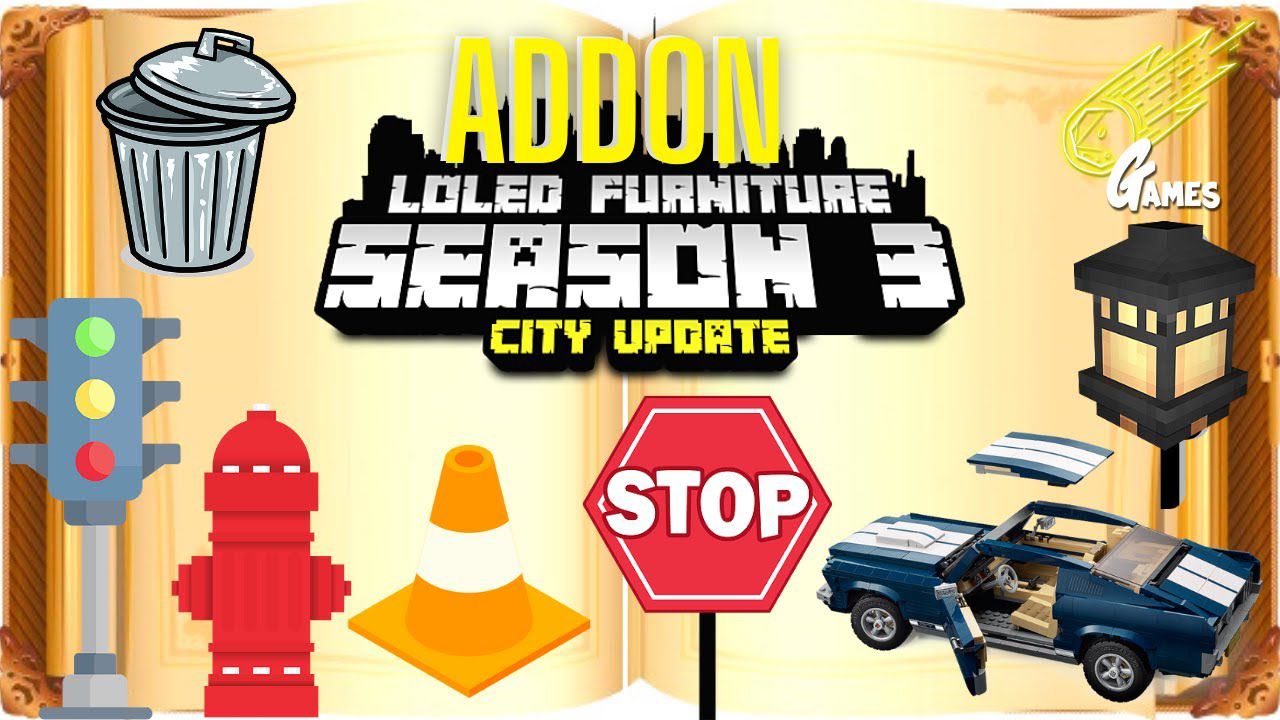
Features:
Loled Furniture contains many amazing blocks you can decorate your home with.
The newest version focused on improving some modeling, and textures and adding several items to decorate your city!
Here is a small part of the available blocks:
Living Room:
- Armchair (And its color variations)
- Curtain (And its color variations)
- TV stand
- TV (It is functional, uses the “Control” item to use the TV)
- Sofa (And its color variations)
Bathroom:
- Bathroom mirror
- Shower
- Bathroom sink
- Toilet
- Toilet paper
- Bathtub
Kitchen:
- Dining table (Has connection system)
- Bar stool (can you sit)
- Chairs (And its color variations, can you sit)
- Kitchen cabinet (It is functional)
- Microwave (It is functional)
- Coffee machine (It is functional)
- Kitchen cooktop (It is functional)
- Kitchen dish (It is functional)
- Fridge (It is functional)
- Pan
- Kitchen sink
- Kitchen stand
- Stove (It is functional)
- Kitchen trash can (It is functional)
Setup:
- Monitor (It is functional)
- JBL (It is functional)
- Arcade (It is functional)
- CPU gamer
- Gaming chair (can you sit)
- PS5 (There is interaction)
- PS2
- Xbox Series X
- Xbox Classic
- Notebook
- Phone support (There is interaction, use “LOLPhone” to interact with this block)
And many other blocks… (Many with functionality)
Items:
- Loled Furniture also adds items, skins and npcs.
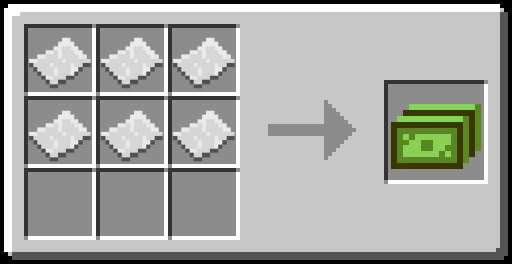
- This is a very important item, it is with it that you will be able to exchange with npcs and get the blocks in the stone cutter
Crafting Recipes:
Some items and skills:
- Guitar (It is functional)
- Rollerblades (It is functional)
- Popcorn
- Battery
- Candy
- Coffe
- Control
- Cup
- Water cup
- LOLPhone (Is 3d)
- Headset (Hat)
- Tool (Use on collision block to fake parts of blocks)
- Soda
- Hat (Hat)
- Athos (Skin)
- MIT Play (Skin)
- Ntek Rex (Skin)
- Loboxy (Skin)
- Marshmello head (Skin)
- Marshmello body (Skin)
NPCs:
They exchange dollar for addon blocks
- NPC Loled
- NPC Ntek
- NPC Athos
- NPC Loboxy
- NPC Rafael RMendes
- NPC MIT Play
Maps:
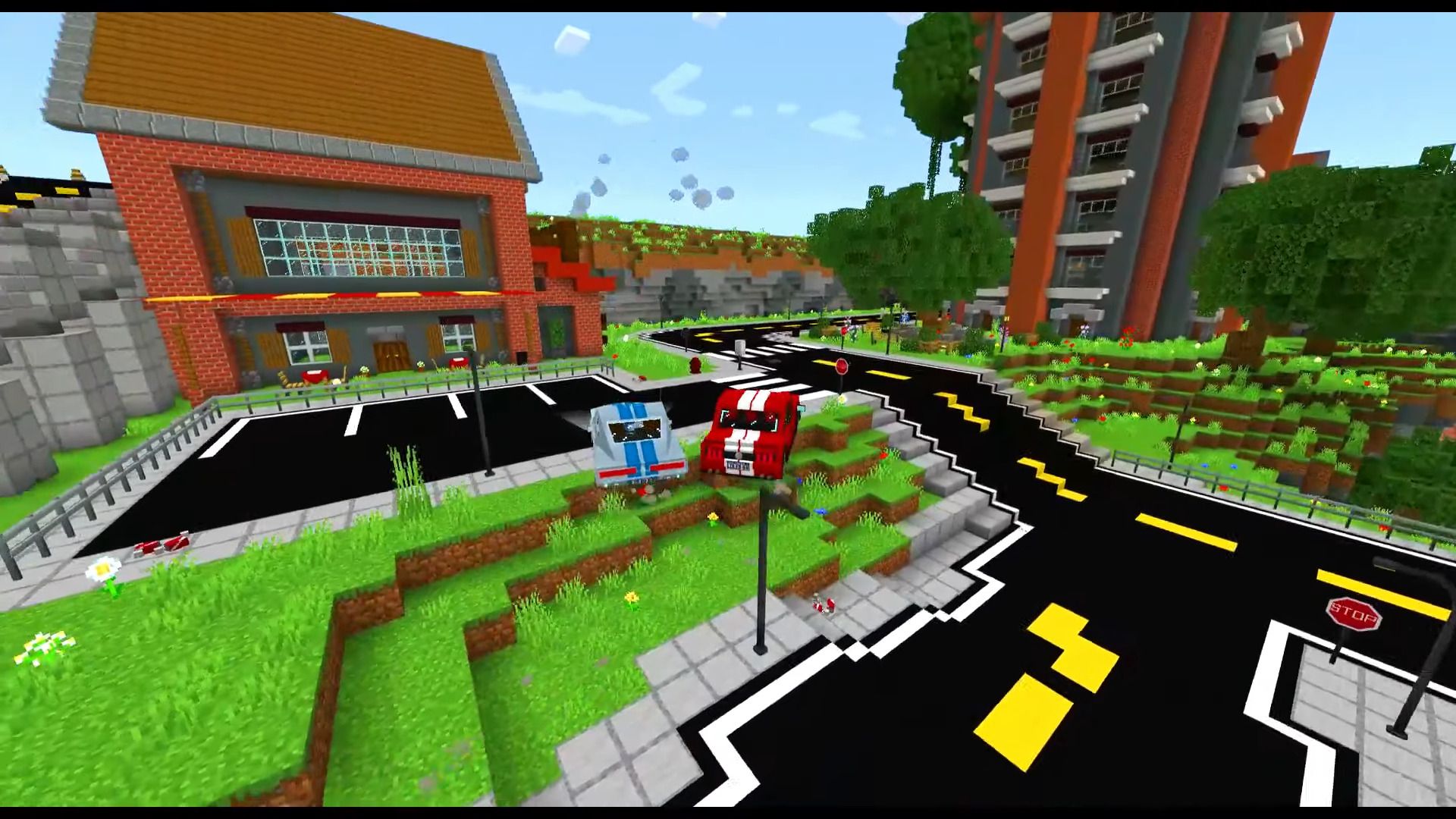
(See images below)
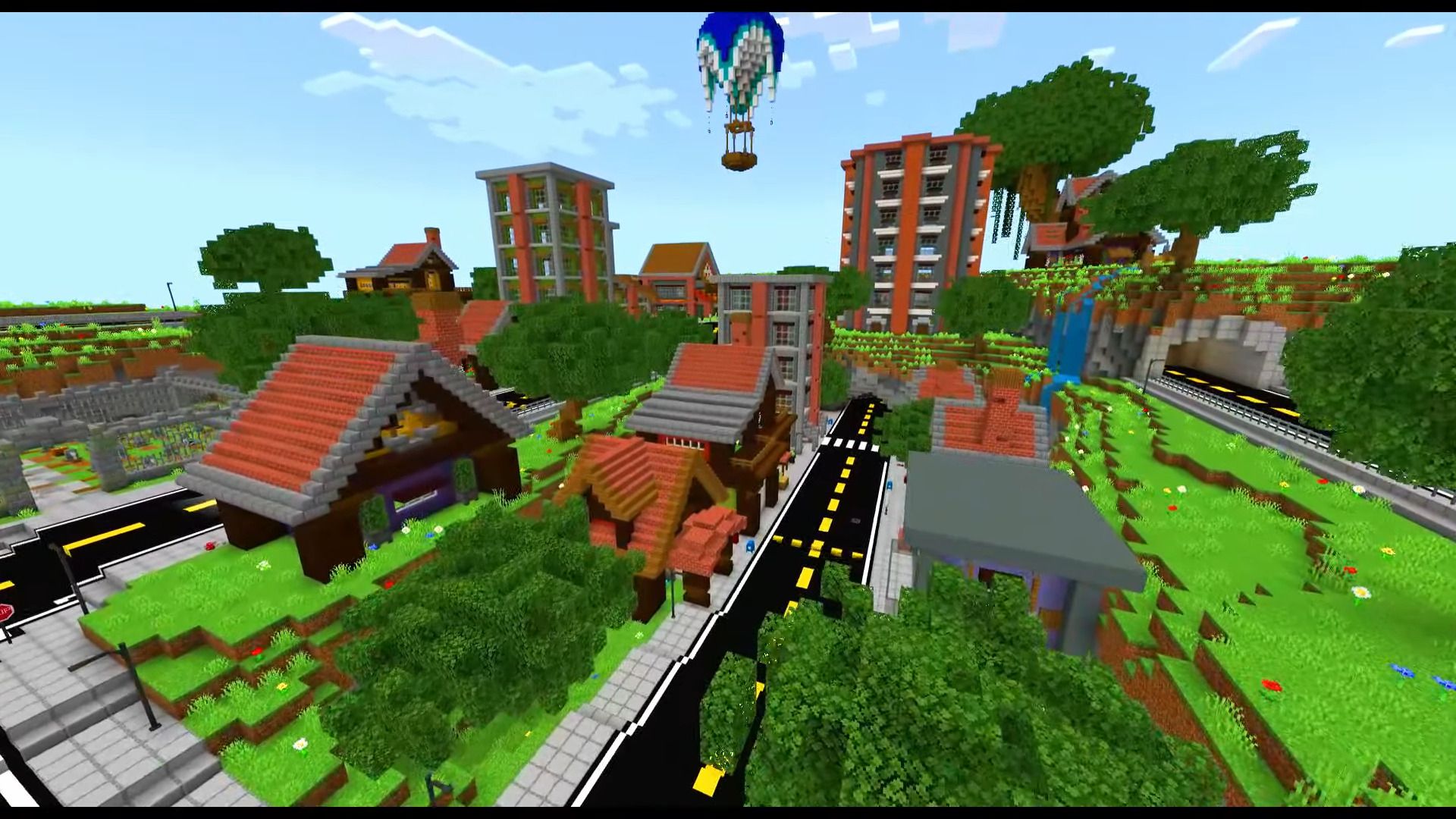
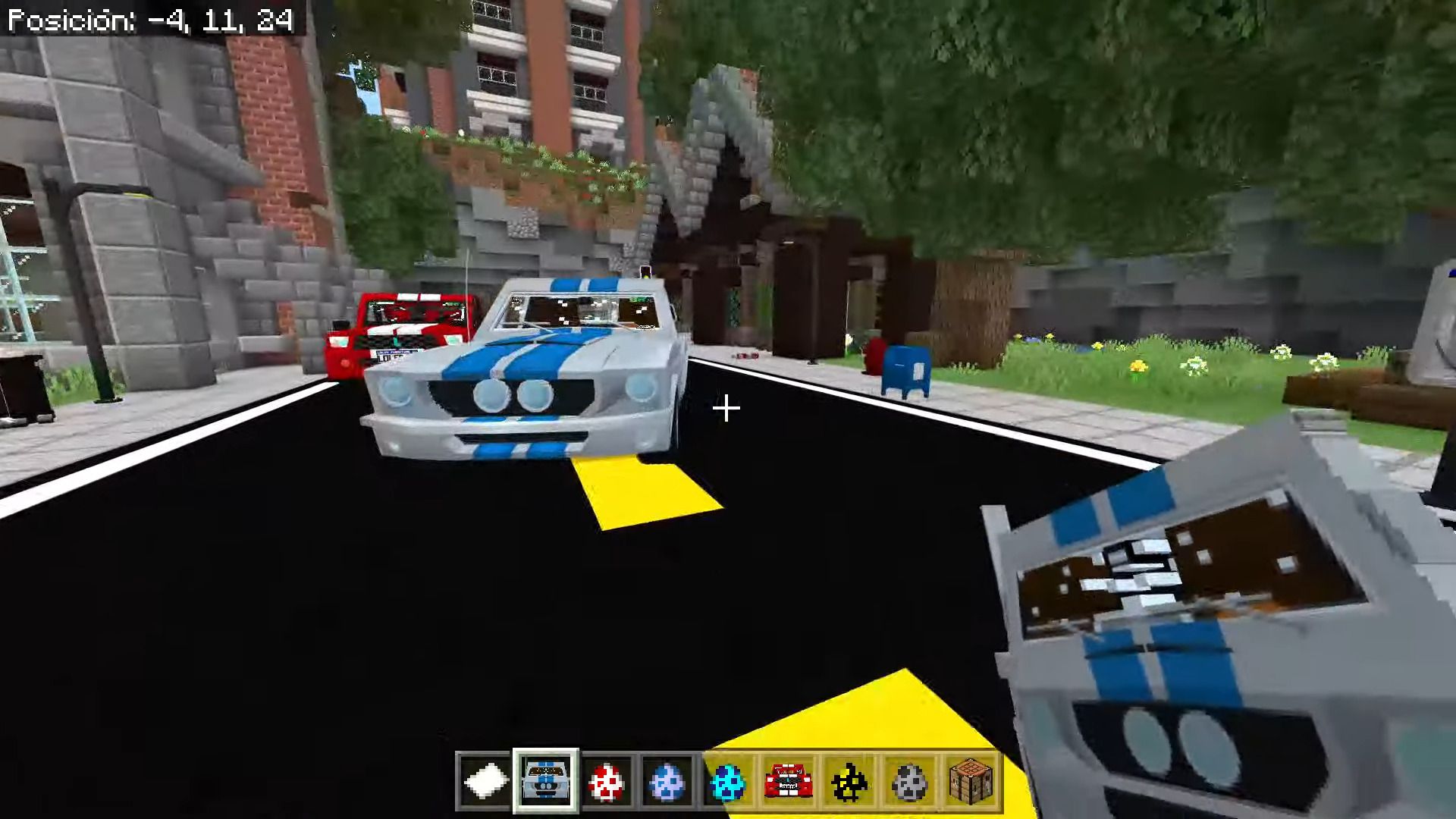
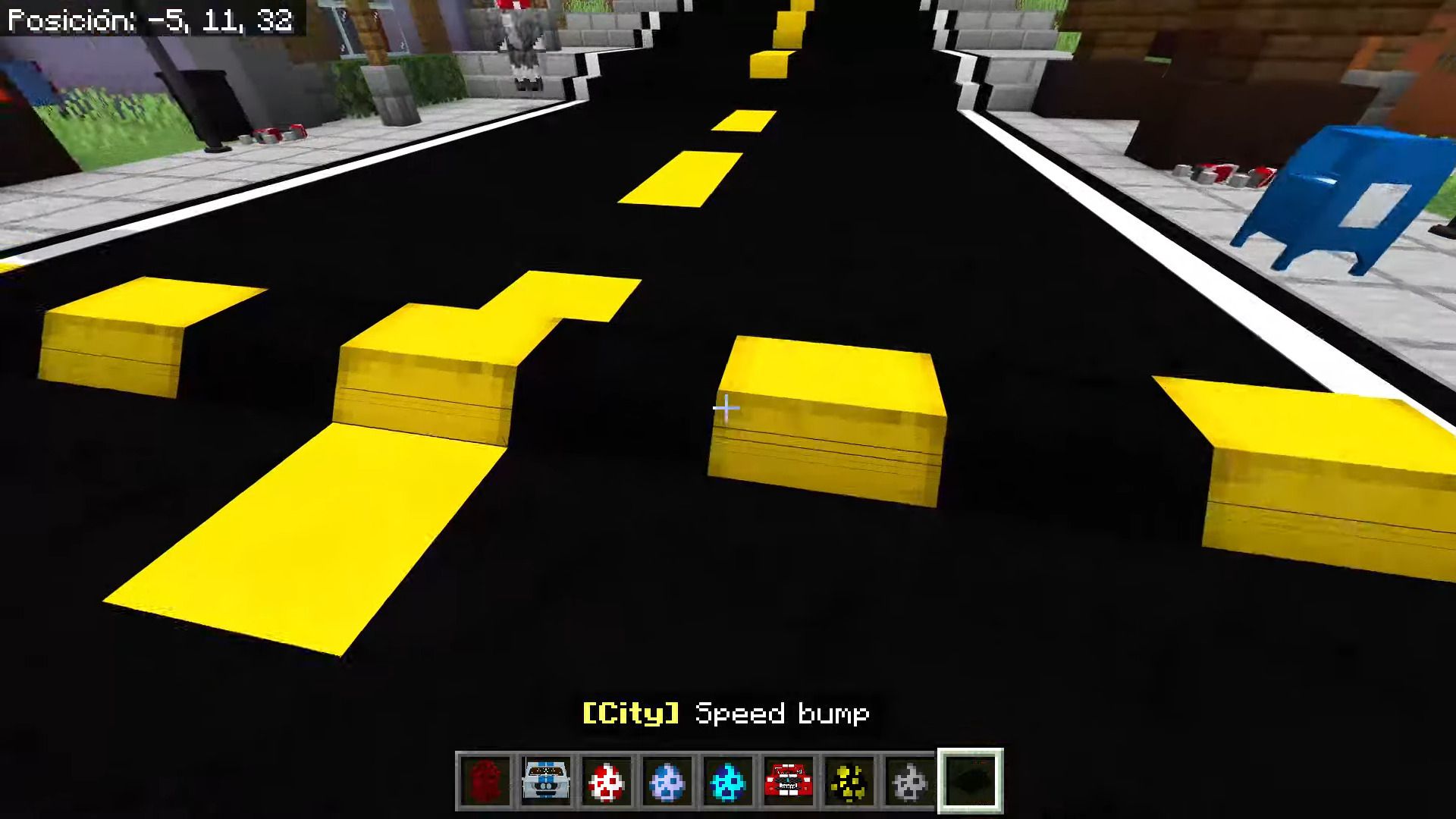
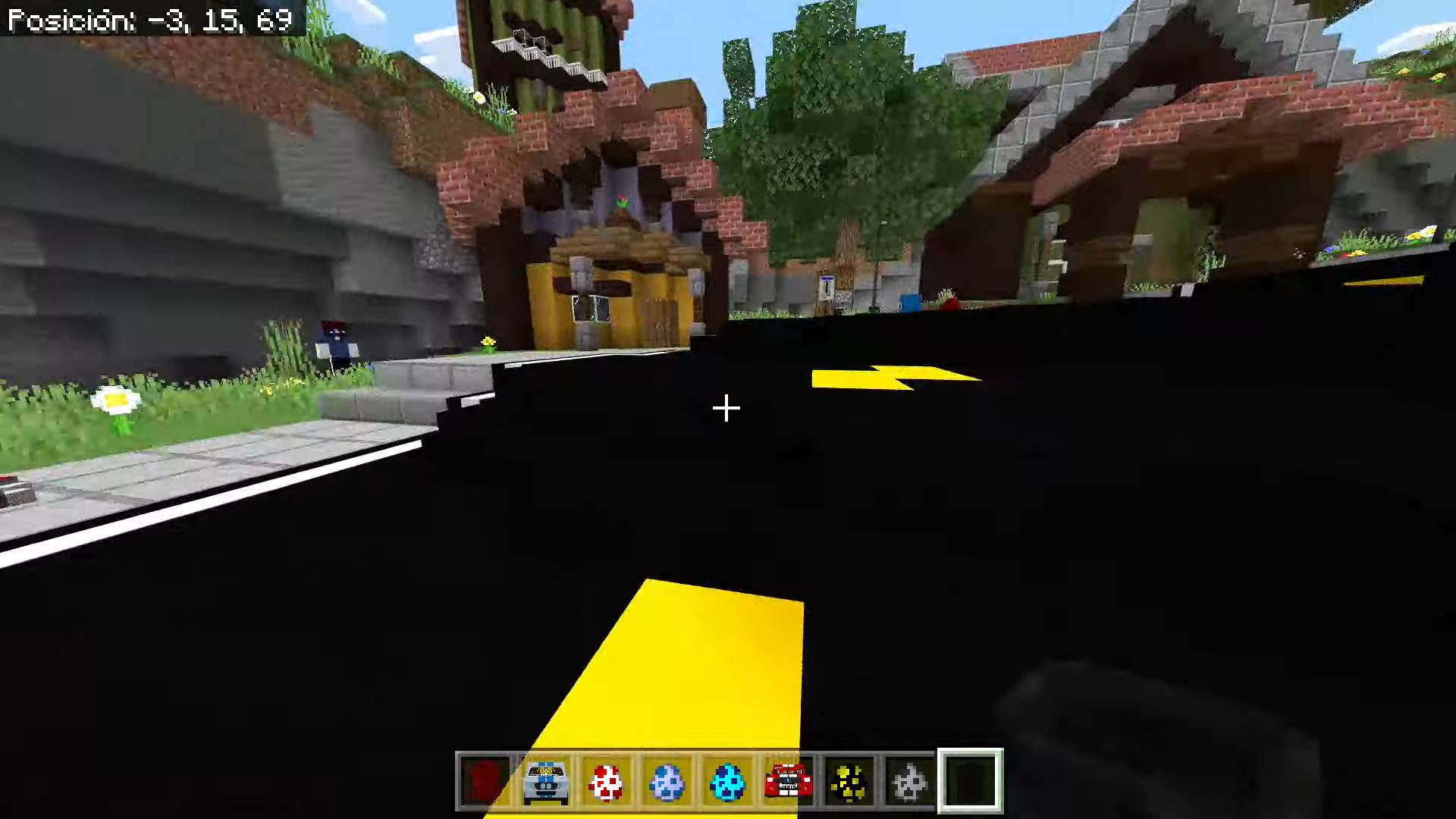
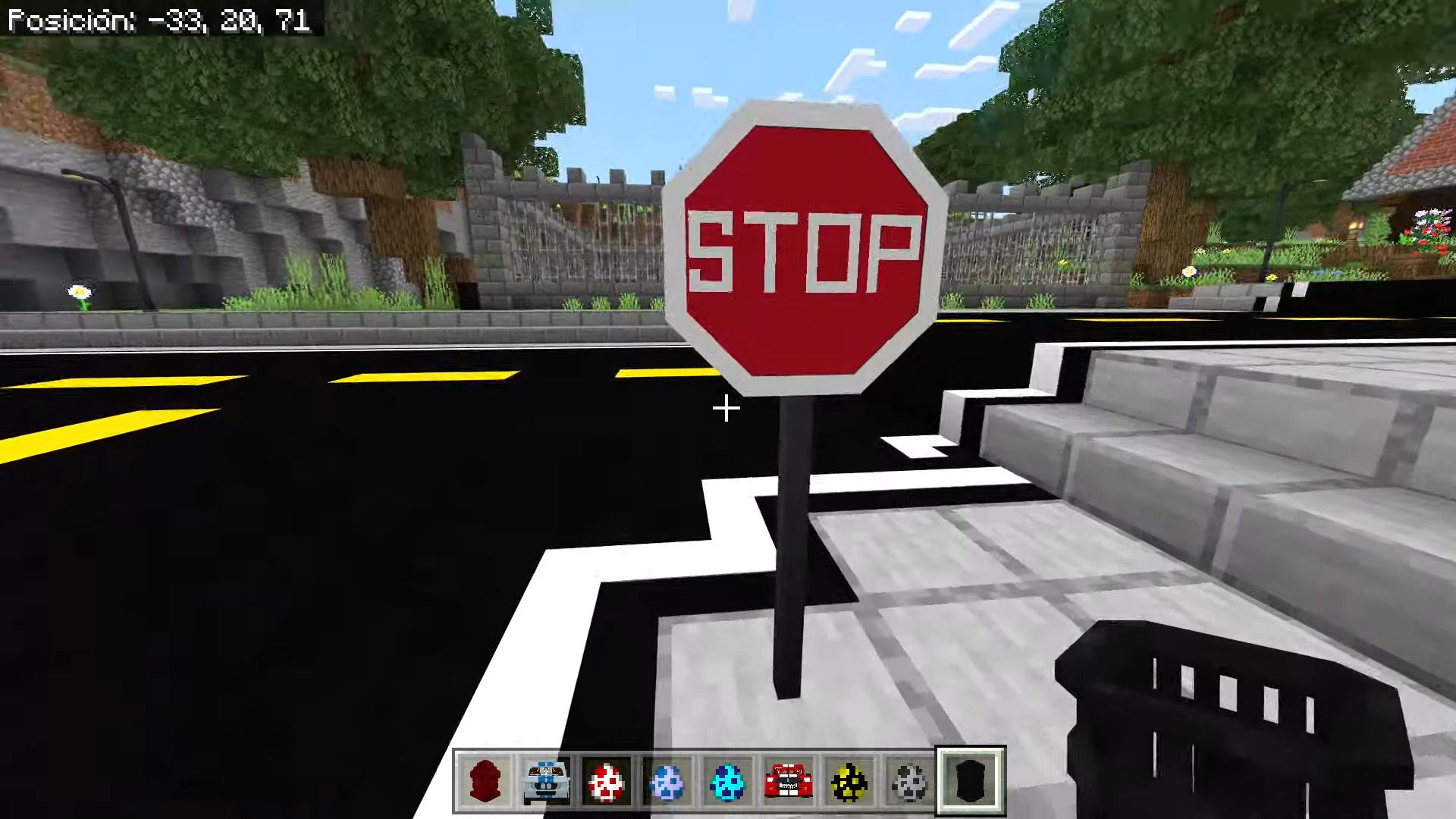
- Loled’s City
- Loled’s House
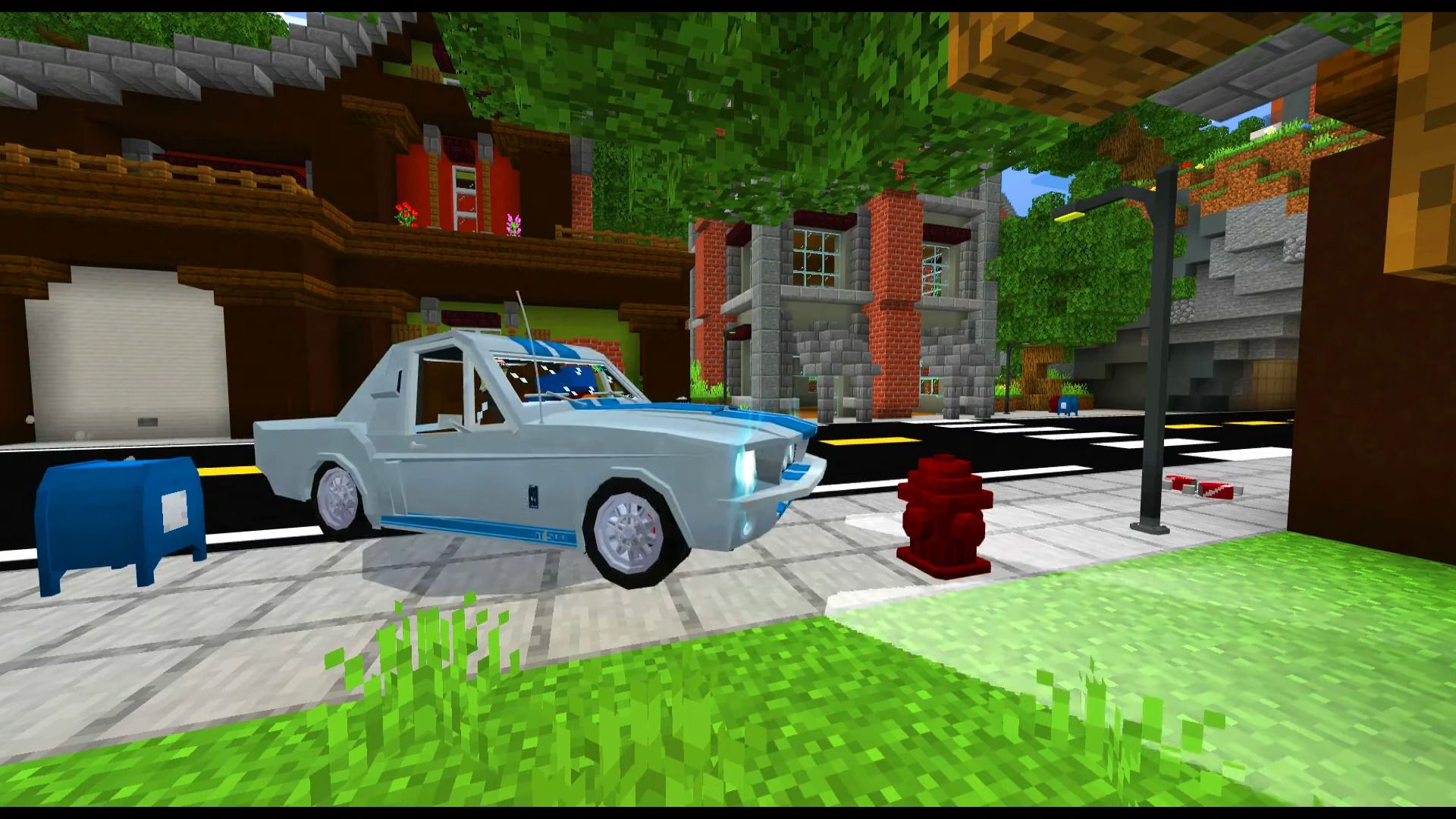
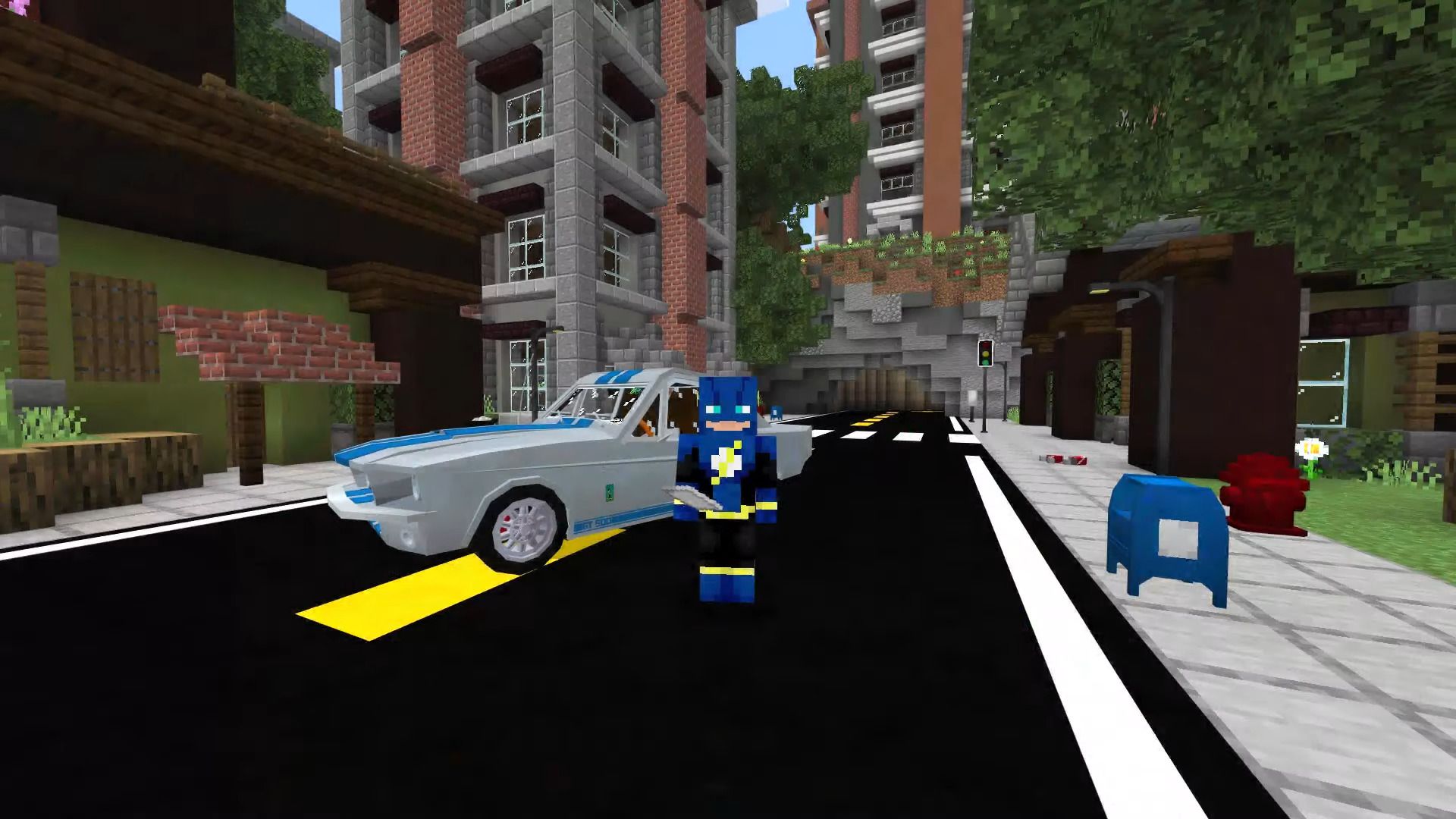
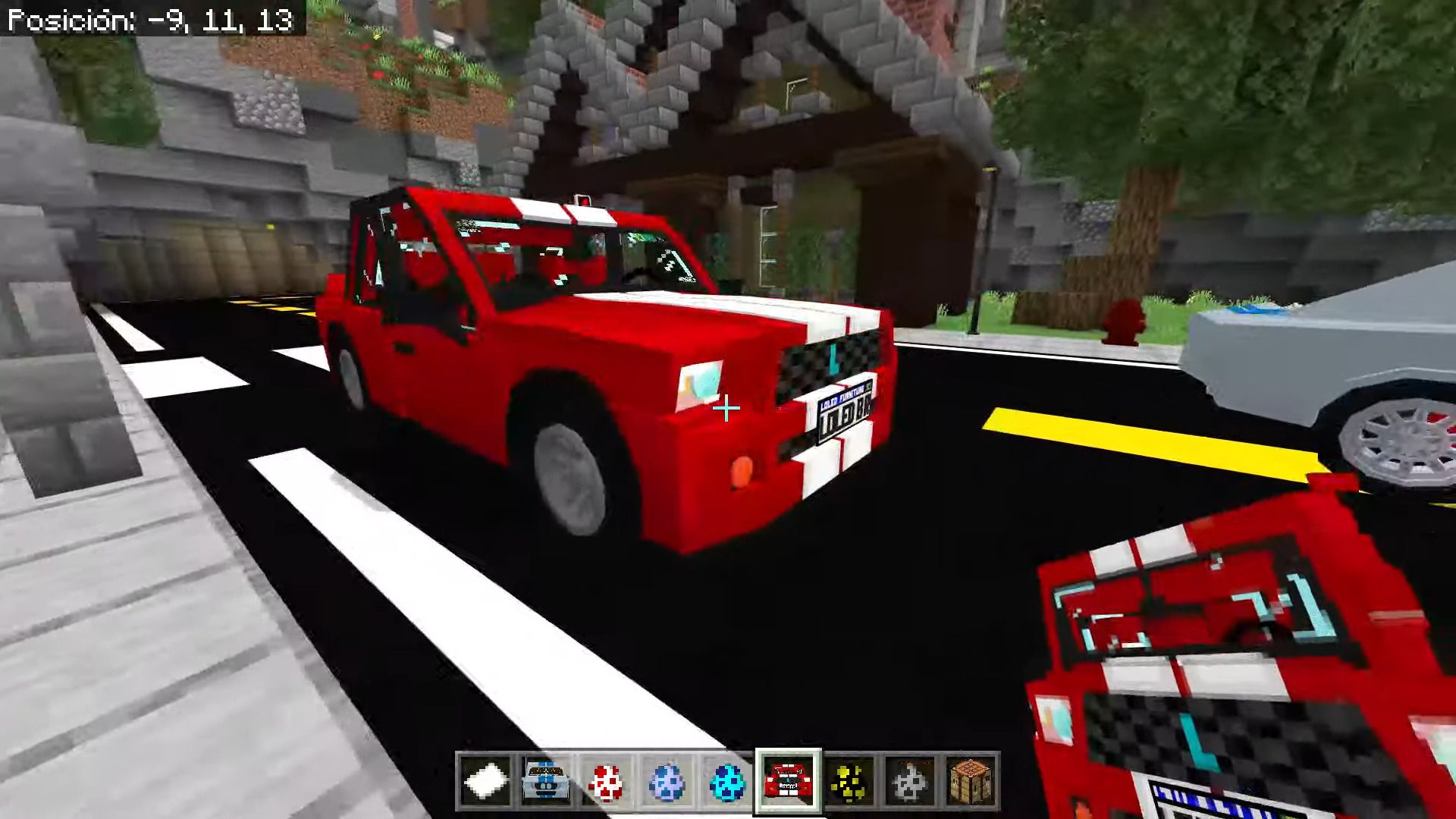
Screenshots:
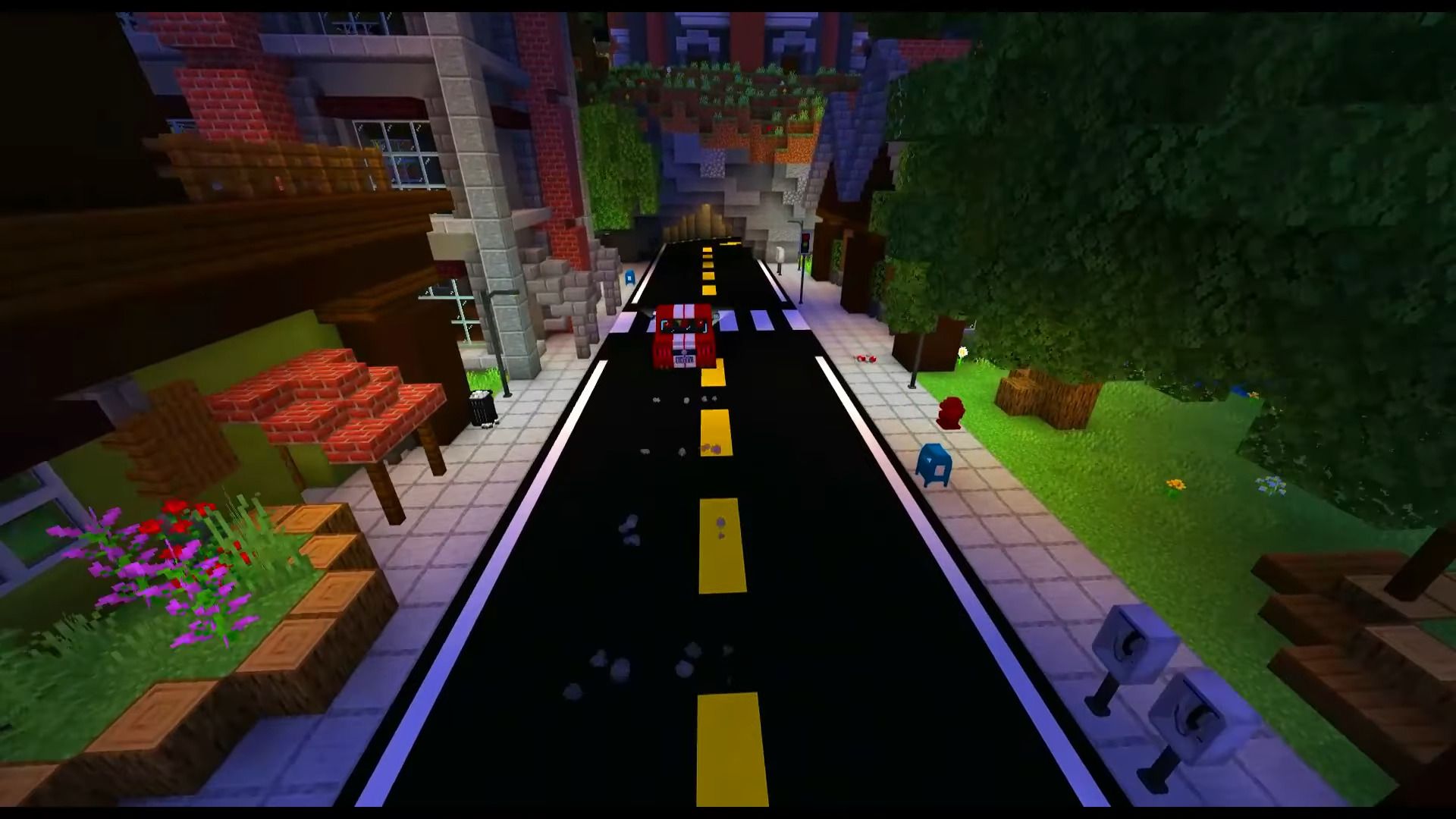
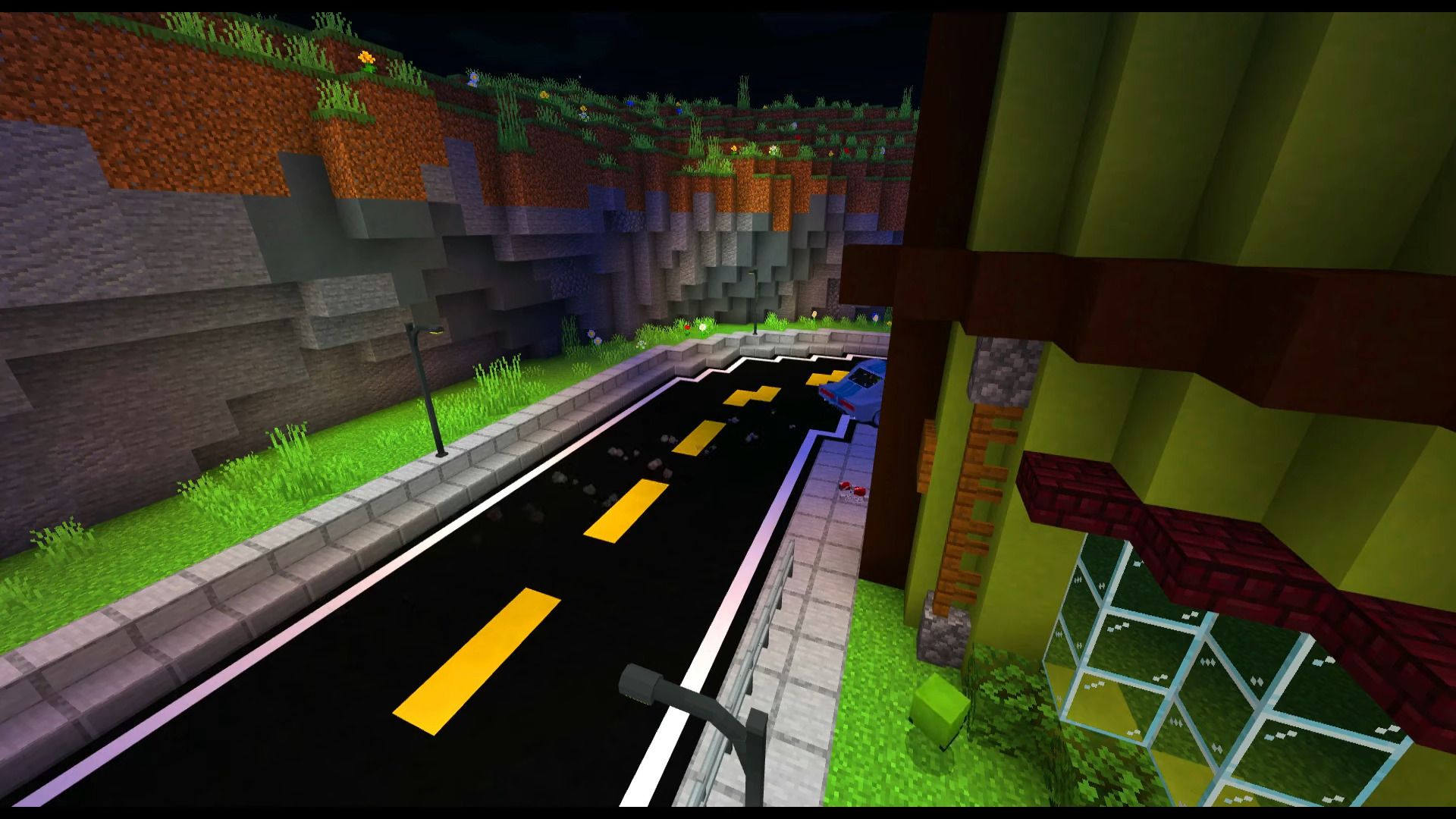
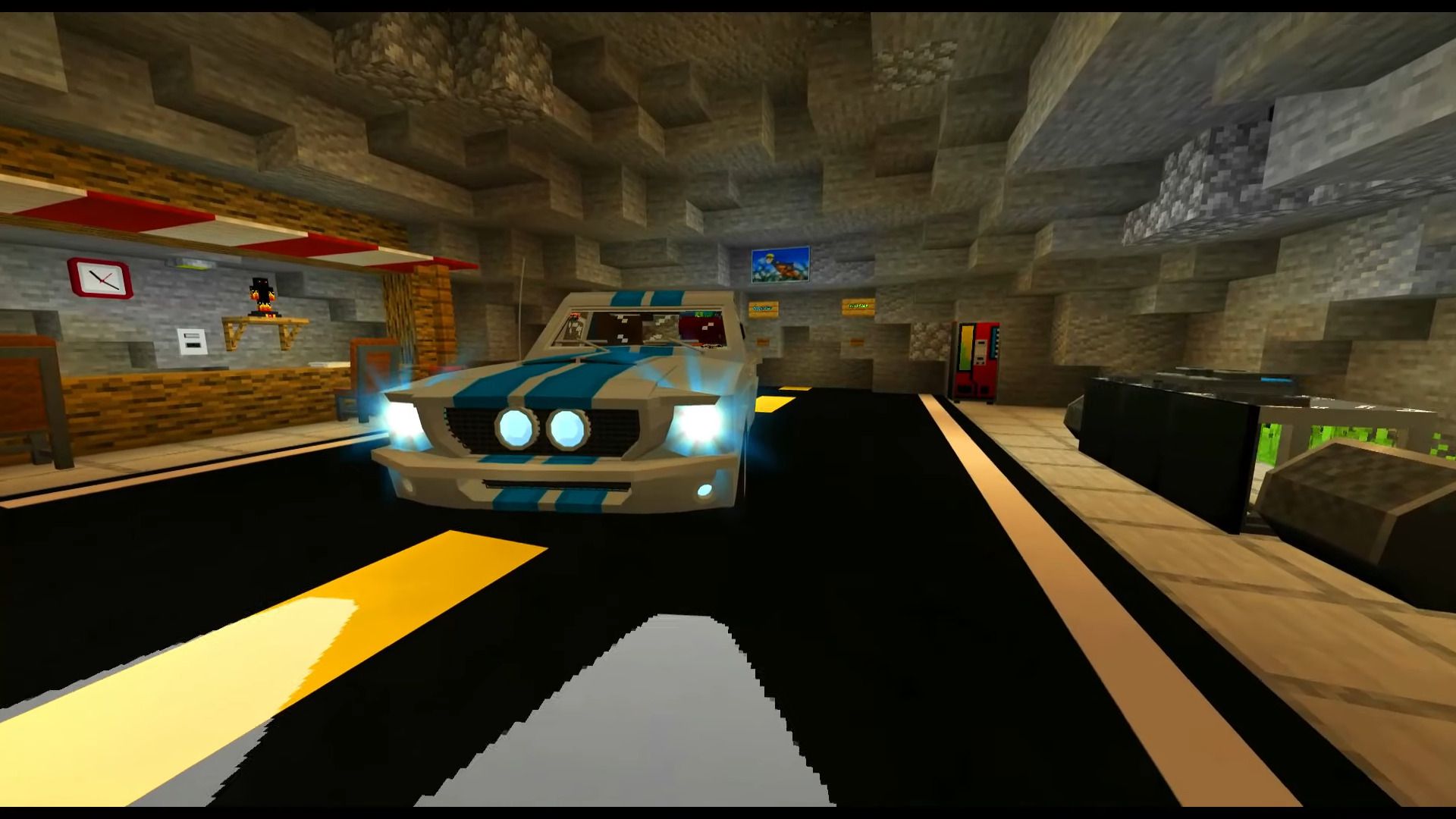
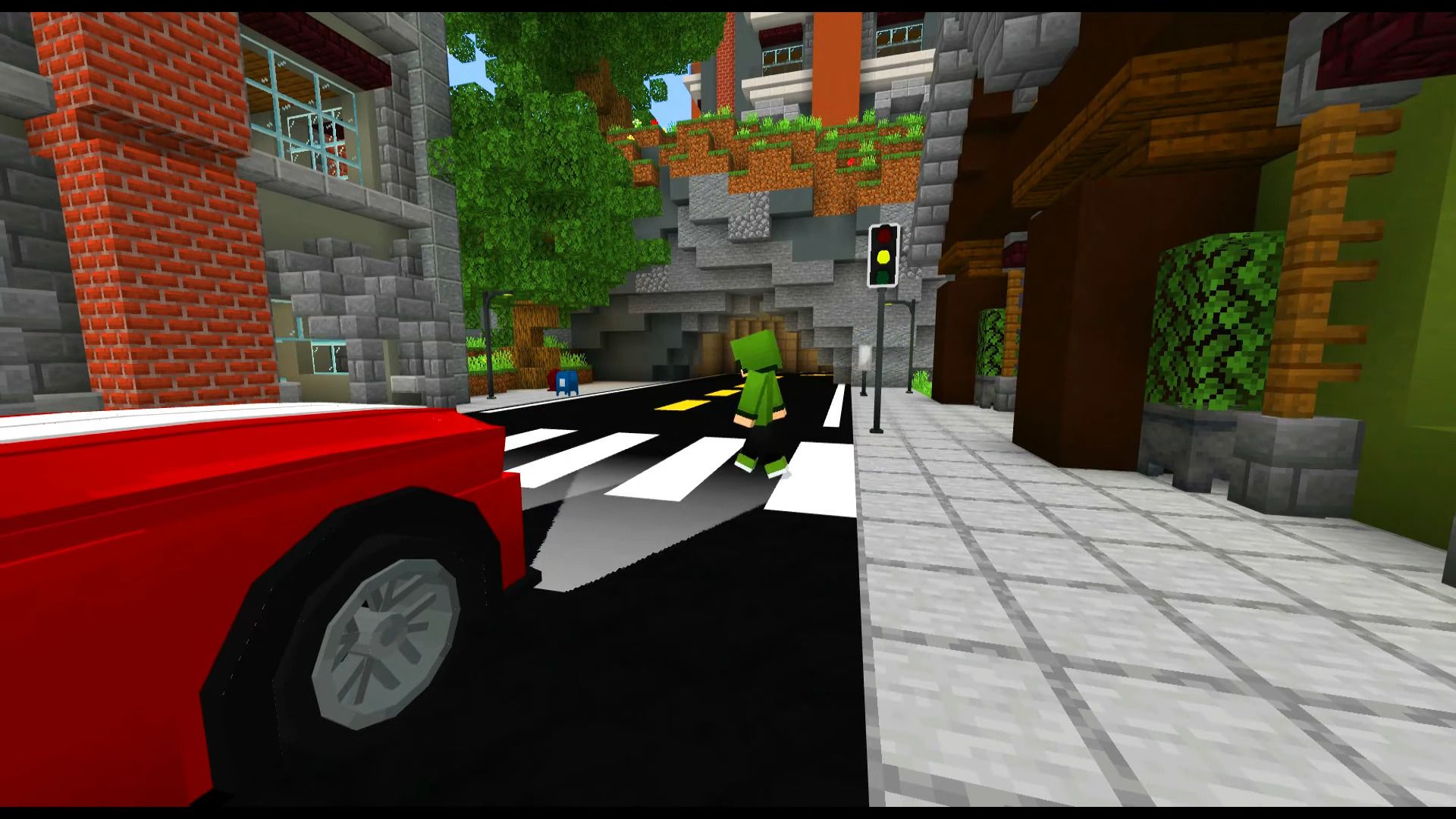
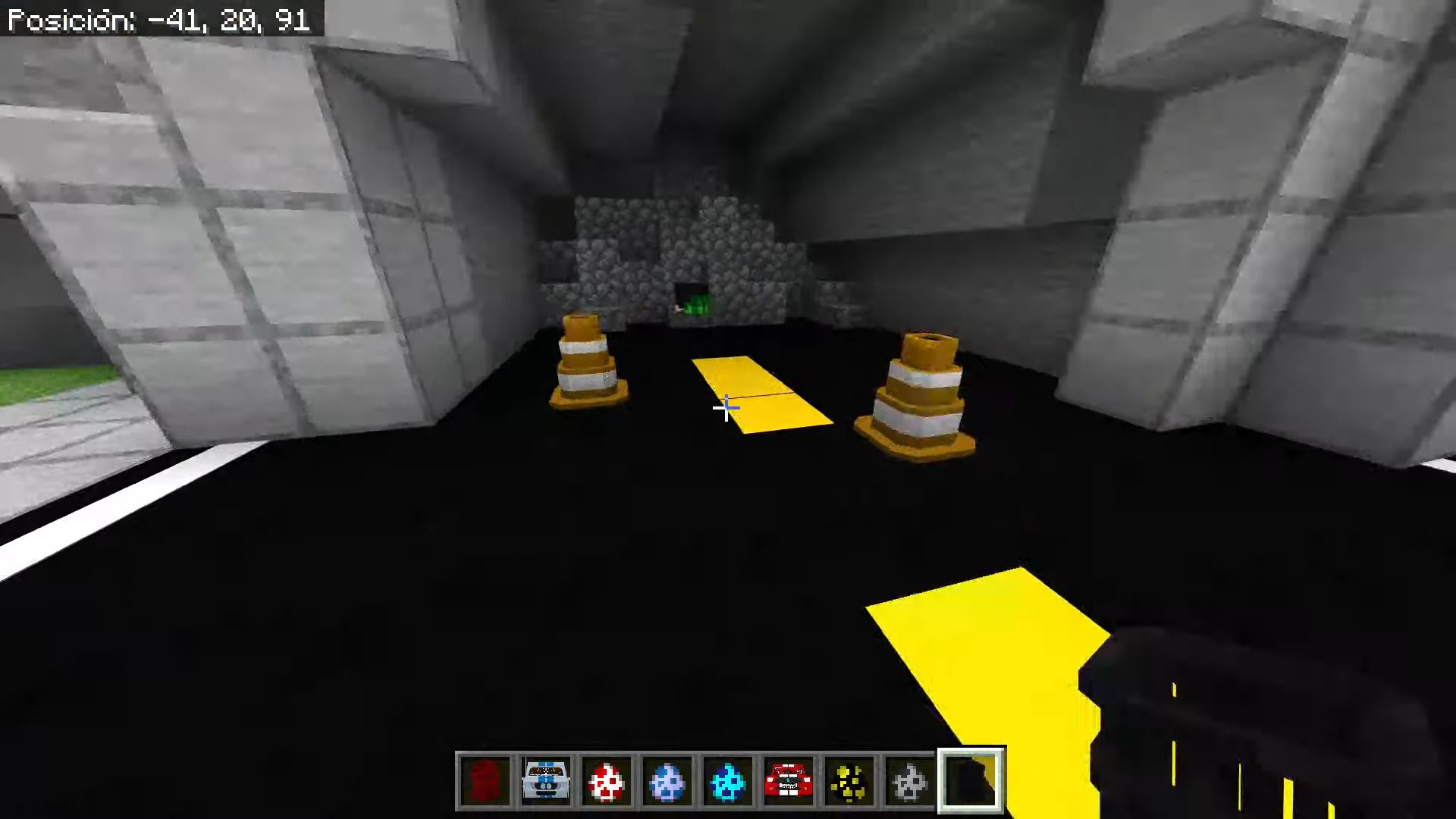
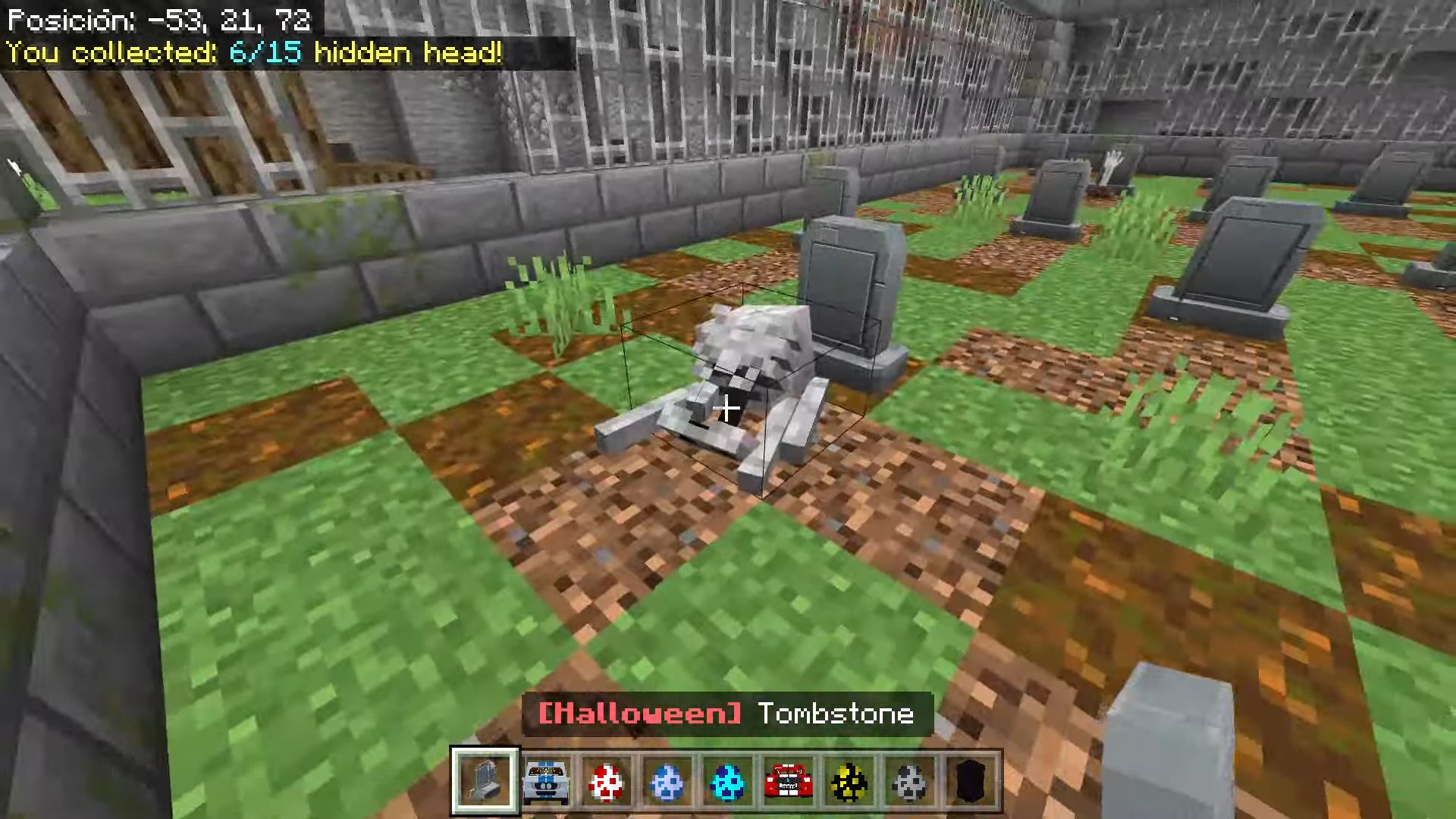
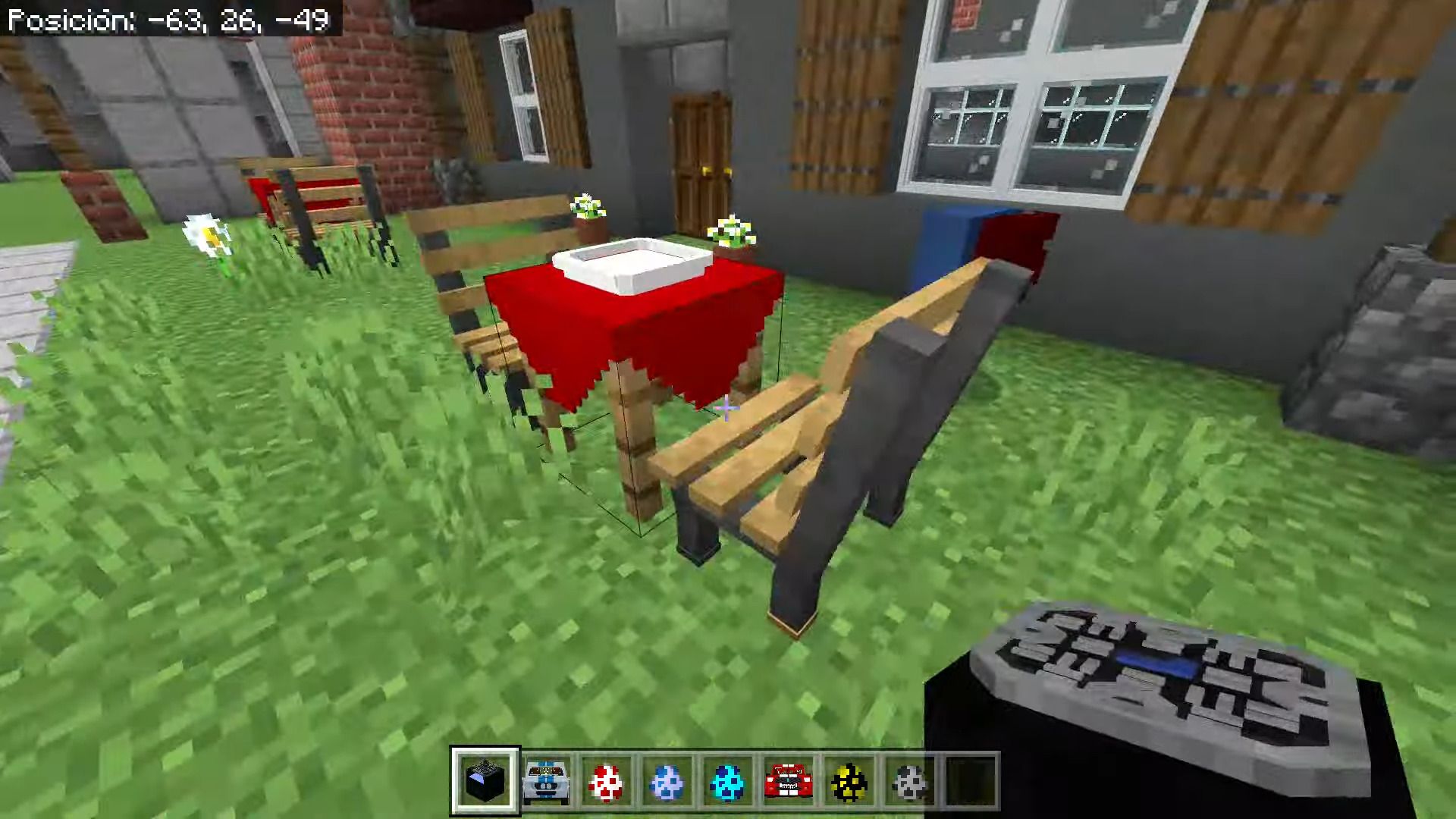
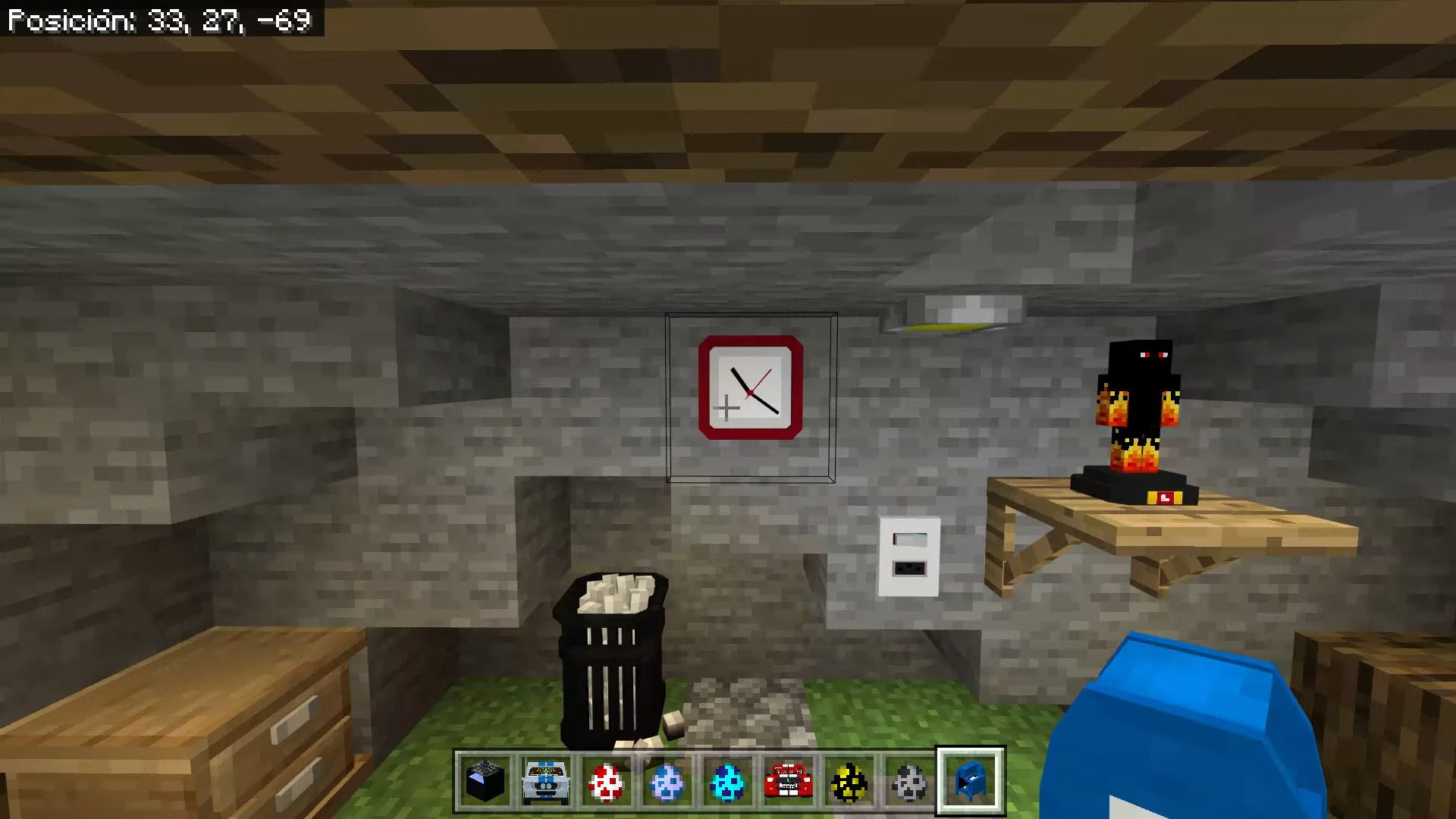
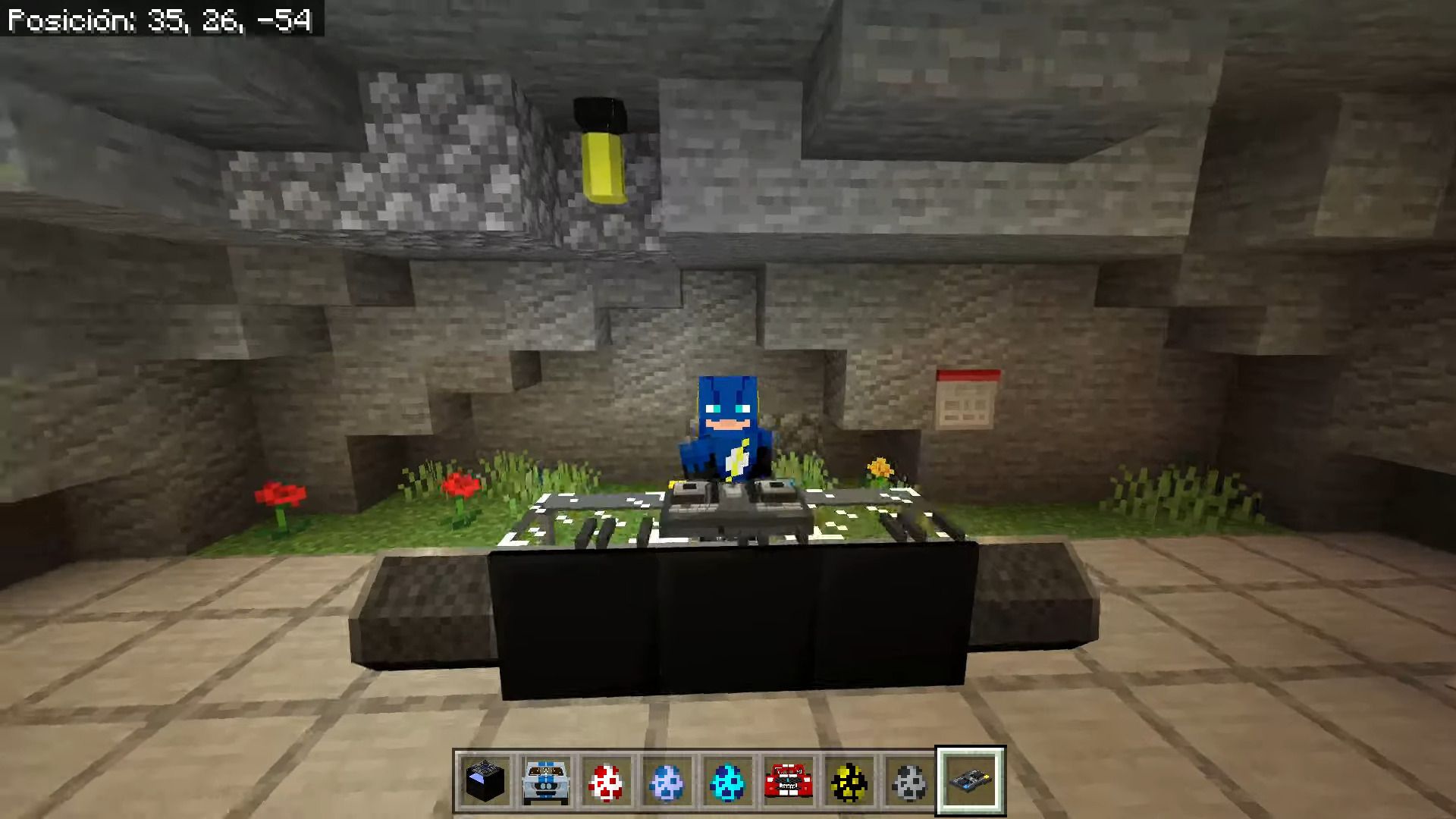
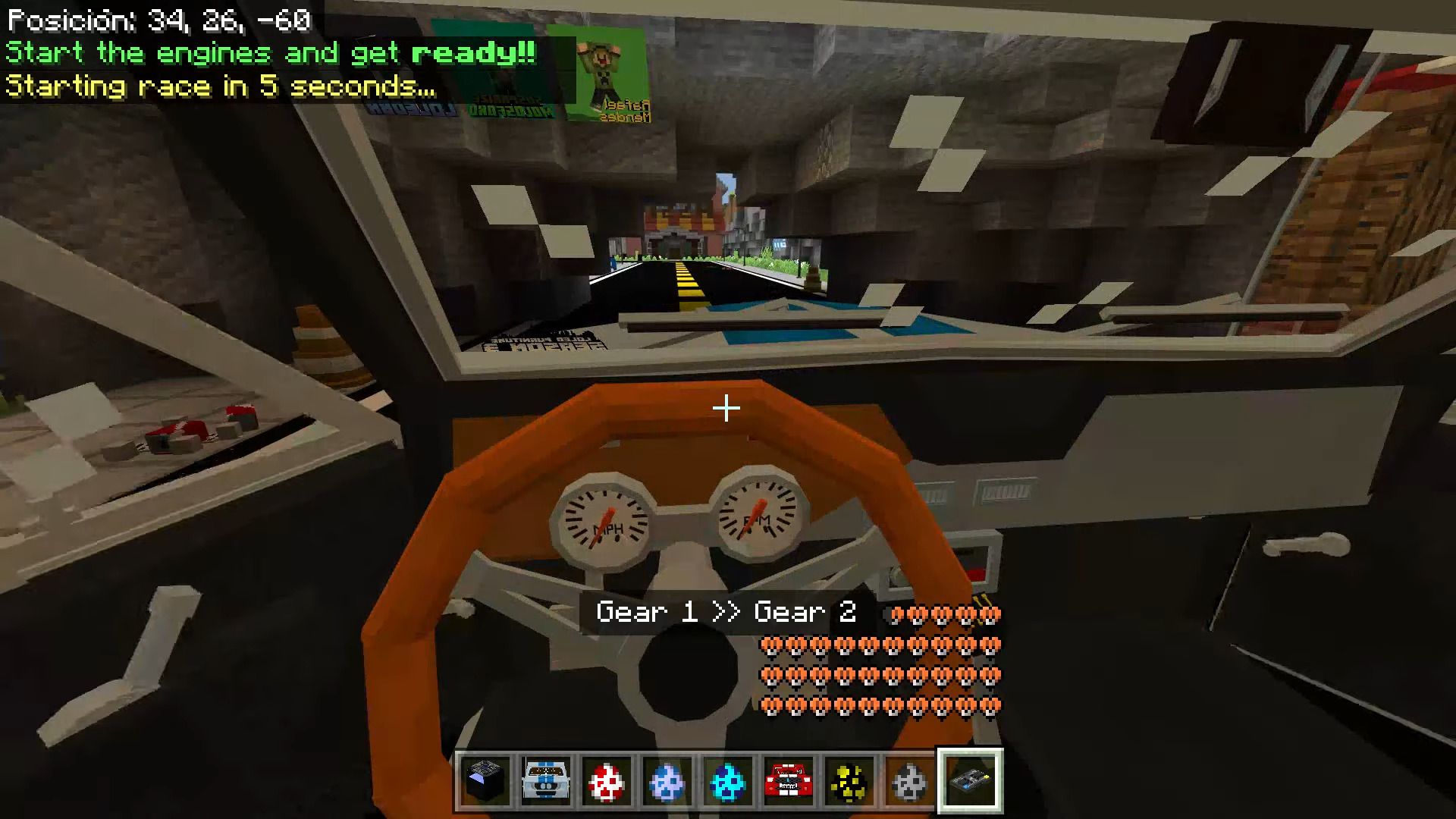
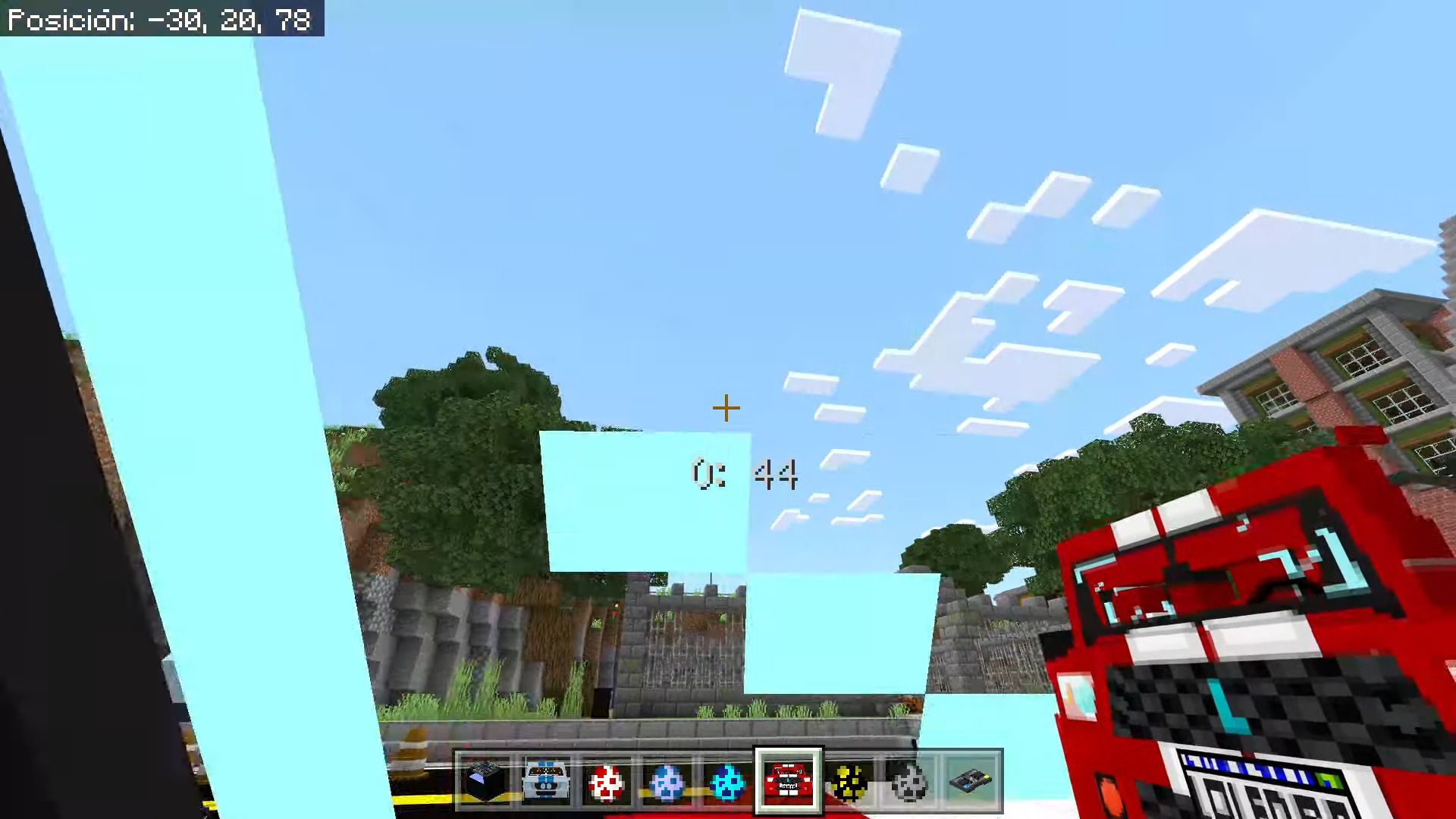
Installation Note:
- Before starting to play you need to activate the options at the time of creation of the world.
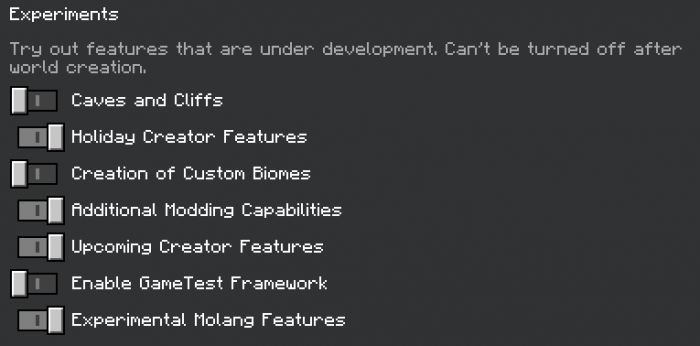
Loled Furniture Addon Download Links
For Minecraft PE/Bedrock 1.18, 1.17
mcaddon: Download from server 1
For Minecraft PE/Bedrock 1.20
mcaddon: Download from server 1 – Download from server 2
- Edition: Minecraft Bedrock
- File type: .mcpack or .mcaddon
- Minecraft version listed: 1.20
- How to install: Download the .mcpack or .mcaddon file. → Open it — Minecraft imports it. → In your world: Behavior Packs → Available → Activate, then the same under Resource Packs.
- Where to get it: In MCModsHub, or directly above on this page.
Install steps are the general flow for this file type — How to install Minecraft Bedrock addons & mods walks through it step by step.
- Pack type: .mcaddon — behaviour and resource pack in one file
- Manifest requires Minecraft 1.17.0 or newer
- Complete pack — everything it depends on is inside the file
- Download size: 31.5 MB
- Download link checked 17 Jun 2026 — working
- Mirrored on our own servers — the download does not depend on the original host
These come from our own check of the pack file, not from the source page.