AddonsBedrock
Security Craft Addon (26.x, 1.21) – Bedrock Edition Mod
Bedrock add-on listed for Minecraft 1.21 (behavior + resource pack). File opened and checked on 9 Oct 2026; installs from the MC Bedrock Mods app on Android.
⬇ Download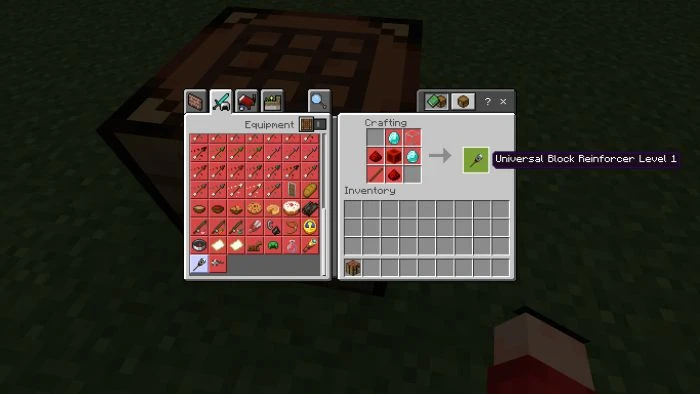
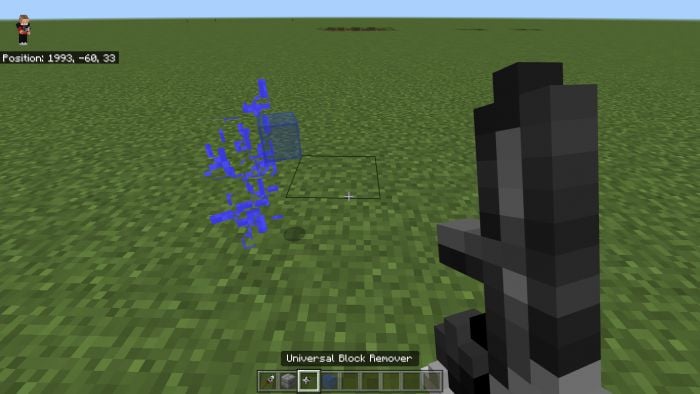
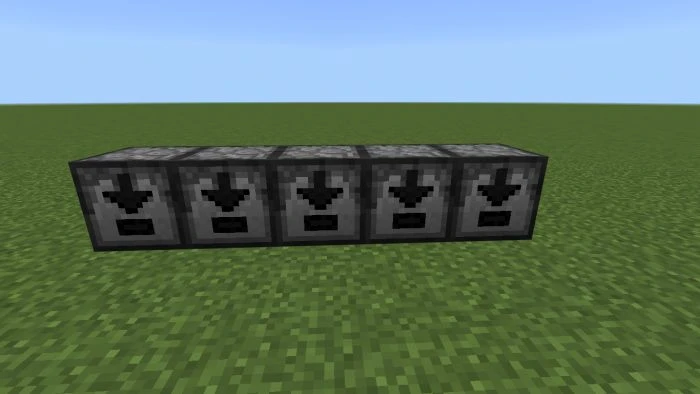
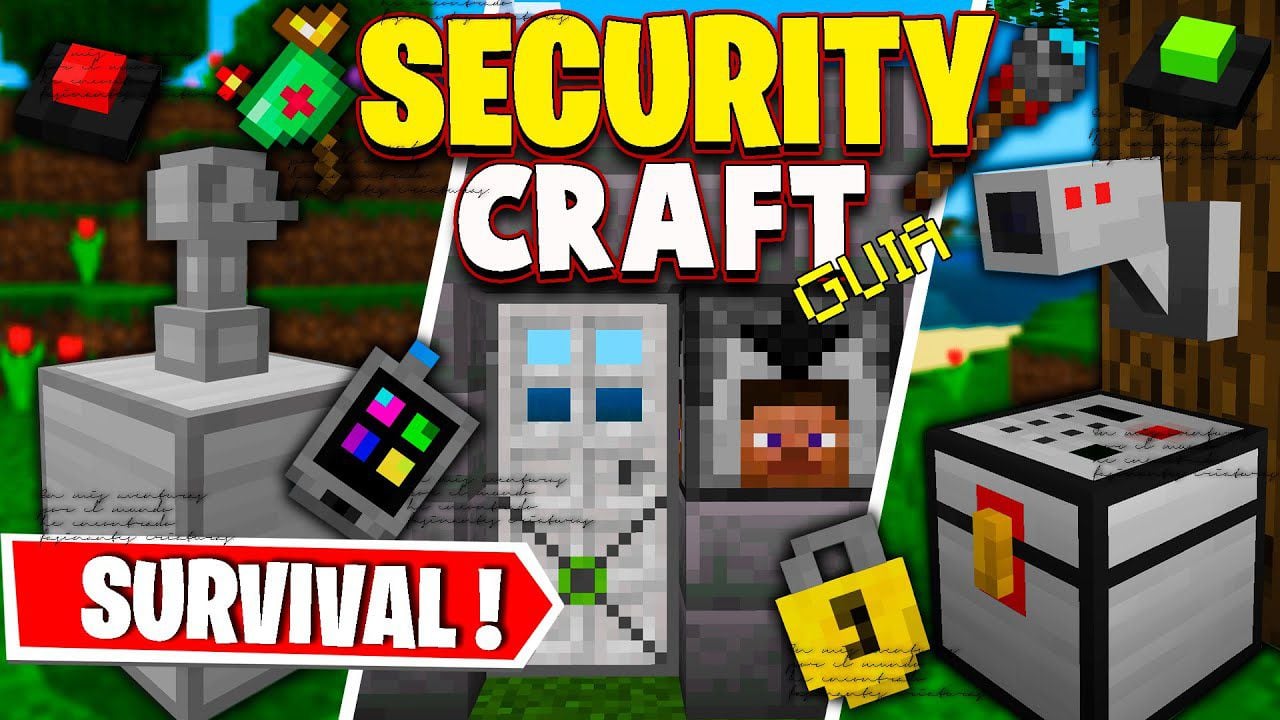
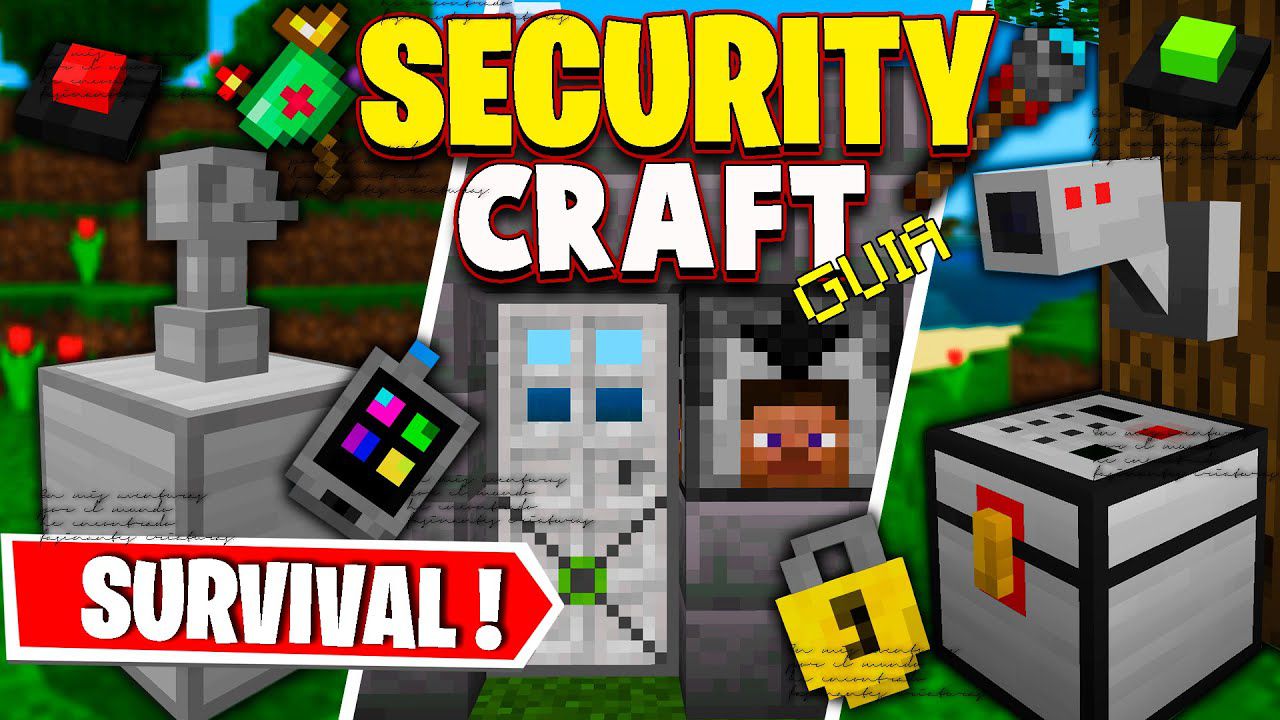
Security Craft Addon adds exactly what the name suggests: Security Cameras, Turret, Remote Access Mines, Lasers, Retinal scanners, Keypads, Unbreakable doors, and more. You now have the option to set up passwords and key codes to gain access through unbreakable doors, except by the owner… Sadly it is only for Java… right? Not anymore! Now the author recreated the Mod (with Permission) into Security Craft Mod – Bedrock Edition! Of course, the features aren’t 1:1 like the Java mod. Hope you enjoy it.
If you are interested in ports of security craft, try the following addon: Security Craft Addon by Halo333x
 And how to break?
Only the person who reinforced them can break them with the Universal Block remover
And how to break?
Only the person who reinforced them can break them with the Universal Block remover
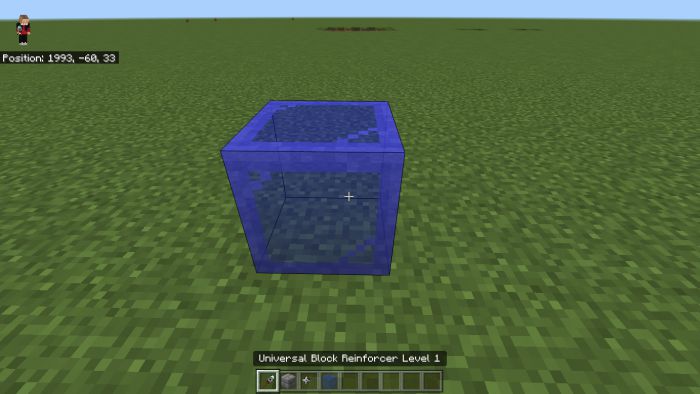
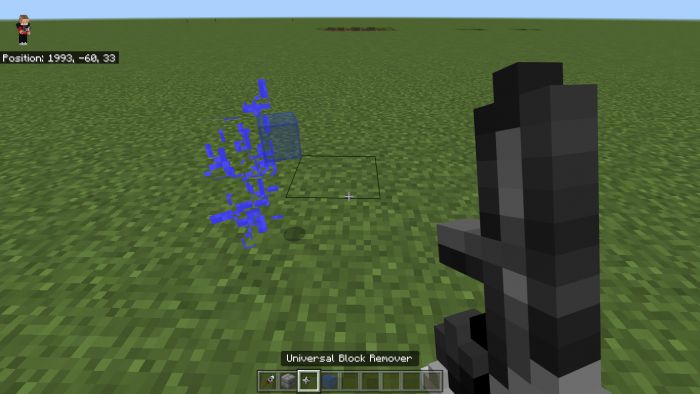
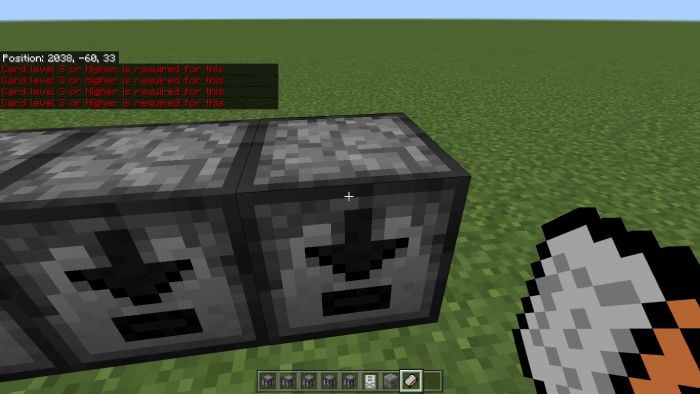
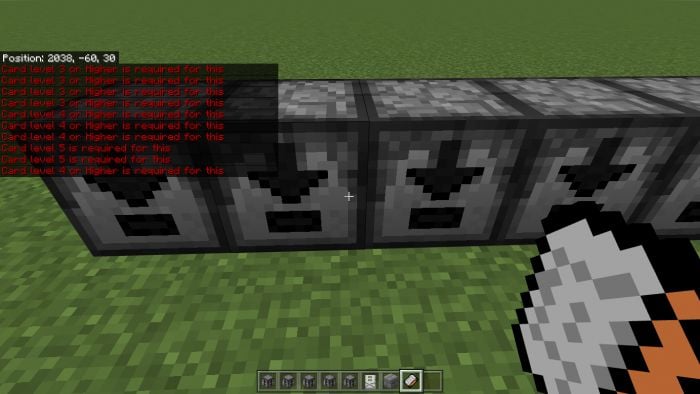
 If someone who didn’t reinforce it tries to break it this message appears
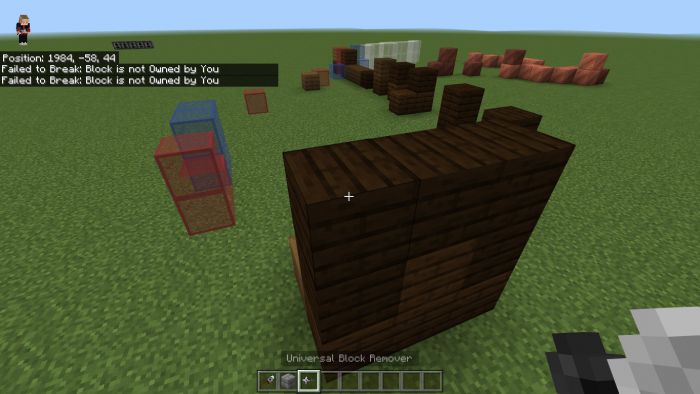 When being broken they drop the original Block they were:
Also!
By a few blocks (Keypad or Keycard reader, etc) you gotta interact the top with the Universal Block remover!
The only way to destroy them (By the doors only on the bottom block)
The Keycard reader:
When being broken they drop the original Block they were:
Also!
By a few blocks (Keypad or Keycard reader, etc) you gotta interact the top with the Universal Block remover!
The only way to destroy them (By the doors only on the bottom block)
The Keycard reader:
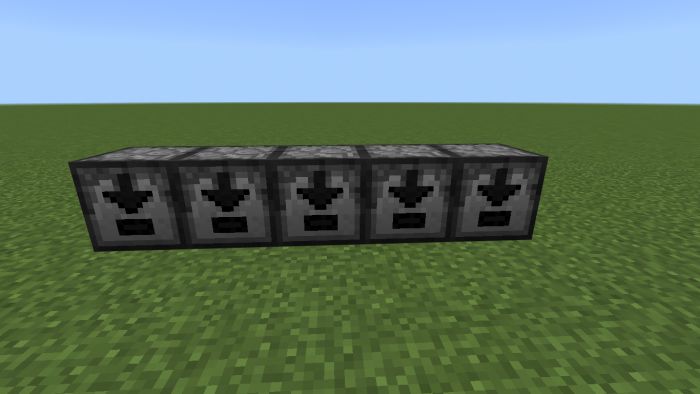
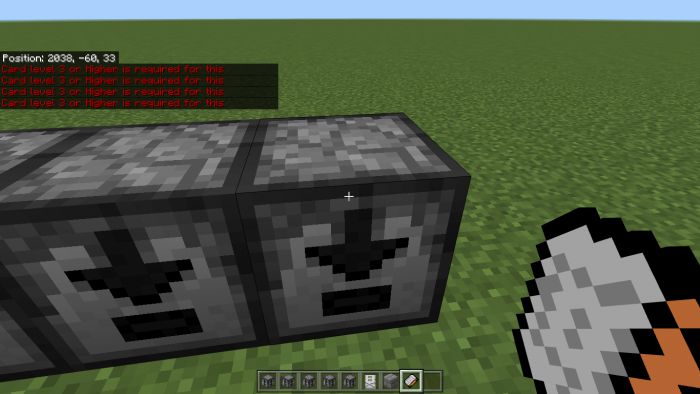
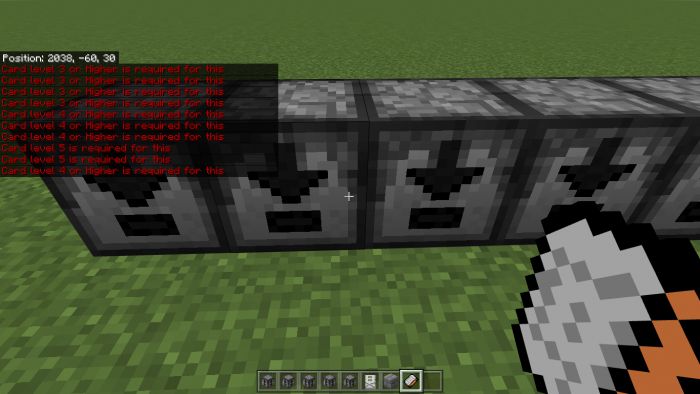 they have 5 Different levels which need this certain Keycard or Higher
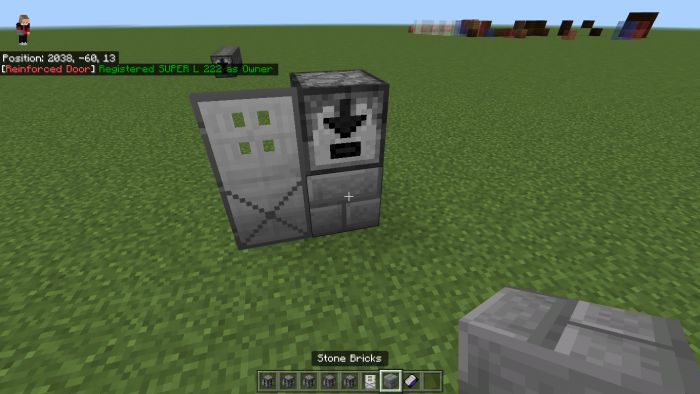
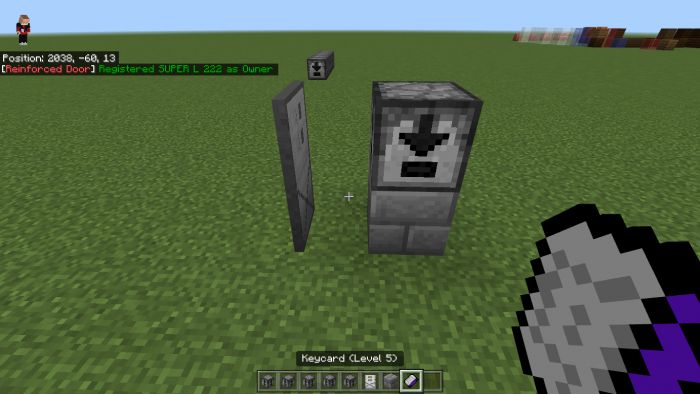 It’s simple explained however so nothing too much of a problem.
The Padlock:
Now in the Orignal Mod, it has some fancy Custom UI however the author can’t do that soooooo here is his version-
Only the person who placed it can use it and it sends a signal and opens the nearest Reinforced Door
It’s simple explained however so nothing too much of a problem.
The Padlock:
Now in the Orignal Mod, it has some fancy Custom UI however the author can’t do that soooooo here is his version-
Only the person who placed it can use it and it sends a signal and opens the nearest Reinforced Door
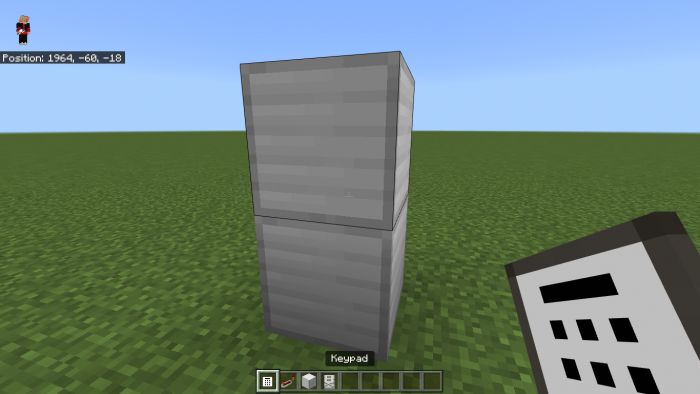
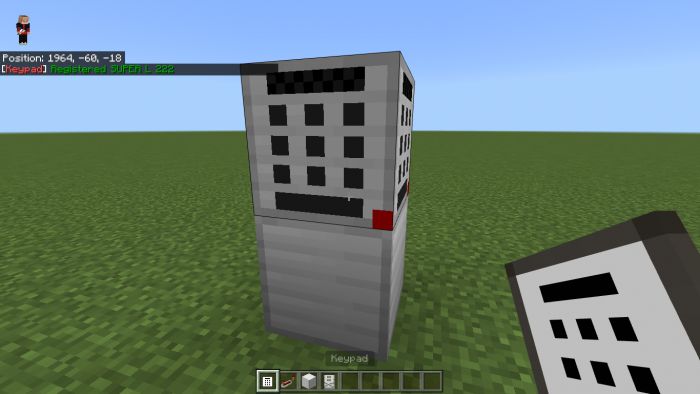
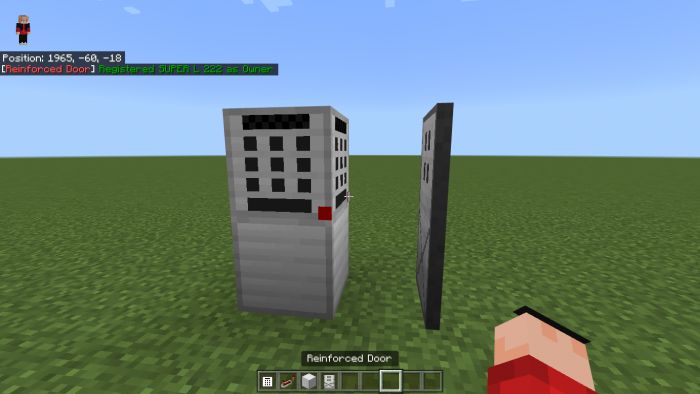 They drop both the iron Block and the keypad btw-
The Retinal Scanner:
It registers the player who placed it and when being in front of opens the nearest reinforced door OR sends a Redstone signal
They drop both the iron Block and the keypad btw-
The Retinal Scanner:
It registers the player who placed it and when being in front of opens the nearest reinforced door OR sends a Redstone signal
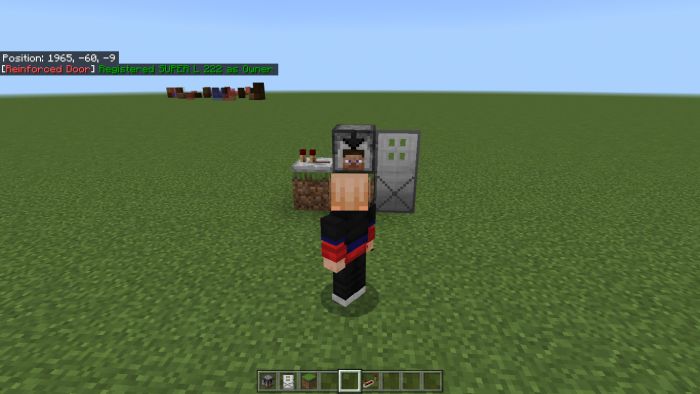
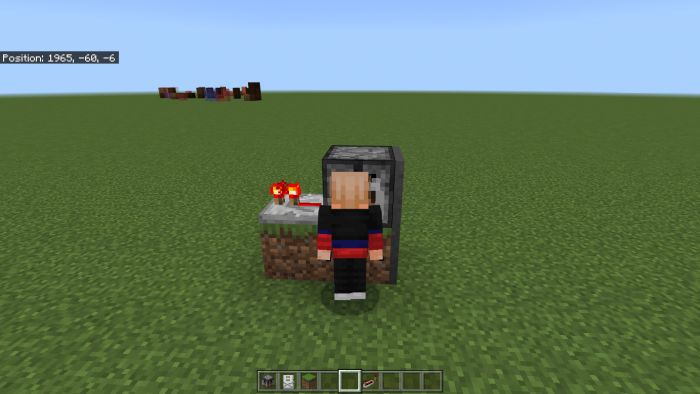 Again only the player who placed it so keep that in mind
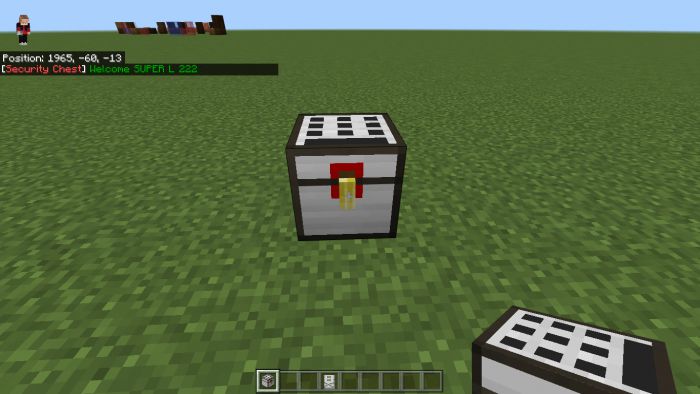
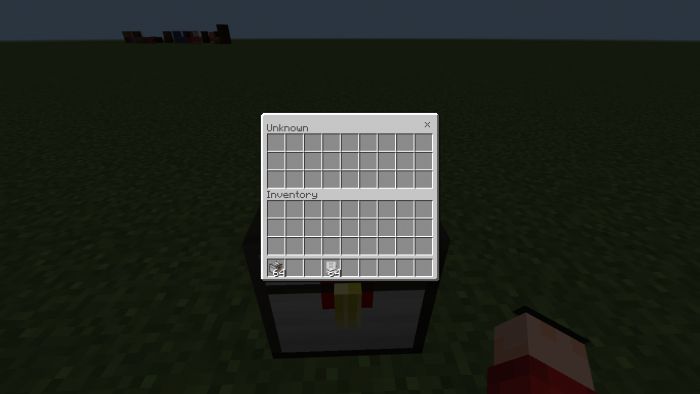
Now the Security chests:
Like the Padlock, the author can’t do the same as in the Original
It’s the same kinda as the Padlock the one who places it AND ONLY the one who places it can use it
Again only the player who placed it so keep that in mind
Now the Security chests:
Like the Padlock, the author can’t do the same as in the Original
It’s the same kinda as the Padlock the one who places it AND ONLY the one who places it can use it
 It’s Simple.
Also here interact on the top to destroy it (With Block remover ofc)
The Padlock door, Reinforced door, and Scanner Door:
To rotate interact with the inside bottom in the same way to destroy them
It’s Simple.
Also here interact on the top to destroy it (With Block remover ofc)
The Padlock door, Reinforced door, and Scanner Door:
To rotate interact with the inside bottom in the same way to destroy them
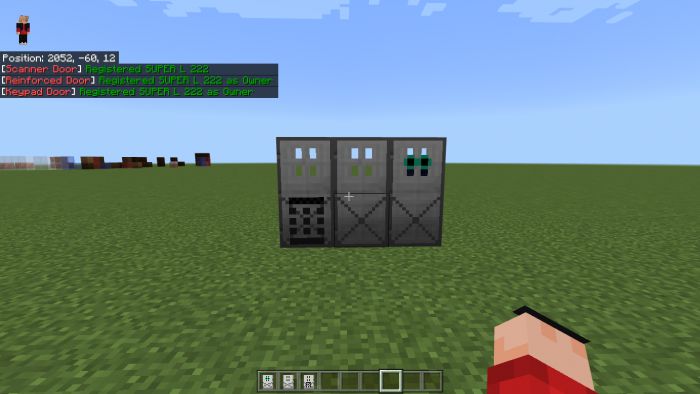
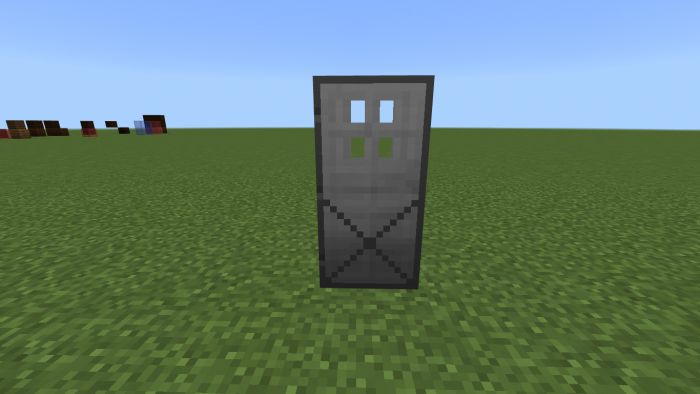
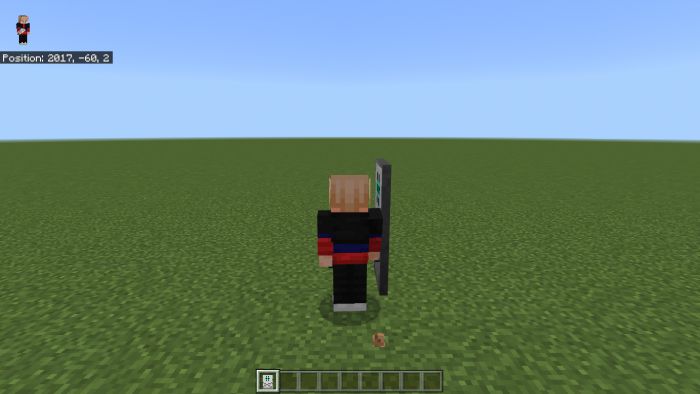 The Reinforced door only can open with stuff like the Scanner or Keycard reader and such.
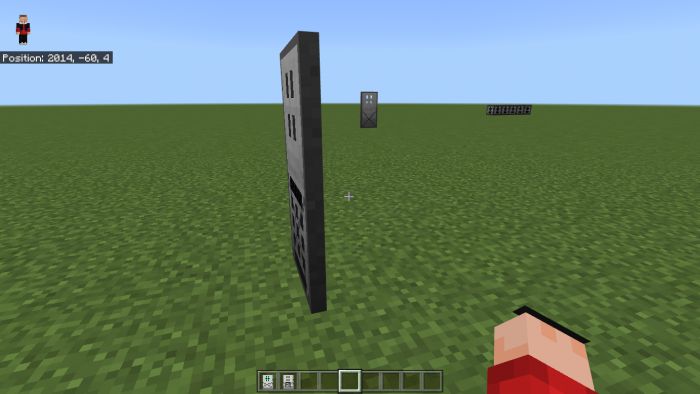
The Scanner door only opens for the one who placed it when standing in front of the door.
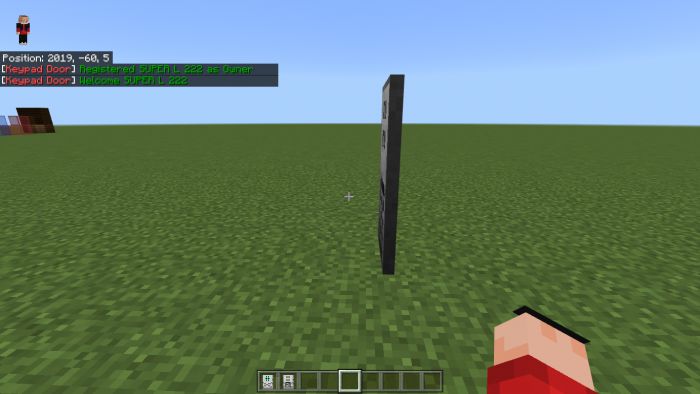
And the Keypad Door opens when the keypad side interacts (Kinda like a normal door but only works for the One who places it)
Now that is done.
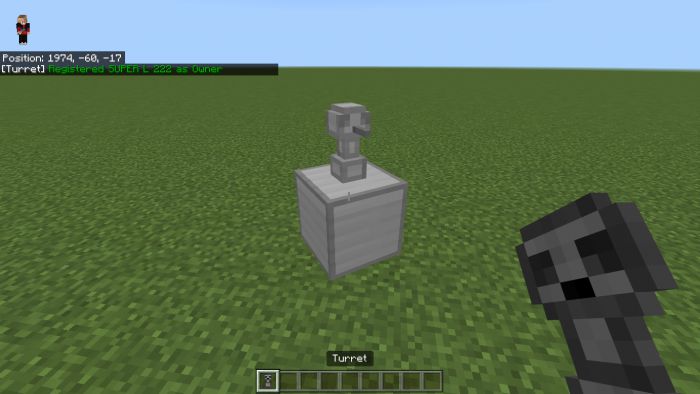
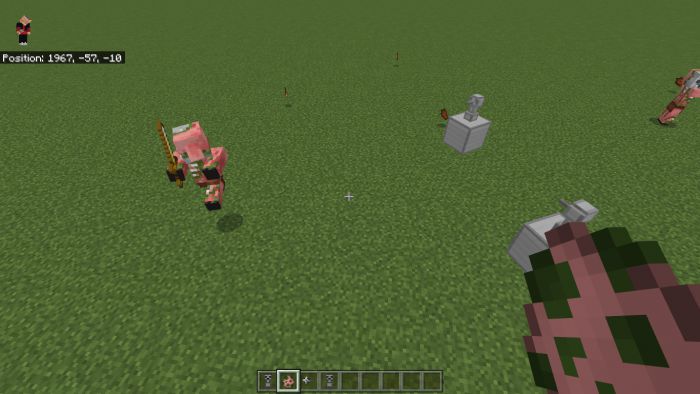
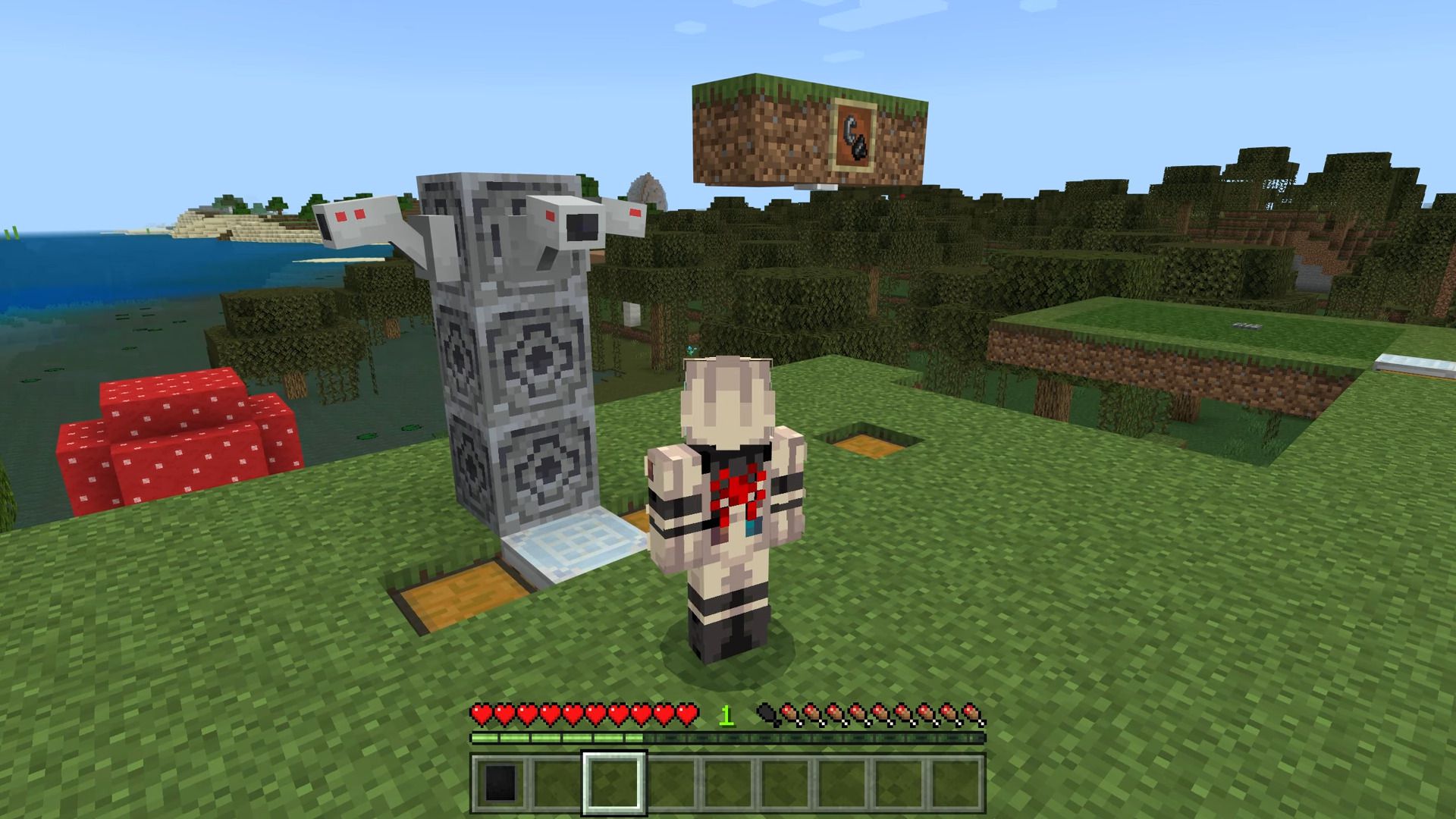
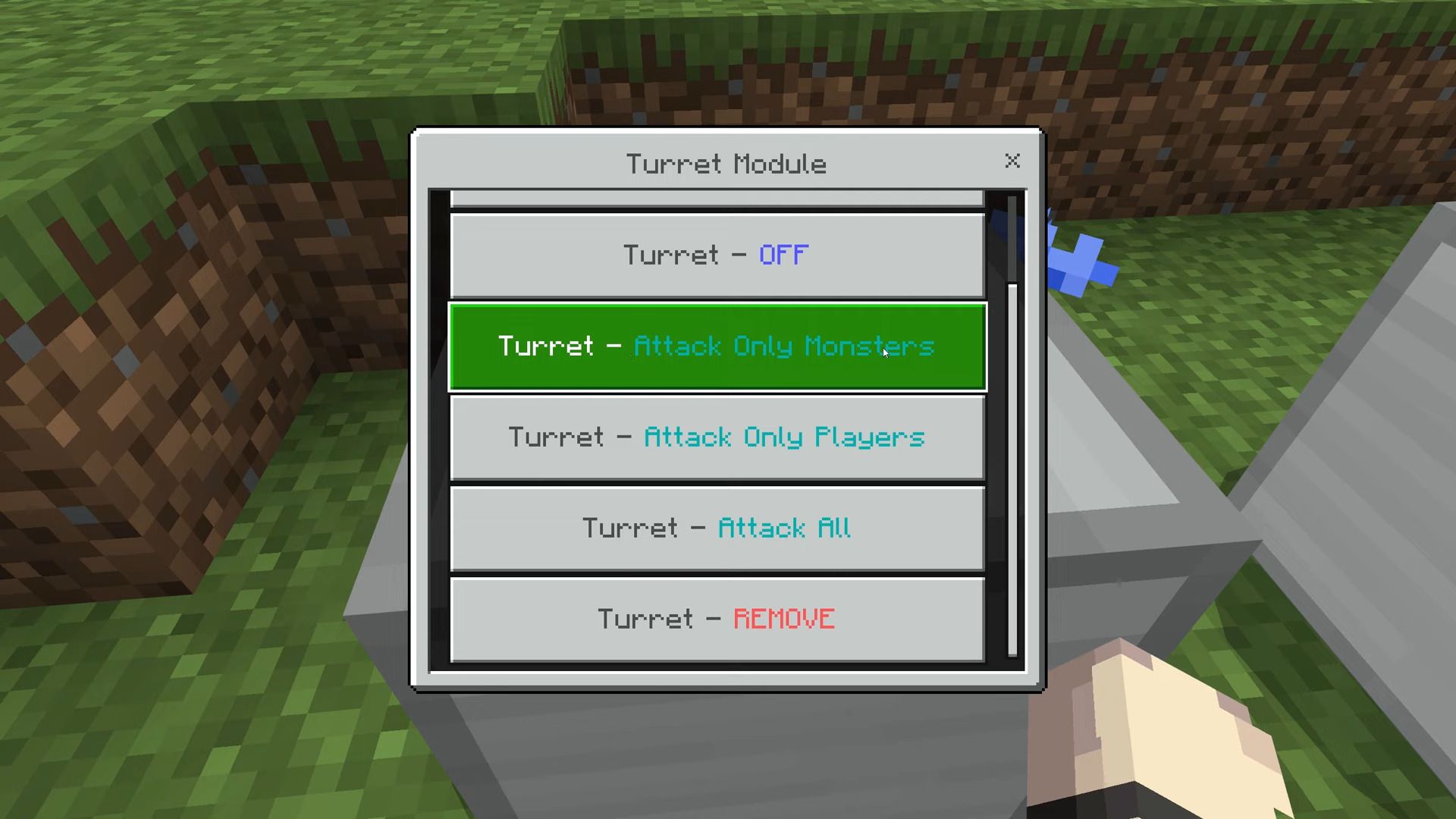
Now the Turret:
This will shoot everything except pets, Villagers, and the one who placed it!
The Reinforced door only can open with stuff like the Scanner or Keycard reader and such.
The Scanner door only opens for the one who placed it when standing in front of the door.
And the Keypad Door opens when the keypad side interacts (Kinda like a normal door but only works for the One who places it)
Now that is done.
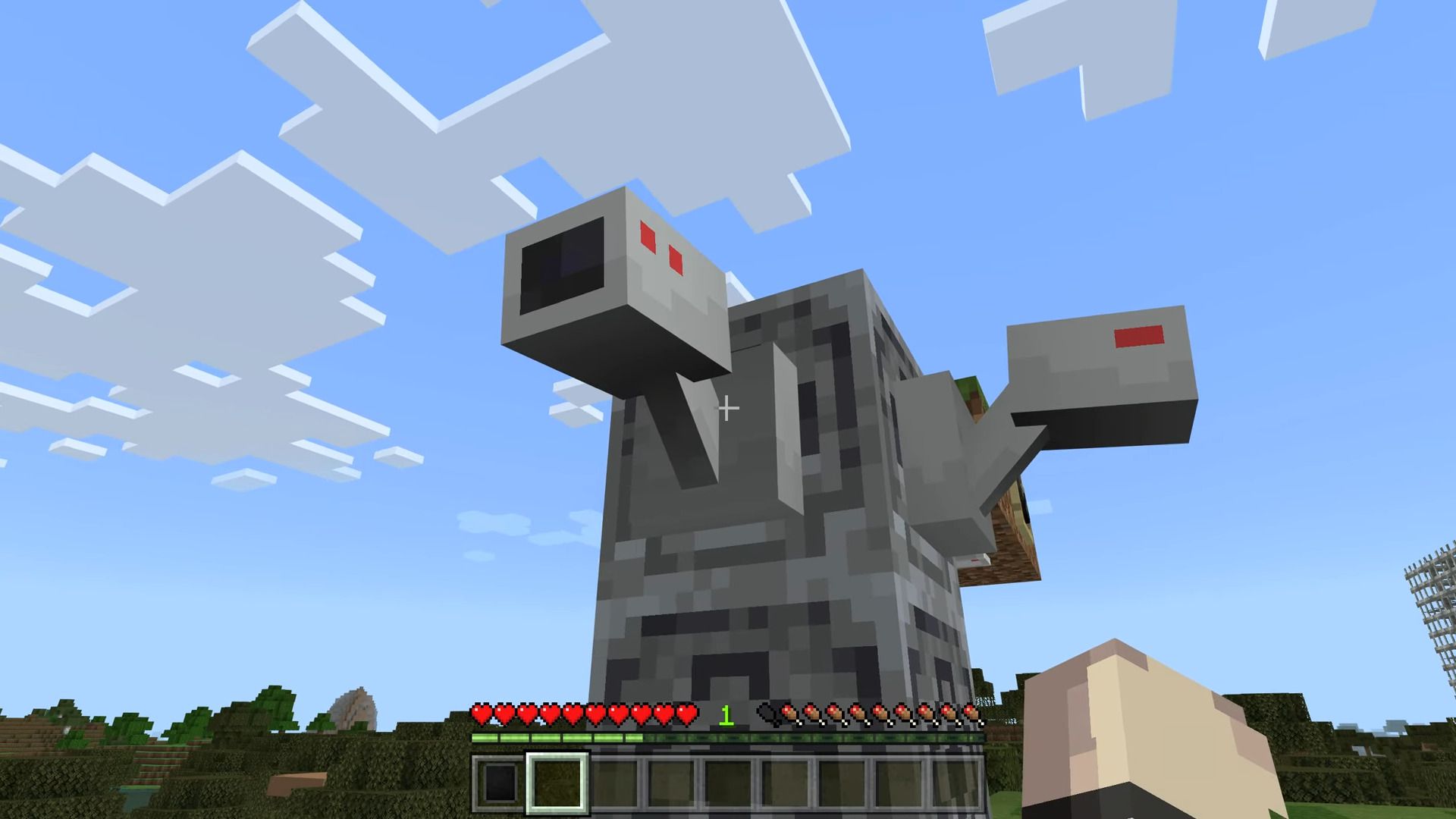
Now the Turret:
This will shoot everything except pets, Villagers, and the one who placed it!
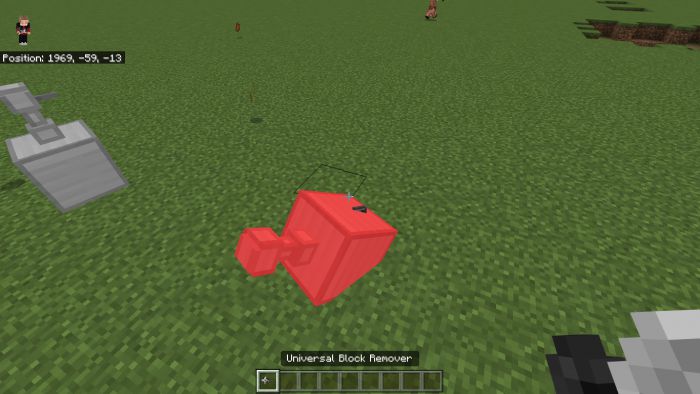 Of course, you get it back when destroyed with the Universal Block remover!
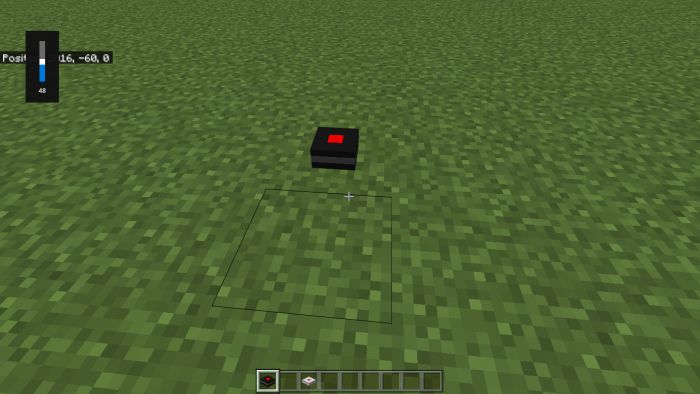
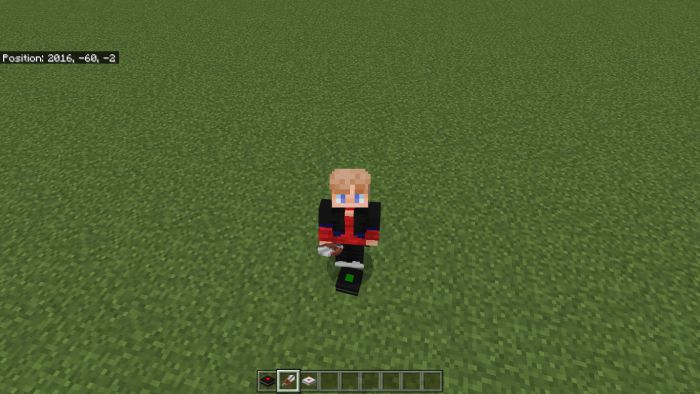
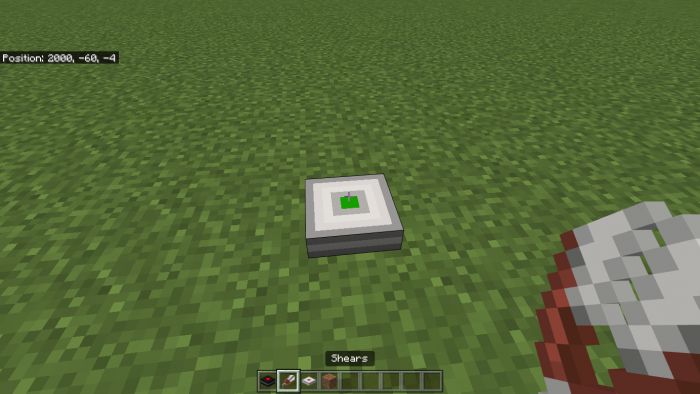
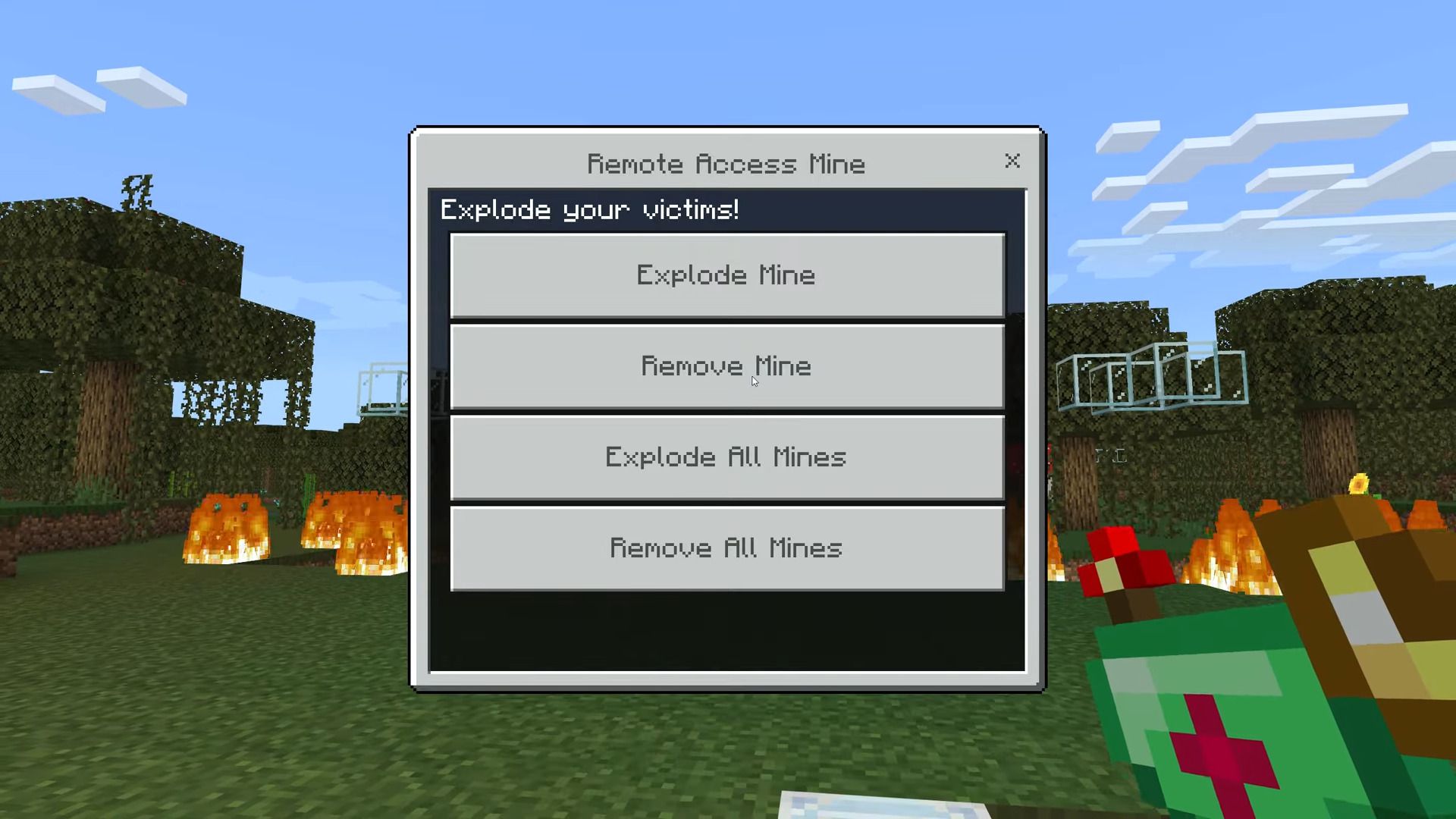
The Land mine and bouncy betty:
The landmine is self-explaining.
the Bouncy betty is just a better version!
Both can be defused by using shears.
Of course, you get it back when destroyed with the Universal Block remover!
The Land mine and bouncy betty:
The landmine is self-explaining.
the Bouncy betty is just a better version!
Both can be defused by using shears.
 The Protecto is next:
It’s just really simple.. when lightning hits nearby it charges.
When charged it can be interacted with and will summon lightning on all mobs! (Max of 5 Mobs will be hit)
The Protecto is next:
It’s just really simple.. when lightning hits nearby it charges.
When charged it can be interacted with and will summon lightning on all mobs! (Max of 5 Mobs will be hit)
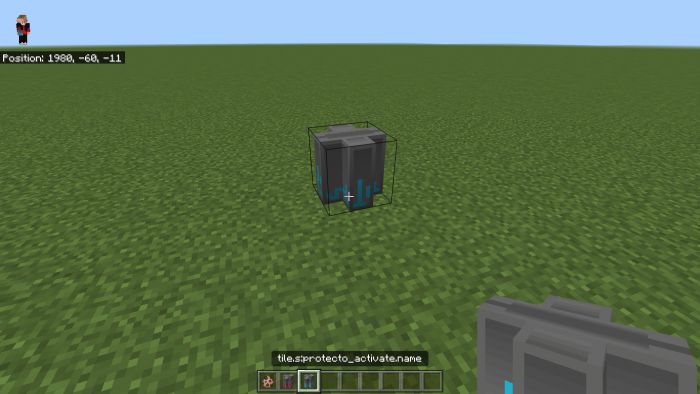
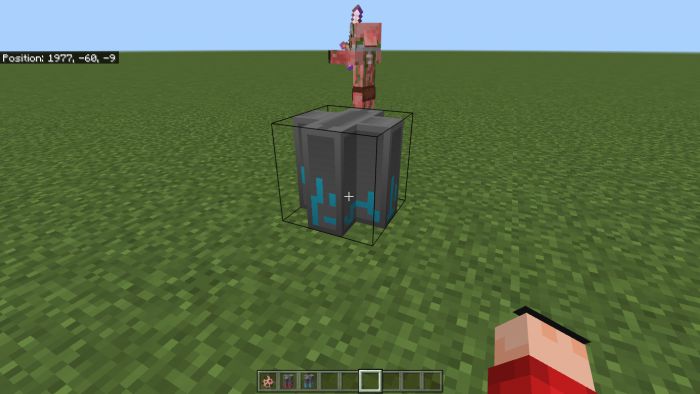 It can’t charge from its lightning.
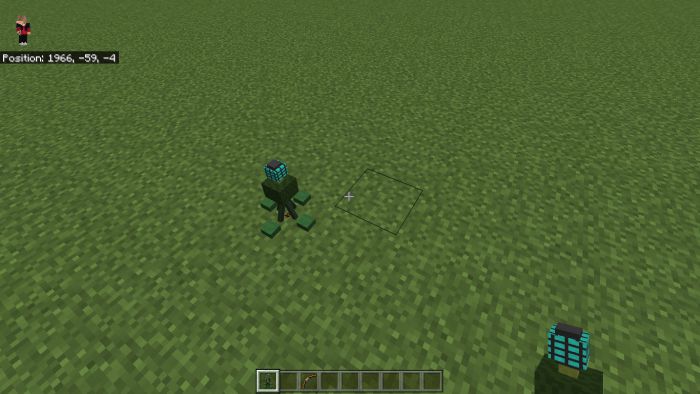
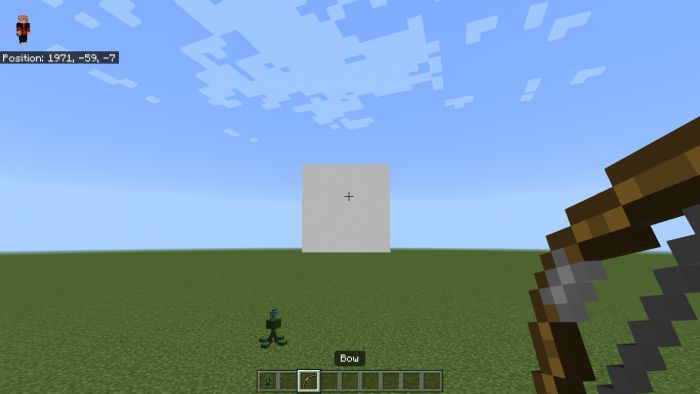 That’s all!!
Now here is some recipes example.
That’s all!!
Now here is some recipes example.
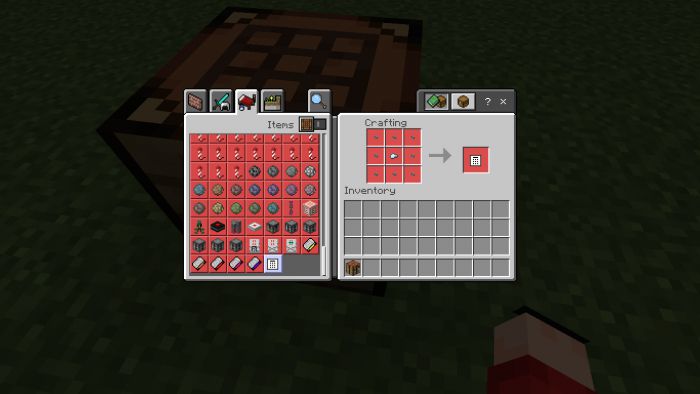
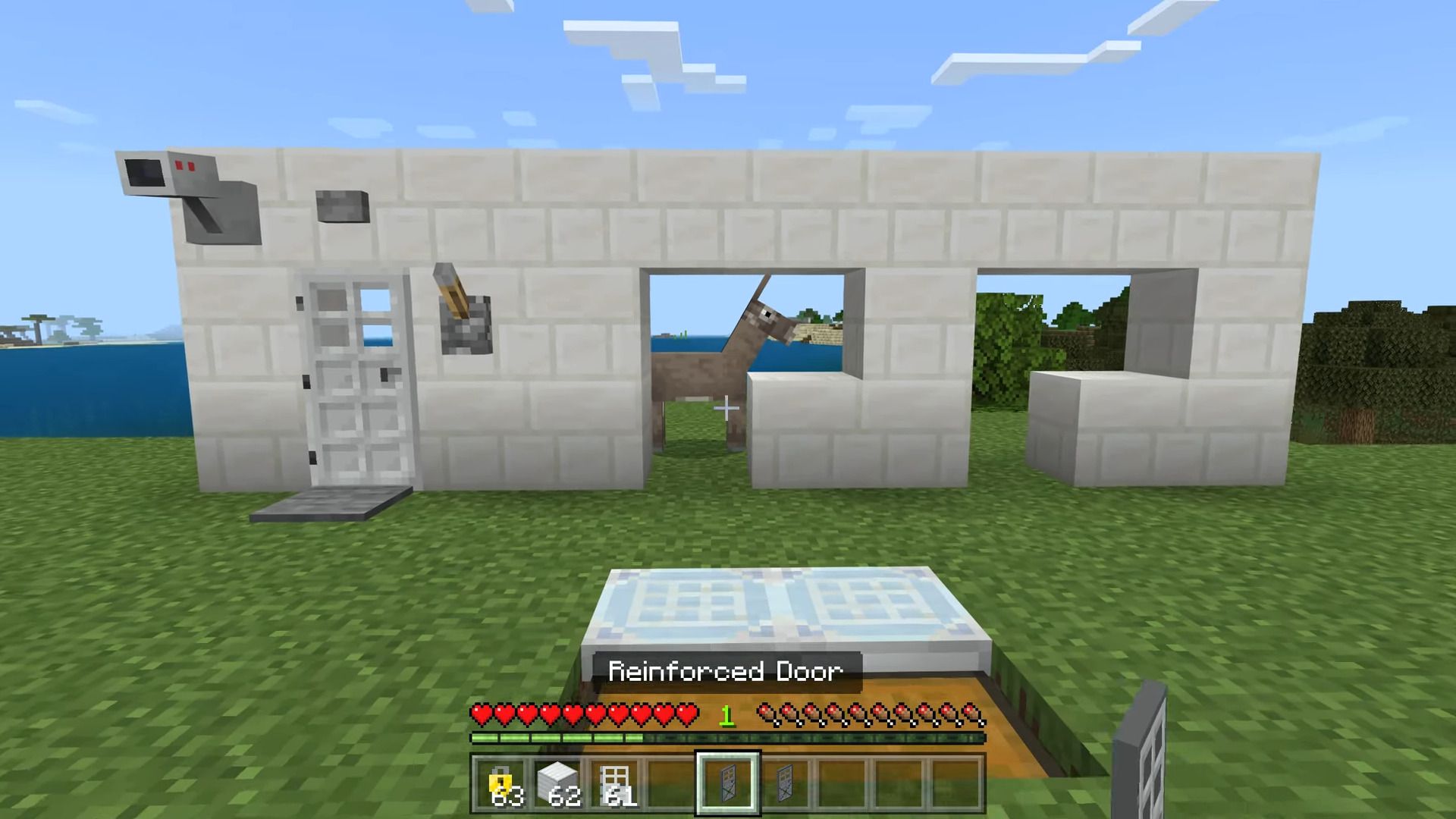
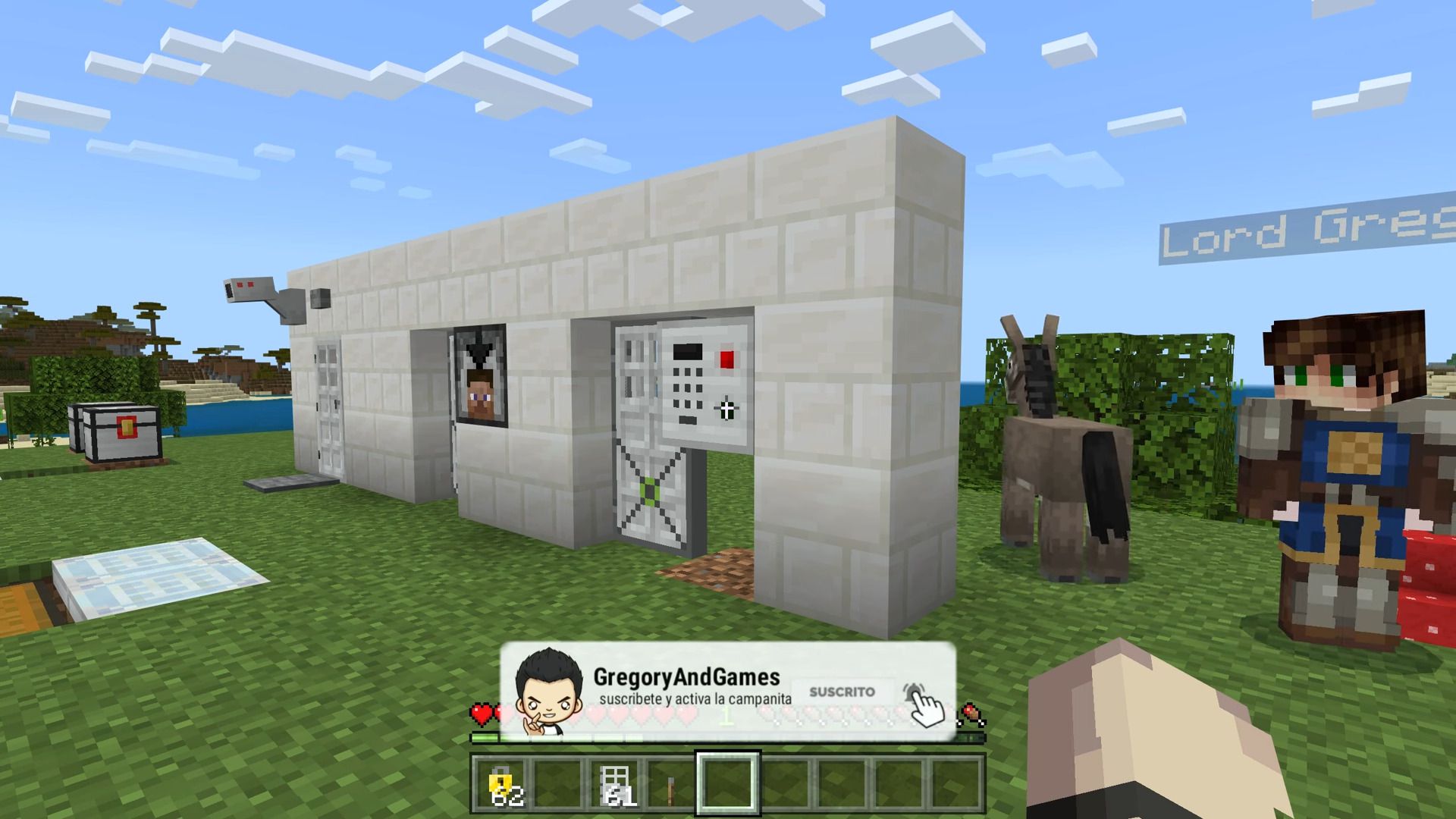
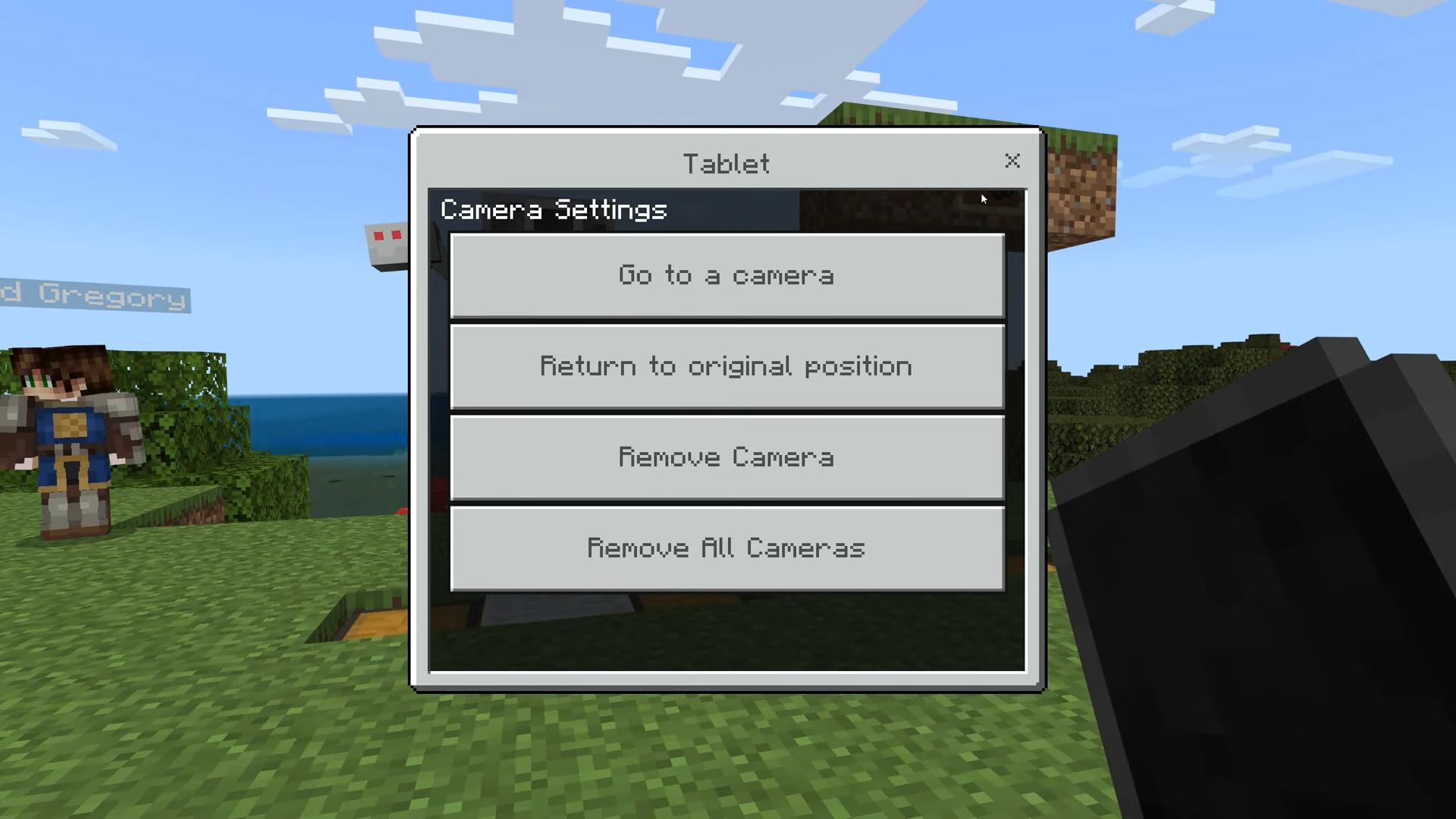
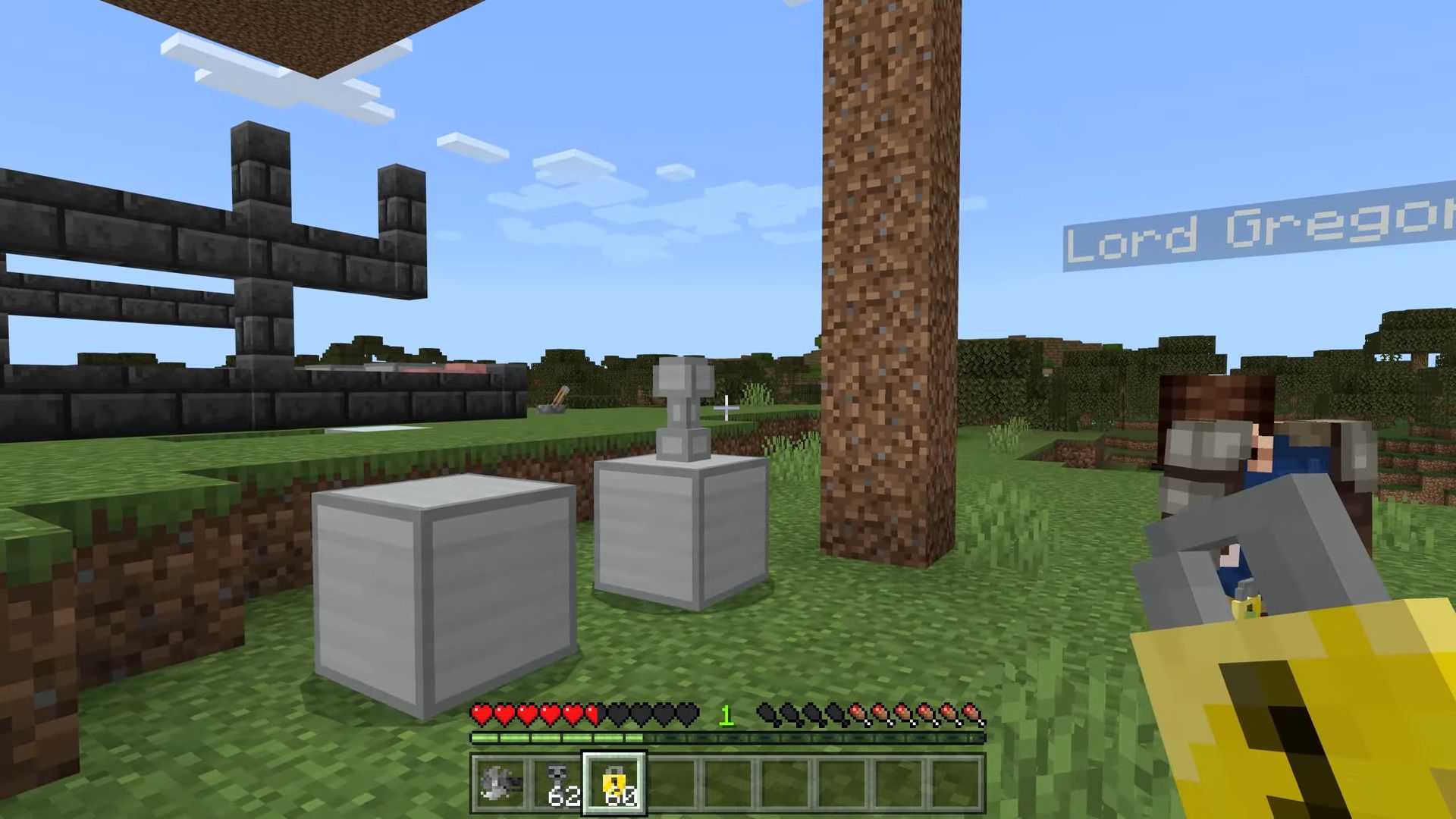
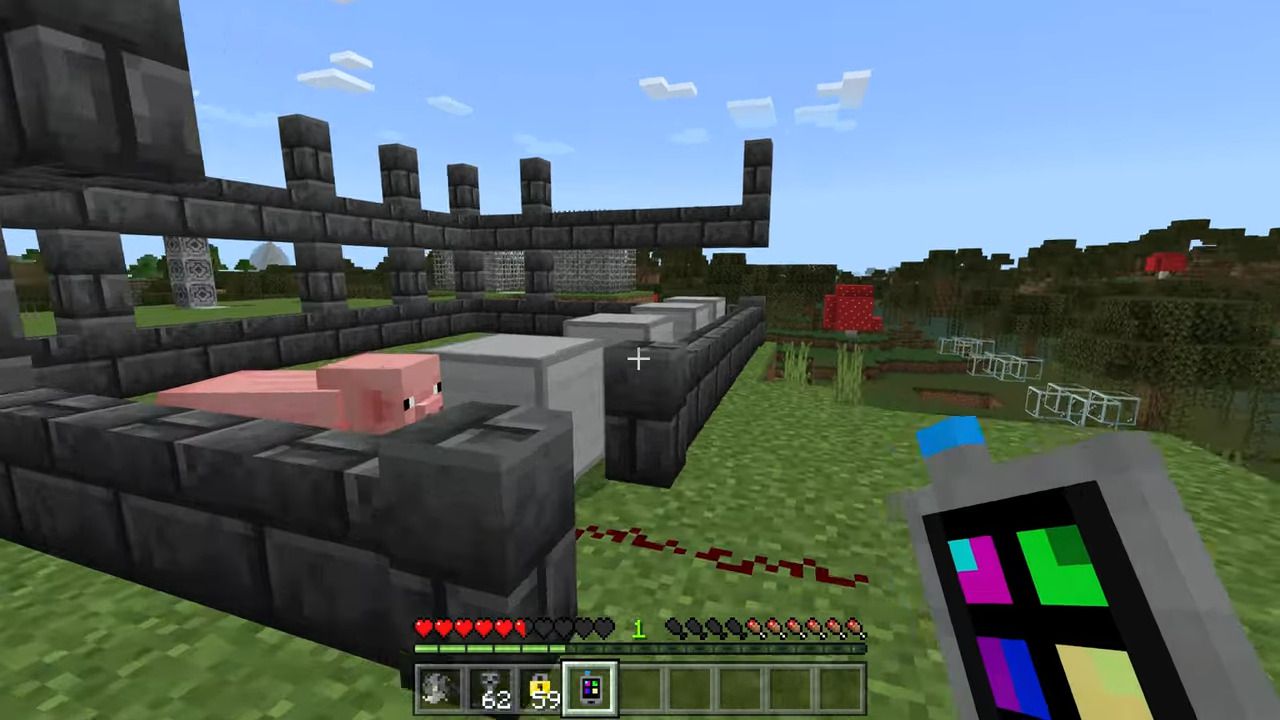
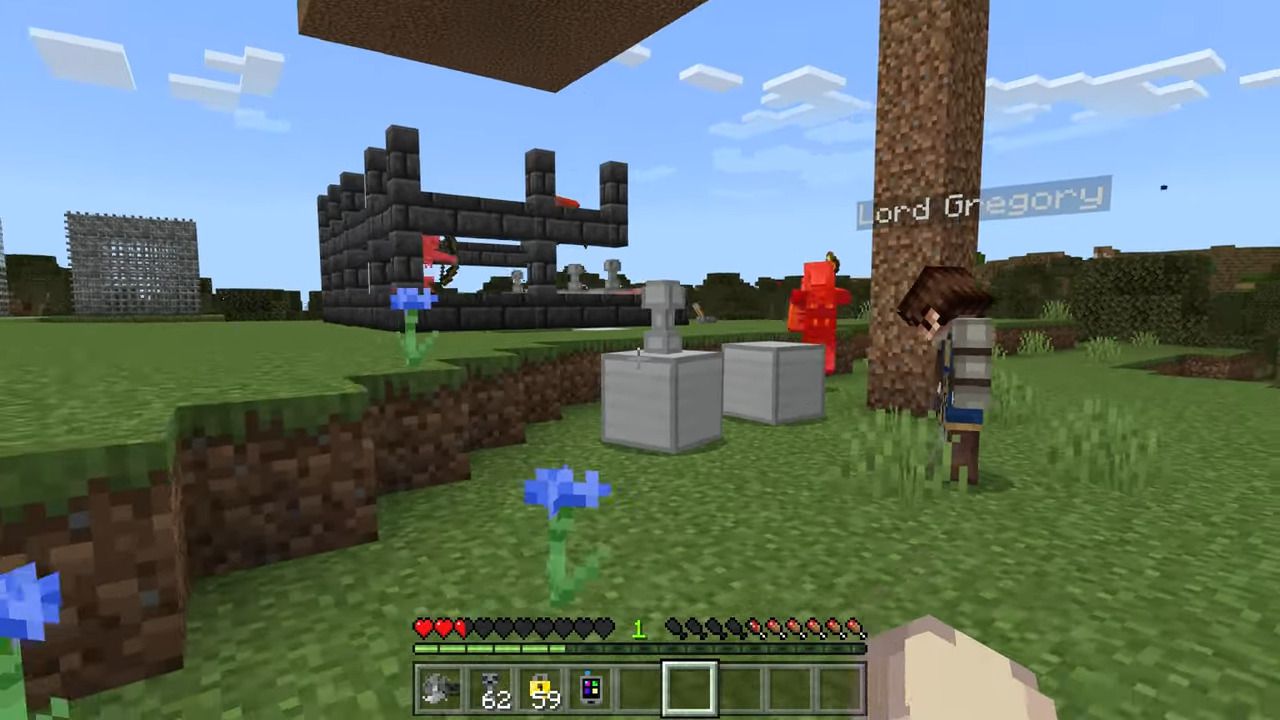
Features:
- Let’s start with reinforced Blocks:
Reinforced Blocks
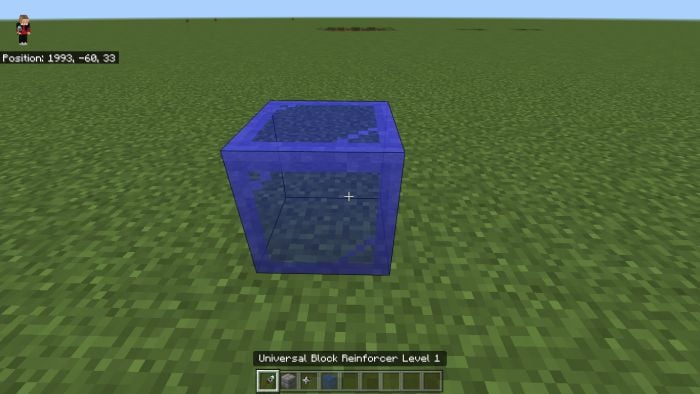
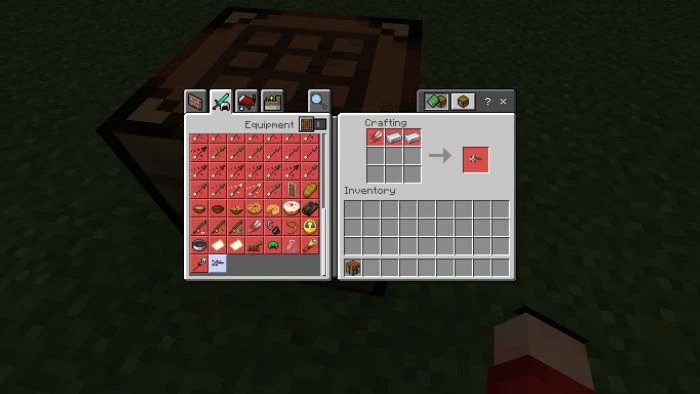
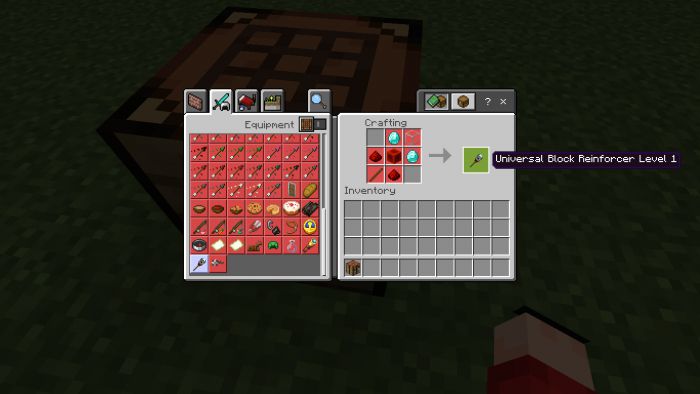
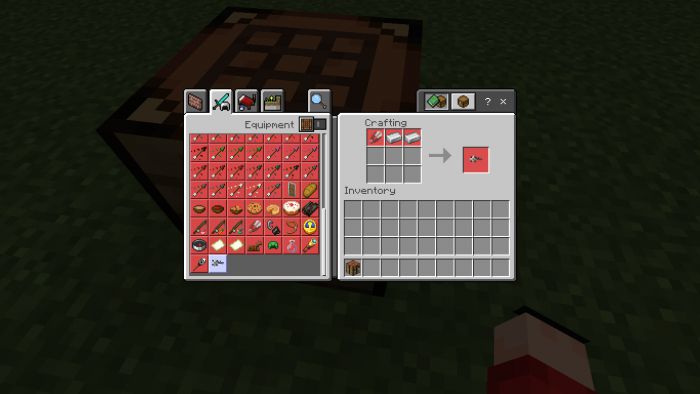
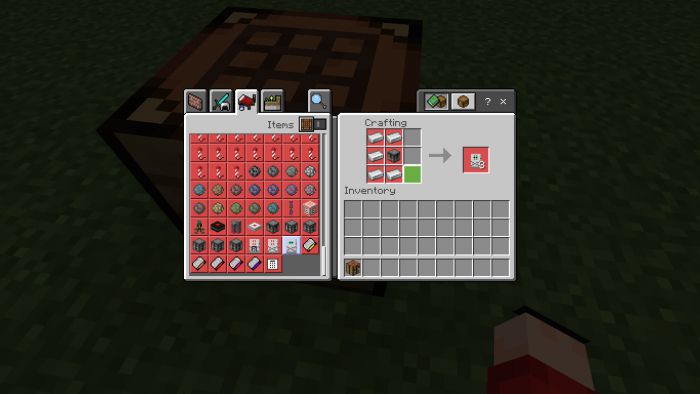
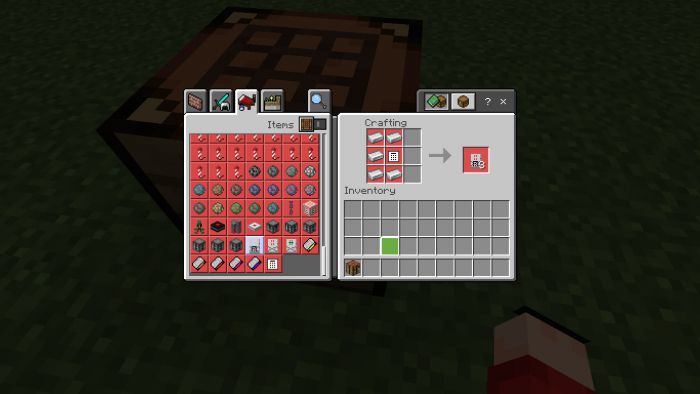
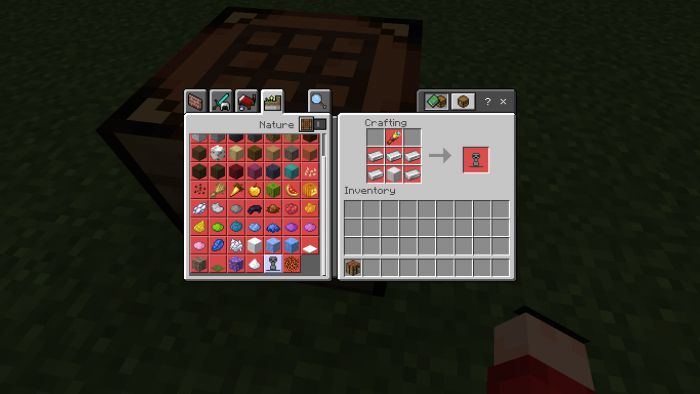
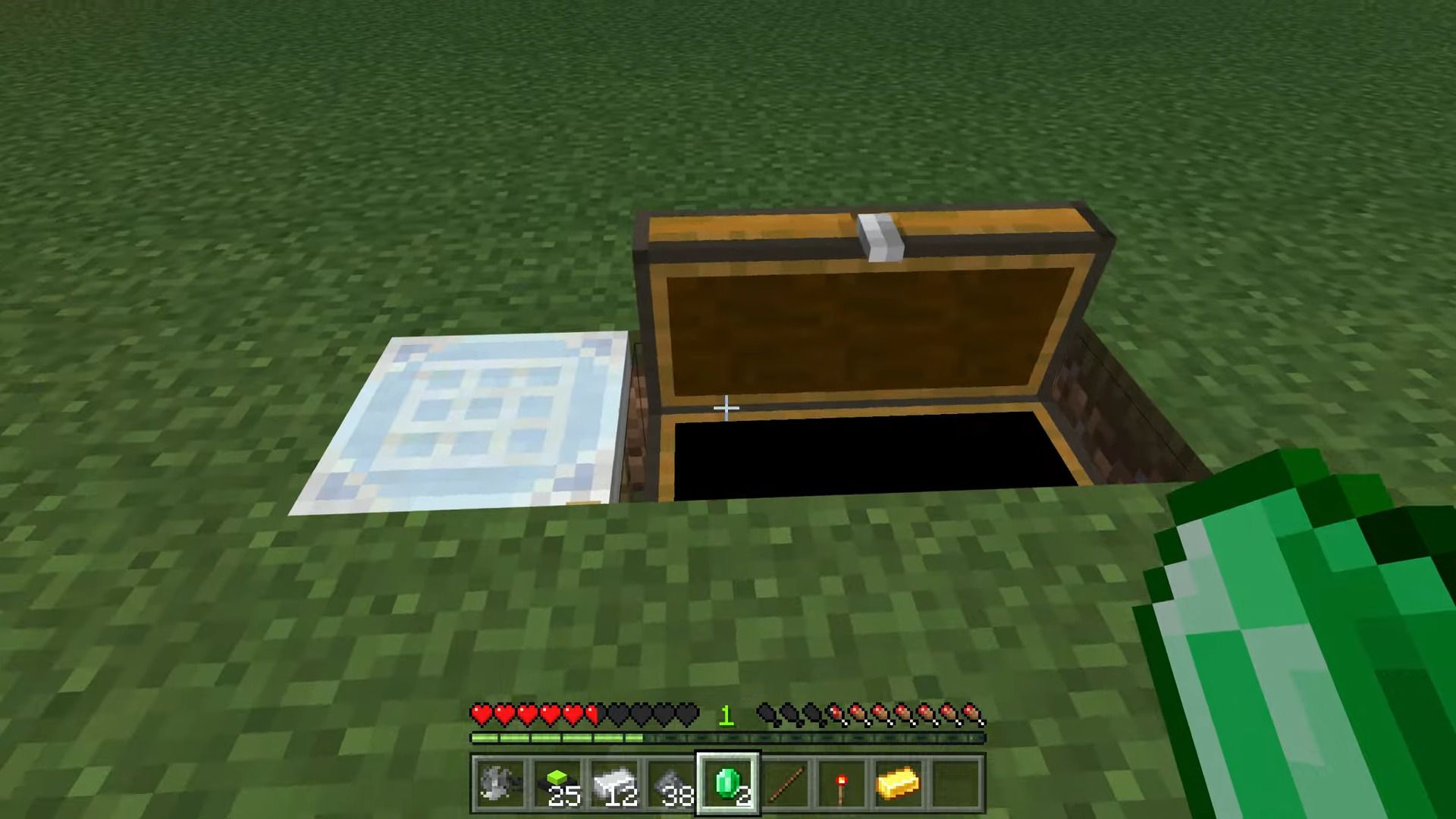
You can’t reinforce all Blocks… Here are all the Blocks you can reinforce AND the Recipe of the Universal Block Reinforcer
And how to break?
Only the person who reinforced them can break them with the Universal Block remover
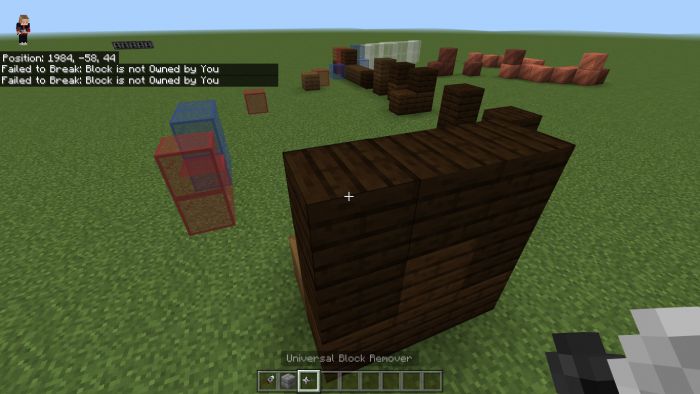
If someone who didn’t reinforce it tries to break it this message appears
When being broken they drop the original Block they were:
Also!
By a few blocks (Keypad or Keycard reader, etc) you gotta interact the top with the Universal Block remover!
The only way to destroy them (By the doors only on the bottom block)
The Keycard reader:
they have 5 Different levels which need this certain Keycard or Higher
It’s simple explained however so nothing too much of a problem.
The Padlock:
Now in the Orignal Mod, it has some fancy Custom UI however the author can’t do that soooooo here is his version-
Only the person who placed it can use it and it sends a signal and opens the nearest Reinforced Door
They drop both the iron Block and the keypad btw-
The Retinal Scanner:
It registers the player who placed it and when being in front of opens the nearest reinforced door OR sends a Redstone signal
Again only the player who placed it so keep that in mind
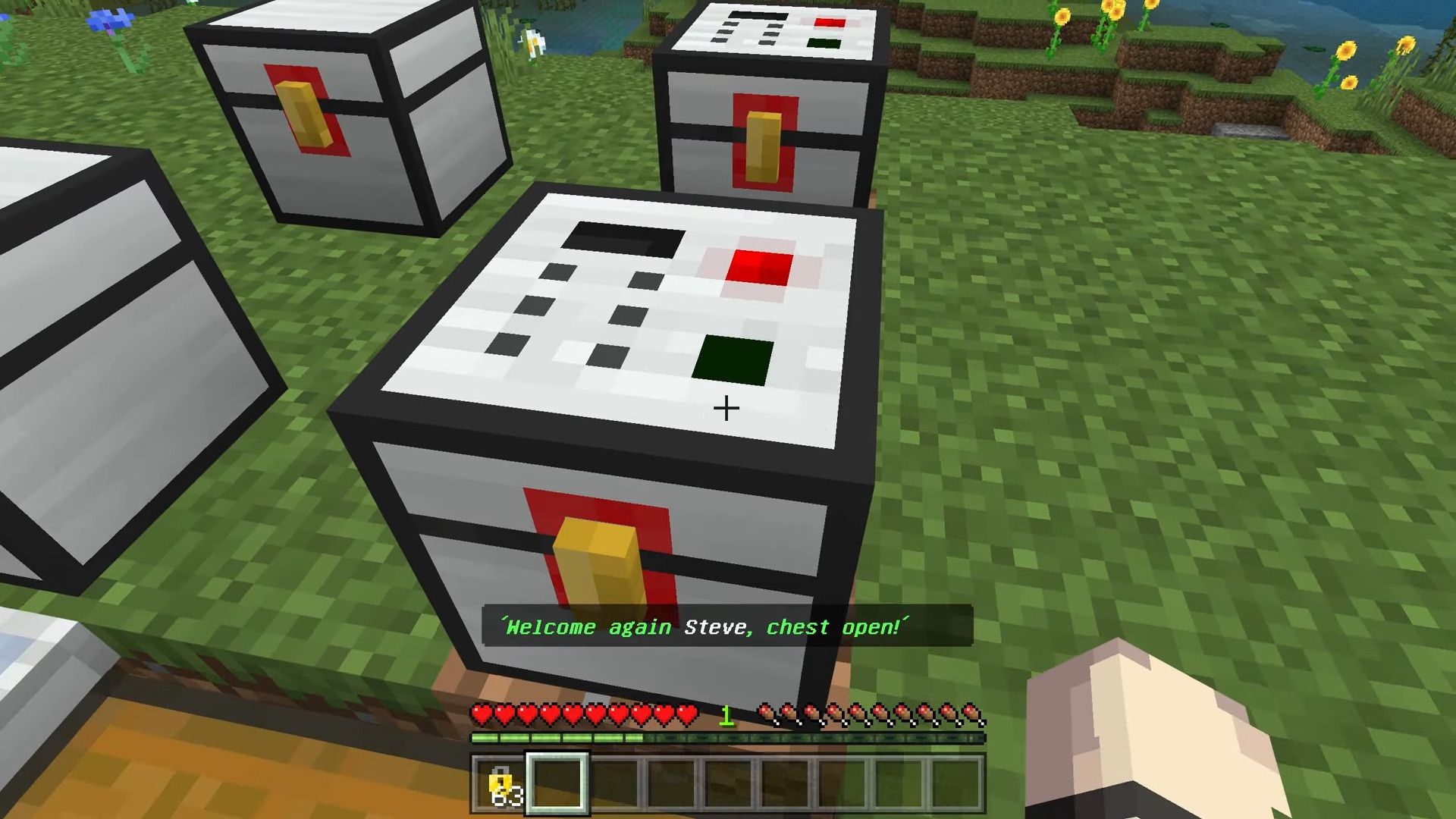
Now the Security chests:
Like the Padlock, the author can’t do the same as in the Original
It’s the same kinda as the Padlock the one who places it AND ONLY the one who places it can use it
It’s Simple.
Also here interact on the top to destroy it (With Block remover ofc)
The Padlock door, Reinforced door, and Scanner Door:
To rotate interact with the inside bottom in the same way to destroy them
The Reinforced door only can open with stuff like the Scanner or Keycard reader and such.
The Scanner door only opens for the one who placed it when standing in front of the door.
And the Keypad Door opens when the keypad side interacts (Kinda like a normal door but only works for the One who places it)
Now that is done.
Now the Turret:
This will shoot everything except pets, Villagers, and the one who placed it!
Of course, you get it back when destroyed with the Universal Block remover!
The Land mine and bouncy betty:
The landmine is self-explaining.
the Bouncy betty is just a better version!
Both can be defused by using shears.
The Protecto is next:
It’s just really simple.. when lightning hits nearby it charges.
When charged it can be interacted with and will summon lightning on all mobs! (Max of 5 Mobs will be hit)
It can’t charge from its lightning.
That’s all!!
Now here is some recipes example.
Crafting Recipes
Screenshots:
Installation Note:
- Make sure you turn on the Experimental Gameplay.
- This Addon works for Multiplayer.
Security Craft Addon Download Links
For Bedrock Edition 1.19, 1.18
Behavior: Download from server 1 Resource: Download from server 1
For Minecraft PE/Bedrock 1.20
Behavior: Download from server 1 – Download from server 2 Resource: Download from server 1 – Download from server 2 Security Craft Addon by Halo333x
Quick facts
- Edition: Minecraft Bedrock
- File type: .mcpack or .mcaddon
- Minecraft version listed: 1.21
- How to install: Download the .mcpack or .mcaddon file. → Open it — Minecraft imports it. → In your world: Behavior Packs → Available → Activate, then the same under Resource Packs.
- Where to get it: In MCModsHub, or directly above on this page.
Install steps are the general flow for this file type — How to install Minecraft Bedrock addons & mods walks through it step by step.
File checked by MCModsHub
- Pack type: .mcaddon — behaviour and resource pack in one file
- Complete pack — everything it depends on is inside the file
- Download size: 809 KB
- Download link checked 5 Aug 2026 — working
- Mirrored on our own servers — the download does not depend on the original host
These come from our own check of the pack file, not from the source page.