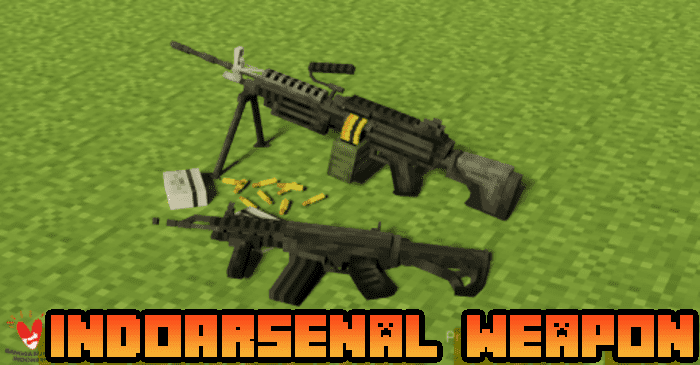
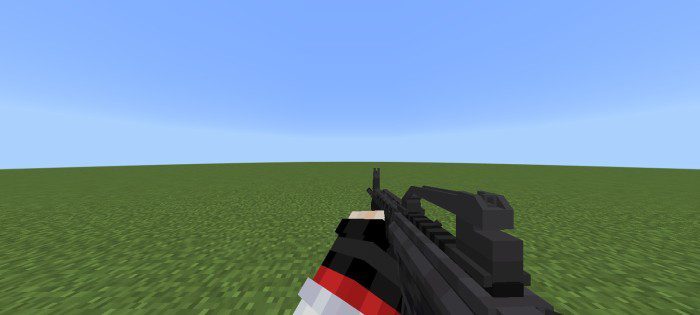
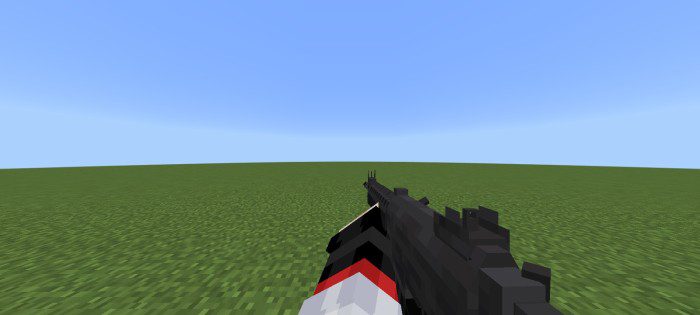
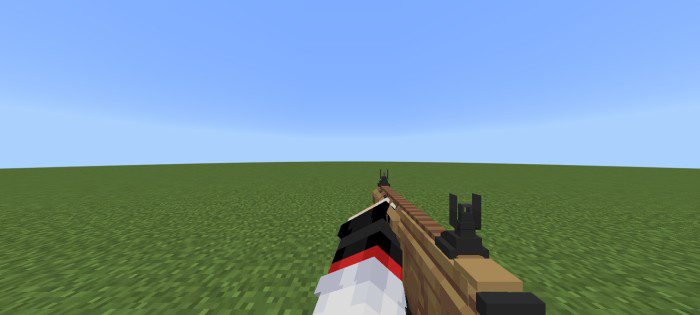
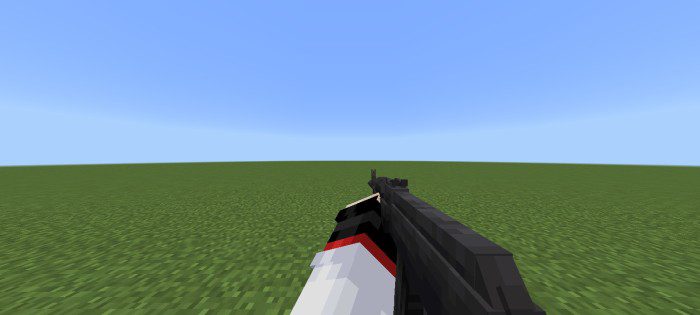
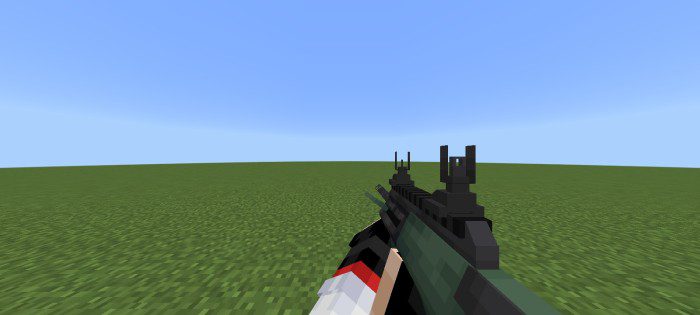
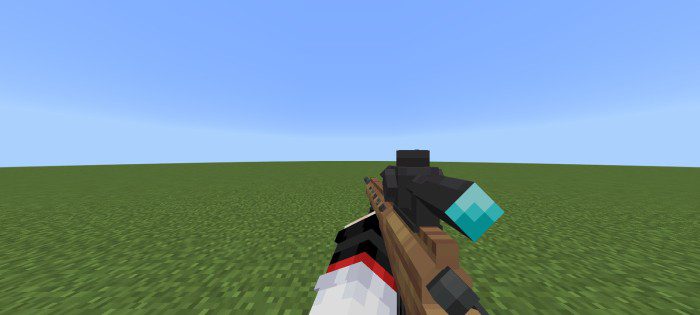
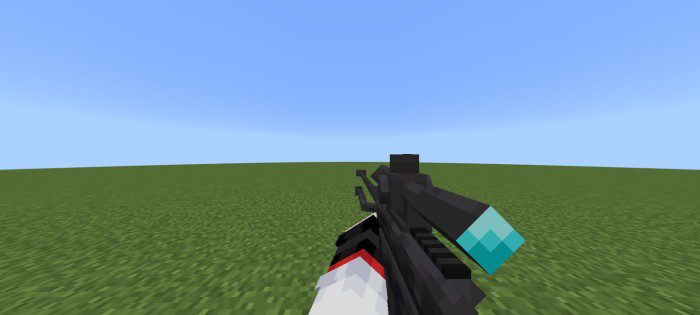
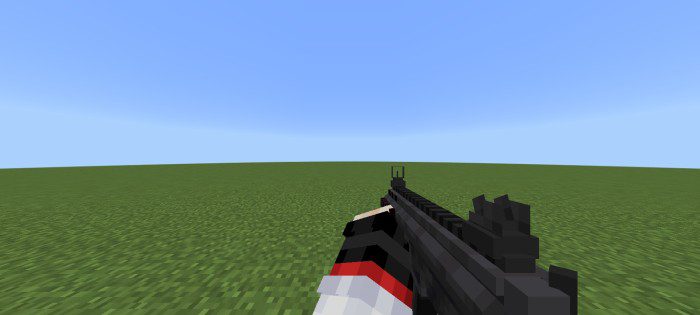
Looking for a military-themed addon with top-notch attachment features? Look no further than IndoArsenal! IndoArsenal Weapon Pack Addon features an Indonesian national military theme, with a range of rifles commonly used by the Indonesian national army, as well as popular models such as FN Minimi, AK-101, and AUG. The addon also boasts impressive low poly model styles and smooth animations.
But that’s not all – IndoArsenal also offers new NPCs and armor, including vests and helmets. And perhaps best of all, the addon includes “used inventory reloading,” allowing players to reload their weapons without having to hold ammo in their offhand. If you’re a fan of military-themed gameplay and want to experience it at its best, IndoArsenal is the perfect addon for you.
Features:
List of weapons in this addon:
Assault Rifle:
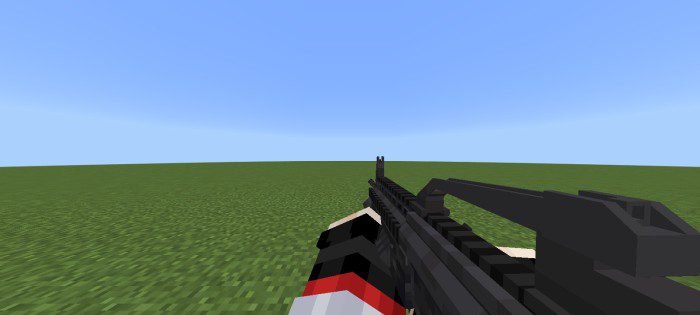
- Pindad SS2 ( Senapan Serbu 2 ) ( Has attachment )
- Pindad SS1 ( Senapan Serbu 1 ) ( Has attachment )
- Komodo Armament D5 ( Has attachment )
- Kalashnikov AK-101 ( Has attachment )
- Steyr AUG
Bolt-Action Sniper:
- Komodo Armament D7CH
- Pindad SPR-2 ( Senapan Runduk 2 )
SMG:
- Pindad PM3 ( Pistol Mitraliur 3 )
Light Machine Gun:
- FN Minimi ( Has attachment )
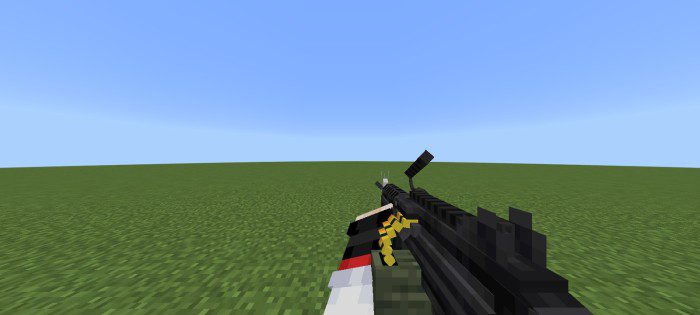
Grenade Launcher:
- Pindad SPG ( Mounted On SS2 Rifle Via Attachment ) Put 40mm on Your Offhand to Reload GL
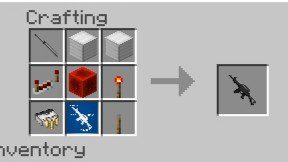
Crafting Recipes:
You can already access some of the rifles in survival mode via Crafting, but for some of the weapons that still can’t be made, the author will add them in the next update.
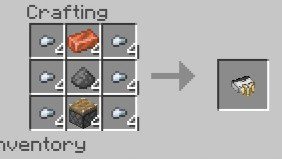
You can access attachments through the blueprint desk that you can get in survival mode via crafting:
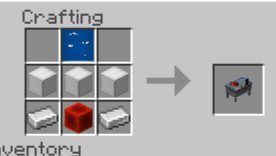
How to access Attachments :
- Click blueprint desk block.
- Click Attachment Option.
- Select the gun you want to attach the Attachment.
- Select the attachment you want.
Installation Note:
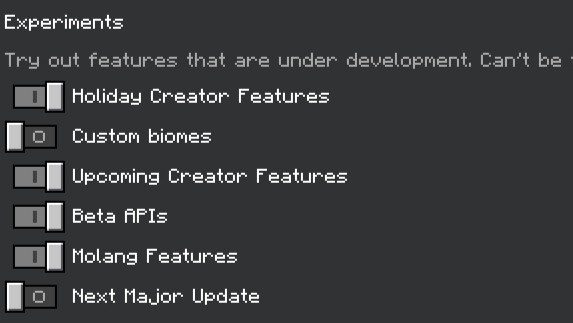
- Make sure you activate the Experimental Gameplay.
IndoArsenal Weapon Pack Addon Download Links
For Minecraft PE/Bedrock 1.19
Behavior: Download from server 1 – Download from server 2
Resource: Download from server 1 – Download from server 2
- Edition: Minecraft Bedrock
- File type: .mcpack or .mcaddon
- Minecraft version listed: 1.19
- How to install: Download the .mcpack or .mcaddon file. → Open it — Minecraft imports it. → In your world: Behavior Packs → Available → Activate, then the same under Resource Packs.
- Where to get it: In MCModsHub, or directly above on this page.
Install steps are the general flow for this file type — How to install Minecraft Bedrock addons & mods walks through it step by step.
- Pack type: .mcaddon — behaviour and resource pack in one file
- Complete pack — everything it depends on is inside the file
- Download size: 3.1 MB
- Download link checked 17 Jun 2026 — working
- Mirrored on our own servers — the download does not depend on the original host
These come from our own check of the pack file, not from the source page.