AddonsBedrock
DxH's Minimap Addon (26.x, 1.21) – MCPE/Bedrock Mod
Bedrock add-on listed for Minecraft 1.17–1.21 (resource pack only). File opened and checked on 21 Sep 2026; installs from the MC Bedrock Mods app on Android.
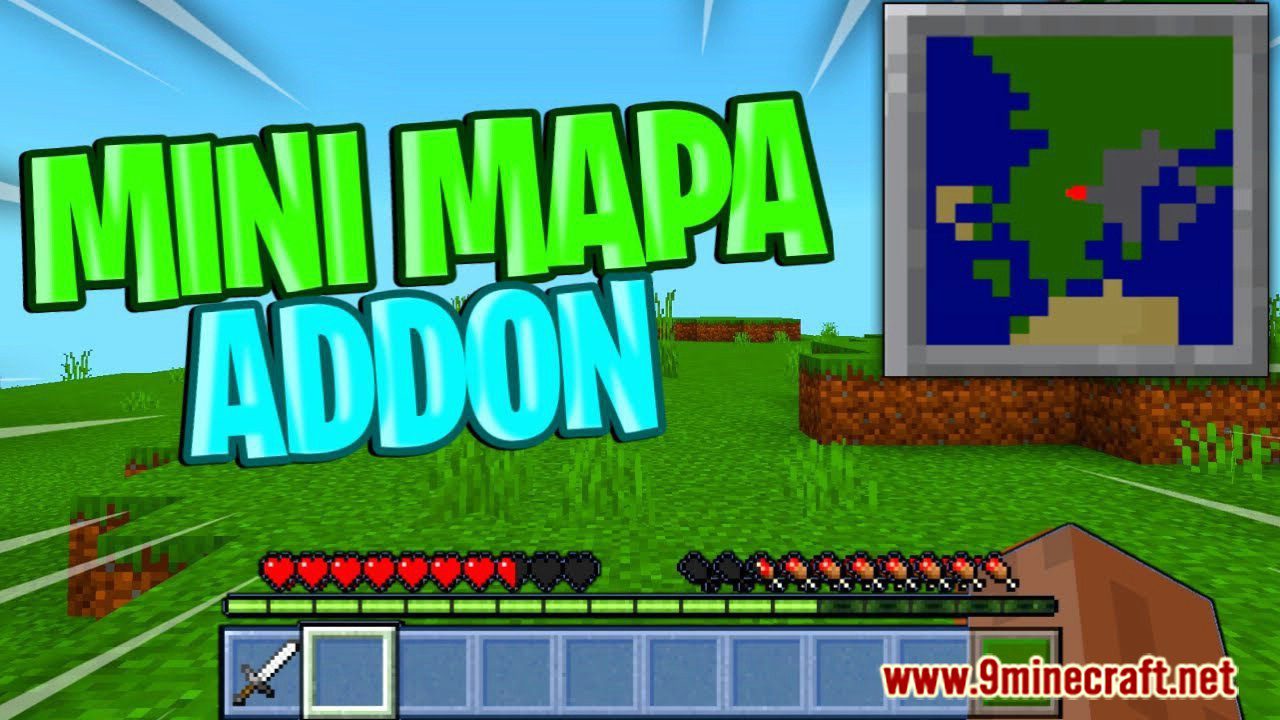
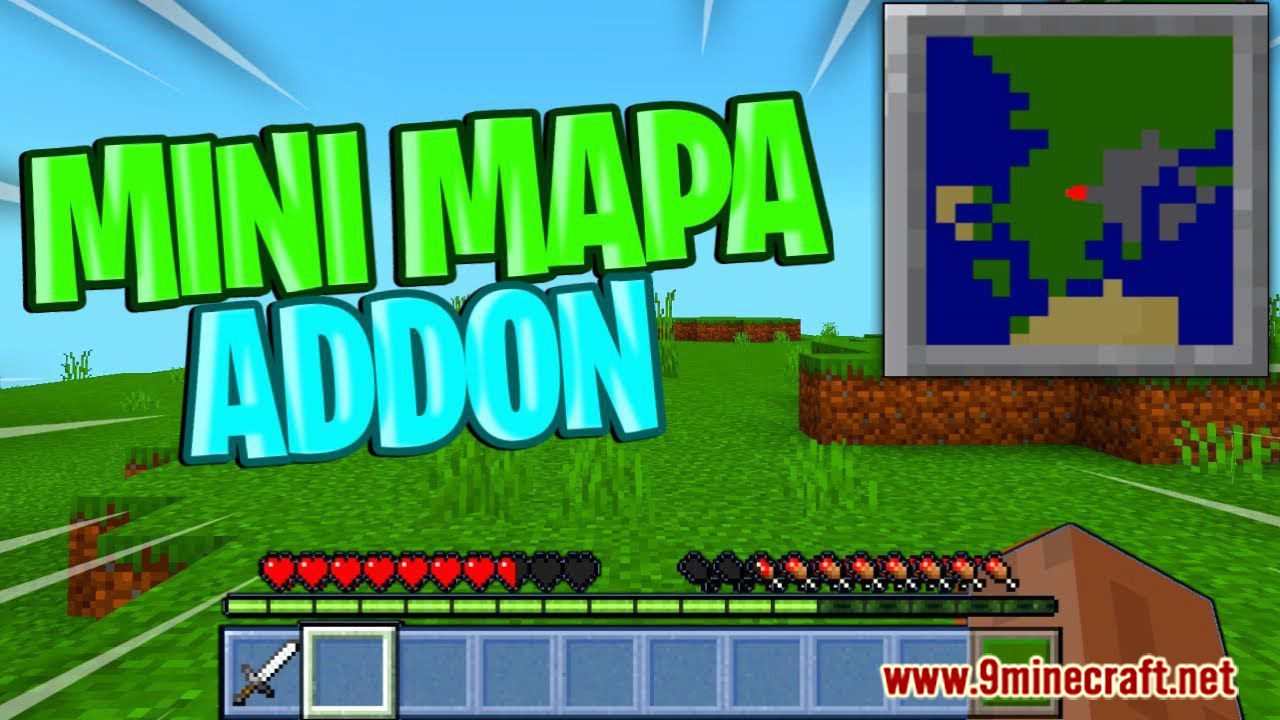
DxH's Minimap Addon introduces a small minimap to Minecraft. A small map will always be displayed in the upper right corner, which shows the nearest area…
⬇ Download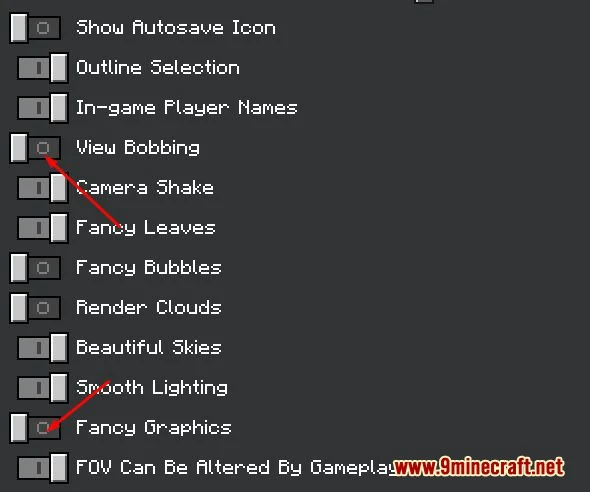
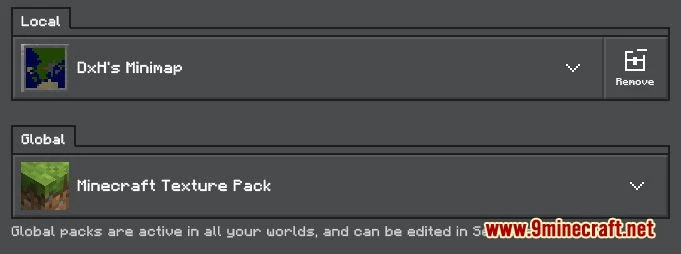
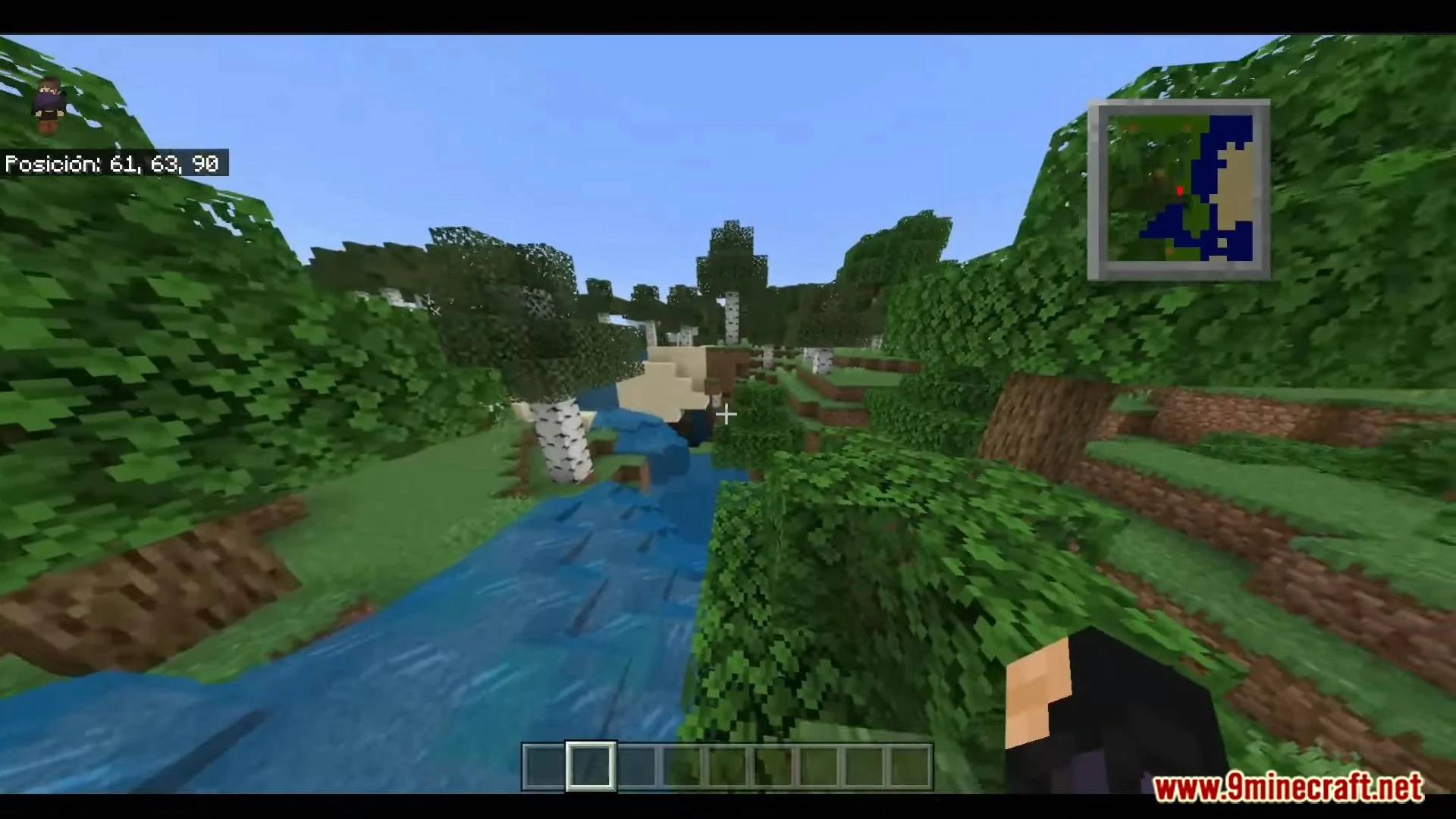
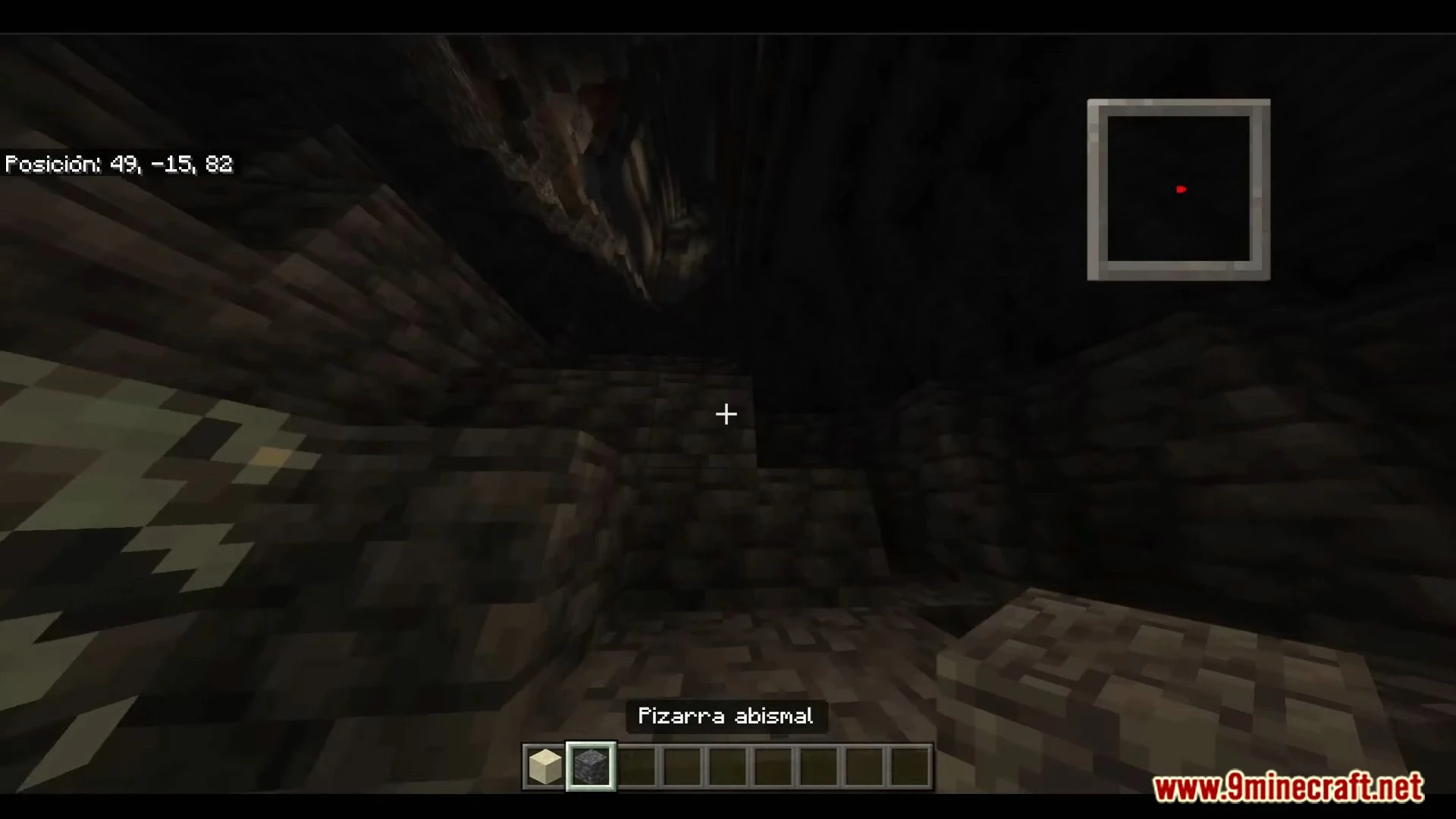
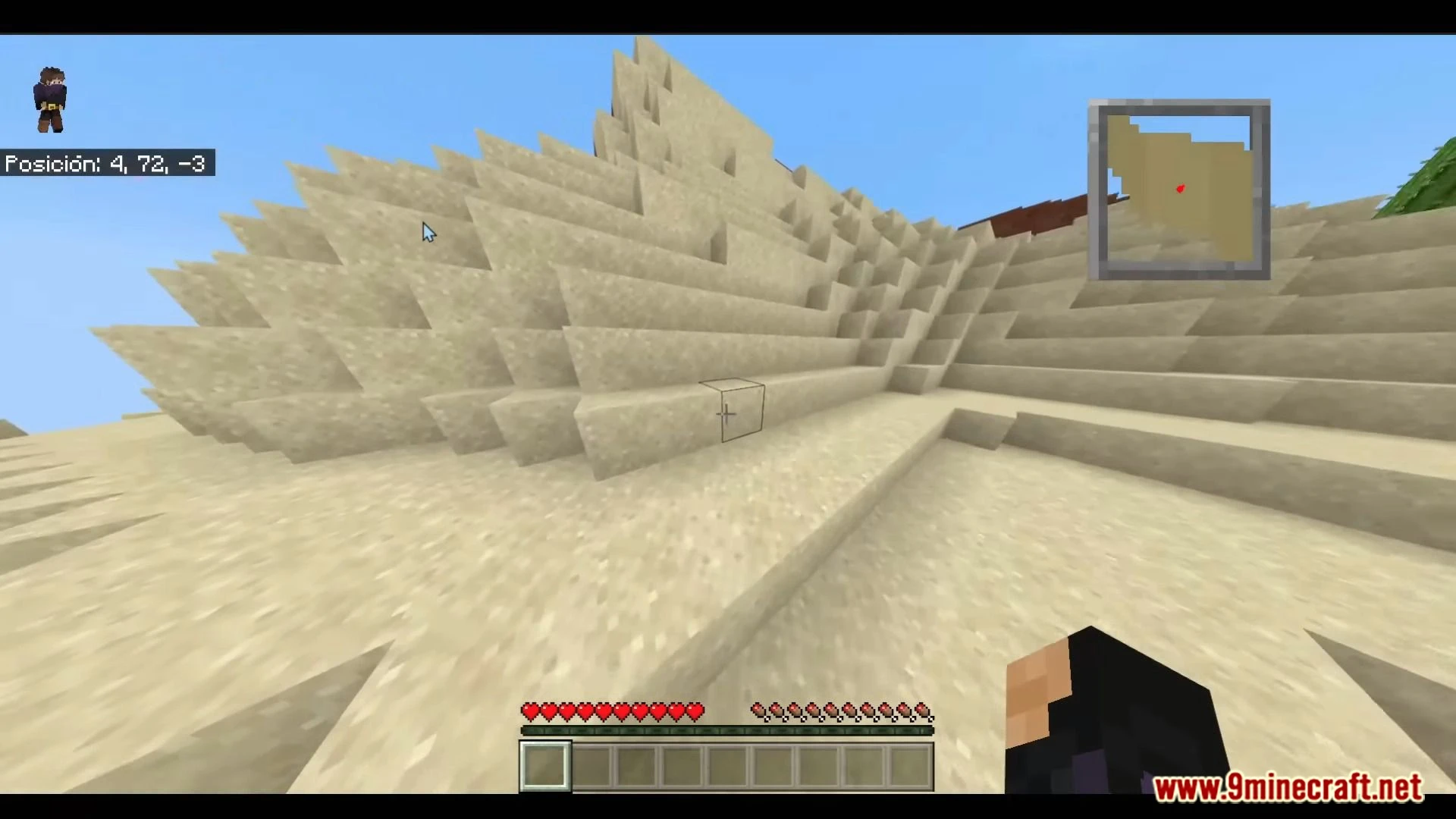
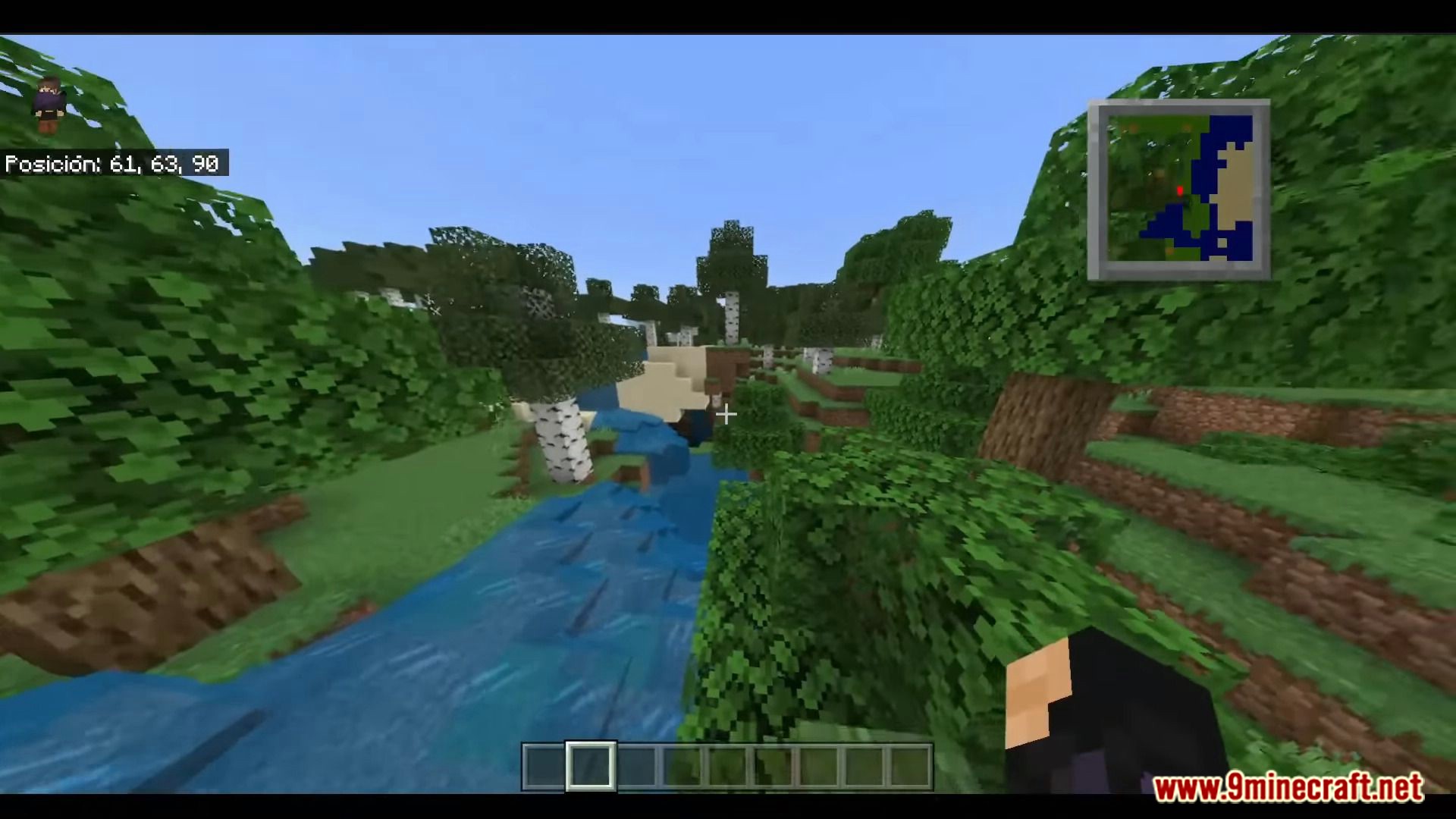
DxH’s Minimap Addon introduces a small minimap to Minecraft. A small map will always be displayed in the upper right corner, which shows the nearest area. This greatly simplifies exploring the blocky world, since you will know the landscape even if you do not get anywhere.
This function is used in many games, but in the cubic universe, we are used to using a special item for this. Now you don’t have to craft a Map – just look at the corner of the screen. For the moment, the minimap’s scope is limited, since this addon, despite being light, needs a fairly capable device to run smoothly; that is why it is very simple at the moment. With that being said, now let’s get started
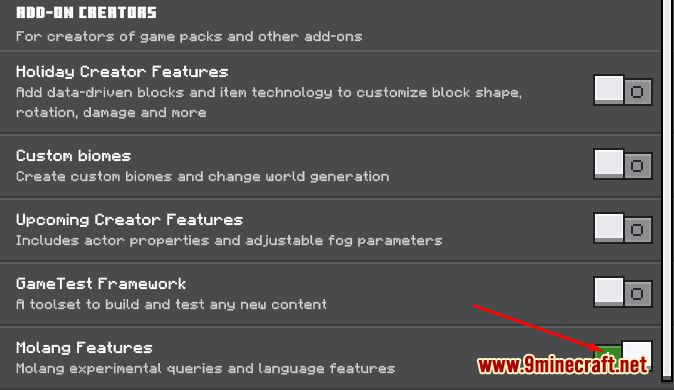
Bedrock’s official Add-On API doesn’t let a resource pack read your live coordinates the way Java mods like Xaero’s Minimap or JourneyMap can, so a genuine real-time overlay has to be faked. DxH pulls it off with a lightweight combination of custom UI textures and one of the world’s experimental toggles (Settings > Experiments, switched on when you create or import your world), which is why the corner overlay only comes alive once that box is checked.
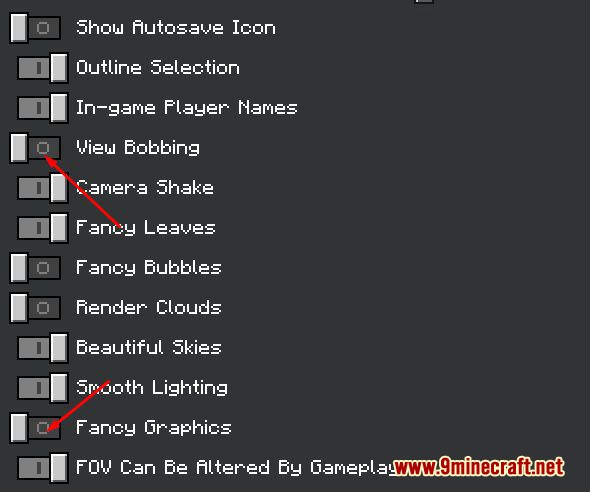 It should also be noted that this is a texture.
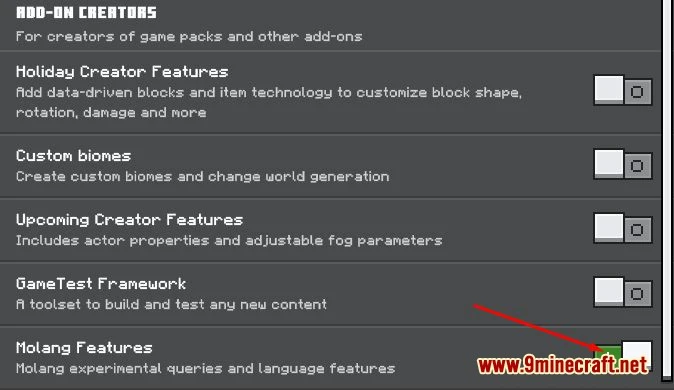
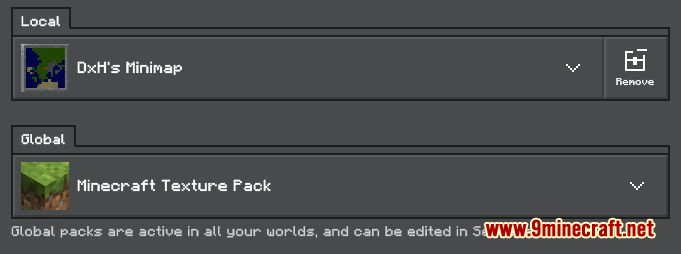 But we consider it as an addon since you need to activate an experimental game mode, which is this:
 After this, you just have to create your world (it may take too long, this will depend on the power of your pc or phone)
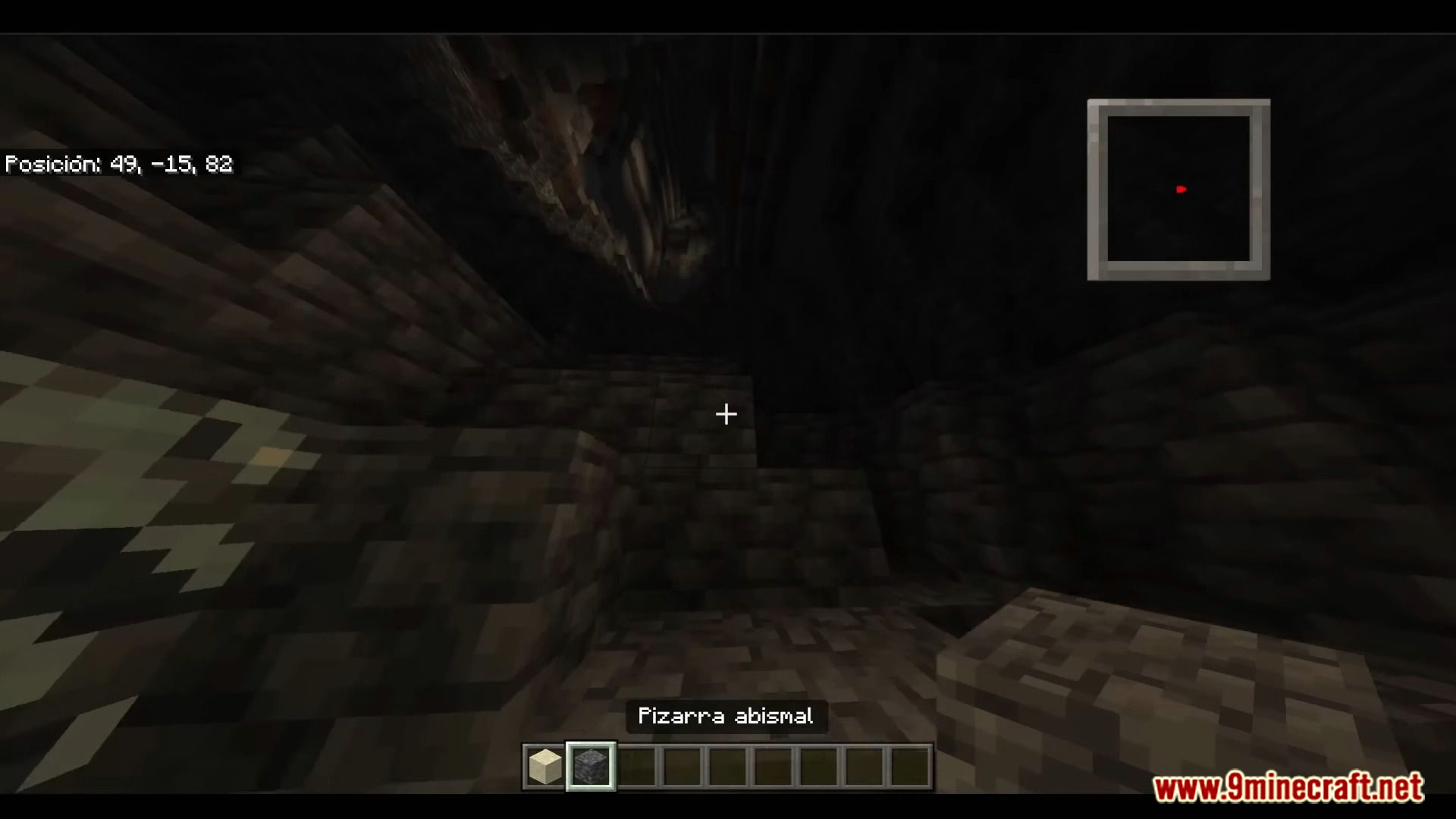
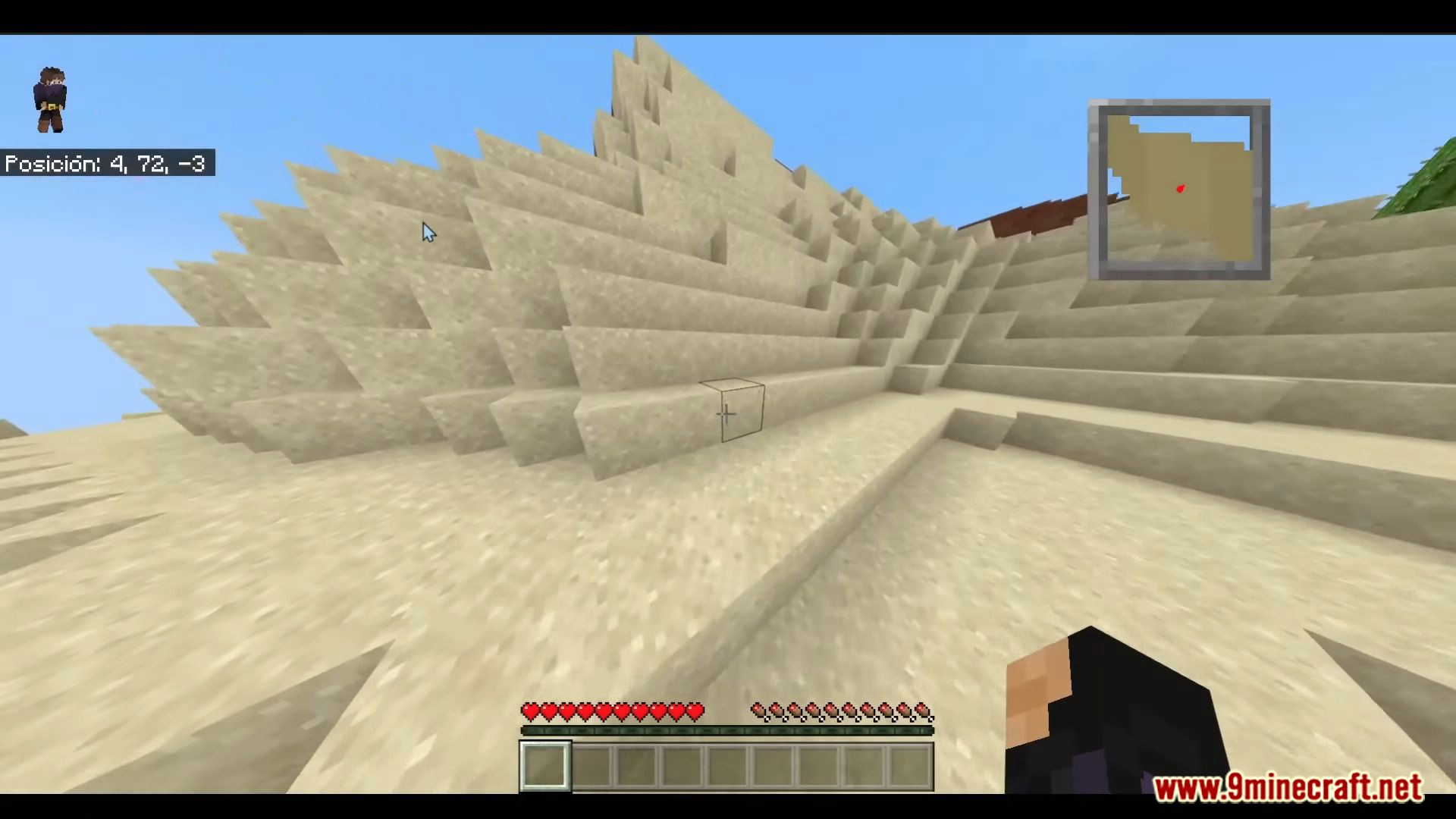 Fancy giving your next world a permanent map corner? The beta build is right below.
Features:
- A live overlay in the top-right corner shows the terrain immediately around you, no Map item or compass needed.
- The map icon’s movement and shadow effects can each be switched off if you’d rather have a static, distraction-free overlay.
- Built entirely as a texture-driven overlay, so the “map” is drawn by the resource pack instead of a heavy scripted UI.
- Passive by design, it doesn’t touch game logic, so it plays nicely alongside pretty much any other add-on you already run.
It should also be noted that this is a texture.
But we consider it as an addon since you need to activate an experimental game mode, which is this:
After this, you just have to create your world (it may take too long, this will depend on the power of your pc or phone)
Screenshots:
Fancy giving your next world a permanent map corner? The beta build is right below.
DxH’s Minimap Addon Download Links
For Minecraft PE/Bedrock 1.19, 1.18
mcaddon: Download from Server 1
For Minecraft PE/Bedrock 26.30, 26.31, 26.32 (1.26.30+)
mcaddon: Download from server 1 – Download from server 2
Quick facts
- Edition: Minecraft Bedrock
- File type: .mcpack or .mcaddon
- Minecraft version listed: 1.21
- How to install: Download the .mcpack or .mcaddon file. → Open it — Minecraft imports it. → In your world: Behavior Packs → Available → Activate, then the same under Resource Packs.
- Where to get it: In MCModsHub, or directly above on this page.
Install steps are the general flow for this file type — How to install Minecraft Bedrock addons & mods walks through it step by step.
File checked by MCModsHub
- Pack type: .mcaddon — behaviour and resource pack in one file
- Manifest requires Minecraft 1.17.0 or newer
- Complete pack — everything it depends on is inside the file
- Download link checked 17 Jun 2026 — working
- Mirrored on our own servers — the download does not depend on the original host
These come from our own check of the pack file, not from the source page.