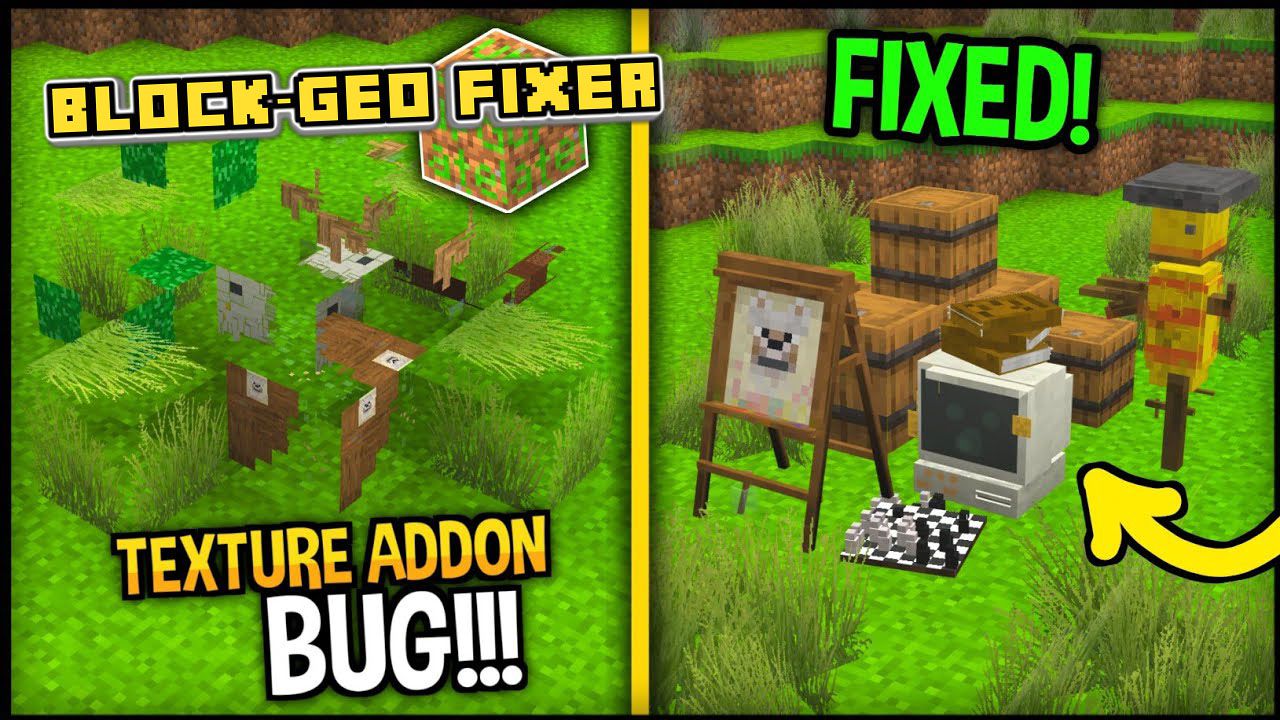
Are you tired of errors in the textures of blocks more than 1:1? Well not anymore! Because Block – Geo Fixer Addon – Realms Fix – fixes custom blocks bigger or taller than 1:1! so you will see many add-ons that will work again! So No Texture Addon Bug Anymore.
Features:
Due to 1.18.10, you can no longer create custom blocks more than 1:1 due to “engine limitations” limiting many creators and causing bugs that break the game. But this module breaks That limit and fixes that! Here is an example:
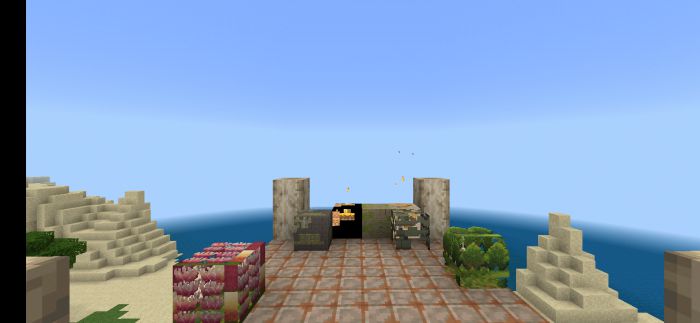
Before:
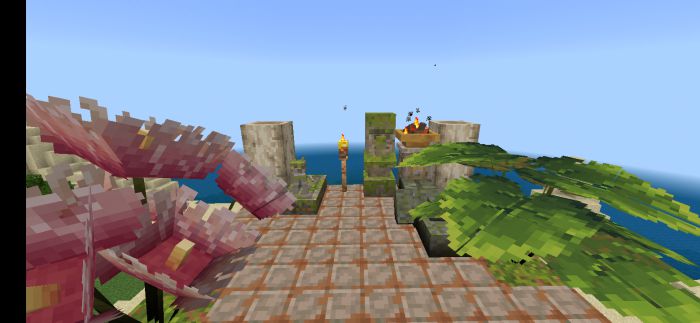
After:
Add-On used in the example: [Jungle Expansion Add-On]
Important Note:
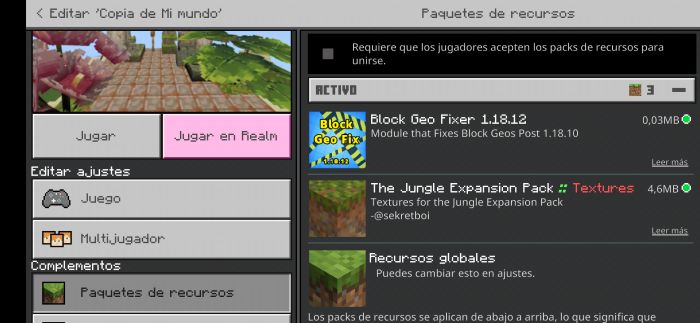
Put this add-On above all resource packs to work! Or it won’t work properly
Example:
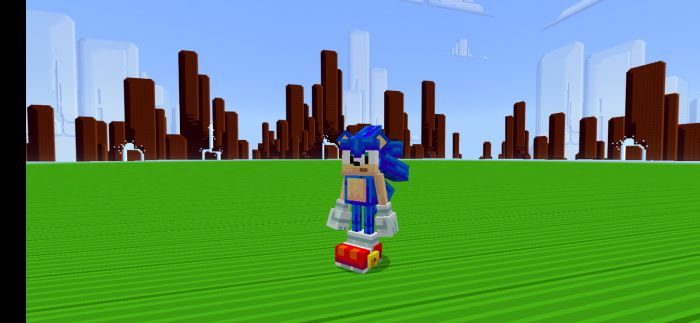
How to fix the Sonic bug:
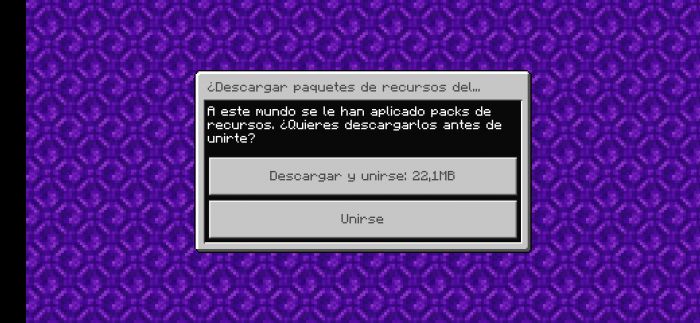
When you enter a realm With the geo fixer activated inside the realm the textures will change to this.
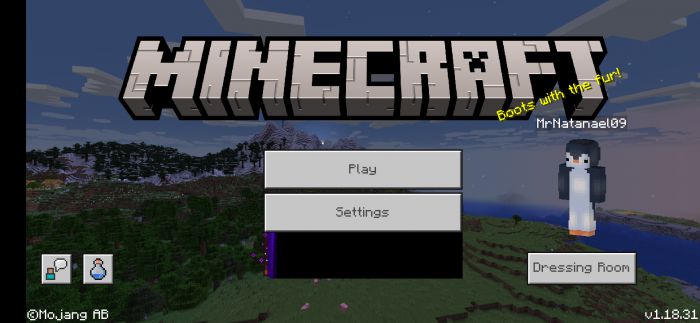
To solve this, you must go to “settings”:
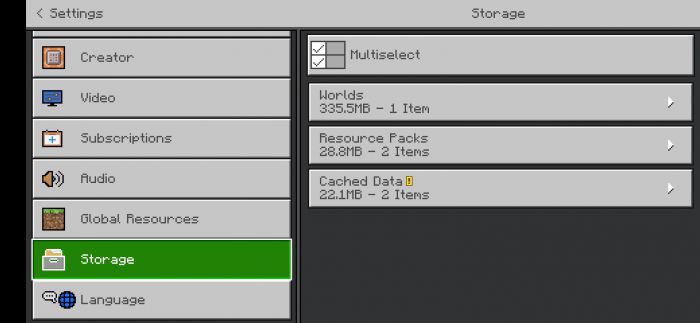
Go to “storage”:
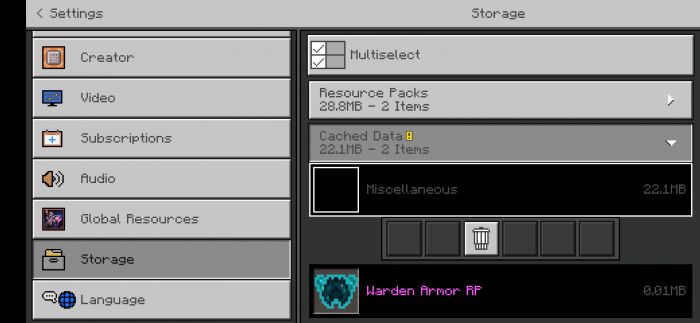
And erase this:
When You join again, press “join” and don’t download The packs.
And that would be all! This is a temporal solution until the author fixes it. If Mojang patches this module there will be an update as soon as possible to fix the add-on.
Block – Geo Fixer Addon – Realms Fix Download Links
For Minecraft PE/Bedrock 1.19, 1.18
Block-Geo Fixer: Download from Server 1 – Sonic Bug Fixer: Download from Server 1 – Download from Server 2
- Edition: Minecraft Bedrock
- File type: .mcpack or .mcaddon
- Minecraft versions listed: 1.19, 1.18, 1.18.10
- How to install: Download the .mcpack or .mcaddon file. → Open it — Minecraft imports it. → In your world: Behavior Packs → Available → Activate, then the same under Resource Packs.
- Where to get it: Opens on the file's original source — not every file is mirrored on our own servers.
Install steps are the general flow for this file type — How to install Minecraft Bedrock addons & mods walks through it step by step.
Block – Geo Fixer Addon (1.19, 1.18) – Realms Fix is a free Minecraft Bedrock addon. Compatible with Minecraft 1.19, 1.18, 1.18.10. Download it and open it directly in the game.