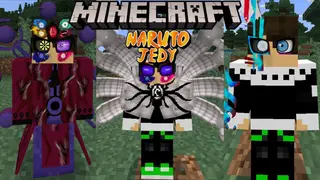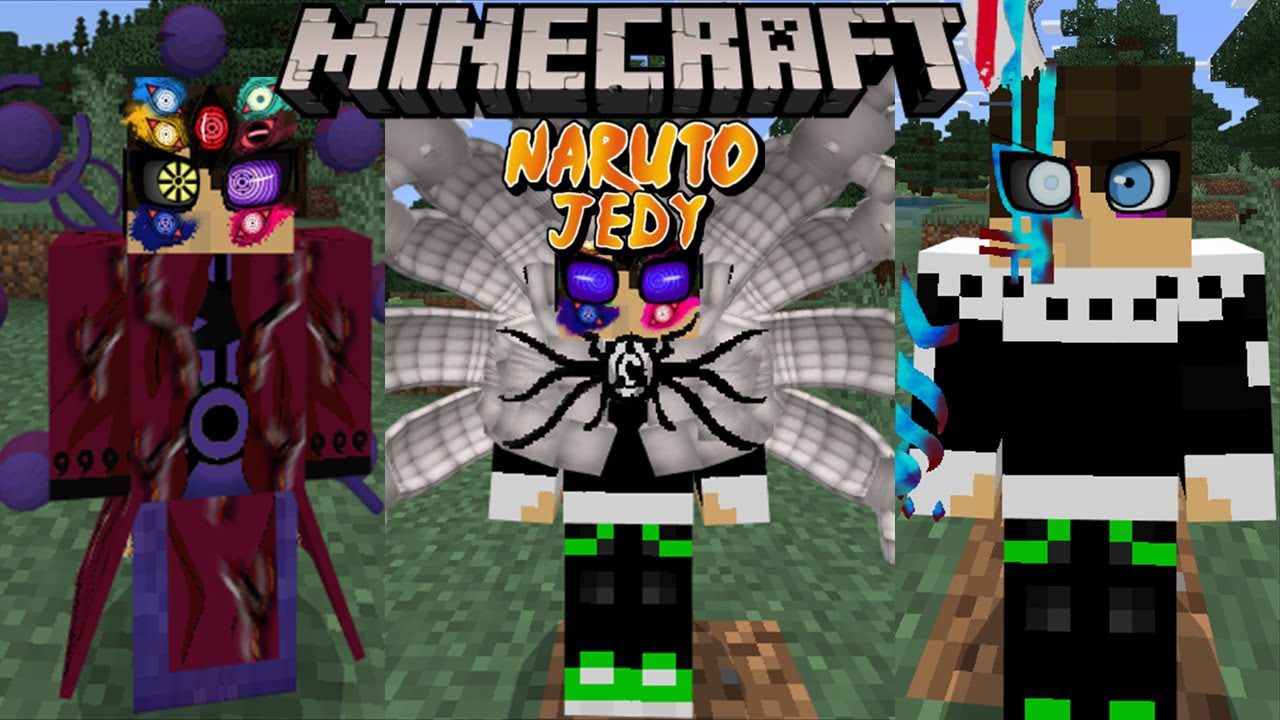
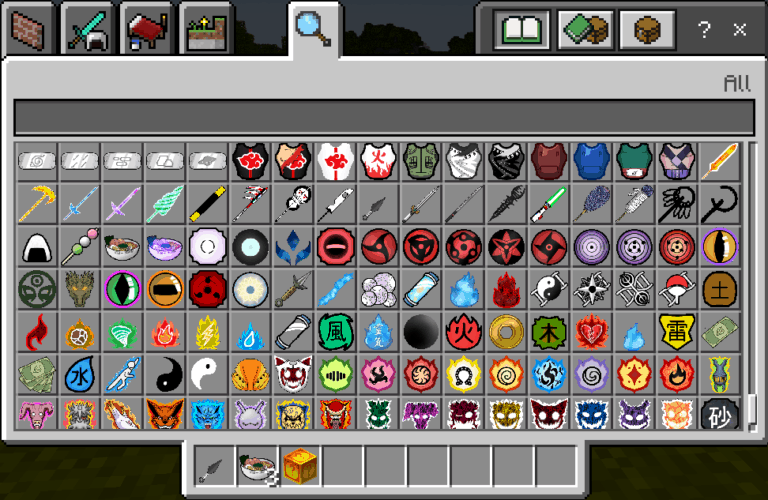
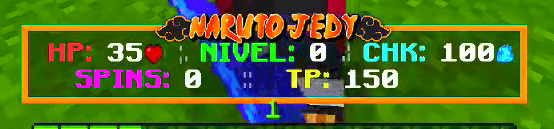
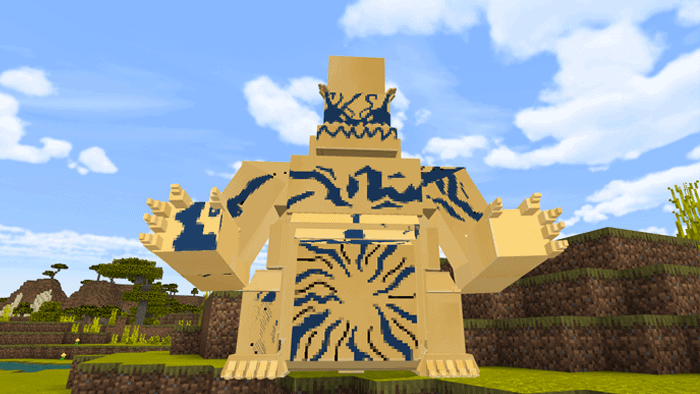
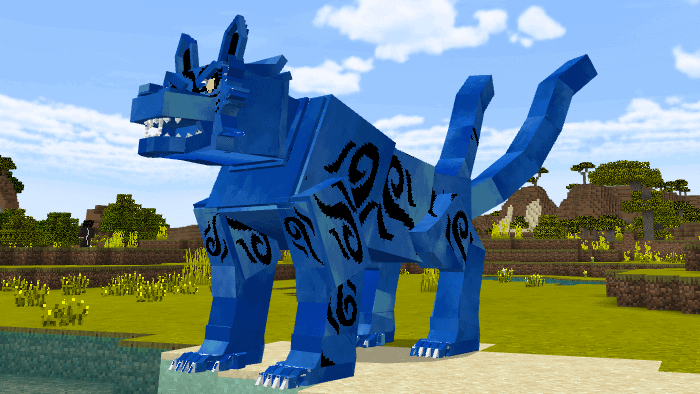
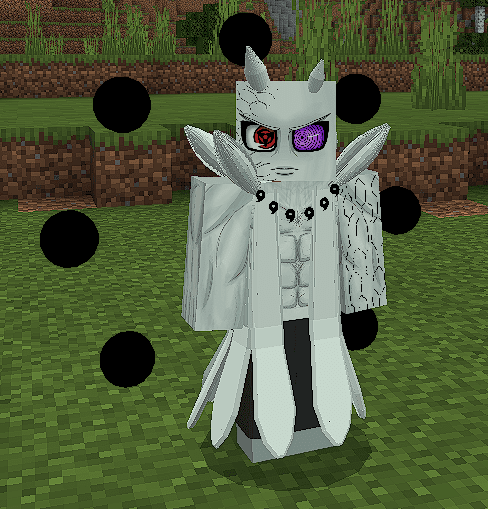
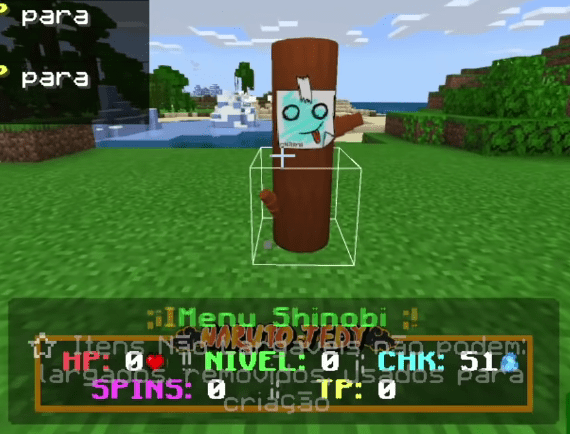
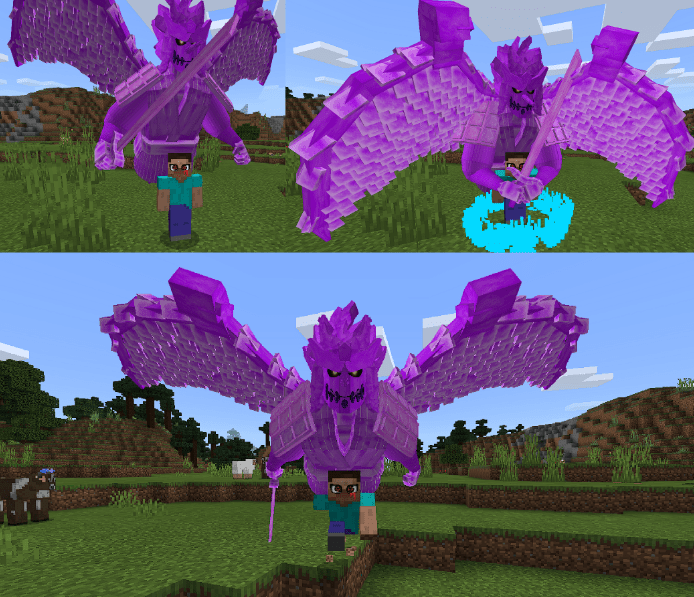
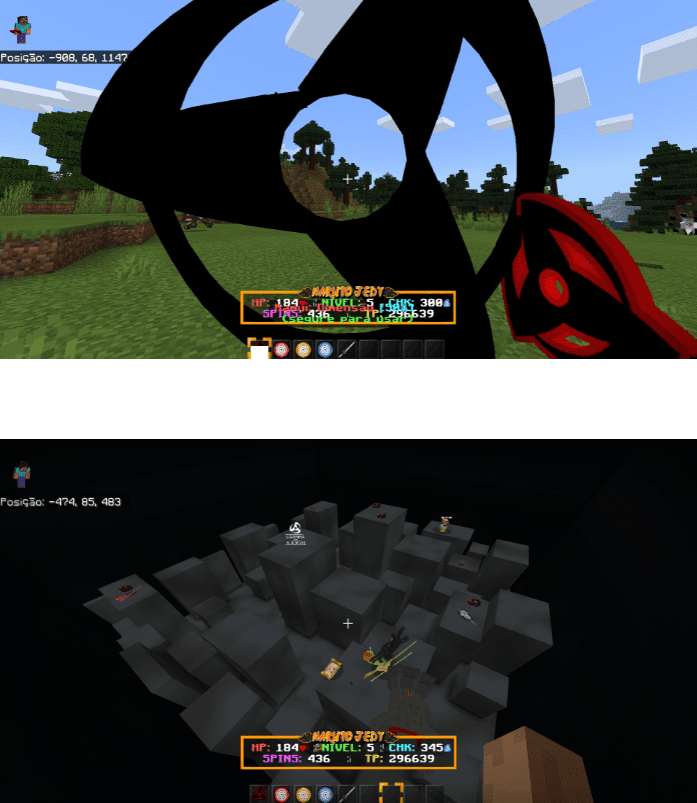
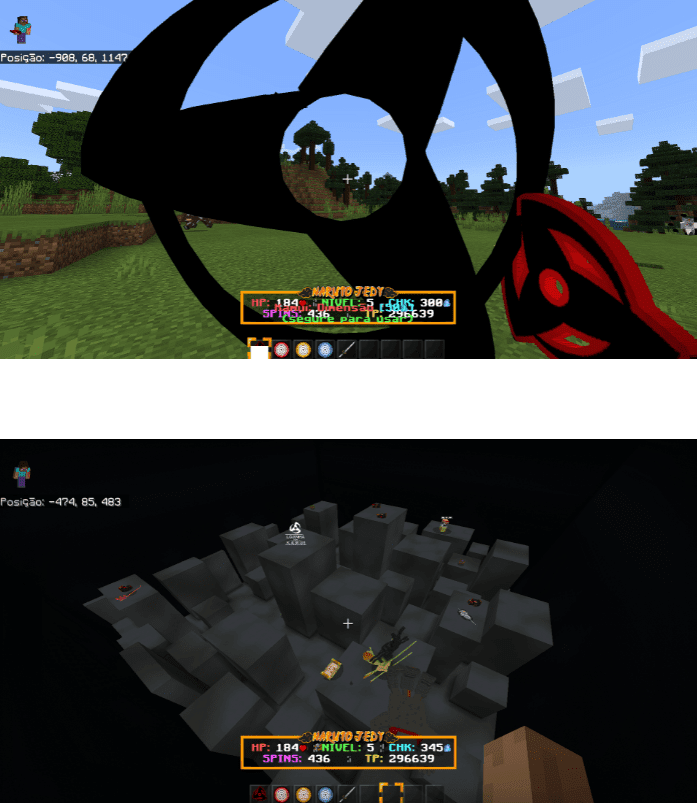
This is a Naruto addon created by a Brazilian fan for other fans. Naruto Jedy Addon V8 (1.18+) features Sharingan, Byakugan, Mangekyo, Rinnegan, Susanoos, and allows you to be a Jinchuuriki, defeat Bijuus, fight ninjas, and more! The textures and models in this addon are completely innovative, beautiful, and in HD. This update of Naruto Jedy brings new things to increase gameplay such as the new HUD system that displays important things like your HP, Chakra, TP, SPINS, and NIVEL.
Chakra
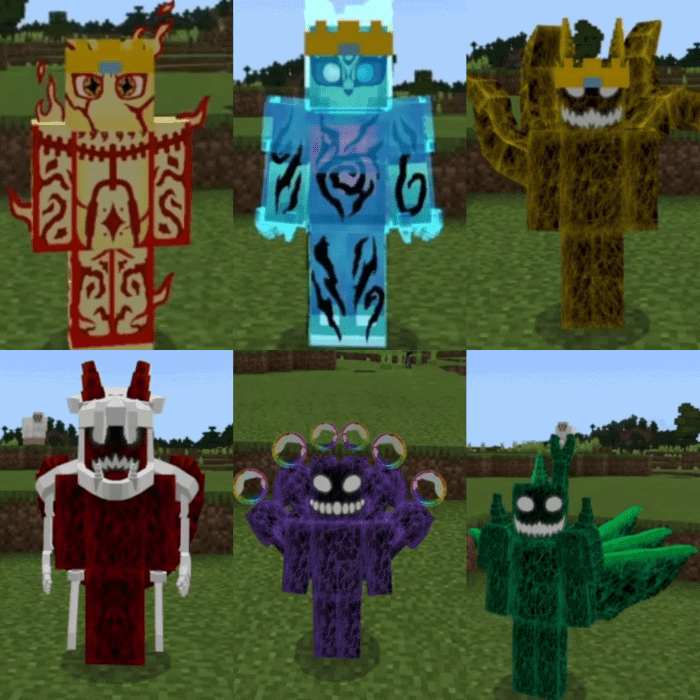
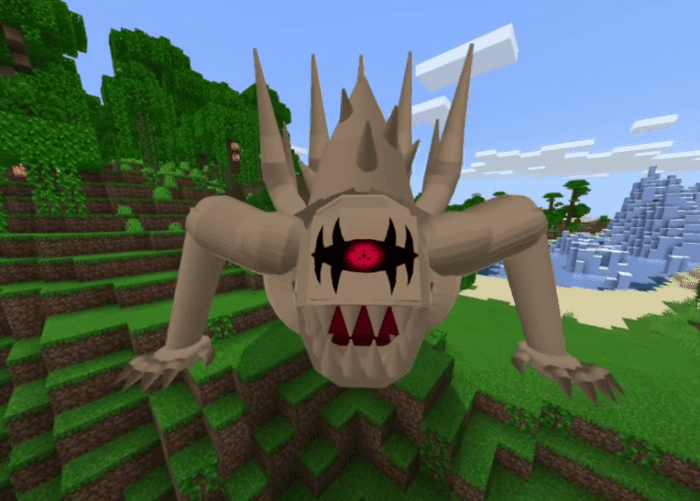
Bijuus – Naruto Jedy Addon
Ryō
Matatabi
Isobu
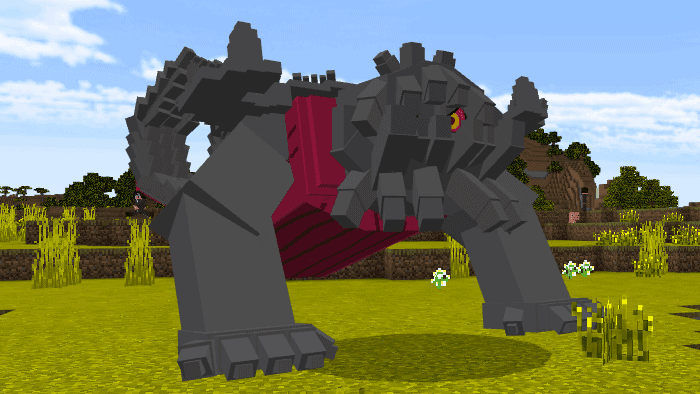 Sim Goku
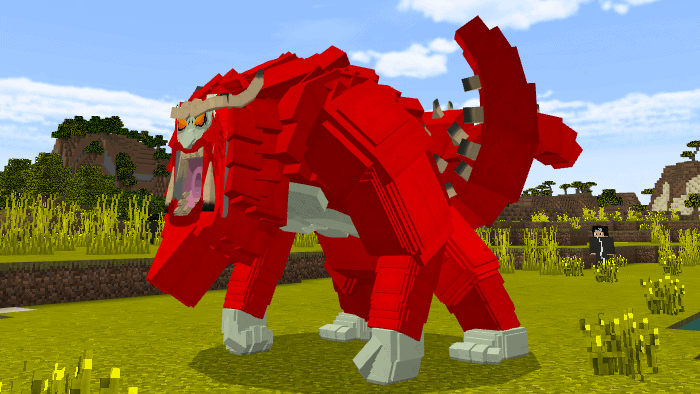 Kokuo
Kokuo
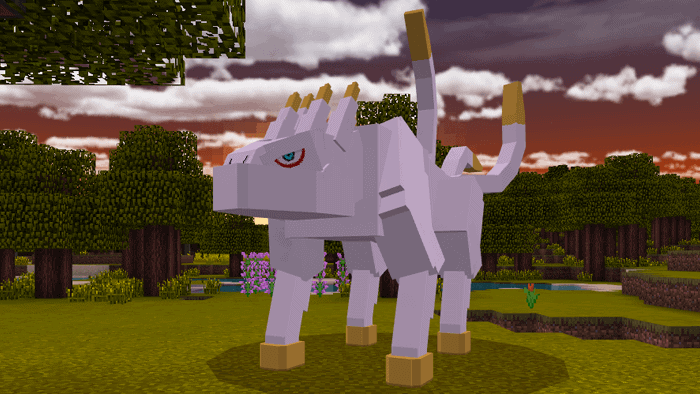 Saiken
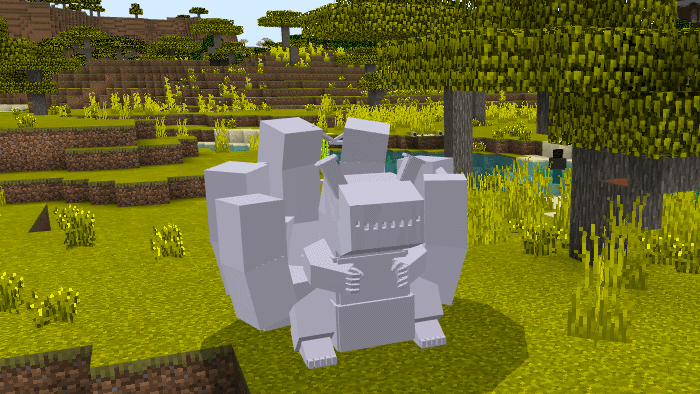 Choumei
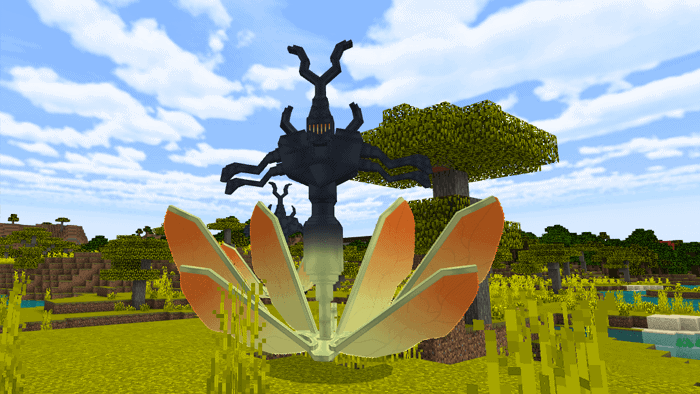 Gyuki
Gyuki
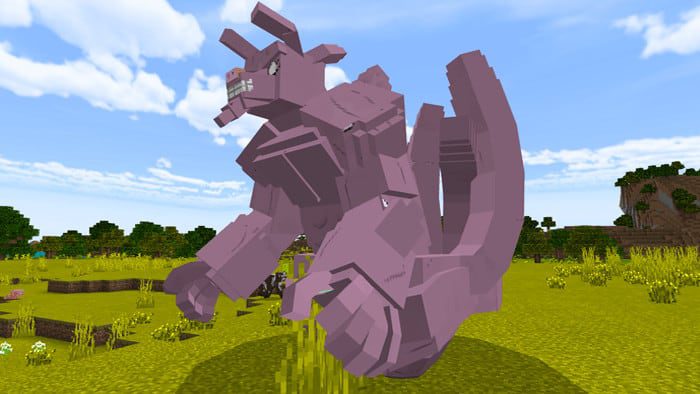 Kurama
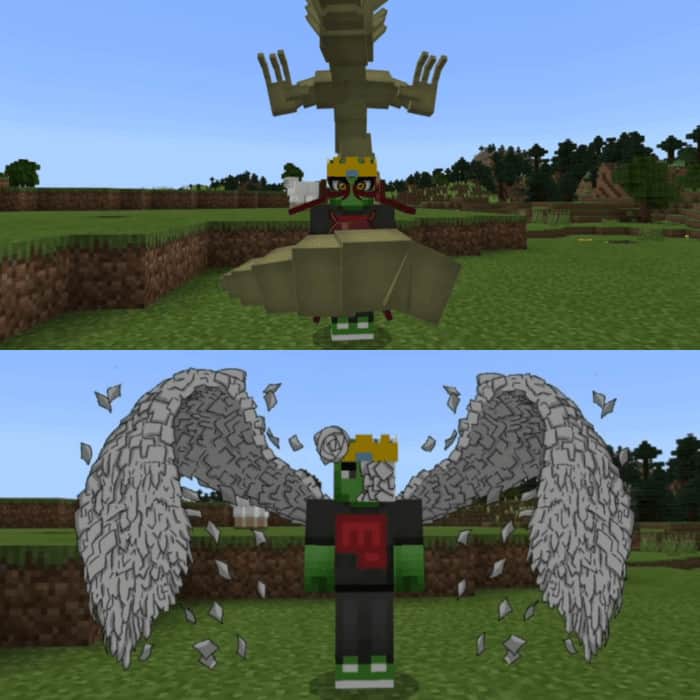
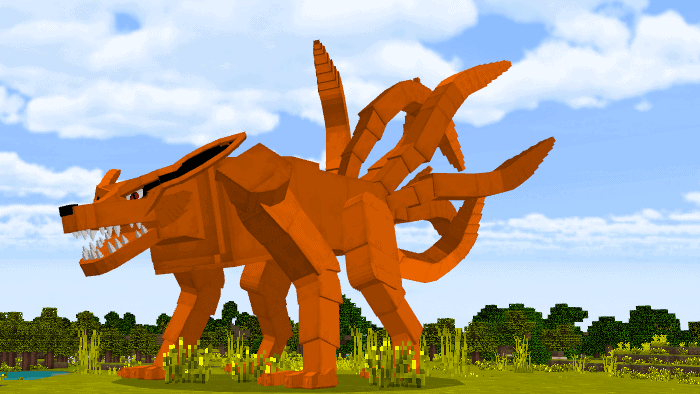 Jinchuuriki: Chakra Mode – Phase 1
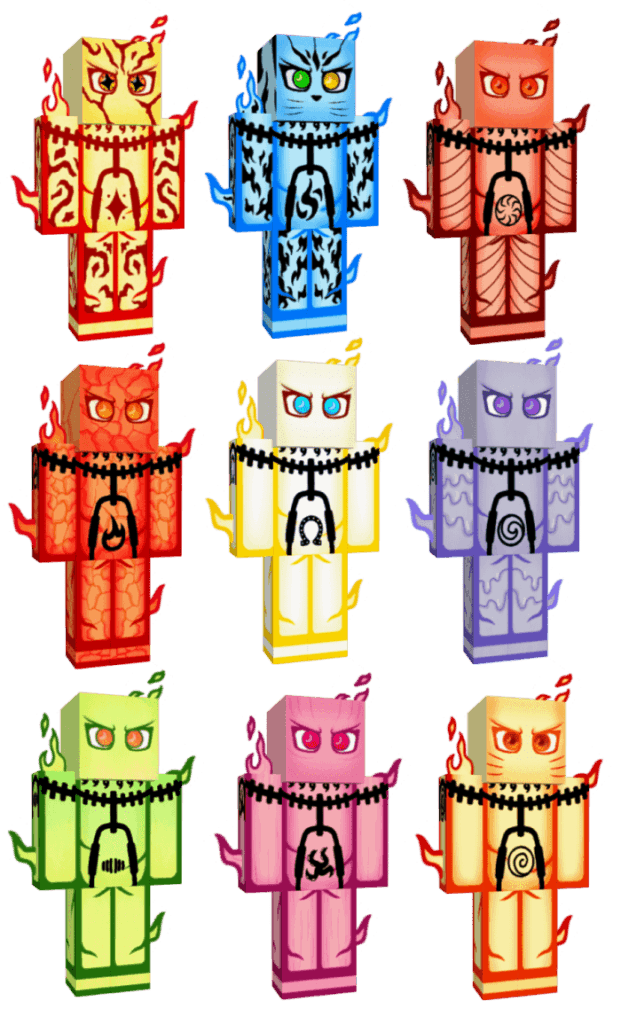
 Akatsuki & Otsutsuki
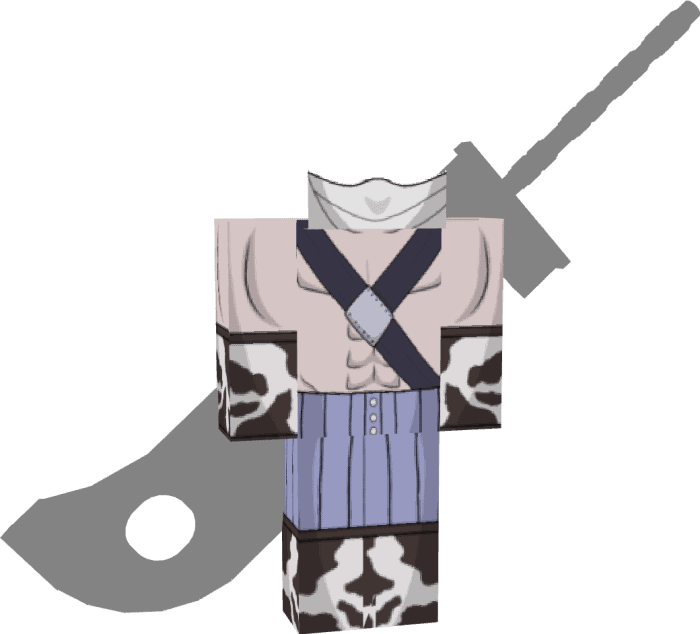
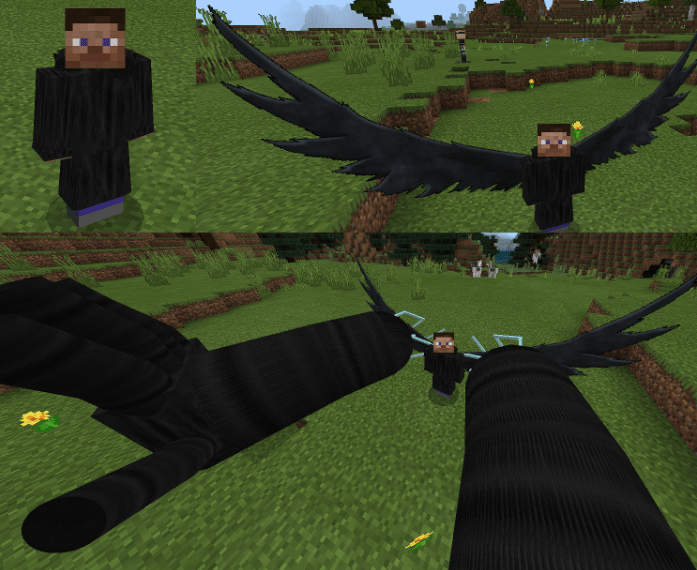
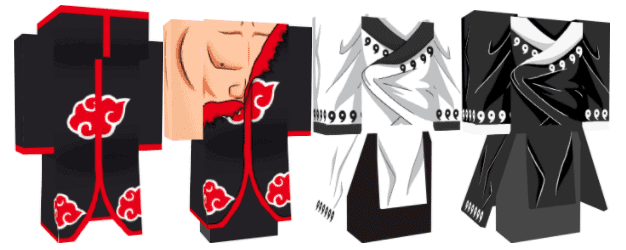 Zabuza Momochi’s Robes
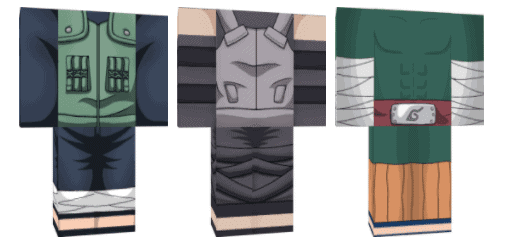
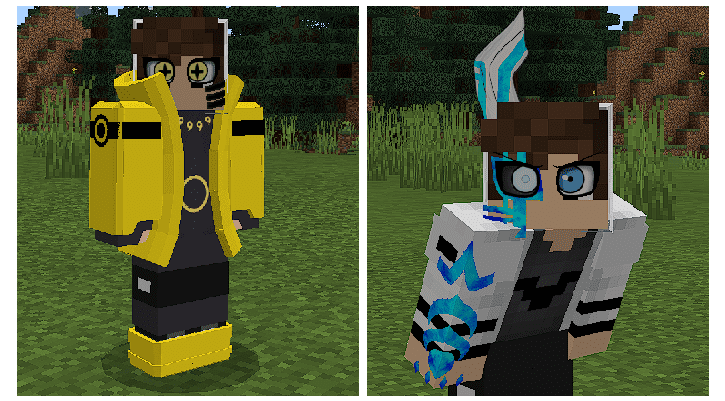
 Jounin & Anbu & Taijutsu
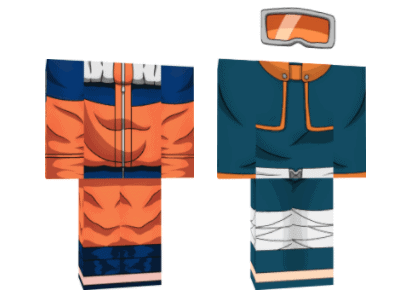
 Naruto & Obito Kid
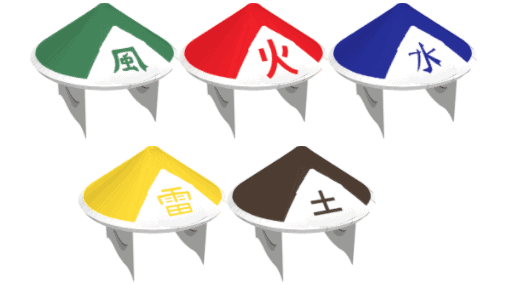
 Kage Hats
Features:
- This Naruto Jedy Addon has been updated and is completely playable in Survival mode. Some gameplay mechanics will be introduced. To activate the modes, just use the holding in the screen / right-click
Gameplay Mechanics
Score Bar- HP is your amount of health based on your hearts
- NIVEL determines your chakra limit (100, 150, 200, 250, 300, 350. Raise your level by crafting FRUTO DE CHAKRA, crafting with 9 Giga Chakra)
- CHK is your Chakra for using jutsus. Each jutsu will spend an amount, and to recharge your Chakra, hold SHIFT/sneak
- SPINS are points for getting genkais from the genkais menu. It works like shinobi life/shindo life, you know. To buy spins, buy at the LOJA SHINOBI with TP
- TP is Training Points, something like a coin. You buy things with him at LOJA SHINOBI and to get it, just kill mobs from the addon and use the TP item that the mob drops.
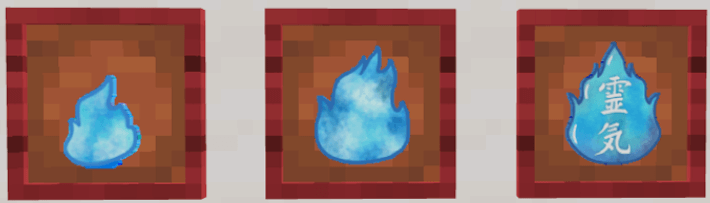
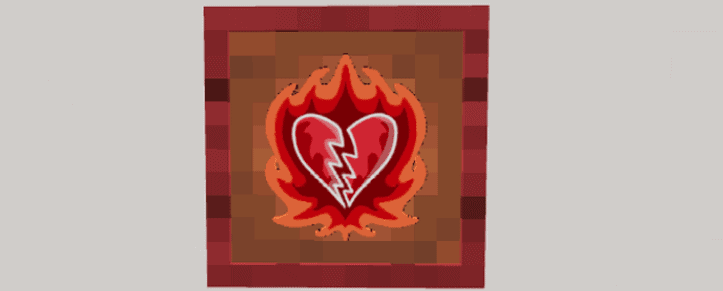
Chakra
- This is the main item of Naruto Jedy addon that is divided into three types: Nano Chakra, Chakra, and Giga Chakra.
- You have to kill Nukenin ninjas to achieve this, it spawns across the map. You also get nano-chakra by killing Tenten and Ichiraku although that’s not the focus of these two mobs
- To get this Naruto Jedy Addon, you have to make a friendship with a Wolf, tame him, and after killing him. So Wolf will drop the Curse of Hate.
Bijuus – Naruto Jedy Addon
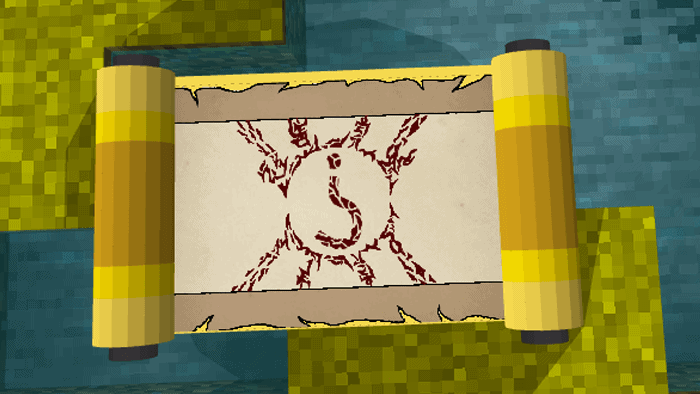
- You will be obtained randomly. To fight Bijuus, you have to find Yellow Parchers on the map, then hit it and collect the Bijuu Random Summon item.
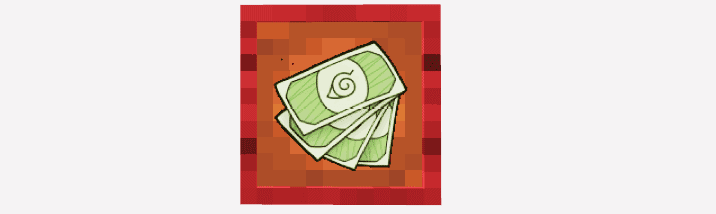
Ryō
- Use Ryō to buy Onigiri, Dangos and Ramen with Ichiraku. Besides that, it can also be used to buy weapons with Tenten who has a large arsenal for sale
Bijuus/Tailed Beasts
Shukaku
Matatabi
Isobu
Sim Goku
Kokuo
Saiken
Choumei
Gyuki
Kurama
Jinchuuriki: Chakra Mode – Phase 1
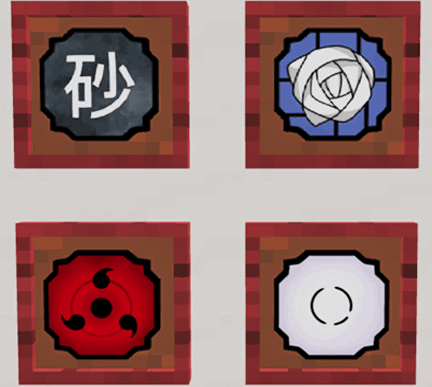
Kekkei Genkais
- It includes: Paper – Iron Sand – Sharingan – Byakugan
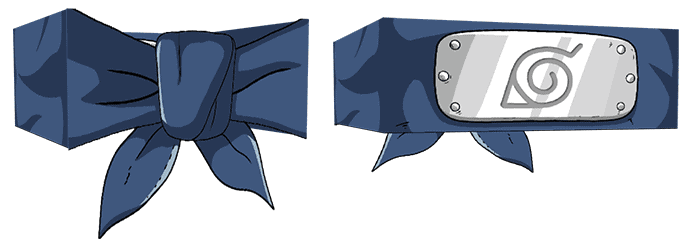
Shinobi Update
Bandanas of All Villages
Akatsuki & Otsutsuki
Zabuza Momochi’s Robes
Jounin & Anbu & Taijutsu
Naruto & Obito Kid
Kage Hats
Screenshots:
Installation Note:
- Make sure you turn on the Experimental Gameplay.
Naruto Jedy Addon V8 Download Links
Generate Your Naruto Jedy Activation Key
Tap the button to generate an activation key. Tap the key to copy, then paste it into the “Activation Required” screen in-game and Submit to unlock.
Your activation key (tap to copy):
Copied!
Tap the button again for a different code if needed.
For Minecraft PE/Bedrock 1.18+
Behavior: Download from server 1 – Download from server 2 Resource: Download from server 1 – Download from server 2
Quick facts
- Edition: Minecraft Bedrock
- File type: .mcpack or .mcaddon
- Minecraft version listed: 1.18
- How to install: Download the .mcpack or .mcaddon file. → Open it — Minecraft imports it. → In your world: Behavior Packs → Available → Activate, then the same under Resource Packs.
- Where to get it: In MCModsHub, or directly above on this page.
Install steps are the general flow for this file type — How to install Minecraft Bedrock addons & mods walks through it step by step.
Verified by MCModsHub
- Pack type: .mcaddon
- Manifest requires Minecraft 1.13.0 or newer
- Ships one half — this pack asks for another pack that is not included
- Download size: 925 KB
- Download link checked 17 Jun 2026 — working
- Mirrored on our own servers — the download does not depend on the original host
These come from our own check of the pack file, not from the source page.