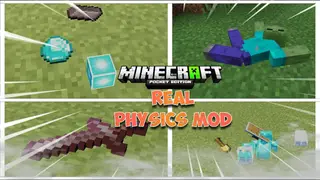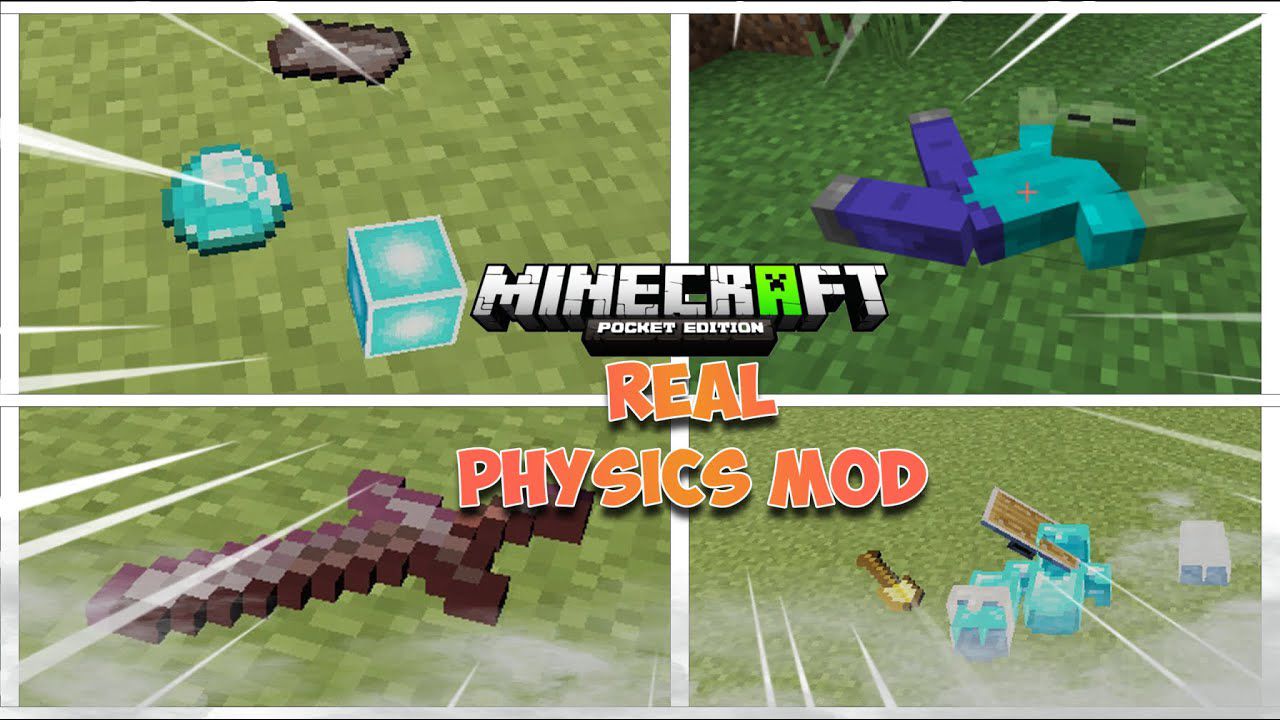

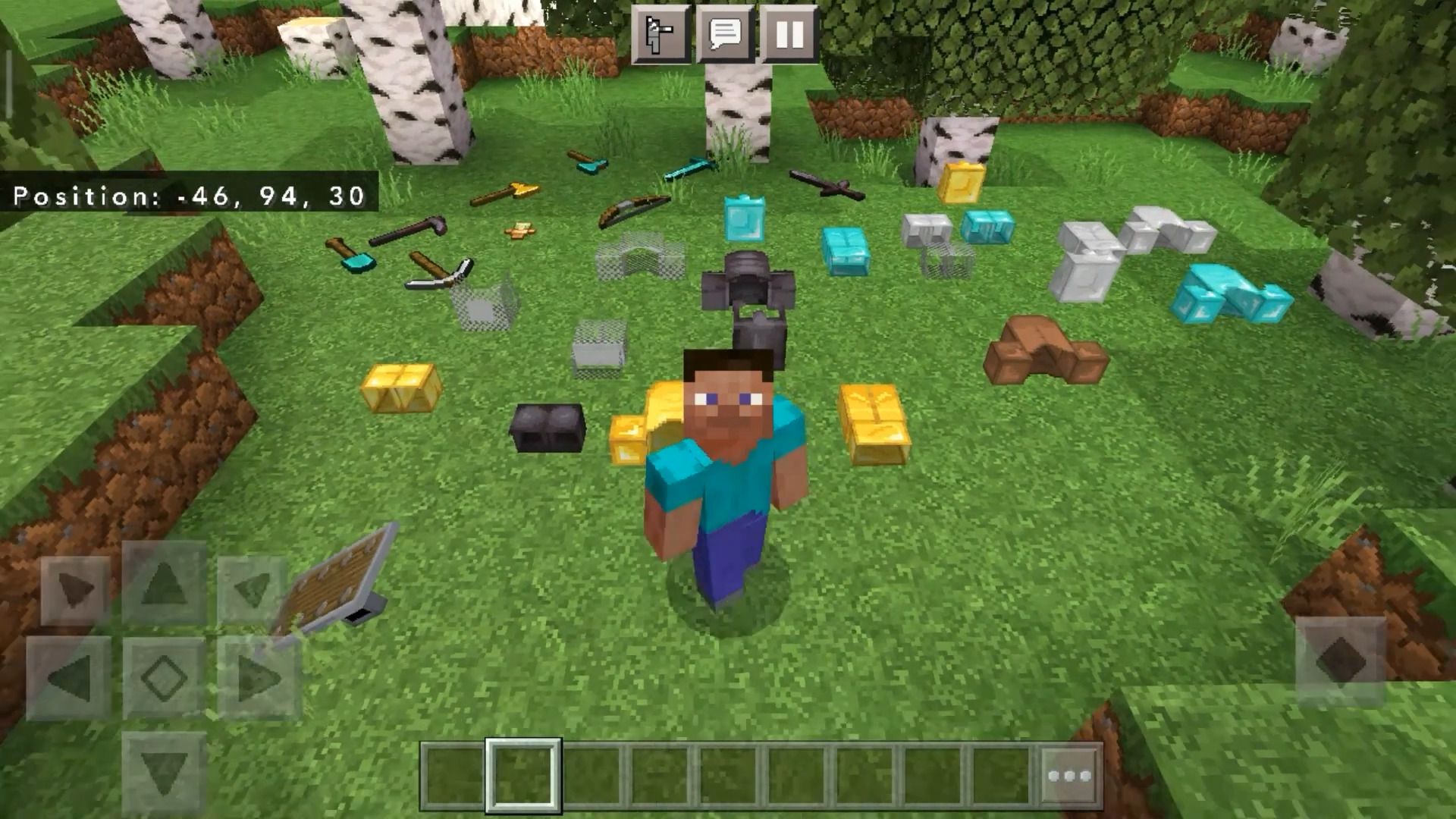
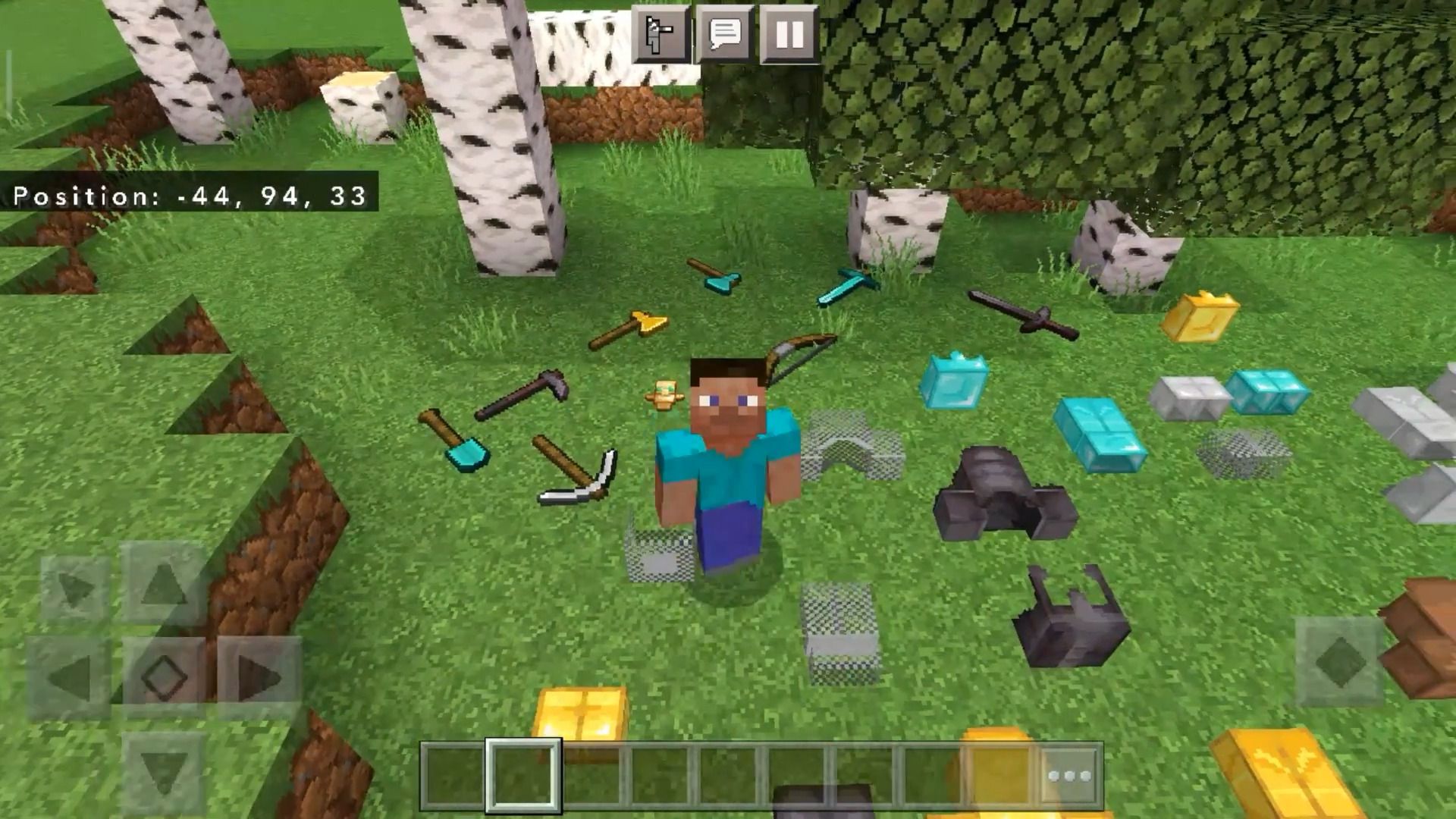
Item Physics Addon adds real 3D physics to the items in game. If you want to have a more realistic vibes and experience something new, then give this a try. You will surely have fun using this!
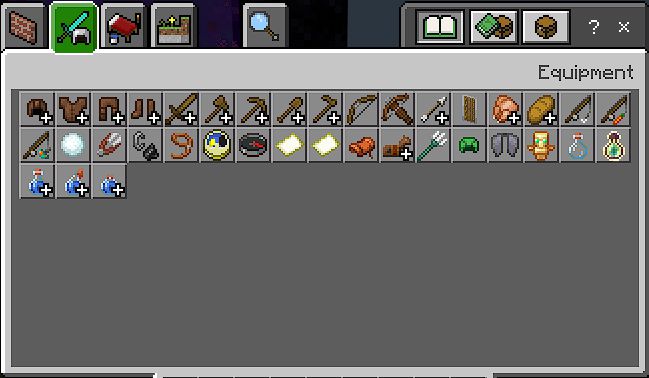
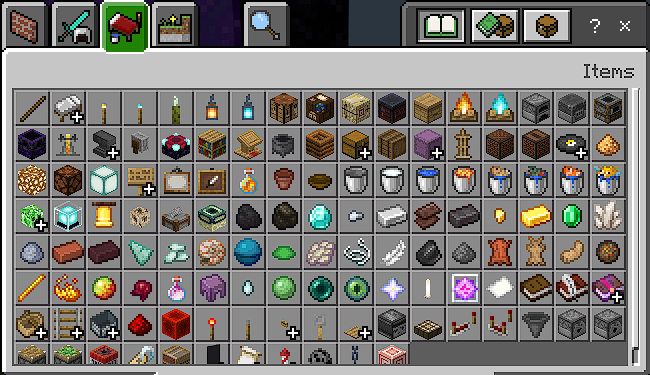
Item Tab:
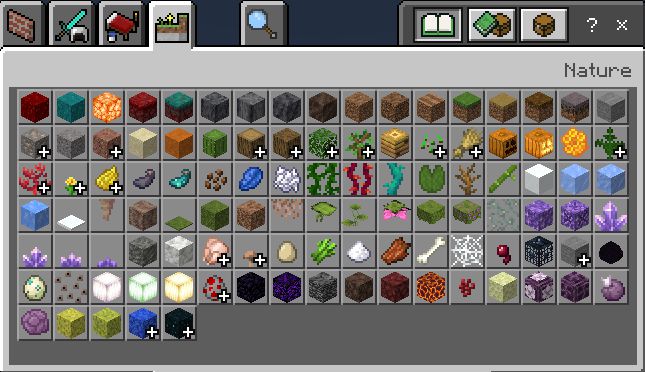
Nature Tab:
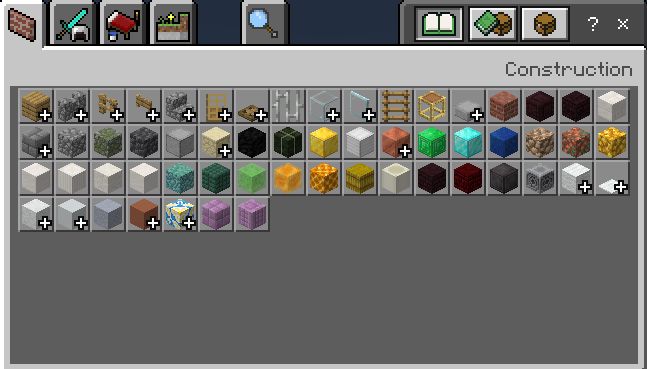
Construction Tab:
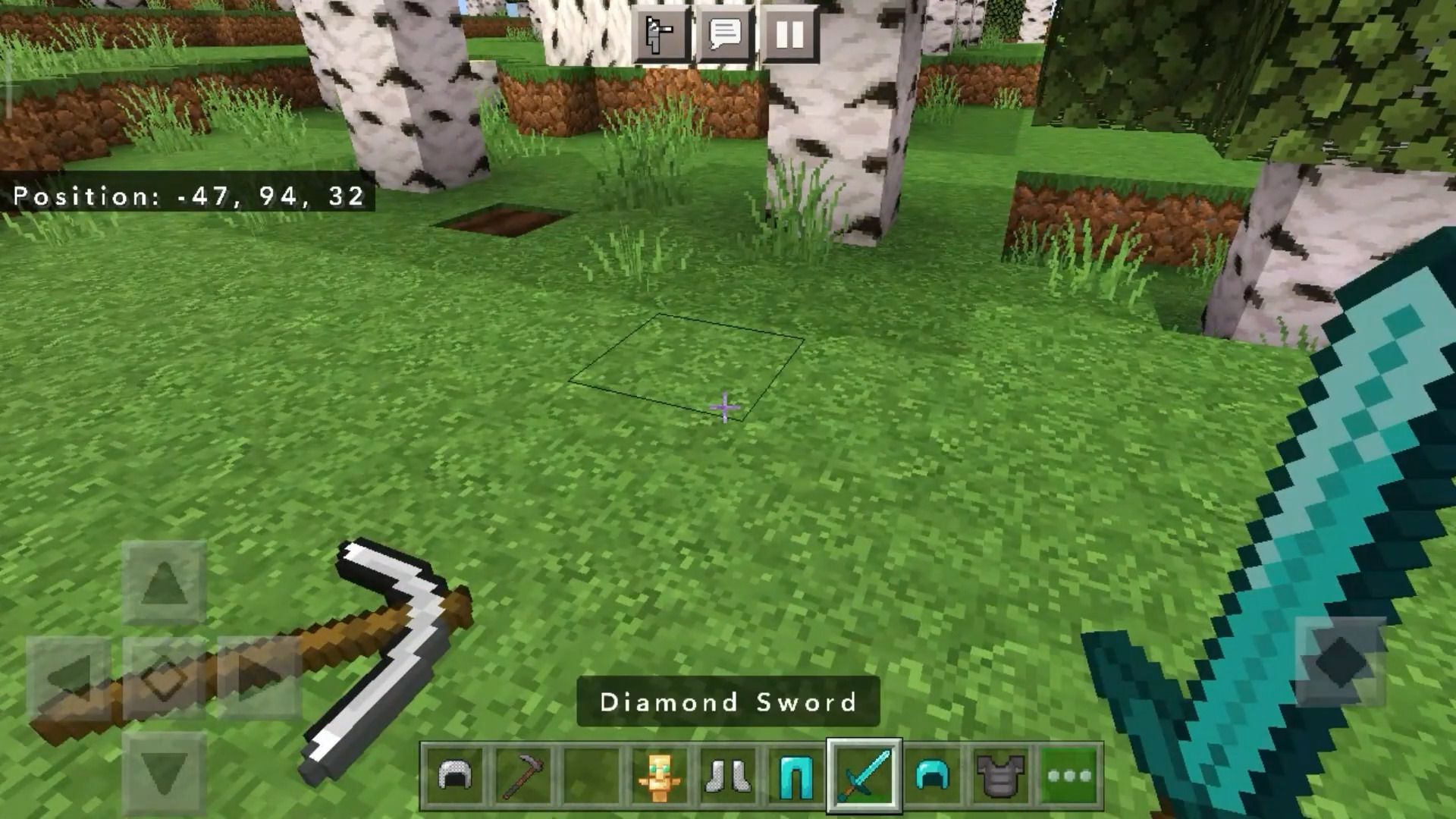
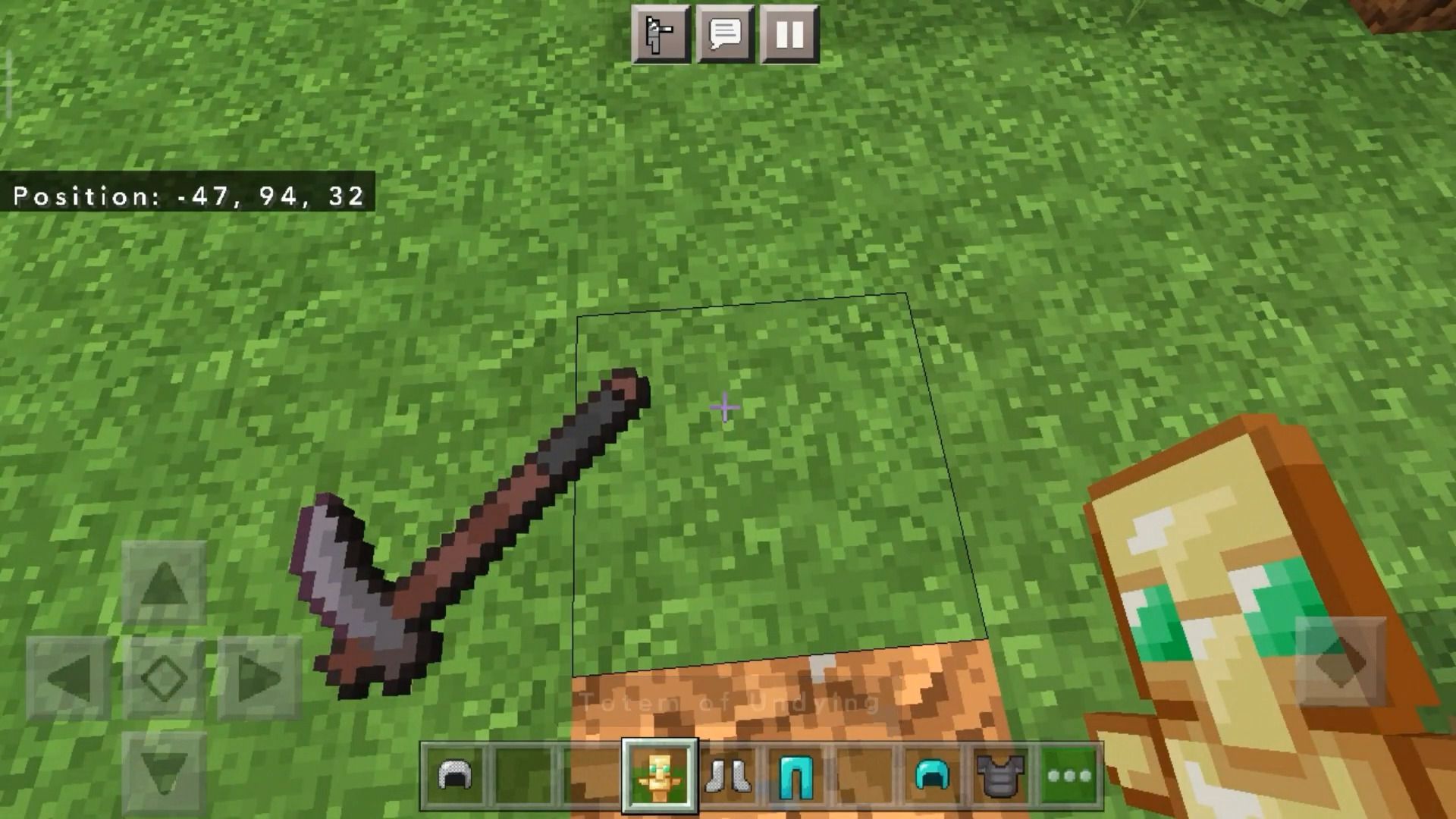
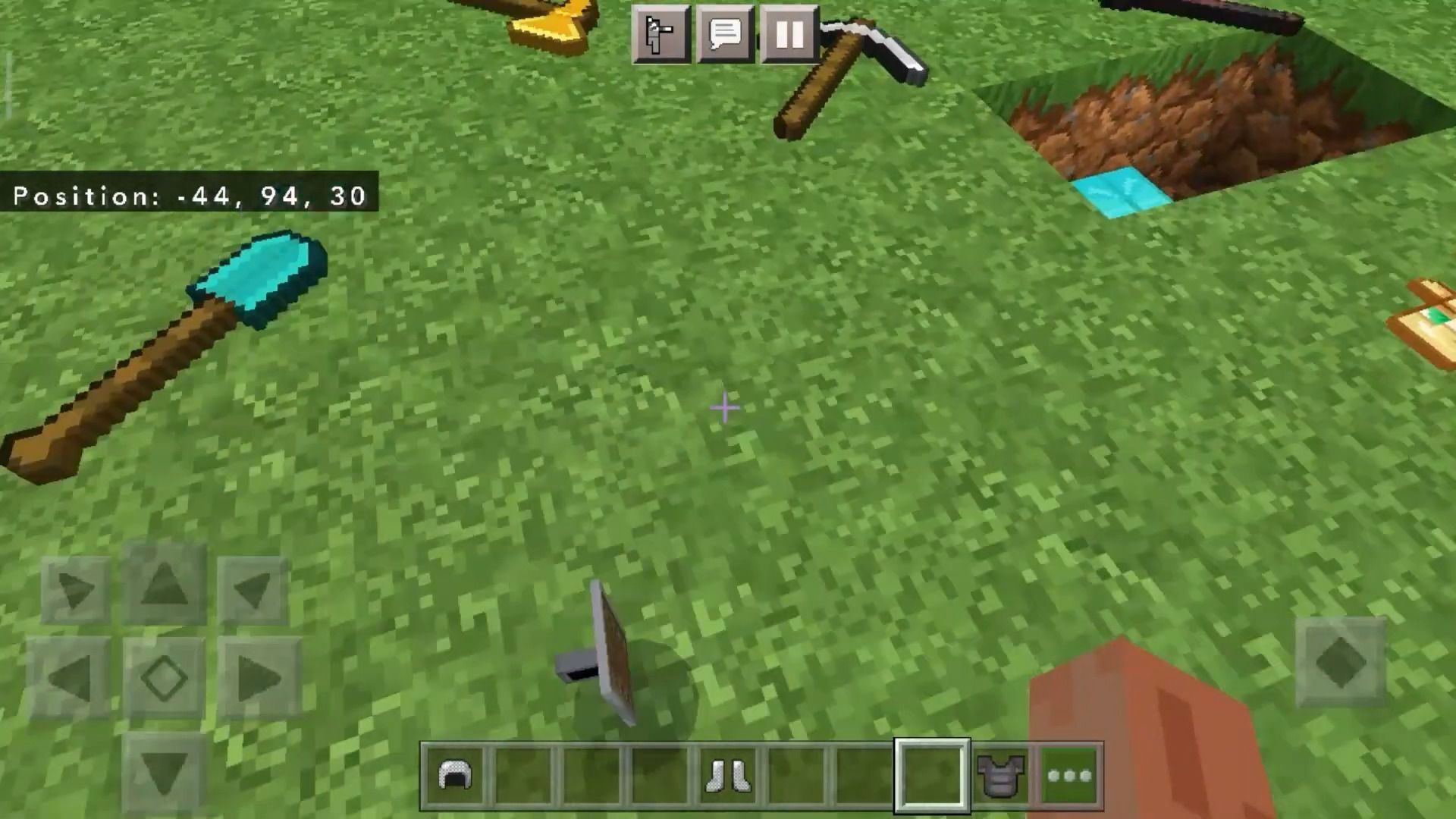
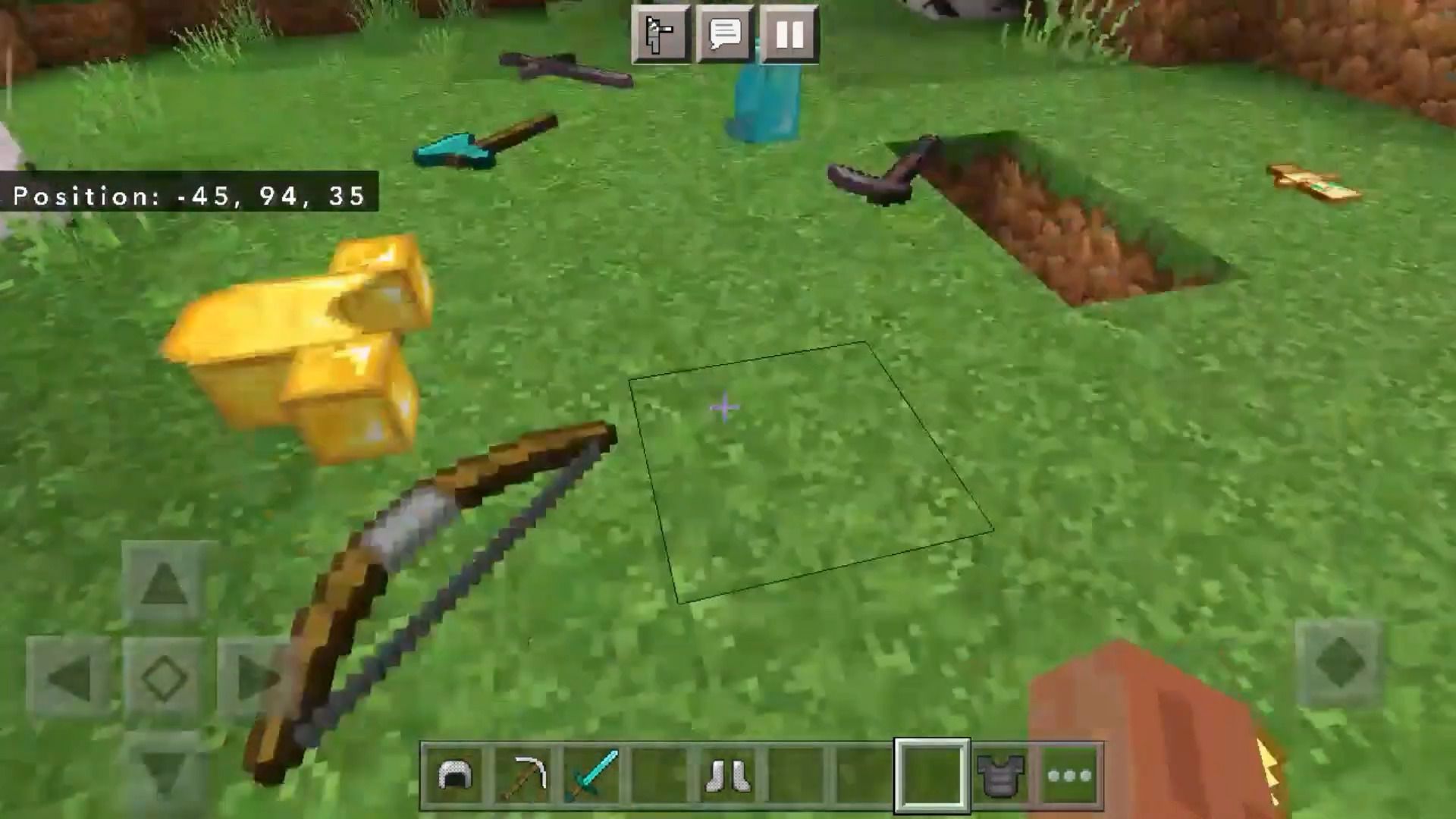
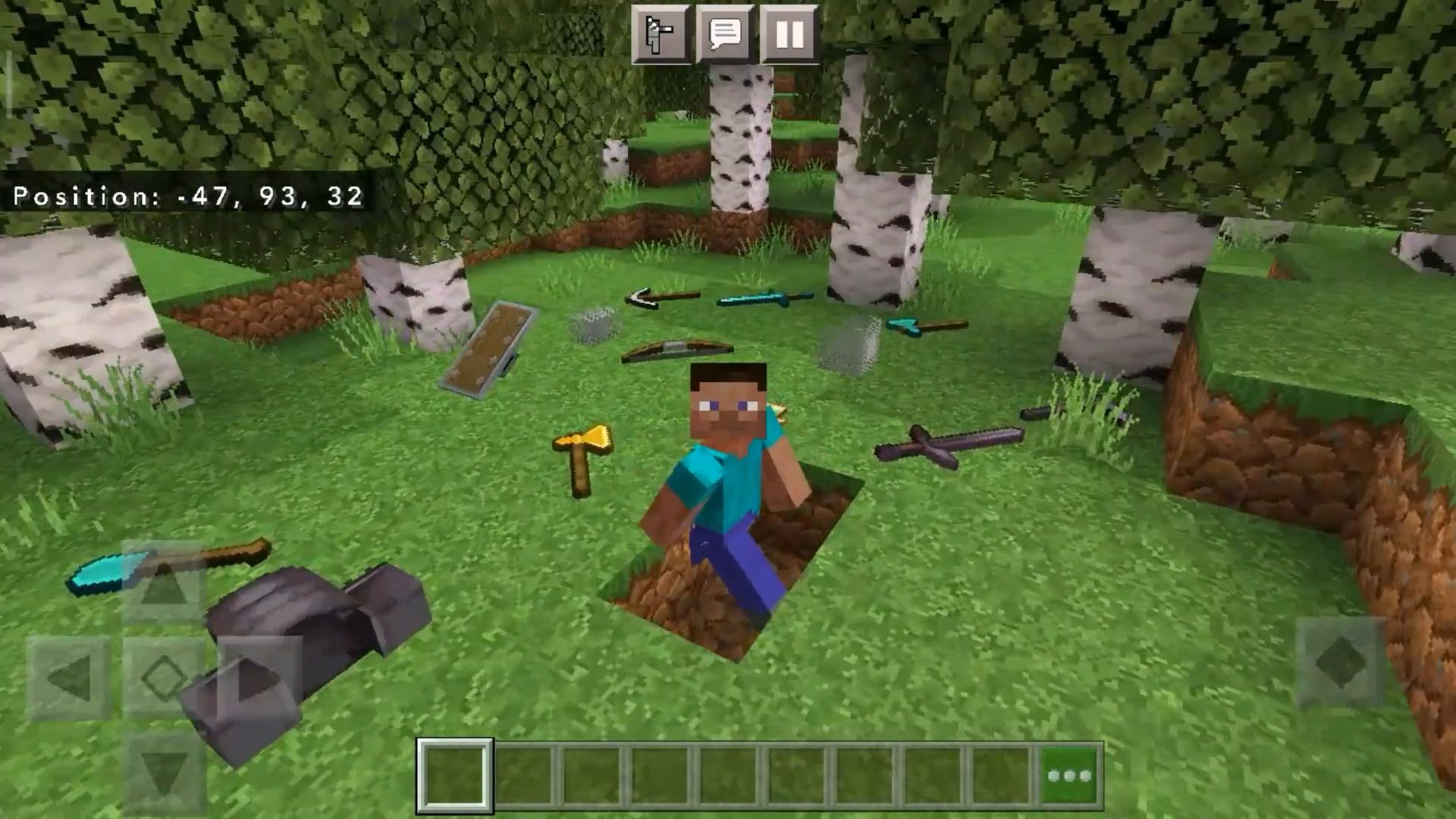
Features:
Included items:
- ALL Items including addons.
Item Tab:
Nature Tab:
Construction Tab:
How to use:
- Turn on Experimental Featurest, Holiday Creator, Mob Griefing.
- Click the item to pick up or crouch to pick up all items nearby.
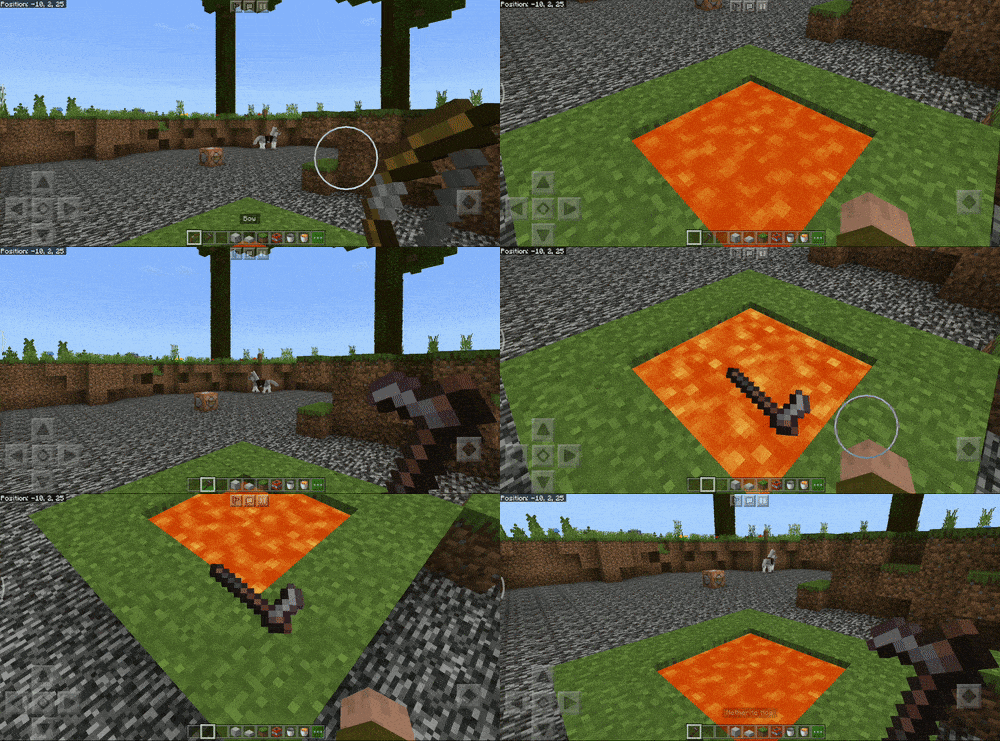
- Netherite physics (Old presentation but same behavior).
Screenshots:
Item Physics Addon Download Links
For MCPE/Bedrock 1.18
Download from server 2
For MCPE/Bedrock 1.19, 1.18
Download from server 1
Quick facts
- Edition: Minecraft Bedrock
- File type: .mcpack or .mcaddon
- Minecraft versions listed: 1.19, 1.18
- How to install: Download the .mcpack or .mcaddon file. → Open it — Minecraft imports it. → In your world: Behavior Packs → Available → Activate, then the same under Resource Packs.
- Where to get it: In MCModsHub, or directly above on this page.
Install steps are the general flow for this file type — How to install Minecraft Bedrock addons & mods walks through it step by step.
Verified by MCModsHub
- Pack type: .mcaddon — behaviour and resource pack in one file
- Manifest requires Minecraft 1.18.0 or newer
- Complete pack — everything it depends on is inside the file
- Download size: 97 KB
- Download link checked 17 Jun 2026 — working
- Mirrored on our own servers — the download does not depend on the original host
These come from our own check of the pack file, not from the source page.