AddonsBedrock
TF2 Stuff Addon (1.20, 1.19) – MCPE/Bedrock 3D Guns & Melees Mod
Bedrock add-on listed for Minecraft 1.19–1.20 (behavior + resource pack). Needs Beta APIs. File opened and checked on 20 Oct 2026; installs from the MC Bedrock Mods app on Android.
⬇ Download


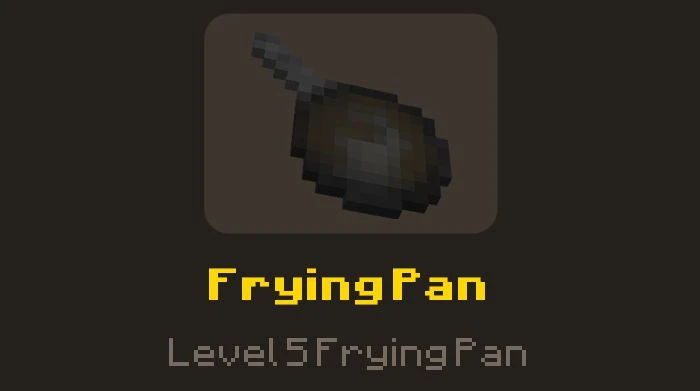

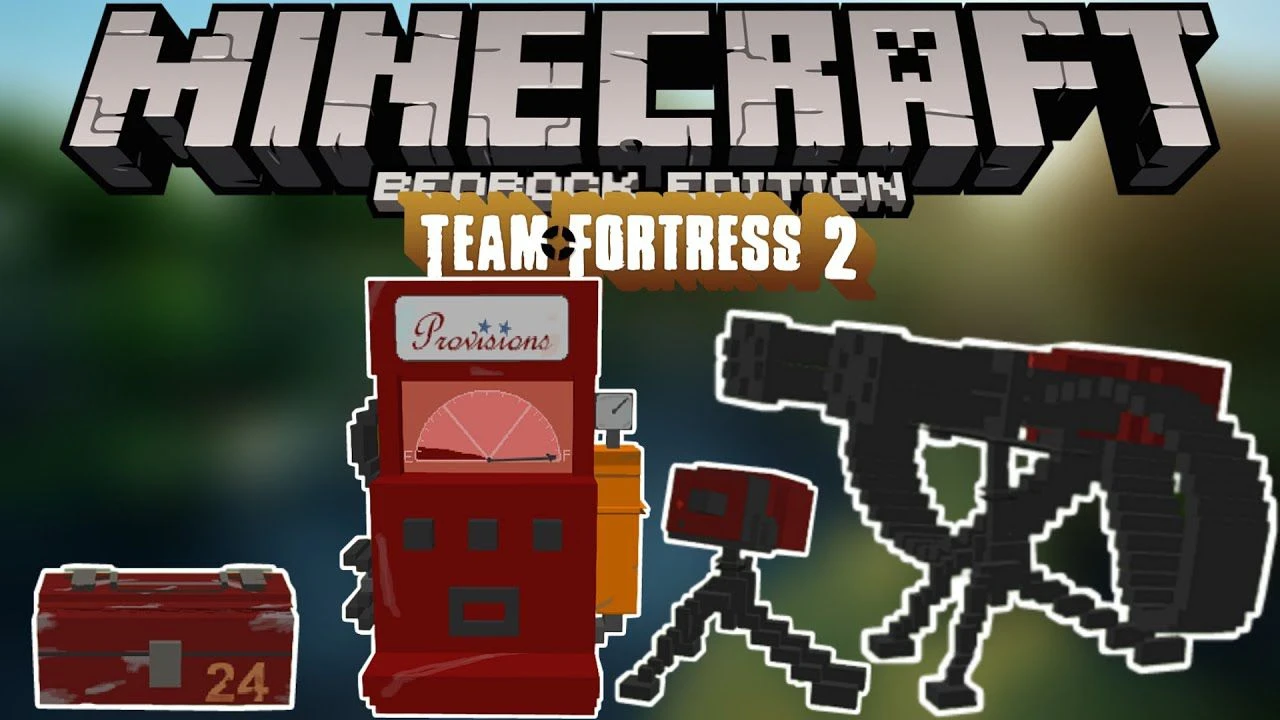
Are you a TF2 player but also a Minecraft player? Are you familiar with the famous TF2 Stuff mod from Minecraft: Java Edition? Well, this addon is for you, TF2 Stuff Addon recreates the famous mod to be played in Minecraft: Bedrock Edition. The addon will bring nostalgic memories to players who have been playing TF2 since its initial release.
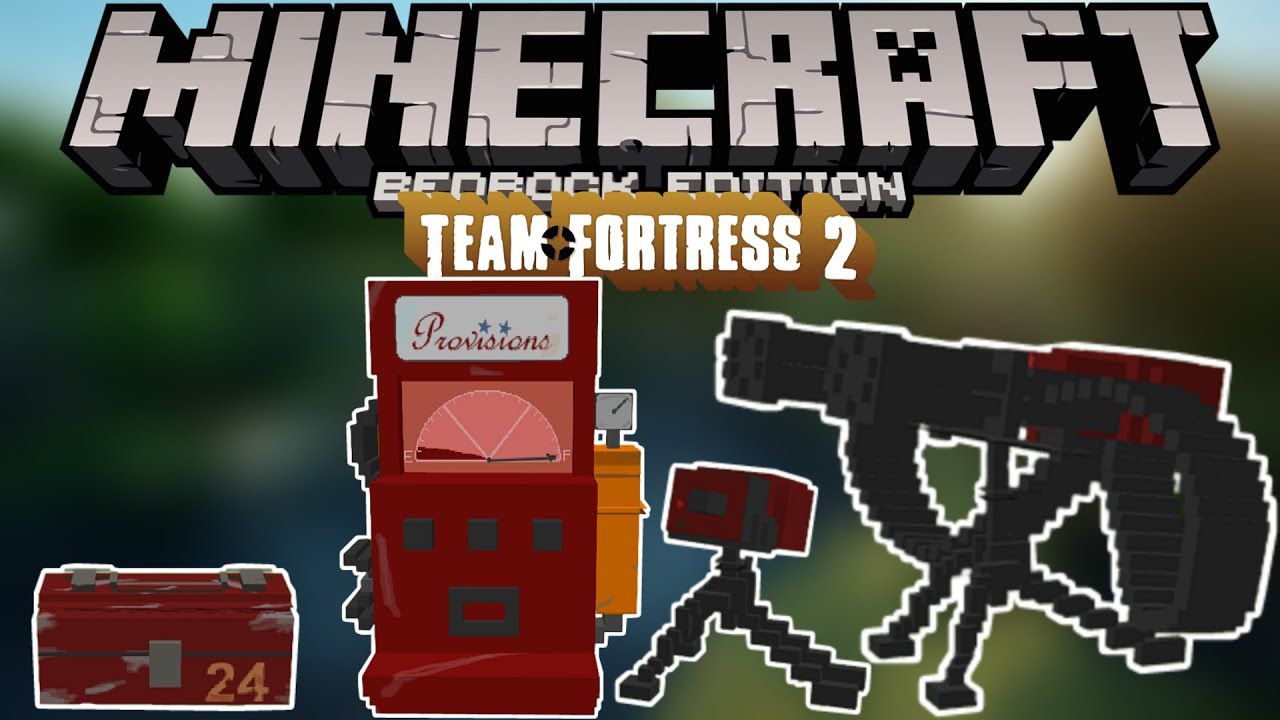
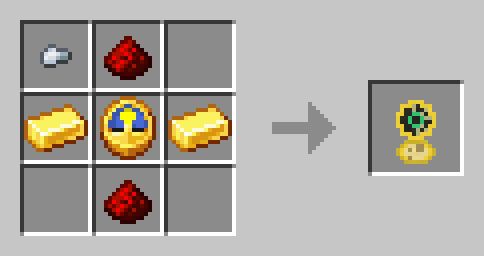
Features:
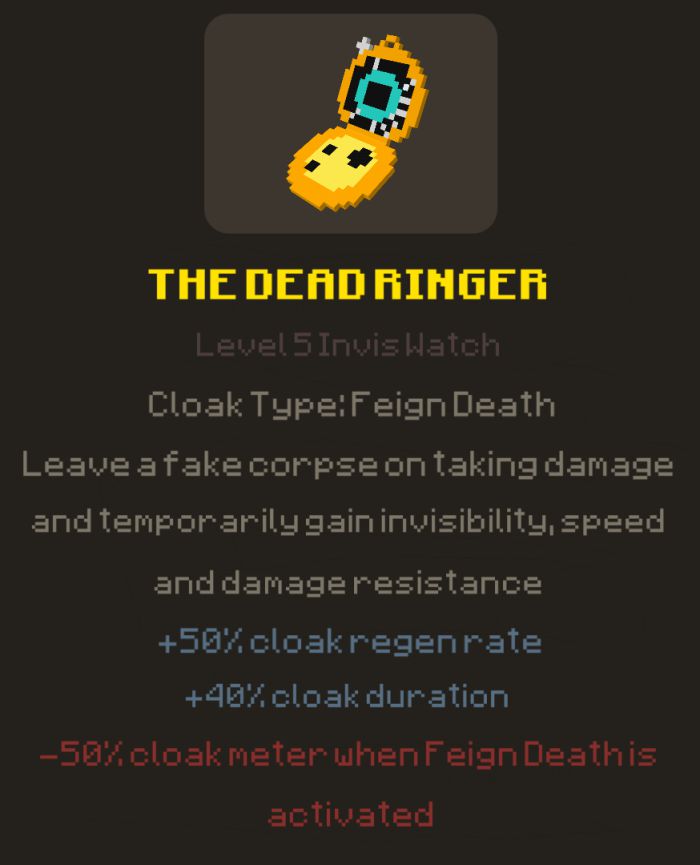
Current weapons/items in this addon:The Dead Ringer
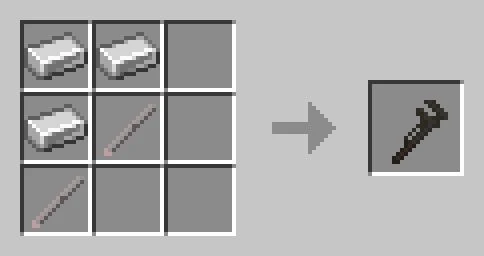
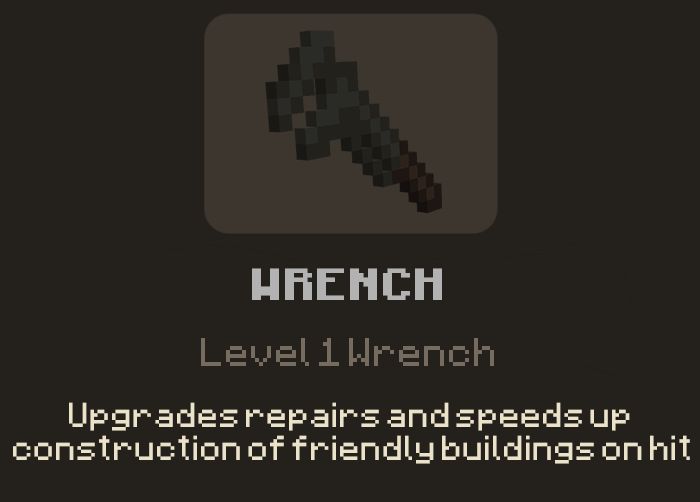
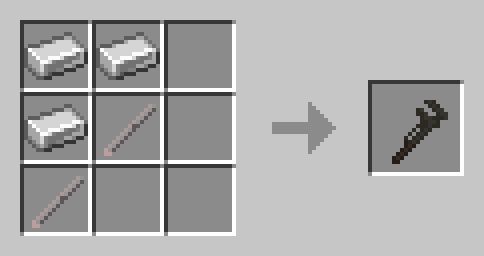
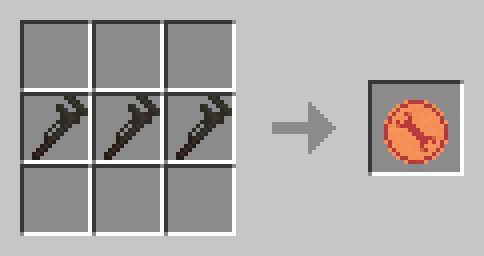
Wrench
- Hit sounds
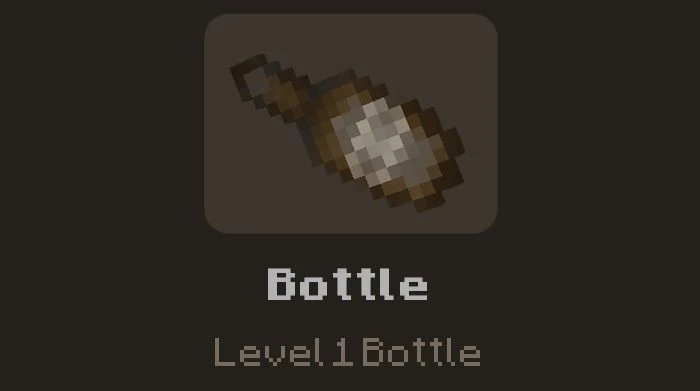
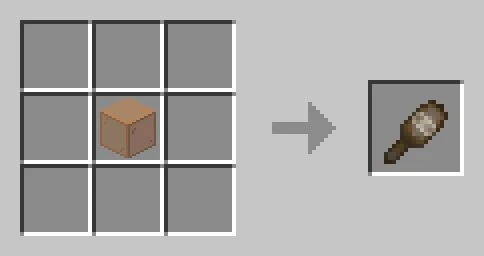
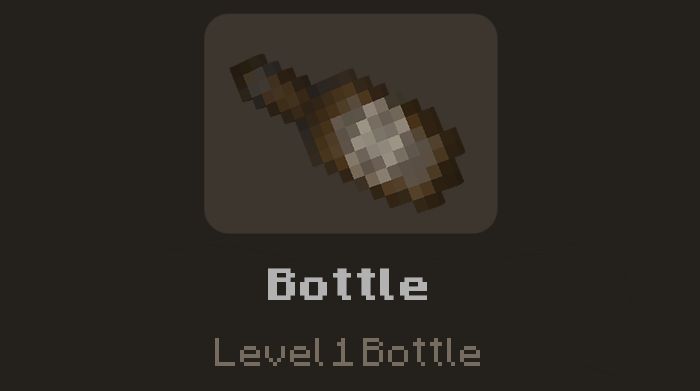
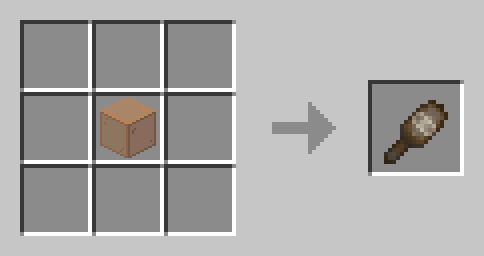
Bottle
- Hit sounds
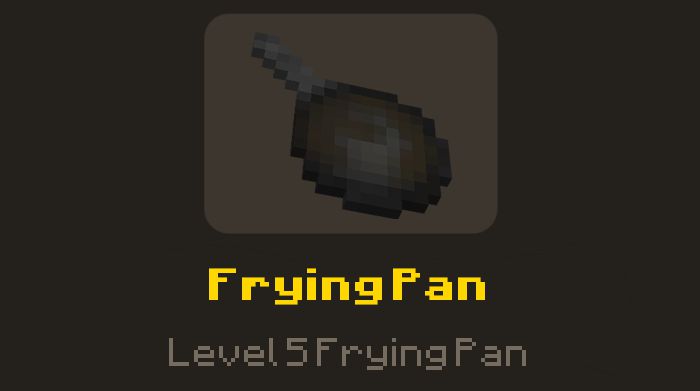
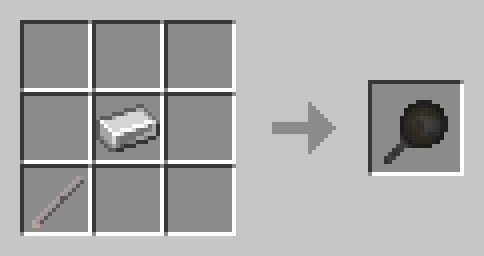
Frying Pan
- Hit sounds
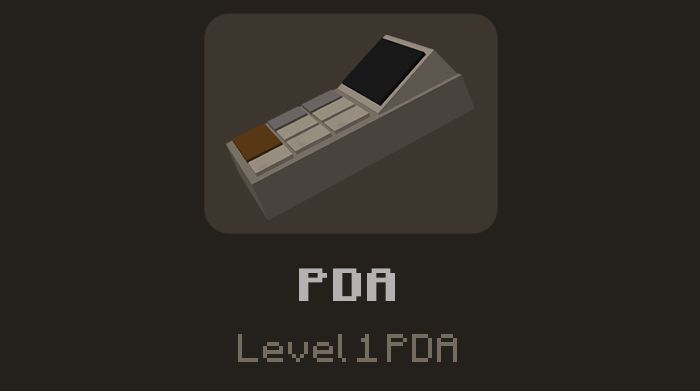
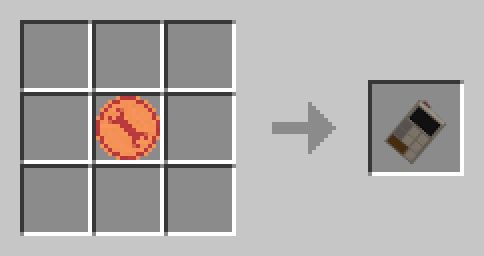
Construction PDA
- Use to build Sentry Gun
Engineer Token
- Use to craft Engineer weapons/items-
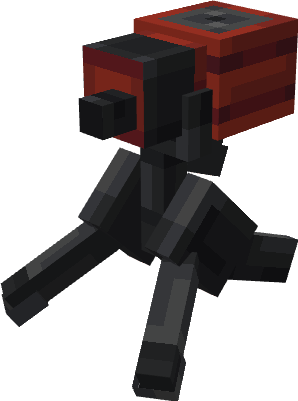
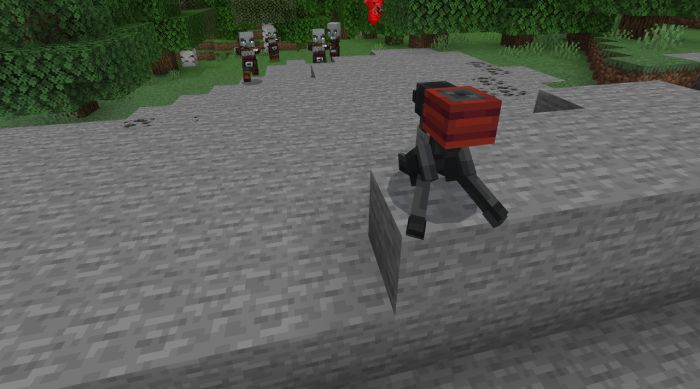
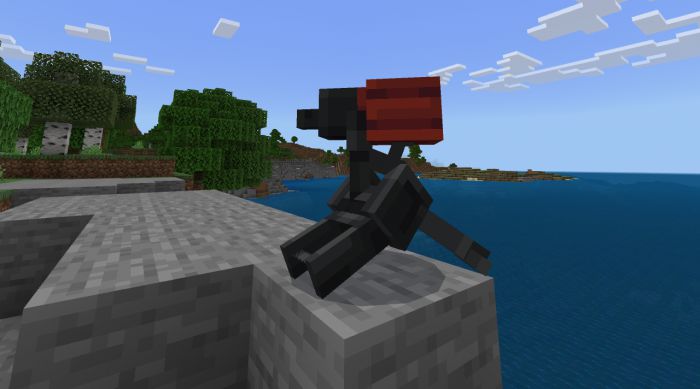
Sentry Gun – LVL 1
- Cn be placed using the Construction PDA-
- Can be repaired by hitting it with a Wrench-
- Complete with sounds and animations-
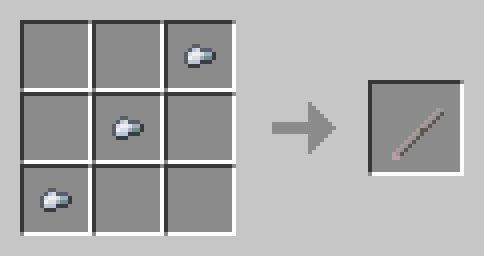
Iron rod
- Use to craft items/weapons-
Screenshots:
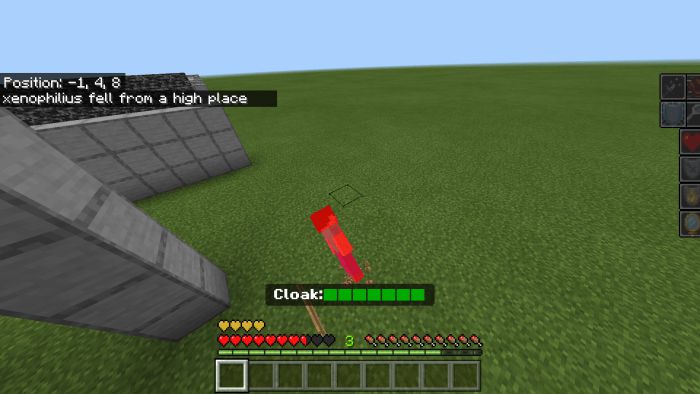
A player leaving a fake death animation and a fake death message after activating the Dead Ringer:
Custom skin
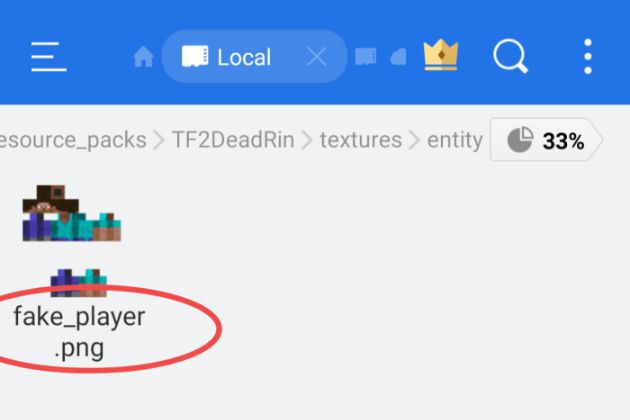
- You can change the texture of the fake player entity by going to games/com.mojang/resource_packs/TF2DeadRin/textures/entity
- Replace the encircled image named “fake_player” with your desired skin and rename it similar to the original file.
Installation Note:
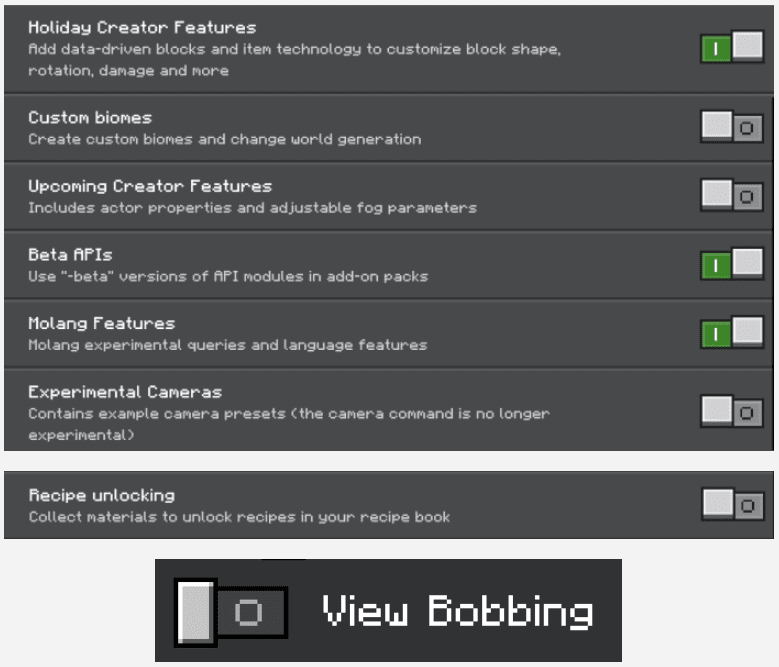
- Make sure you activated the following “Experimental Settings”:
TF2 Stuff Addon Download Links
For PC/Java Edition
TF2 Stuff Mod
For Minecraft PE/Bedrock 1.20
Behavior: Download from server 1 – Download from server 2 Resource: Download from server 1 – Download from server 2 Team Fortress 2 Skin Pack: Download from server 1 – Download from server 2
For Minecraft PE/Bedrock 1.19
Behavior: Download from server 1 – Download from server 2 Resource: Download from server 1 – Download from server 2
Quick facts
- Edition: Minecraft Bedrock
- File type: .mcpack or .mcaddon
- Minecraft versions listed: 1.20, 1.19
- How to install: Download the .mcpack or .mcaddon file. → Open it — Minecraft imports it. → In your world: Behavior Packs → Available → Activate, then the same under Resource Packs.
- Where to get it: In MCModsHub, or directly above on this page.
Install steps are the general flow for this file type — How to install Minecraft Bedrock addons & mods walks through it step by step.
File checked by MCModsHub
- Pack type: .mcaddon — behaviour and resource pack in one file
- Needs Beta APIs switched on in the world settings
- Complete pack — everything it depends on is inside the file
- Download size: 1.5 MB
- Download link checked 30 Jun 2026 — working
- Mirrored on our own servers — the download does not depend on the original host
These come from our own check of the pack file, not from the source page.