AddonsBedrock
Camera Angle Addon (1.20) – MCPE/Bedrock Mod
Bedrock add-on listed for Minecraft 1.20 (behavior + resource pack). File opened and checked on 23 Sep 2026; installs from the MC Bedrock Mods app on Android.
⬇ Download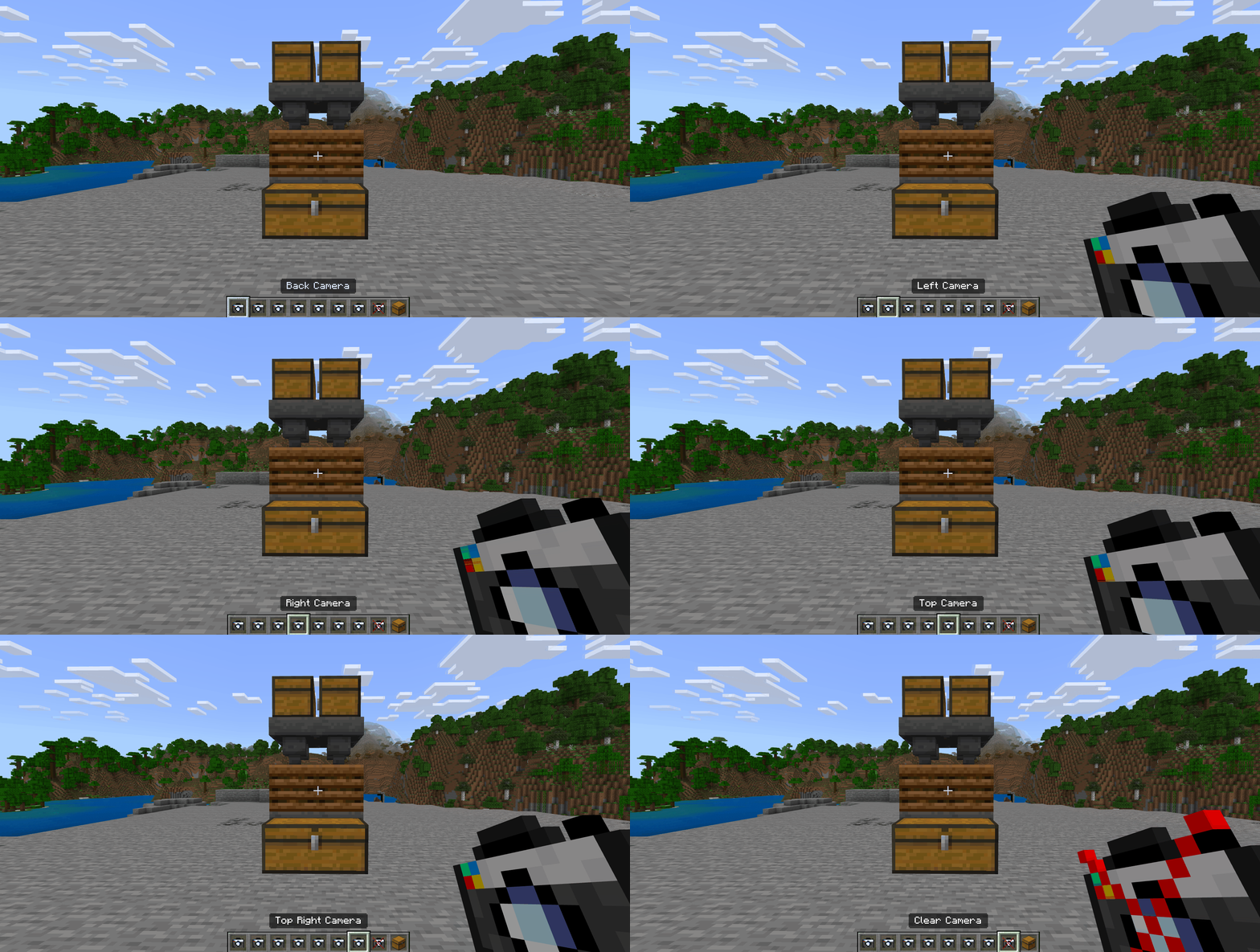
Camera Angle Addon is specifically designed for Minecraft video creators. The newest version of the addon includes still cameras that can be set up for filming, as well as drone angles that follow you around. With this add-on, creating videos will be much easier and more enjoyable!
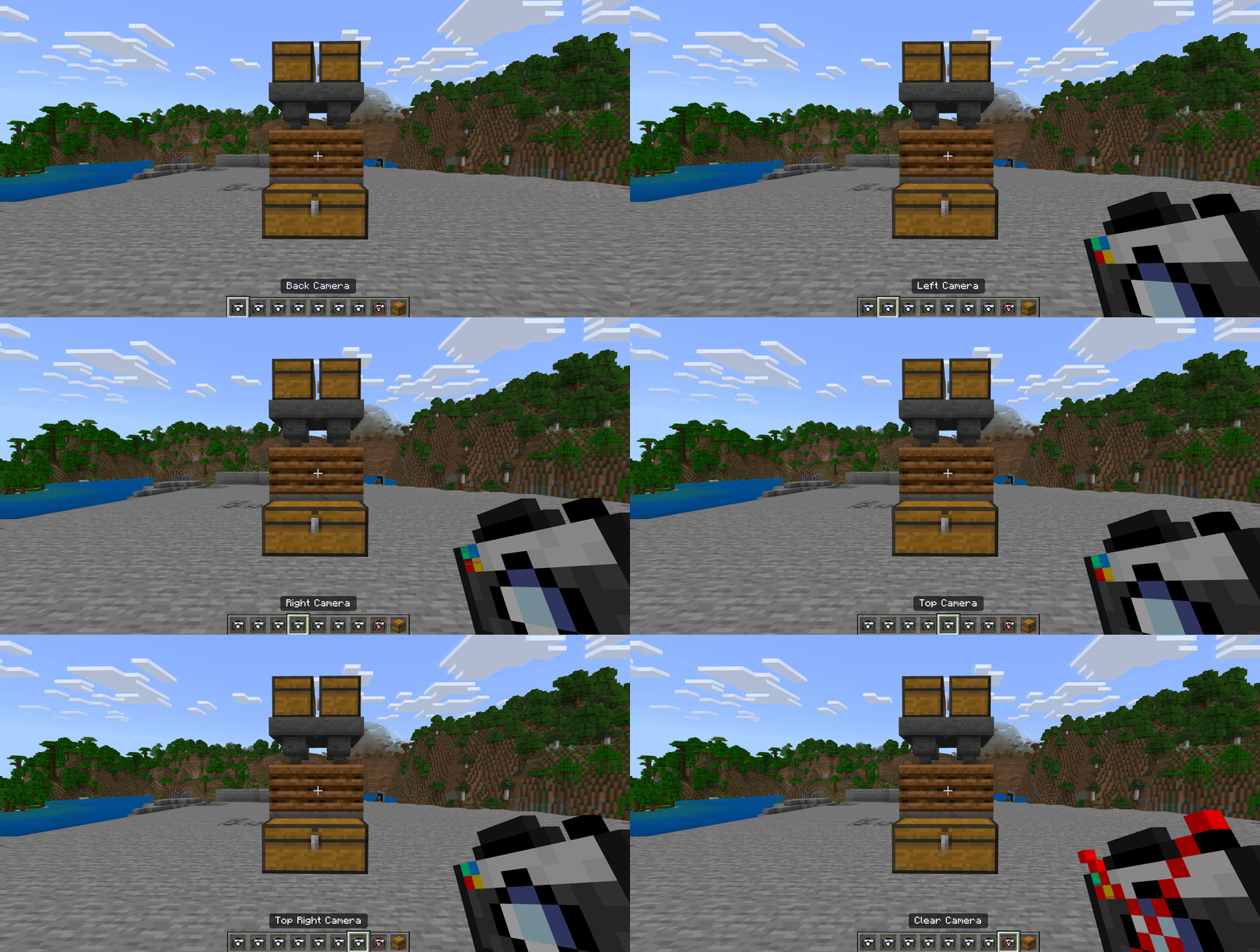 You have two types of Cameras: Still Cameras and Drone Cameras
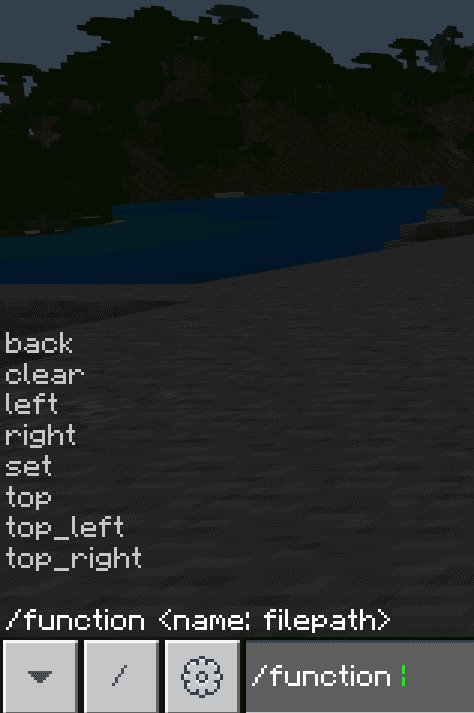
Features:
When recording Minecraft videos, it can be frustrating to use multiple devices to get different angles. Although Mojang has released camera commands, they can be a little tricky to use. That’s why the creator created this add-on, which he wanted to share with fellow video creators. It provides an easy way to have different camera angles and make your videos more engaging and professional-looking.How does it work?
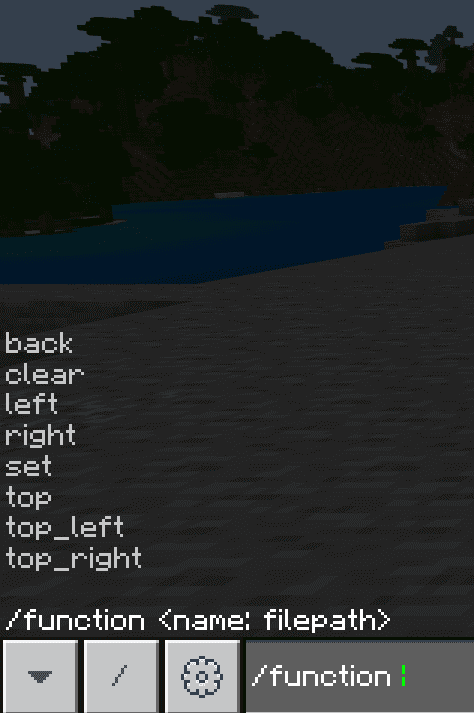
In this add-on, you are given different camera items that set the camera based on the title of the item. For example, there is a camera titled “Left” and this sets the camera to the left of the player.
You have two types of Cameras: Still Cameras and Drone Cameras
Still Cameras
List of Still Camera Angles:- Back
- Left
- Right
- Top
- Top-left
- Top-right
- Set (this places the camera where you are standing)
Drone Cameras
Drone Cameras follow the players (actually most of them follow where the player is looking). List of Drone Cameras:- Top
- Top North (doesn’t change based on the direction player faces)
- Top South
- Top East
- Top West
- Back
- Back Right
- Back Left
- Follow Close Left
- Follow Close Right
- Follow
- Follow
- Follow Low Back
Camera Angle Addon Download Links
For Minecraft PE/Bedrock 1.20.30+
mcaddon: Download from server 1 – Download from server 2
Quick facts
- Edition: Minecraft Bedrock
- File type: .mcpack or .mcaddon
- Minecraft version listed: 1.20
- How to install: Download the .mcpack or .mcaddon file. → Open it — Minecraft imports it. → In your world: Behavior Packs → Available → Activate, then the same under Resource Packs.
- Where to get it: In MCModsHub, or directly above on this page.
Install steps are the general flow for this file type — How to install Minecraft Bedrock addons & mods walks through it step by step.
File checked by MCModsHub
- Pack type: .mcaddon — behaviour and resource pack in one file
- Manifest requires Minecraft 1.20.30 or newer
- Complete pack — everything it depends on is inside the file
- Download size: 280 KB
- Download link checked 17 Jun 2026 — working
- Mirrored on our own servers — the download does not depend on the original host
These come from our own check of the pack file, not from the source page.