AddonsBedrock
Super Mario Blocks Addon (1.19) – MCPE/Bedrock Mod
Bedrock add-on listed for Minecraft 1.8–1.19 (behavior + resource pack). File opened and checked on 4 Oct 2026; installs from the MC Bedrock Mods app on Android.
⬇ Download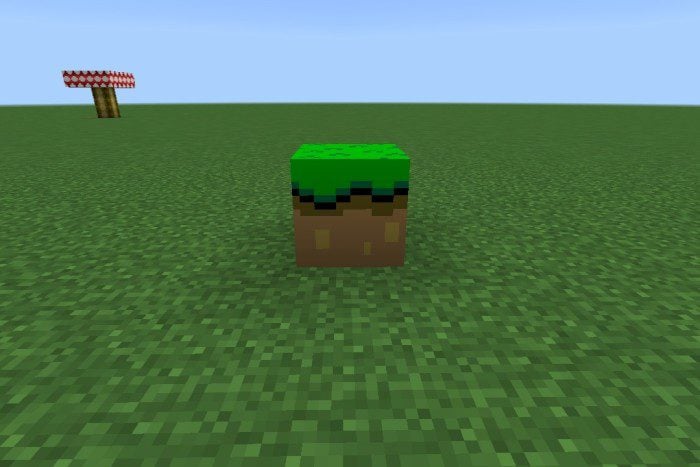
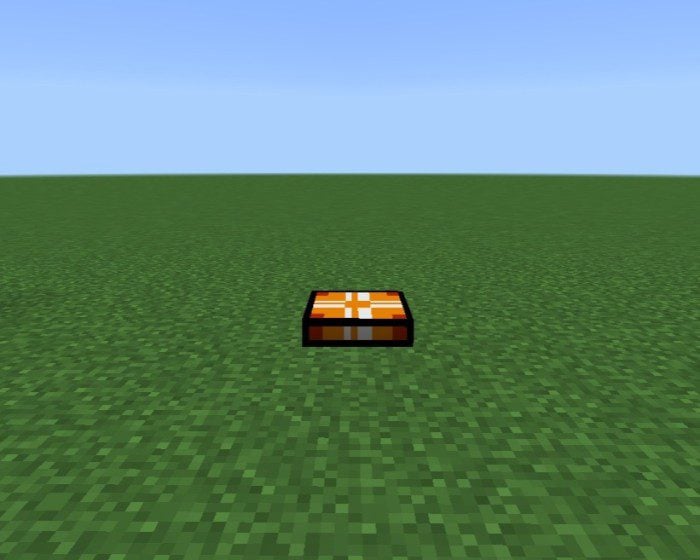
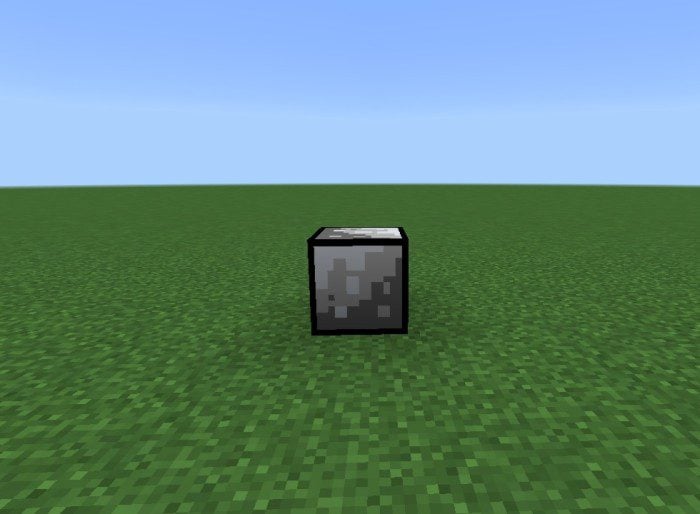
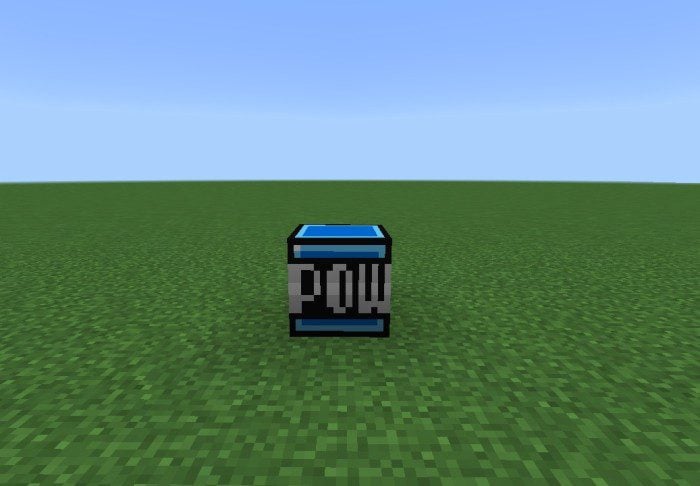
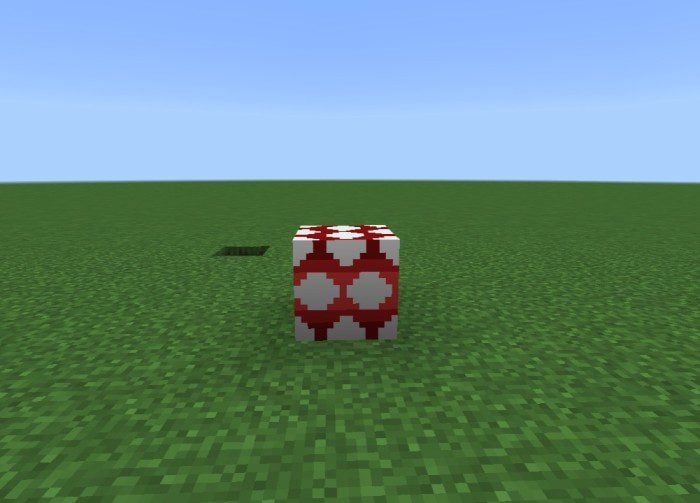
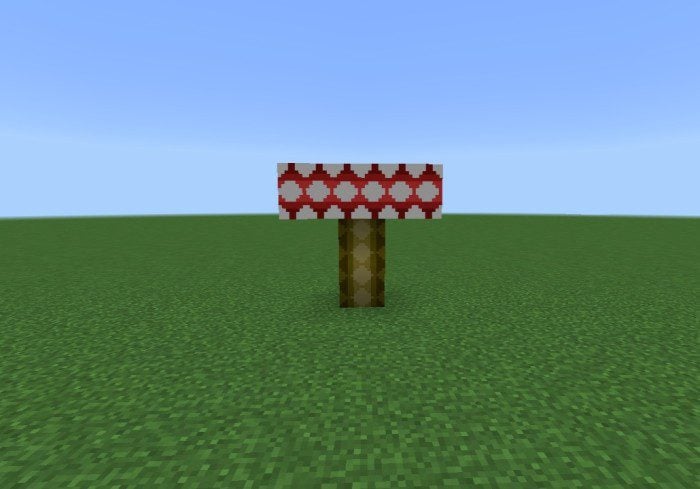
Super Mario Blocks Addon adds Mario grass block, Mario dirt block, P switch block, Top mushroom block, Pipe, Mario Vines, etc from the Super Mario game into Minecraft. This is only the first version so only a few blocks were added and it will be improved in the following updates.
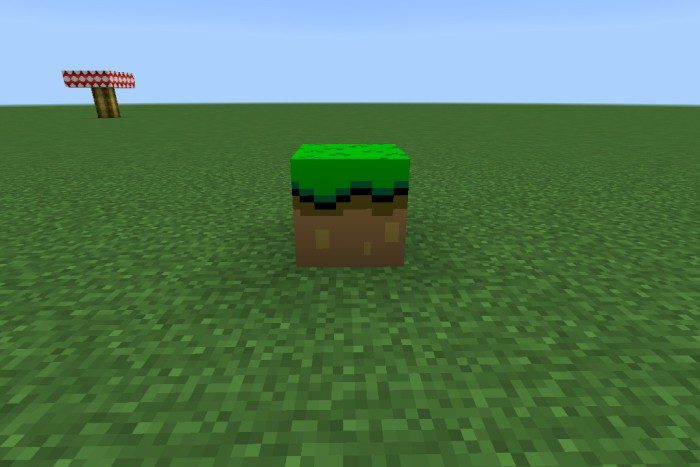 Mario dirt block:
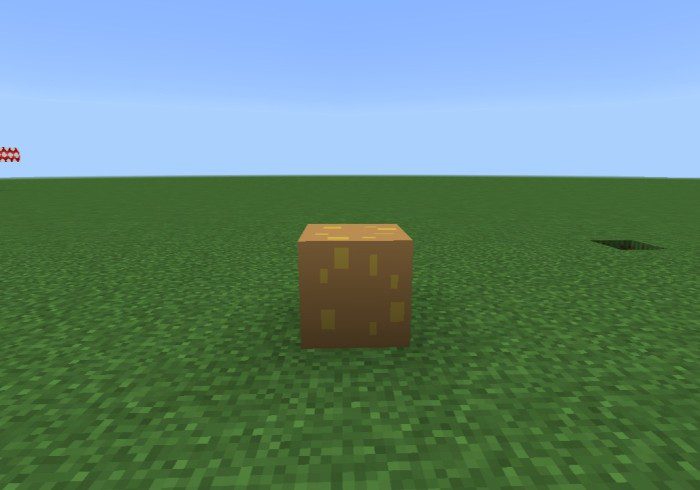 P swit block:
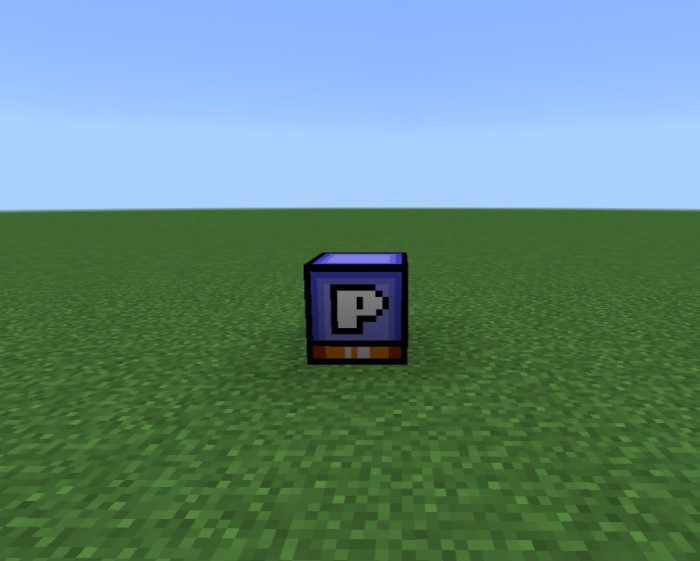 P swit block:
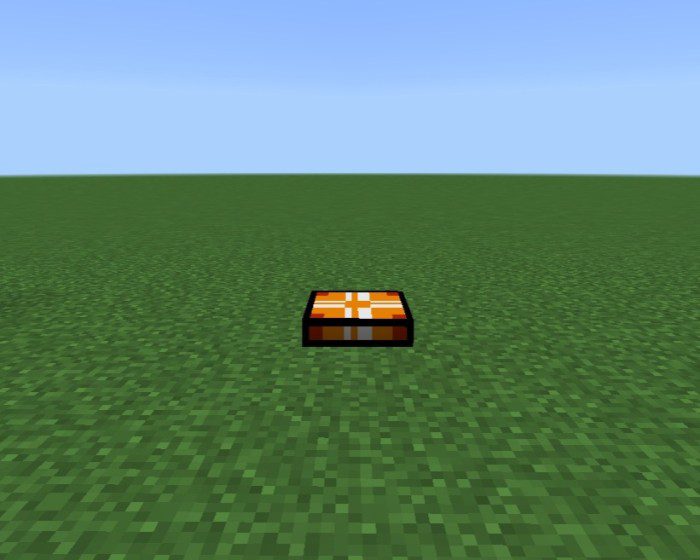 Mario stone block:
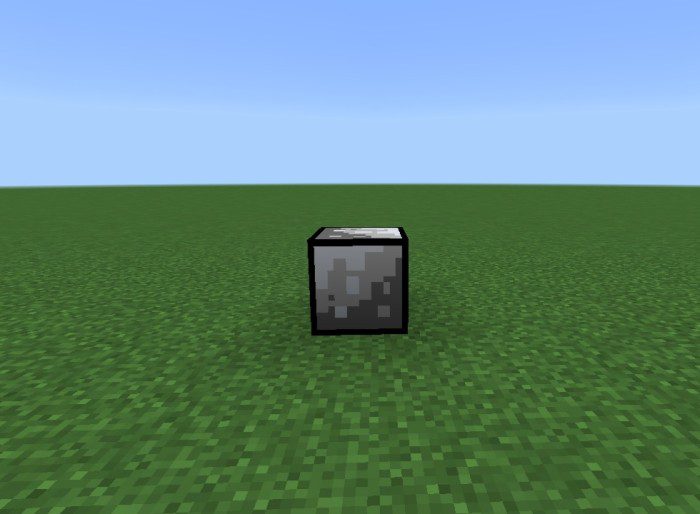 Pow block:
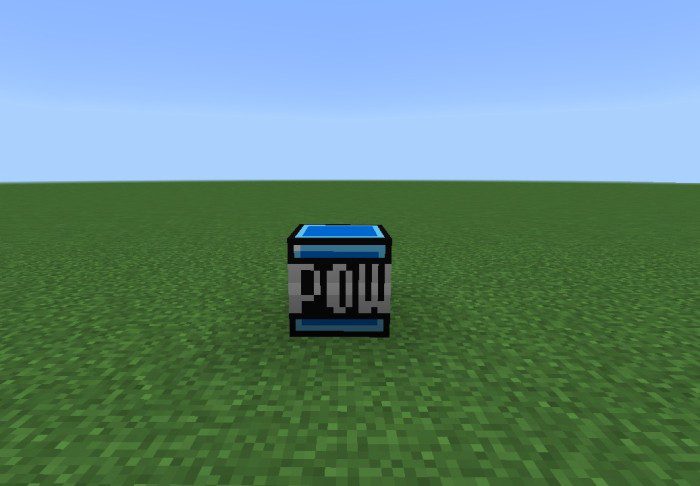 Top mushroom block:
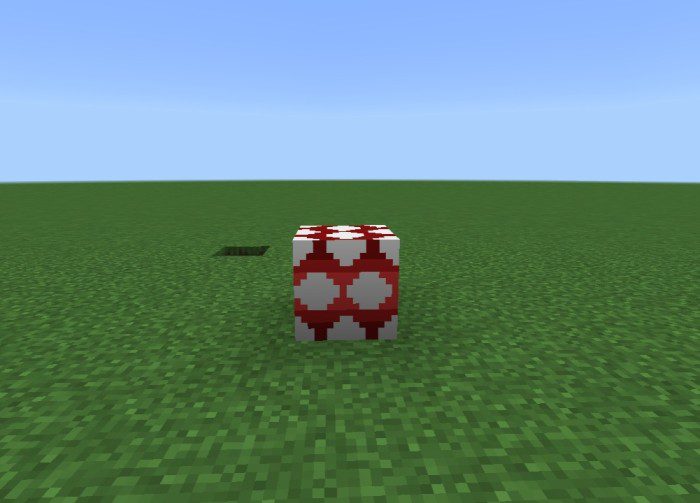
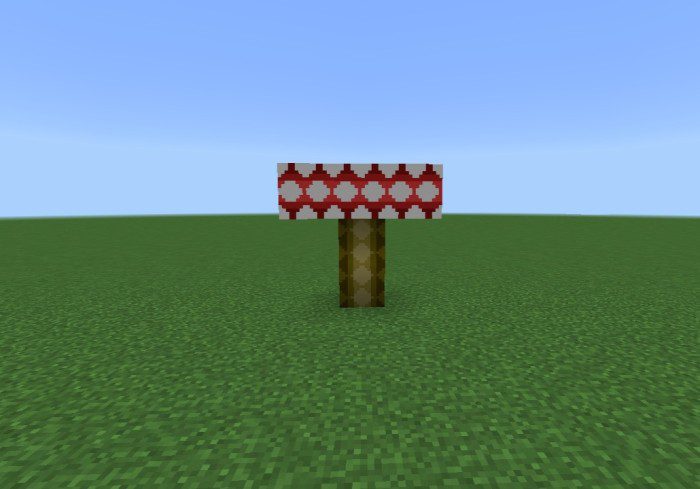 Spike Block:
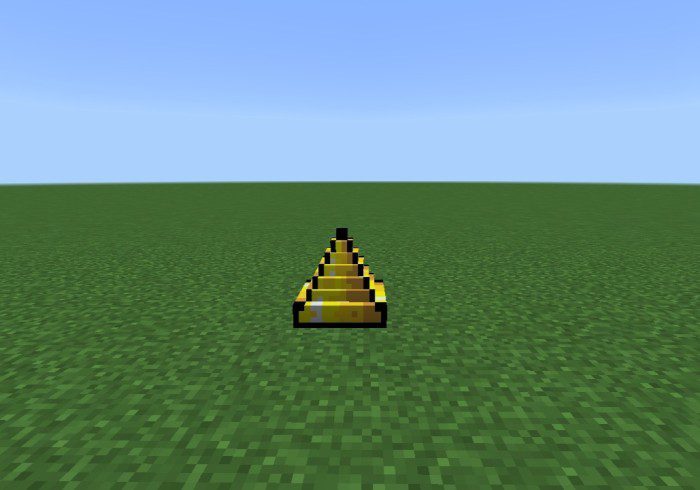 Empty block:
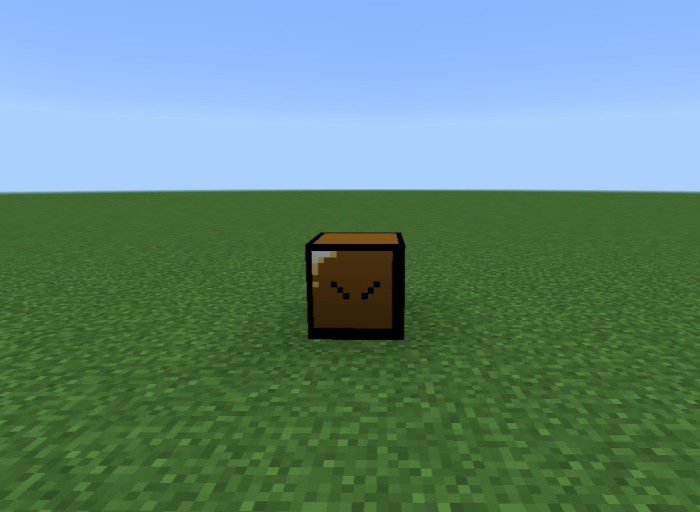 Donkey kong bar block:
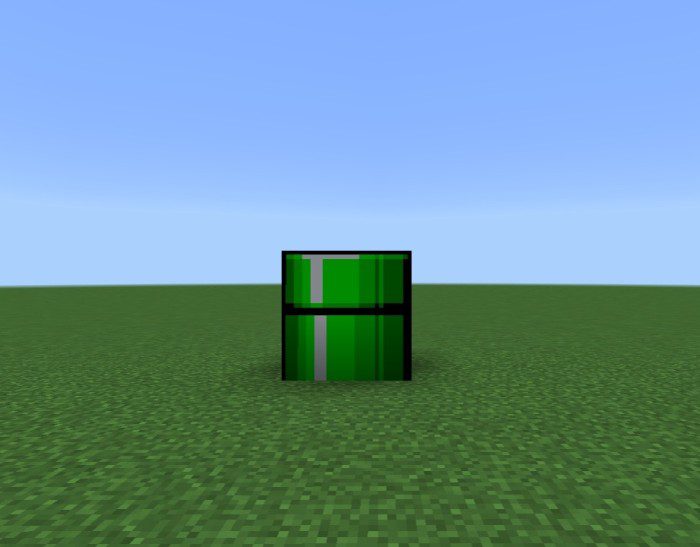
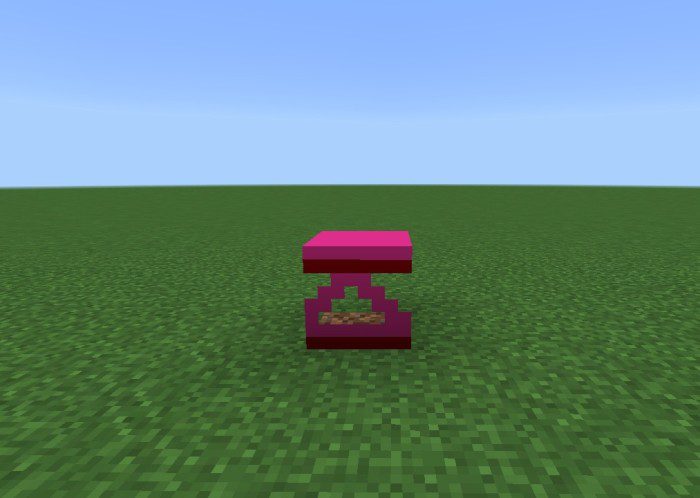 Pipe:
Pipe:
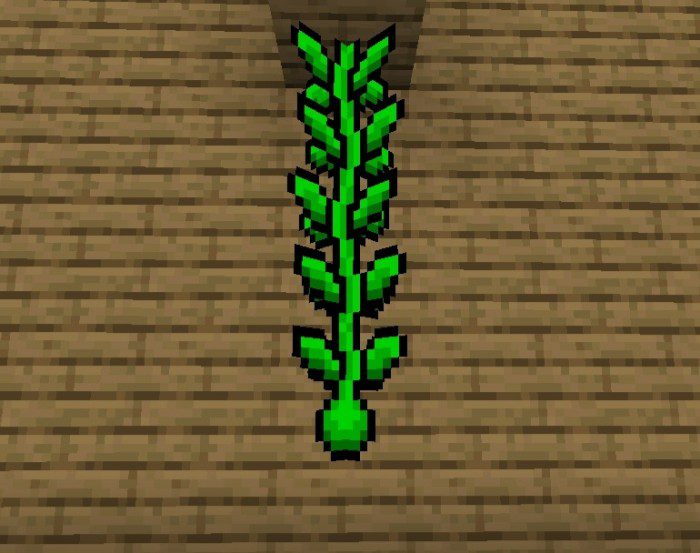
 Mario vines:
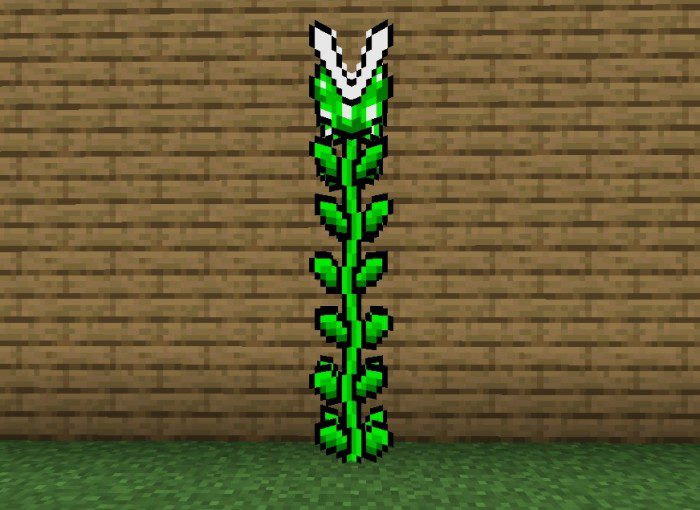 All blocks:
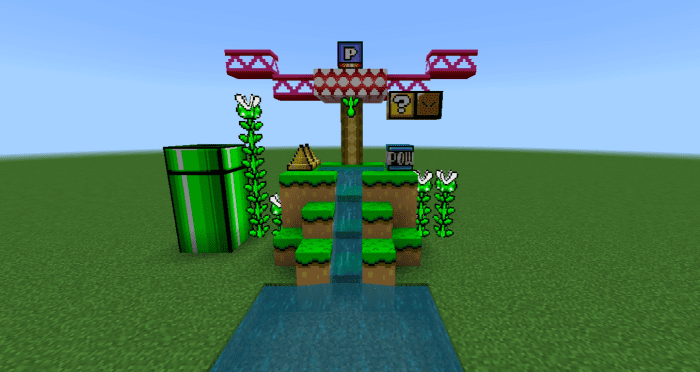
Features:
Blocks
Mario Grass Block:- it’s a block of grass in the style of super mario world
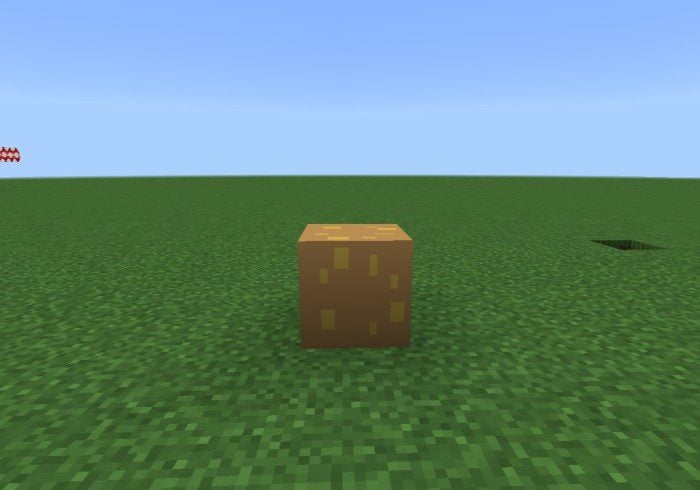
Mario dirt block:
- Just a block of dirt in the style of super Mario world
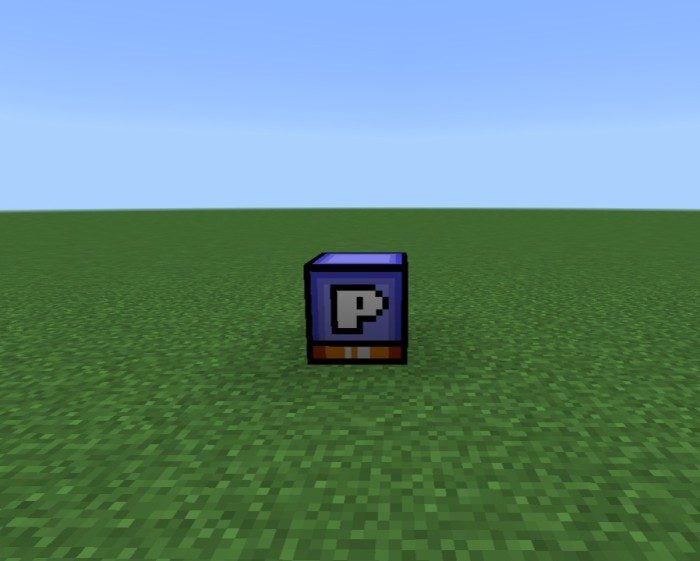
P swit block:
- This block is interactive, when you jump on it it is pressed and it turns into a closed P block
P swit block:
- When you press the P button it will transform into this block
Mario stone block:
- It’s a stone block in the style of super mario world
Pow block:
- If you know super Mario world you know what a pow block is, basically it’s dynamite, but this function will arrive in the next updates
Top mushroom block:
- Can be placed above mushroom block:
Spike Block:
- This block is interactive when you step on it will take approximately 3 hearts to damage
Empty block:
- This block is a decorative block inspired by Super Mario world
Donkey kong bar block:
- This is Donkey Kong Iron Bar, inspired by a classic 80s game
Pipe:
- This structure is made up of 8 blocks: cano 1,cano2,cano3,cano4,cano4,cano6,cano7 e cano8
Mario vines:
- In this block, the author just changed the texture of twisted vines and weeping vines
All blocks:
Installation Note:
- Make sure you activated all the Experimental Gameplay Options.
Super Mario Blocks Addon Download Links
For Minecraft PE/Bedrock 1.19
mcaddon: Download from server 1 – Download from server 2
Quick facts
- Edition: Minecraft Bedrock
- File type: .mcpack or .mcaddon
- Minecraft version listed: 1.19
- How to install: Download the .mcpack or .mcaddon file. → Open it — Minecraft imports it. → In your world: Behavior Packs → Available → Activate, then the same under Resource Packs.
- Where to get it: In MCModsHub, or directly above on this page.
Install steps are the general flow for this file type — How to install Minecraft Bedrock addons & mods walks through it step by step.
File checked by MCModsHub
- Pack type: .mcaddon — behaviour and resource pack in one file
- Manifest requires Minecraft 1.8.0 or newer
- Complete pack — everything it depends on is inside the file
- Download link checked 17 Jun 2026 — working
- Mirrored on our own servers — the download does not depend on the original host
These come from our own check of the pack file, not from the source page.