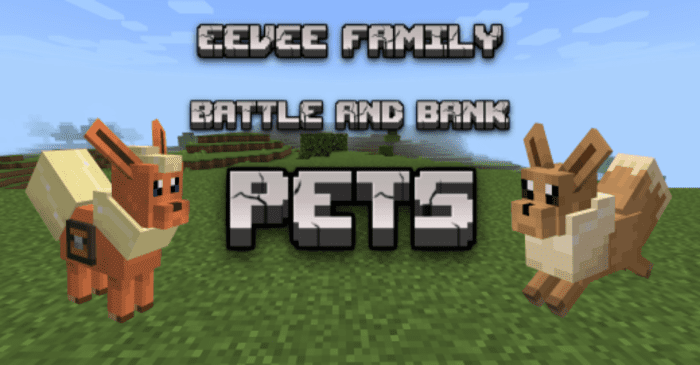
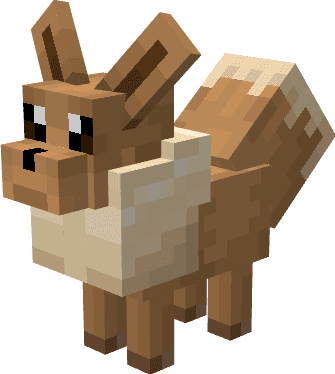
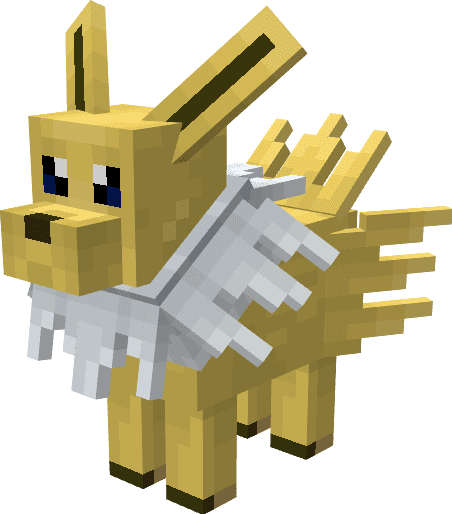
Get yourself a loyal friend to fight off monsters or carry your items with Eevee Family Battle & Bank Pets Addon. Now with added sounds for a more immersive experience! Choose either a battle pet or a bank pet to suit your needs.
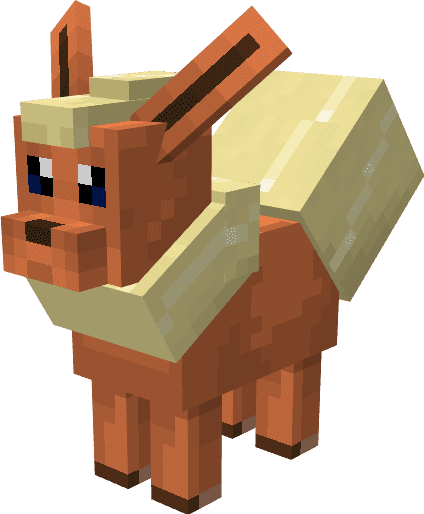
Flareon
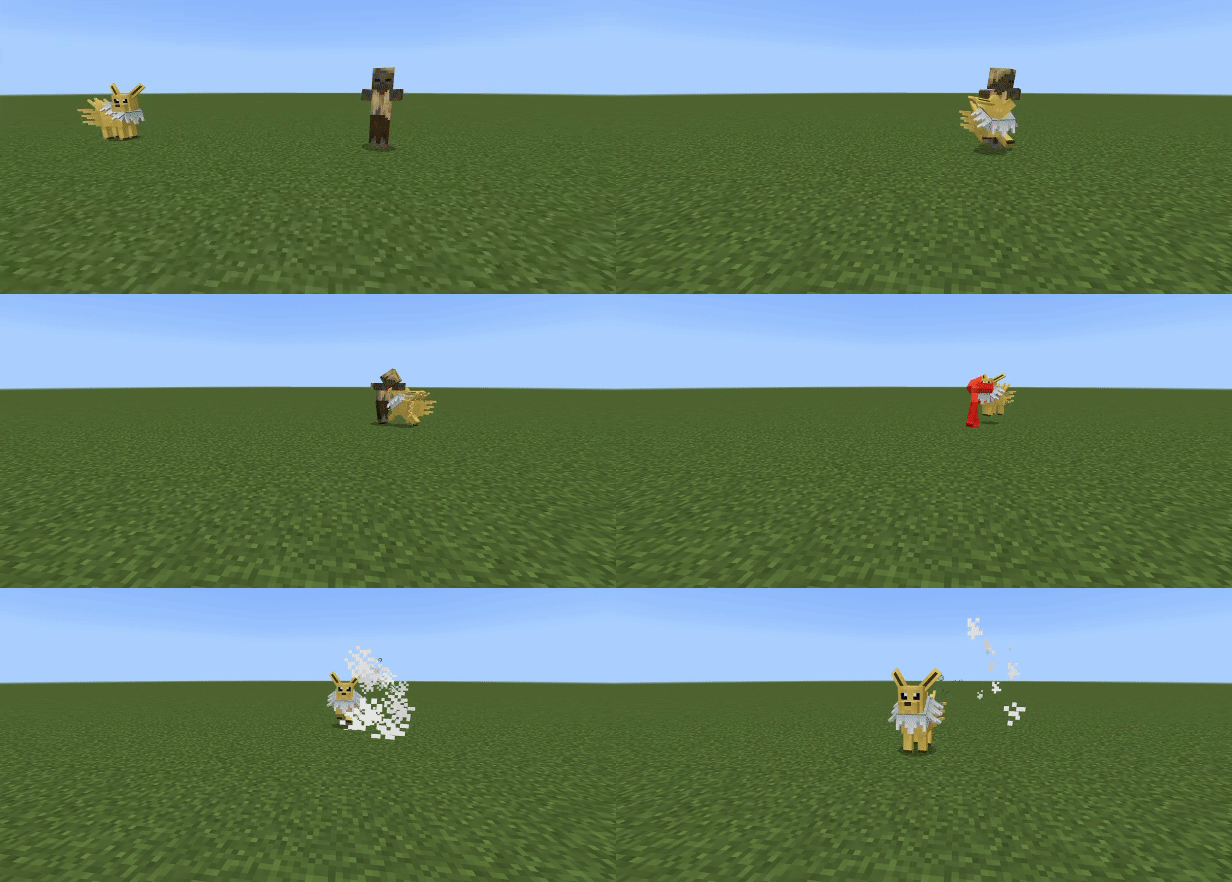
Jolteon
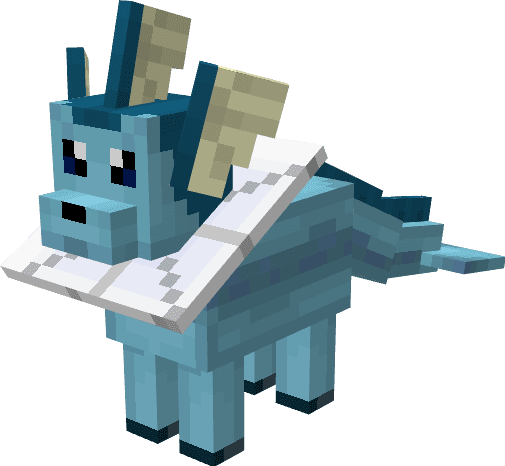
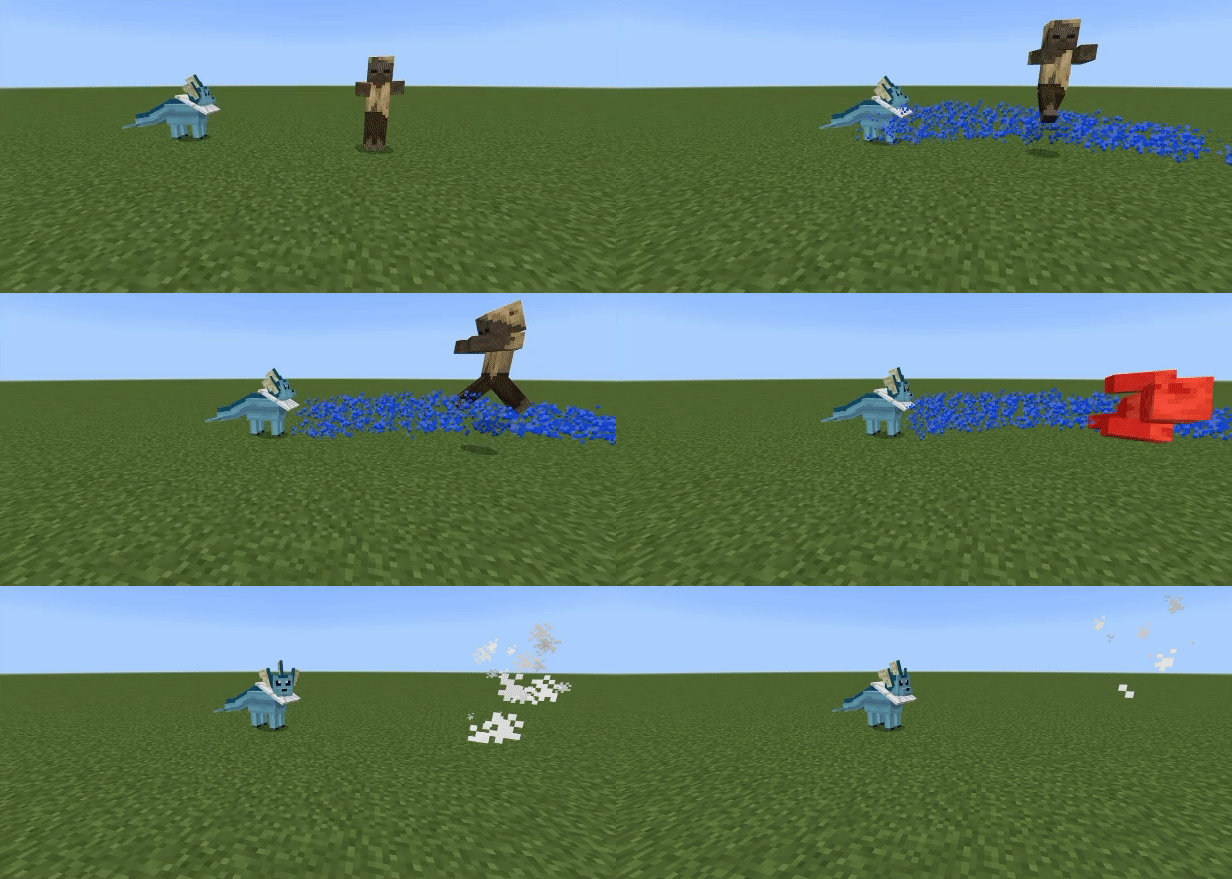
 Vaporeon
Features:
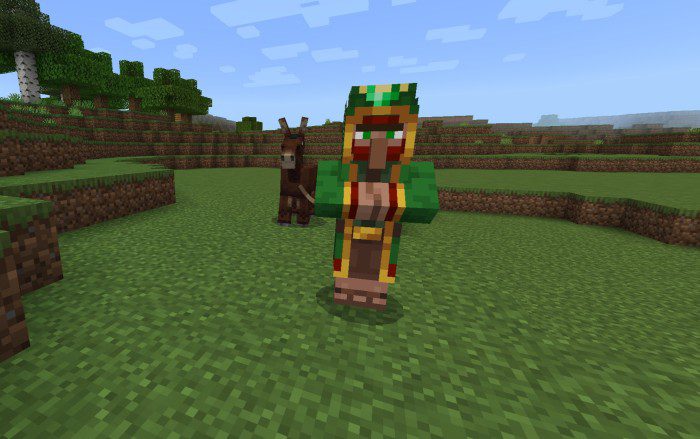
Special Wandering Trader
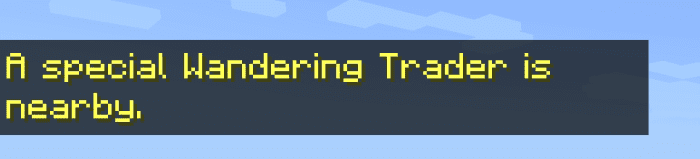
- The special wandering trader is a green variant of the wandering trader carrying emeralds, if he is nearby there will be a message pop up.
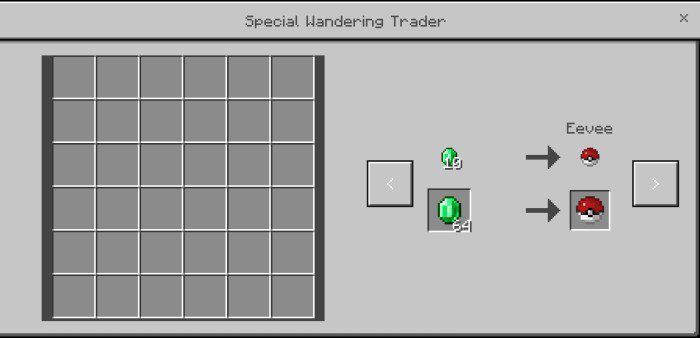
- The special wandering trader will offer you either 4 battle pets or 4 bank pets, along with sweet berries.
Battle pets
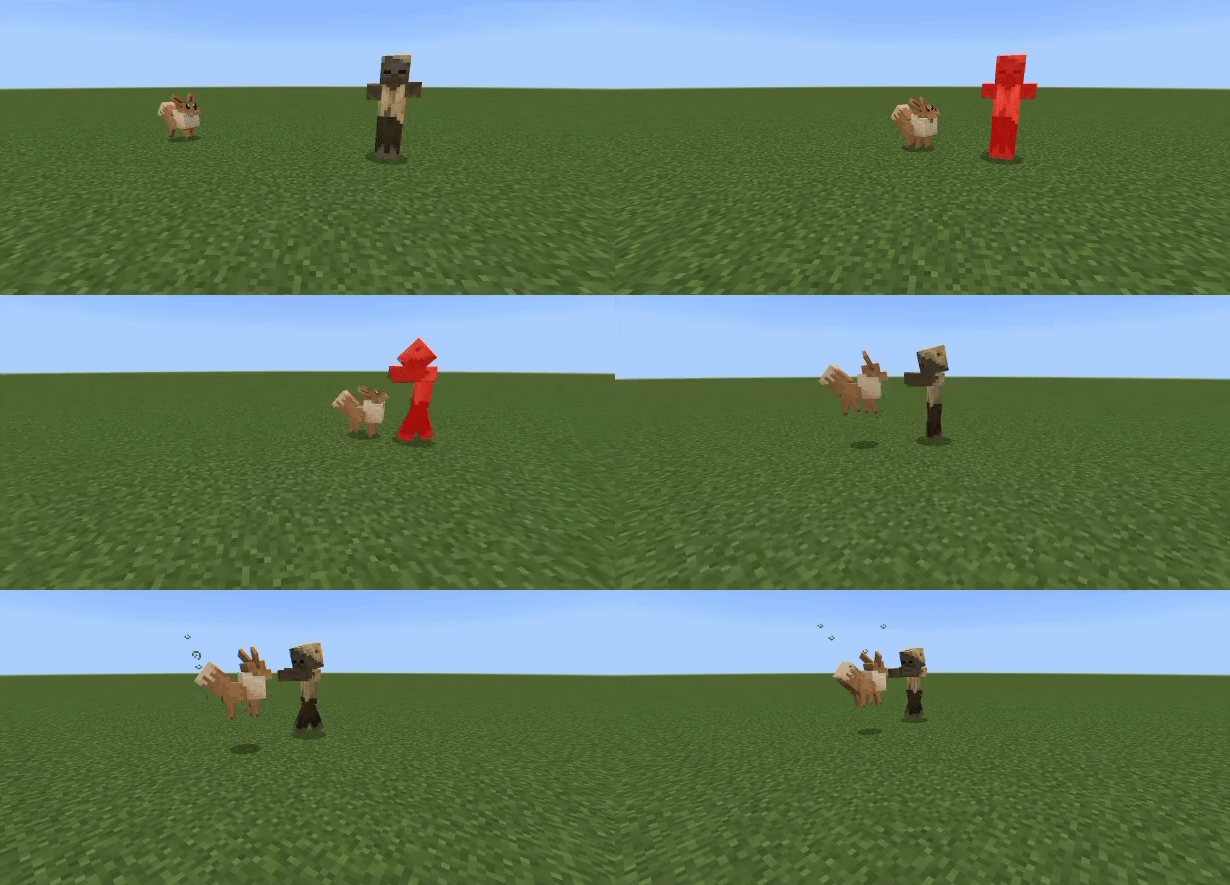
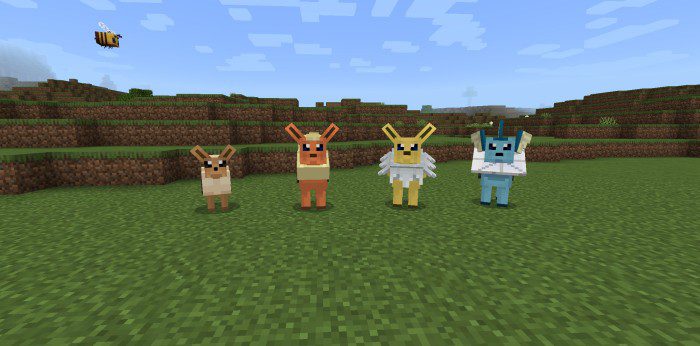
The battle pet variant, these pets from the Eevee family will protect their owners from attacks! After spawning 1 for the first time, you’ll need to tame them with only 1 sweet berry, then they will follow you around and will always attack monsters nearby. You can also heal them by feeding them sweet berries. There are 4 battle pets to choose from: Eevee
- The first battle pet available, Eevee will normally walk up to enemies to attack them.
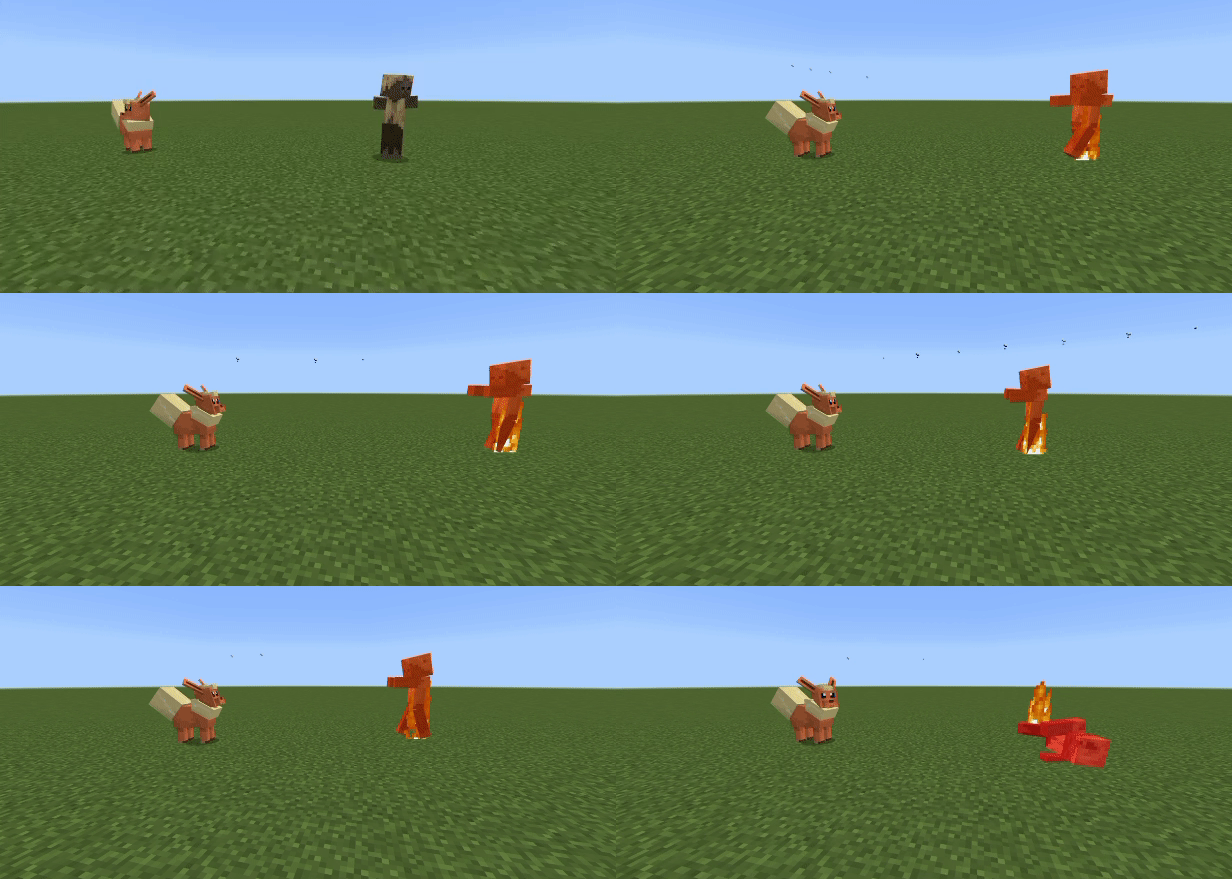
Flareon
- Flareon attacks enemies by shooting fireballs at them.
Jolteon
- Jolteon uses its quick attack and agility against enemies, it’s also stronger than Eevee. It’s much faster in the game compared to the gif.
Vaporeon
- Vaporeon is the strongest and will use its water gun to attack enemies.
Bank pets
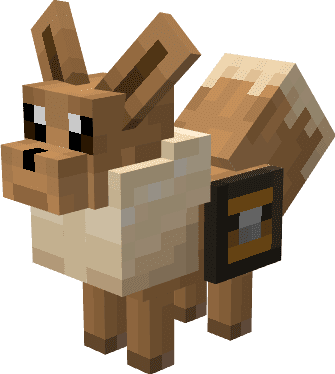
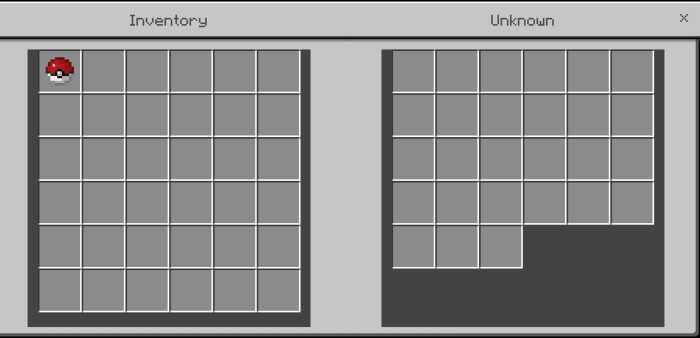
- The bank pet variant, these pets from the Eevee family have a large inventory and will hold your items for you. They don’t attack anything, and will also not be targeted by anything. Similar to battle pets, they have to be tamed with sweet berries when spawned for the first time, and can also be healed with sweet berries.
- The main difference in appearance is that they have small chest pockets.
- Like before, all Eevee family pets can be tamed and healed with sweet berries. Eevee family pets have their own sounds and attacks.
Installation Note:
- Make sure you activated all the Experimental Gameplay Options.
Eevee Family Battle & Bank Pets Addon Download Links
For Minecraft PE/Bedrock 1.19
mcaddon: Download from server 1 – Download from server 2
Quick facts
- Edition: Minecraft Bedrock
- File type: .mcpack or .mcaddon
- Minecraft version listed: 1.19
- How to install: Download the .mcpack or .mcaddon file. → Open it — Minecraft imports it. → In your world: Behavior Packs → Available → Activate, then the same under Resource Packs.
- Where to get it: In MCModsHub, or directly above on this page.
Install steps are the general flow for this file type — How to install Minecraft Bedrock addons & mods walks through it step by step.
Verified by MCModsHub
- Manifest requires Minecraft 1.17.0 or newer
- Complete pack — everything it depends on is inside the file
- Download size: 203 KB
- Download link checked 17 Jun 2026 — working
- Mirrored on our own servers — the download does not depend on the original host
These come from our own check of the pack file, not from the source page.