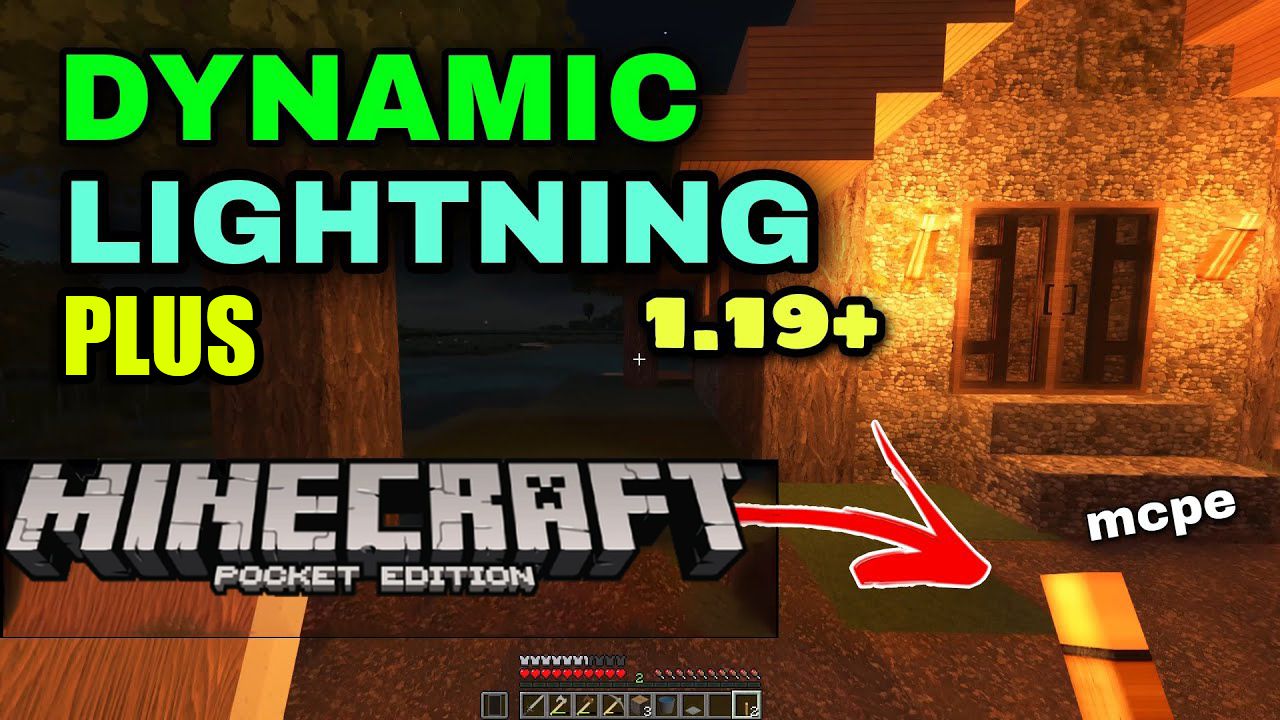
Dynamic Light + Addon (1.19) – MCPE/Bedrock Mod
Bedrock add-on listed for Minecraft 1.8–1.19 (behavior pack only). File opened and checked on 1 Oct 2026; installs from the MC Bedrock Mods app on Android.
⬇ Download
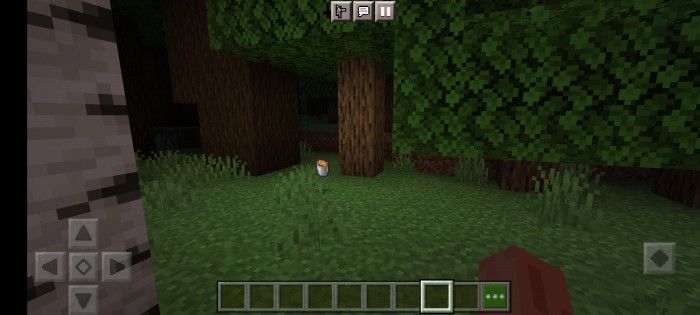
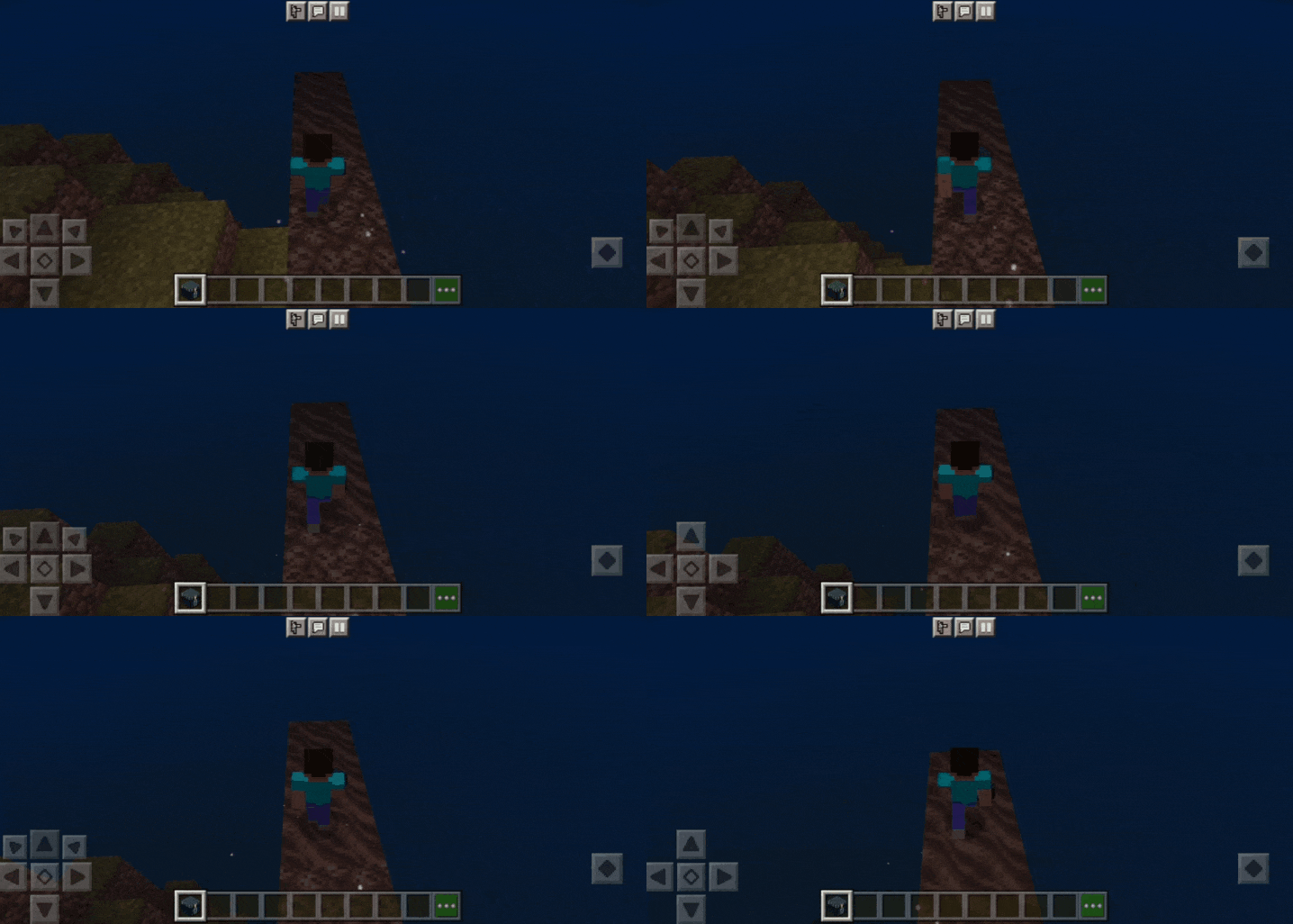
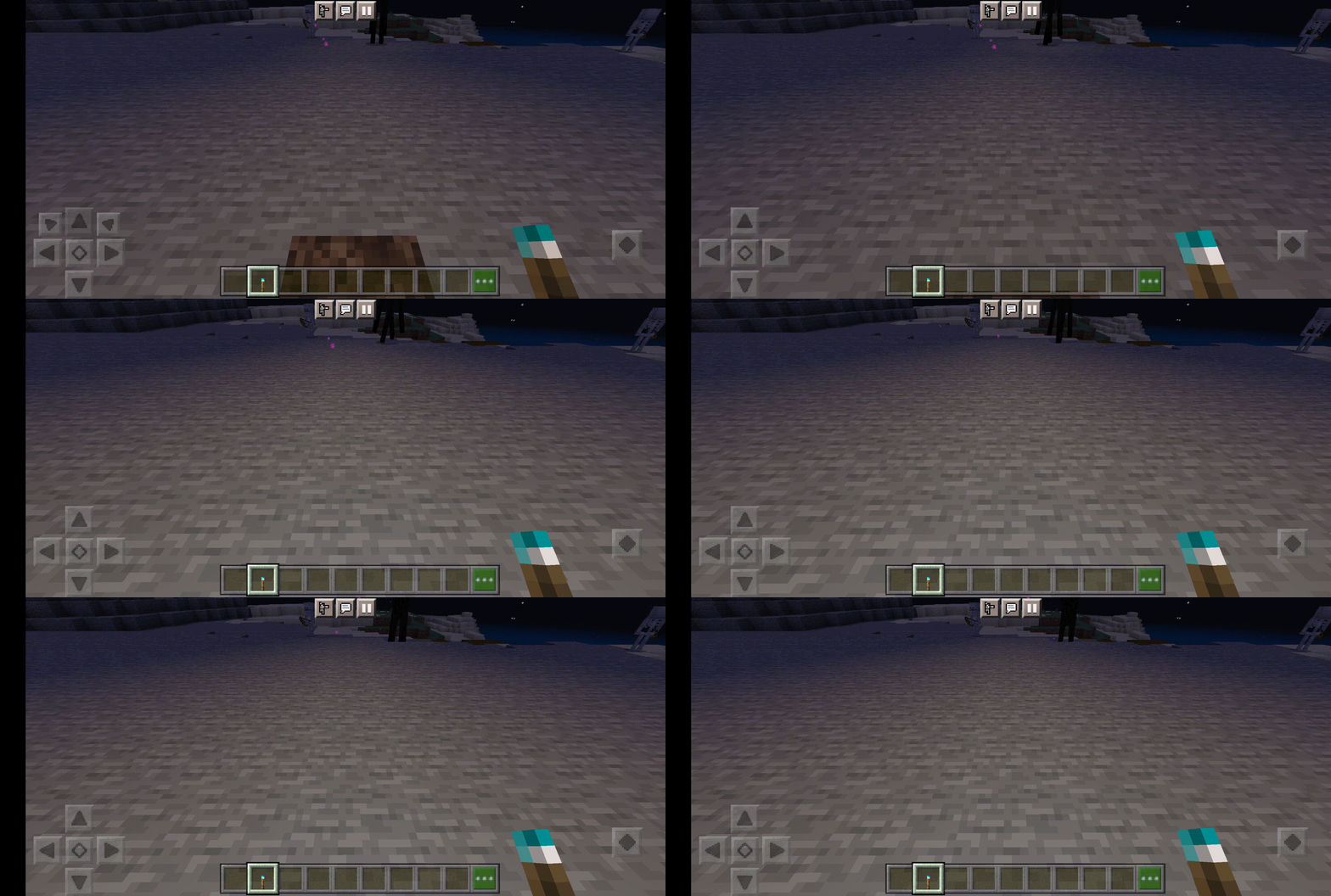
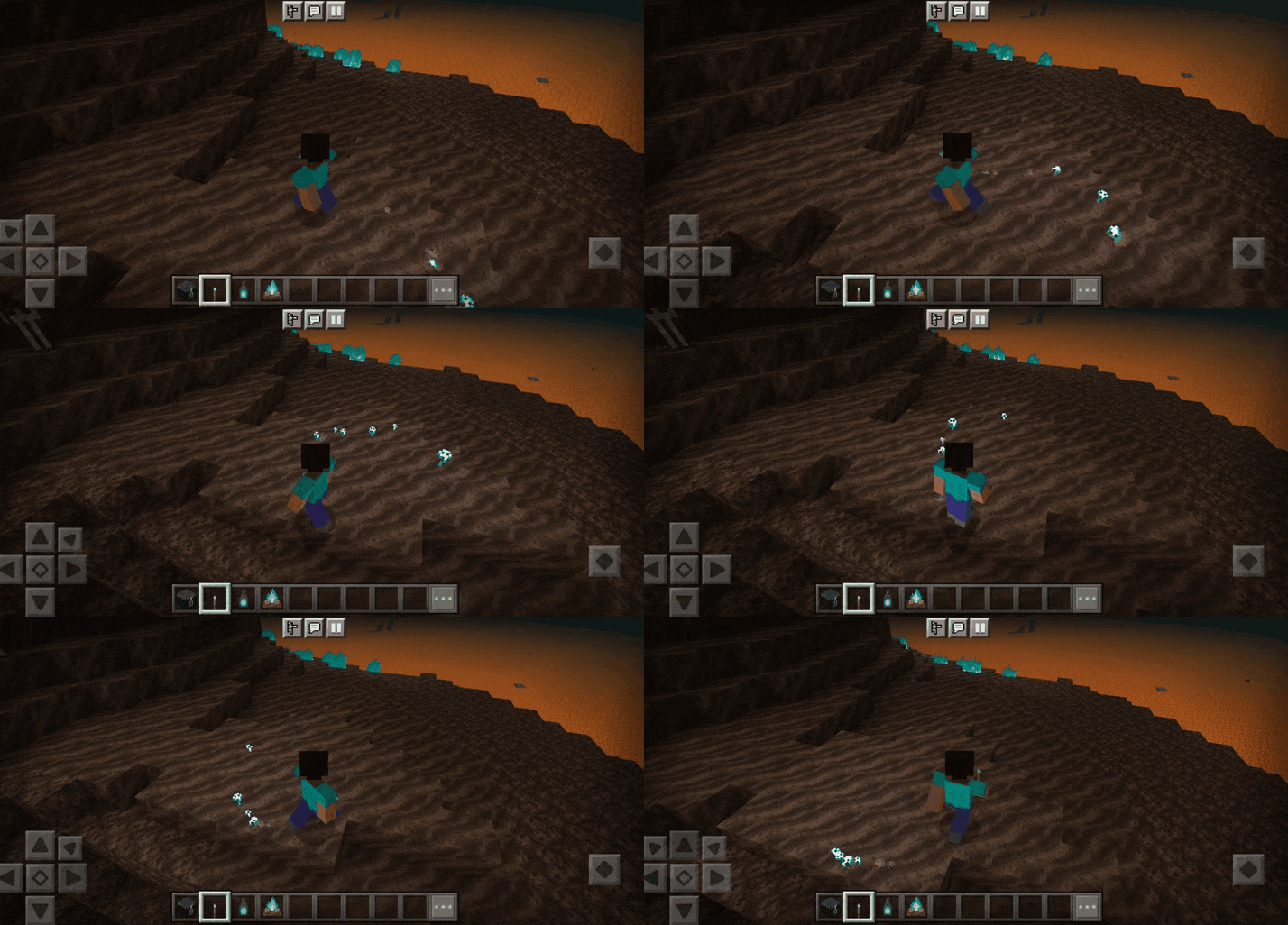
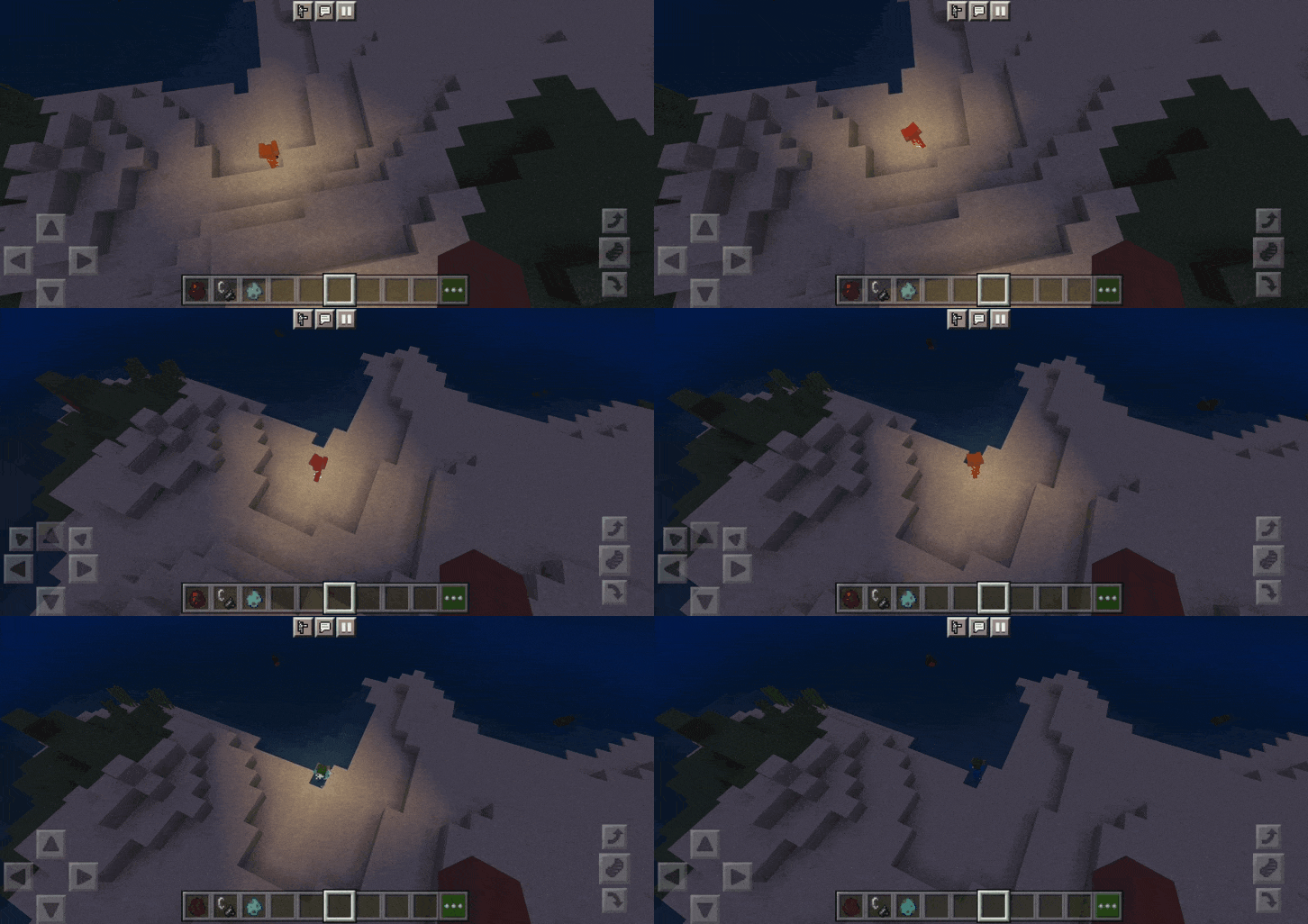
Are you tired of constantly placing torches to find your way? Or find it annoying to find a light source? Dynamic Light + Addon will make everything becomes simpler.
Features:
Dynamic Light:
- You can light up your surroundings while holding a glowing item
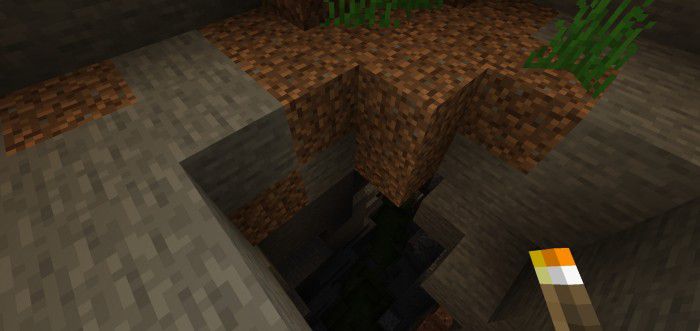
- Everything becomes simpler when going to a cave or a dark place
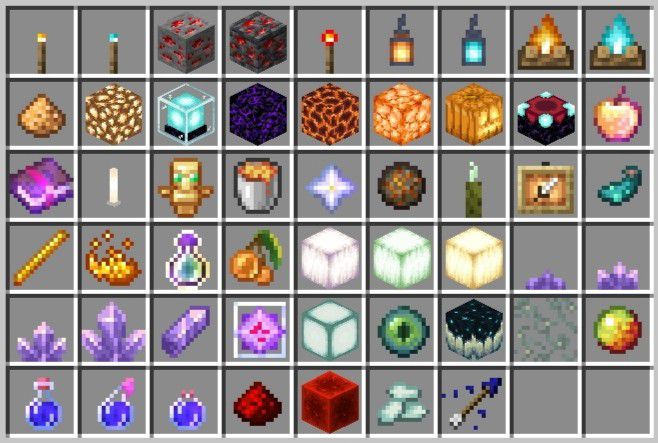
- These items will activate Dynamic Light when held:
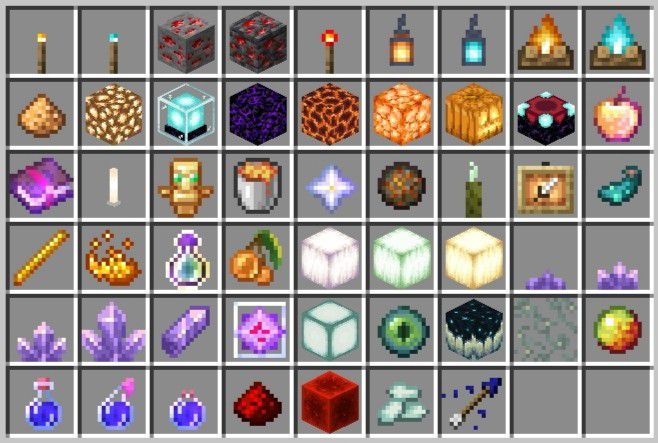
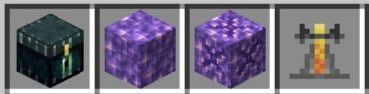
- The light emitted depends on the brightness of the item
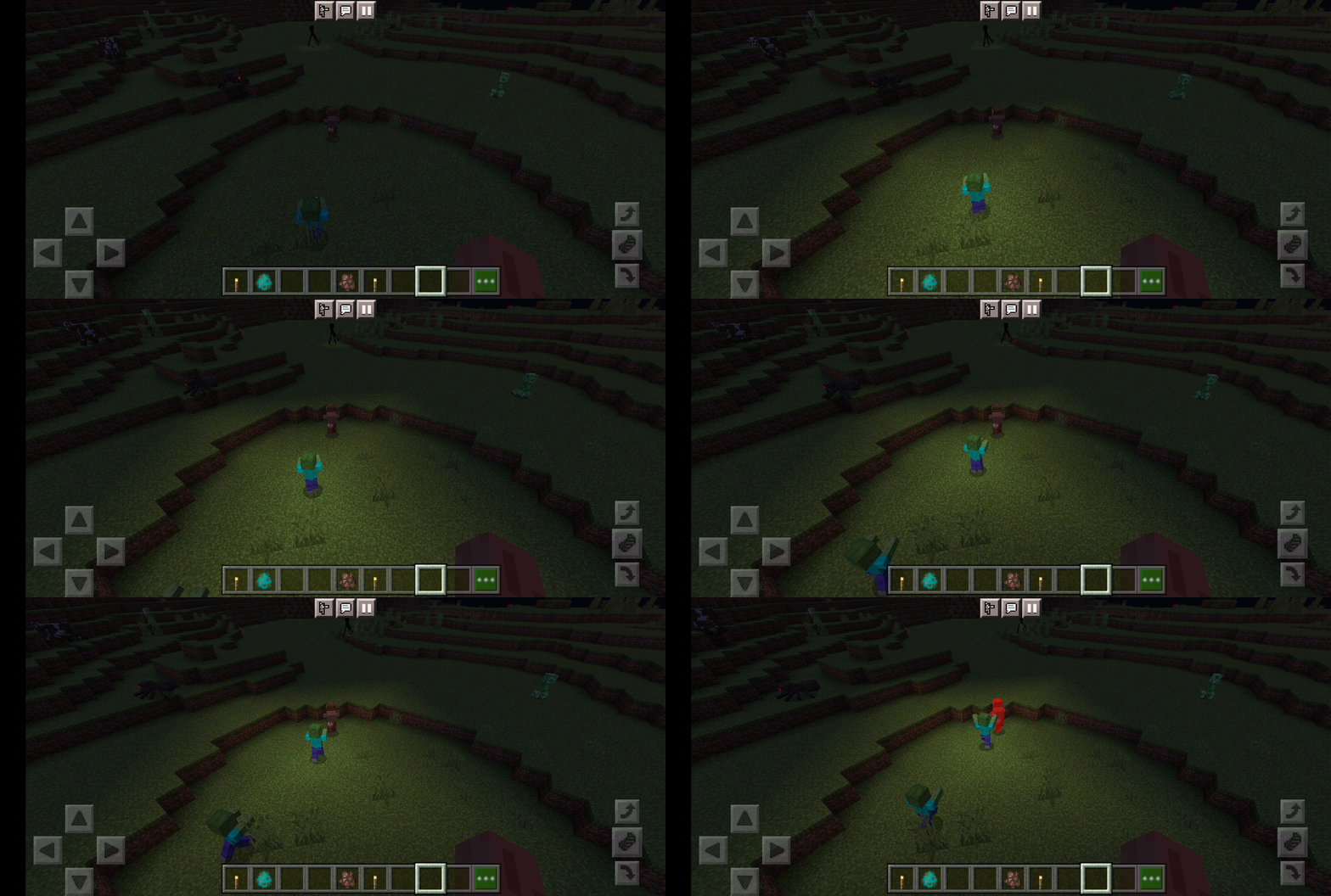
Dropped items also glow
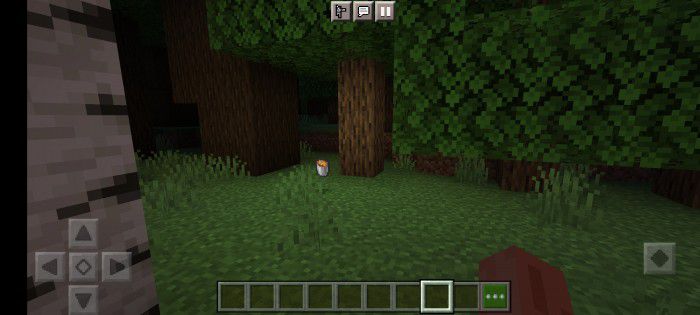
Accompanying effects
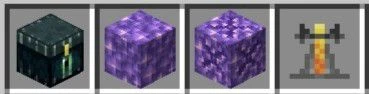
Practice when you’re holding Ender Chest
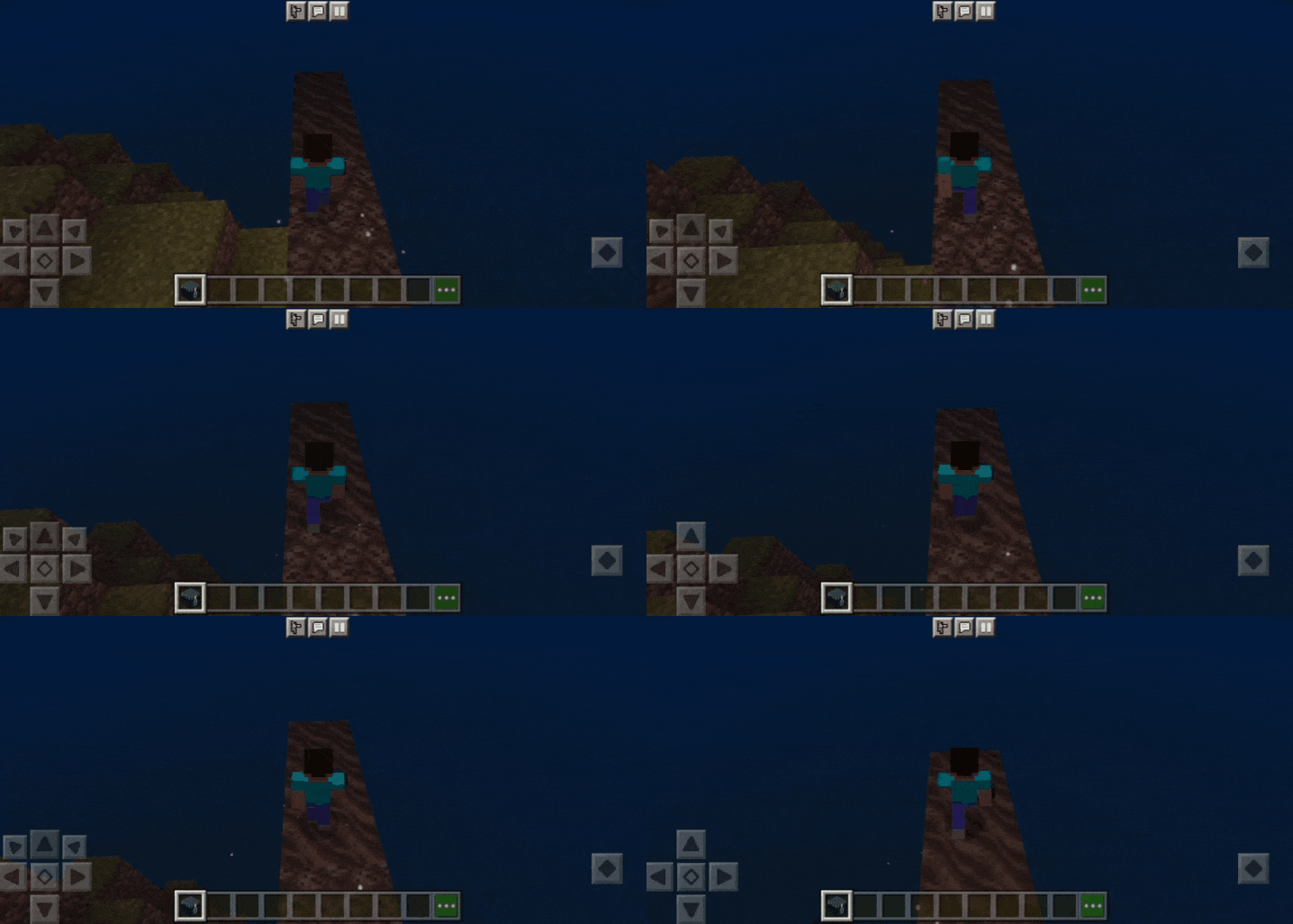
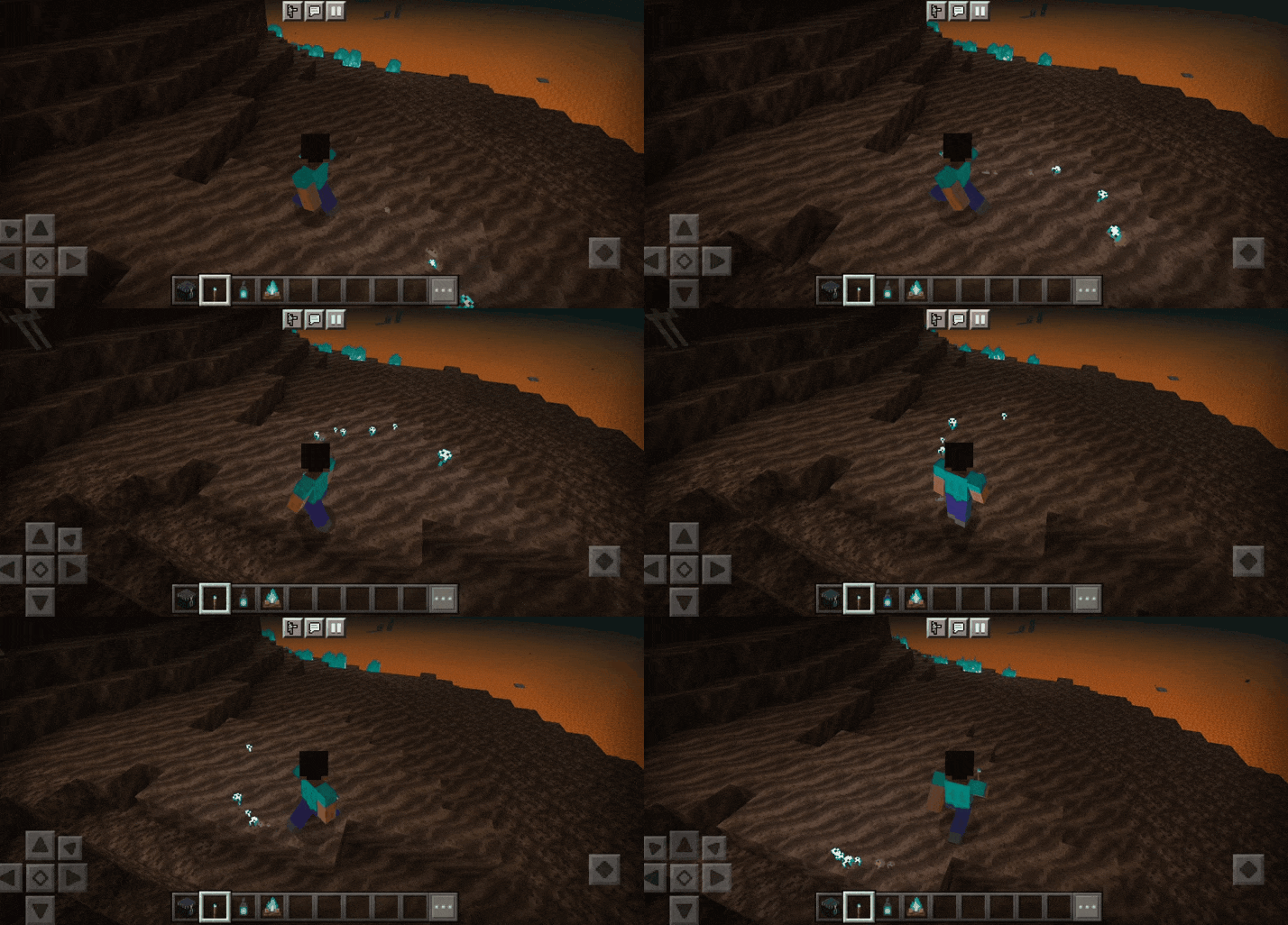
Items are brighter when standing on soul sand or soul soil and have soul particle
- • Soul Torch
- • Soul Lantern
- • Soul Campfire
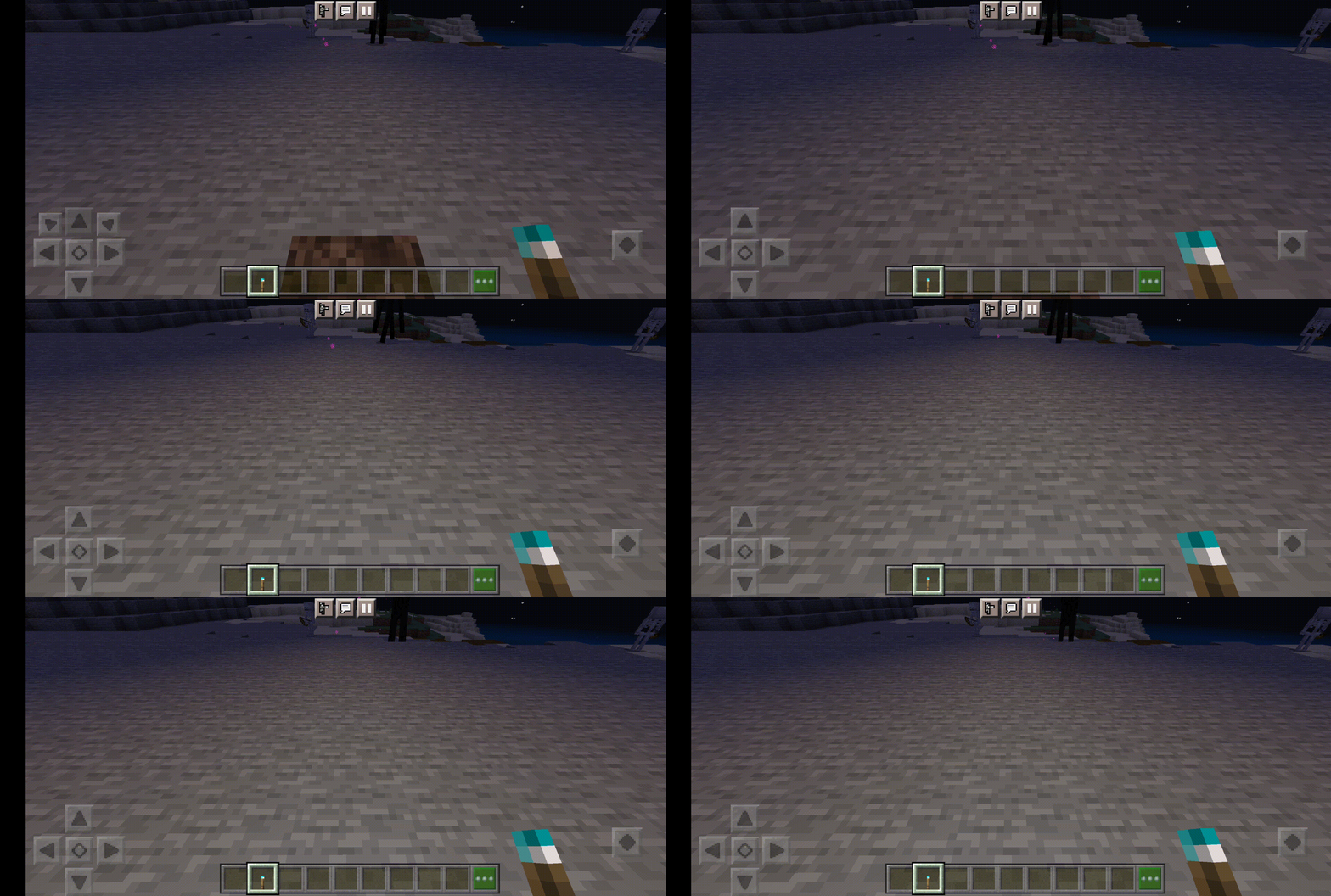
Burning
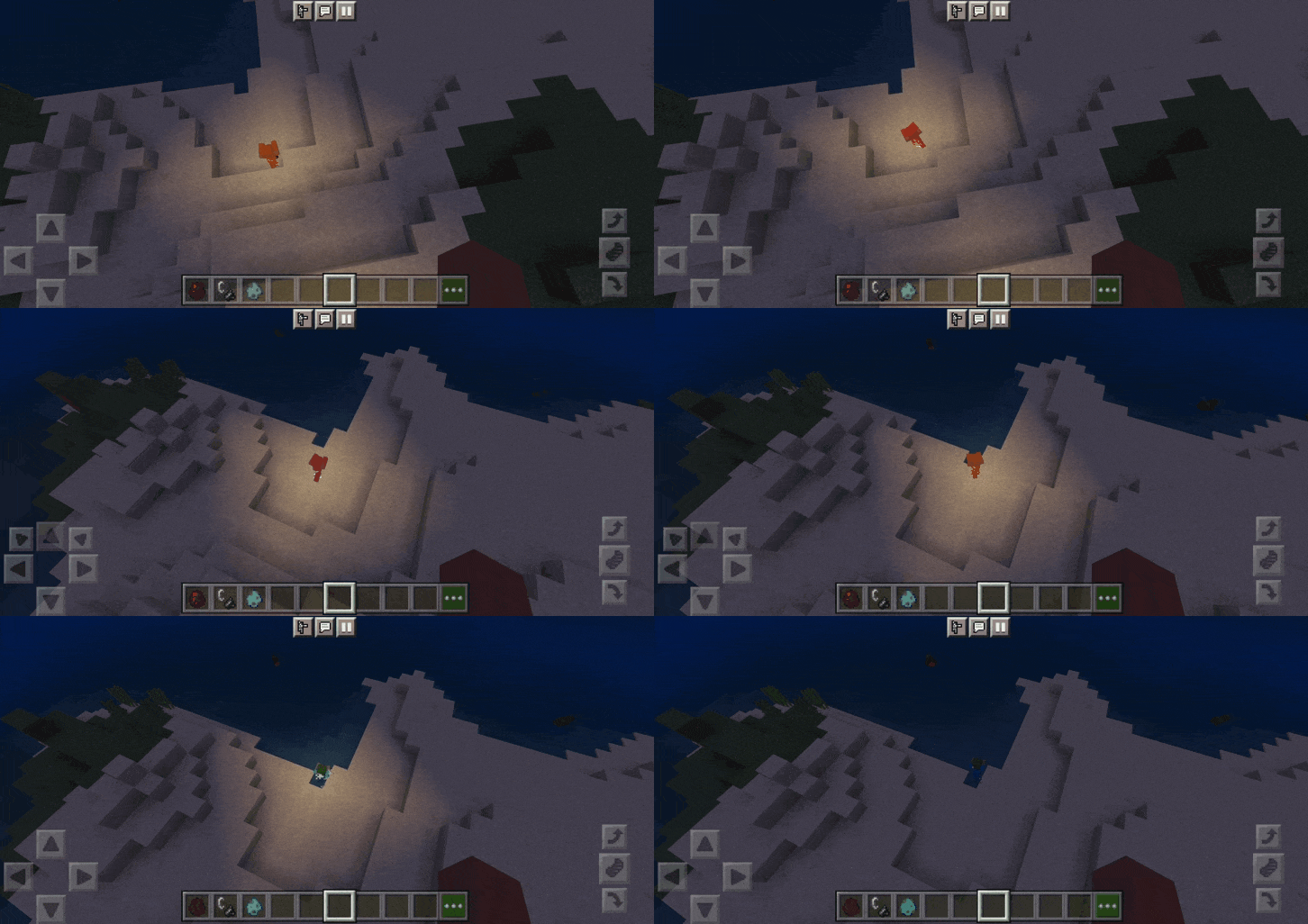
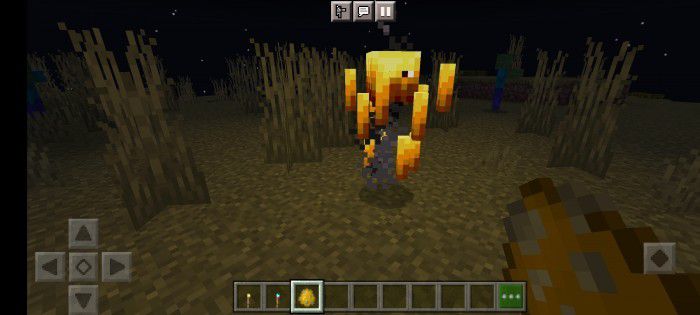
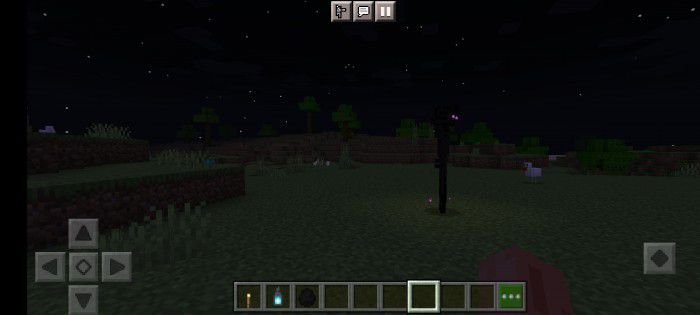
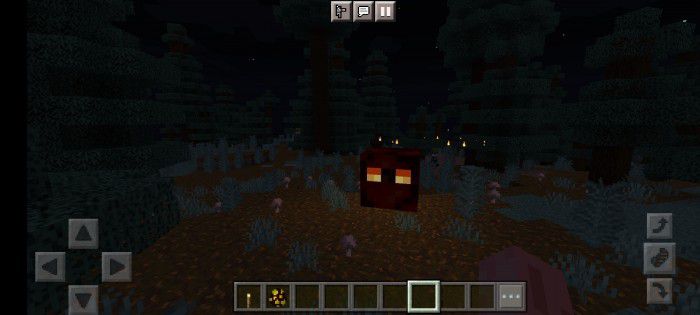
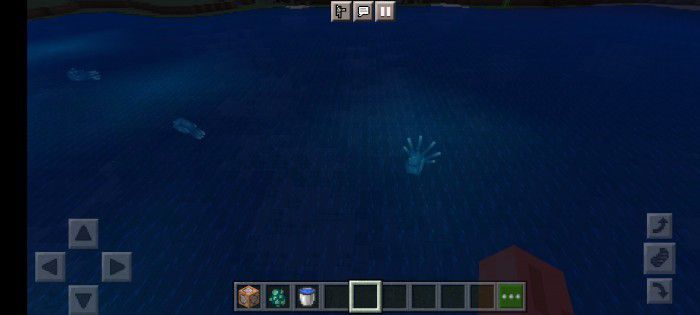
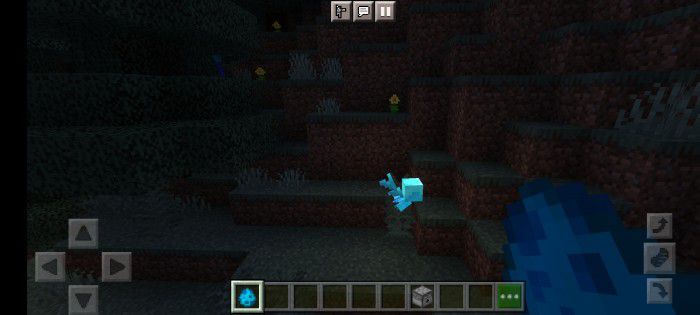
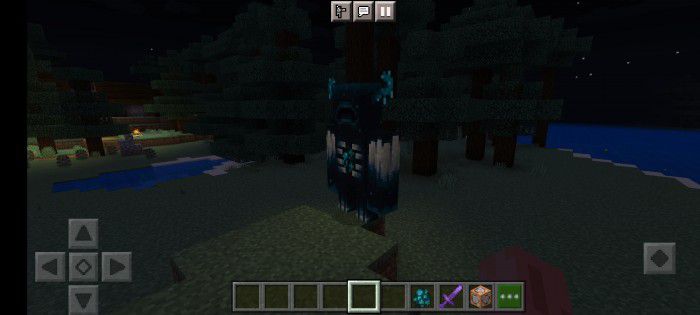
The mobs that will receive this effect are:
- Blaze
- Enderman
- Magma Cube
- Glow Squid (If the glowing squid dives deeper than 5 blocks, you won’t see him glow)
- Allay
- Warden
- XP orb
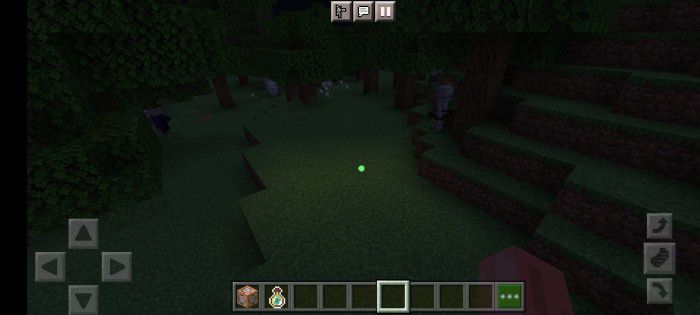
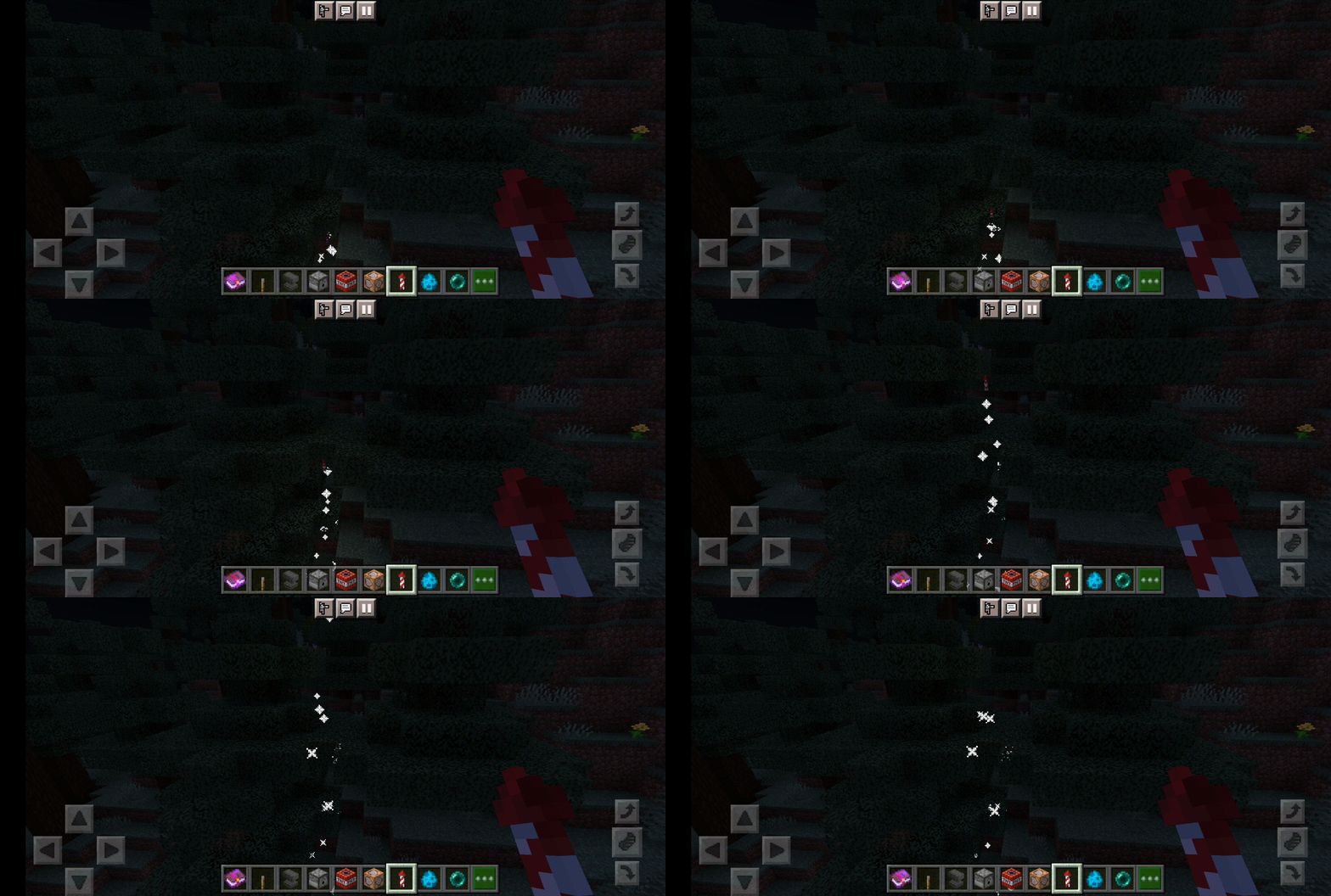
- Fireworks rocket, small fireball, the eye of ender signal
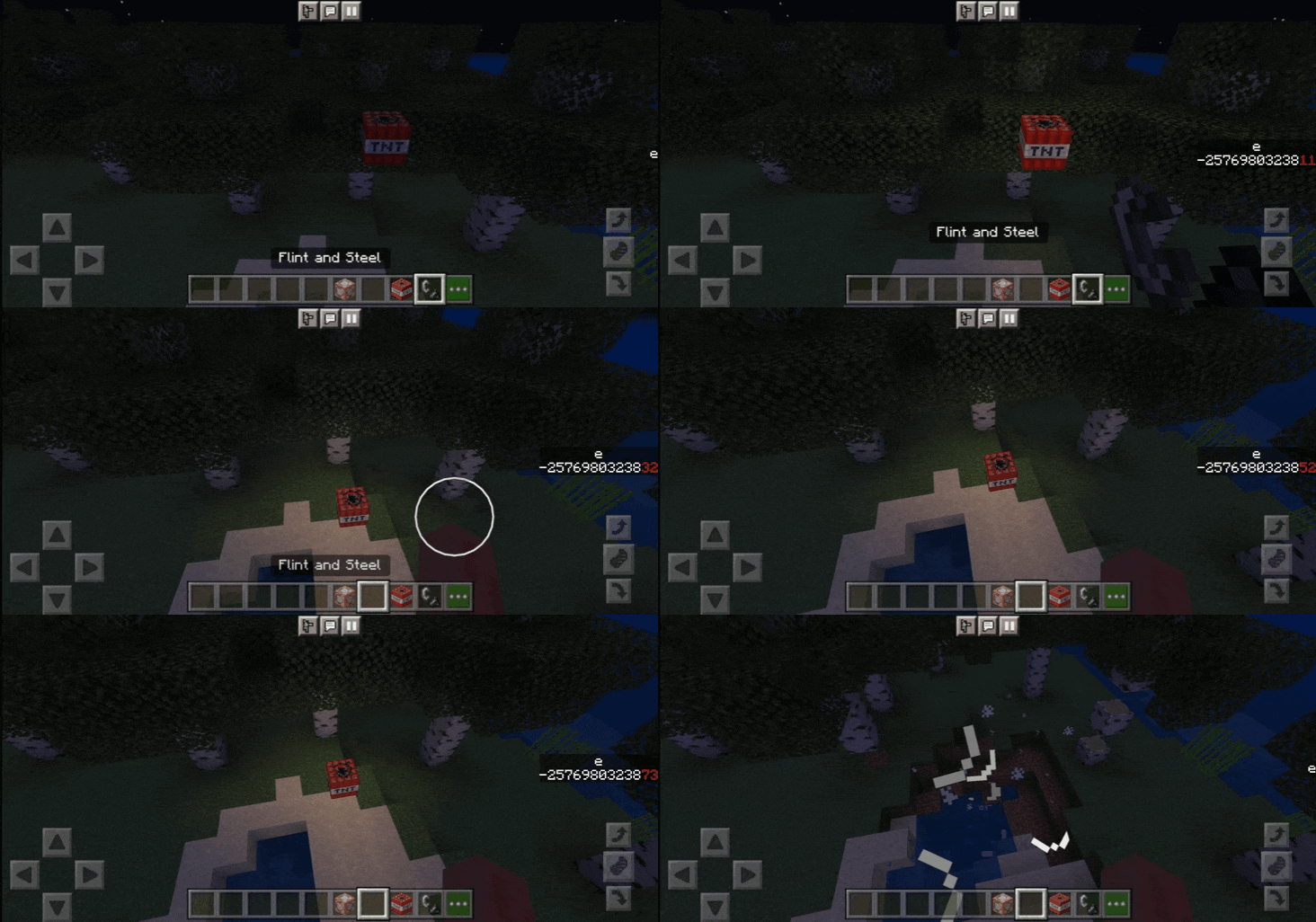
- TNT
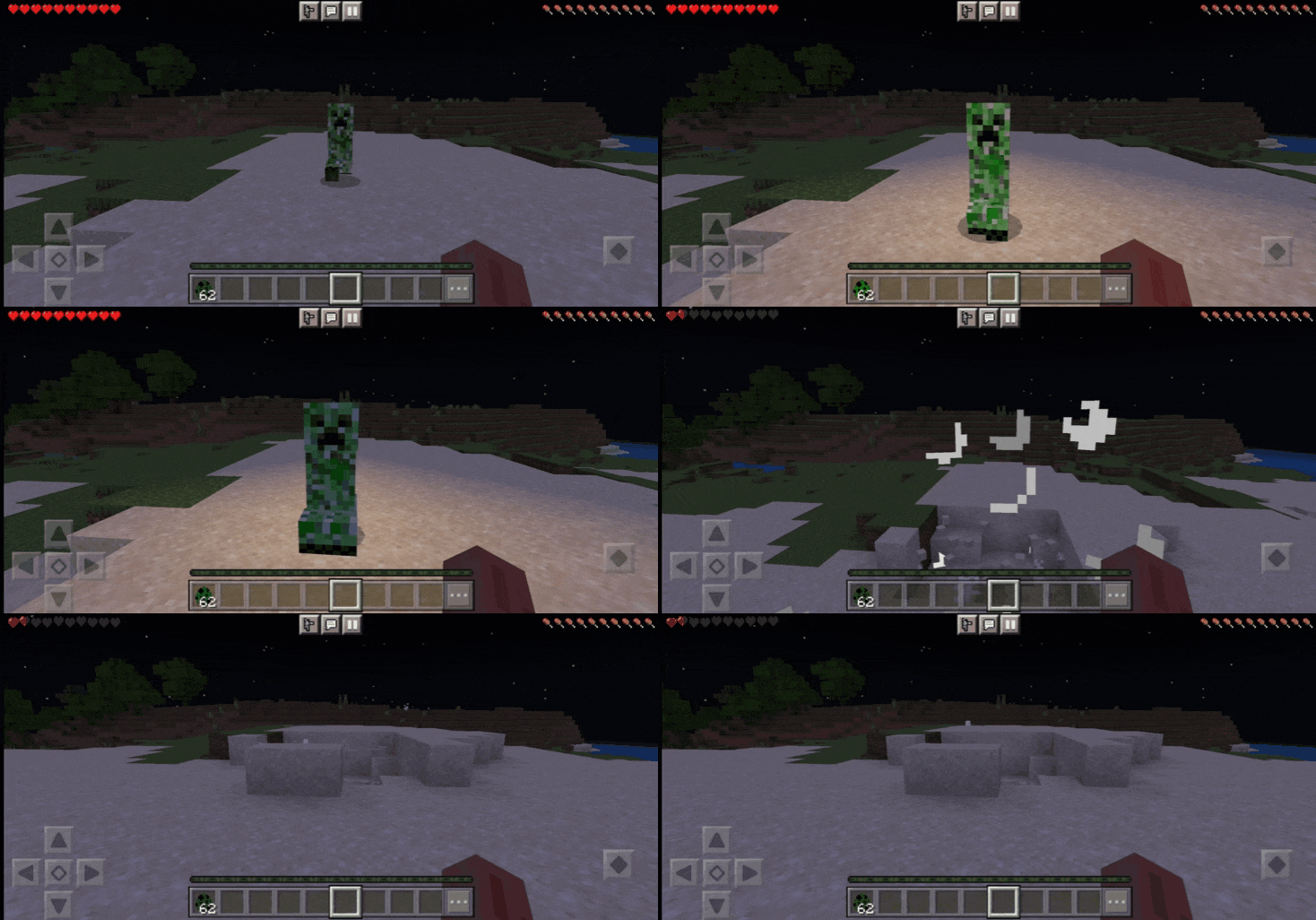
- Creeper
- Any Mob has this effect if they hold a torch or something
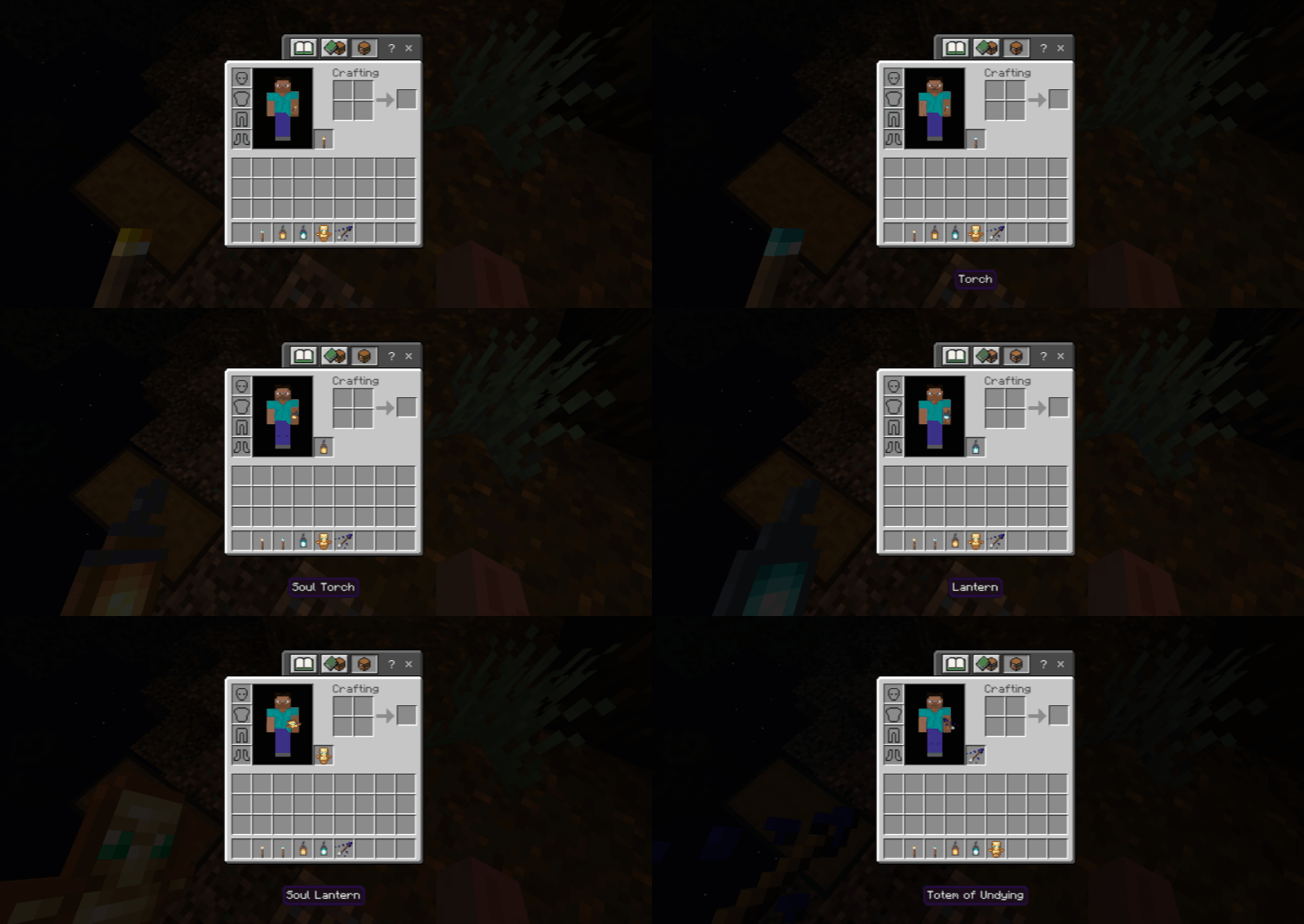
Left-handed support
- You can hold Torch, Soul Torch, Lantern, Soul Lantern, Totem Of Undying, and Prismarine Crystals with your left hand.
- If you download left-handed support, open Holiday Creator Features
Installation Note:
- You don’t need to enable any experimental features.
- Make sure you activated “Holiday Creator Features” when using Left-handed support.
Dynamic Light + Addon Download Links
For Minecraft PE/Bedrock 1.19
Dynamic Light+: Download from Server 1 – Dynamic Light+ (Left-handed support): – Download from Server 2
- Edition: Minecraft Bedrock
- File type: .mcpack or .mcaddon
- Minecraft version listed: 1.19
- How to install: Download the .mcpack or .mcaddon file. → Open it — Minecraft imports it. → In your world: Behavior Packs → Available → Activate, then the same under Resource Packs.
- Where to get it: In MCModsHub, or directly above on this page.
Install steps are the general flow for this file type — How to install Minecraft Bedrock addons & mods walks through it step by step.
- Pack type: .mcaddon — behaviour and resource pack in one file
- Manifest requires Minecraft 1.8.0 or newer
- Complete pack — everything it depends on is inside the file
- Download link checked 17 Jun 2026 — working
- Mirrored on our own servers — the download does not depend on the original host
These come from our own check of the pack file, not from the source page.