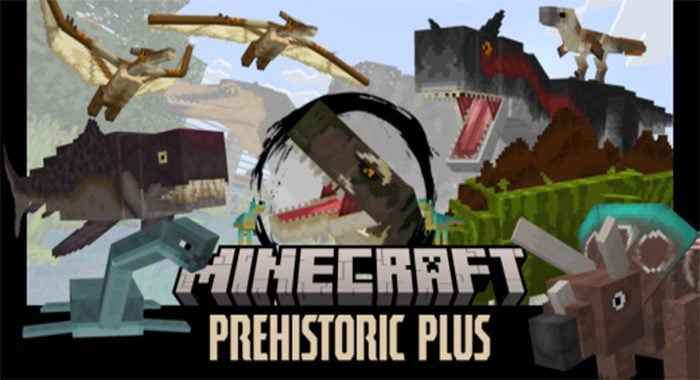
Prehistoric Plus Addon (1.19) – MCPE/Bedrock Dinosaur Mod
Bedrock add-on listed for Minecraft 1.19 (behavior + resource pack). File opened and checked on 19 Sep 2026; installs from the MC Bedrock Mods app on Android.
⬇ Download

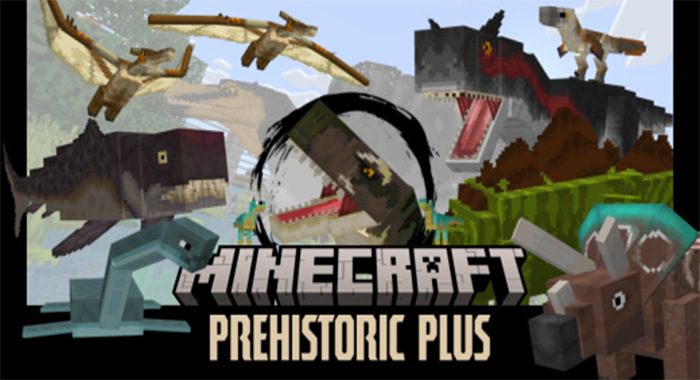
Welcome to Prehistoric Plus Addon! This addon is designed for players who want to experience the world of Minecraft with a prehistoric twist. You can choose to play as a Paleontologist, digging up fossils and bringing them back to life, or you can play as a Naturalist, allowing fossils to naturally spawn around the world (with a configuration tutorial included). It’s up to you which playstyle you prefer – whether you choose to be a Paleontologist or a Naturalist, we hope you enjoy exploring the prehistoric world of Minecraft!
Features:
How to set up:
- This addon has two playstyles, Paleontologist or Natural.
- We recommend Paleontologists, but it’s your pick!
- Click the settings icon
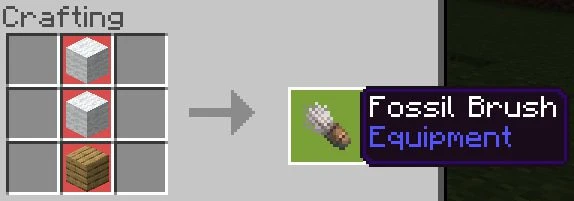
- Dig up fossils with the fossil brush, and bring them back to life using the incubator.
- Prehistoric animals spawn naturally throughout the world.
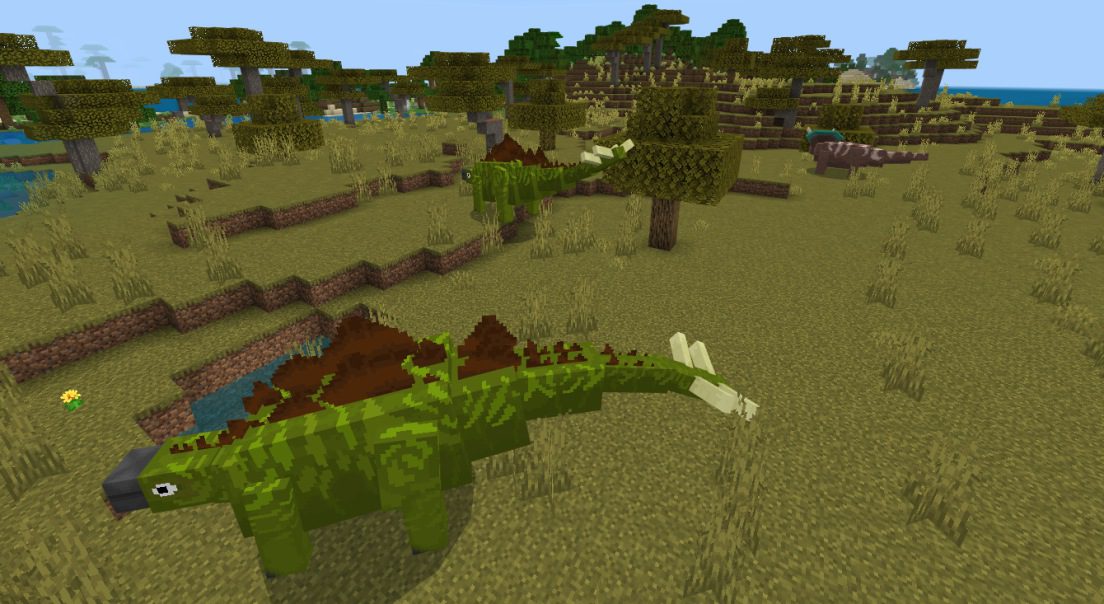
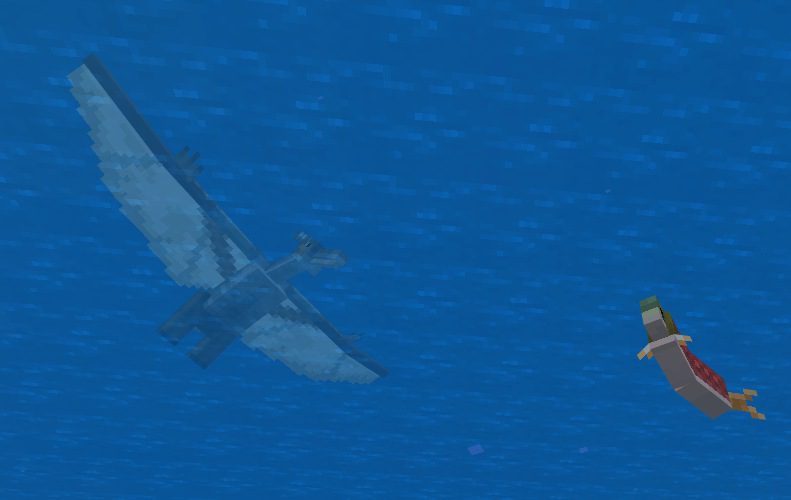
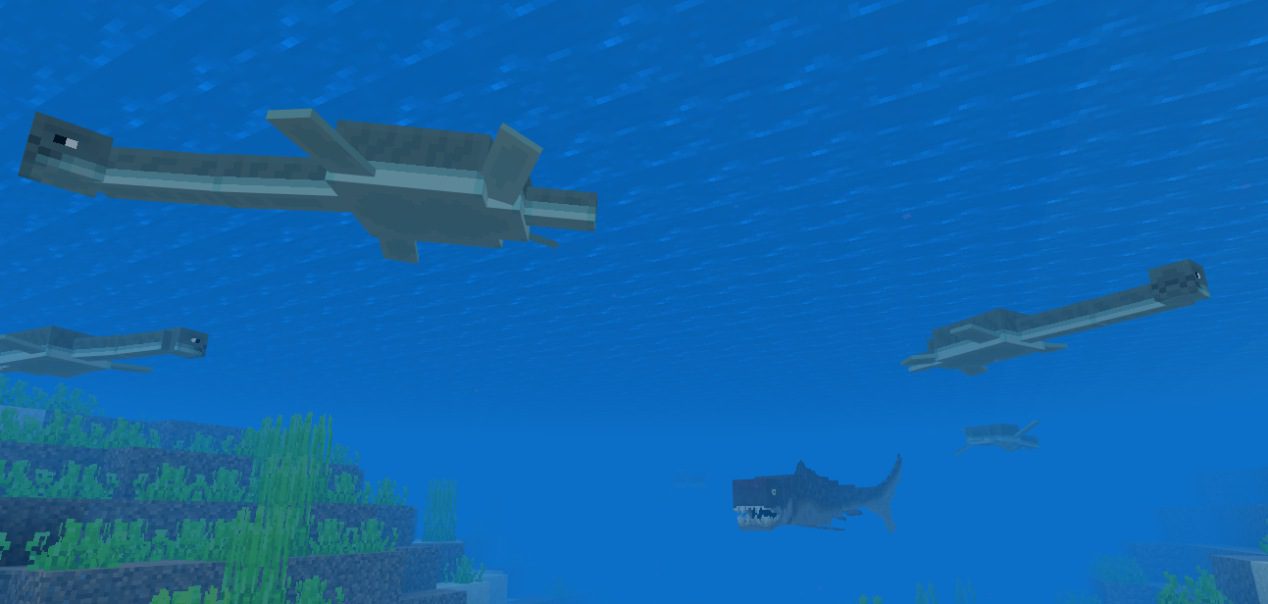
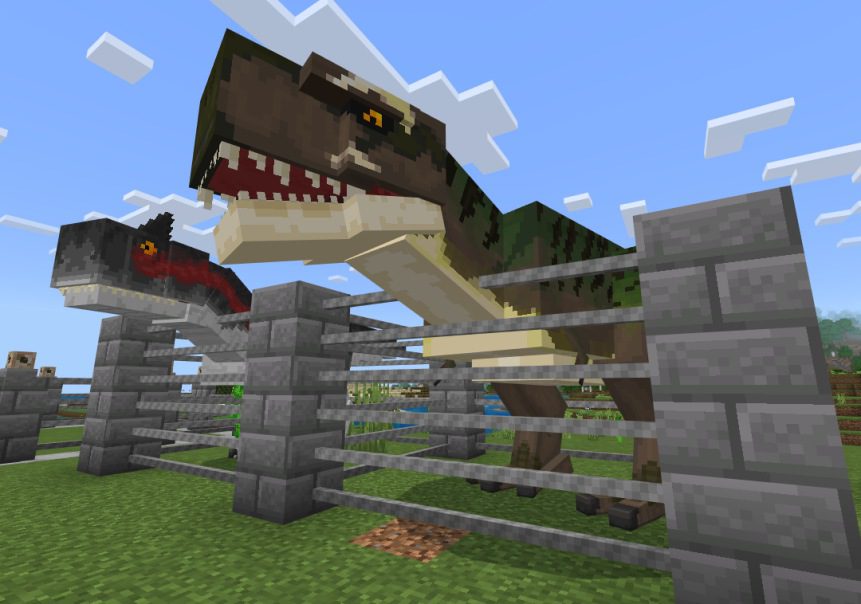
List of Entities in the mod:
- Carnotaurus
- Compsognathus
- Dunkleosteus
- Plesiosaurus
- Pteranodon
- Spinosaurus
- Stegosaurus
- Triceratops
- Tyrannosaurus Rex
- Velociraptor
- Goat (mc Goat renamed to Mountain Goat)
Note: More prehistoric animals will be added in the future!
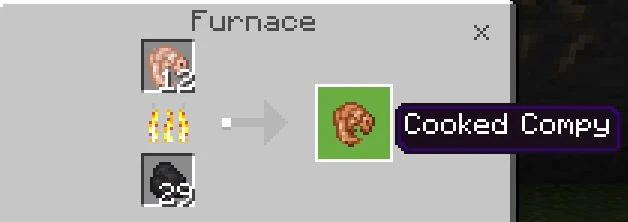
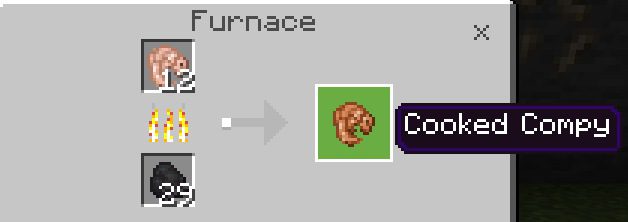
Also, you can cook and eat the Compy.
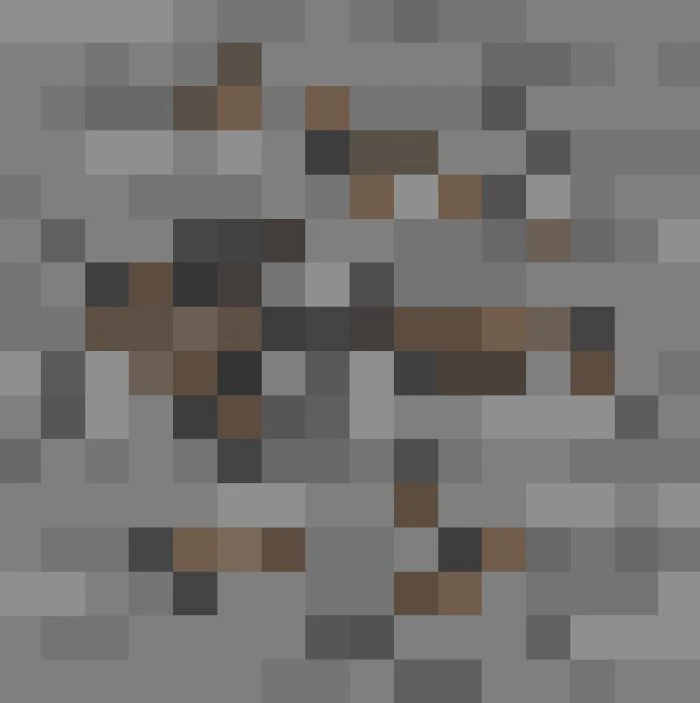
Fossils and where to find them:
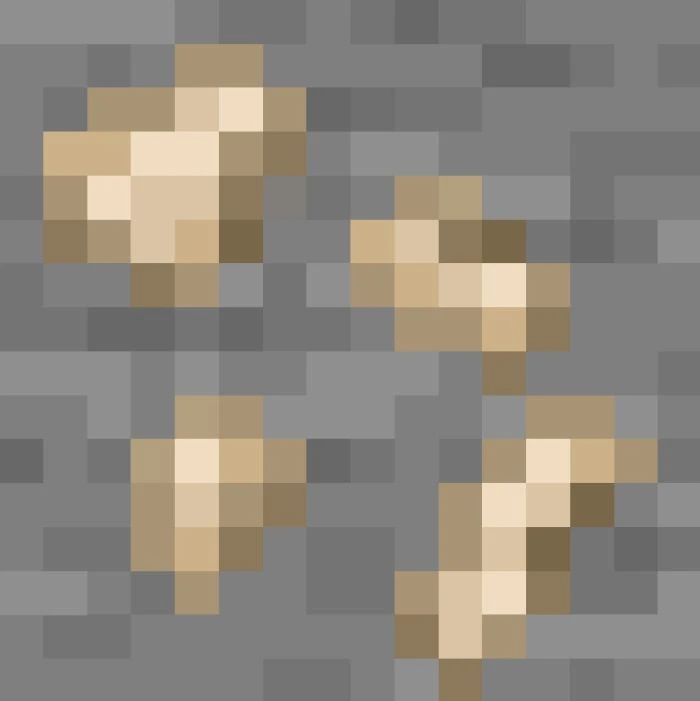
Fossil – drops dinosaur skulls
- Can be found at y20-200
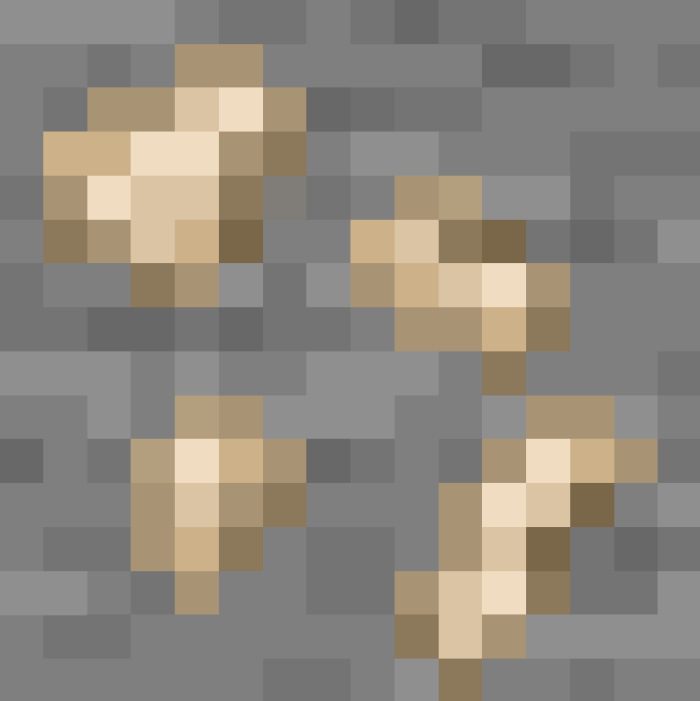
Marine Fossil – drops marine reptile skulls
- Can be found at y20-200 at Beaches, Oceans, or Rocky Shores.

Avian Fossil – drops avian reptile skulls
- Can be found at y70-250
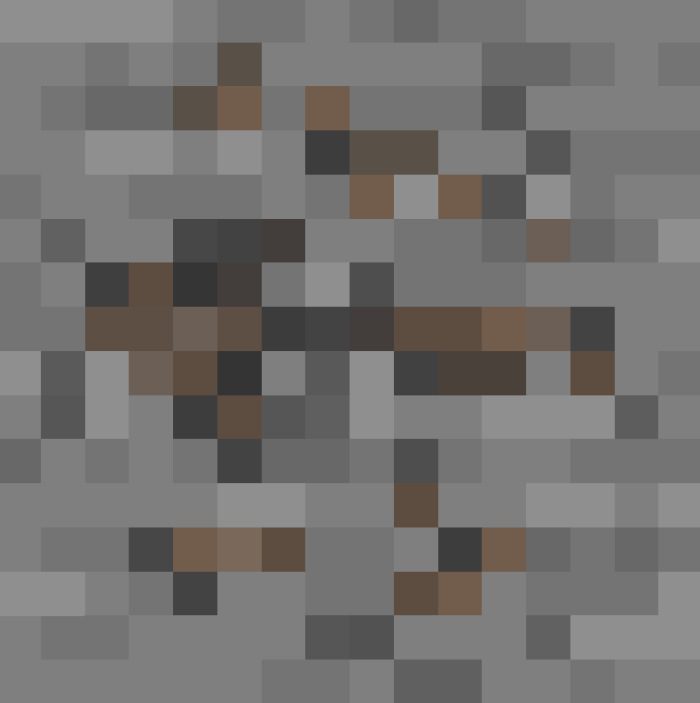
Tip: All Fossils can be very commonly found at y20-200 in the Mesa, Desert, or Rivers,
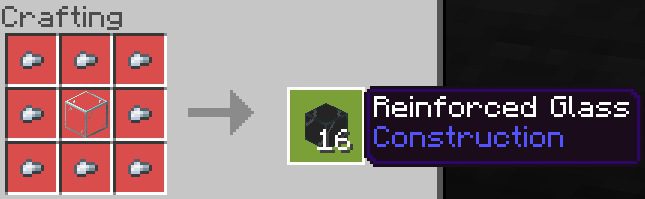
Crafting Recipes:
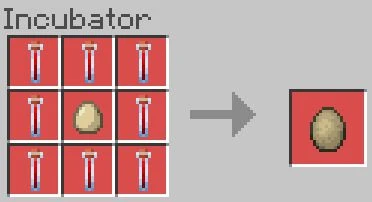
Creature Egg
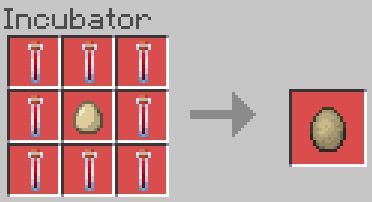
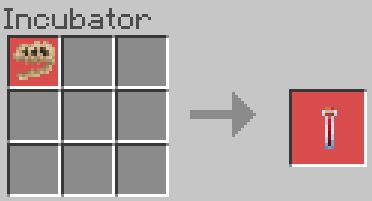
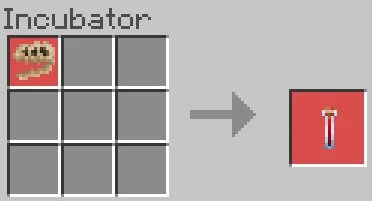
Creature DNA
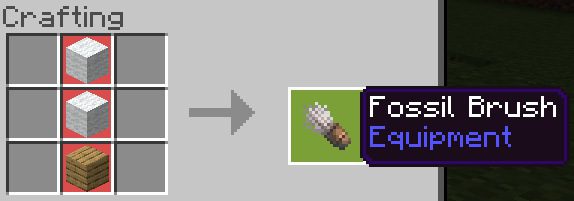
- Used for mining Fossils
- Used for Crafting DNA, and Prehistoric Eggs
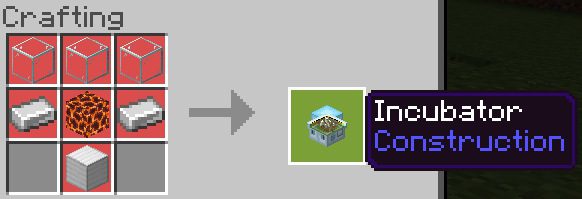
- Used for Dinosaur enclosures as large dinosaurs can break various blocks. (like glass)
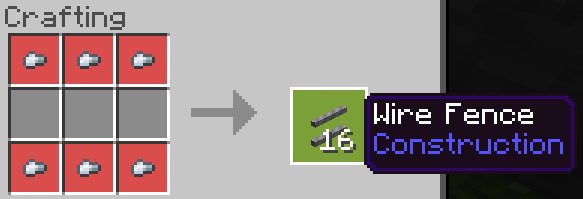
- Used for Dinosaur enclosures, preferably Marine and Flying Reptiles as they can break the normal glass.
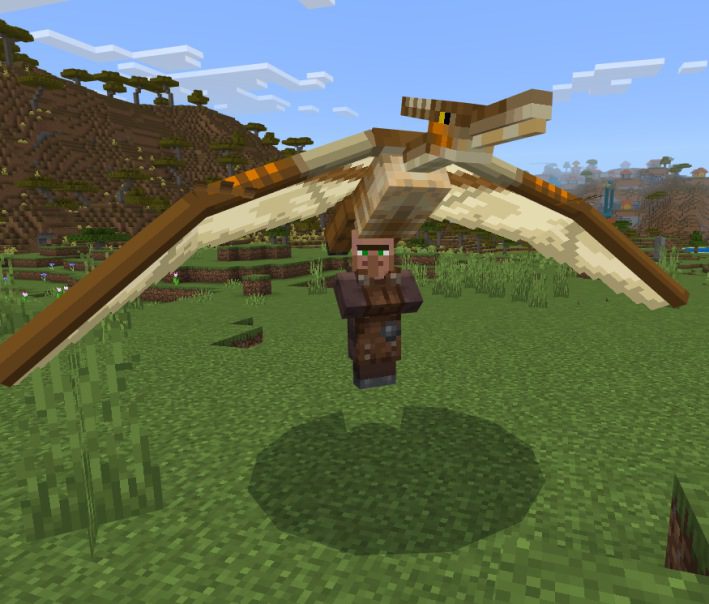
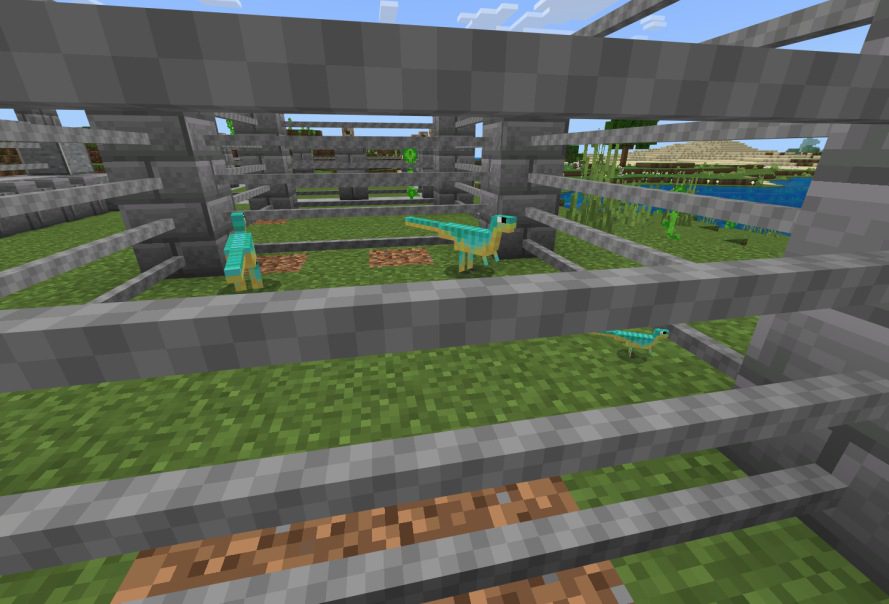
Screenshots:
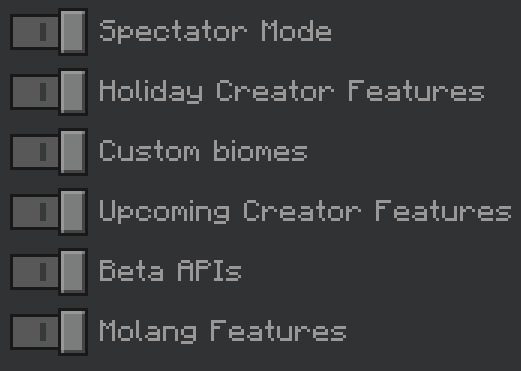
Installation Note:
- Make sure you activated all the Experimental Gameplay Options.
Prehistoric Plus Addon Download Links
For Minecraft PE/Bedrock 1.19
mcaddon: Download from server 1 – Download from server 2
- Edition: Minecraft Bedrock
- File type: .mcpack or .mcaddon
- Minecraft version listed: 1.19
- How to install: Download the .mcpack or .mcaddon file. → Open it — Minecraft imports it. → In your world: Behavior Packs → Available → Activate, then the same under Resource Packs.
- Where to get it: In MCModsHub, or directly above on this page.
Install steps are the general flow for this file type — How to install Minecraft Bedrock addons & mods walks through it step by step.
- Pack type: .mcaddon — behaviour and resource pack in one file
- Manifest requires Minecraft 1.19.20 or newer
- Complete pack — everything it depends on is inside the file
- Download size: 3.6 MB
- Download link checked 17 Jun 2026 — working
- Mirrored on our own servers — the download does not depend on the original host
These come from our own check of the pack file, not from the source page.