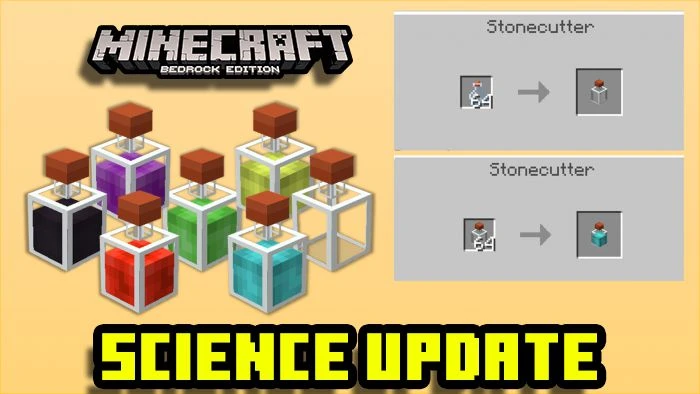
Science Update Addon (1.19) – MCPE/Bedrock Mod
Bedrock add-on listed for Minecraft 1.16–1.19 (behavior + resource pack). File opened and checked on 26 Sep 2026; installs from the MC Bedrock Mods app on Android.
Welcome science lover! In Science Update Addon, you'll find plenty of science decoration blocks! You can interact with some of them like laboratory…
⬇ Download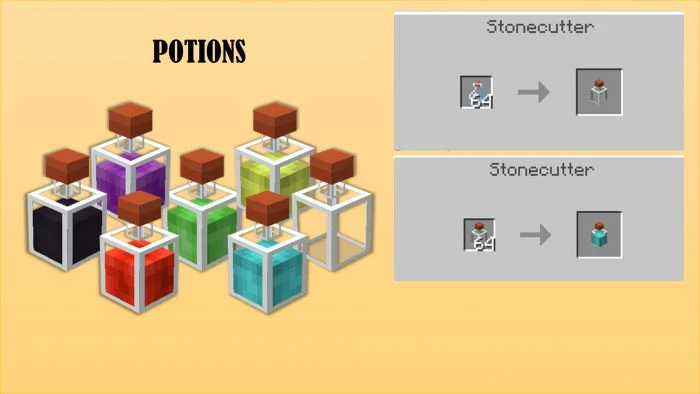
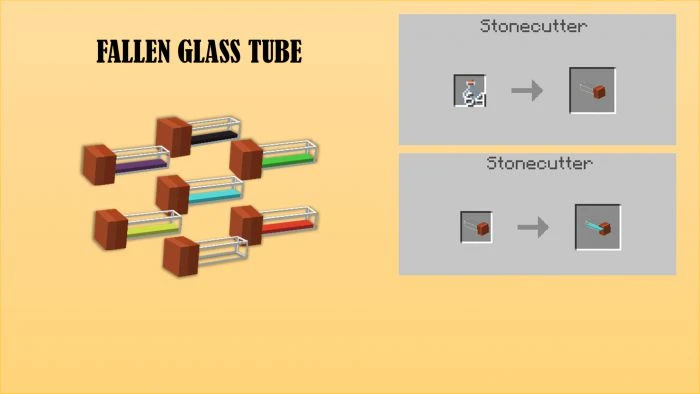
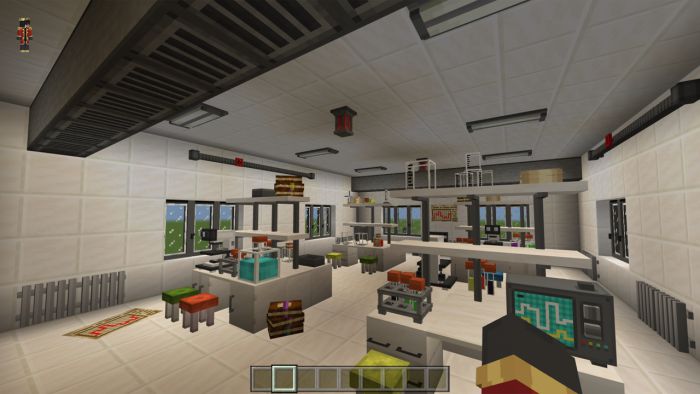
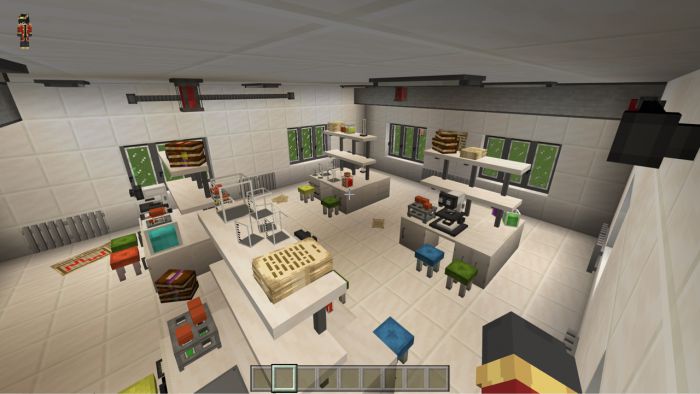
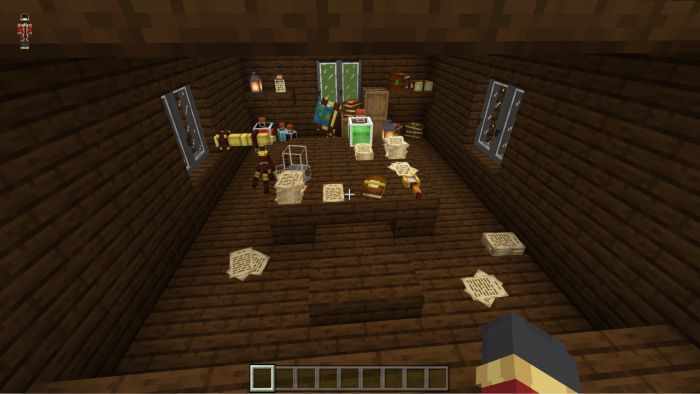
Welcome science lover! In Science Update Addon, you’ll find plenty of science decoration blocks! You can interact with some of them like laboratory drawers (you can save your stuff) or chairs (sitting over them). You should check the crafting recipes and the advice the author gives to play with no troubles at all.
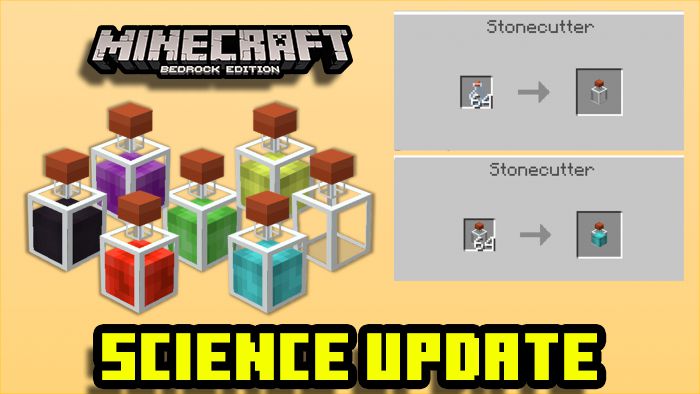
Features:
BLOCKS
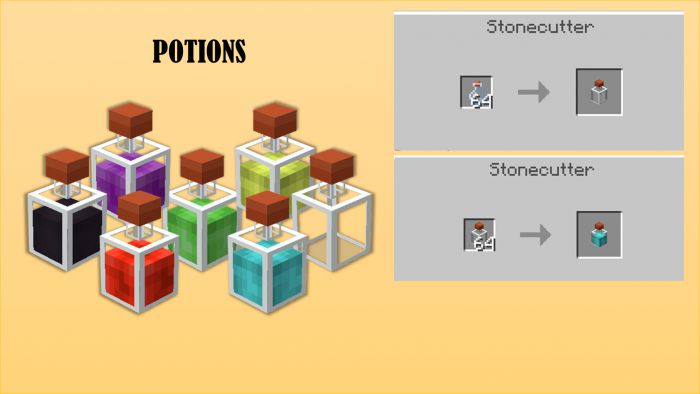
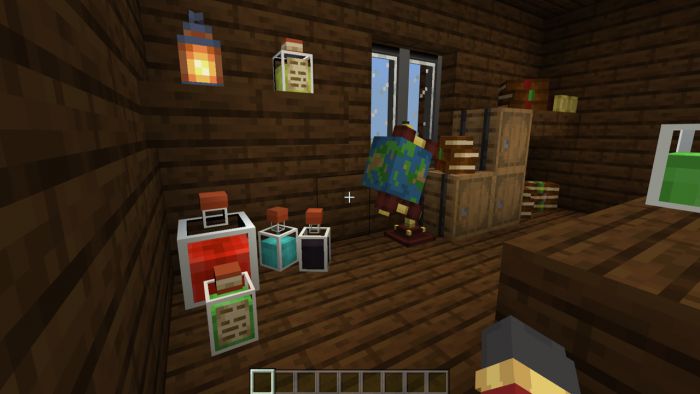
Potions
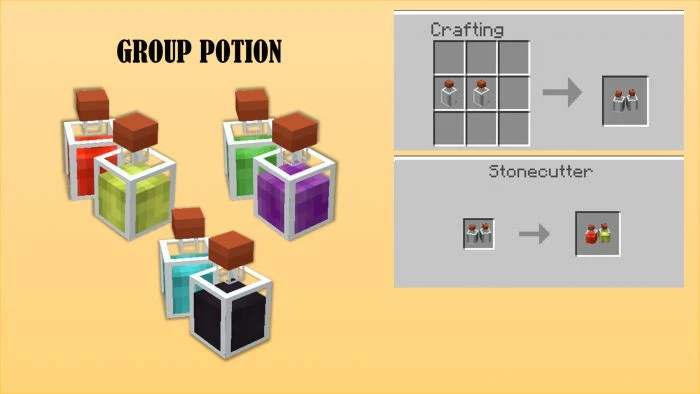
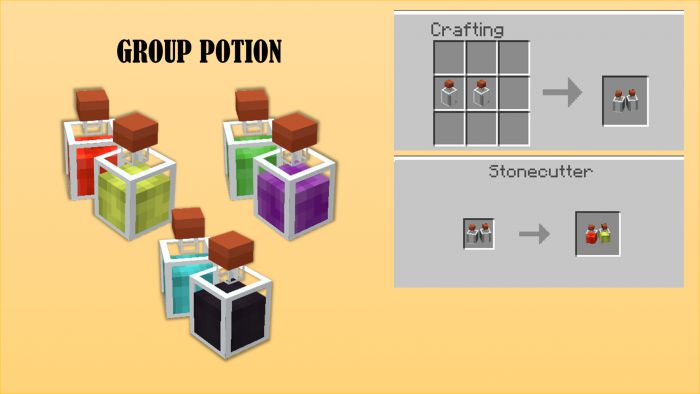
Group of potions
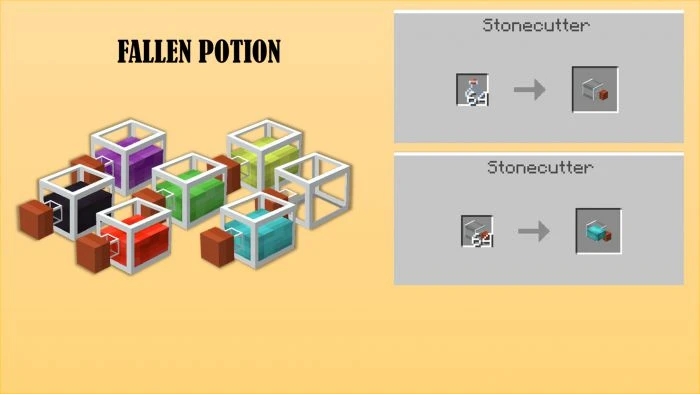
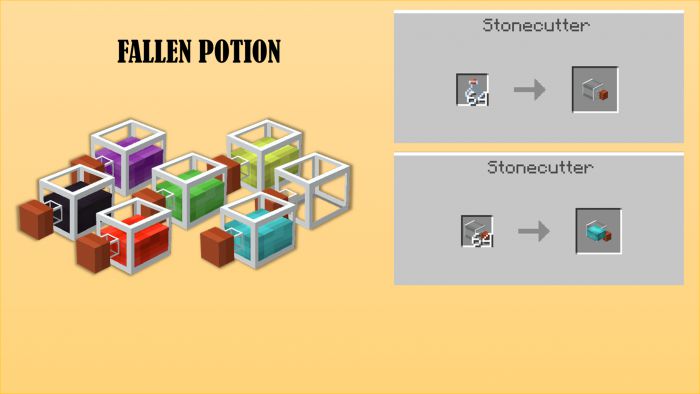
Fallen potions
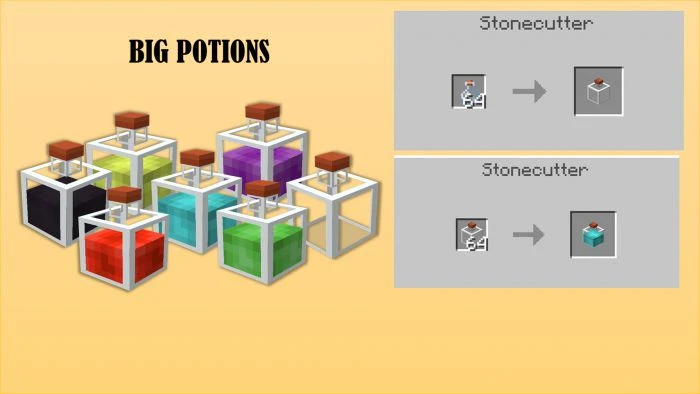
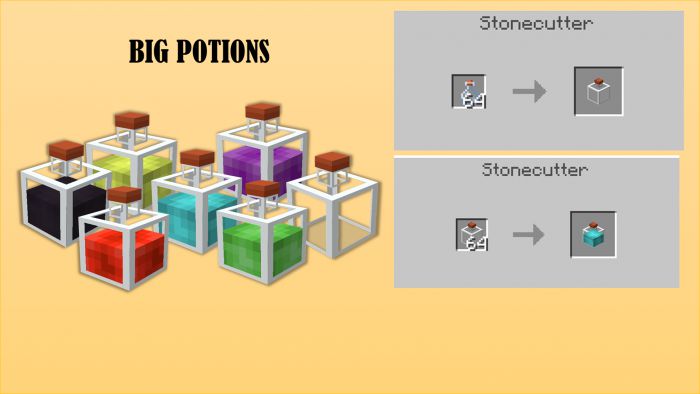
Big potions
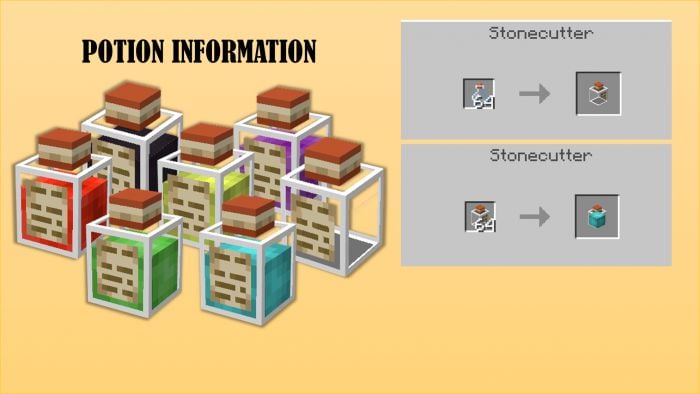
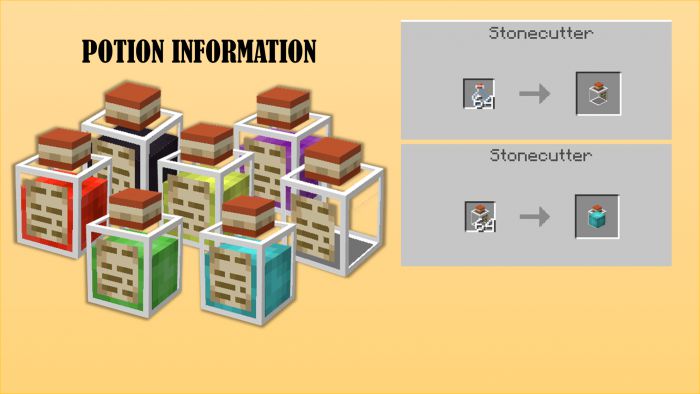
Potions with information
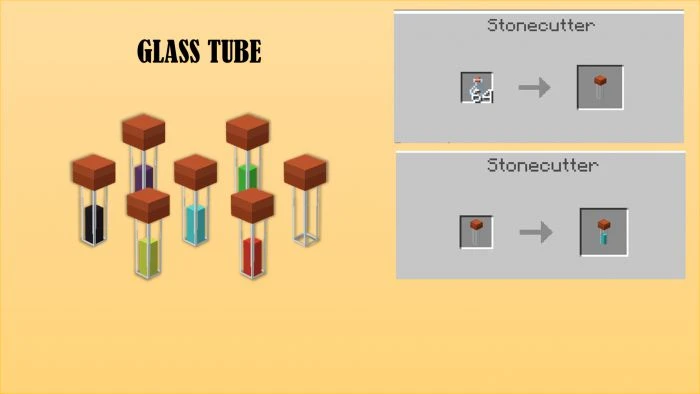
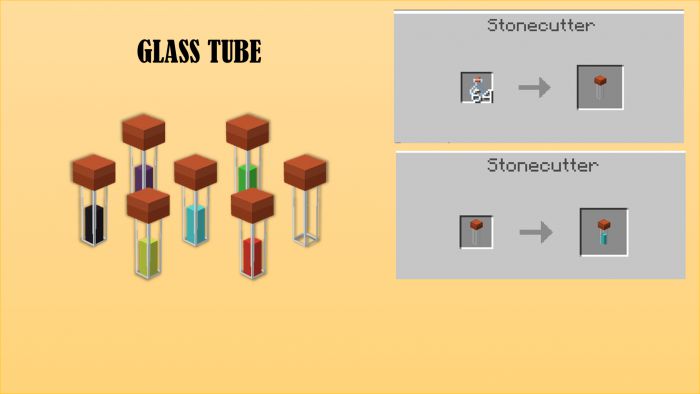
Glass tubes
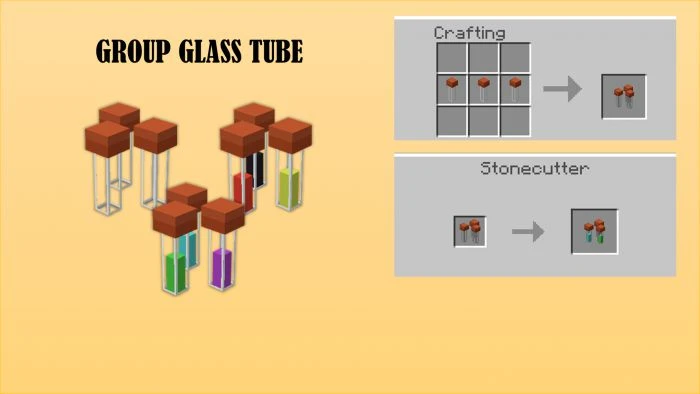
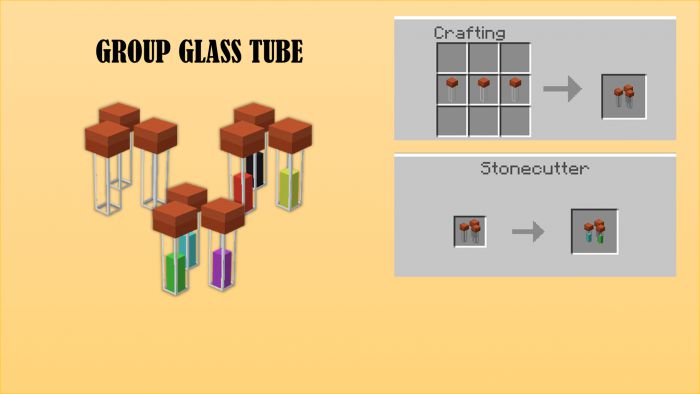
Group of glass tubes
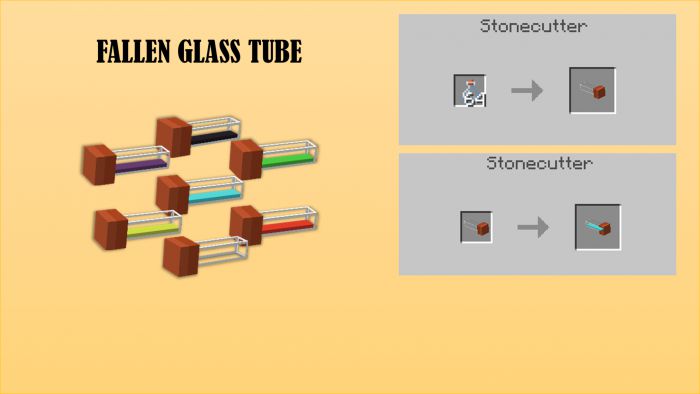
Fallen glass tubes
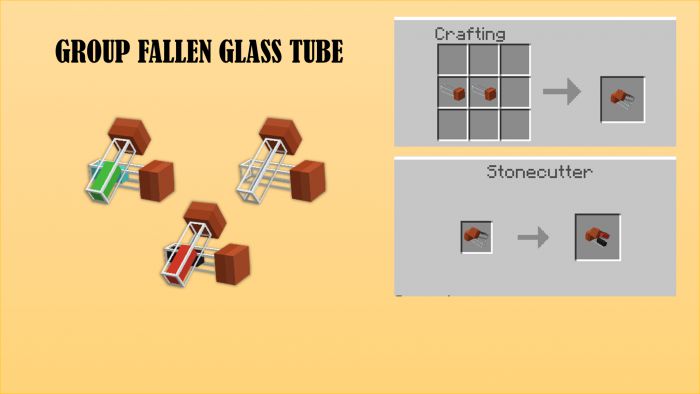
Group of fallen glass tubes
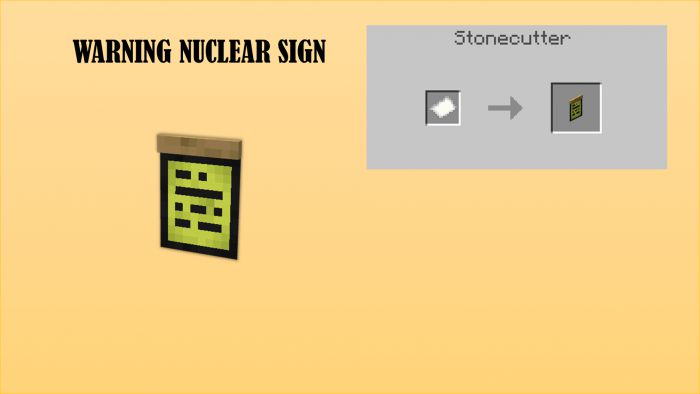
Warning nuclear sign
Pages
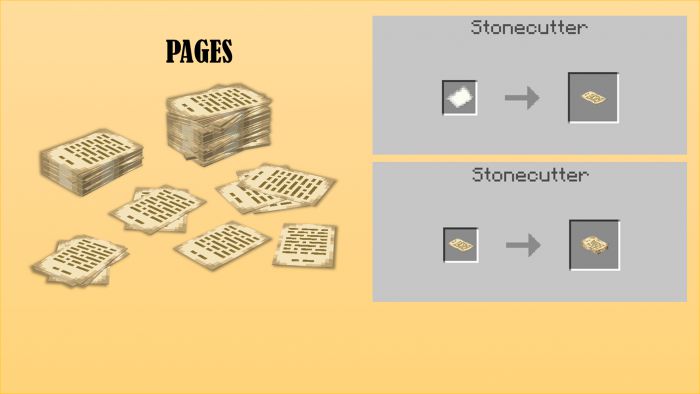
Technical plan
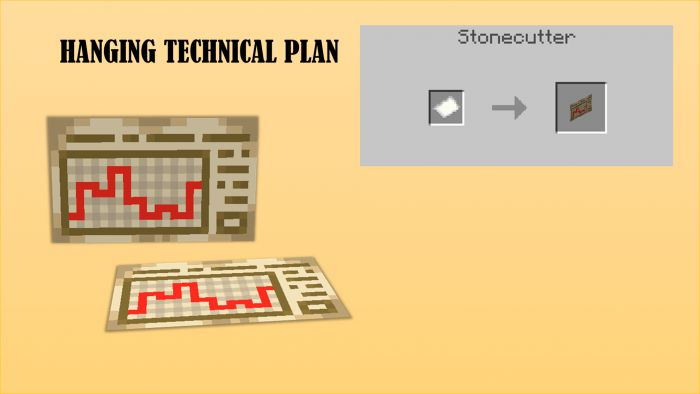
Books
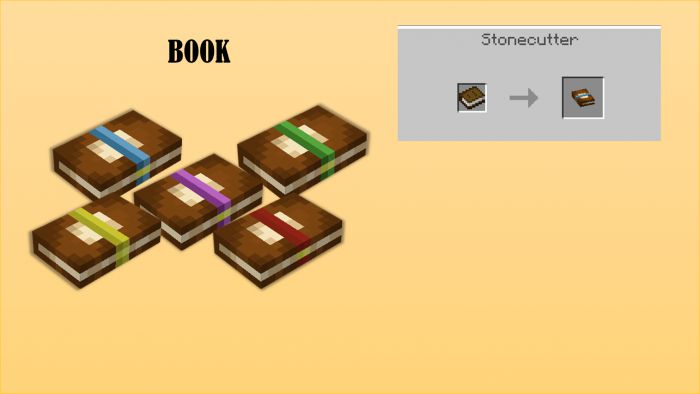
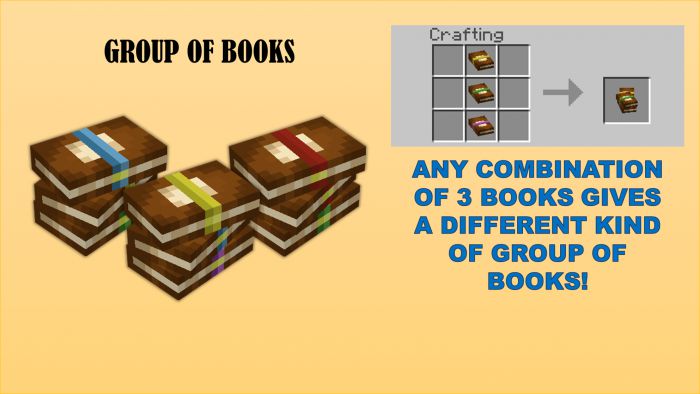
Group of books
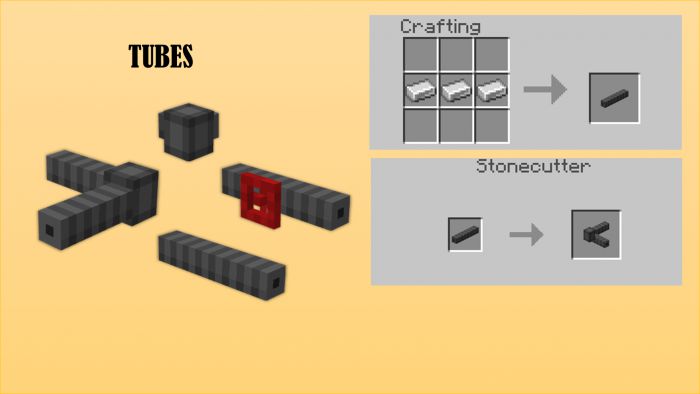
Tubes
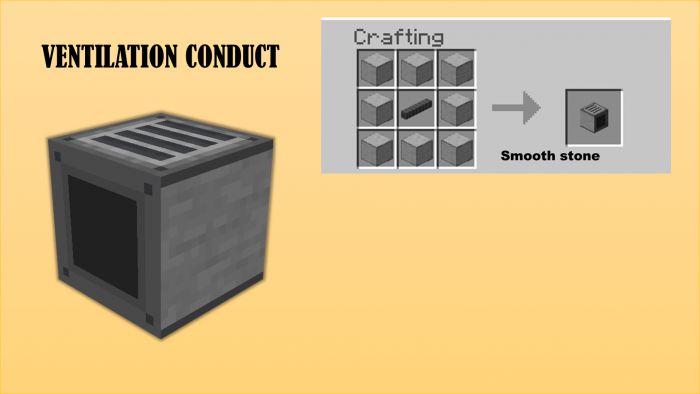
Ventilation conduct
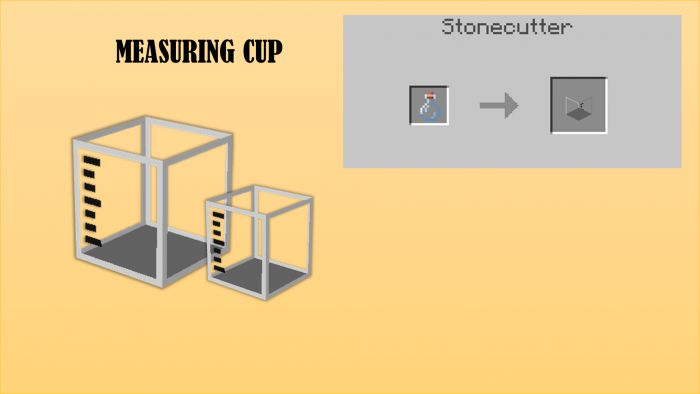
Measuring cup (there is a little one and a big one)
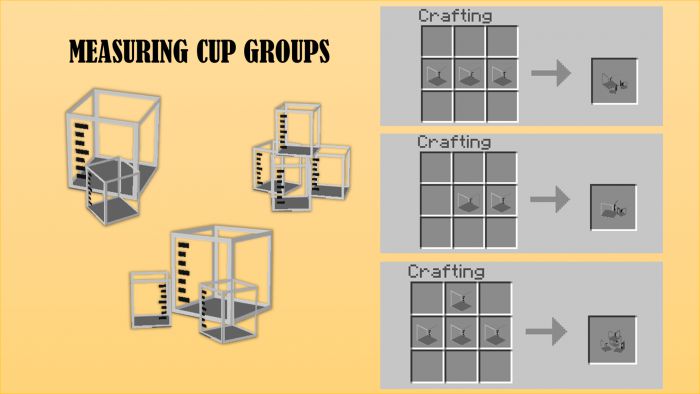
Group of measuring cups
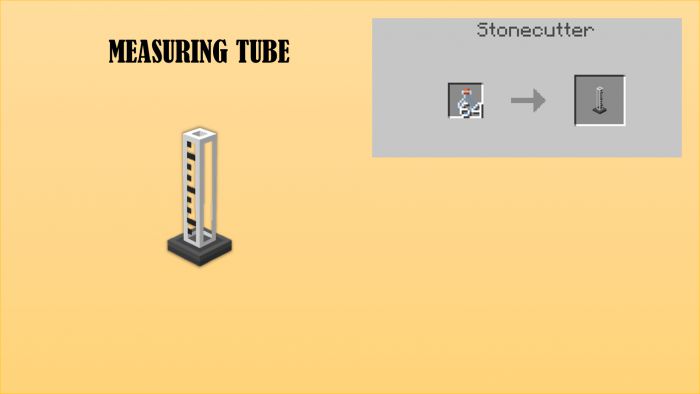
Measuring tube
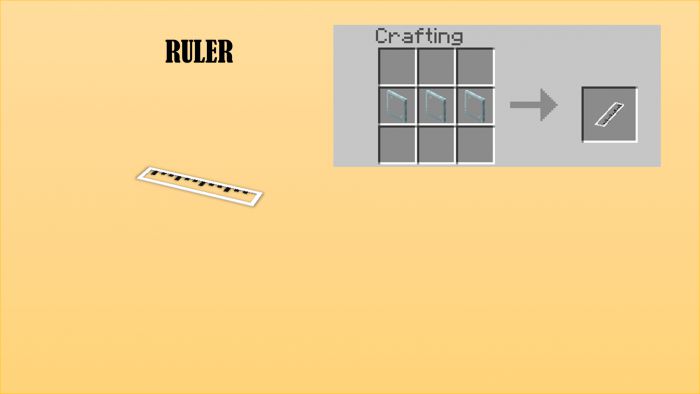
Ruler
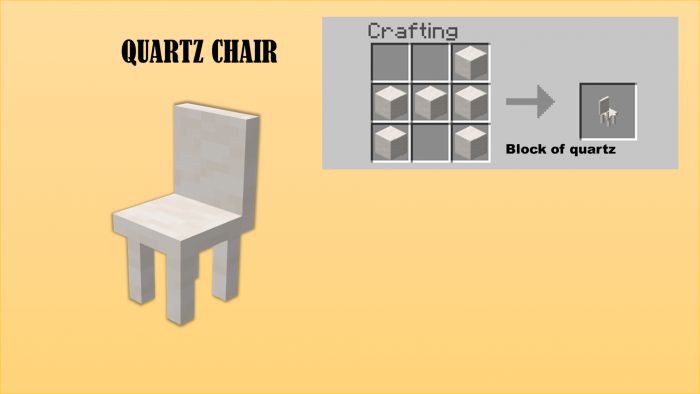
Quartz chair
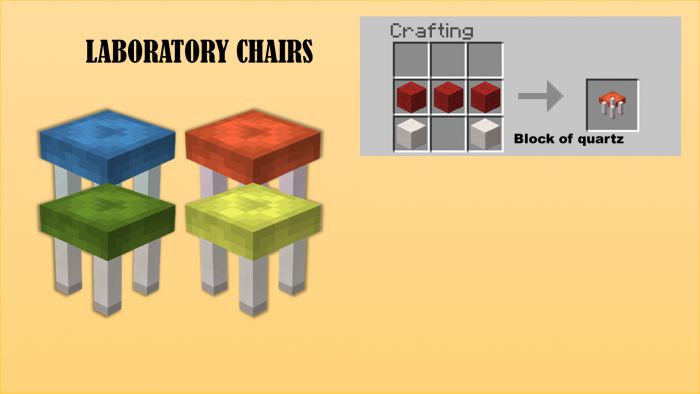
Laboratory chairs
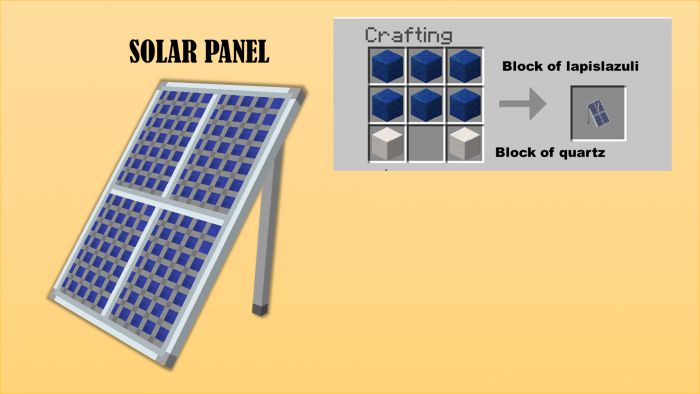
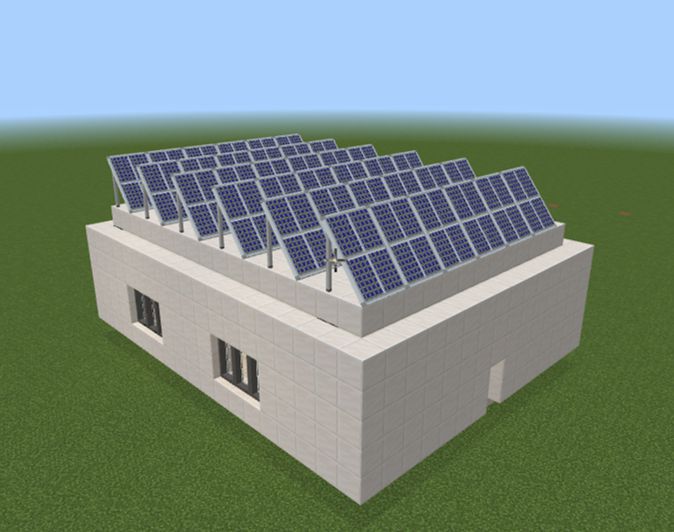
Solar panel
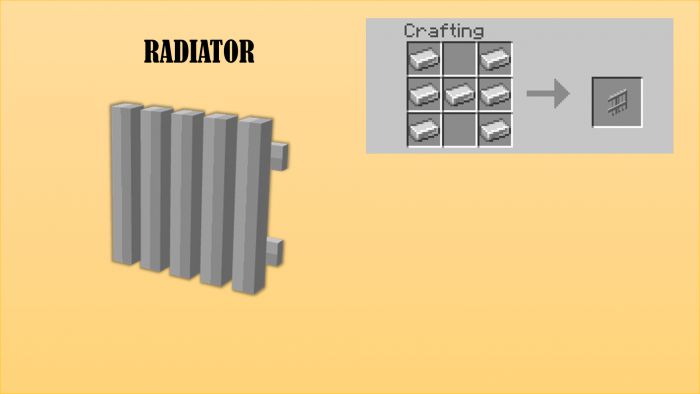
Radiator
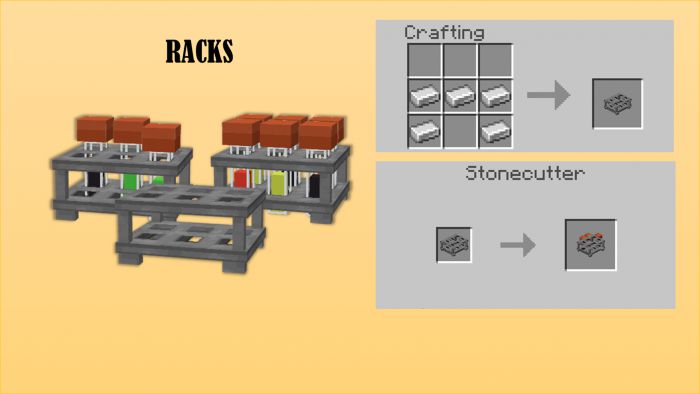
Racks
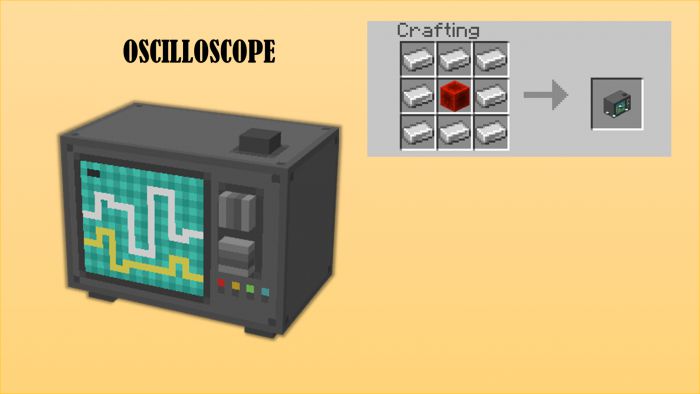
Oscilloscope
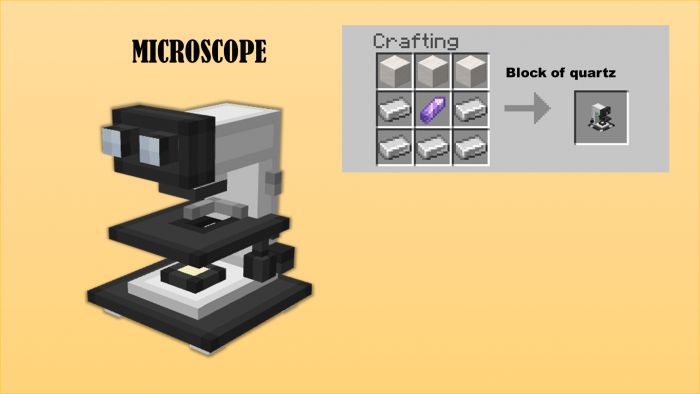
Microscope
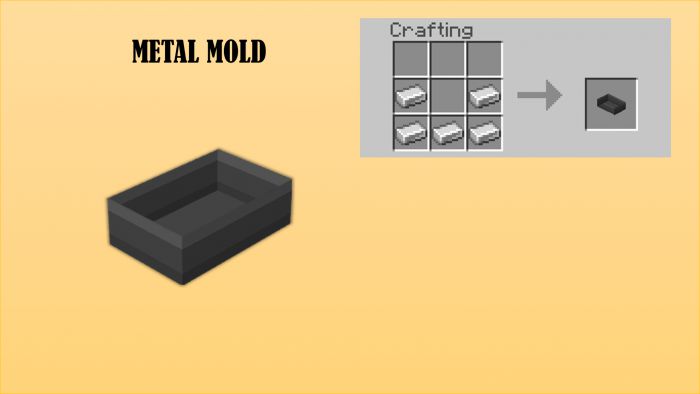
Metal mold
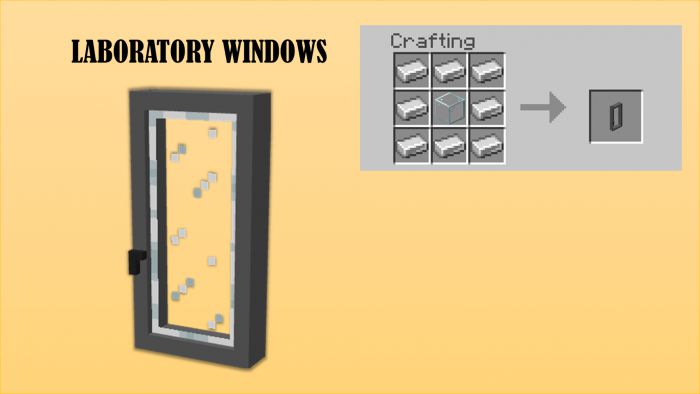
Laboratory windows
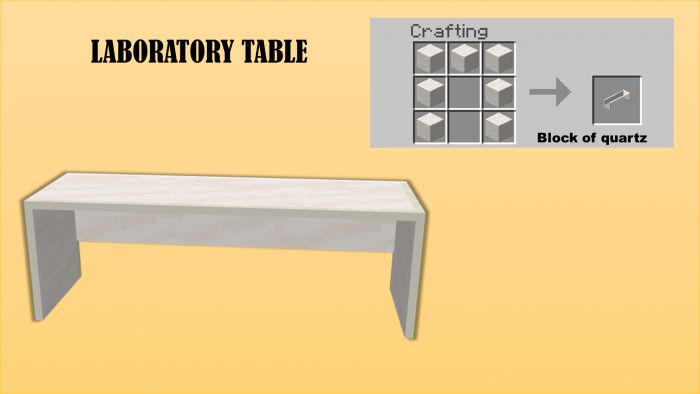
Laboratory table
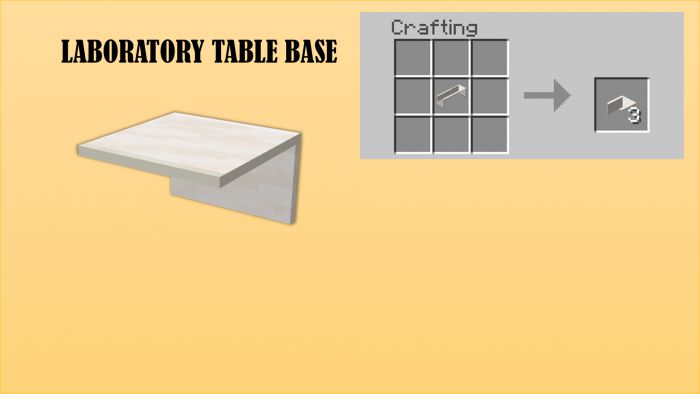
Laboratory table base
- The laboratory table occupies 3 blocks, but only the one in the middle actually fills the space. Place laboratory table bases in the other empty blocks of the laboratory table in order to fulfill that space!
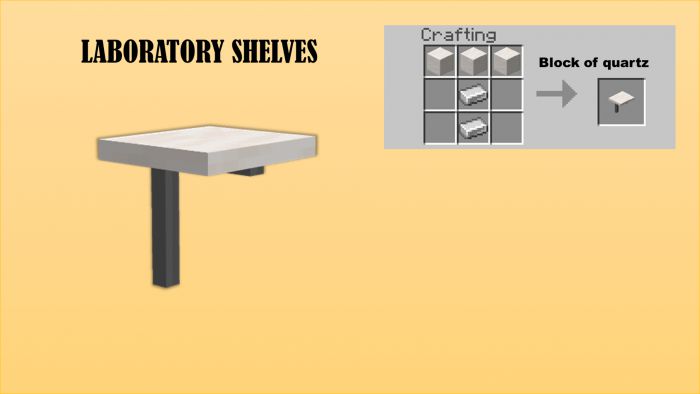
Laboratory shelves
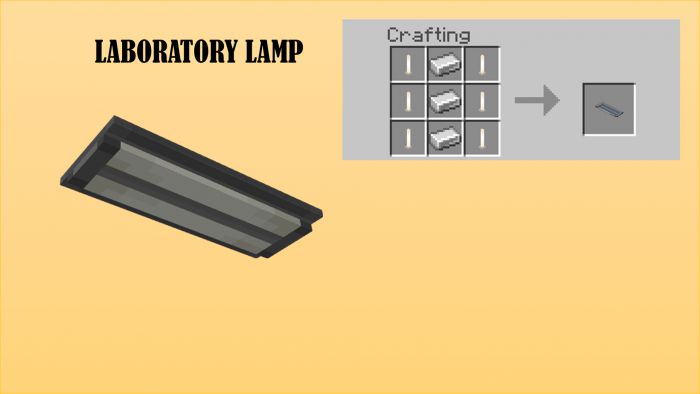
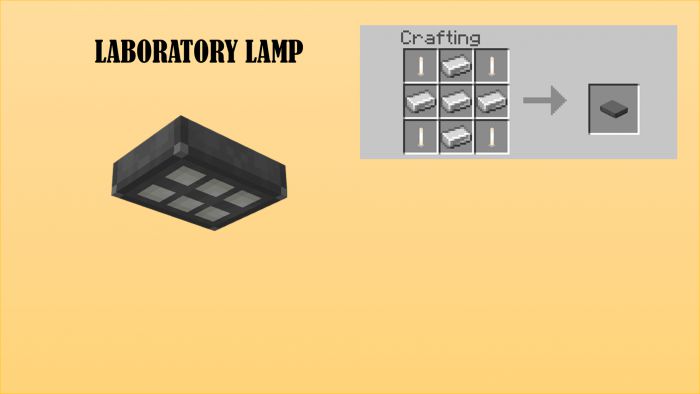
Laboratory lamps
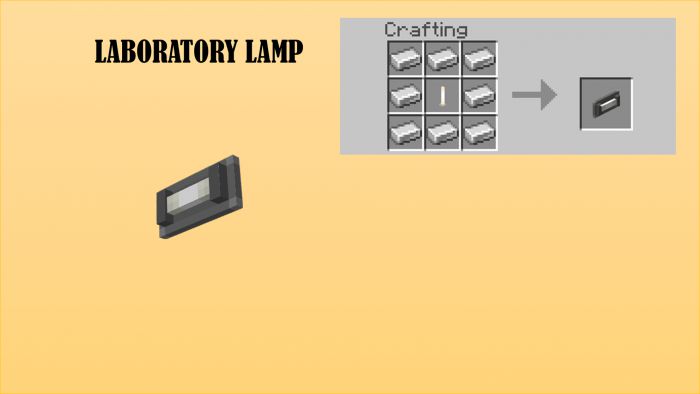
Drawers
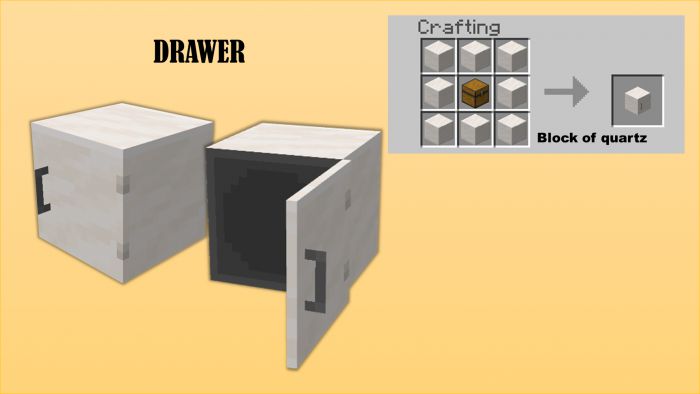
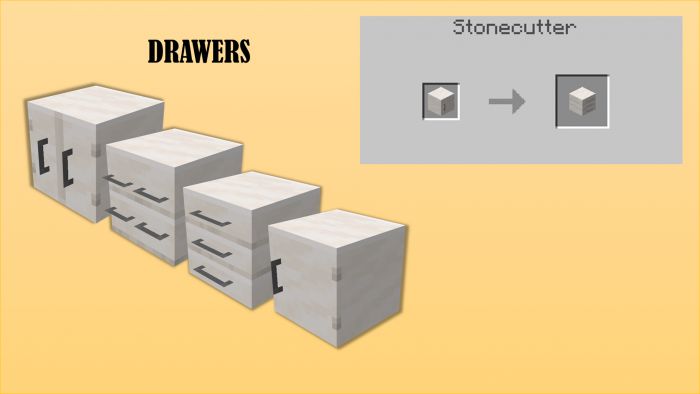
Bunsen burner
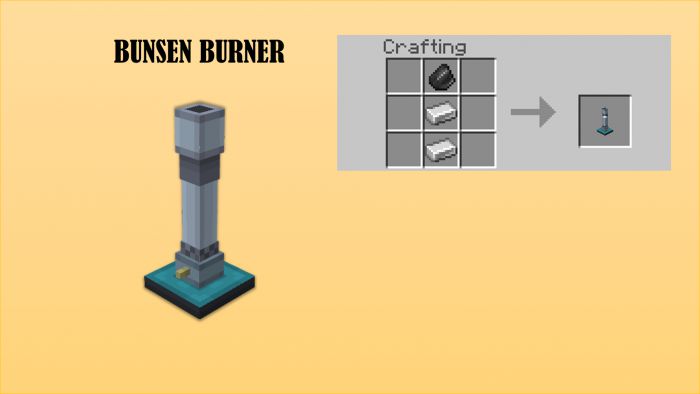
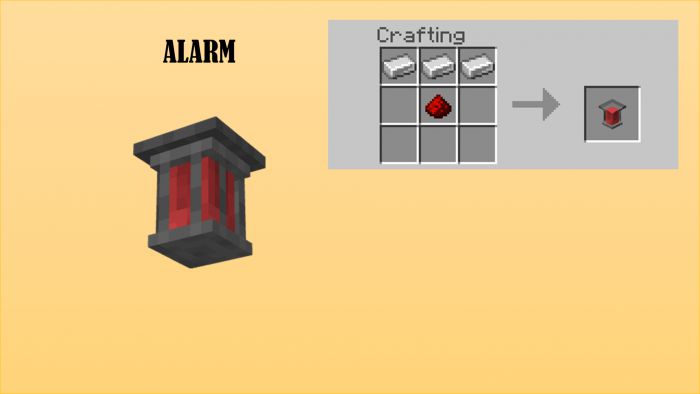
Alarm
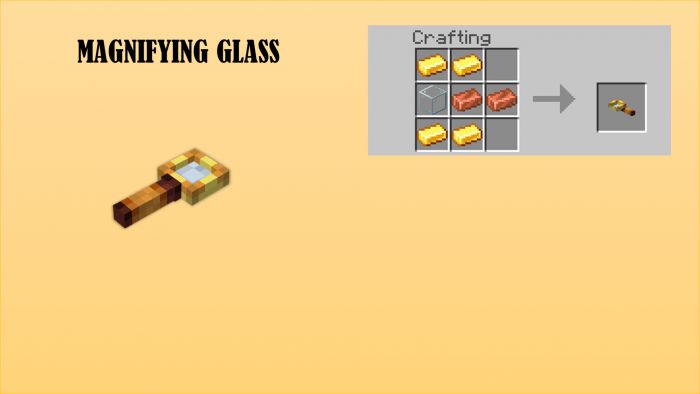
Magnifying glass
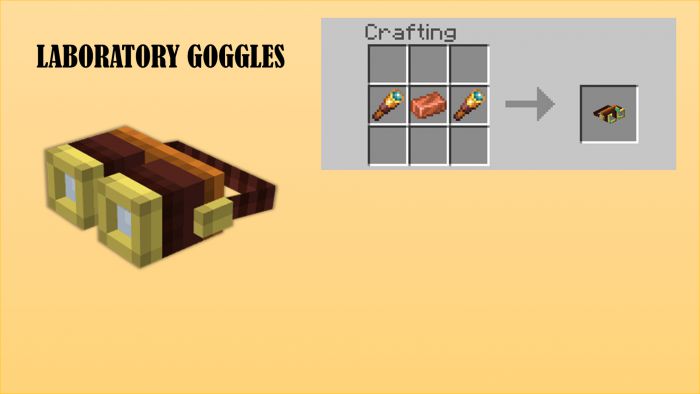
Laboratory goggles
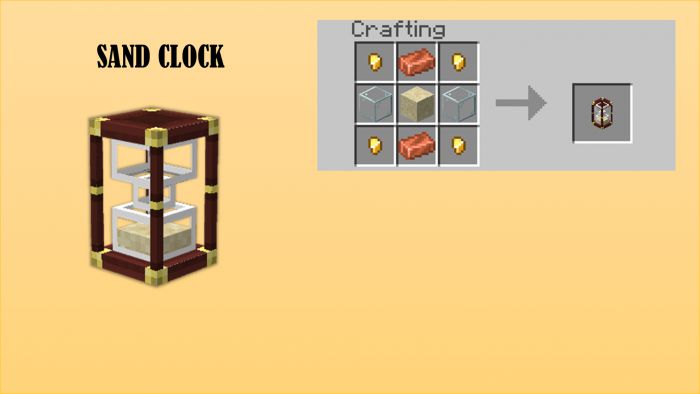
Sand clock
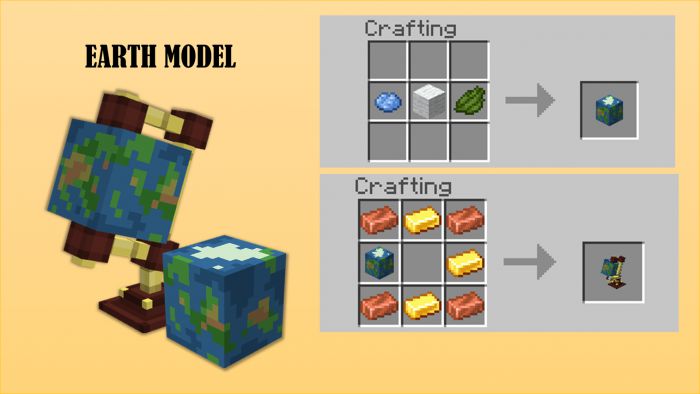
Earth model
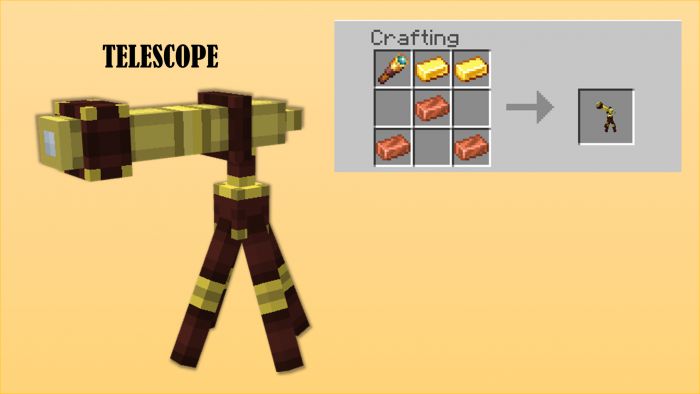
Telescope
ADVICES
- 1. TURN ON HOLIDAY CREATOR FEATURES

- 2. DOWNLOAD THE ADD-ON BLOCK GEO FIXER
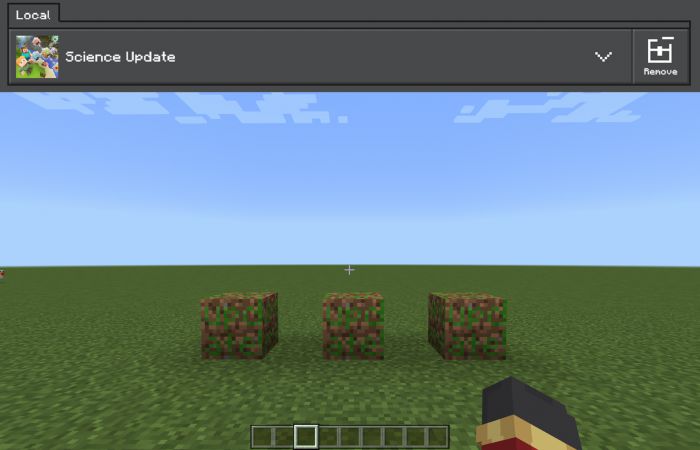
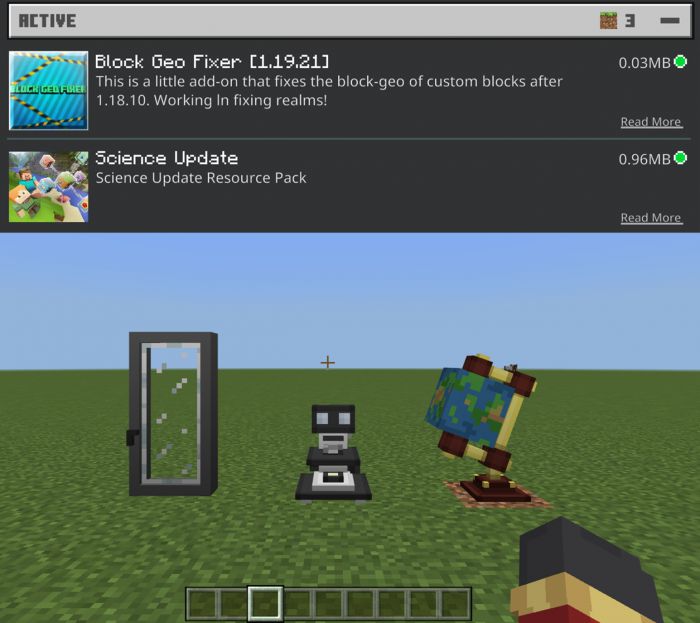
- 3. DEACTIVATE SMOOTH LIGHTING IF YOU DON’T WANT WEIRD SHADOWS
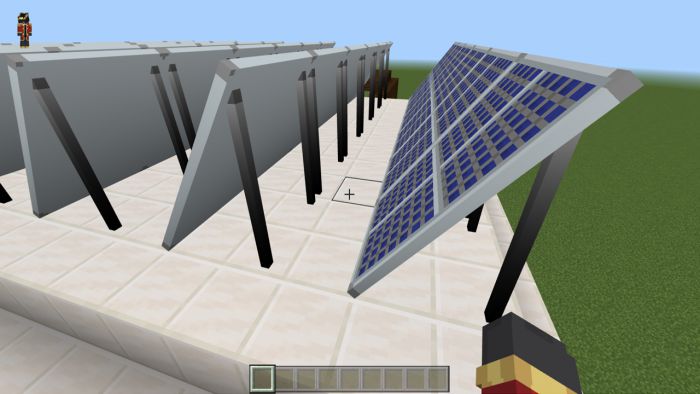
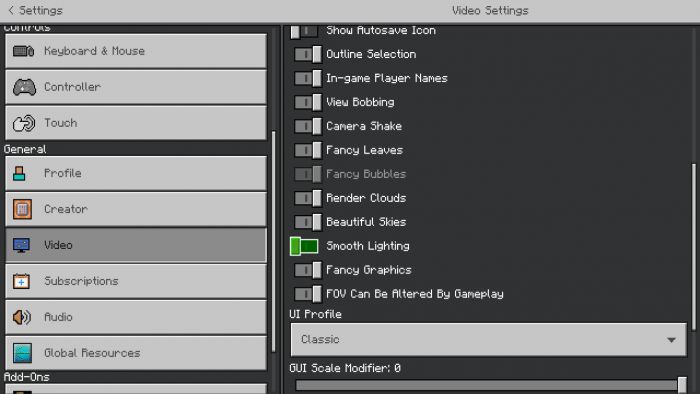
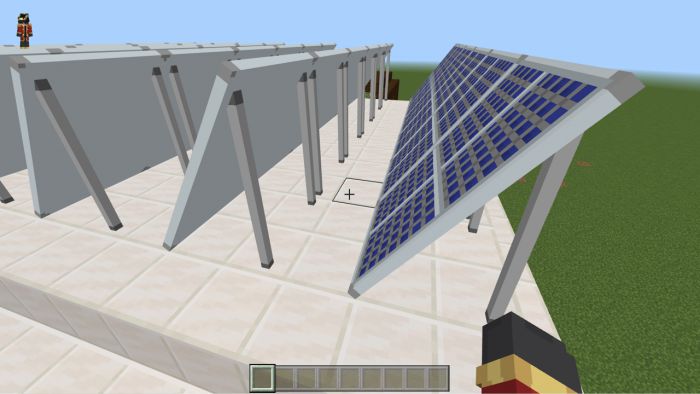
- 4. HERE YOU CAN FIND ALL THE BLOCKS IN CREATIVE!
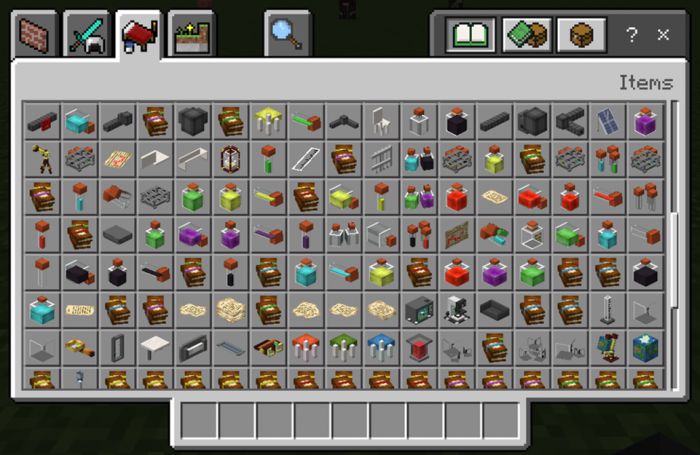
Screenshots:
Science Update Addon Download Links
For Minecraft PE/Bedrock 1.19
Behavior: Download from server 1 – Download from server 2
Resource: Download from server 1 – Download from server 2
- Edition: Minecraft Bedrock
- File type: .mcpack or .mcaddon
- Minecraft version listed: 1.19
- How to install: Download the .mcpack or .mcaddon file. → Open it — Minecraft imports it. → In your world: Behavior Packs → Available → Activate, then the same under Resource Packs.
- Where to get it: In MCModsHub, or directly above on this page.
Install steps are the general flow for this file type — How to install Minecraft Bedrock addons & mods walks through it step by step.
- Pack type: .mcaddon — behaviour and resource pack in one file
- Manifest requires Minecraft 1.16.0 or newer
- Complete pack — everything it depends on is inside the file
- Download size: 1.7 MB
- Download link checked 17 Jun 2026 — working
- Mirrored on our own servers — the download does not depend on the original host
These come from our own check of the pack file, not from the source page.