FNAF Blocks Addon (1.19) – MCPE/Bedrock Mod
Bedrock add-on listed for Minecraft 1.18–1.19. Installs from the MC Bedrock Mods app on Android.
⬇ Download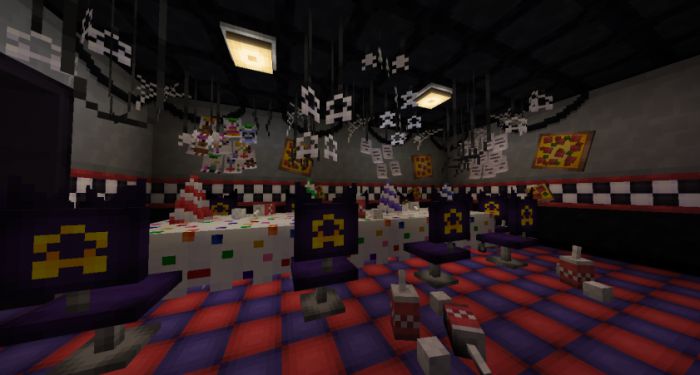
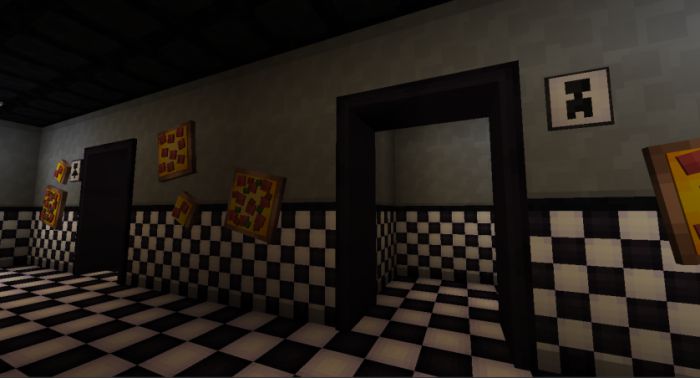
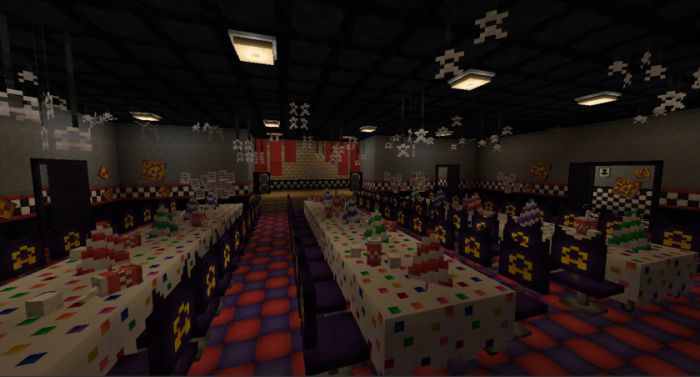
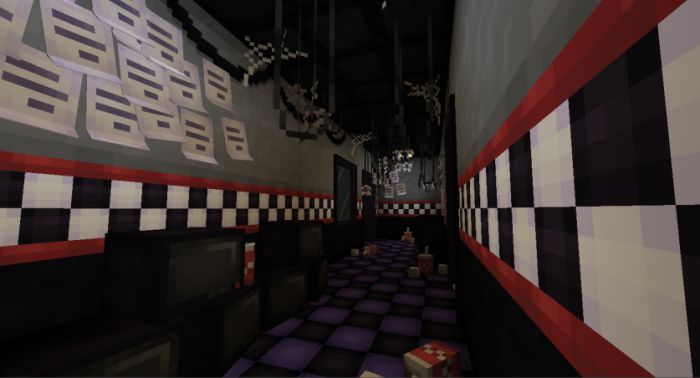
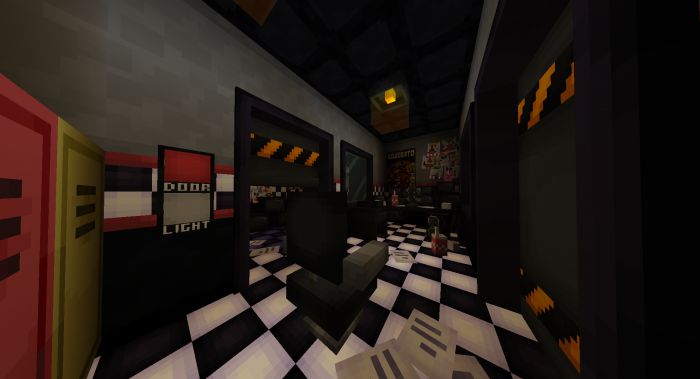
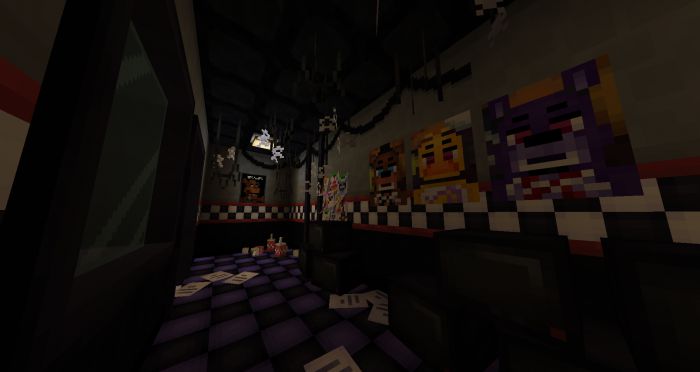
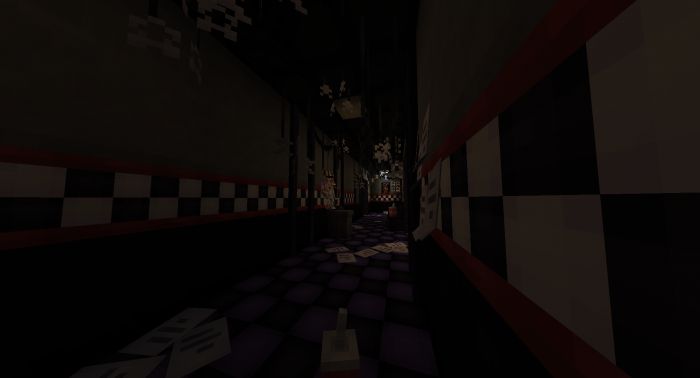
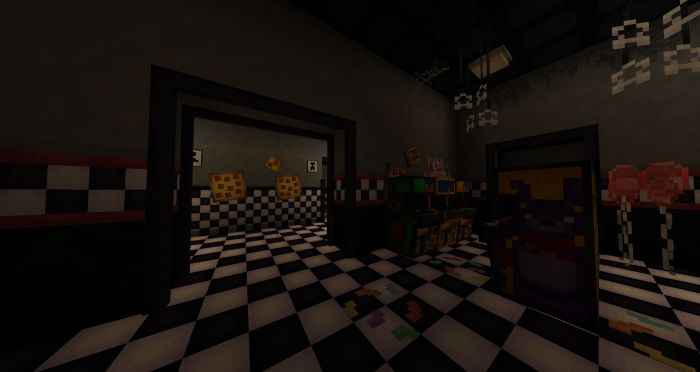
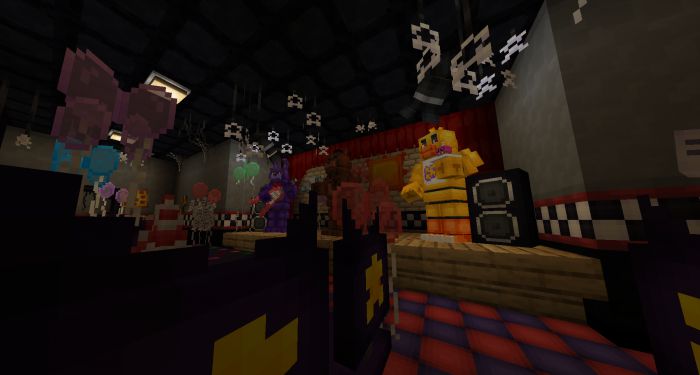
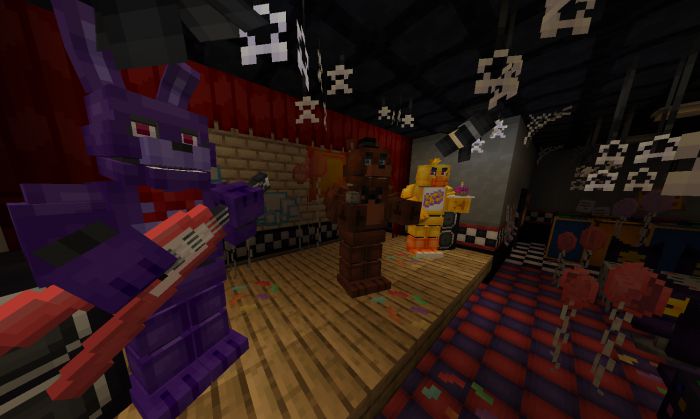
FNAF Blocks Addon is an addon with which you can recreate the restaurant from the famous FNAF game but now in Minecraft Bedrock! Ever wanted to recreate the restaurant from FNAF 1 in Minecraft? Well now you can do it with FNAF Blocks, this addon adds a wide variety of blocks to decorate obviously inspired by the FNAF 1 restaurant, also in the future blocks based on other FNAF 2,3 restaurants or even the house on 4 will be added! Note: This addon only adds blocks not entities, items, etc.
Features:
New Blocks:
- Lockers (+6 vars)
- Boxes (+3 Vars)
- Mini Boxes (+3 Vars)
- Trashcan
- Toilet
- Door Buttons (+3 Vars)
- Posters 3 (+3 Vars)
- Phone (+2 Vars)
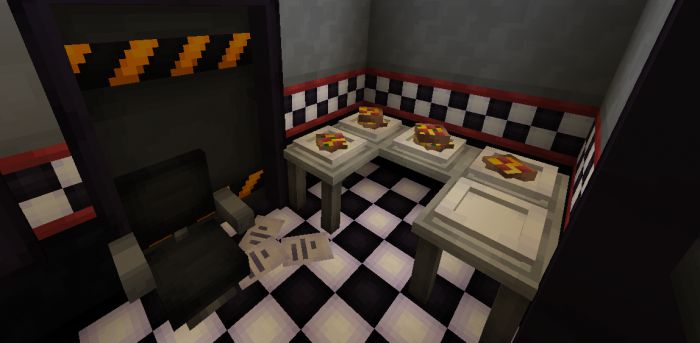
- Pizzas (+3 Vars)
- Arcades (+2 Vars)
- Plates (+4 Vars)
- Dark Party Table (By Bonno is a Bon)
- Office Chair
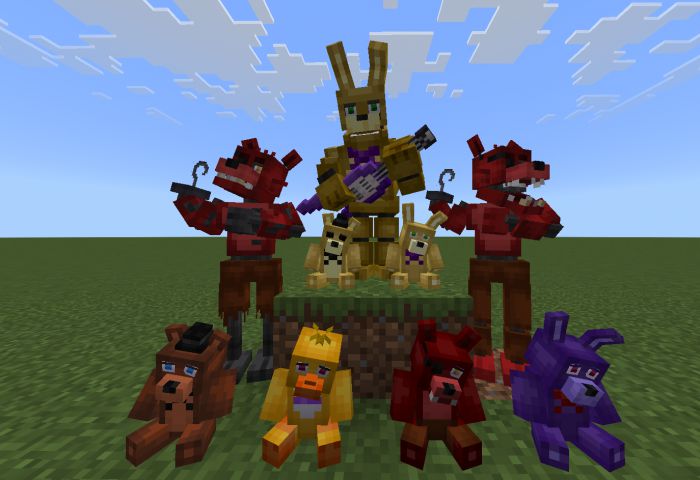
- Plushys (Foxy, Chica, Bonnie & Freddy)
- Pirate Cove/Foxy Room Block
- Office Door Block (+5 vars)
- Balloons (+4 vars)
- Stage Sun
- Stage Spotlights (+8 rotations)
- Curtain (+4/5 vars)
- Confetti Floor
- Floor Papers (+5 vars)
- Floor red with black
- Office Decorations
- Office Doors
- Office Light
- Foxy Room/Scenary
- Posters
- Office Desk
New animatronics + Items:
- Chica + Cupcake item
- Bonnie + Guitar item
- Freddy + Microphone
- Foxy Fixed
- Spring Bonnie + Purple Guitar
- Foxy
- Golden Freddy (Alias alfredo millonario)
- Changer Tool (This item will help you change the texture of blocks such as stars, cables, trash, party hats, and office windows)
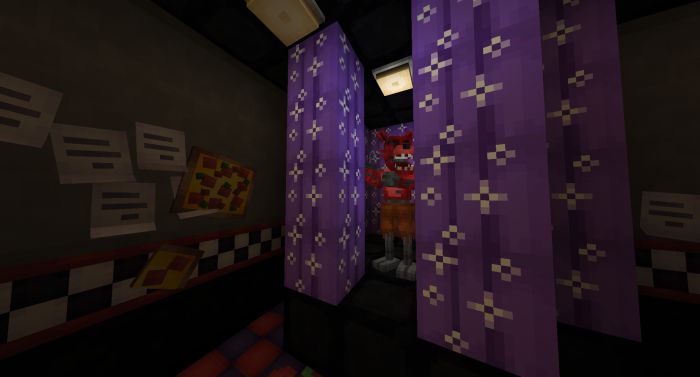
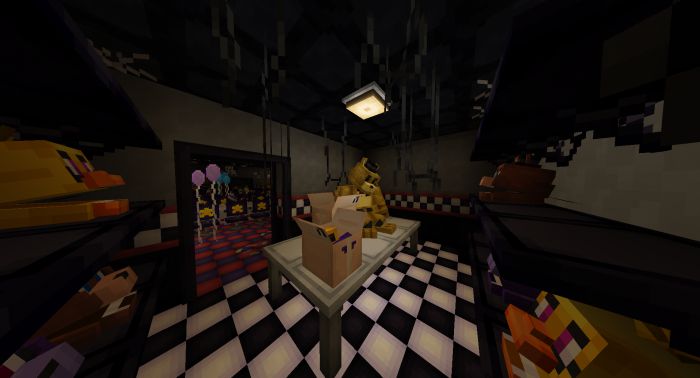
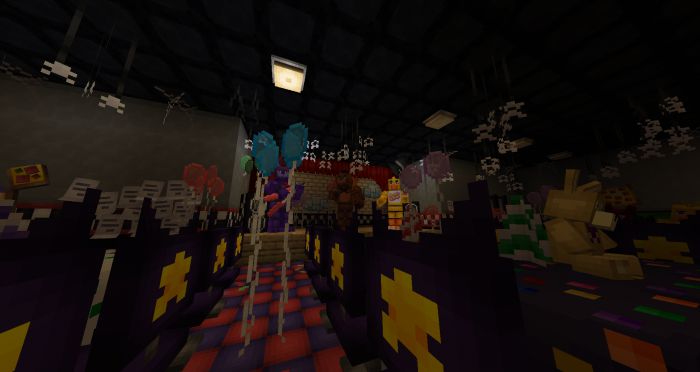
Screenshots:
Installation Note:
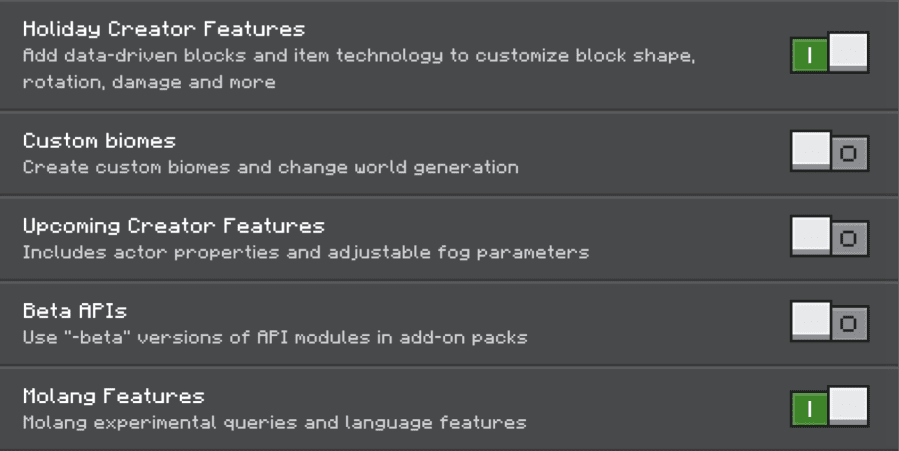
- Make sure you activated all the following “Experimental Settings”:
FNAF Blocks Addon Download Links
For Minecraft PE/Bedrock 1.19
Behavior: Download from server 1 – Download from server 2
Resource: Download from server 1 – Download from server 2
- Edition: Minecraft Bedrock
- File type: .mcpack or .mcaddon
- Minecraft version listed: 1.19
- How to install: Download the .mcpack or .mcaddon file. → Open it — Minecraft imports it. → In your world: Behavior Packs → Available → Activate, then the same under Resource Packs.
- Where to get it: In MCModsHub, or directly above on this page.
Install steps are the general flow for this file type — How to install Minecraft Bedrock addons & mods walks through it step by step.
- Pack type: .mcaddon
- Manifest requires Minecraft 1.18.0 or newer
- Ships one half — this pack asks for another pack that is not included
- Download link checked 17 Jun 2026 — working
- Mirrored on our own servers — the download does not depend on the original host
These come from our own check of the pack file, not from the source page.