Items Rarity Addon (1.19) – MCPE/Bedrock Mod
Bedrock add-on listed for Minecraft 1.19 (resource pack only). File opened and checked on 2 Oct 2026; installs from the MC Bedrock Mods app on Android.
⬇ Download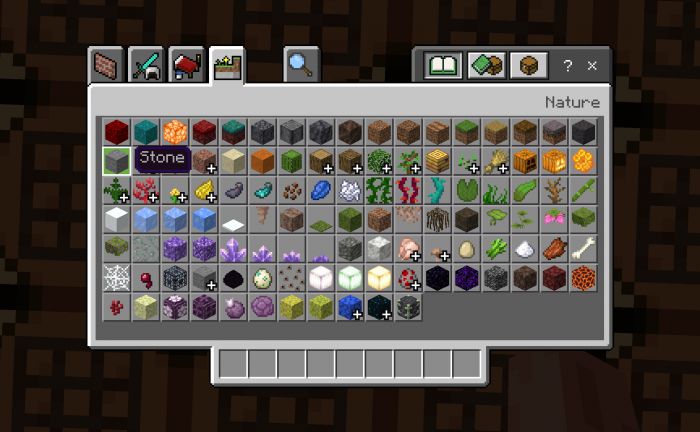
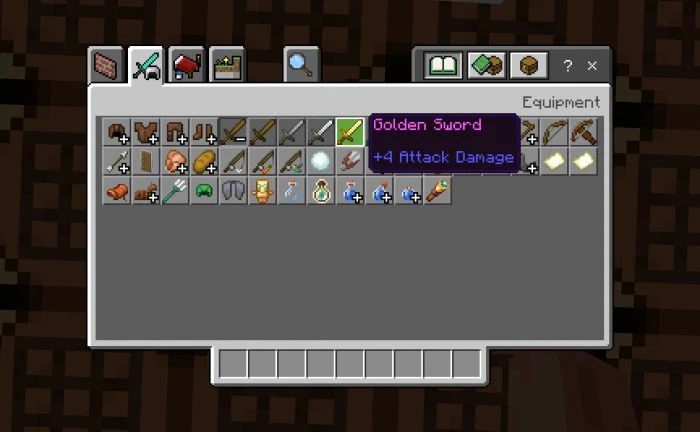
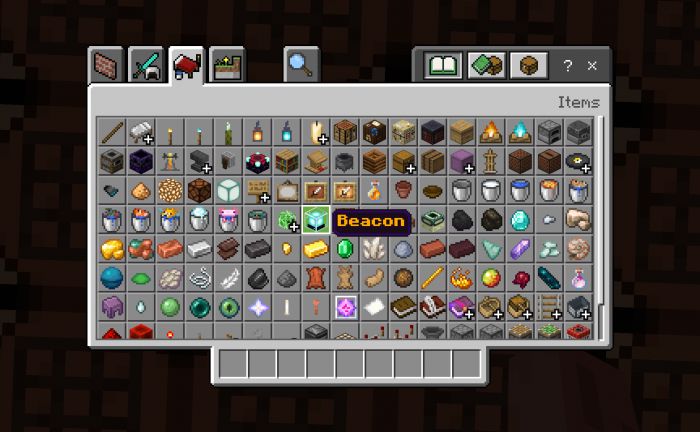
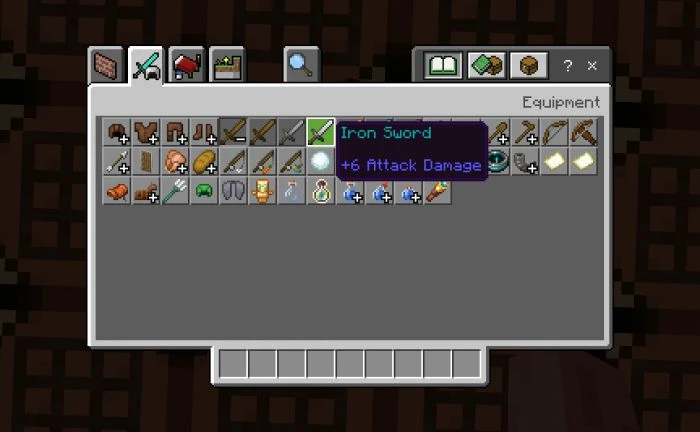
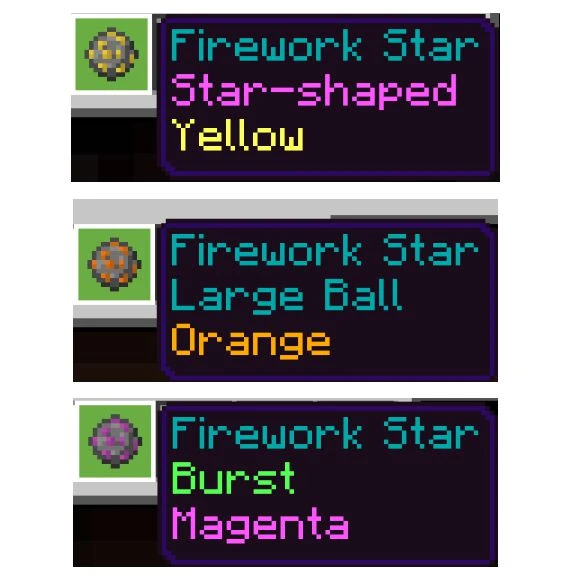
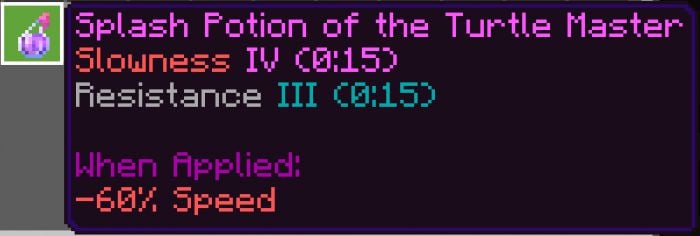
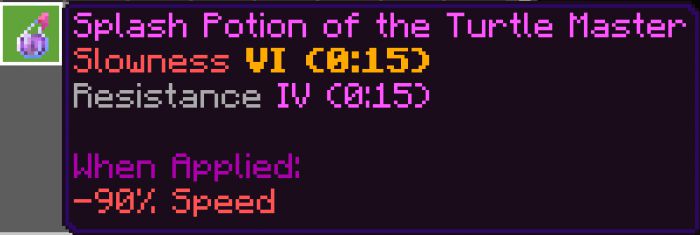
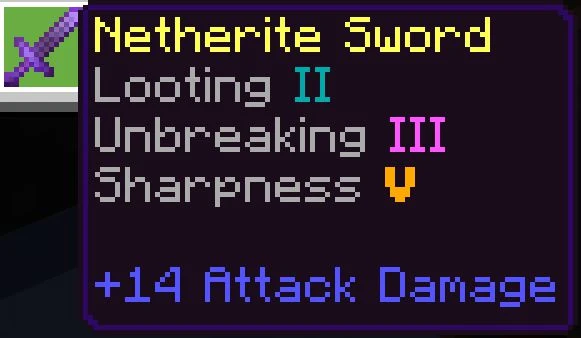
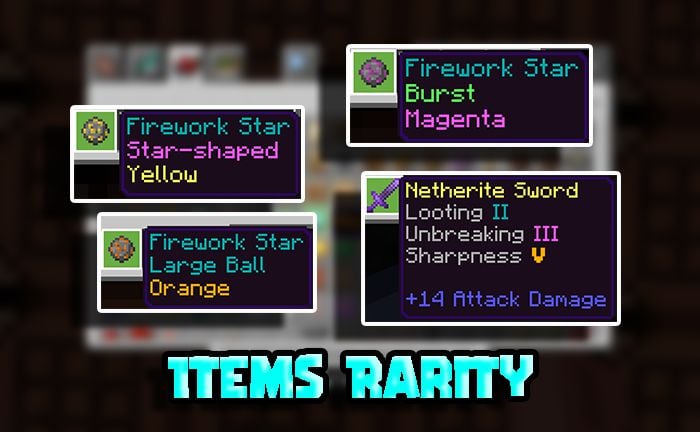
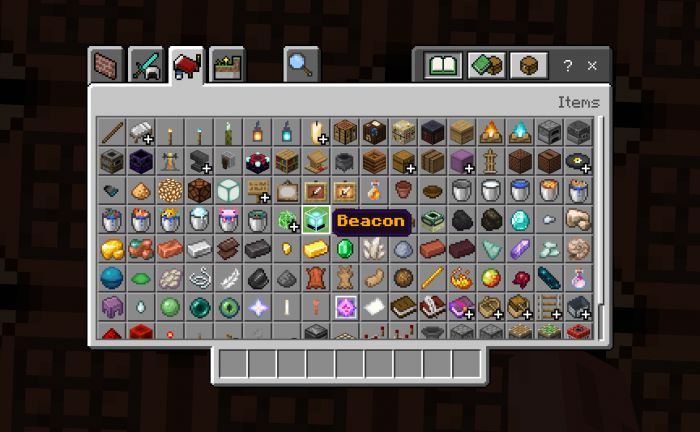
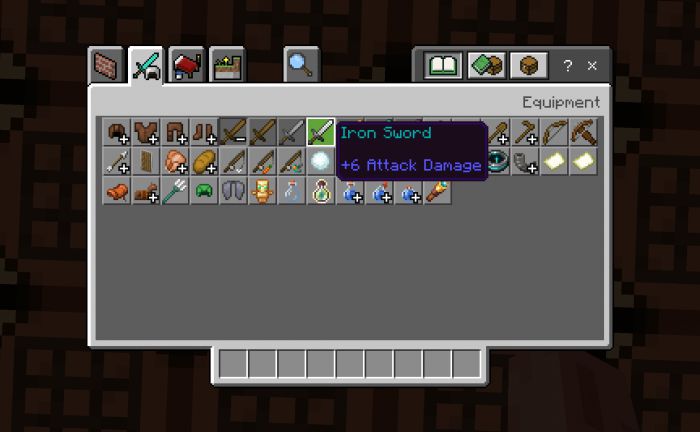
Items Rarity Addon divides all items into several categories based on their rarity. This division of items adds a little more immersion to the RPG component of Minecraft, and inexperienced players will always know the rarity and value of the obtained item.
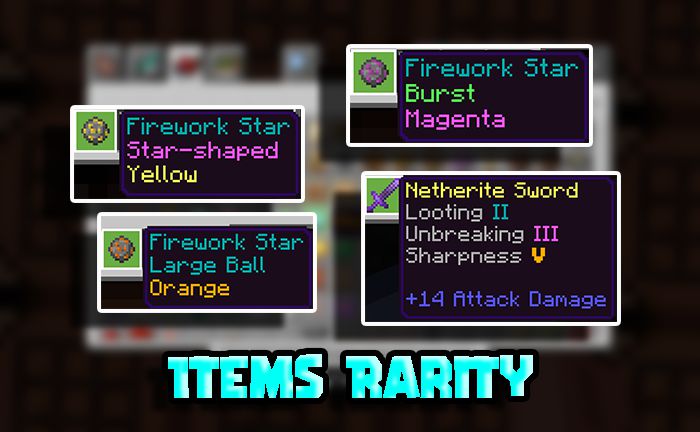
Features:
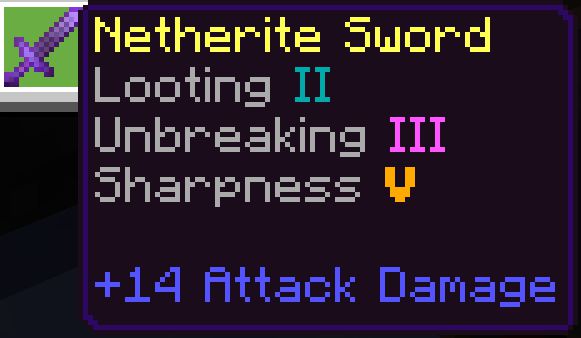
All items and blocks are divided into 6 groups by rarity:
- Relic [orange, bold]
- Legendary [yellow]
- Epic [light-purple]
- Rare [light-blue (aqua)]
- Uncommon [light-green (lime)]
- Basics of the Universe (common items, blocks (in short, garbage)) [light-gray]
In this addon, all items and blocks are separated by rarity (except for those that can only be obtained in creation. They are still white).
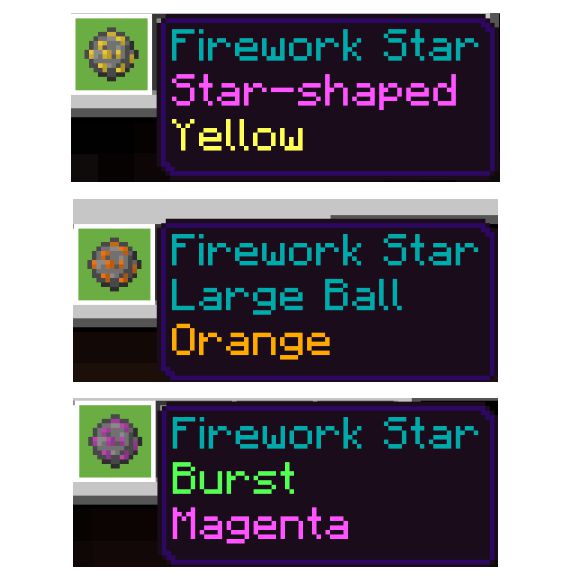
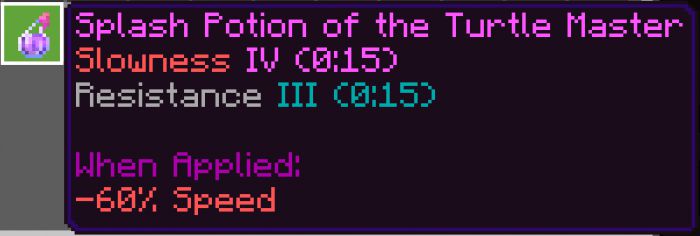
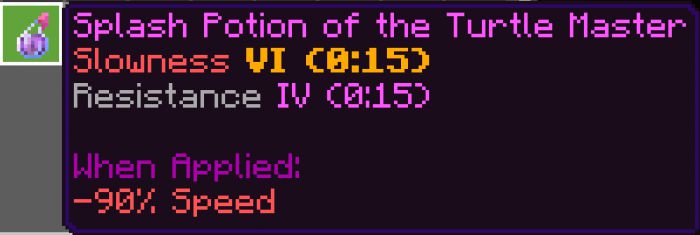
Also divided by rarity forms for fireworks, levels of enchantments, and levels of potions.
The color of the description text of the color of the firework star matches the color of the firework star itself.
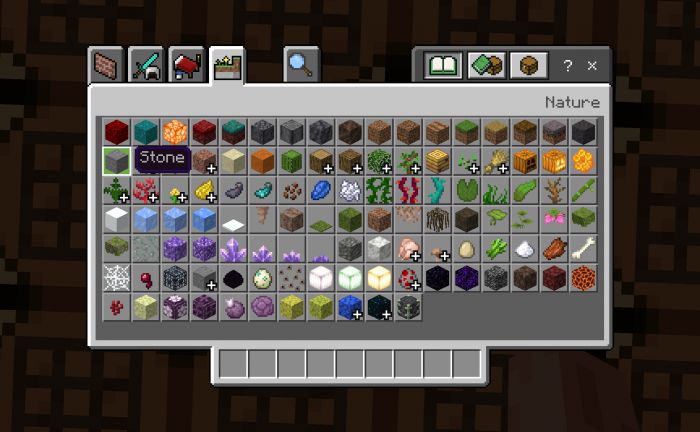
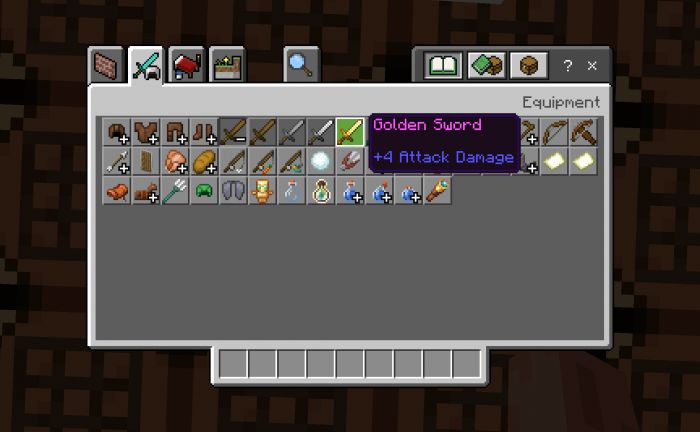
Screenshots:
Installation Note:
- If Minecraft does not automatically open, rename the file format from .mcpack to .zip, open the archive, and copy the folder inside the archive to the folder with the resources packs.
- All languages are supported!
Items Rarity Addon Download Links
For Minecraft PE/Bedrock 1.19
mcpack: Download from server 1 – Download from server 2
- Edition: Minecraft Bedrock
- File type: .mcpack or .mcaddon
- Minecraft version listed: 1.19
- How to install: Download the .mcpack or .mcaddon file. → Open it — Minecraft imports it. → In your world: Behavior Packs → Available → Activate, then the same under Resource Packs.
- Where to get it: In MCModsHub, or directly above on this page.
Install steps are the general flow for this file type — How to install Minecraft Bedrock addons & mods walks through it step by step.
- Save it as 63252.mcpack before opening — it downloads as .mcaddon, but it is a .mcpack pack
- Manifest requires Minecraft 1.19.40 or newer
- Complete pack — everything it depends on is inside the file
- Download size: 1.1 MB
- Download link checked 17 Jun 2026 — working
- Mirrored on our own servers — the download does not depend on the original host
These come from our own check of the pack file, not from the source page.