AddonsBedrock
Star Wars Jedi Legend Addon (1.19) – MCPE/Bedrock Mod
Bedrock add-on listed for Minecraft 1.19 (behavior + resource pack). File opened and checked on 11 Sep 2026; installs from the MC Bedrock Mods app on Android.
⬇ Download
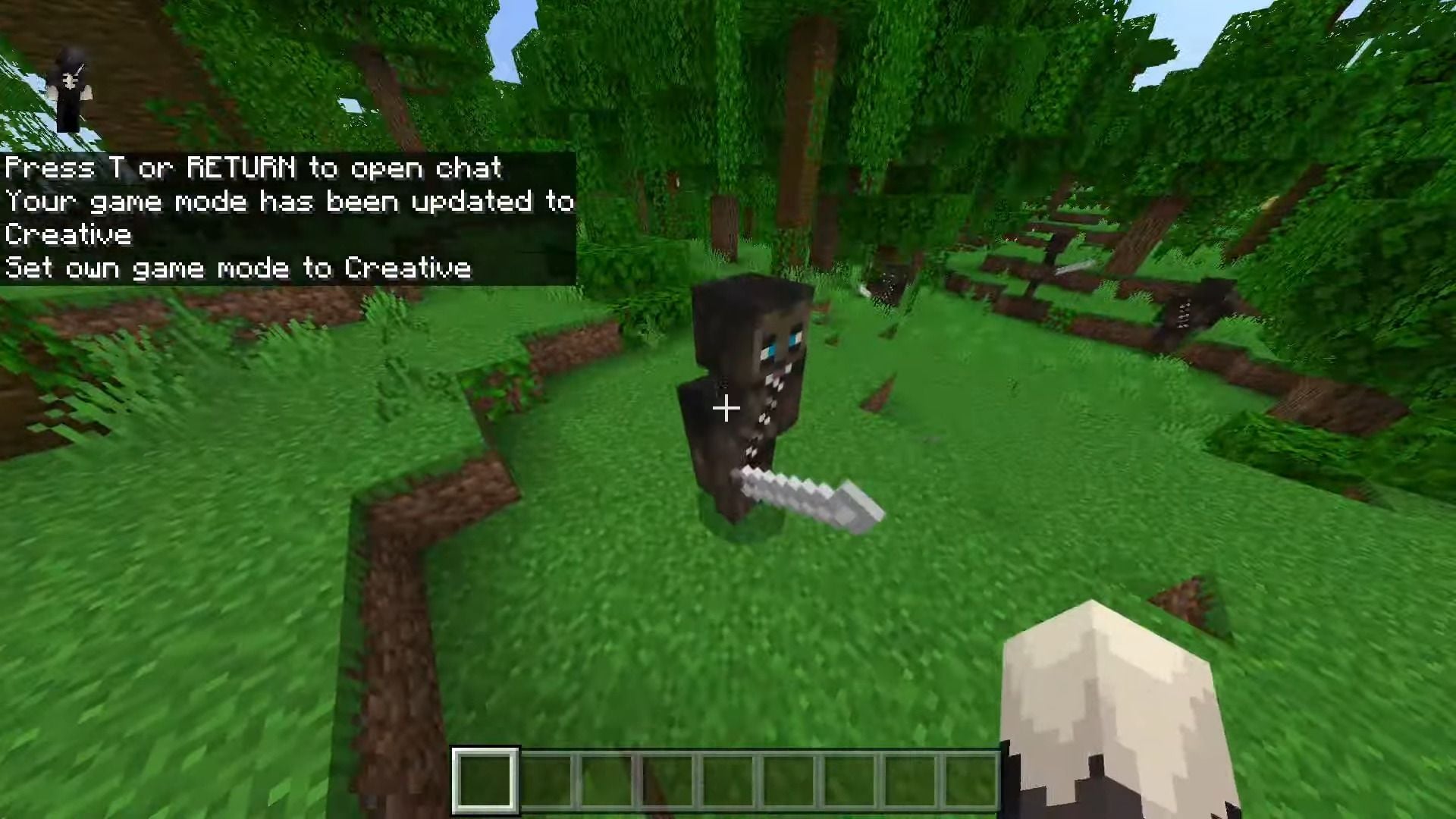
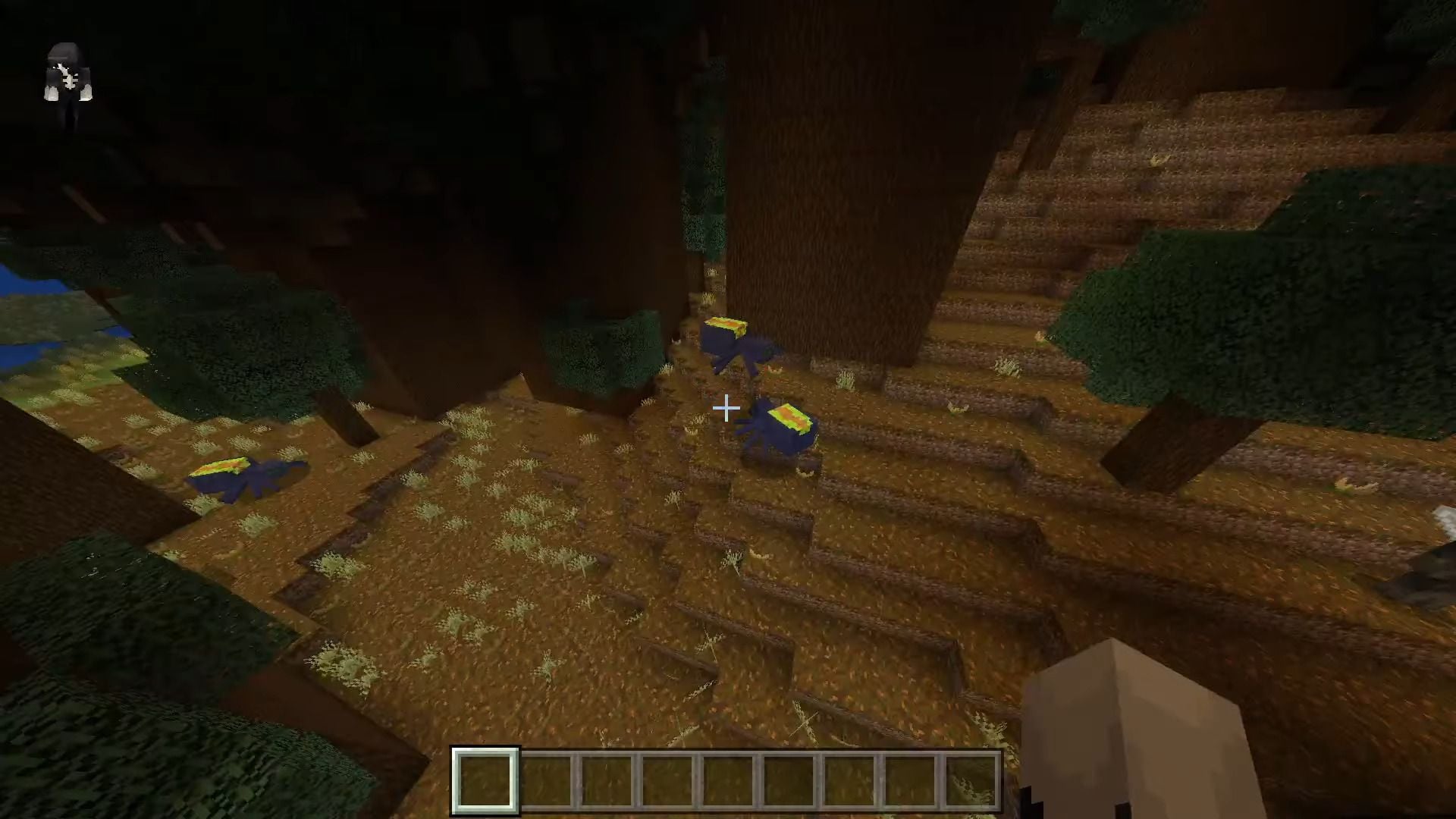
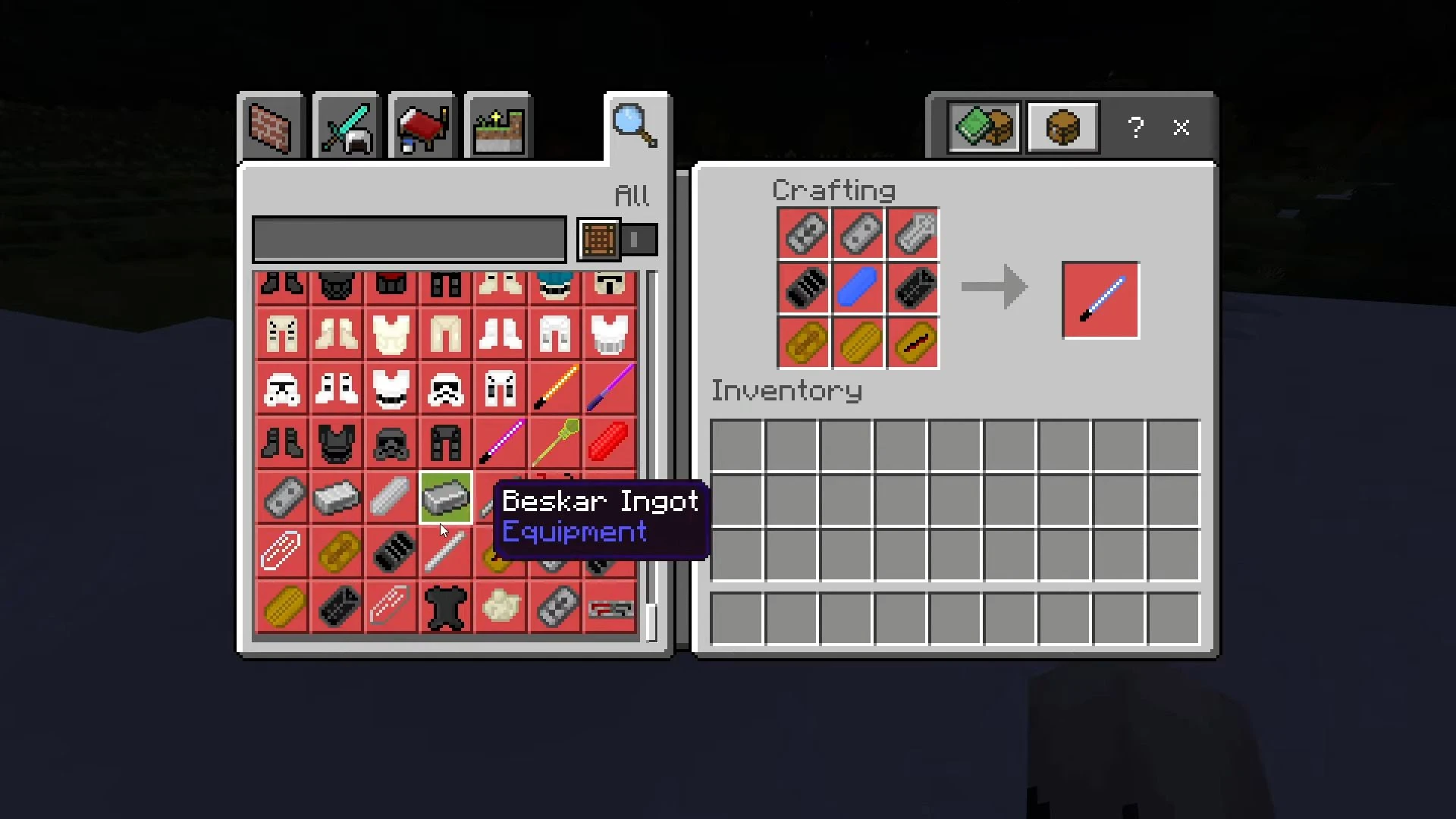
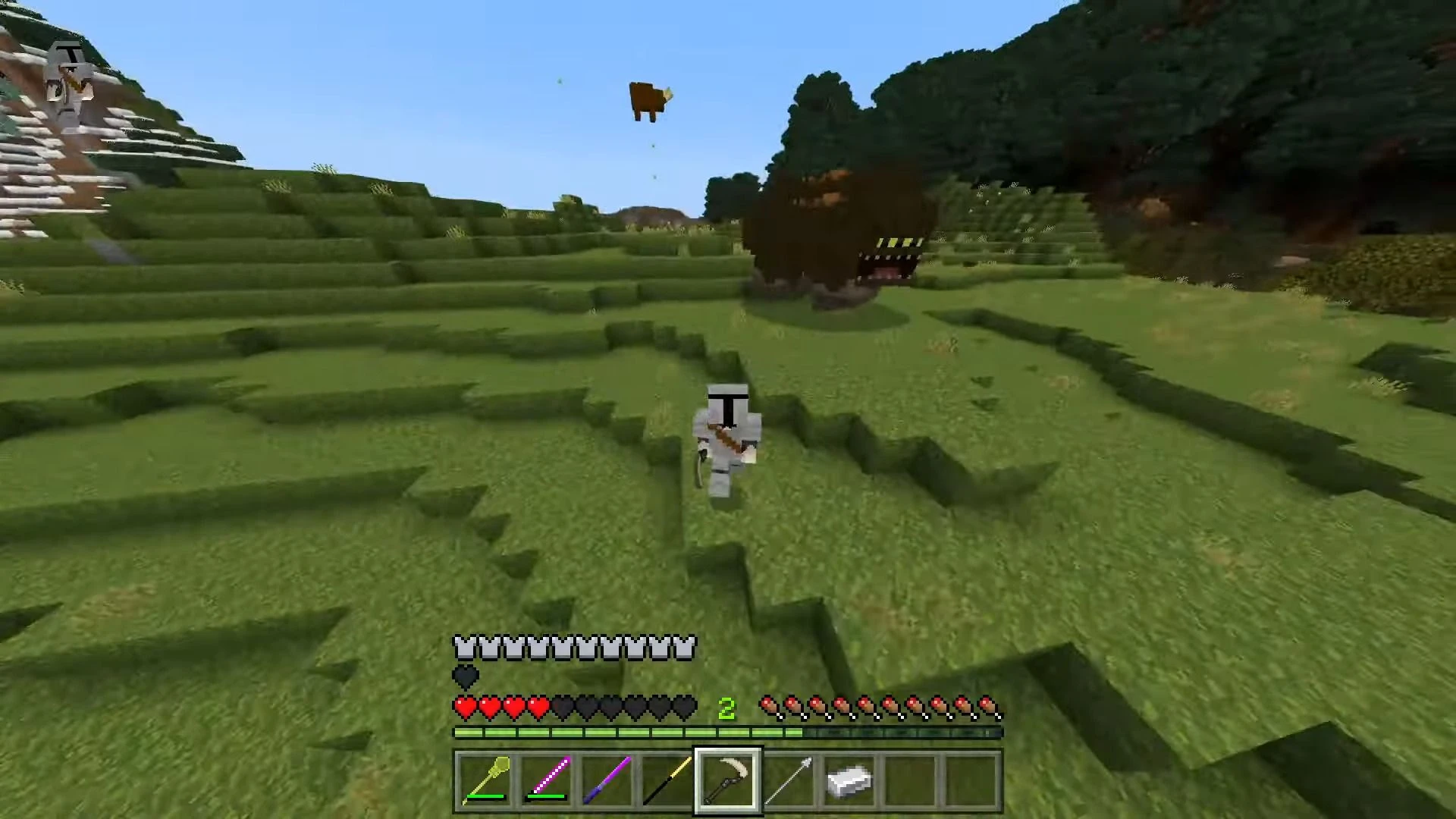
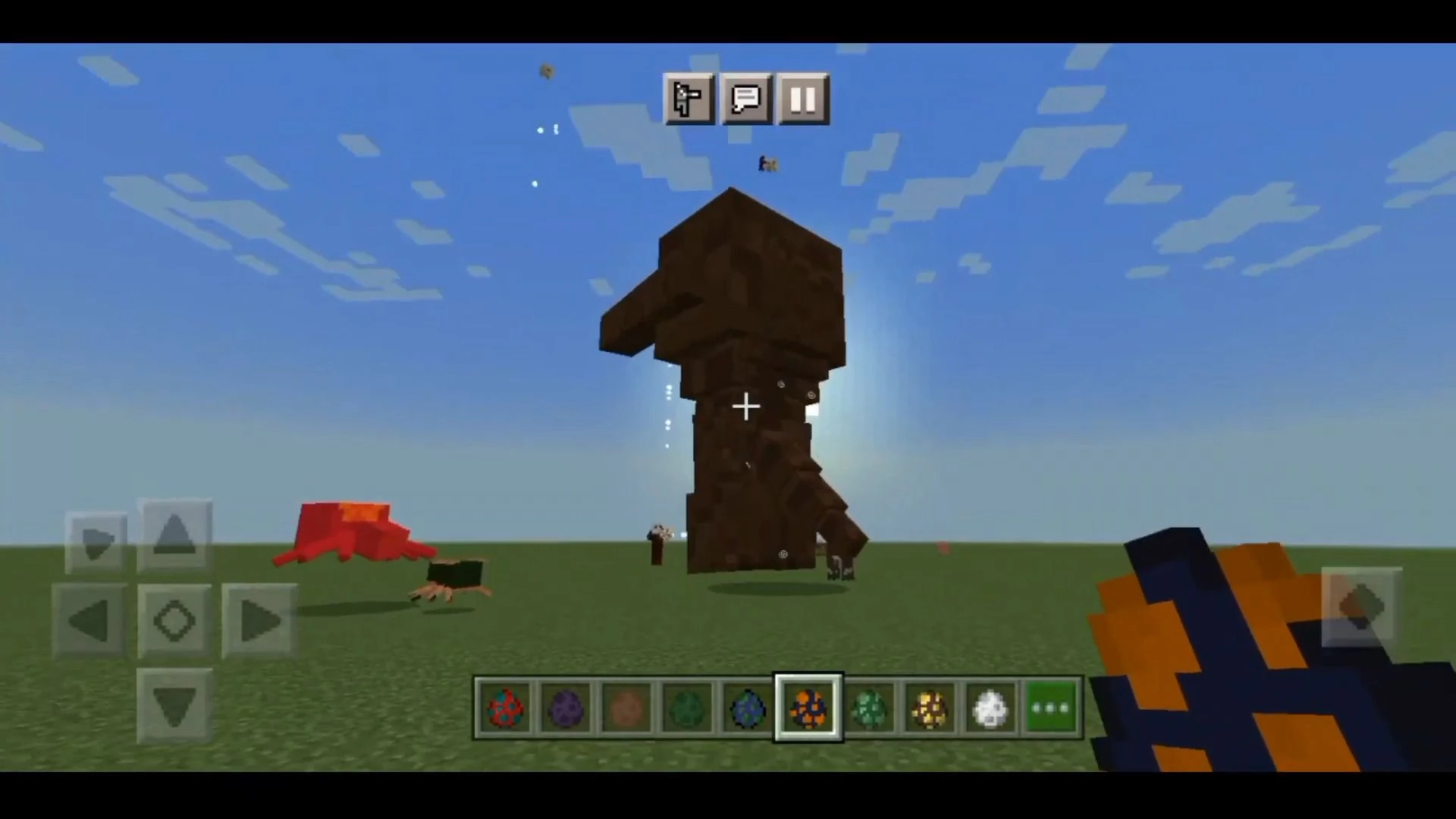
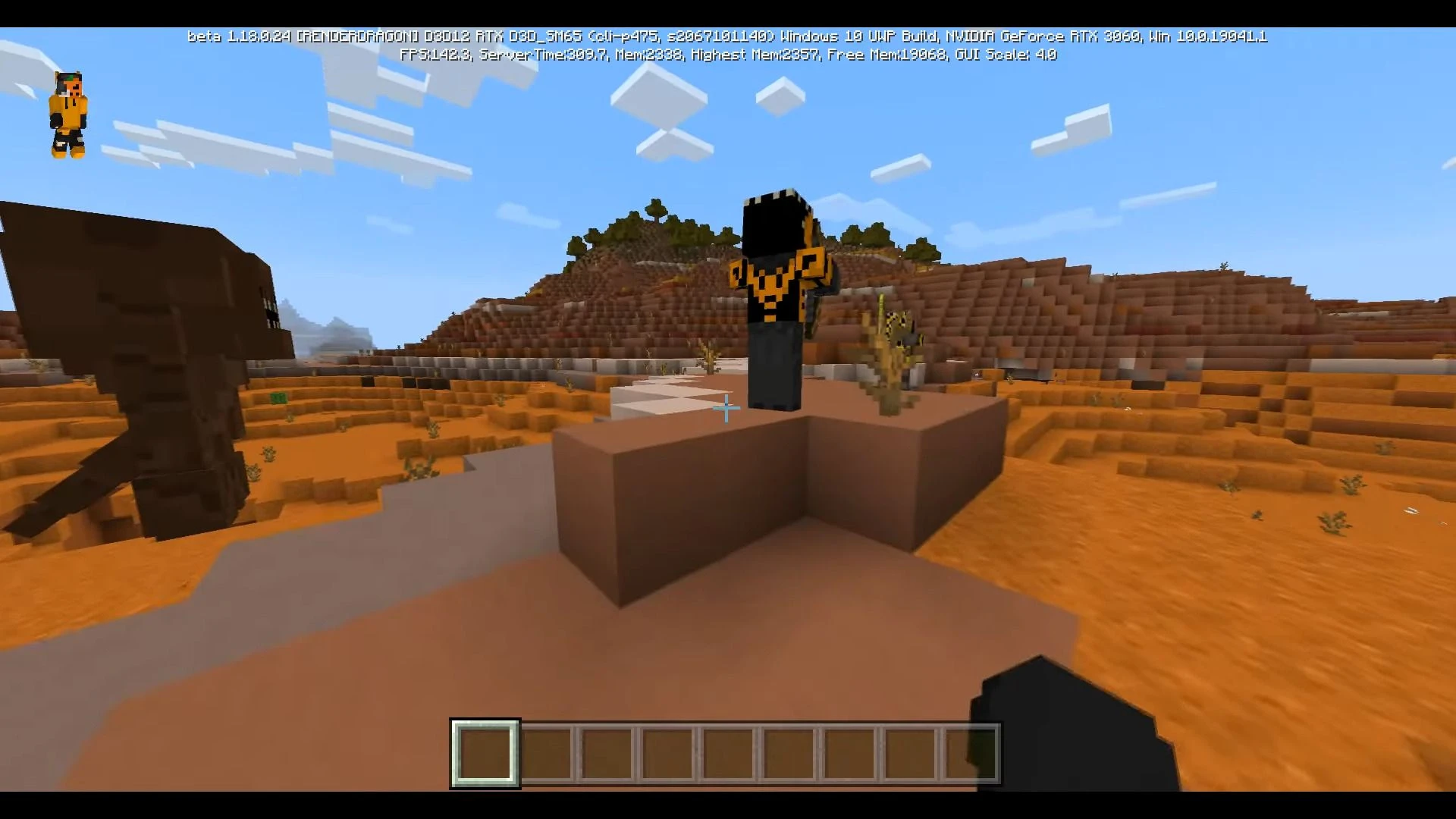
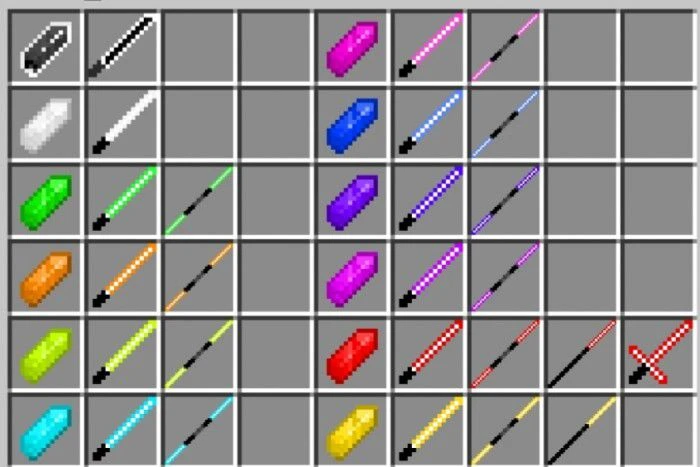
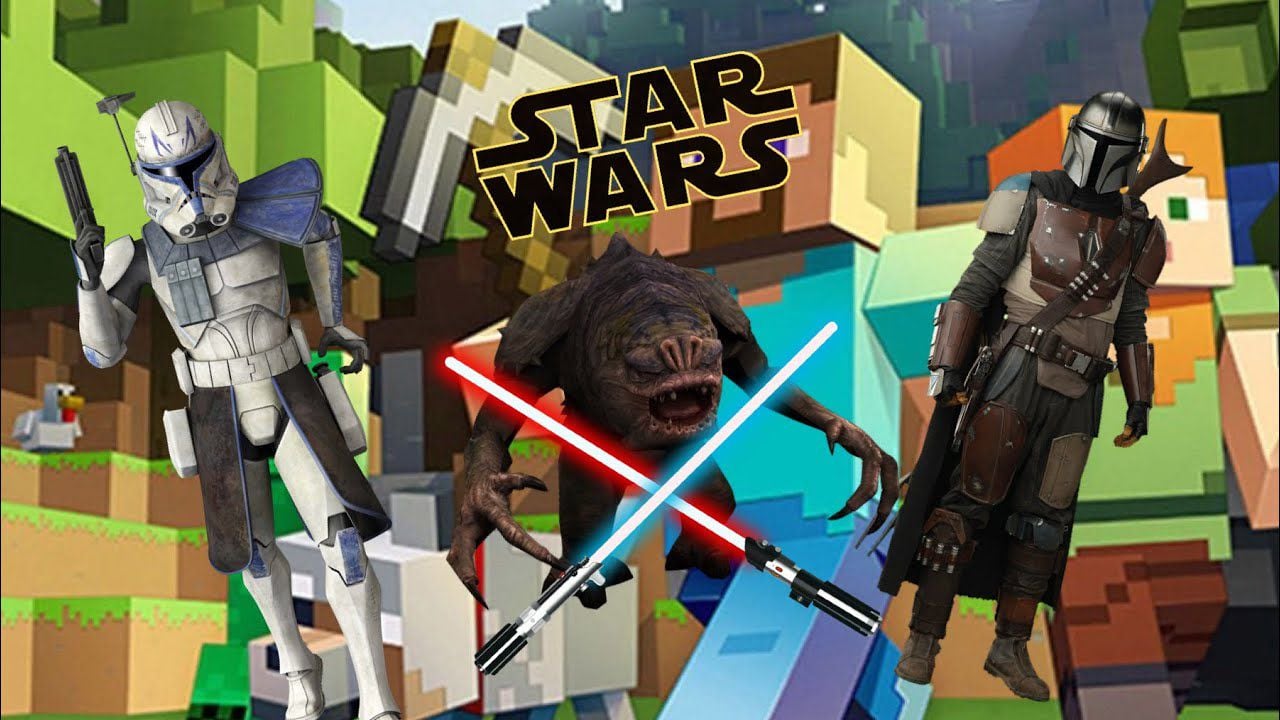
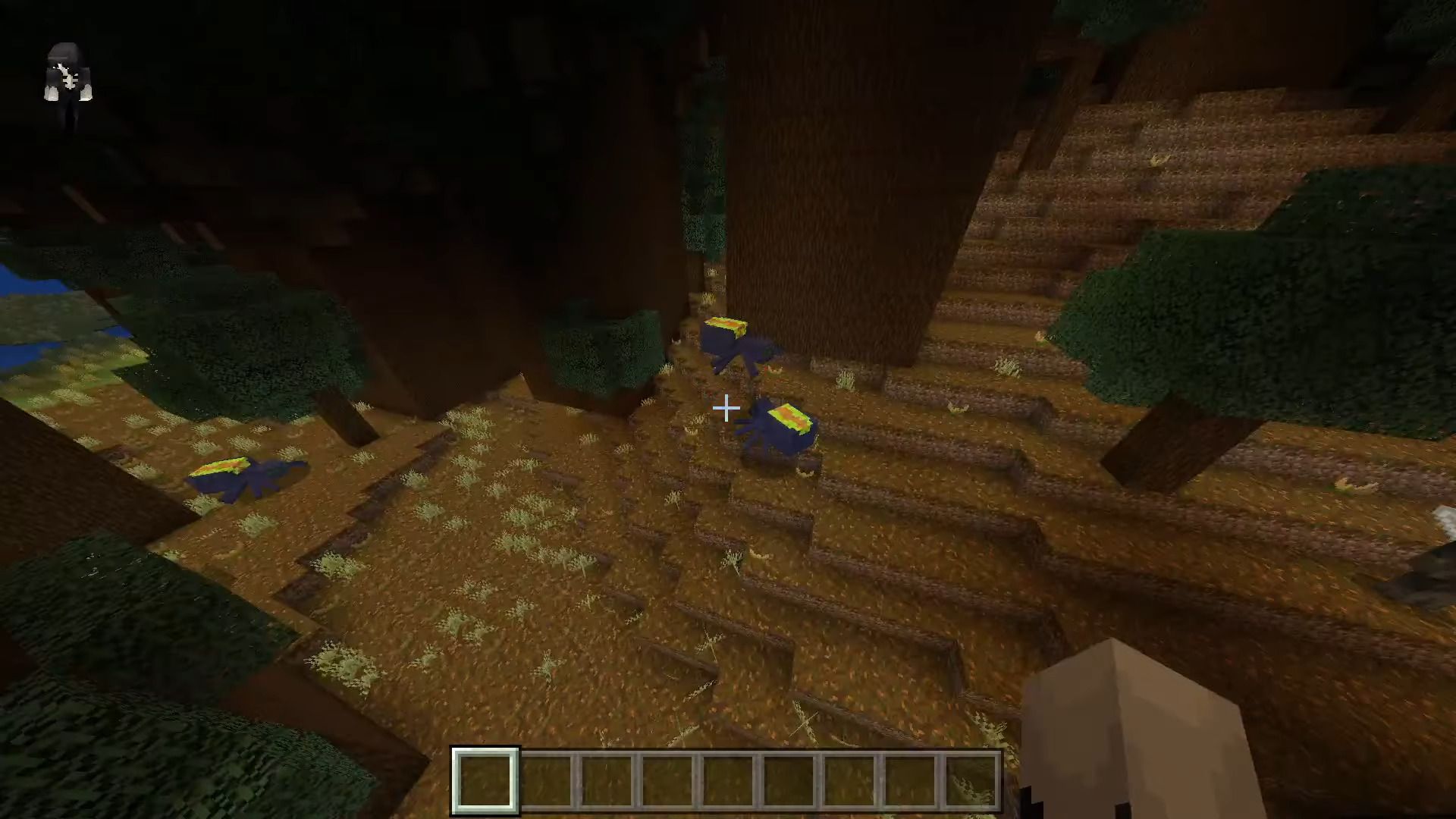
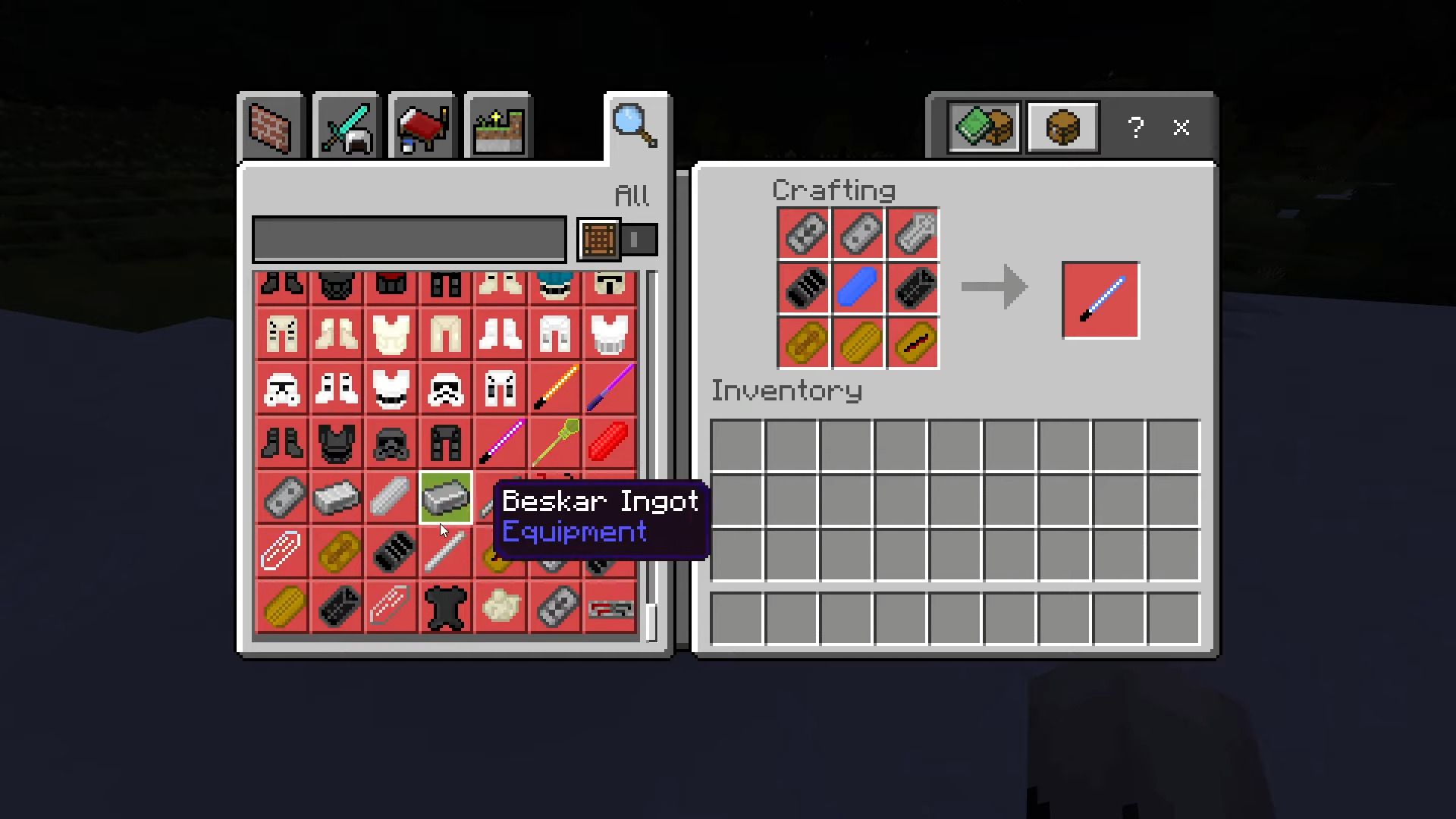
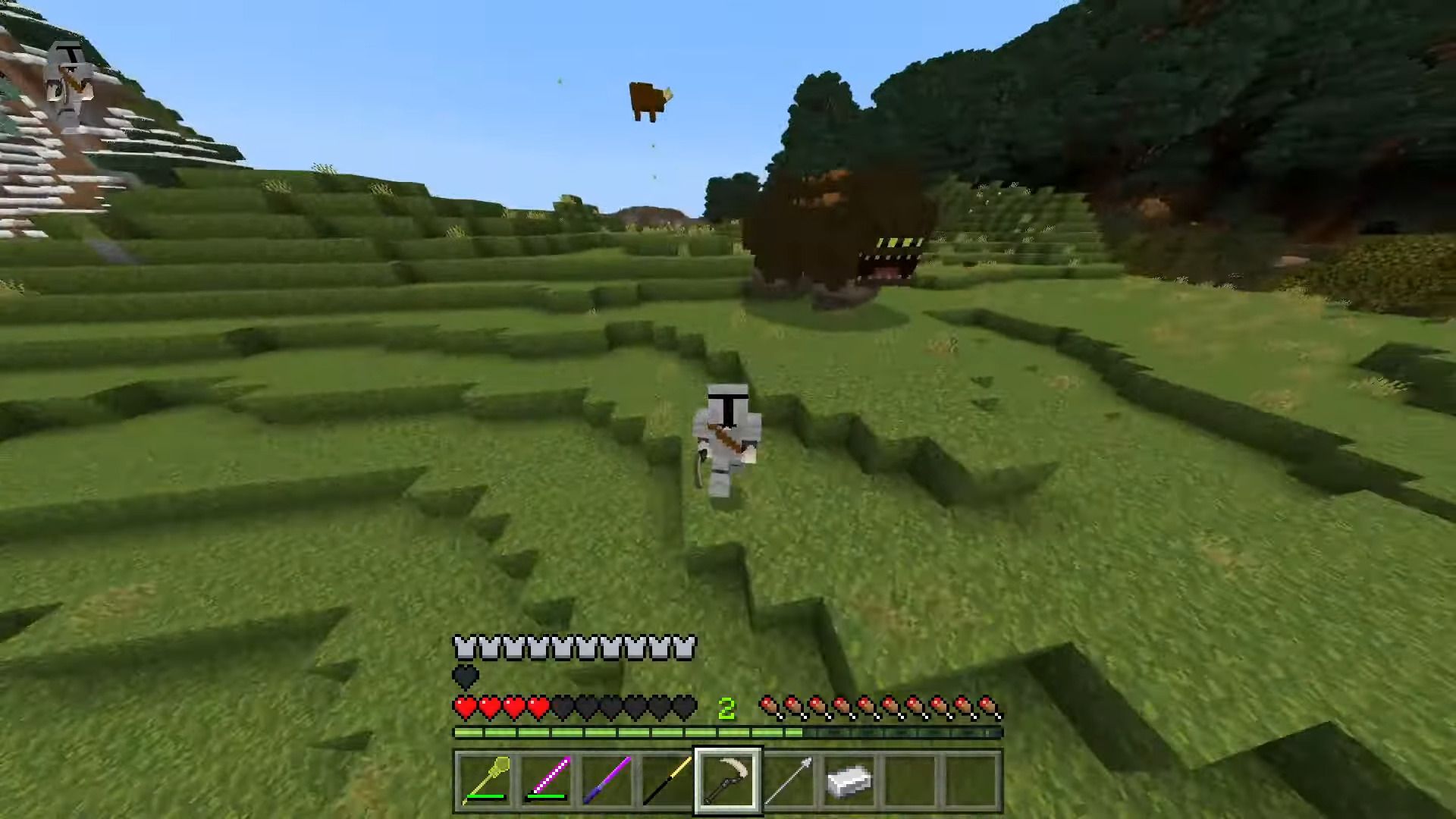
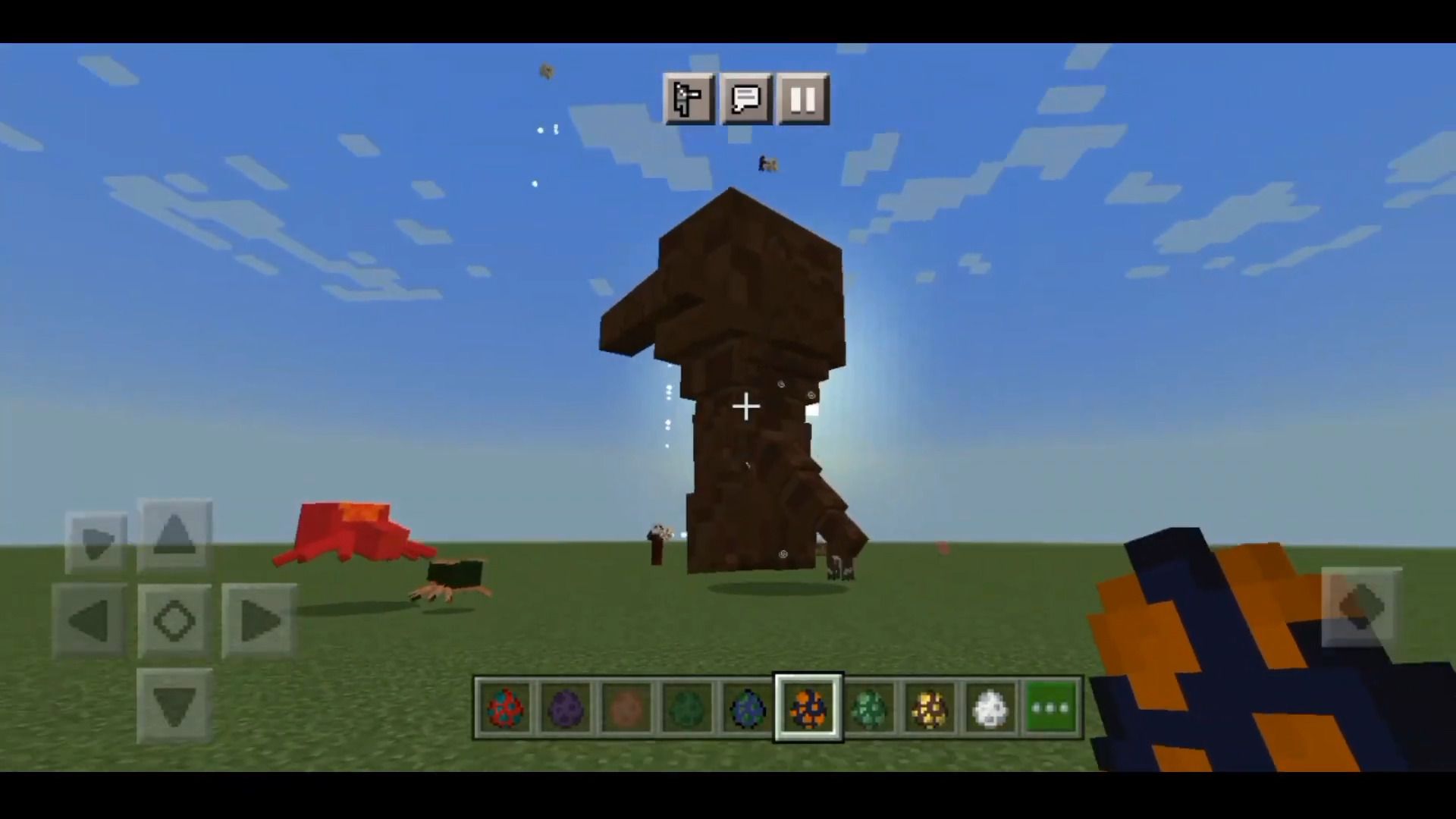
A long time ago, in a galaxy far, far away… We dive into the Star Wars universe with the Star Wars Jedi Legend Addon for MCPE/Bedrock. Armor, weapons, mobs, and much more will appear with this addition in the blocky universe. Light or darkness, Jedi or Sith, your choice.
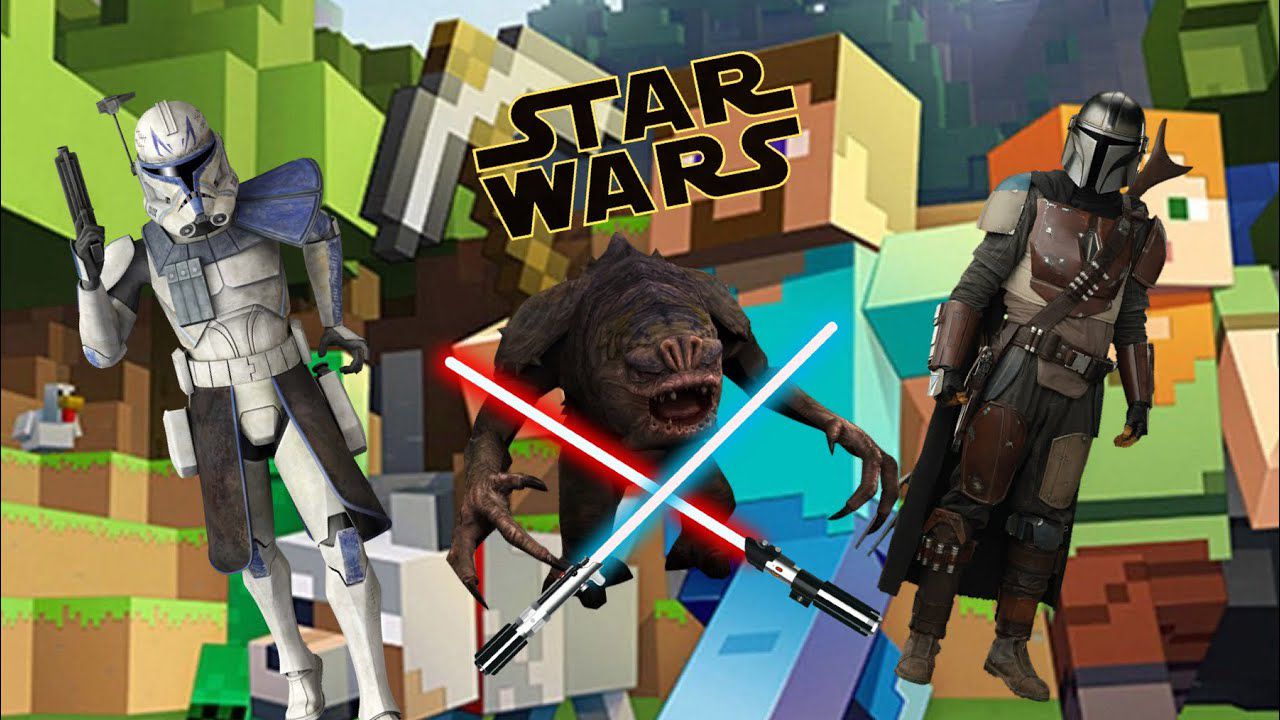
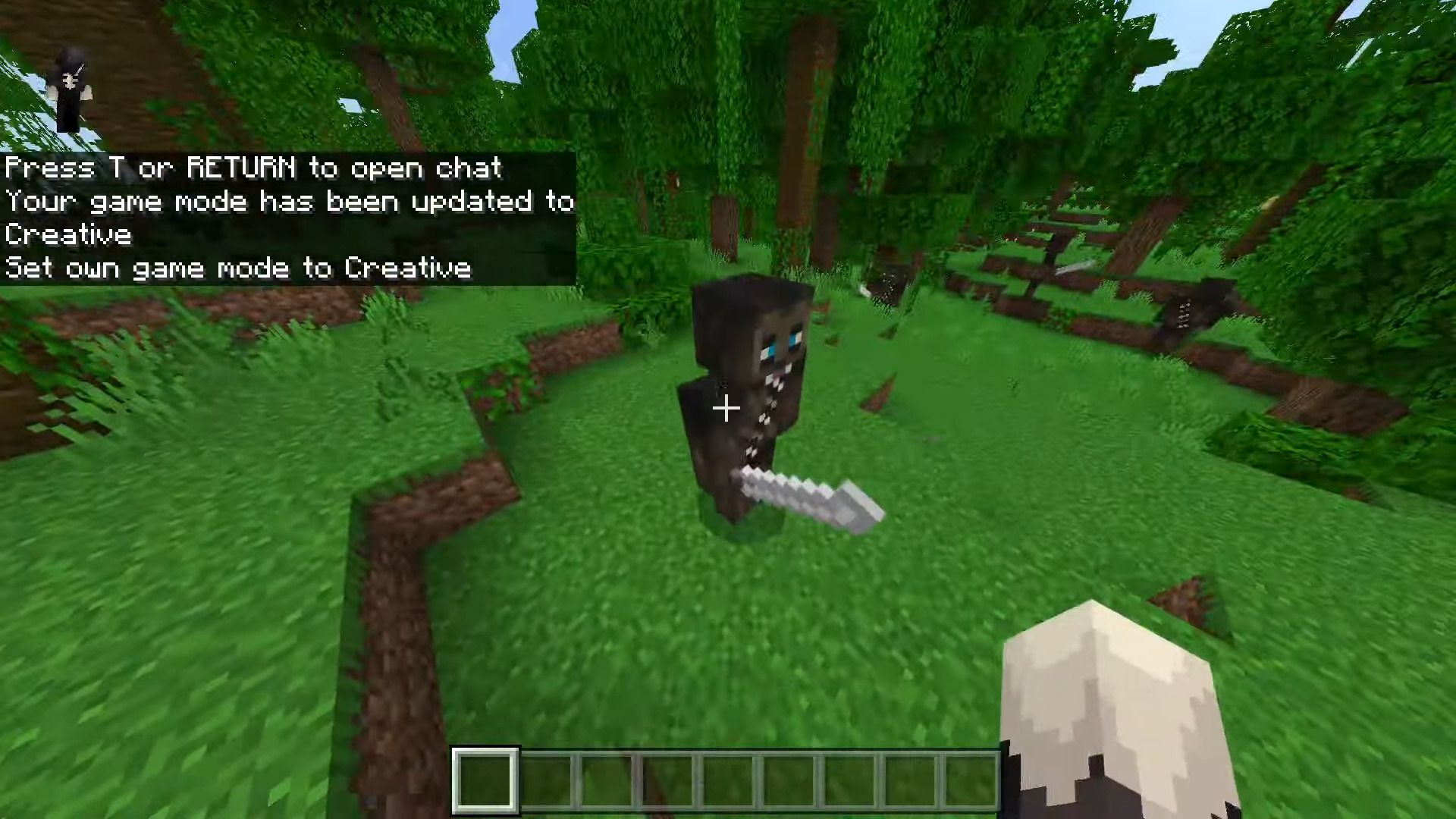
Screenshots:
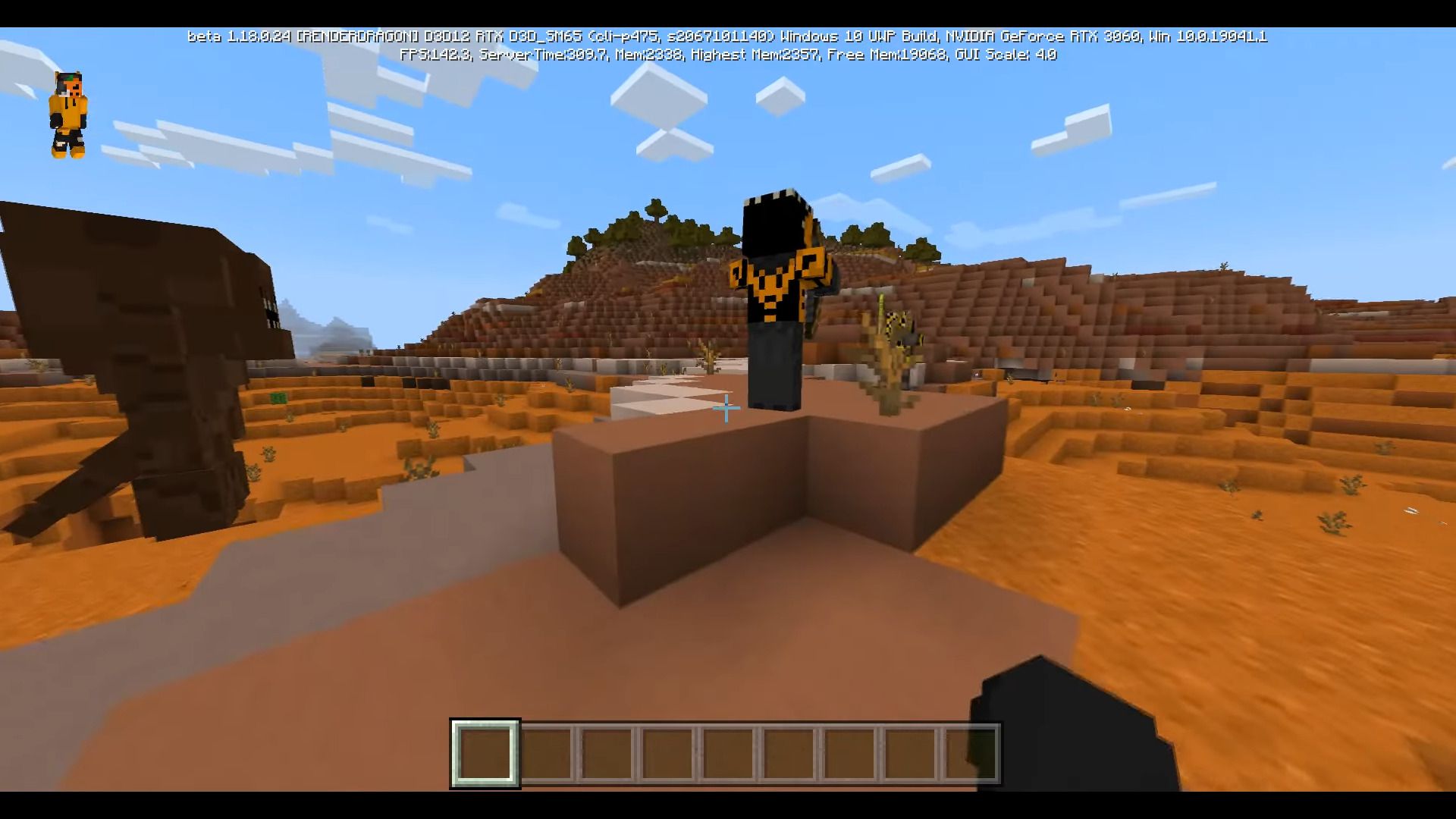
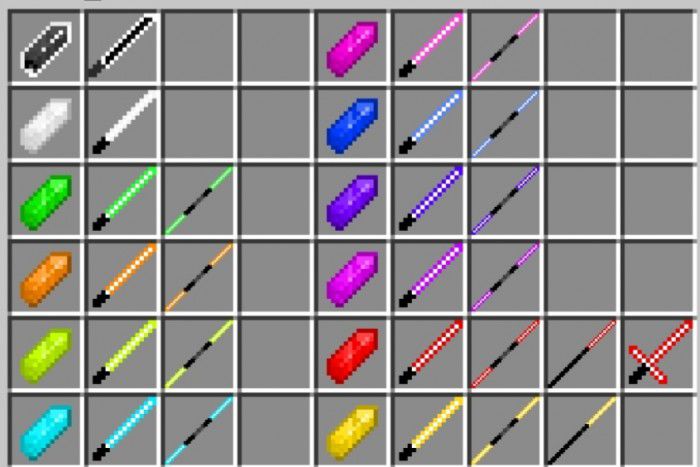
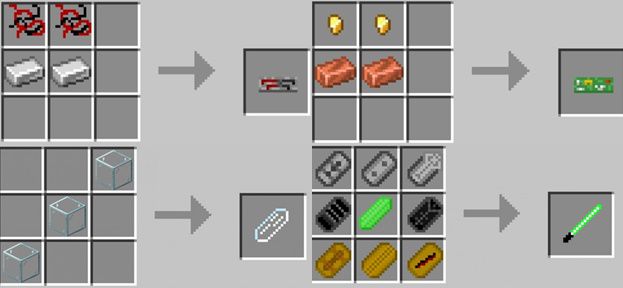
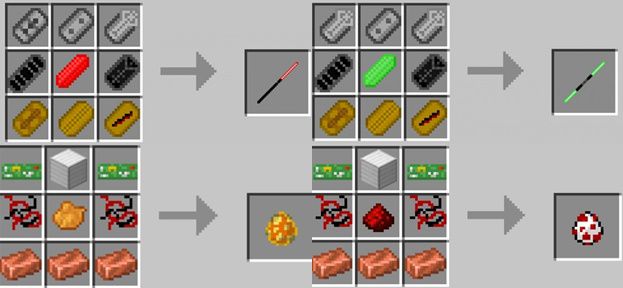
Installation Note:
- Make sure you activated all the “Experimental Settings”.
Star Wars Jedi Legend Addon Download Links
For Minecraft PE/Bedrock 1.19
Behavior: Download from server 1 – Download from server 2
Resource: Download from server 1 – Download from server 2
Quick facts
- Edition: Minecraft Bedrock
- File type: .mcpack or .mcaddon
- Minecraft version listed: 1.19
- How to install: Download the .mcpack or .mcaddon file. → Open it — Minecraft imports it. → In your world: Behavior Packs → Available → Activate, then the same under Resource Packs.
- Where to get it: In MCModsHub, or directly above on this page.
Install steps are the general flow for this file type — How to install Minecraft Bedrock addons & mods walks through it step by step.
File checked by MCModsHub
- Pack type: .mcaddon — behaviour and resource pack in one file
- Complete pack — everything it depends on is inside the file
- Download size: 877 KB
- Download link checked 17 Jun 2026 — working
- Mirrored on our own servers — the download does not depend on the original host
These come from our own check of the pack file, not from the source page.