Statistics Addon (1.19) – MCPE/Bedrock Mod
Bedrock add-on listed for Minecraft 1.19 (behavior pack only). File opened and checked on 11 Sep 2026; installs from the MC Bedrock Mods app on Android.
⬇ Download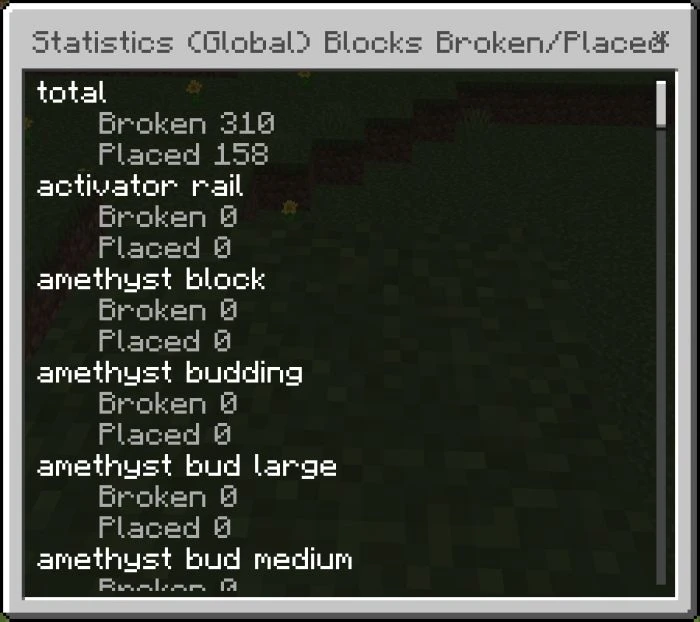


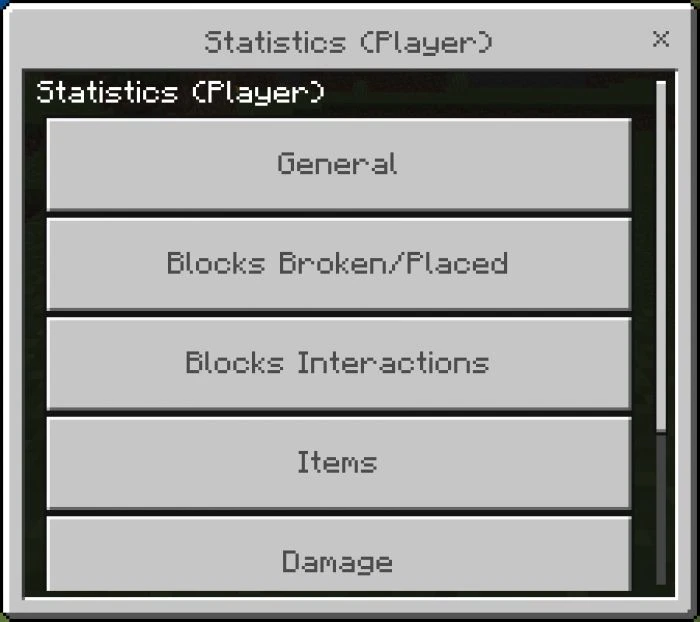
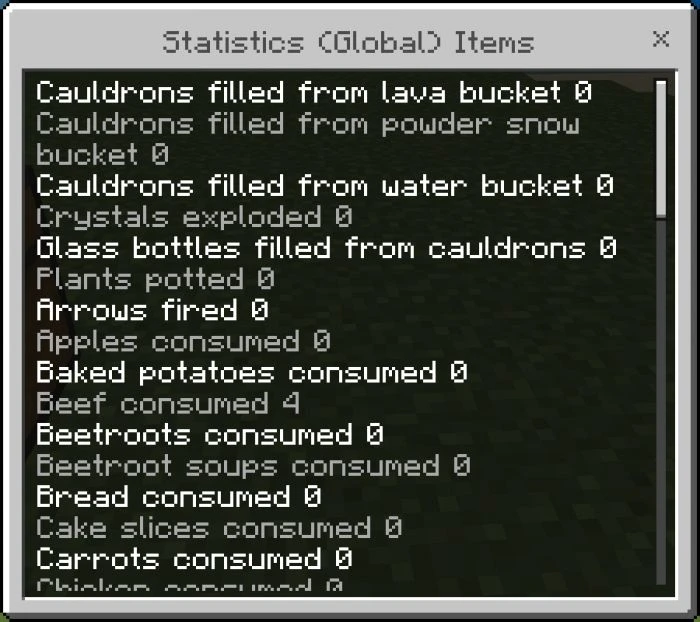
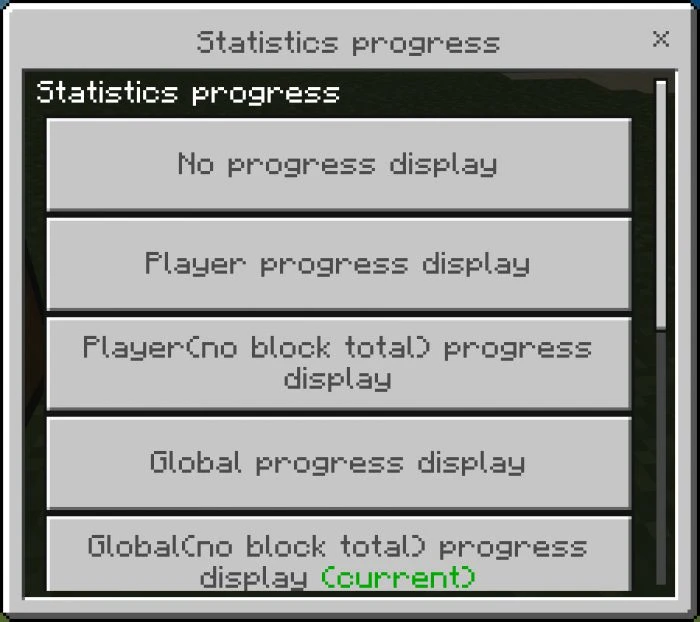
Ever wanted to know how many blocks you have mined or how many days you have spent in the nether? What about how much damage you have taken from falling or how many innocent dolphins you have needlessly slaughtered? Well good news, now you can see all of these and many many more with Statistics Addon.
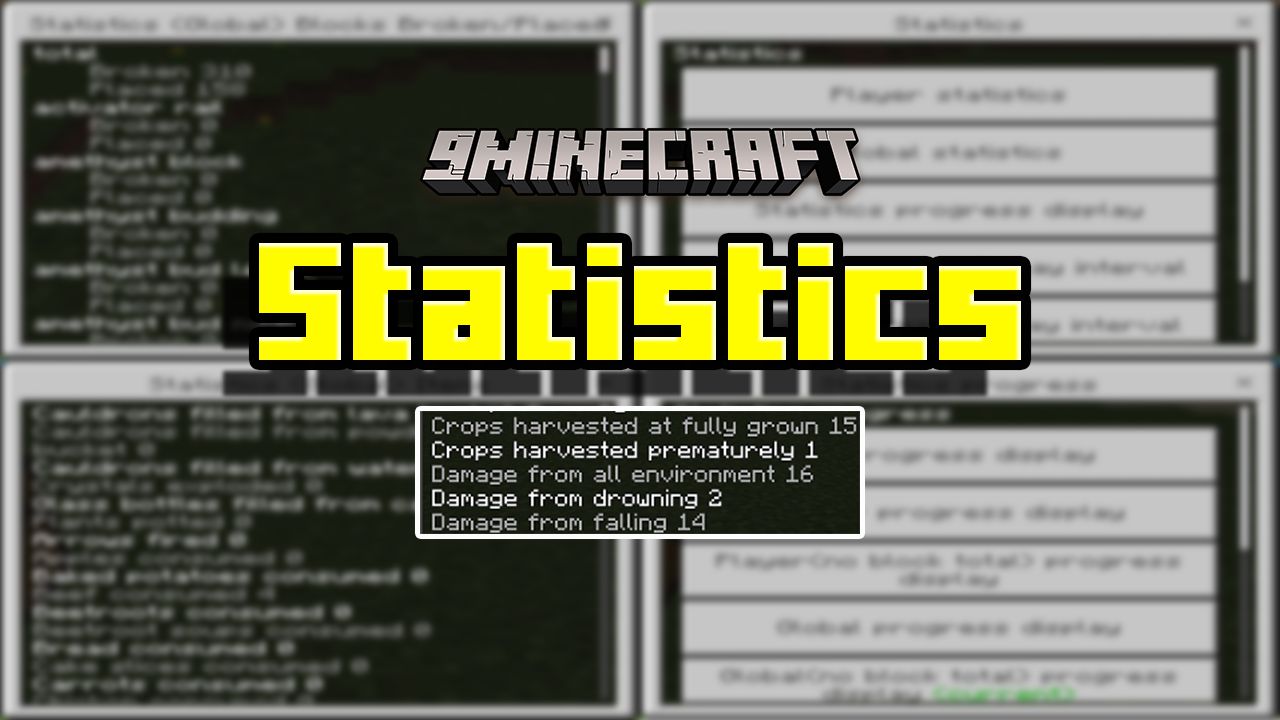
Features:
This behavior pack uses the experimental GameTest Framework to capture in-game events, store their dynamic properties, and make them viewable through custom in-game menus. There are also options to track specific event types in the action bar, how frequently to display them, and follow them in the display scoreboard.
This scoreboard tracking also means you can do things like challenge your friends to “first to mine 1 thousand blocks” or whatever you can dream up.
This behavior pack is intended to be as minimalistic and non-intrusive as possible, so it is all contained in a single custom javascript file, which allows for it to work with most other behavior packs as it does not override any vanilla game files.
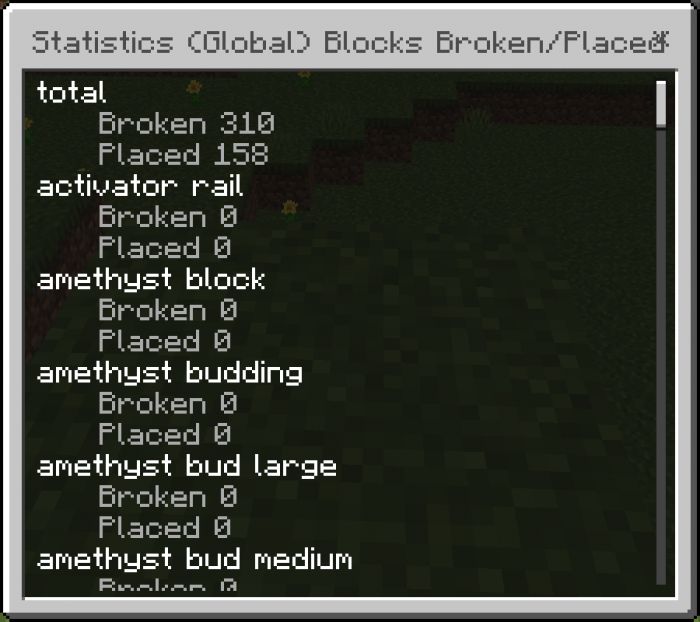
Viewing the statistics:
To view the custom statistics menu, the player must enter a custom command into the chat window. To do this, first open the chat window (default is the “T” or “Enter” keys), then enter “!s” (without the quotes) into the chat and send it (default “Enter” key).
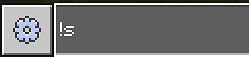
Also, approximately 10 seconds after a player joins the world, then will be sent the following message, to alert them of this information.

Once the !s message is sent in the chat, the following message will be displayed.

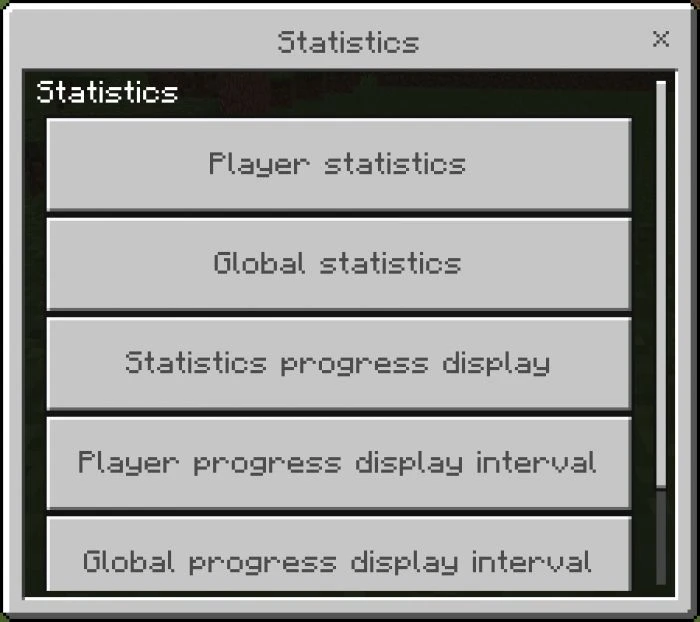
Then, as the message says, exit the chat and right-click on any block in the world (or right-clicking the air with an item equipped) to view the statistics menu.
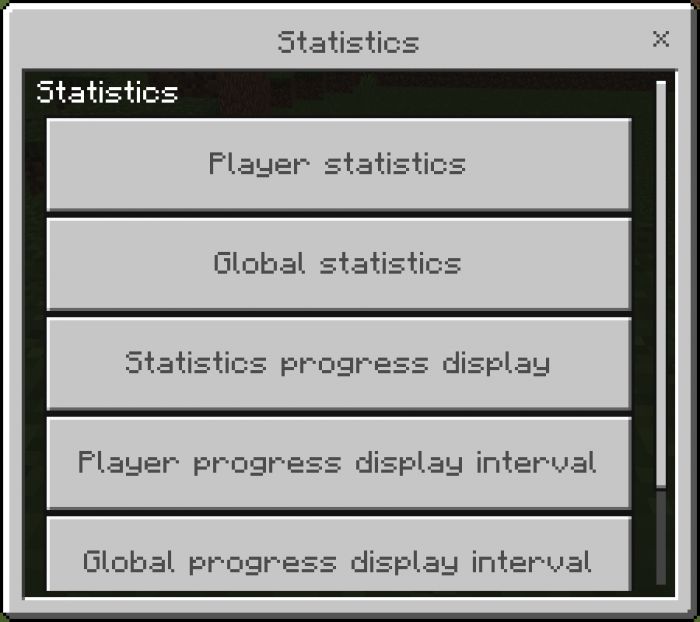
Main Features:
- Player statistics – Tracked events that are specific to each player individually.
- Global statistics – Tracked events that are shared and contributed to by all players.
- Statistics progress display – Specific to each player, defines which statistics updates are displayed during gameplay.
- Player progress display interval – Specific to each player, defines how often player statistics updates are displayed during gameplay.
- Global progress display interval – Specific to each player, defines how often global statistics updates are displayed during gameplay.
- Admin – Additional options for displaying scoreboard updates to all players.
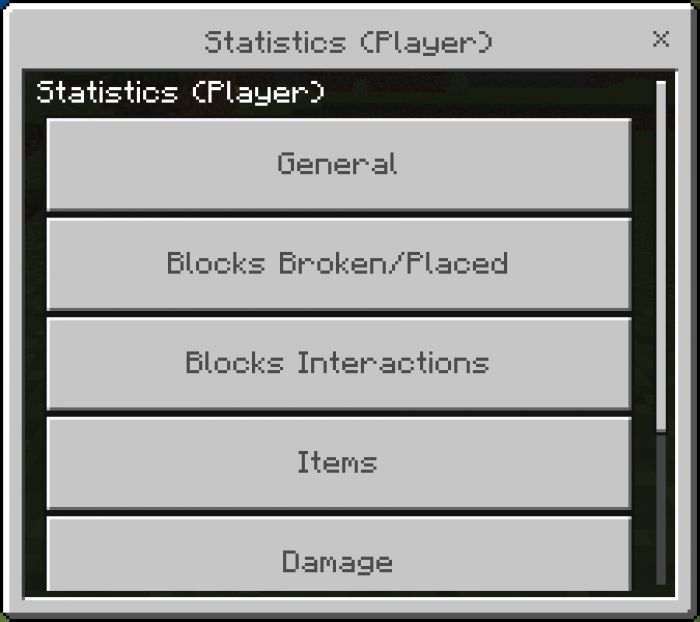
Player statistics:
The tracked player events are broken out into subcategories, so that can be more easily found. There is very limited space for player dynamic properties, so not all events are tracked. Subcategories are:
General – Time played, crops harvested, distance traveled, etc.
Blocks Broken/Placed – Dirt broken, stone broken, obsidian placed, etc.
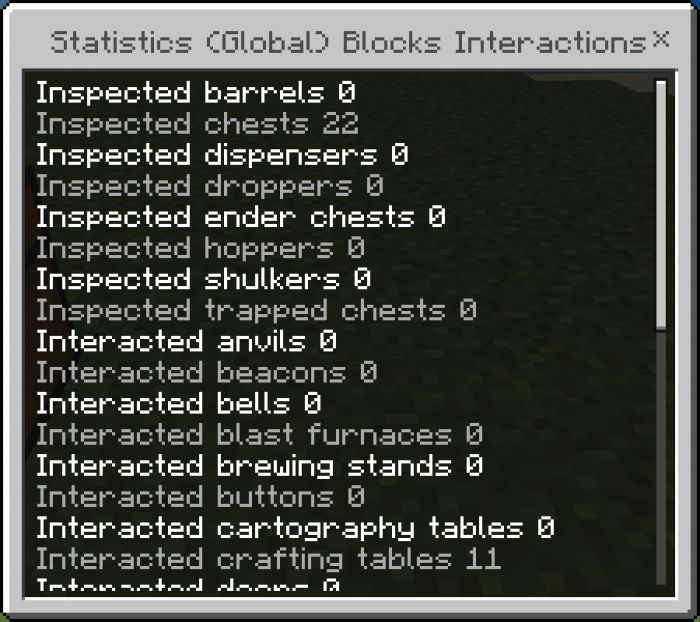
Blocks Interactions – Interactions with blocks like crafting table, furnace, chest, etc.
Items – Ender pearls were thrown, eyes of ender used, etc.
Damage – Damage from/to various sources.
Kills – Killing blows from/to various sources.
Global statistics:
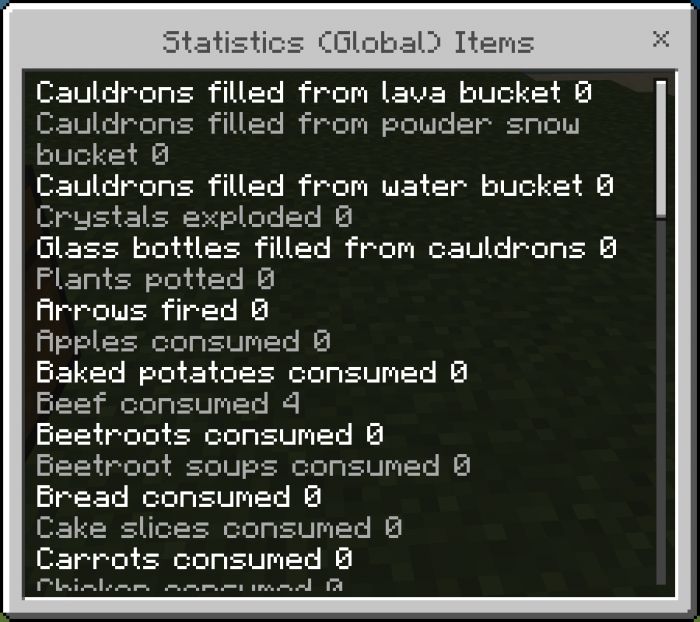
The tracked global events are broken out into subcategories, so that can be more easily found. There is ten times more space available in global dynamic properties than what is in the player, but there is still not enough to track every event with 100% granularity, so still, not all events are tracked. Global also has most of the same ones as the player section but has the total from across all players. Subcategories are:
General – Cat gifts, damage from magma blocks, etc.
Blocks Broken/Placed – Crying obsidian broken, copper blocks placed, etc.
Blocks Interactions – Doors opened/closed, levers flipped, etc.
Items – Rotten flesh eaten, arrows fired, etc.
Damage – Damage from/to various sources.
Kills – Killing blows from/to various sources.
Statistics progress display:
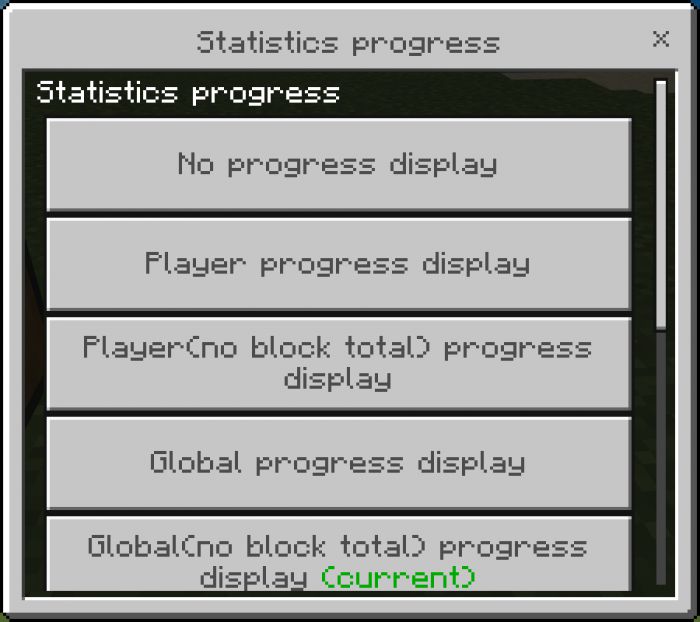
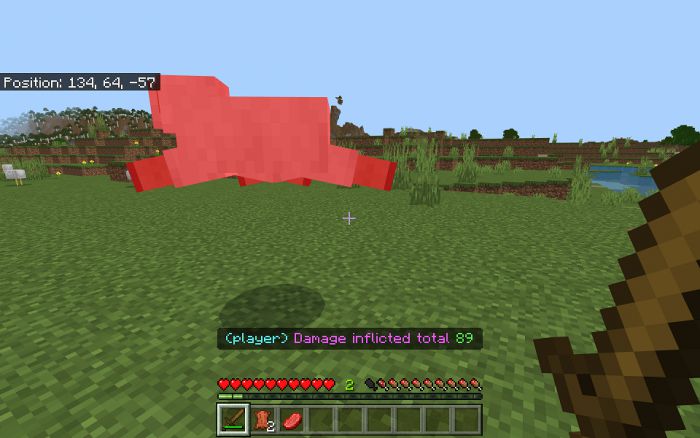
- Both the player and the global event progress can be displayed in the action bar. Each player can choose which ones they want to see. The options are:
- No progress display – None of the players nor the global events will be shown.
- Player progress display – Only the player events will be shown, the global events will not be shown.
- Player(no block total) progress display – Same as “Player progress display”, except the player total blocks broken and the player total blocks placed will not be shown.
- Global progress display – Only the global events will be shown, the player events will not be shown.
- Global(no block total) progress display – Same as “Global progress display”, except the global total blocks broken and the global total blocks placed will not be shown.
- Player & Global progress display – Both the player and the global events will be shown.
- Player(no block total) & Global progress display – Same as “Player & Global progress display”, except the player total blocks broken and the player total blocks placed will not be shown.
- Player & Global(no block total) progress display – Same as “Player & Global progress display”, except the global total blocks broken and the global total blocks placed will not be shown.
- Player(no block total) & Global(no block total) progress display – Same as “Player & Global progress display”, except the total blocks broken and the total blocks placed will not be shown for either the player or the global.
Player progress display interval:
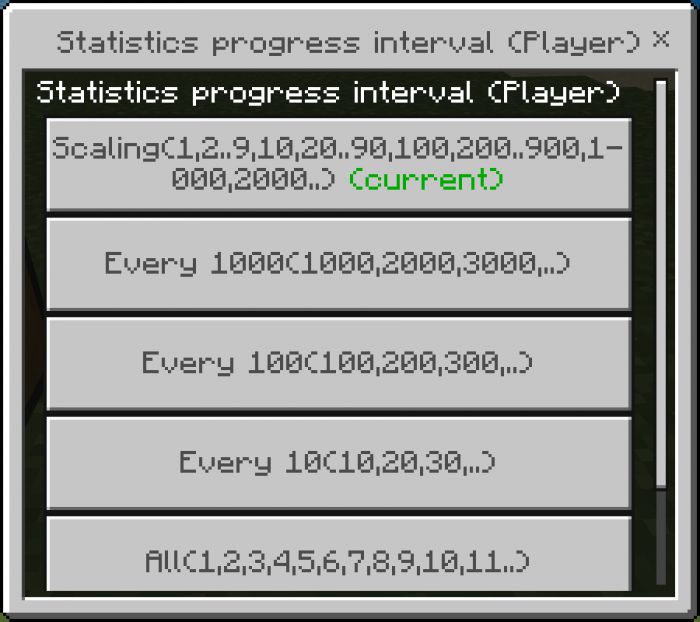
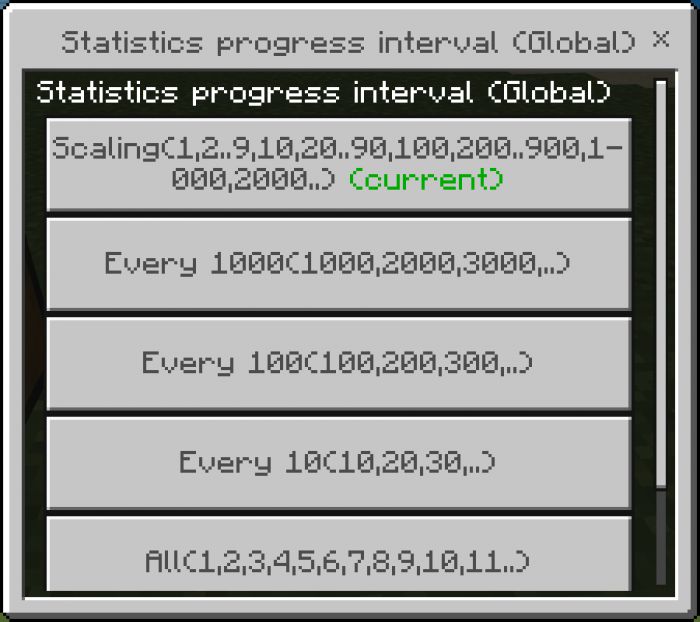
- This works in conjunction with the “Statistics progress display”, and allows each player to define how often they want to see the player event progress messages. The available options are:
- Scaling – Event numbers 1 through 10 are displayed, then every 10th number until 100, then every 100th number until 1000, etc.
- Every 1000 – Event number 1000 is displayed, then 2000, then 3000, etc.
- Every 100 – Event number 100 is displayed, then 200, then 300, etc.
- Every 10 – Event number 10 is displayed, then 20, then 30, etc.
- All – All event numbers are displayed
Global progress display interval:
- This works in conjunction with the “Statistics progress display”, and allows each player to define how often they want to see the global event progress messages. The available options are:
- Scaling – Event numbers 1 through 10 are displayed, then every 10th number until 100, then every 100th number until 1000, etc.
- Every 1000 – Event number 1000 is displayed, then 2000, then 3000, etc.
- Every 100 – Event number 100 is displayed, then 200, then 300, etc.
- Every 10 – Event number 10 is displayed, then 20, then 30, etc.
- All – All event numbers are displayed
- For all options that can skip numbers, a number may be displayed that is not an exact multiple. This will happen when the increase amount pushes the new value over the display threshold. (i.e. current damage total is 95 and the player does 10 points of damage with one hit, then the value 105 will be shown instead of 100)
Admin:
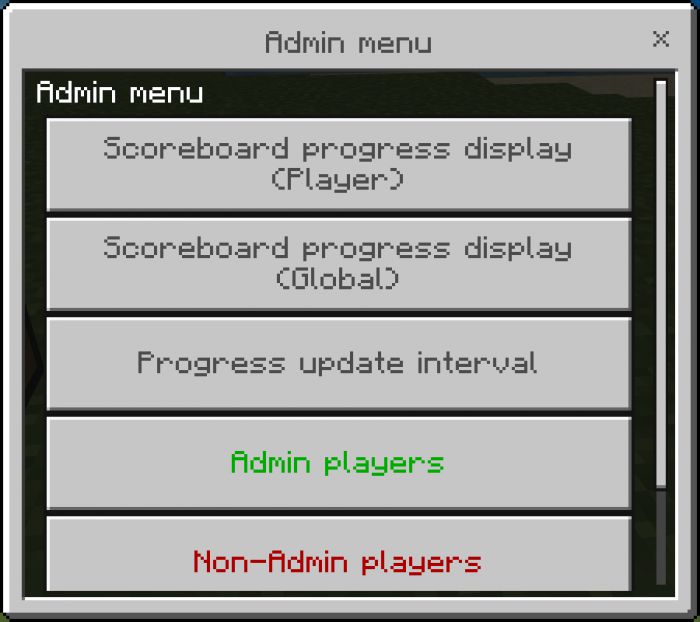
- In order to set the scoreboard display or change the update interval, the player must be designated as an admin. As the API currently does not give access to the player’s operator status, this has been implemented via an “admin” tag. Any player with this tag can change these options at any time and can add or remove admin status from any other player. To make sure these options can be changed without needing a super-user or server commands, the first player to enter the world will get the admin tag assigned to them.
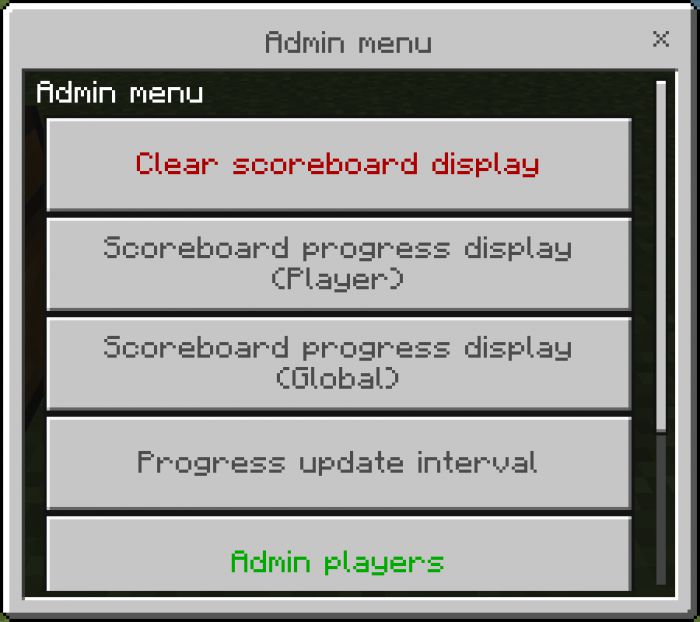
(Admin) Clear scoreboard display:
- If the scoreboard is currently displaying, this option will stop it from displaying. (This option will not be available if the scoreboard is not displaying)
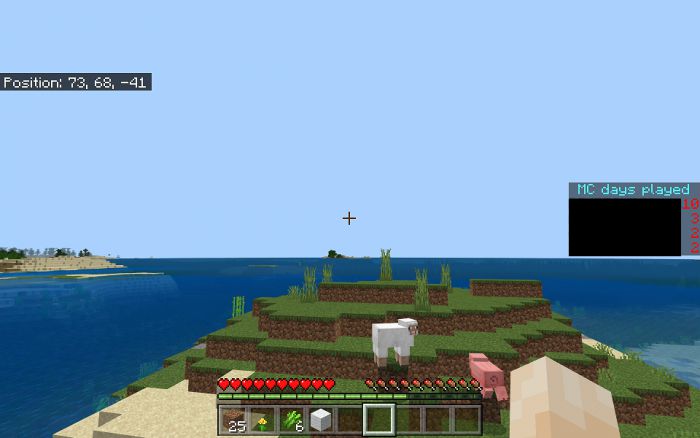
(Admin) Scoreboard progress display player:
- Any of the player-tracked events can also be displayed on the scoreboard. The submenu pages follow the same layout structure as the “Player statistics” submenu.
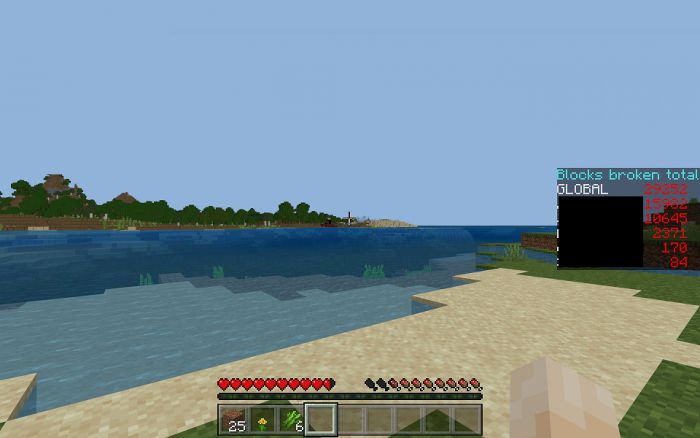
(Admin) Scoreboard progress display global:
Any of the globals tracked events can also be displayed on the scoreboard under the name “GLOBAL”. The submenu pages follow the same layout structure as the “Global statistics” submenu. If the selected global tracked event is also tracked in a player dynamic property (like total blocks broken), then all online players will also be displayed on the scoreboard.
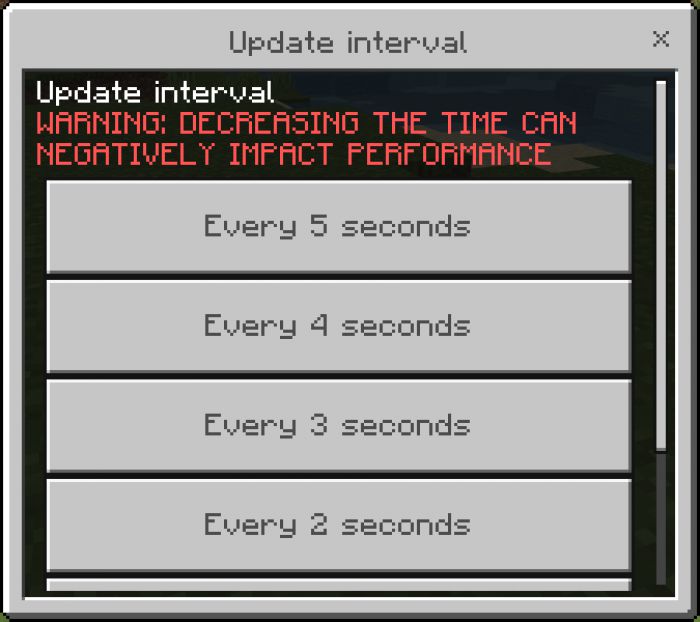
(Admin) Progress update interval:
- By default, all dynamic properties that are updated over time are updated once every 5 seconds. This menu option will allow the admin to drop the update loop as low as once every second. This will mean that properties like distance traveled will be much more accurate and there will be a less potential delay between an event and when the scoreboard updates, but as some properties require calculations this can create lag spikes.
(Admin) Admin players:
- Allows the admin to remove admin status from any admin player currently online. (including themselves)
(Admin) Non-Admin players:
- Allows the admin to grant admin status to any non-admin player currently online.
Installation Note:
- GameTest Framework must be enabled and, since this is a behavior pack, achievements cannot be earned with this addon.
- This pack uses only a single custom .js file. So, it is highly likely that it will work with other addons, as it does not override any vanilla behavior files (like player.json). But, if the other pack also uses dynamic properties, then it is highly likely that it will not play nicely.
- Make sure Minecraft is closed(not required, but is suggested), then double-click on the .mcpack file. Minecraft will run and, once the title screen loads, it will install the pack.
Statistics Addon Download Links
For Minecraft PE/Bedrock 1.19
mcpack: Download from server 1 – Download from server 2
- Edition: Minecraft Bedrock
- File type: .mcpack or .mcaddon
- Minecraft version listed: 1.19
- How to install: Download the .mcpack or .mcaddon file. → Open it — Minecraft imports it. → In your world: Behavior Packs → Available → Activate, then the same under Resource Packs.
- Where to get it: In MCModsHub, or directly above on this page.
Install steps are the general flow for this file type — How to install Minecraft Bedrock addons & mods walks through it step by step.
- Pack type: .mcaddon — behaviour and resource pack in one file
- Manifest requires Minecraft 1.19.30 or newer
- Complete pack — everything it depends on is inside the file
- Download link checked 17 Jun 2026 — working
- Mirrored on our own servers — the download does not depend on the original host
These come from our own check of the pack file, not from the source page.