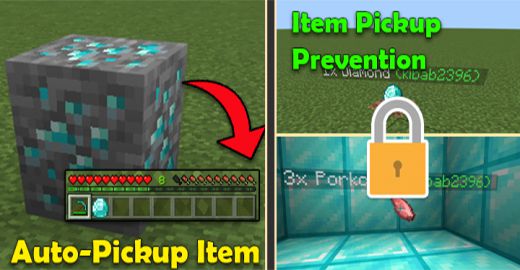
Do you find it annoying that after killing a mob, you have to run up to their loot to pick it up? No? What if you’re mining, say, just above a lava pool, and your ores burn to a crisp? Yes! Say no more because the author has created the Auto Pickup Item & Item Pickup Prevention Addon that includes two new features that can be toggled at any time: Auto-Pickup Item and Item Pickup Prevention. You might find these two features interesting or really helpful.
Features:
Auto-Pickup Item
How to use: Tap & Hold (mobile) or Right Click (PC) to toggle ON and OFF
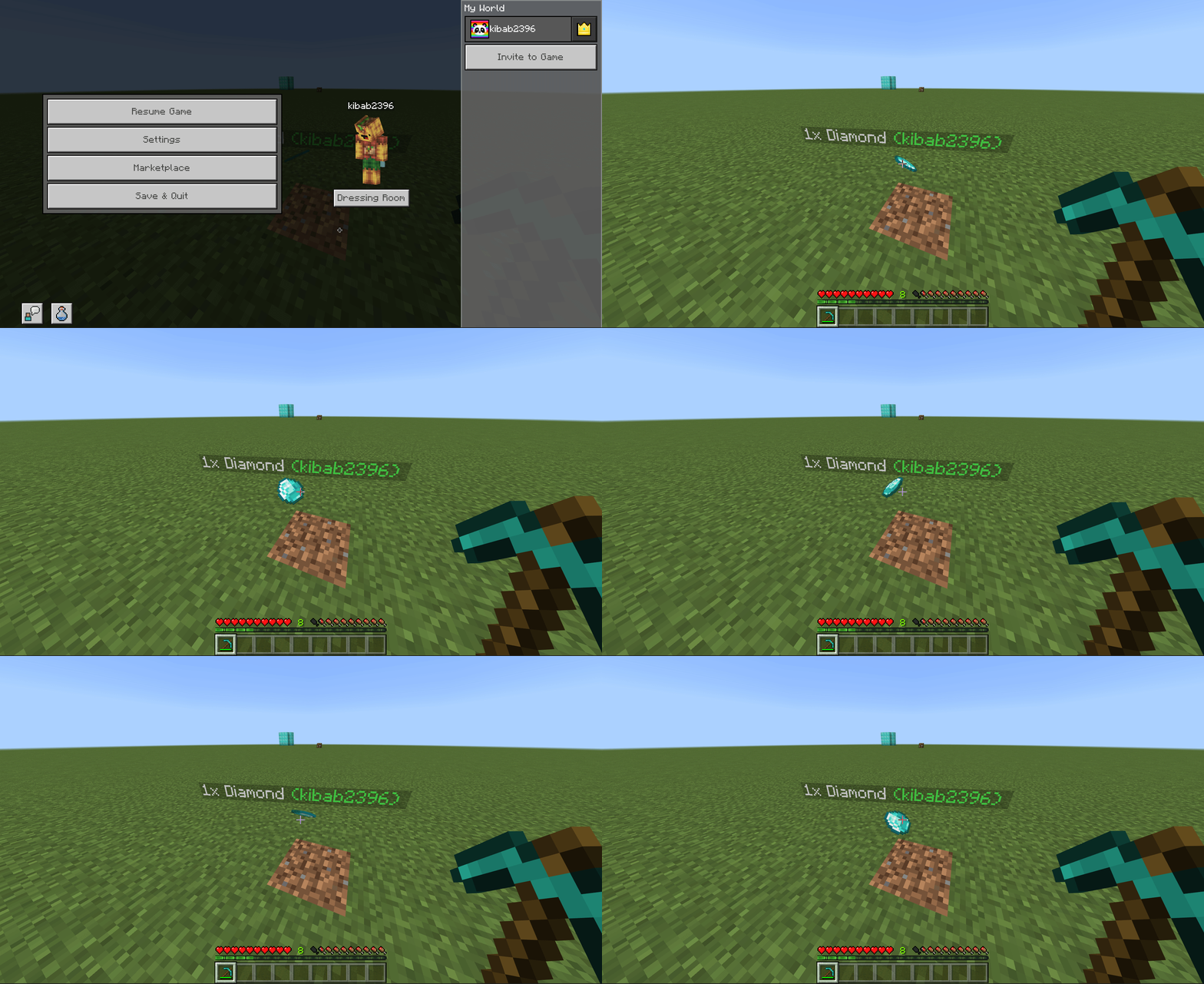
What it does: When you mine or kill a mob, the loot is automatically added to your inventory.
Demonstration:
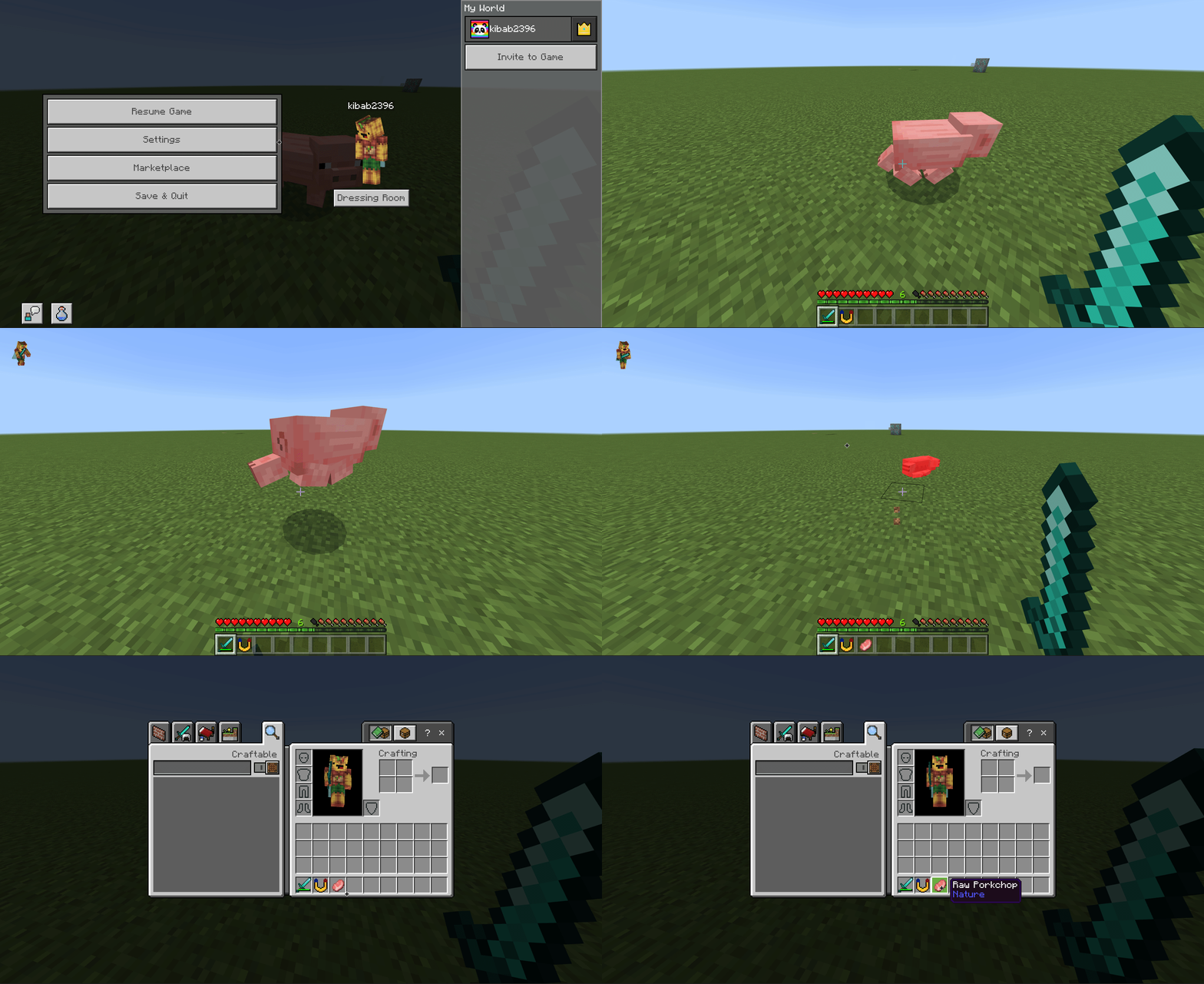
- Killing a mob
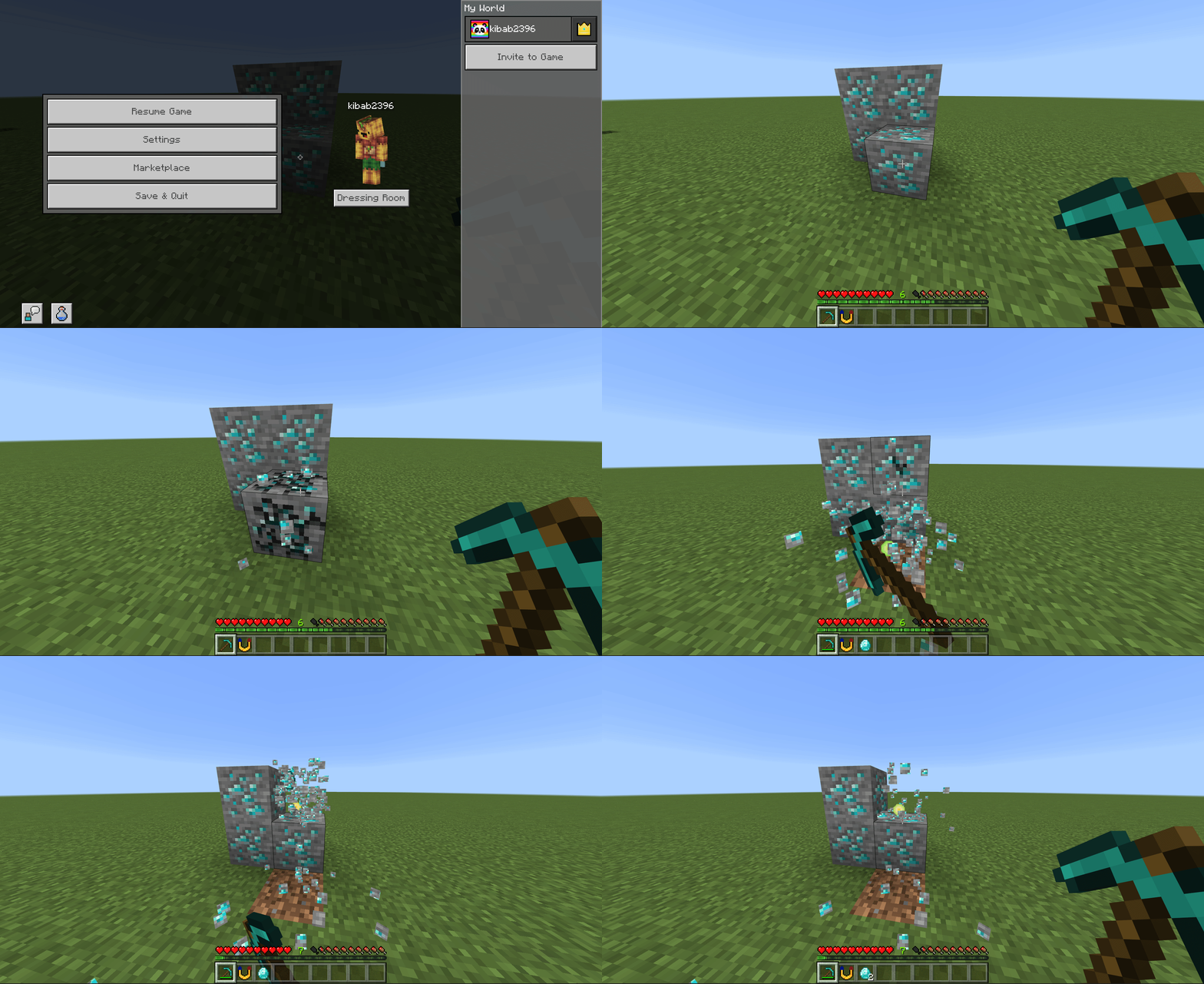
- Mining
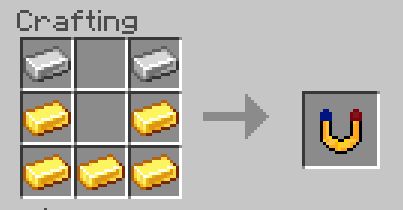
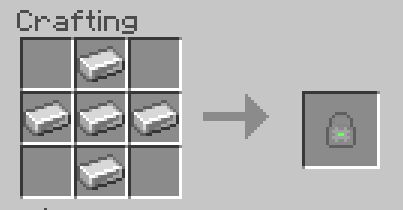
Item Recipe:
Item Pickup Prevention
How to use: Tap & Hold (mobile) or Right Click (PC) to toggle ON and OFF
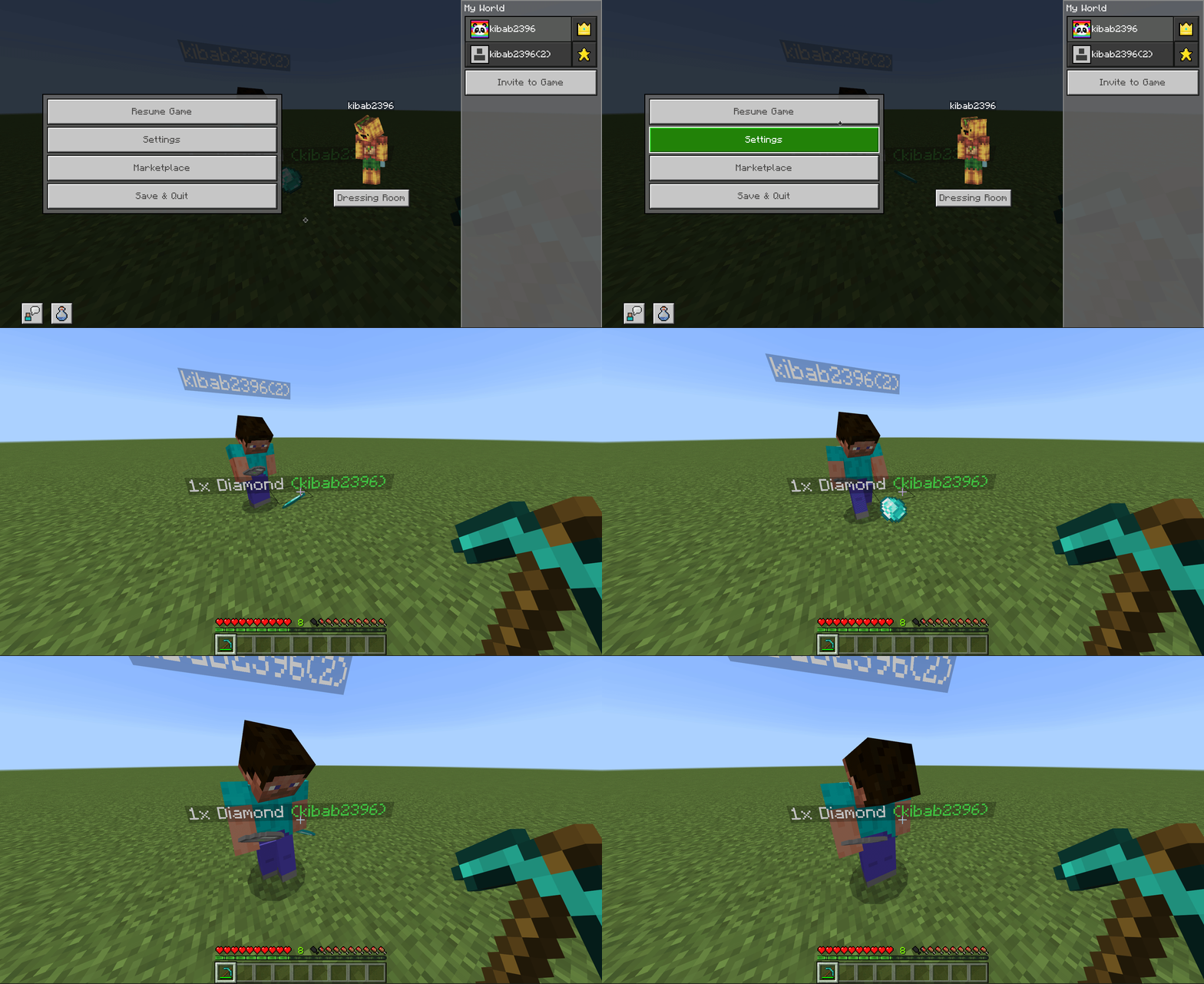
What it does: This feature protects the loot you obtain from mining or killing a mob from being picked up by anyone else, implying that you are the only one who can pick up your loot.
Demonstration:
When you die your items will also be protected from anyone picking them up.
By executing this command, you can whitelist any players so that they can pick up your loot:
- /tag kibab2396(2) add <player>perm ( without the “< >” )
Item Recipe:
Installation Note:
Make sure you activated the following “Experimental Settings”:
- Spectator Mode
- Custom Biomes
- Molang Features
Auto Pickup Item & Item Pickup Prevention Addon Download Links
For Minecraft PE/Bedrock 1.19
Behavior: Download from server 1 – Download from server 2
Resource: Download from server 1 – Download from server 2
- Edition: Minecraft Bedrock
- File type: .mcpack or .mcaddon
- Minecraft version listed: 1.19
- How to install: Download the .mcpack or .mcaddon file. → Open it — Minecraft imports it. → In your world: Behavior Packs → Available → Activate, then the same under Resource Packs.
- Where to get it: In MCModsHub, or directly above on this page.
Install steps are the general flow for this file type — How to install Minecraft Bedrock addons & mods walks through it step by step.
- Pack type: .mcaddon — behaviour and resource pack in one file
- Complete pack — everything it depends on is inside the file
- Download size: 253 KB
- Download link checked 17 Jun 2026 — working
- Mirrored on our own servers — the download does not depend on the original host
These come from our own check of the pack file, not from the source page.