
AddonsBedrock
Advanced Gate Addon (1.19) – MCPE/Bedrock Mod
Bedrock add-on listed for Minecraft 1.19. Download on the author's site.
⬇ Download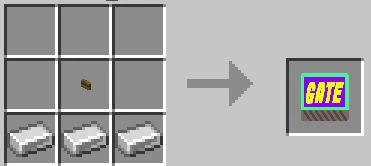
Advanced Gate Addon is just a simple addon that can be used to increase security in your house. Especially if you play on Minecraft Realms and you need to protect your treasure with this Advanced Gate Addon.

Planned Features:
- Make variants of Color for the gate in the future.
- Make new gates with various animations.
You can learn how to use the addon by watching the Youtube video below:
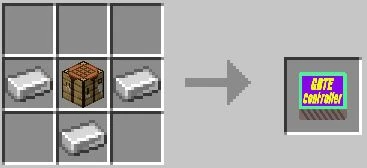
Crafting Recipes
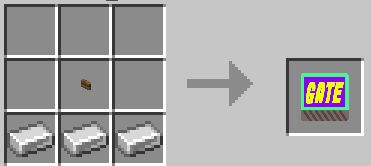
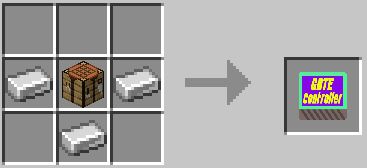
Screenshots:
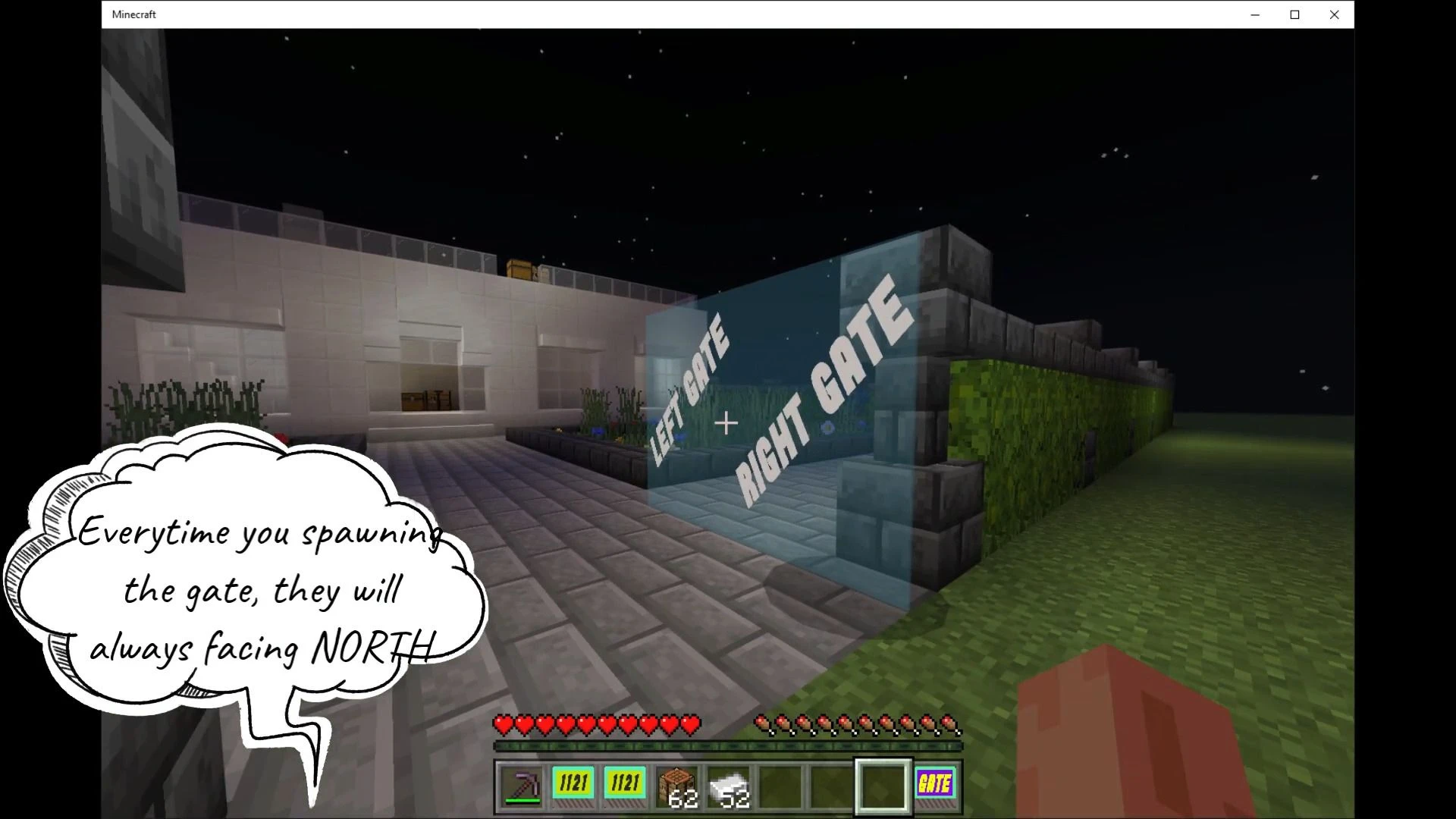
- Every time you spawning the gate, they will always face NORTH
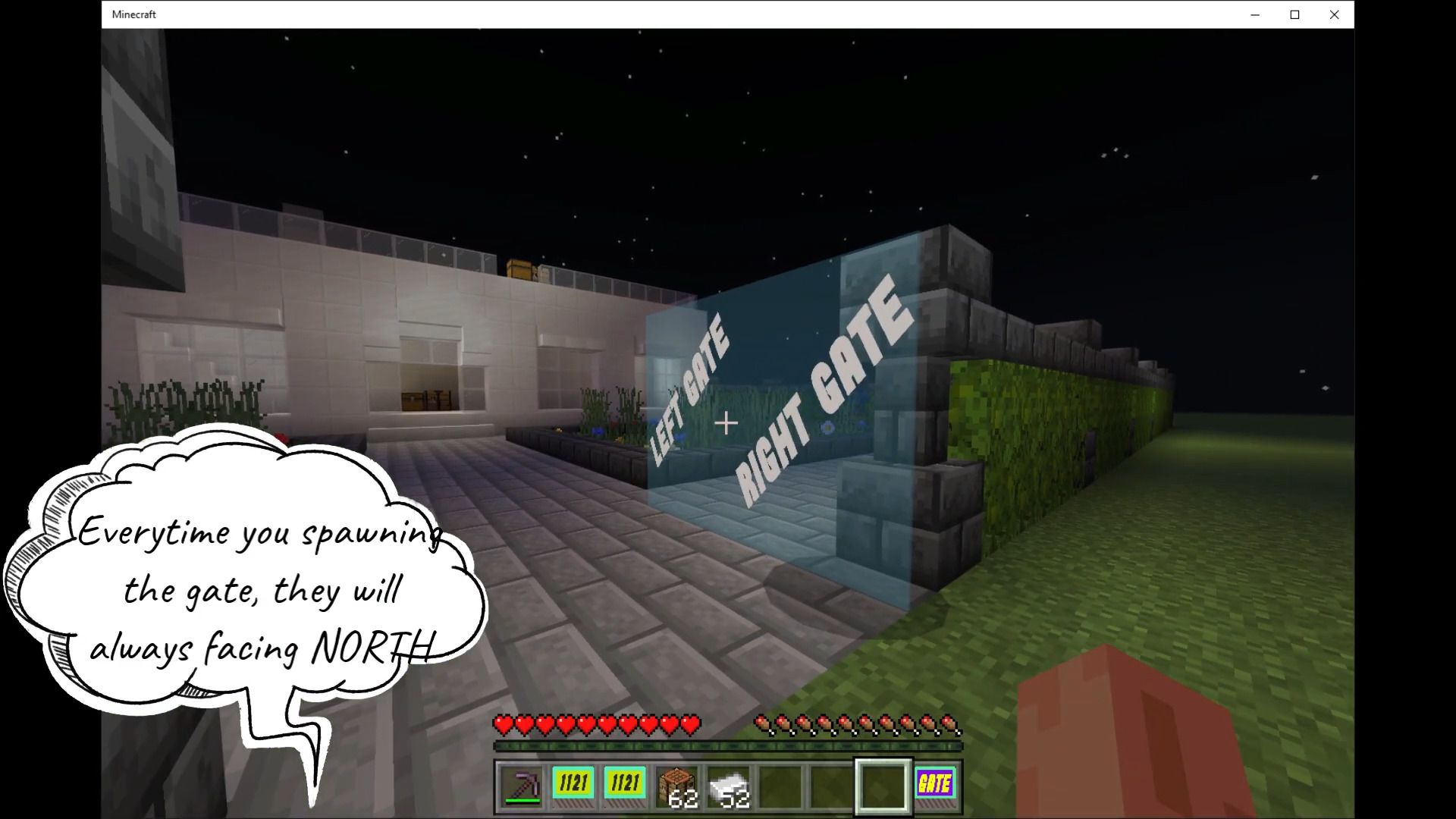
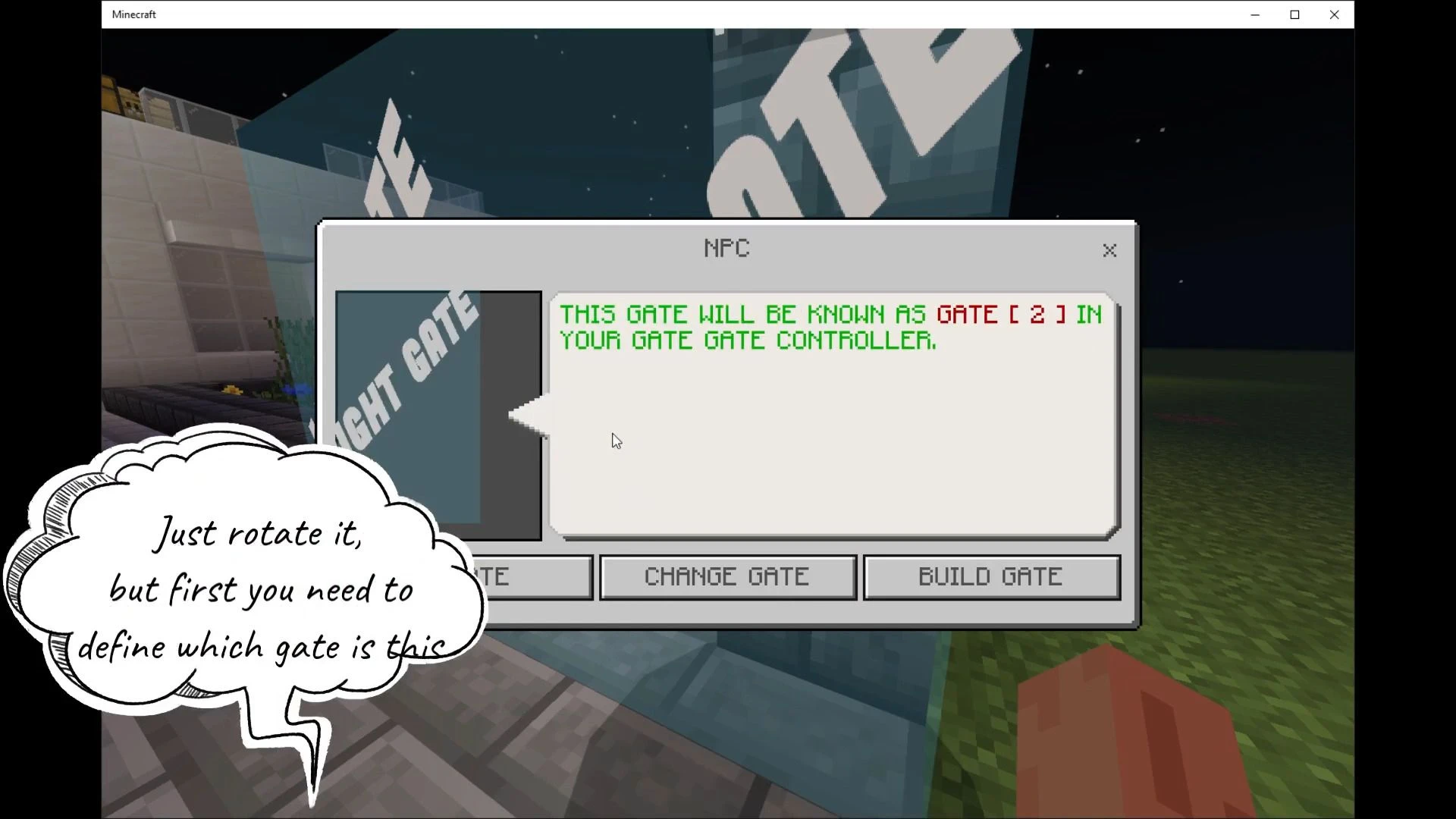
- Just rotate it, but first, you need to define which gate is this
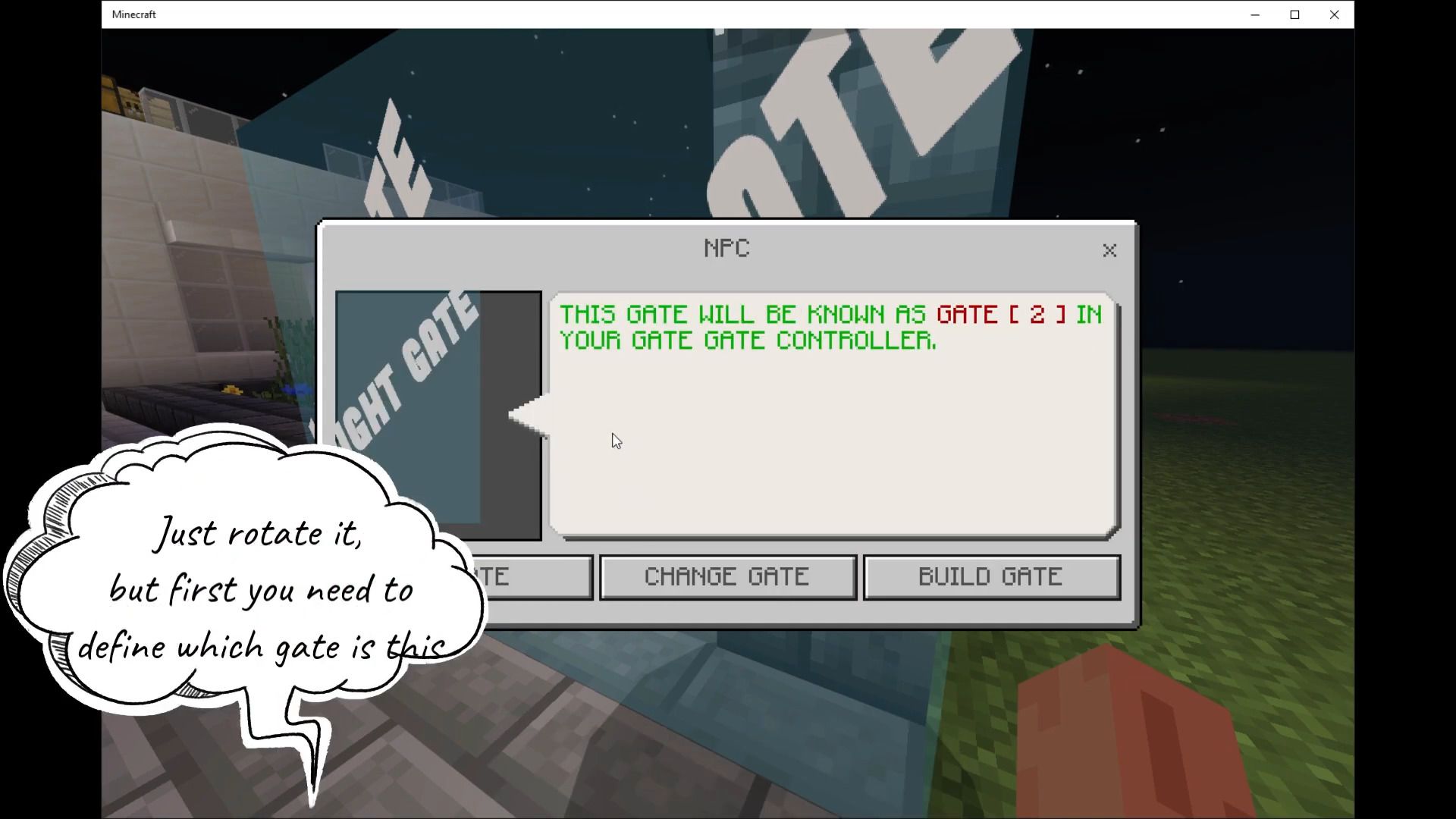
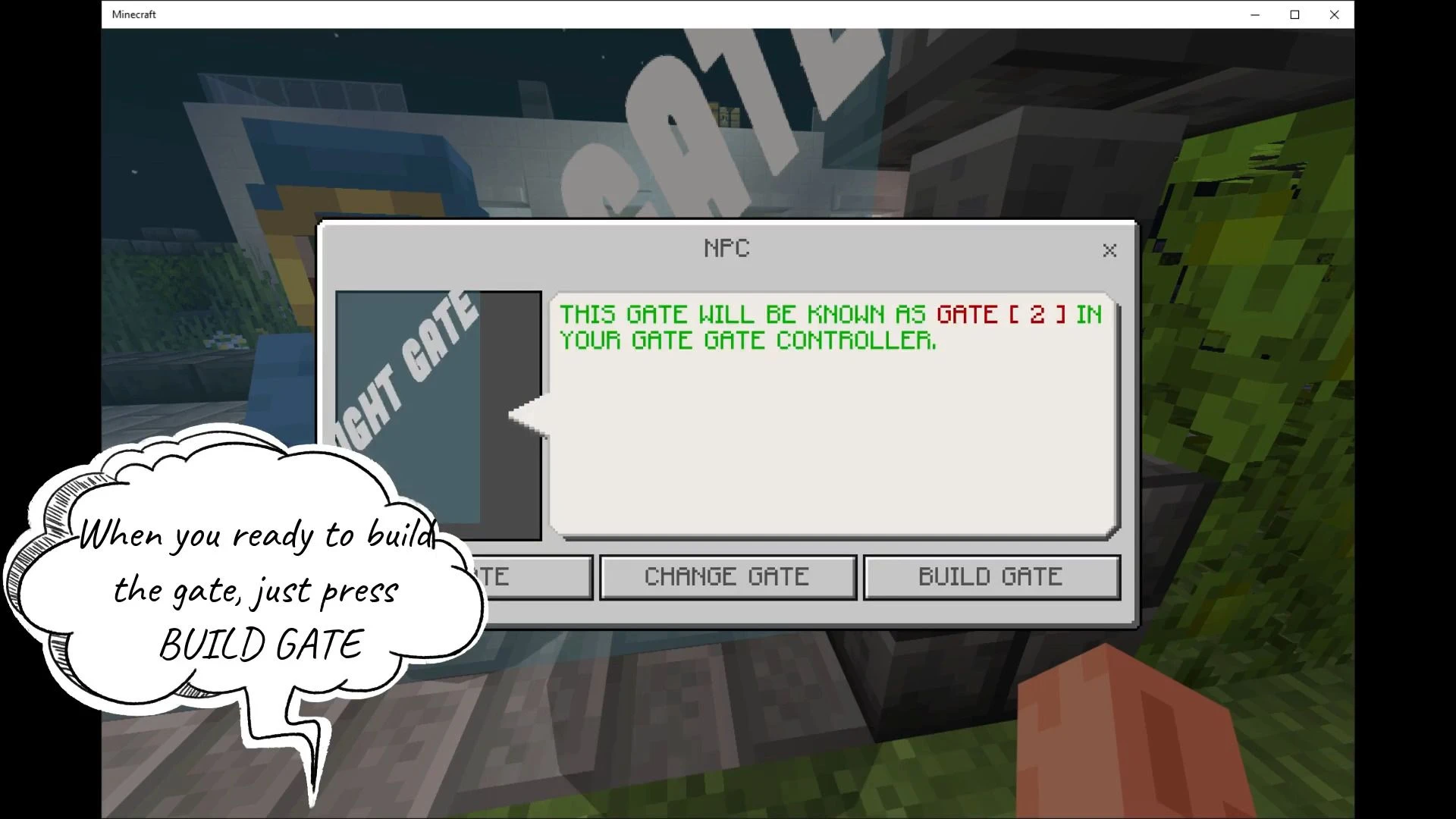
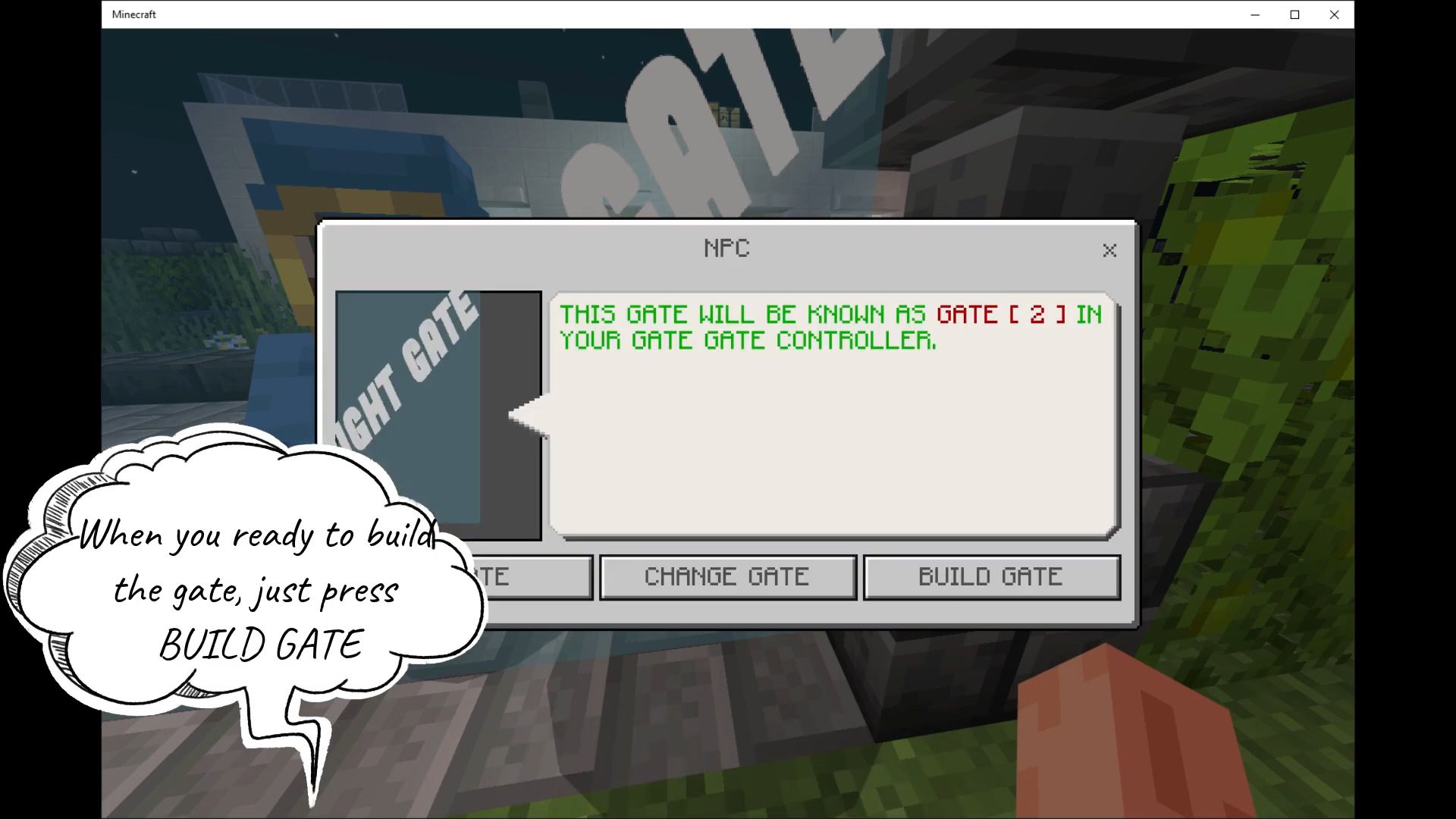
- When you ready to build the gate, just press BUILD GATE
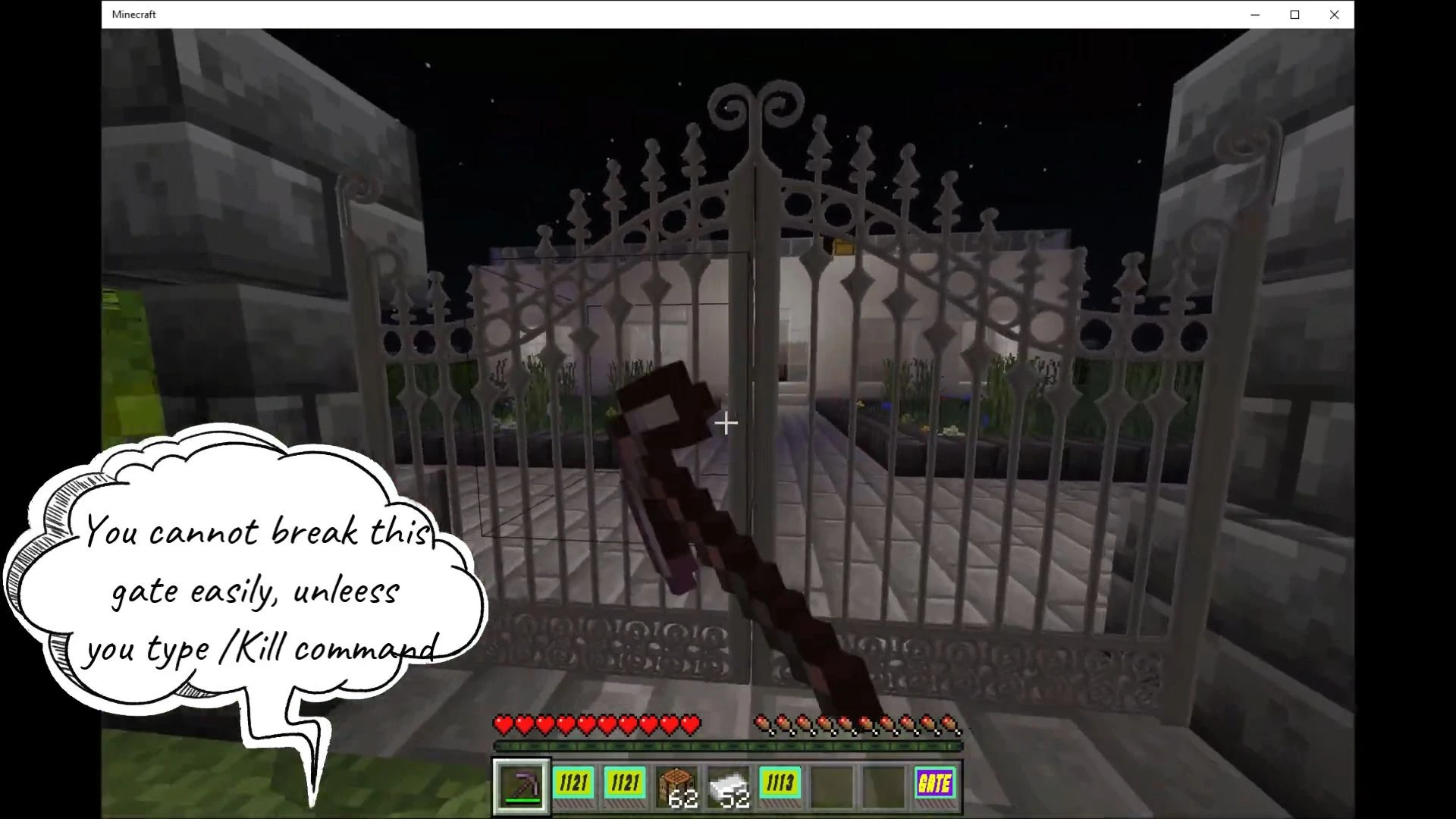
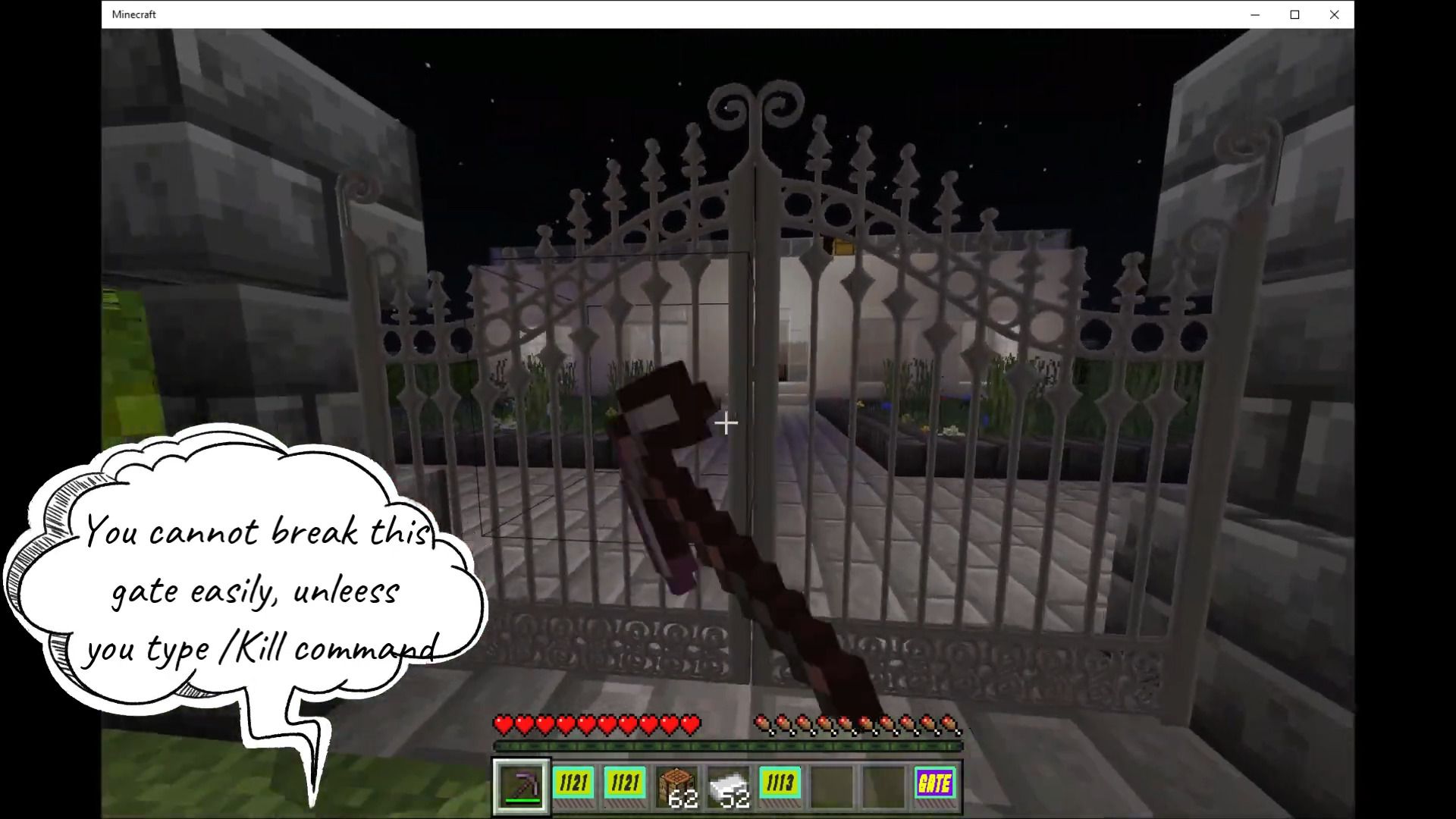
- You cannot break this gate easily, unless you type /Kill command
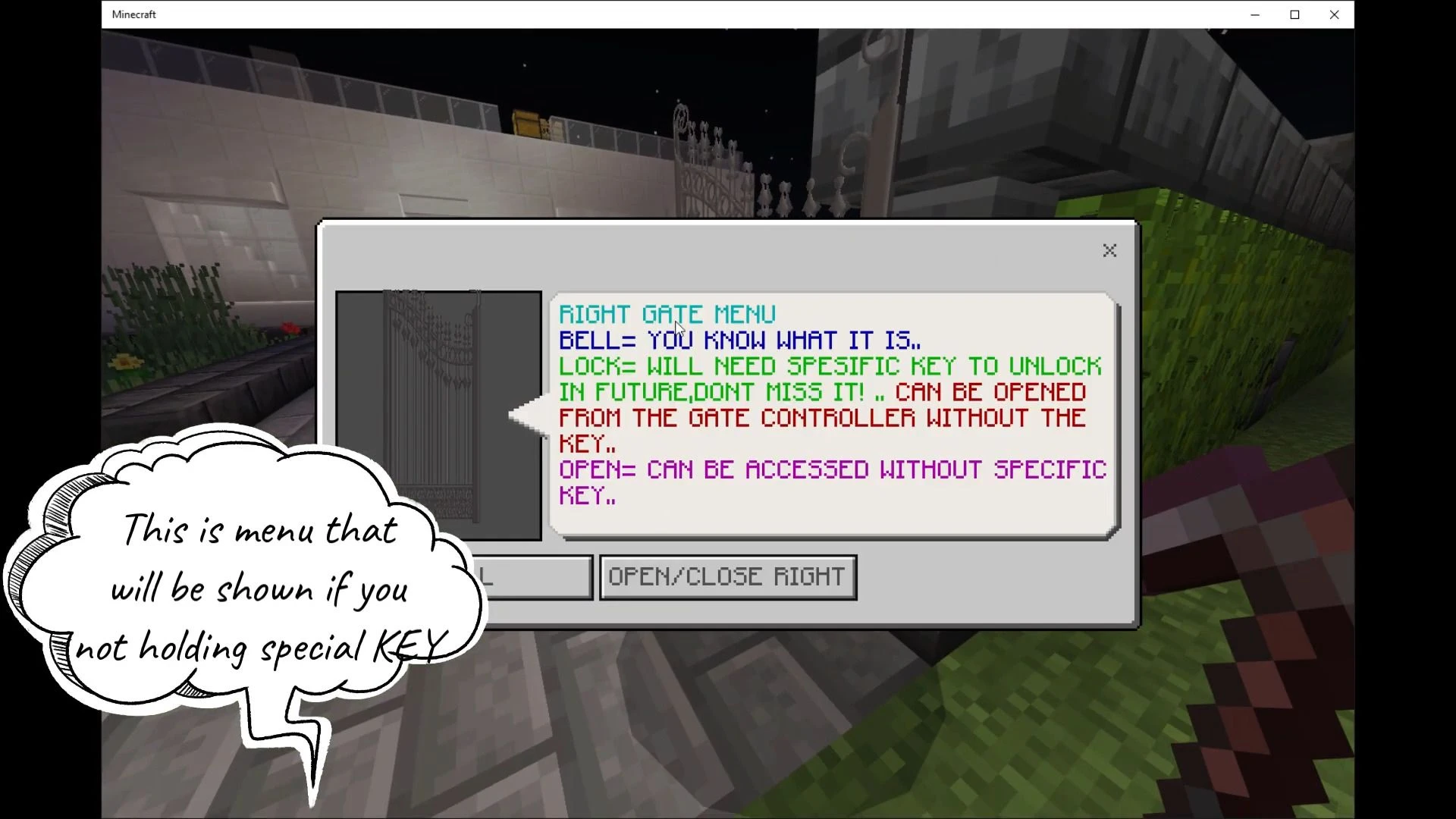
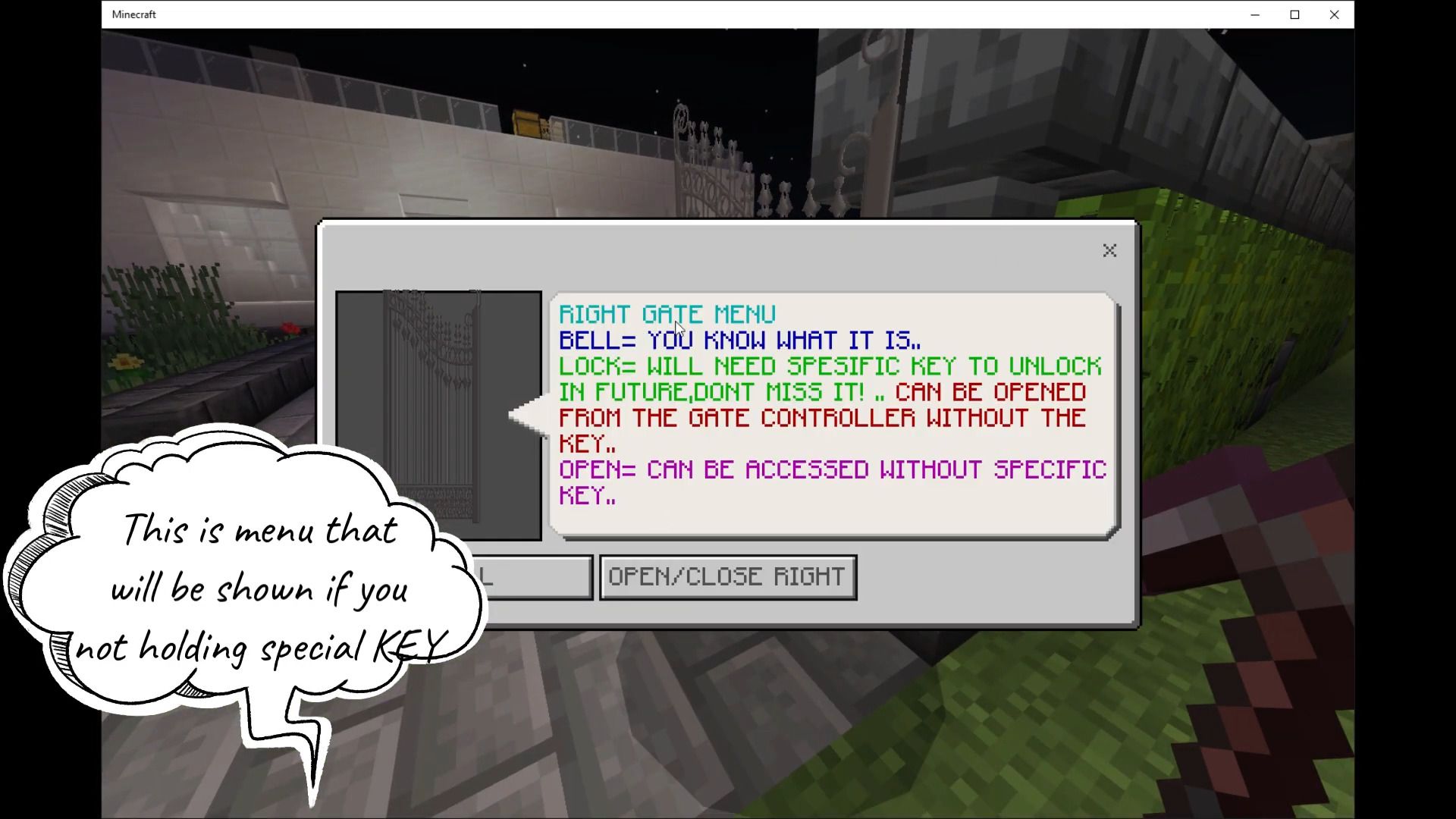
- This is menu that will be shown if you not holding special KEY
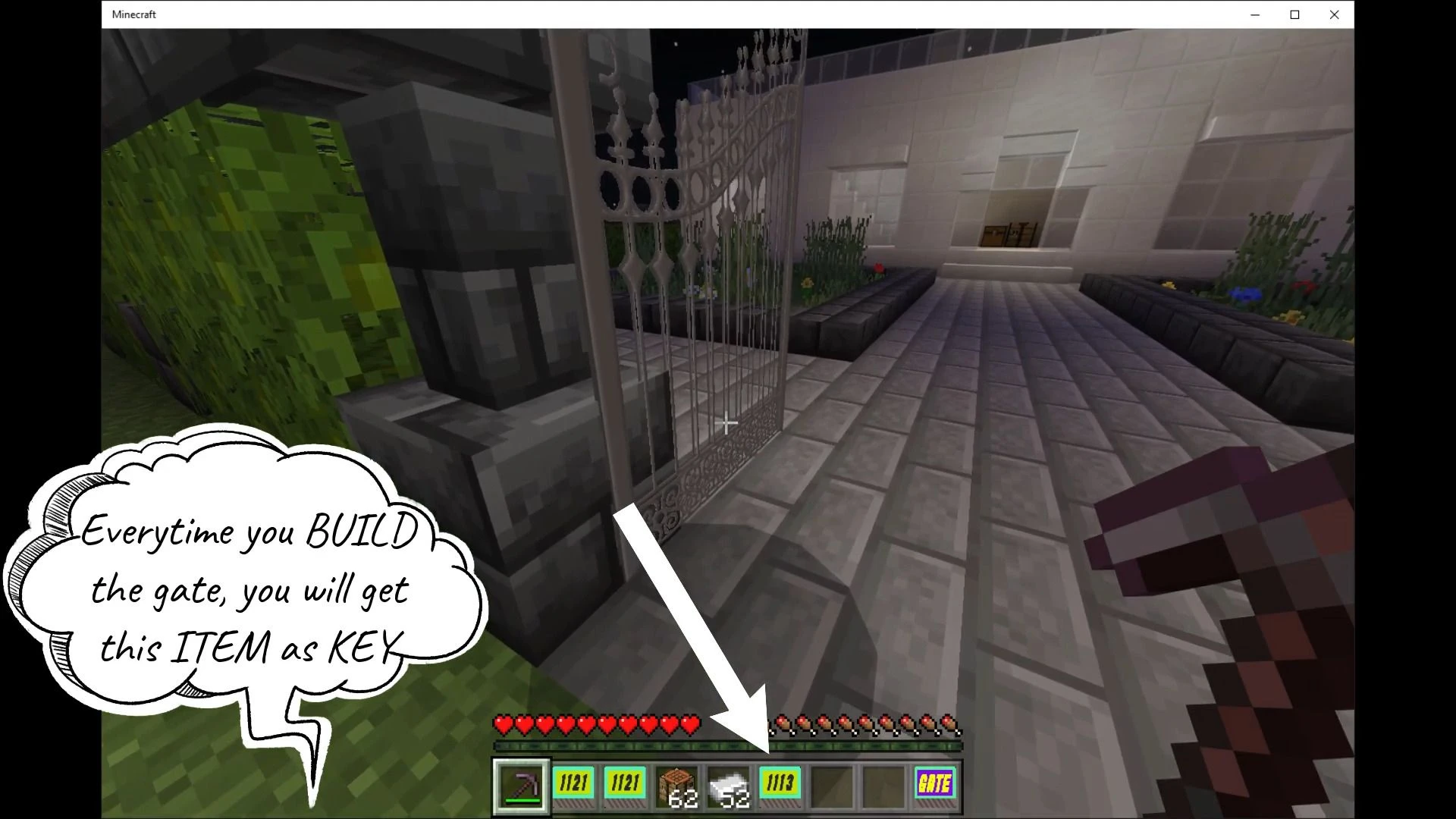
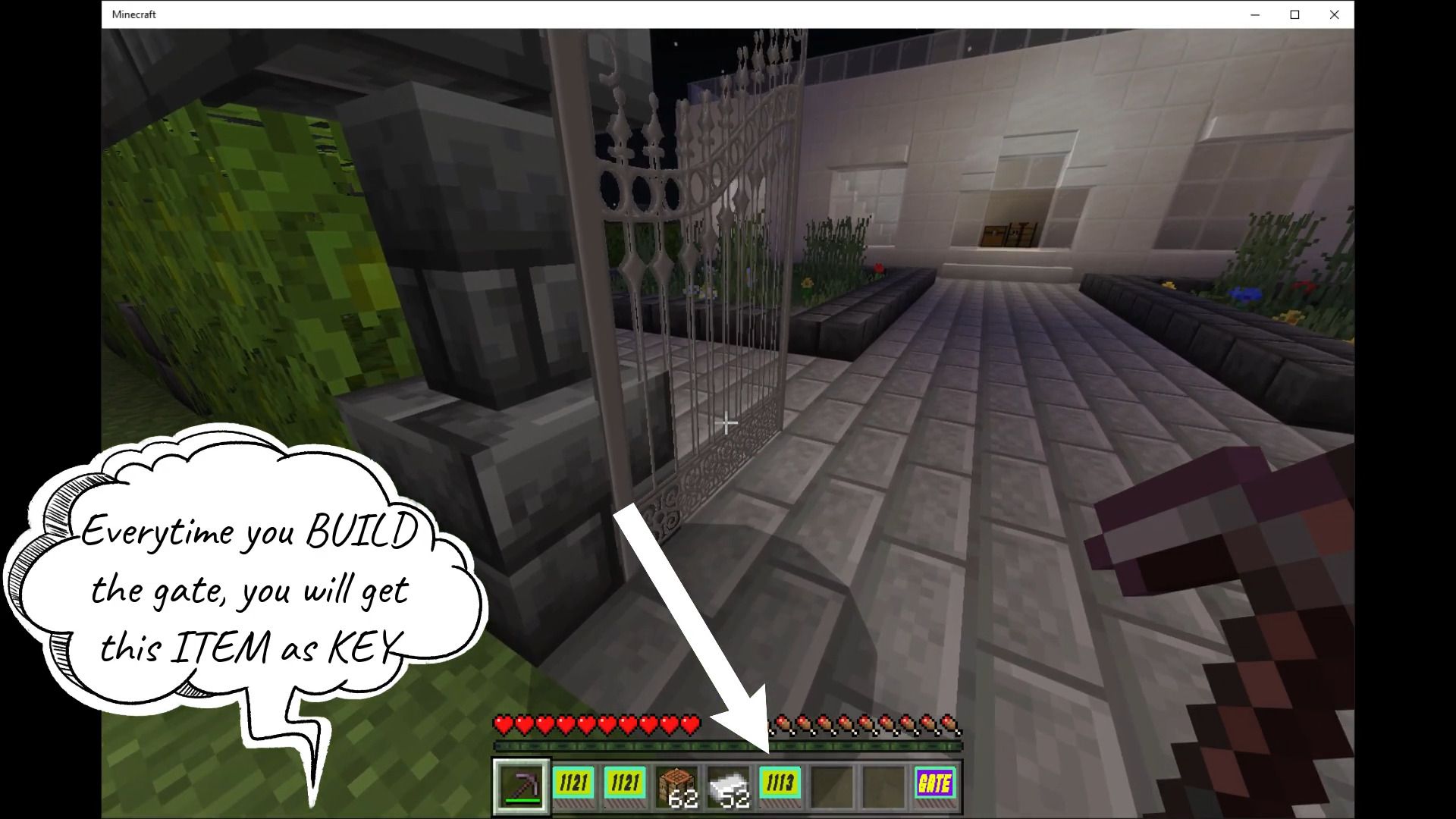
- Every time you build the gate, you will get this item as KEY
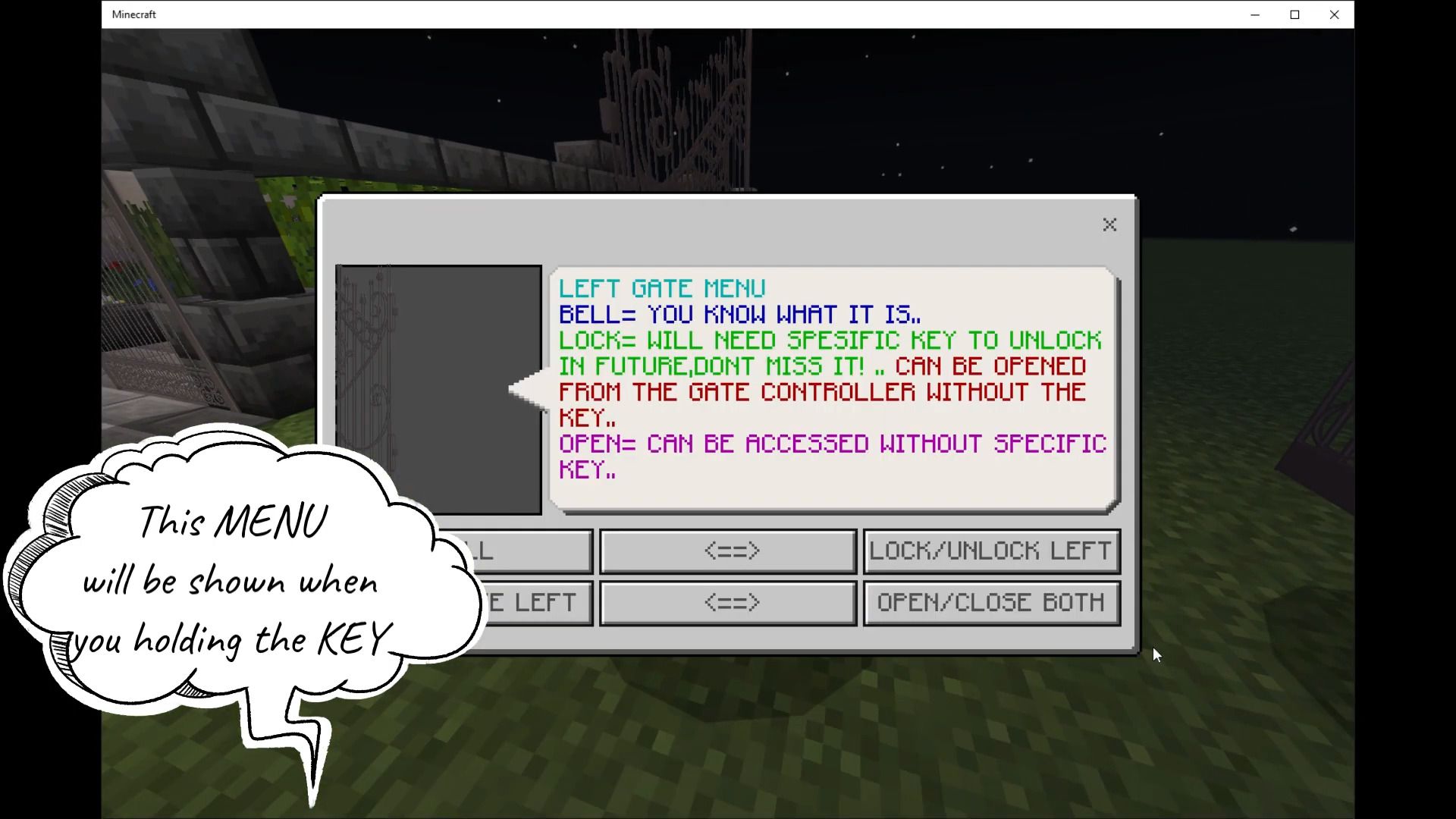
- This MENU will be shown when you holding the KEY
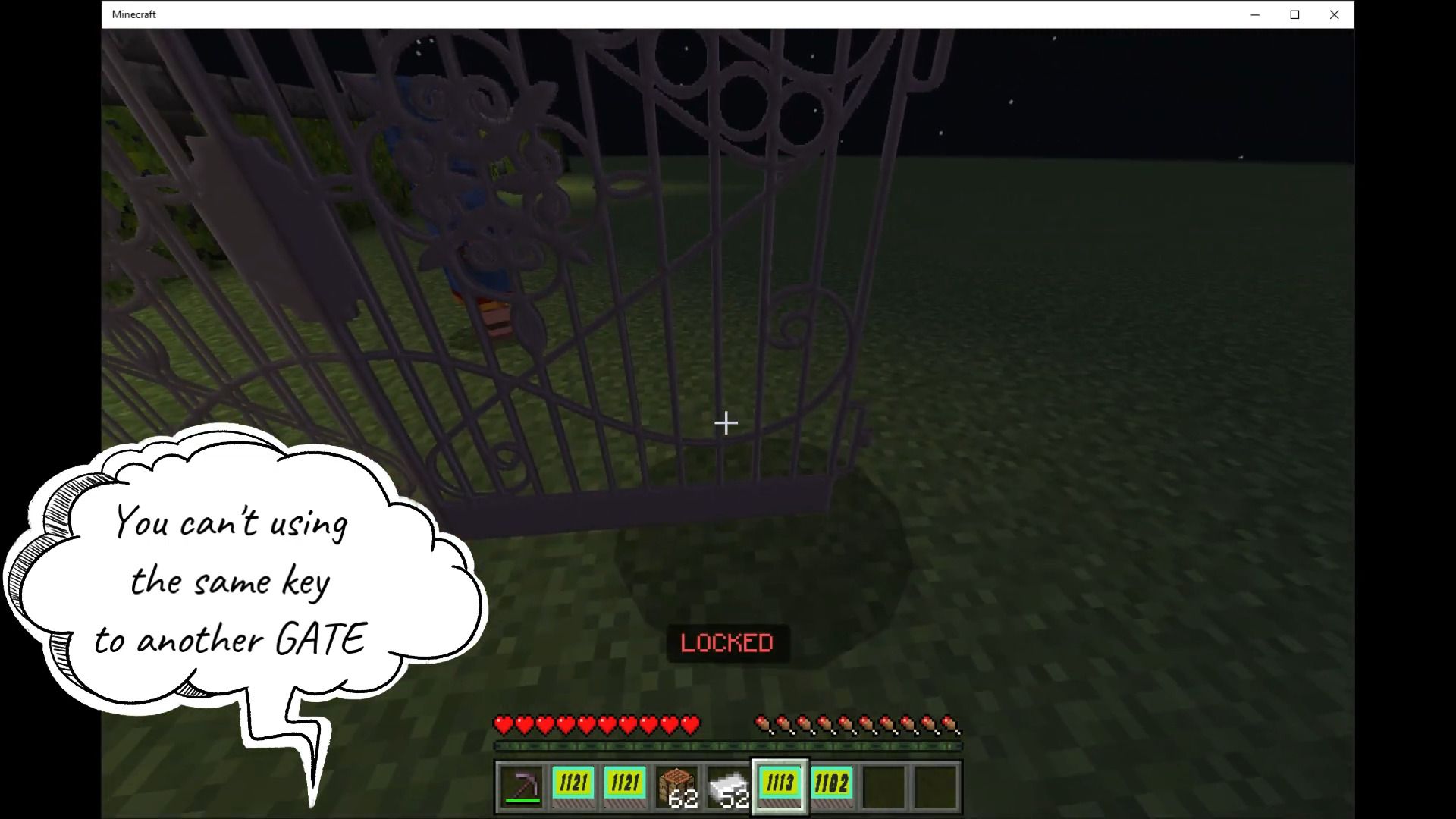
- You can’t using the same key to another GATE
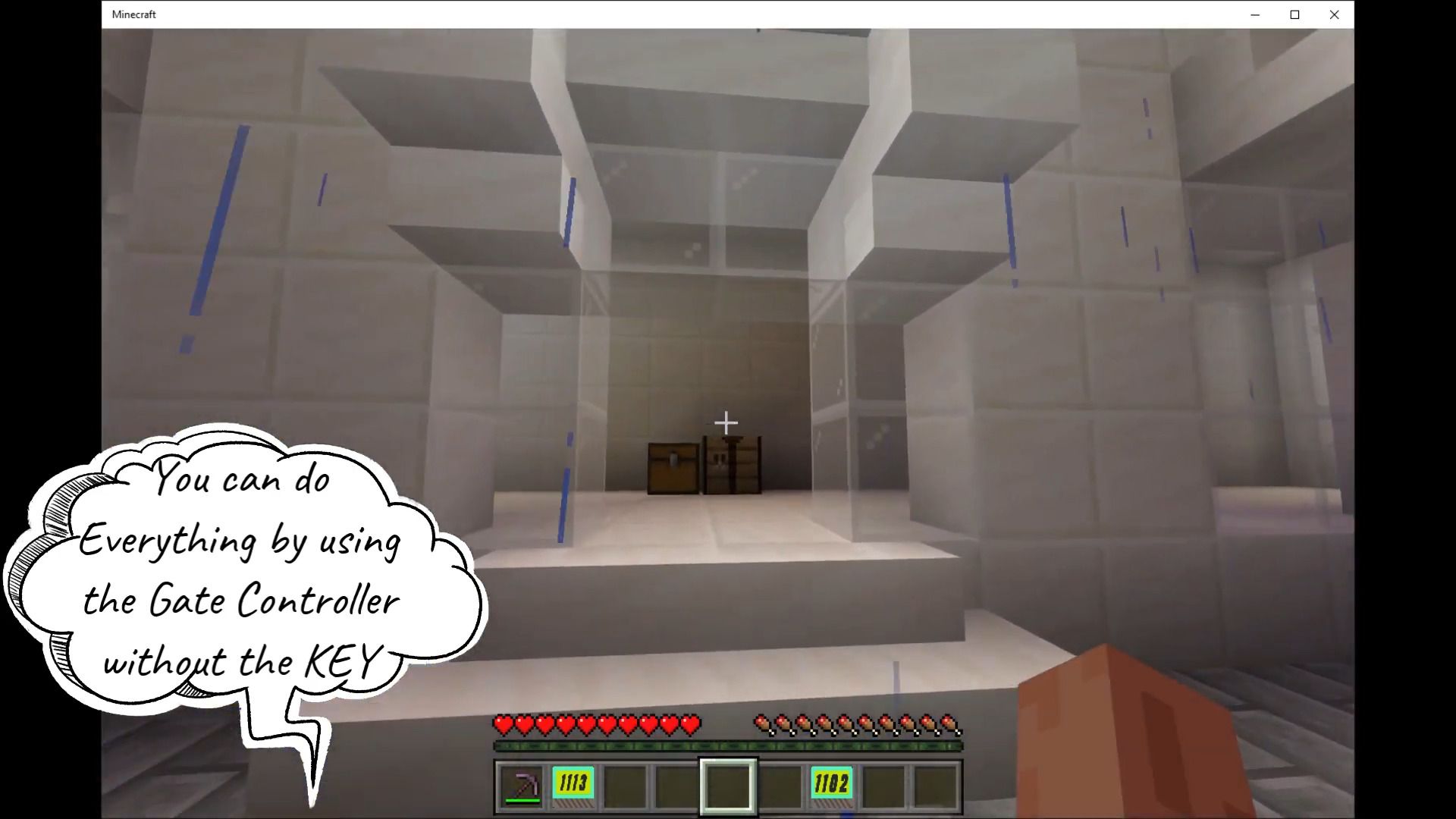
- You can do everything by using the gate controller without the KEY
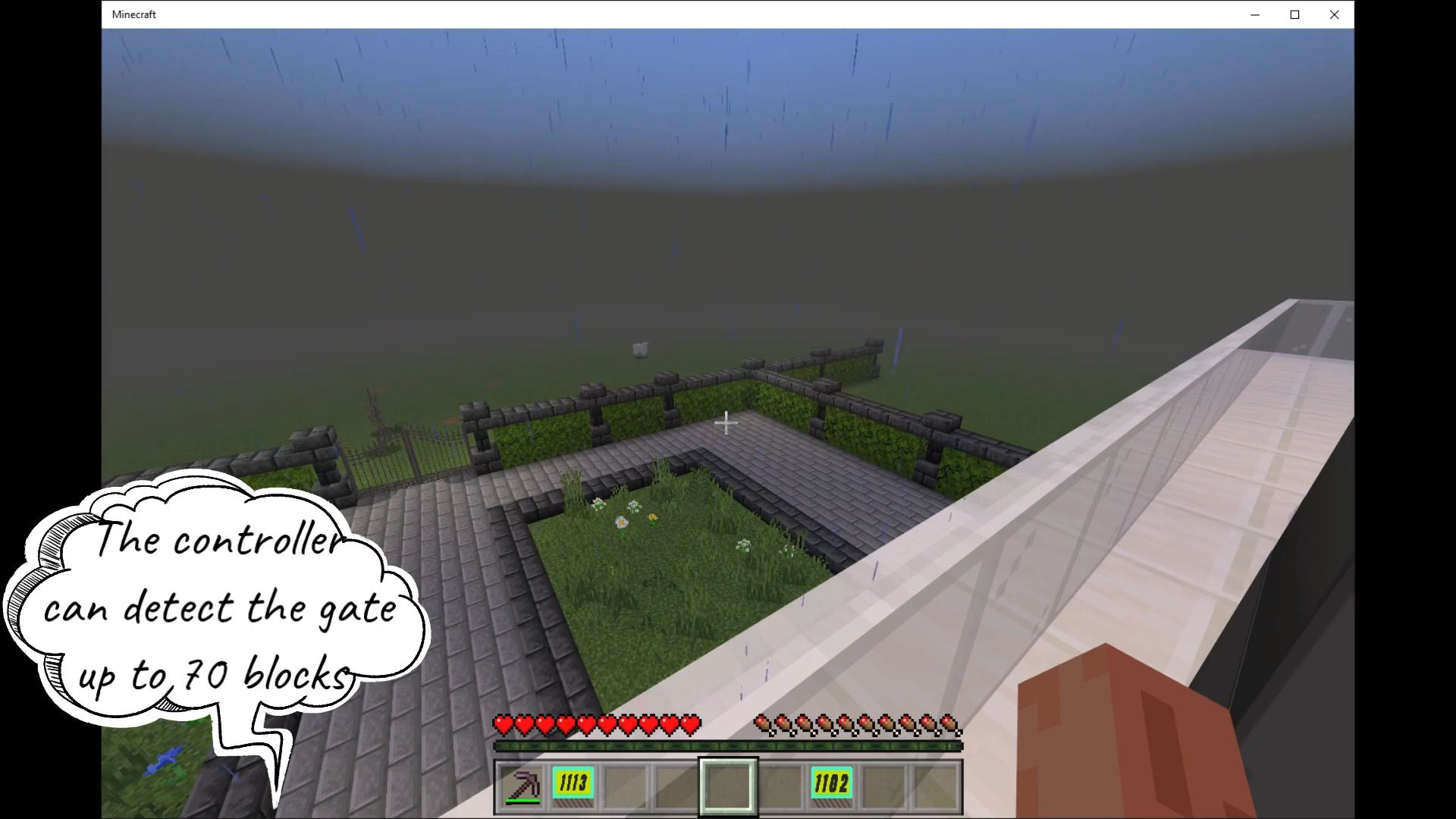
- The controller can detect the gate up to 70 blocks
Advanced Gate Addon Download Links
For Minecraft PE/Bedrock 1.19
Advanced Gate Official Website
Quick facts
- Edition: Minecraft Bedrock
- File type: .mcpack or .mcaddon
- Minecraft version listed: 1.19
- How to install: Download the .mcpack or .mcaddon file. → Open it — Minecraft imports it. → In your world: Behavior Packs → Available → Activate, then the same under Resource Packs.
- Where to get it: Opens on the file's original source — not every file is mirrored on our own servers.
Install steps are the general flow for this file type — How to install Minecraft Bedrock addons & mods walks through it step by step.
Advanced Gate Addon (1.19) – MCPE/Bedrock Mod is a free Minecraft Bedrock addon. Compatible with Minecraft 1.19. Download it and open it directly in the game.