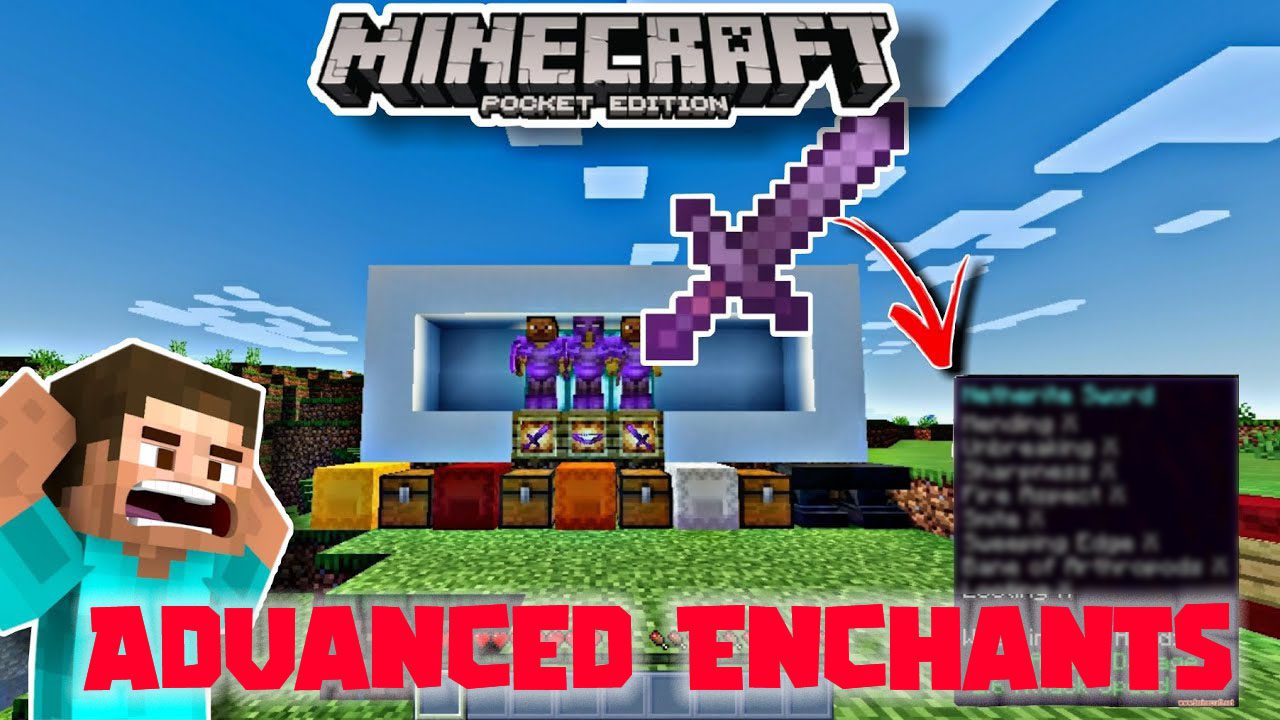
Advanced Enchants Addon (1.19) – MCPE/Bedrock Mod
Are the Minecraft enchantments boring? Well, fear not! Advanced Enchants Addon adds 8 new Enchantments into Minecraft! These include the “Curse of…
⬇ DownloadOpen in MCModsHubGet it on Google Play →Are the Minecraft enchantments boring? Well, fear not! Advanced Enchants Addon adds 8 new Enchantments into Minecraft! These include the “Curse of Neptune” that freezes mobs! Or “Corruptions” that stun Mobs! Hope you enjoy this addon!
Features:
- Only Iron, Diamonds, and Netherite are enchantable.
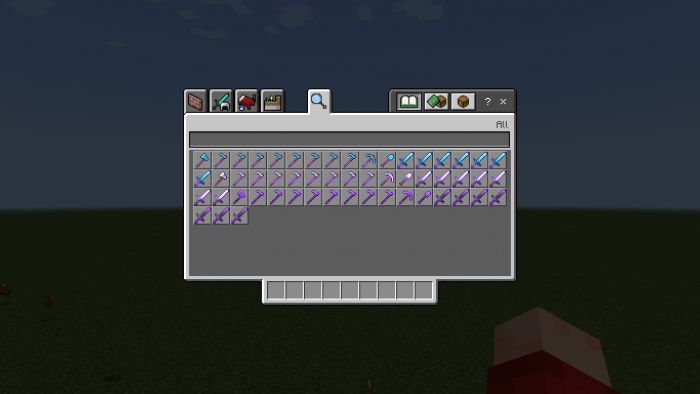
- And also, the only way to enchant them is with crafting.
- Which will make the previous Enchant be removed
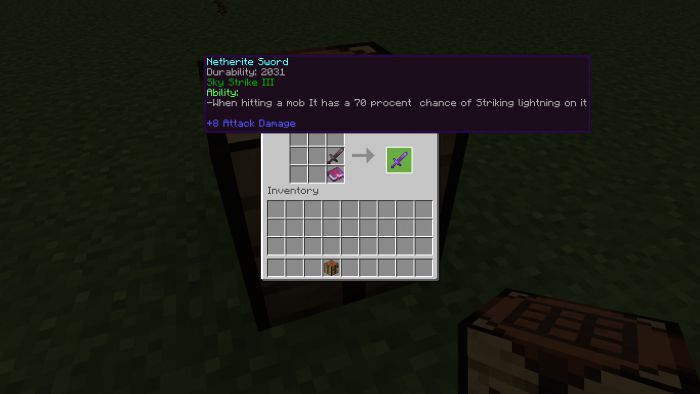
- And you can combine enchantments at the crafting table!
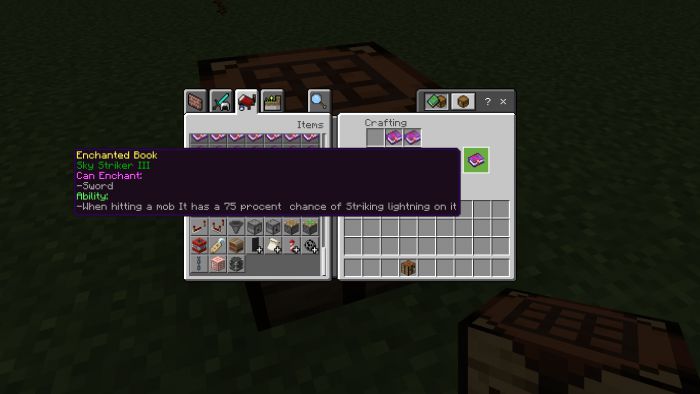
Important: Netherite tools that are enchanted will not be fire resistance due to limitation
Here are all the enchants:
Sword Enchants
- Corruption (1 Level)
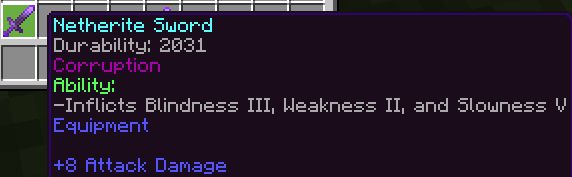
- Sky Strike (3 Levels)
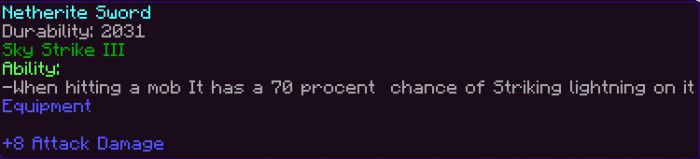
- Curse of Neptune (2 Levels)
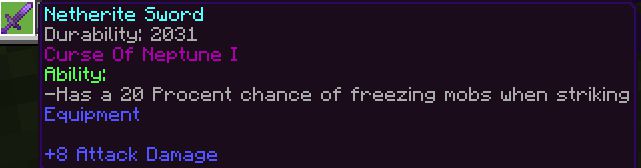
- Origins of the Stars
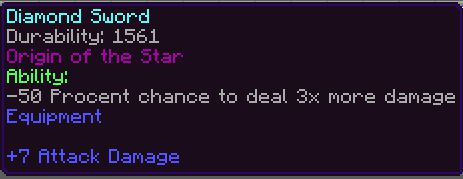
Hoe Enchants
- Chance of the Farmer (5 Levels)
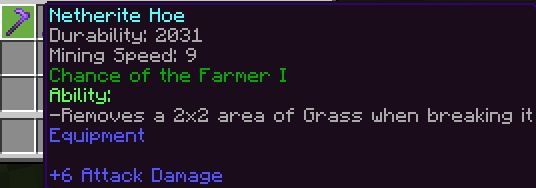
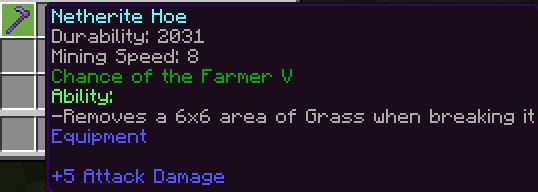
- Farmers Legend (3 Levels)
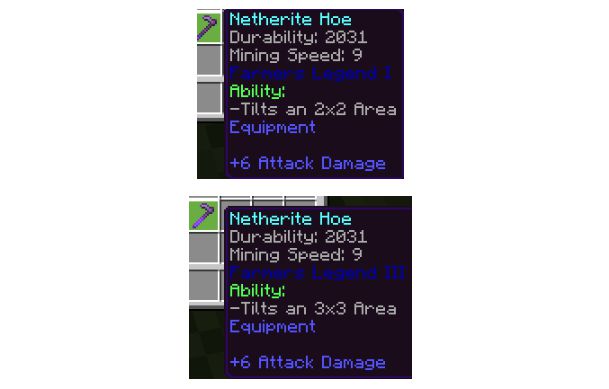
Axe/Shovel/PickAxe Enchants
- Hunter (1 Level)
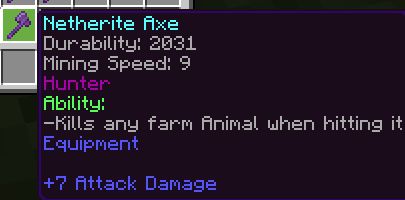
Here is a list of which mobs are affected by Hunter:
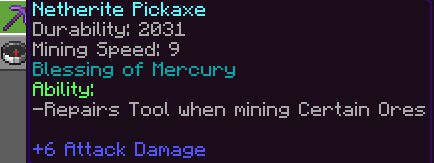
- Blessing of Mercury (1 Level)
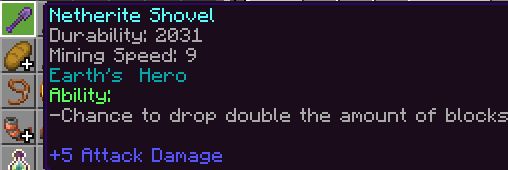
- Earth’s Hero (1 Level)
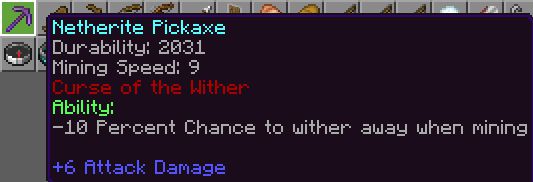
- Curse of the Wither (1 Level)
- Not a lot of enchants…
- But the author is planning on adding more in the future!
Where to find the Enchants?
- Well you find them in “STRUCTURES”
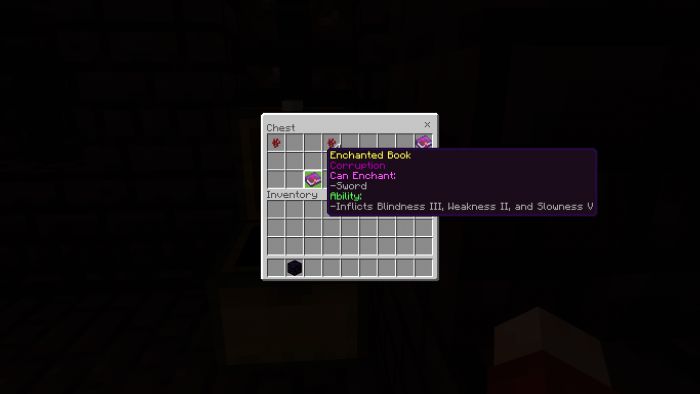
Here is the list of where you find each enchants:
Corruption:
- Nether Bastions
- Nether Fortress
- Ruined Portal
- Dungeon
Earth’s Hero:
- Jungle Temple
- Nether Fortress
- Stronghold Library
Blessing of Mercury:
- Nether Bastions
- Nether Fortress
Curse of Neptune:
- Igloo
- Dungeon
- Stronghold Library
Sky Strike:
- Mineshaft
- Desert Temple
- Stronghold Library
Farmers Legend:
- Mineshaft
- Igloo
- Jungle Temple
Chance of the Farmer:
- Mineshaft
- Dungeon
Hunter:
- Nether Bastions
- Dungeon
- Ruined Portal
- Stronghold Library
Origin of the Stars:
- Ruined Portal
- Mineshaft
- Desert Temple
Curse of the Wither
- Desert Temple
- Nether fortress
- Dungeons
- Strongholds
Installation Note:
- You need to turn all Experimental Gameplay features on.
Advanced Enchants Addon Download Links
For Minecraft PE/Bedrock 1.19
Behavior: Download from Server 1
Resource: Download from Server 1
- Pack type: .mcaddon — behaviour and resource pack in one file
- Manifest requires Minecraft 1.18.0 or newer
- Ships one half — this pack asks for another pack that is not included
- Download link checked 17 Jun 2026 — working
- Mirrored on our own servers — the download does not depend on the original host
These come from our own check of the pack file, not from the source page.