Texture packsBedrock
Tab Key Playerlist UI Resource Pack (1.19) – MCPE/Bedrock
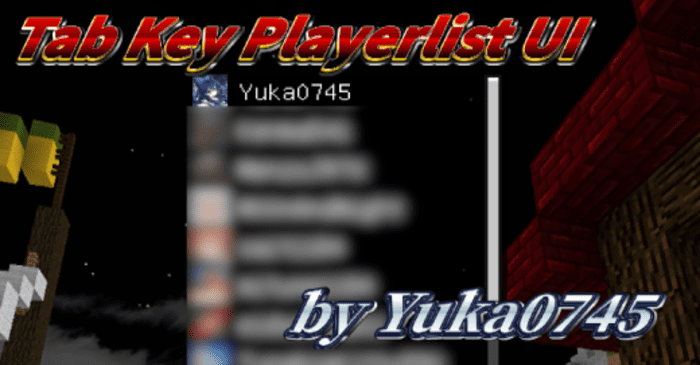
The "Tab Key Playerlist" is a feature exclusive to the Java Edition, but not to the Bedrock Edition. Tab Key Playerlist UI Resource Pack aims to add it to…
⬇ DownloadOpen in MCModsHubGet it on Google Play →The “Tab Key Playerlist” is a feature exclusive to the Java Edition, but not to the Bedrock Edition. Tab Key Playerlist UI Resource Pack aims to add it to the Bedrock Edition.
Features:
Simply download the pack, import it, and activate it from Global Resources in your settings!
On the HUD screen, press the “Tab” key on the keyboard to display the player list for the current world on the screen.
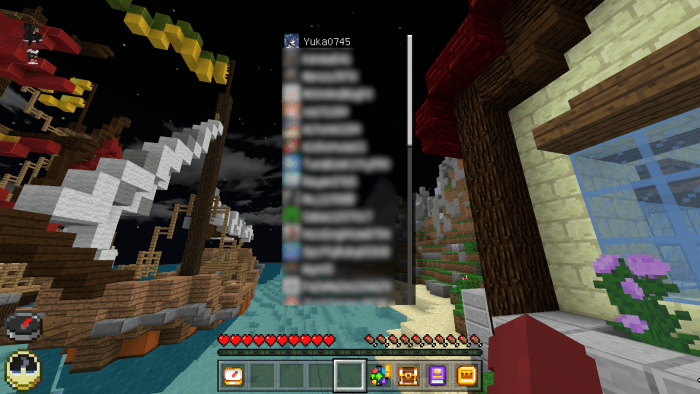
Hold down the Tab key and turn the mouse wheel to scroll through the list.
Installation Note:
- Currently not supported by touch or game controllers.
- This pack is an independent pack of some of the functions in “Gote-Supporter“.
- It is not recommended to apply it together with “Gote-Supporter“! Similar functionality is available in “Gote-Supporter”!
Tab Key Playerlist UI Resource Pack Download Links
For Minecraft PE/Bedrock 1.19
mcpack: Download from server 1 – Download from server 2
Verified by MCModsHub
- Pack type: .mcpack — a single pack
- Manifest requires Minecraft 1.13.0 or newer
- Complete pack — everything it depends on is inside the file
- Download link checked 17 Jun 2026 — working
- Mirrored on our own servers — the download does not depend on the original host
These come from our own check of the pack file, not from the source page.
Explore more