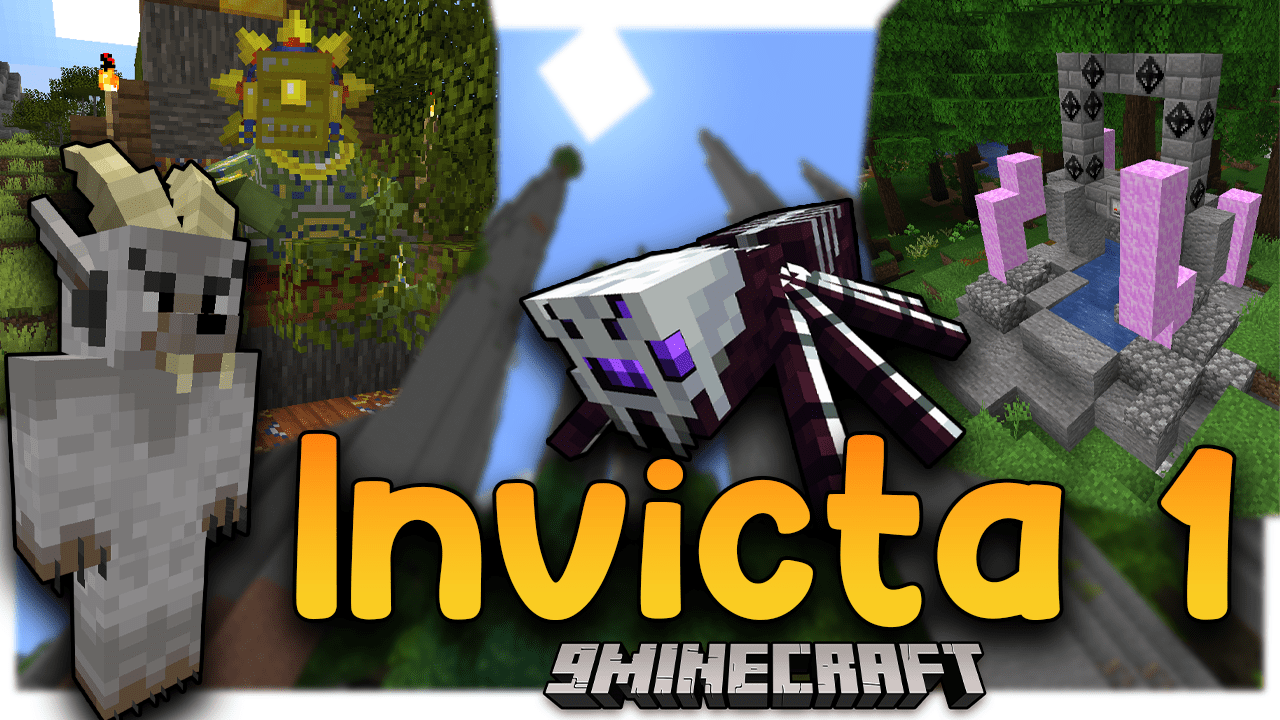
Invicta 1 Modpack (1.16.5) – Adventure, Magic, Tech and Civilization
Java modpack listed for Minecraft 1.16. Download on the author's site.
⬇ Download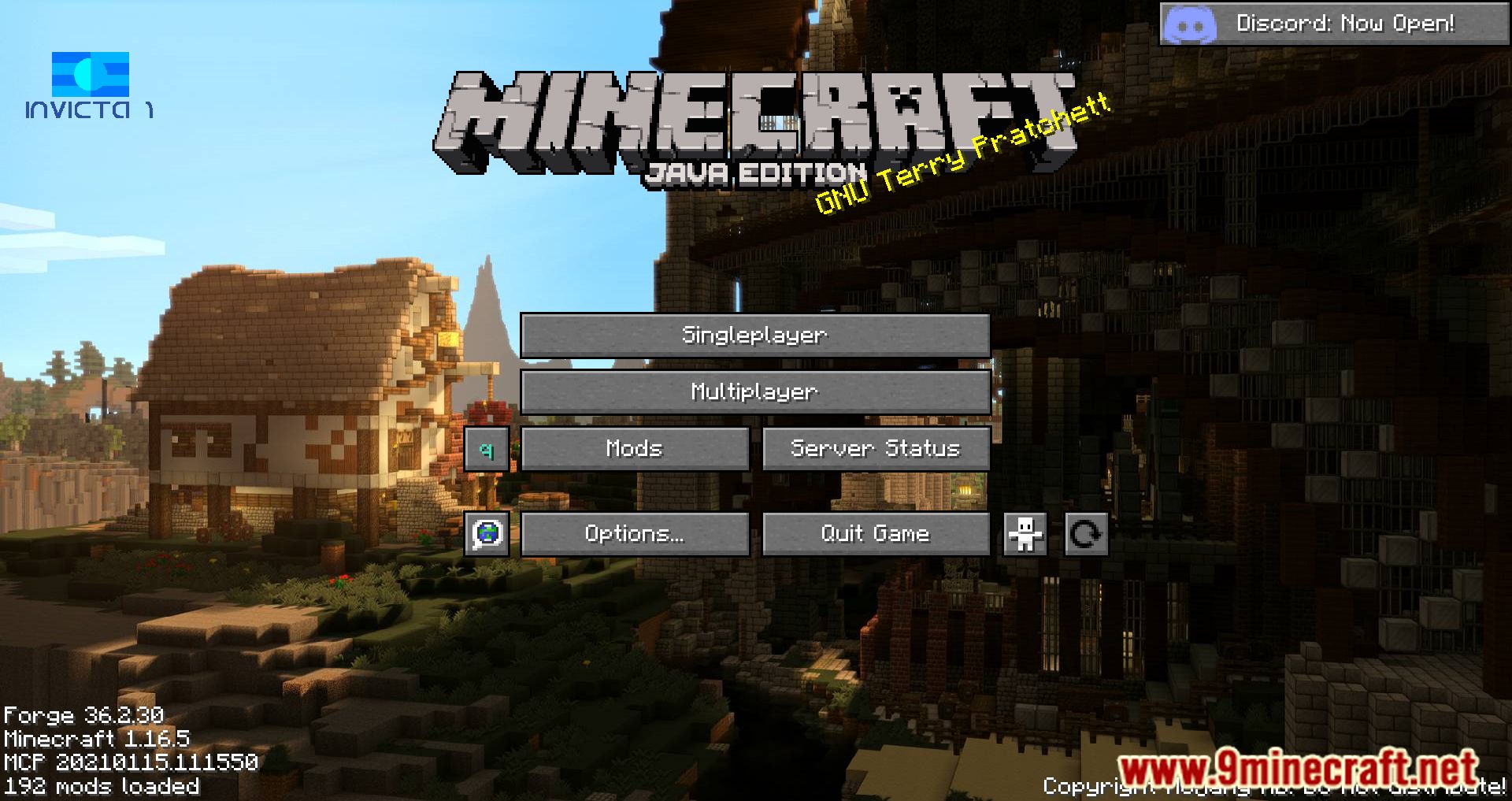
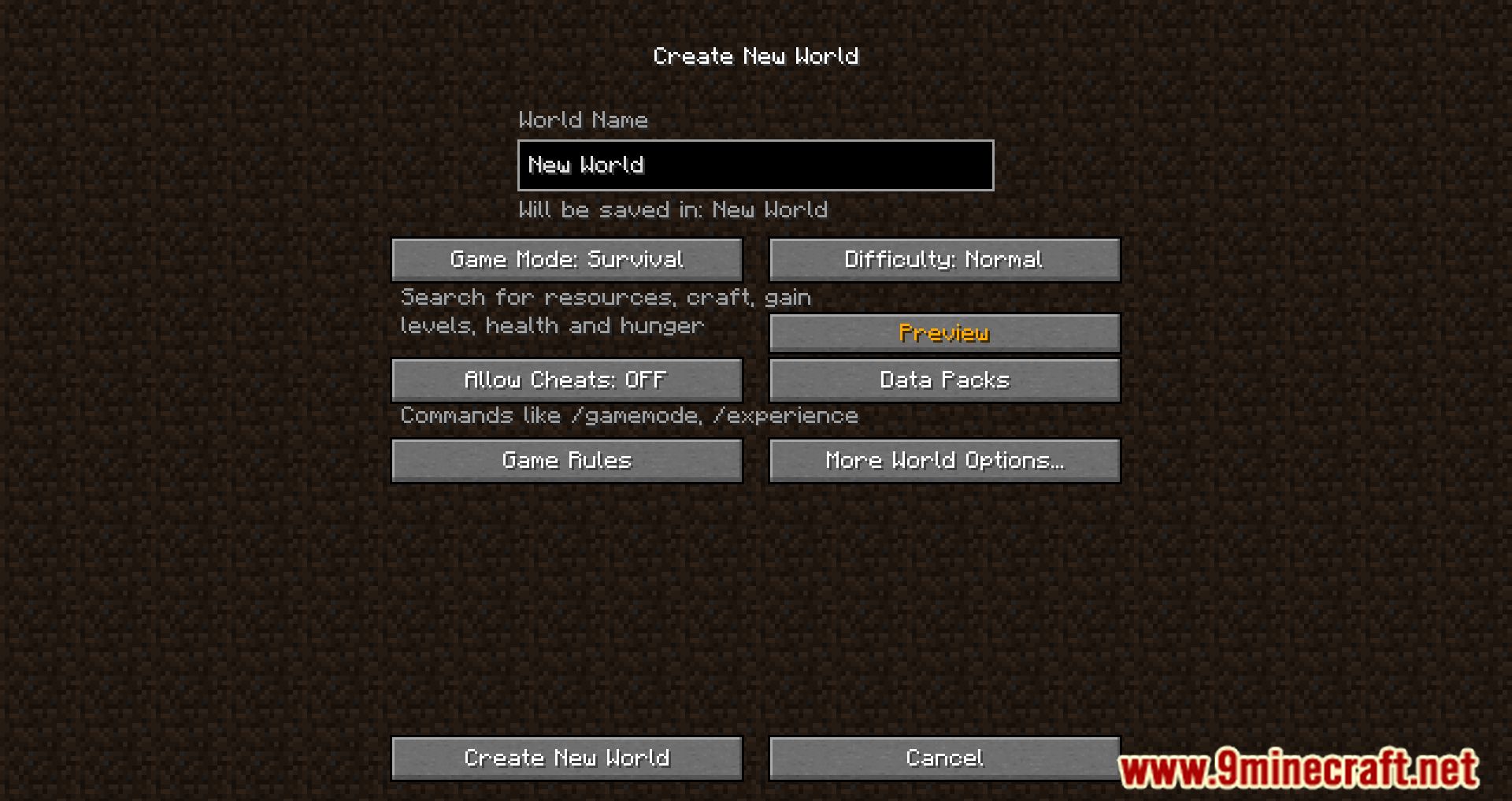

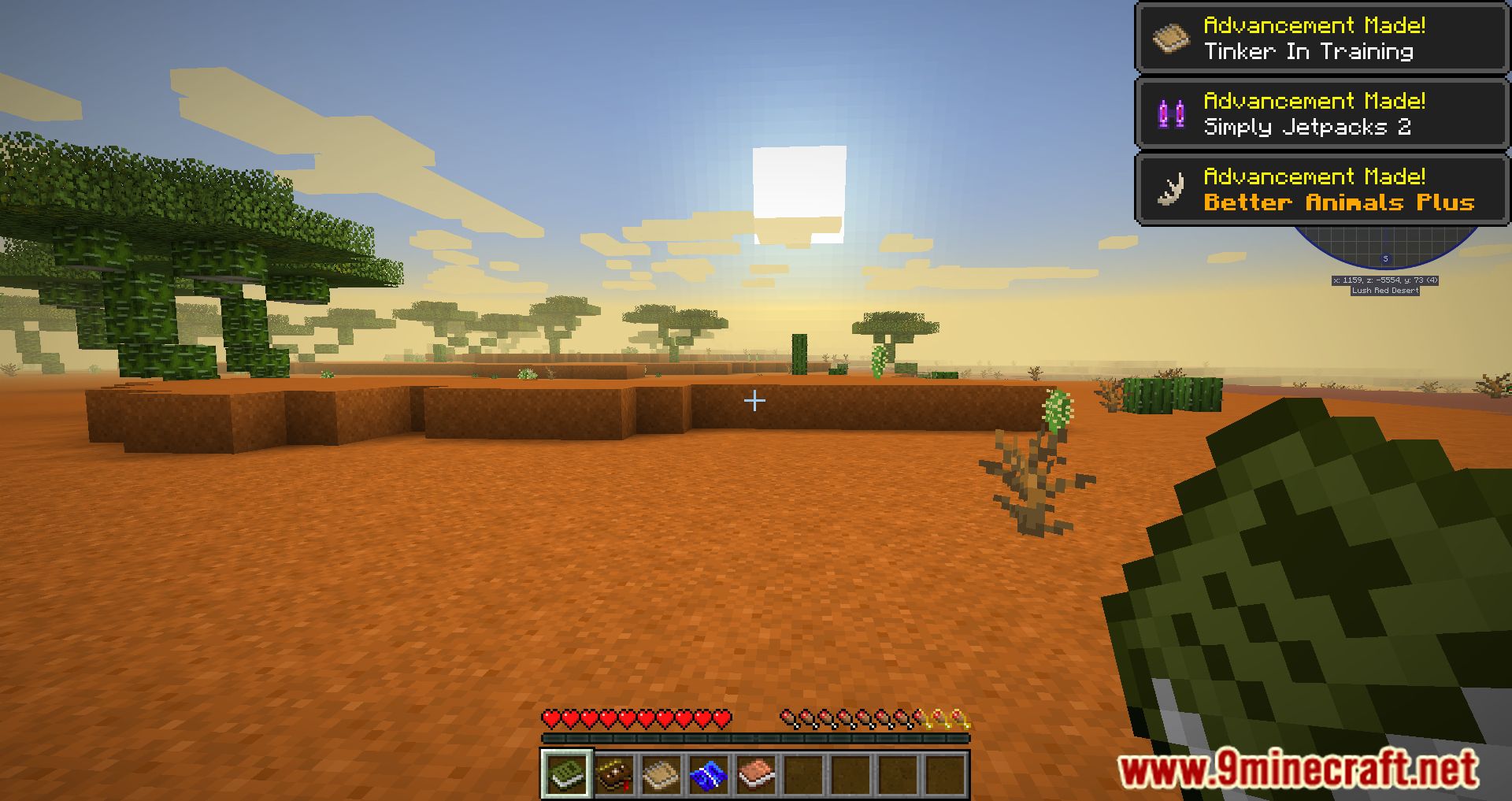
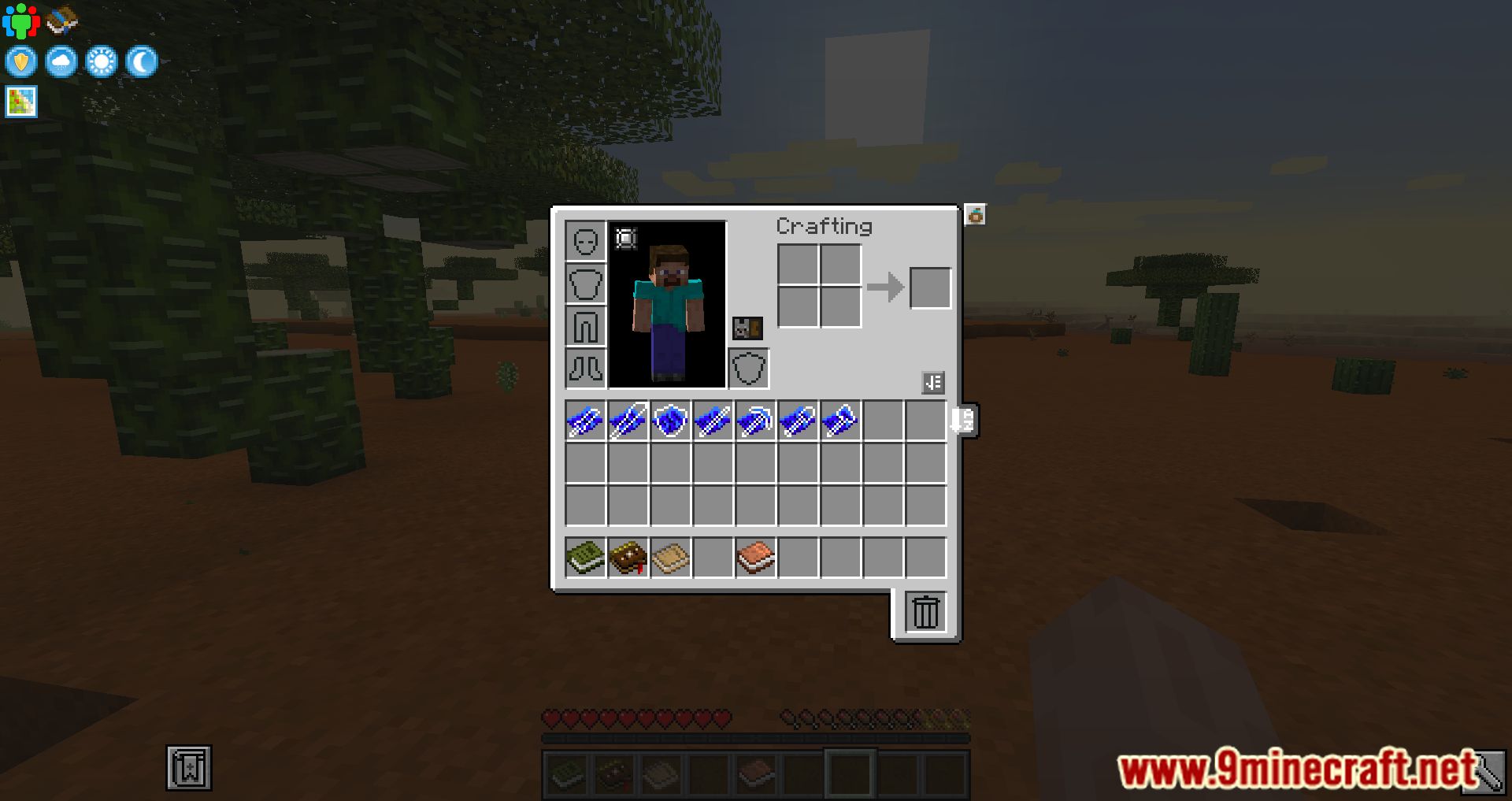
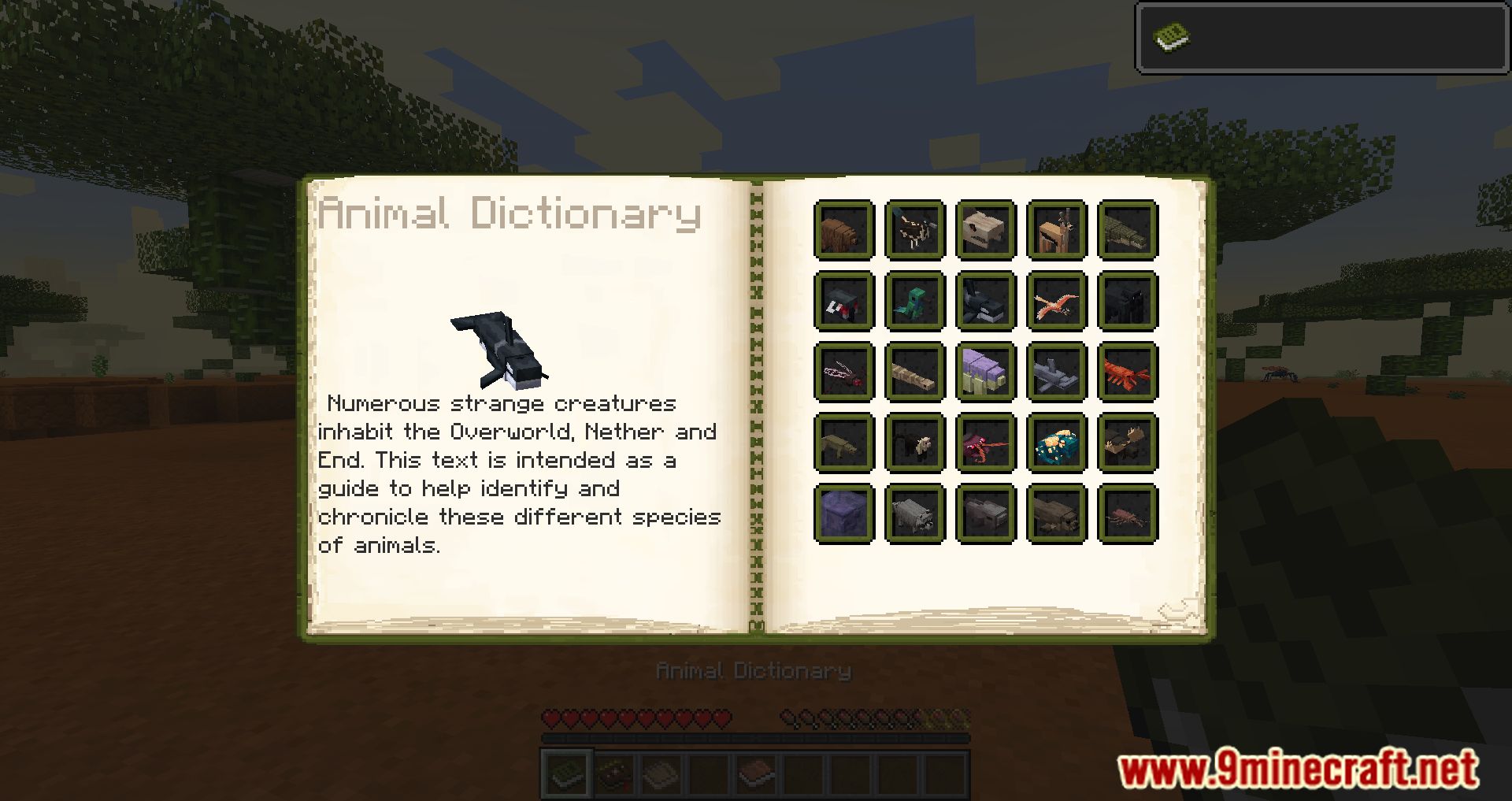
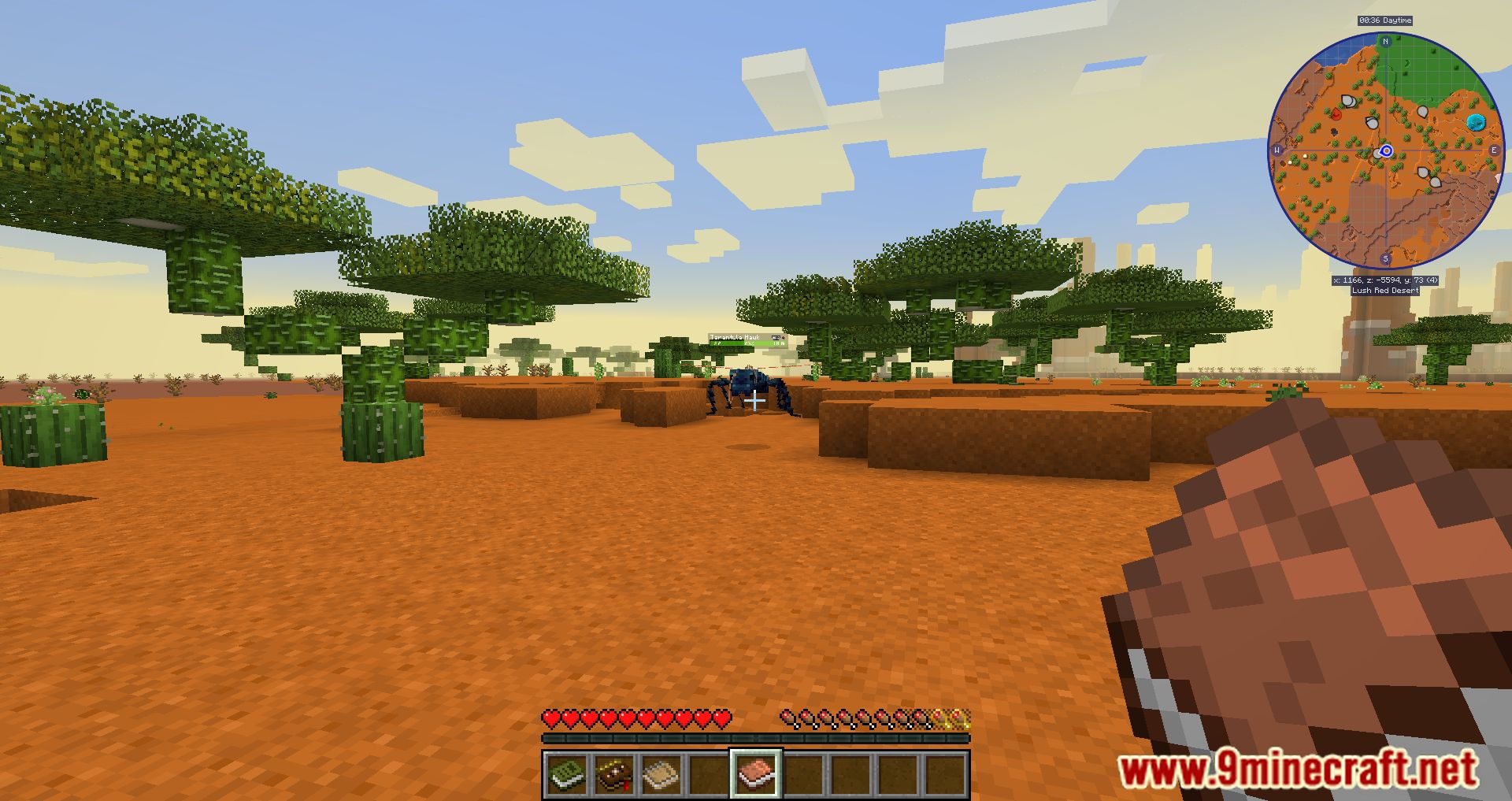
The Invicta 1 Modpack will transport you to a new world filled with adventures, technological advancements, and magical lore! The goal of the Invicta 1 Modpack is to make the game run better and give players a better experience when they play it with other people. Modpack hopes to make the experience of playing the game with others, whether they be friends or family, more enjoyable for everyone. Because the Modpack has so much content, you can either make a private server to play the game with your friends or join a server that has already been made to complete quests and have fun while playing the game. This will not be a challenging Modpack; Invicta 1 Modpack wants you to spend more time actually enjoying the game, rather than wasting time struggling to complete challenging tasks like you would with other Modpacks. Even if you do that, there will still be checkpoints for you to finish and achievements and treasures for you to get.
Features:
- With a main focus on a multiplayer environment utilizing Mohist enjoy playing with your friends with familiar plugins and many mods making gameplay more enjoyable.
- Kitchen sink pack, quests available on the public server to guide you or find your own path!
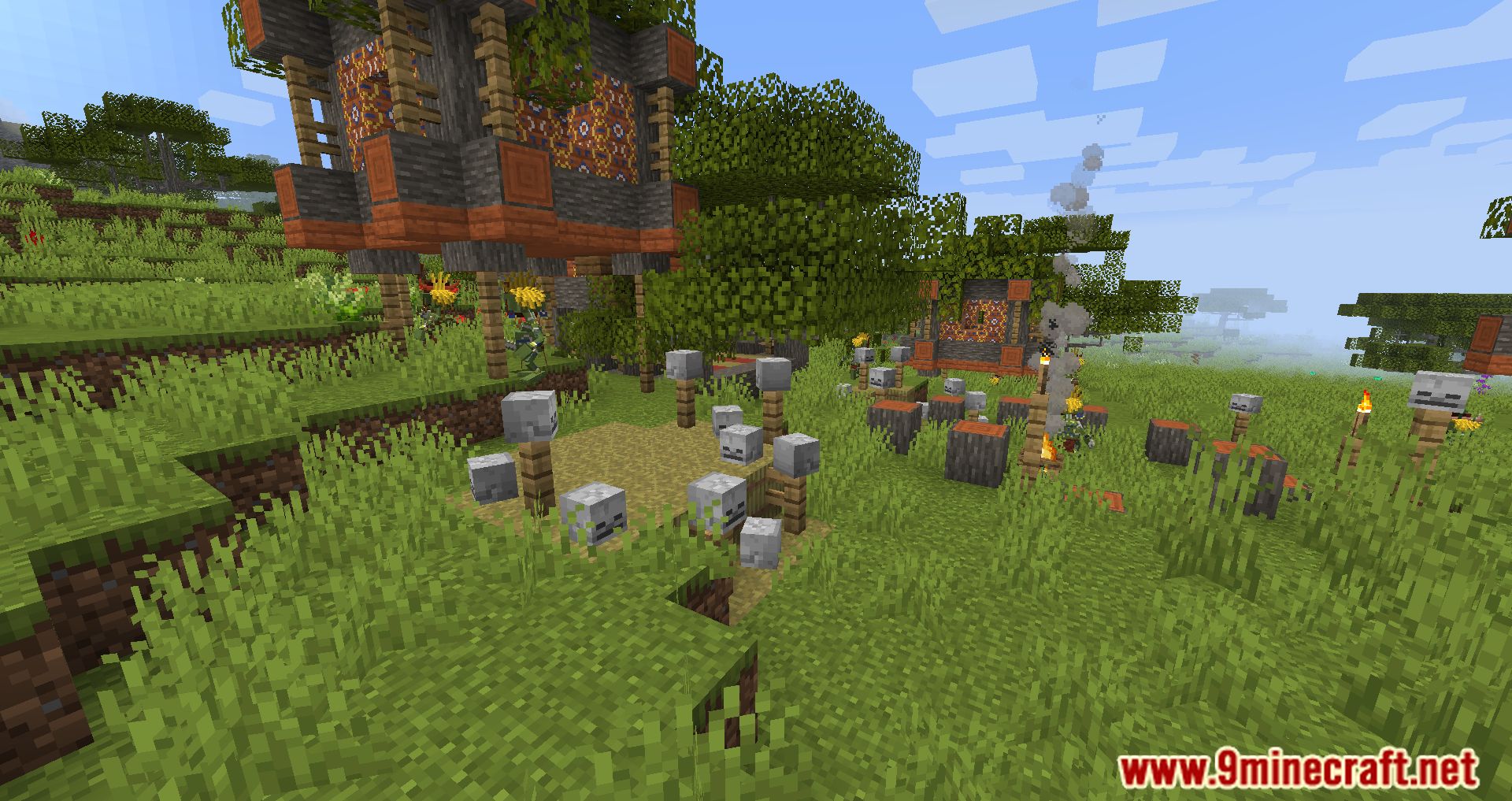
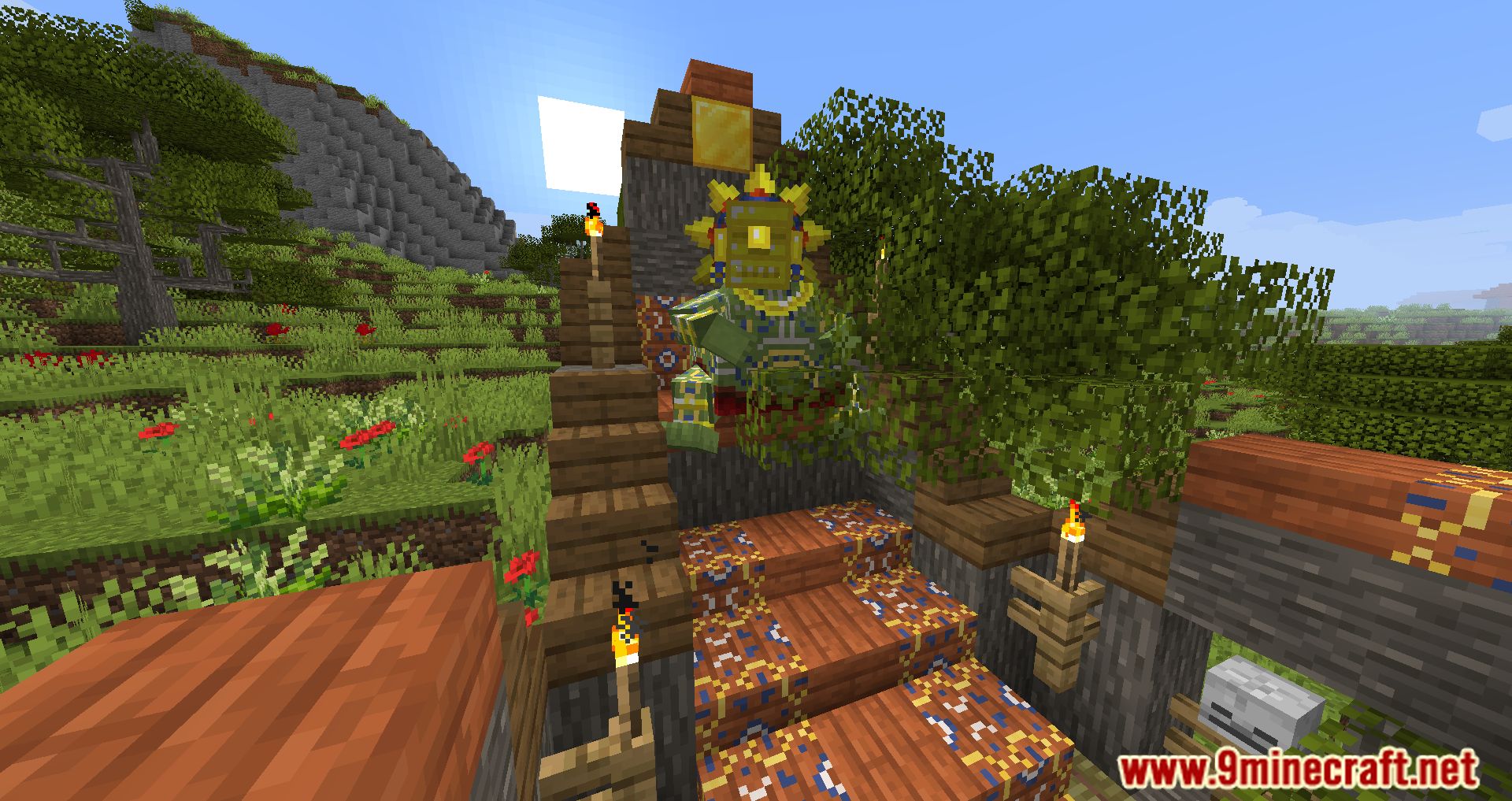
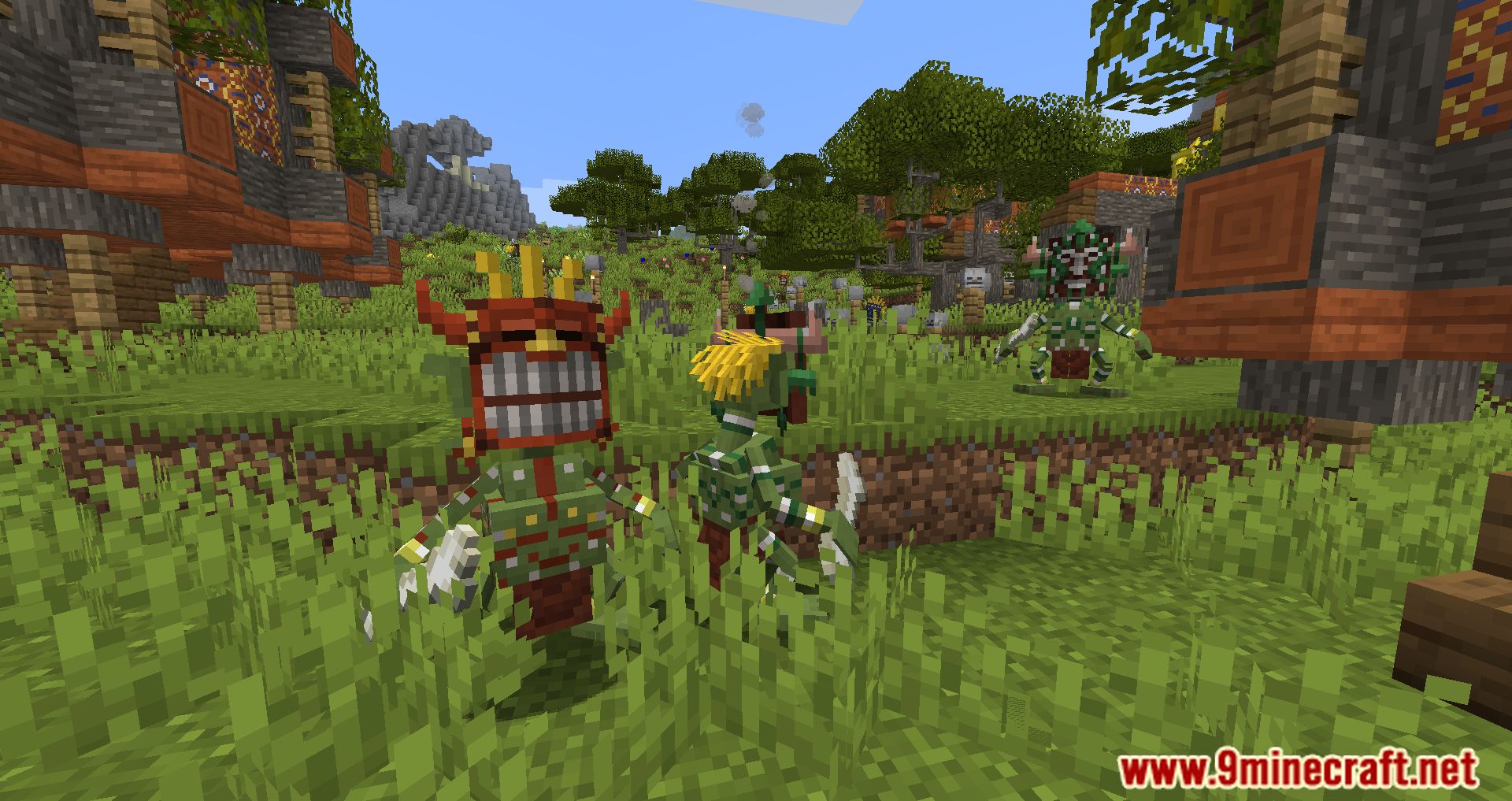
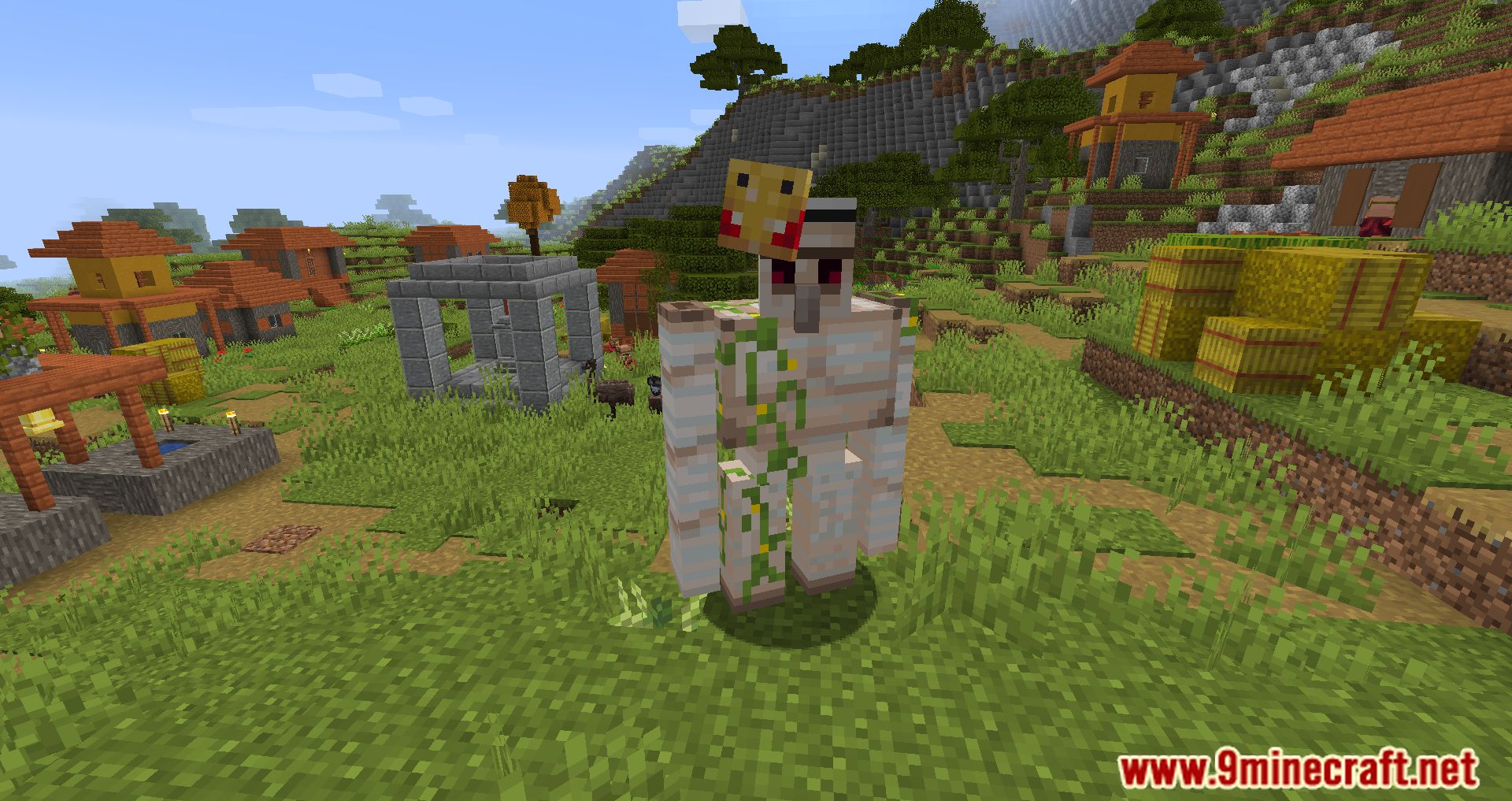
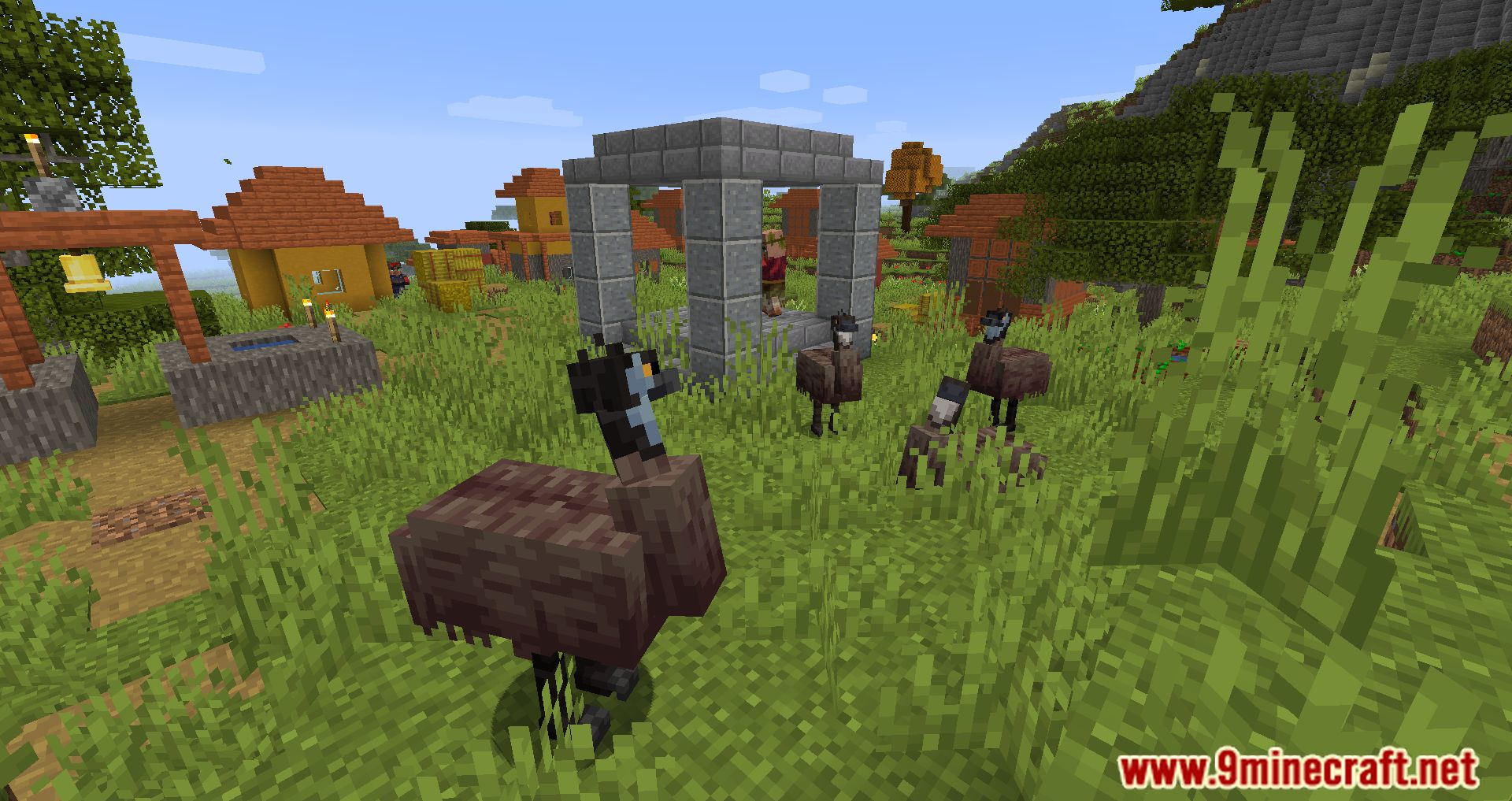
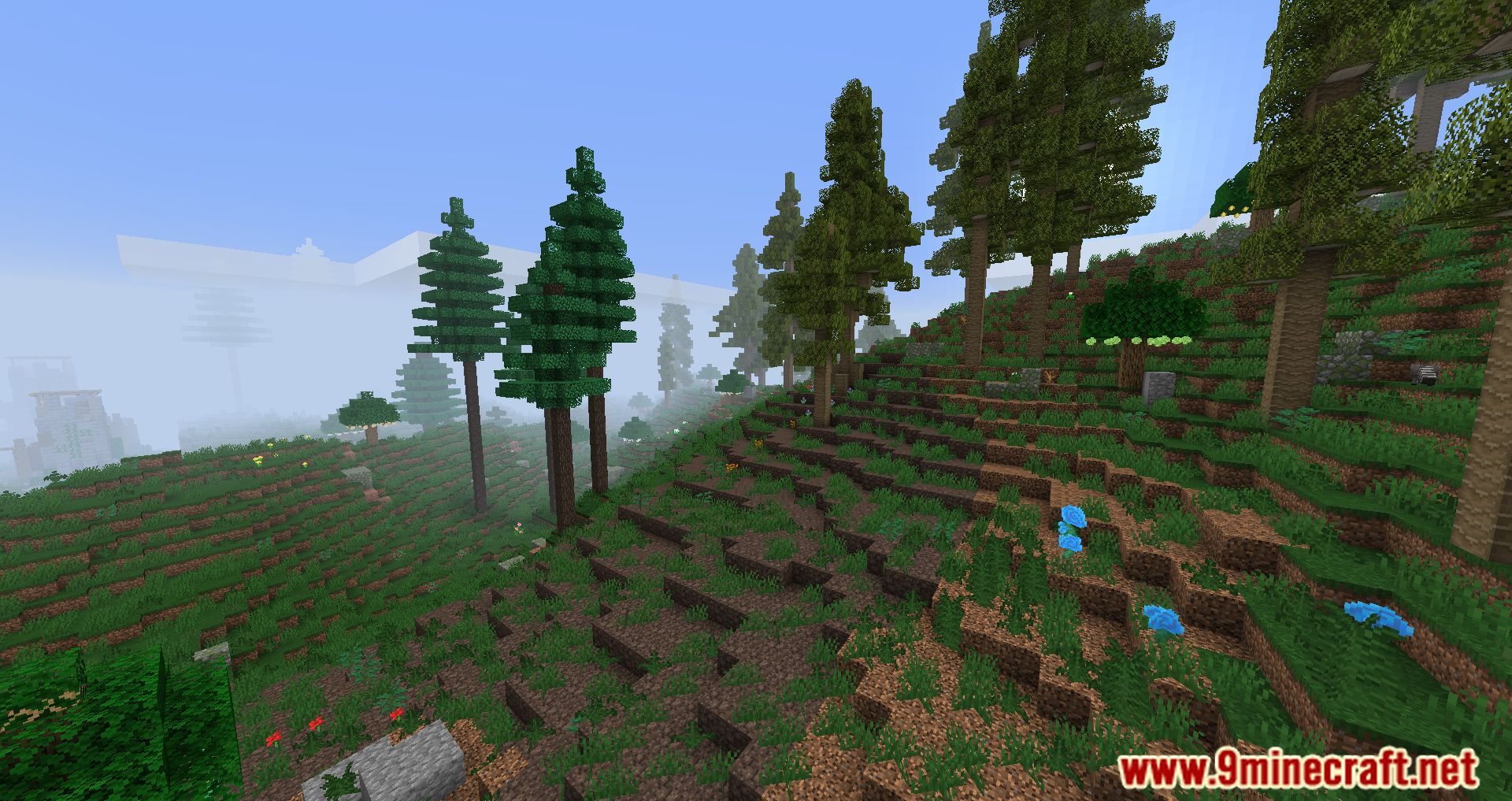
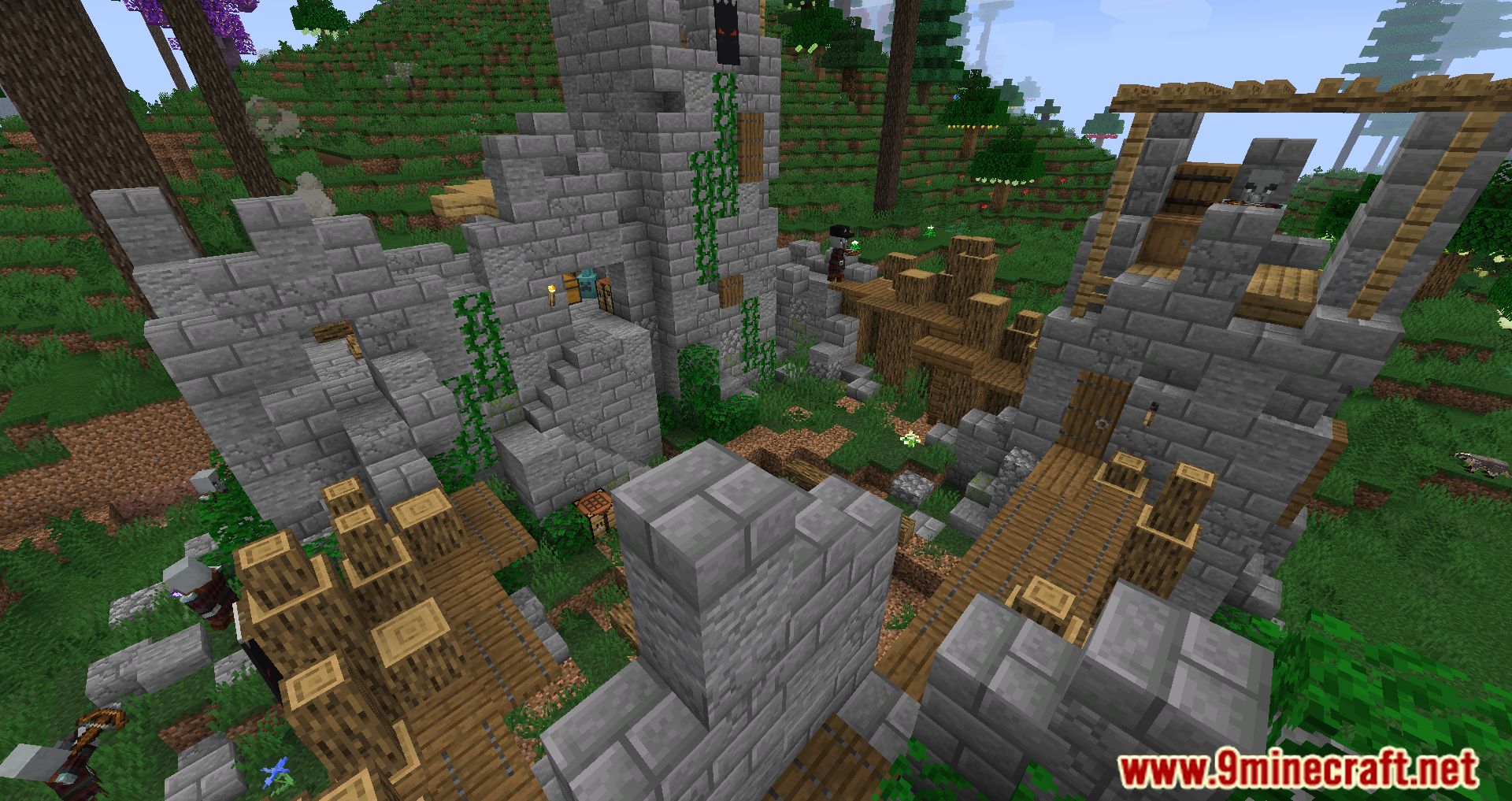
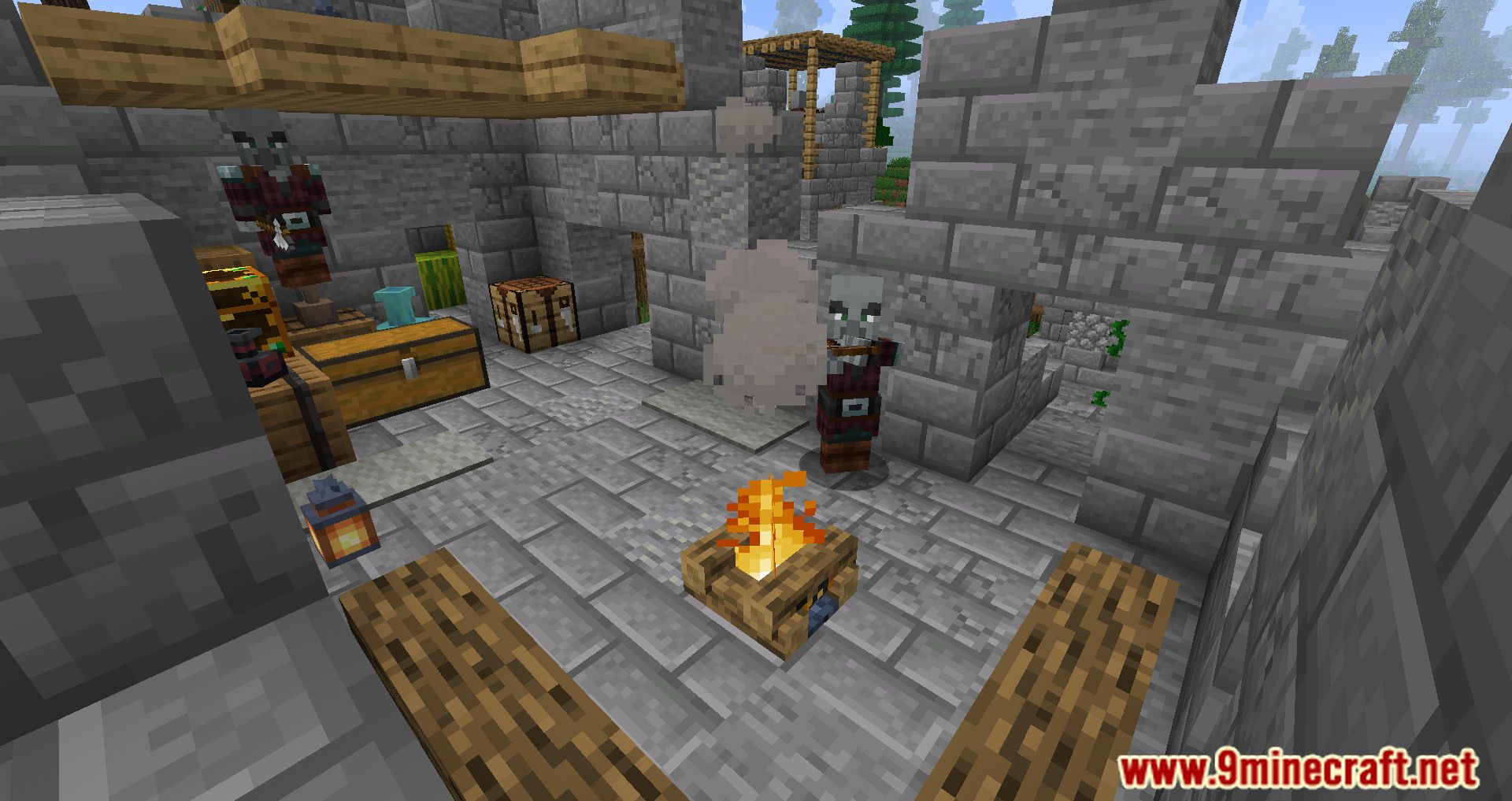
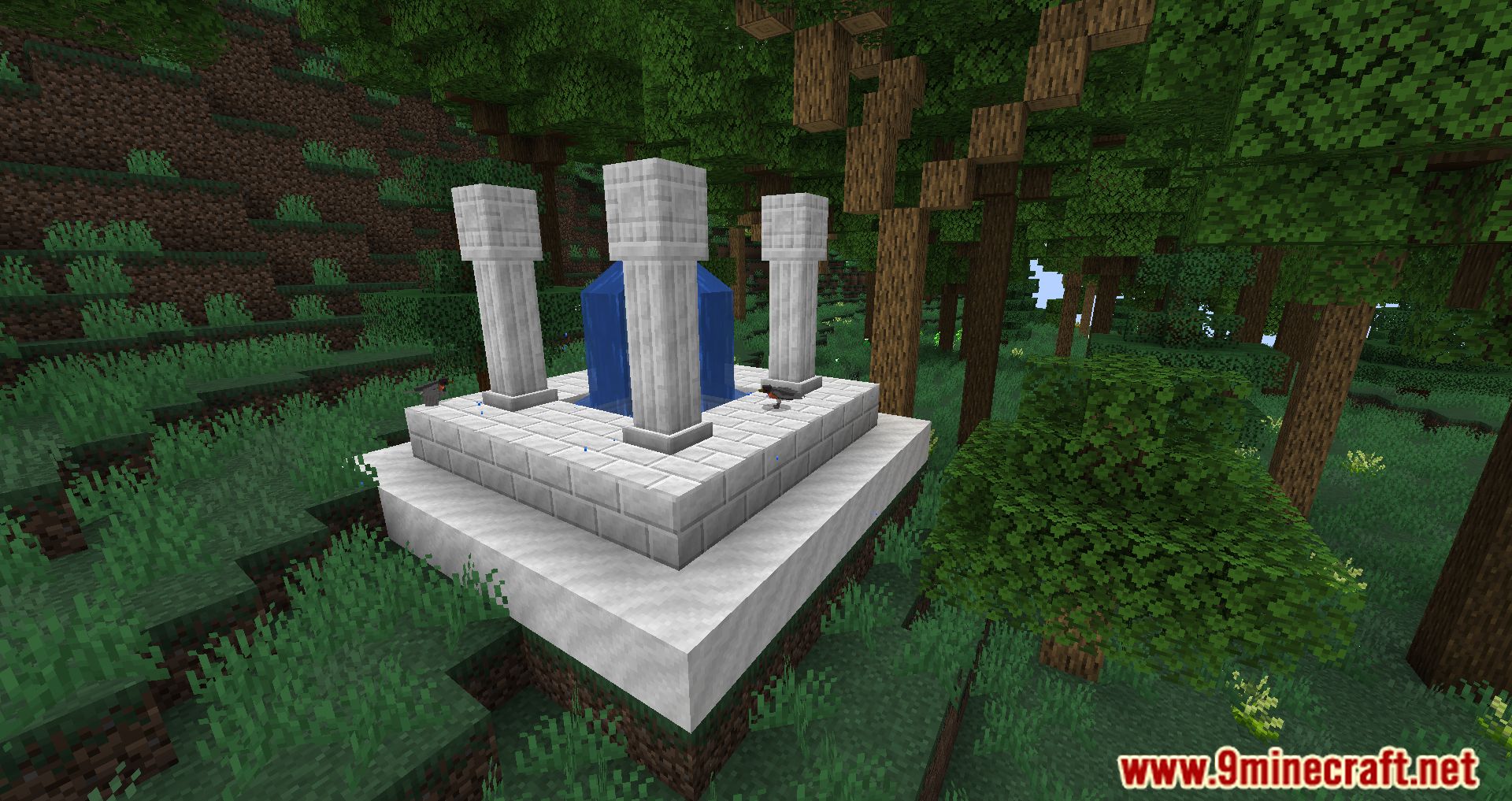
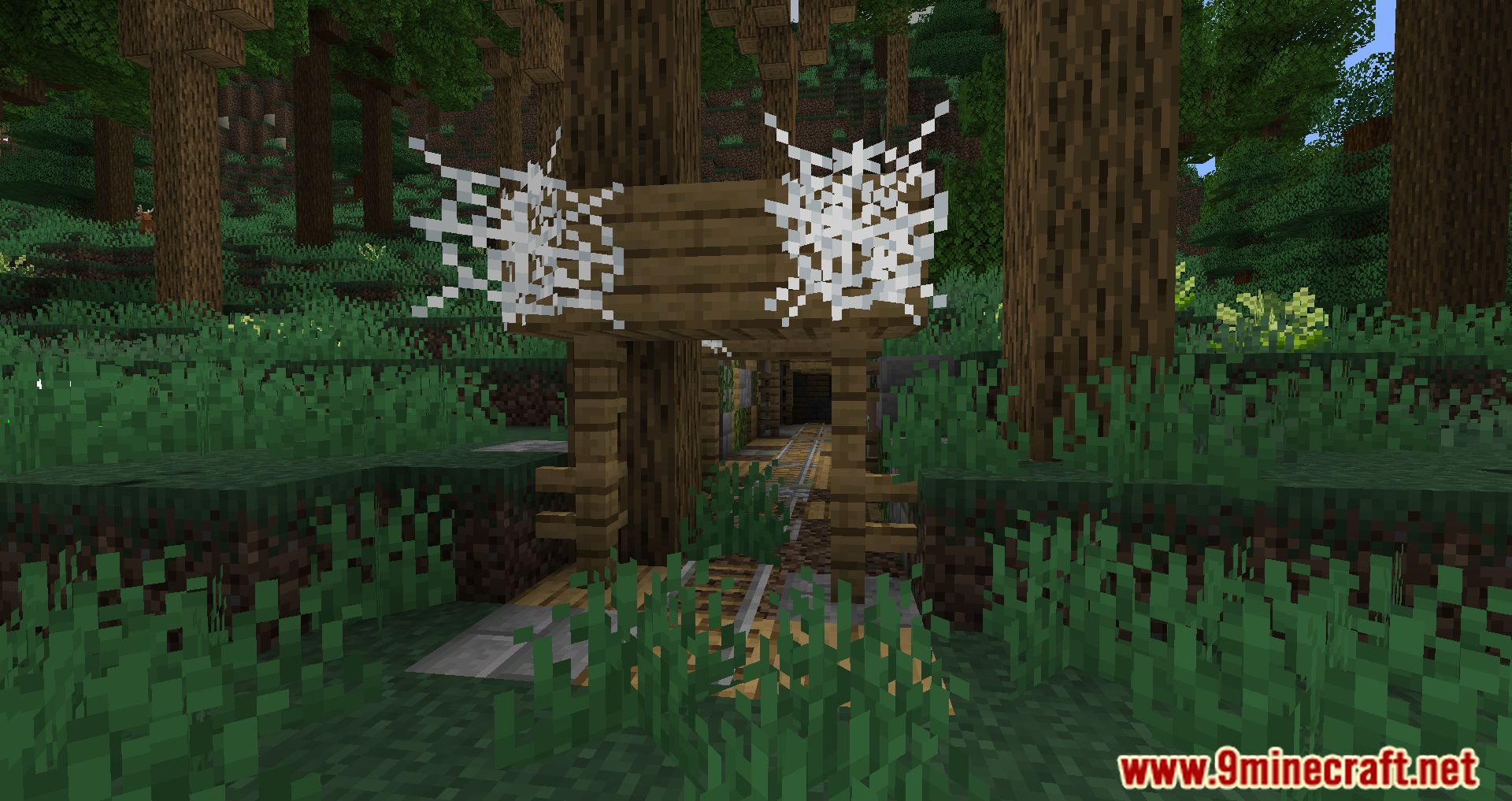
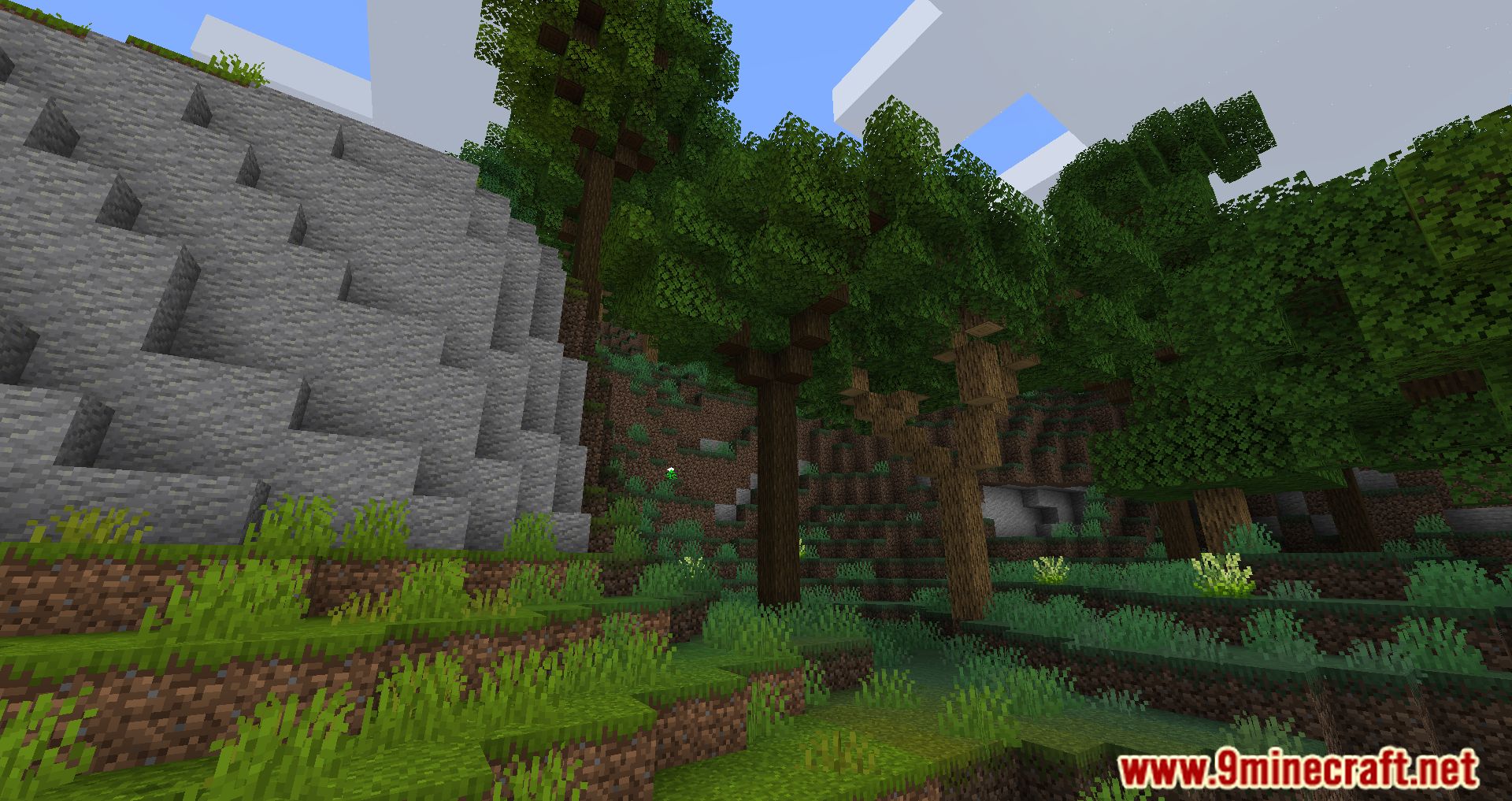
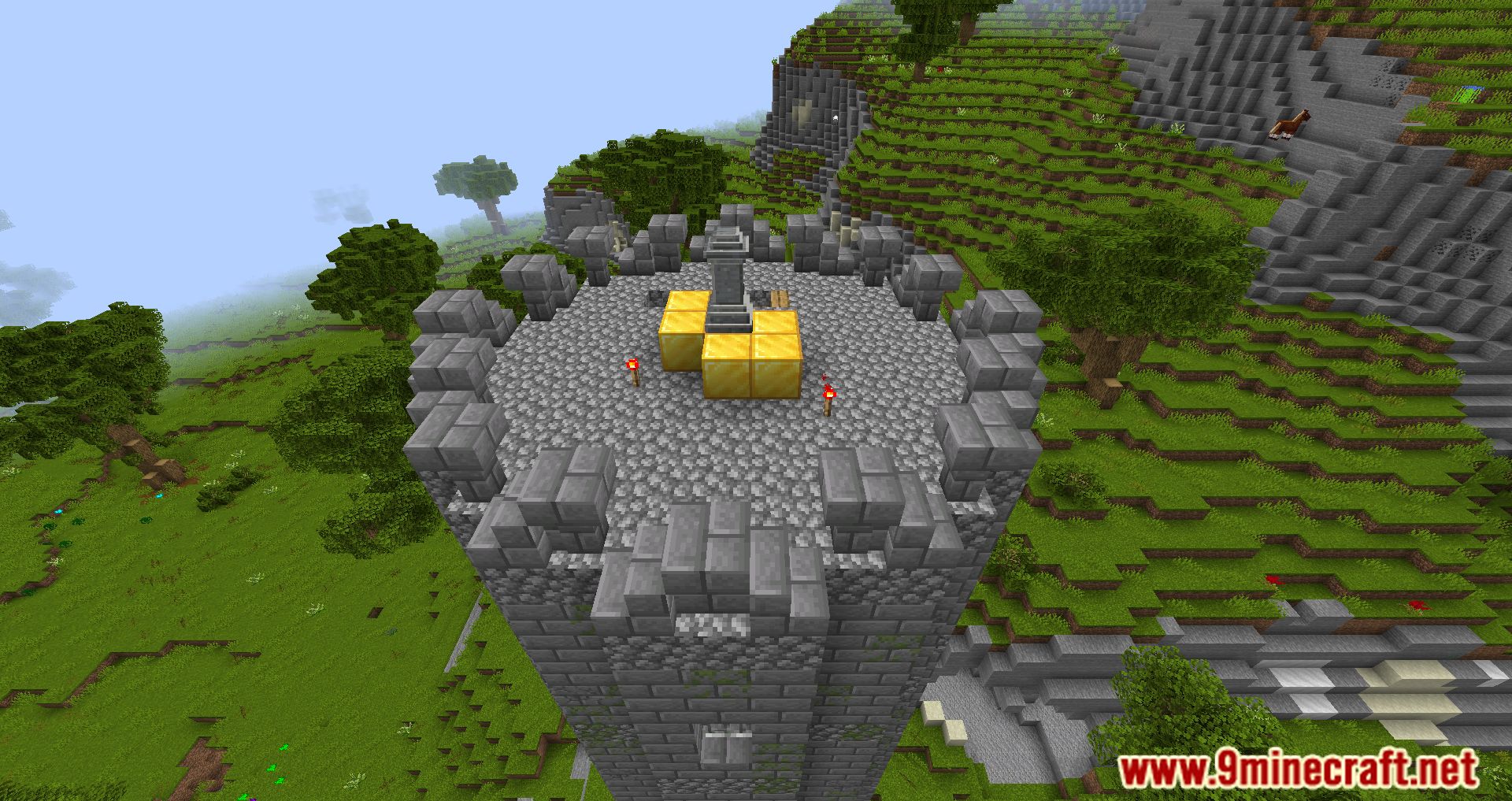
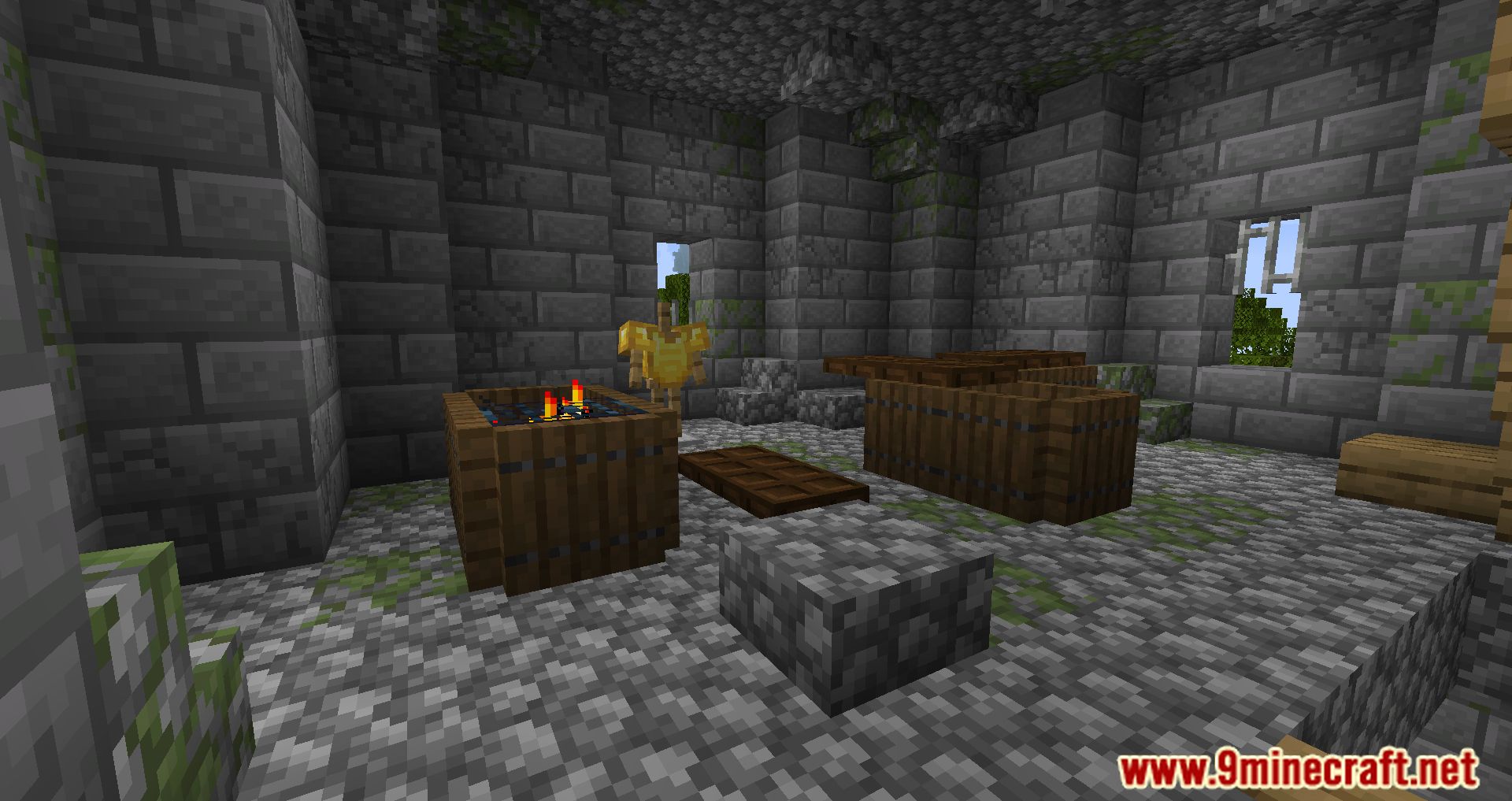
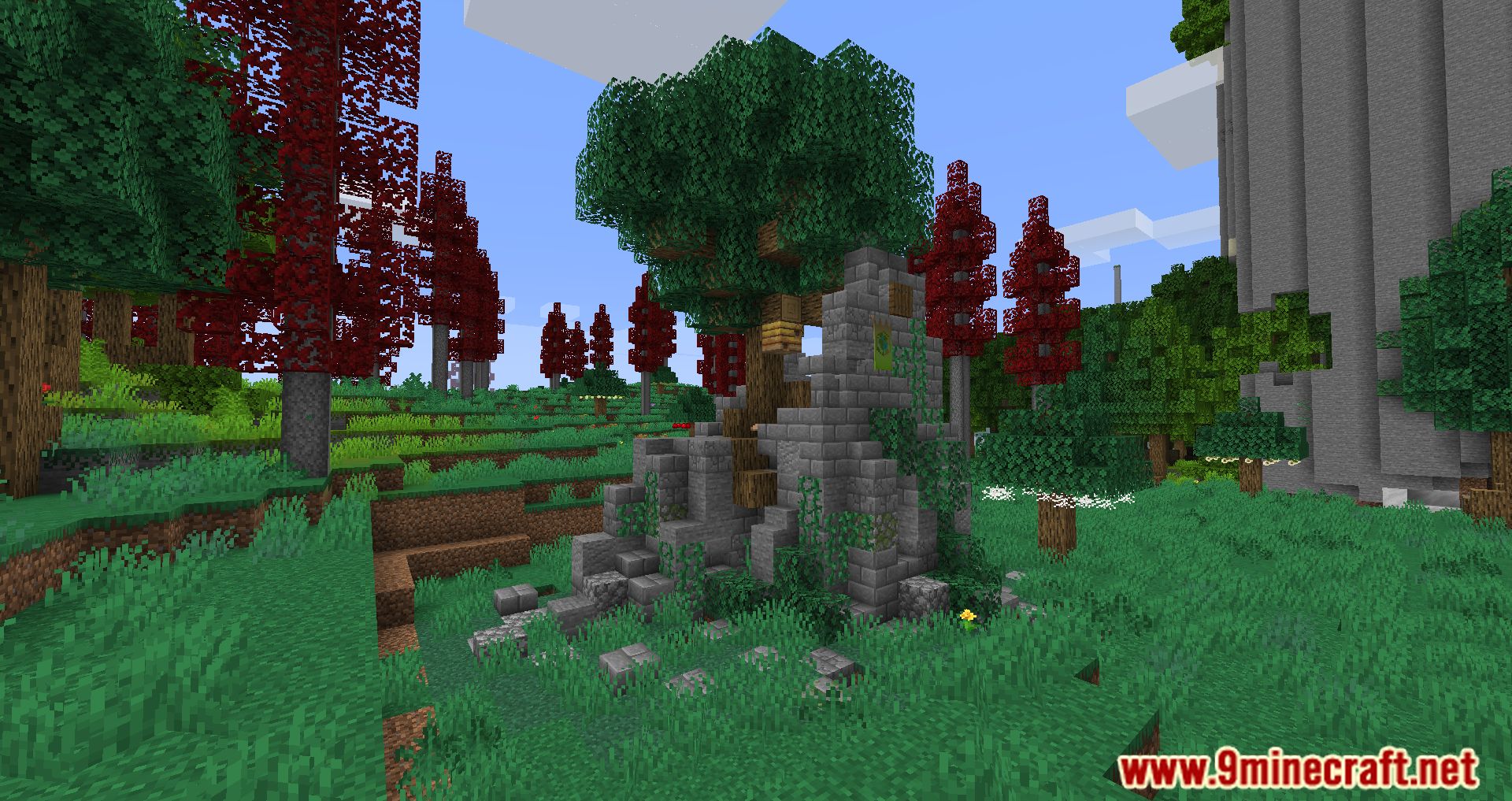
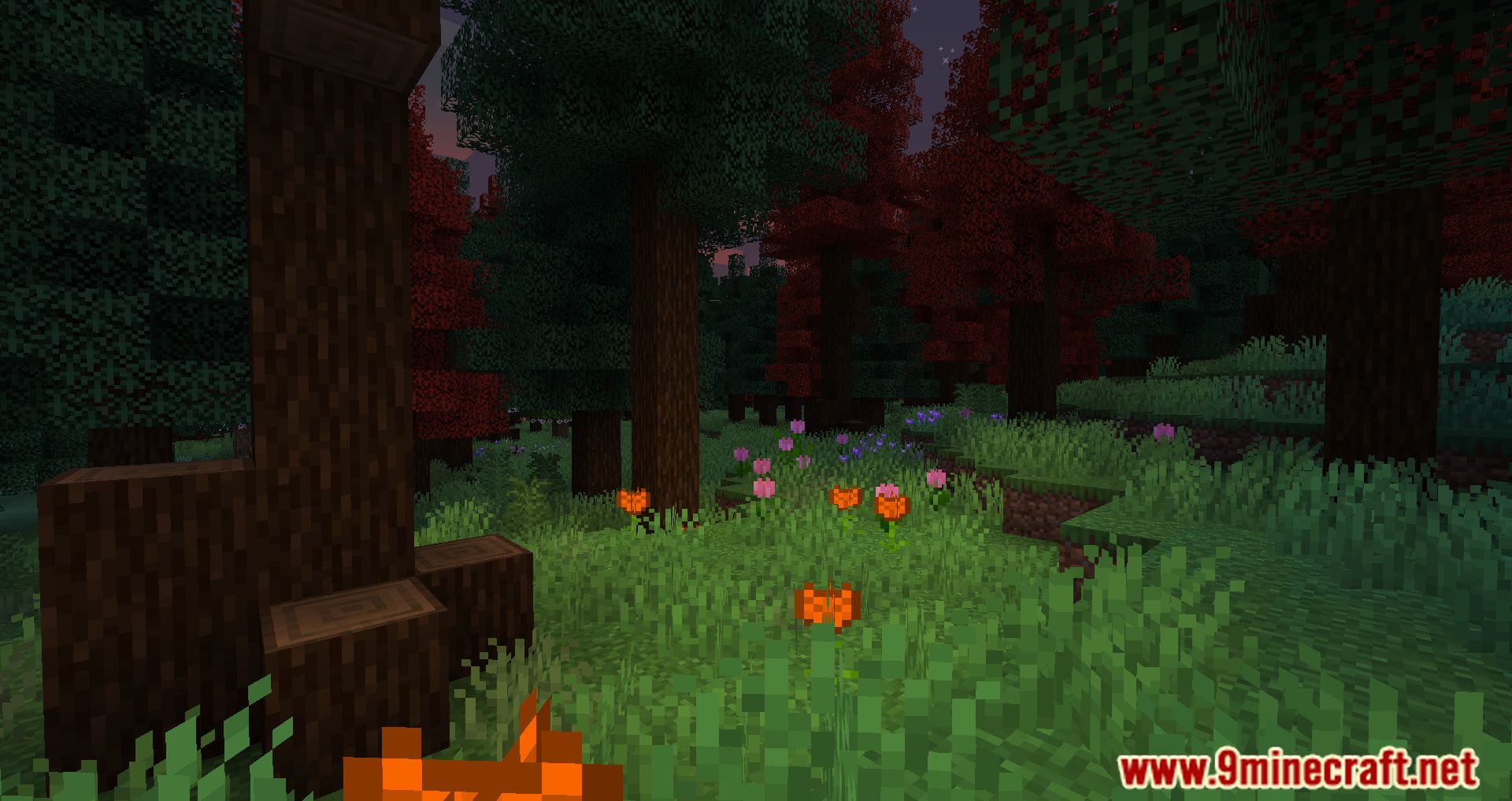
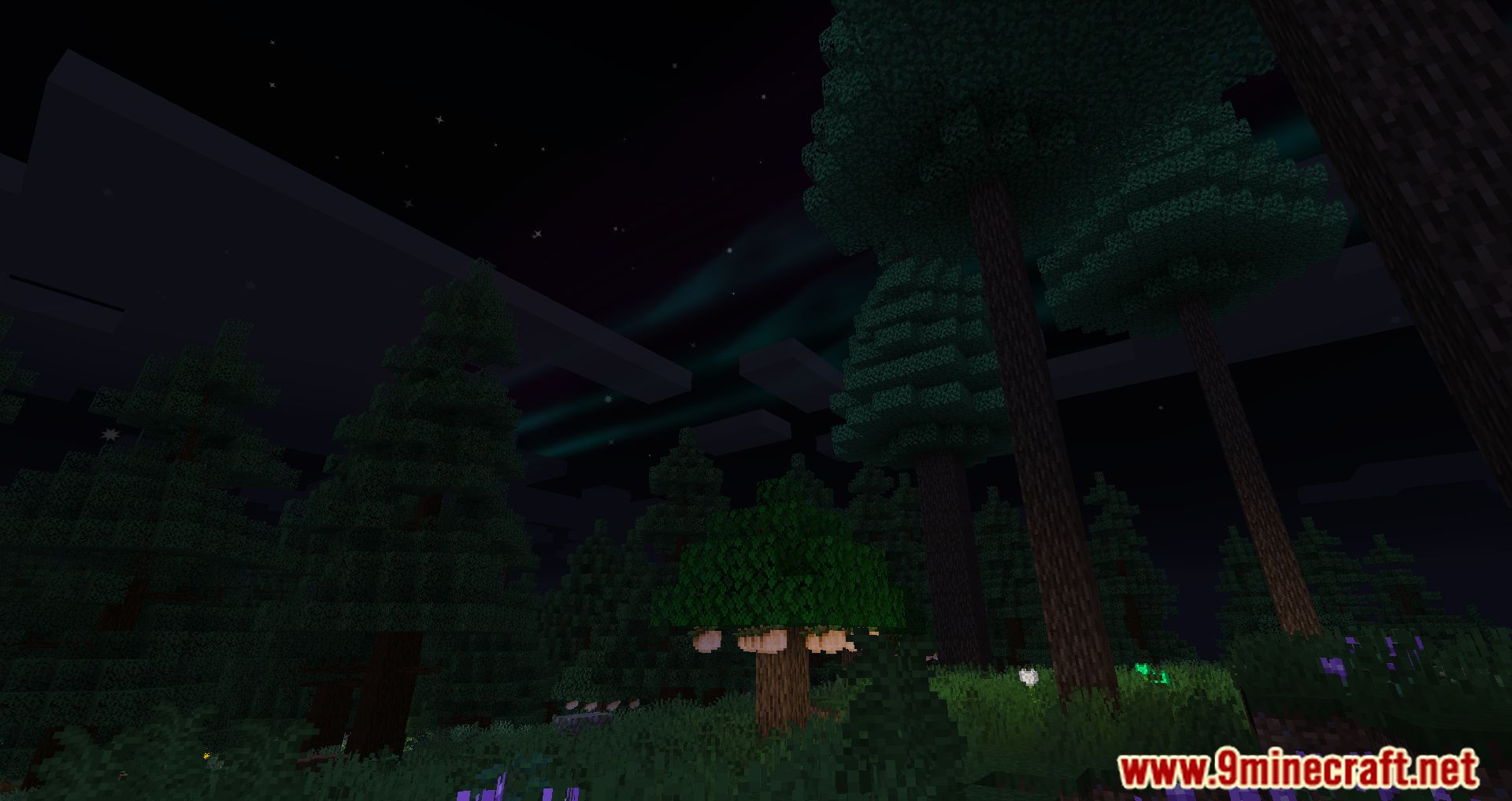
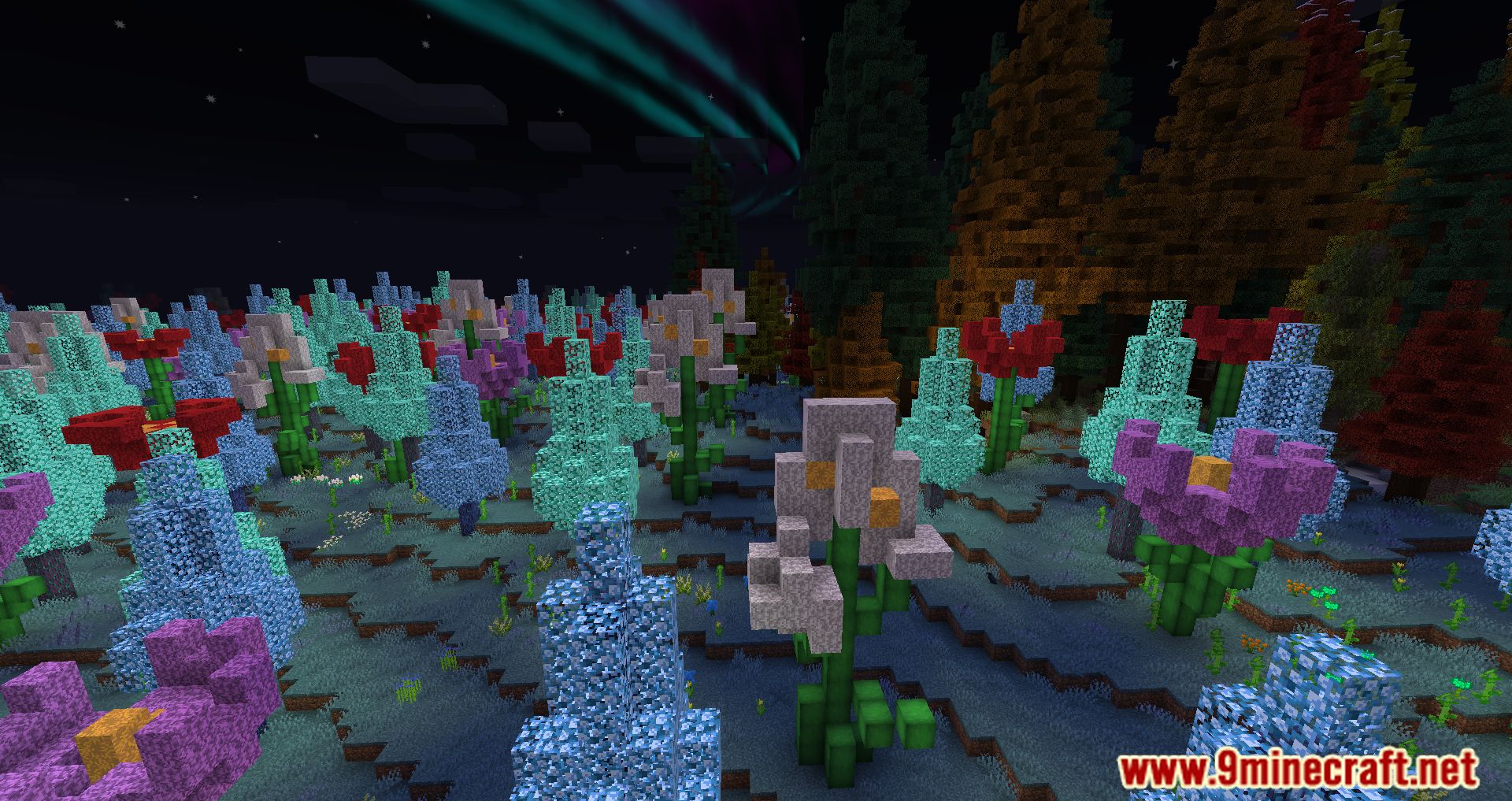
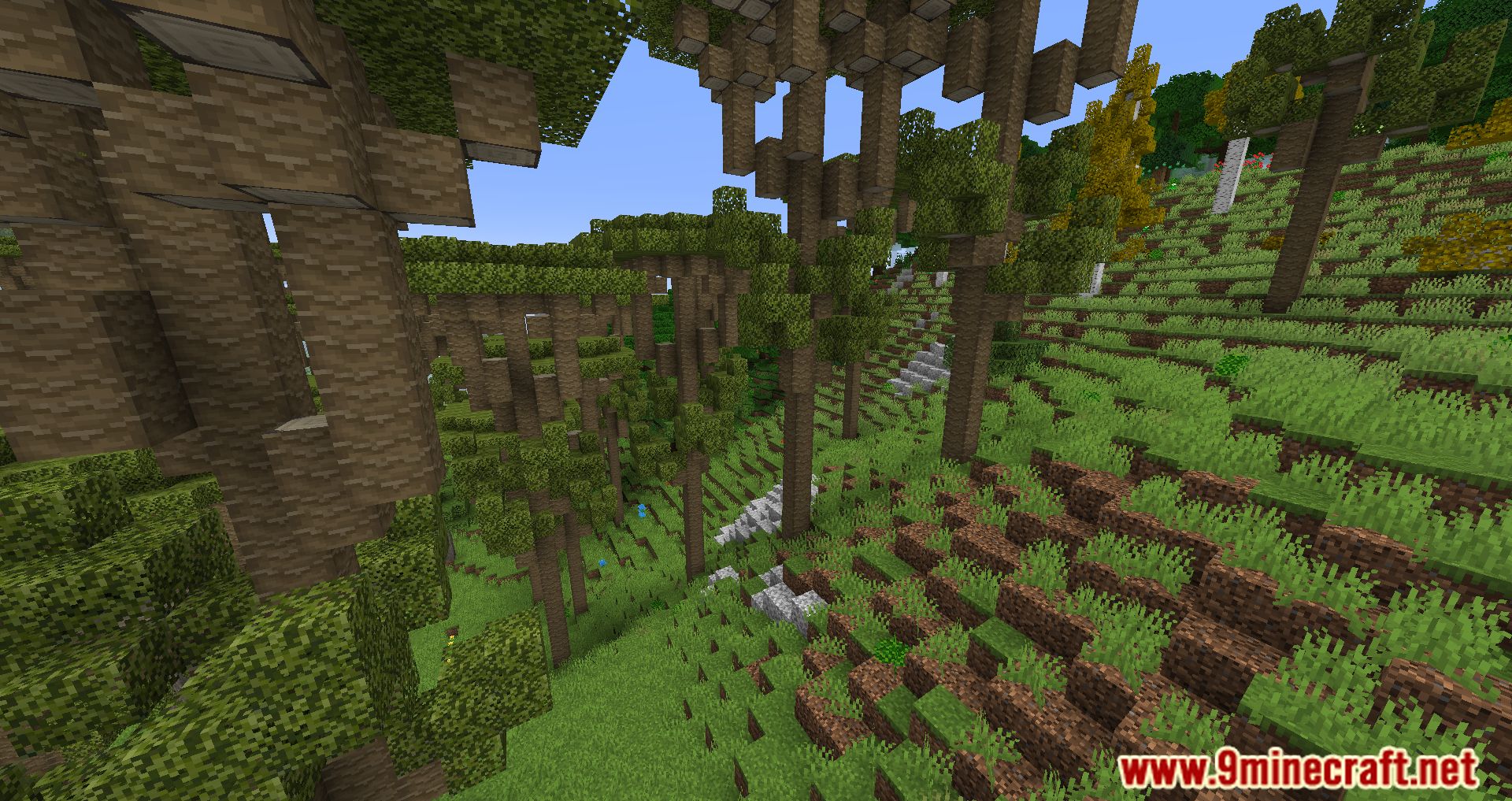
Screenshots:
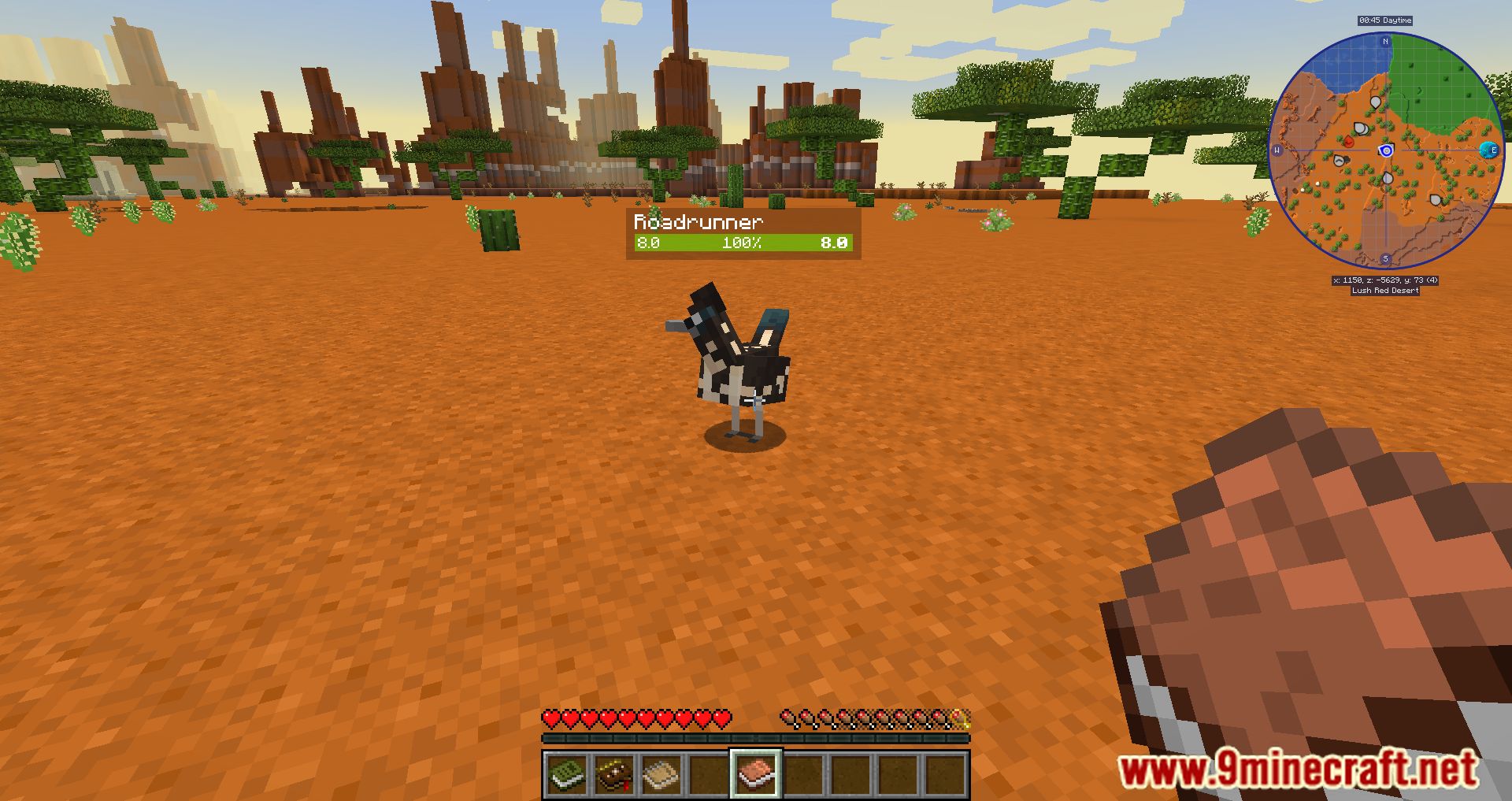
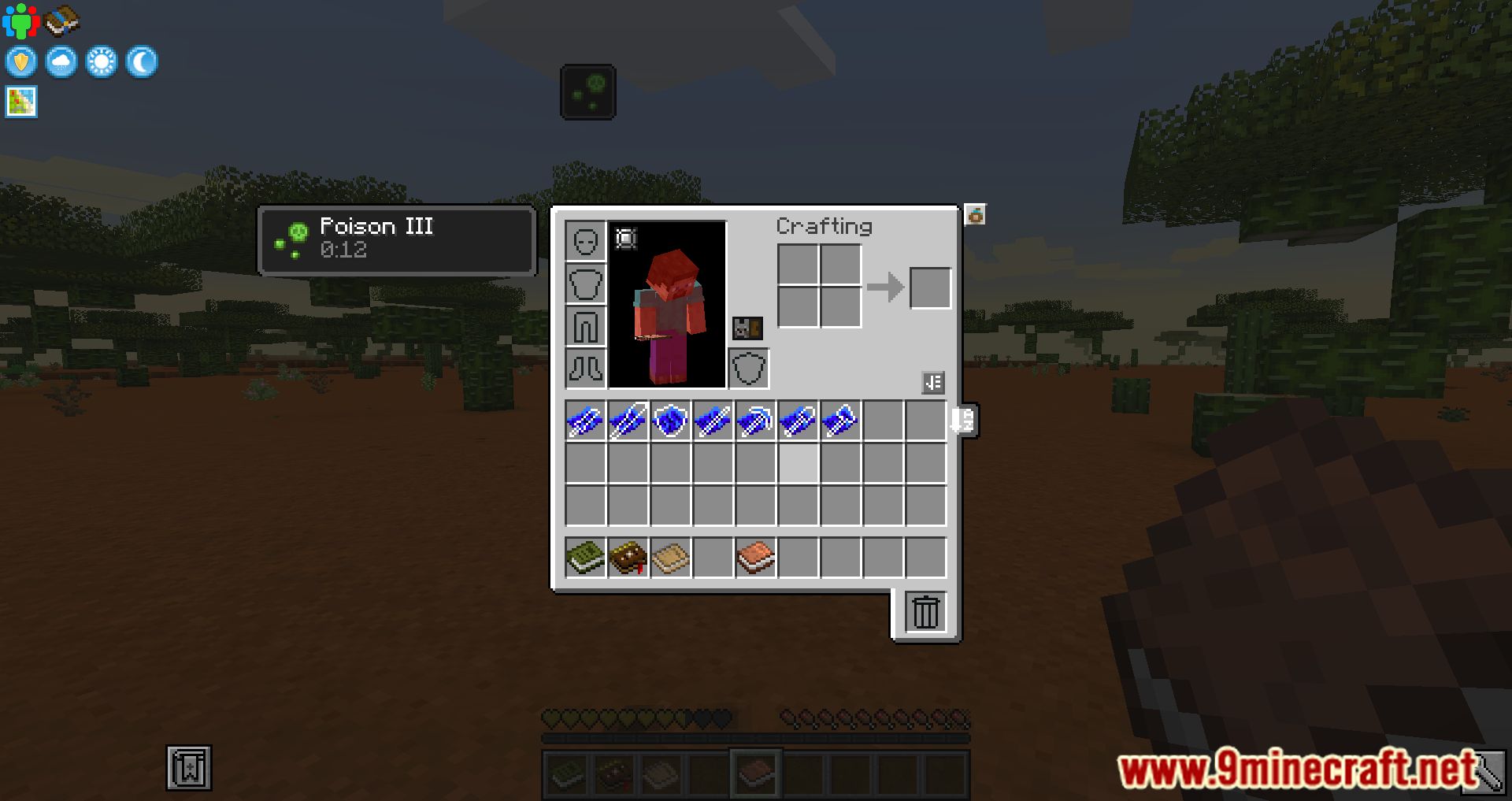
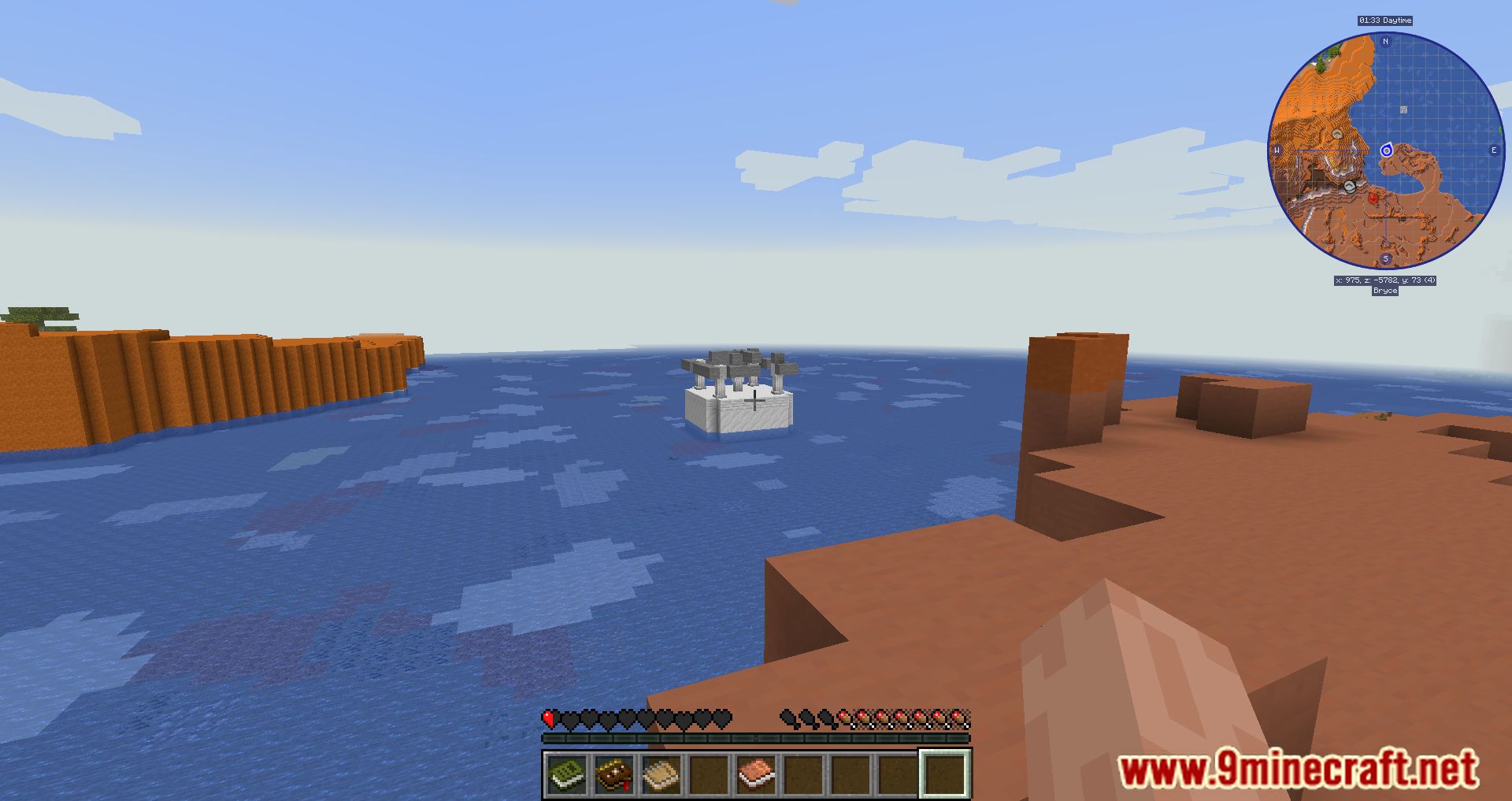
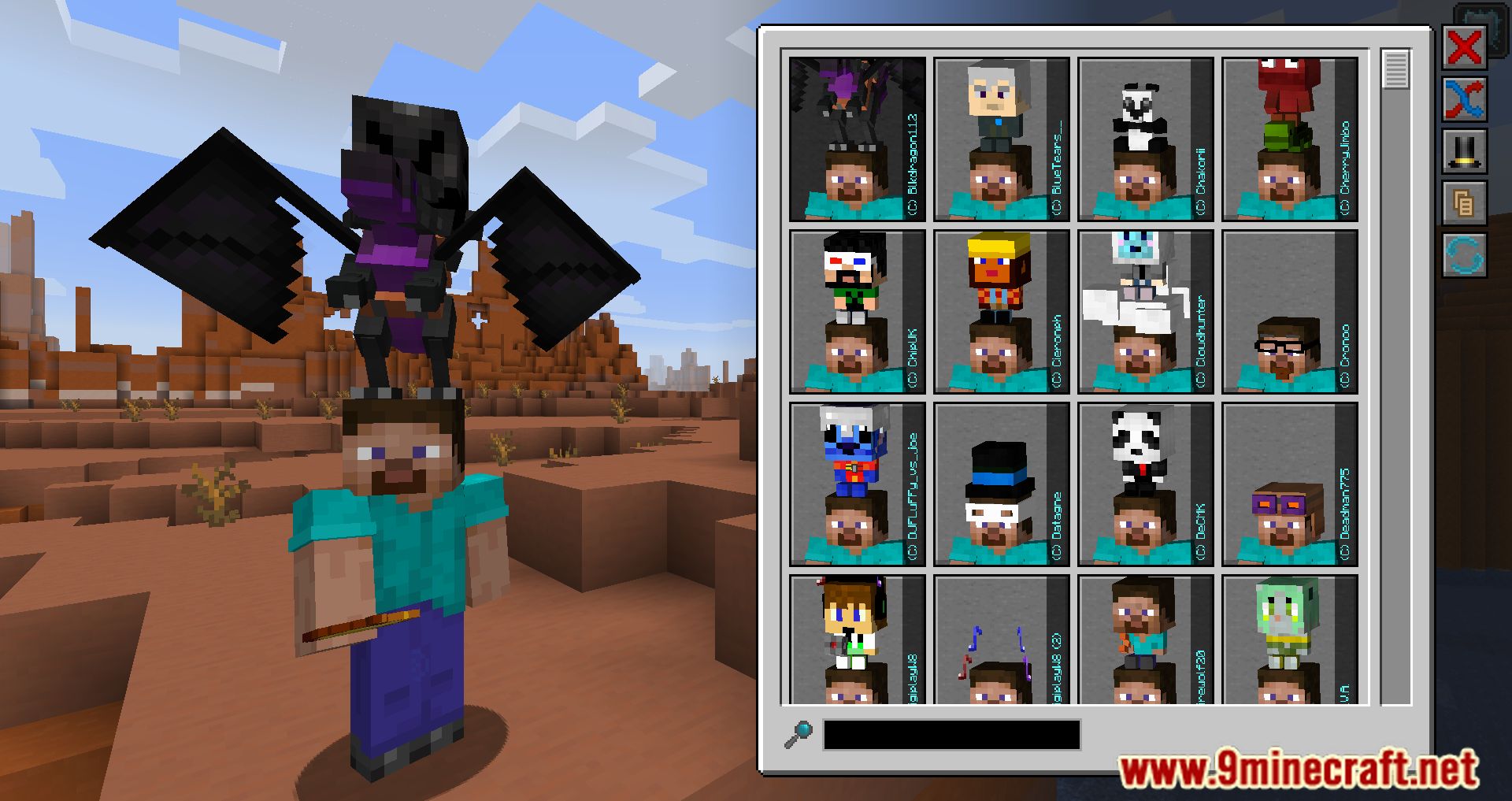
Requires:
Minecraft Forge
Invicta 1 Modpack Download Links
For Minecraft 1.16.5
Forge Version: Download from Server 1
- Edition: Minecraft Java
- File type: .jar
- Minecraft version listed: 1.16.5
- How to install: Install the matching mod loader (Forge, Fabric or NeoForge) for your Minecraft version. → Download the .jar. → Put it in the .minecraft/mods folder and launch that loader profile.
- Where to get it: Opens on the file's original source — not every file is mirrored on our own servers.
Install steps are the general flow for this file type — How to install Minecraft Java mods & modpacks walks through it step by step.
Invicta 1 Modpack (1.16.5) – Adventure, Magic, Tech and Civilization is a free Minecraft Java modpack. Compatible with Minecraft 1.16.5. Download it and open it directly in the game.