Valhelsia Volatile Modpack (1.19) – Rapidly Changing Experimental
Java modpack listed for Minecraft 1.19. Download on the author's site.
⬇ Download
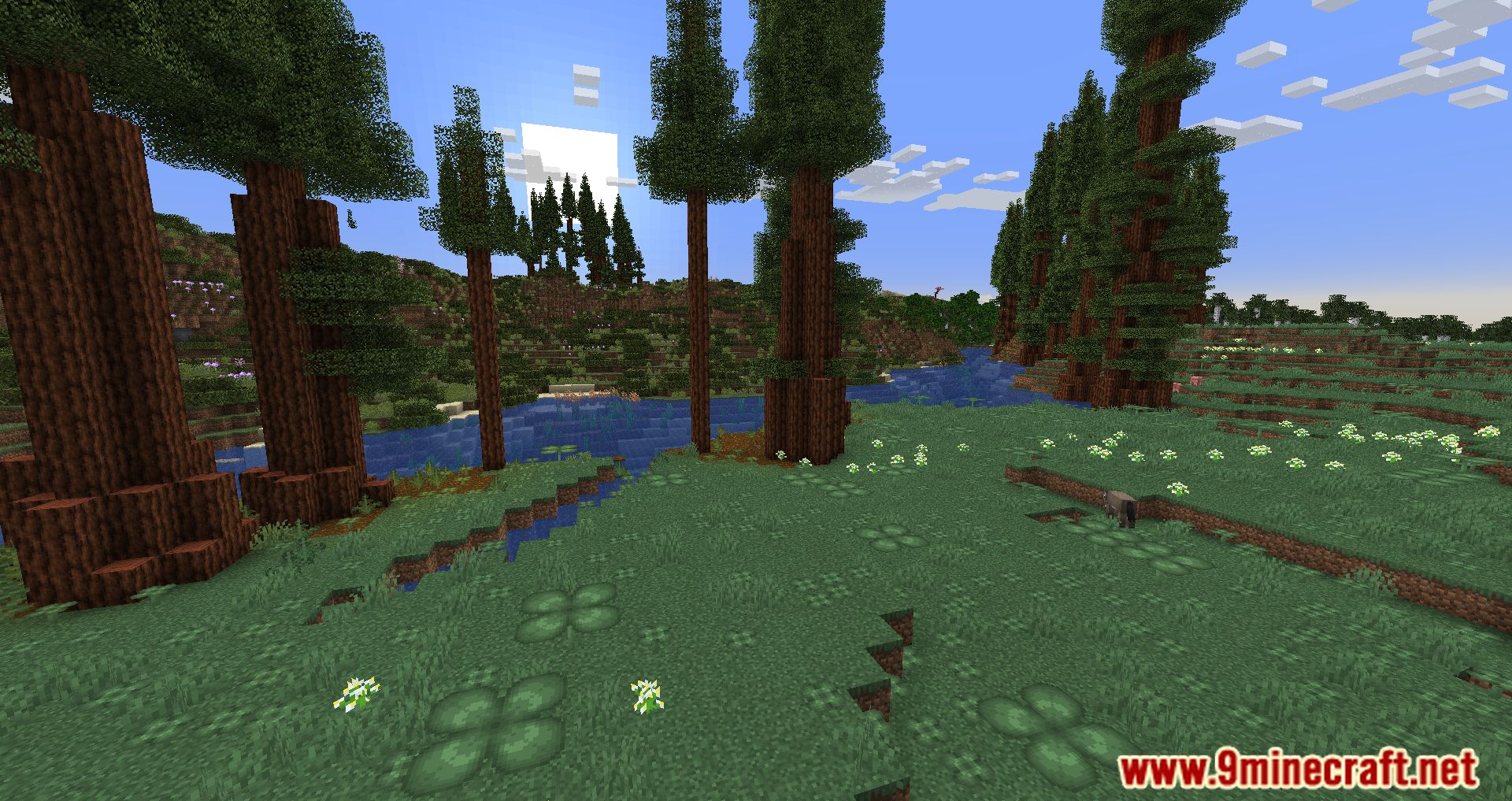
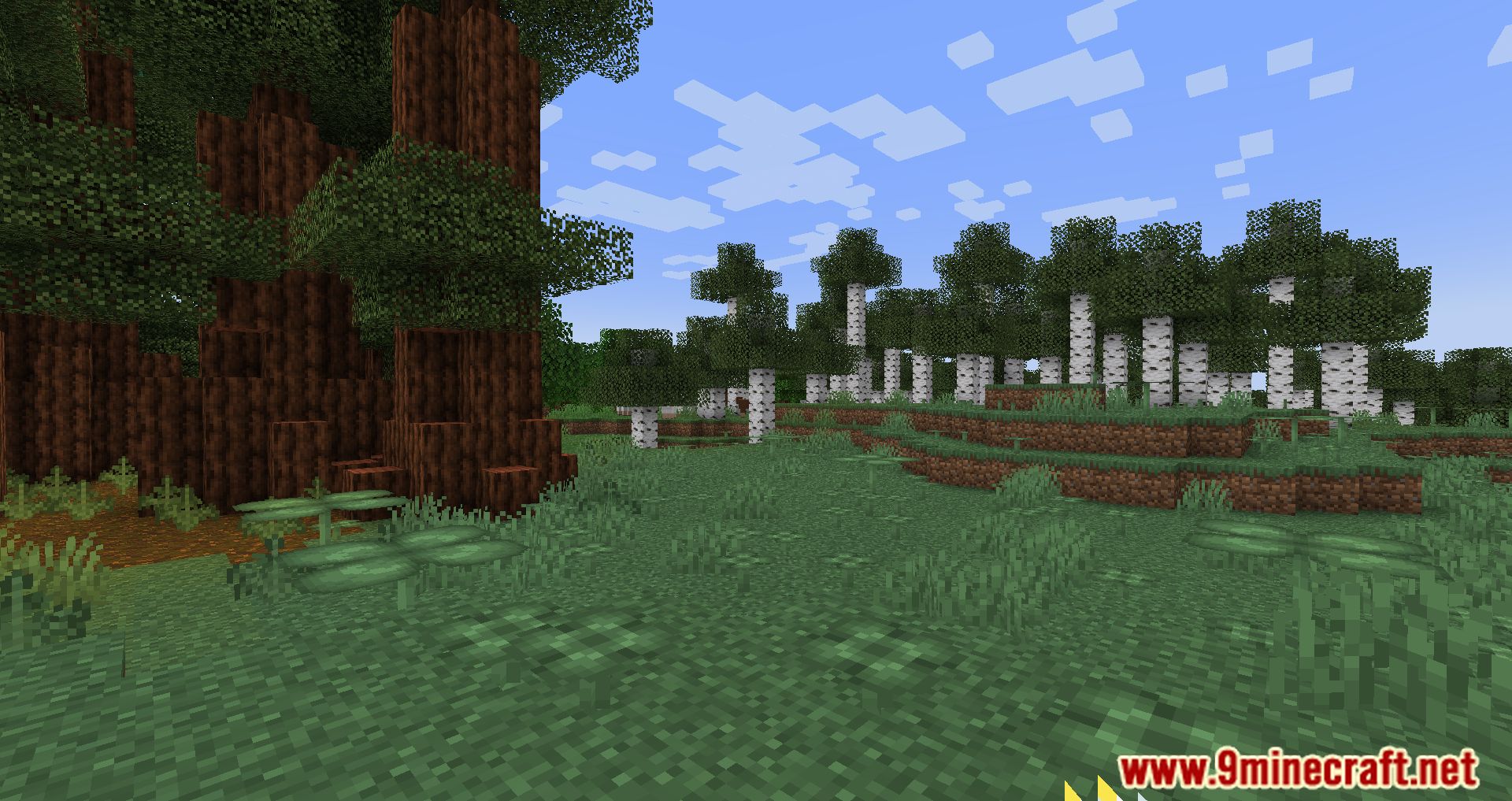
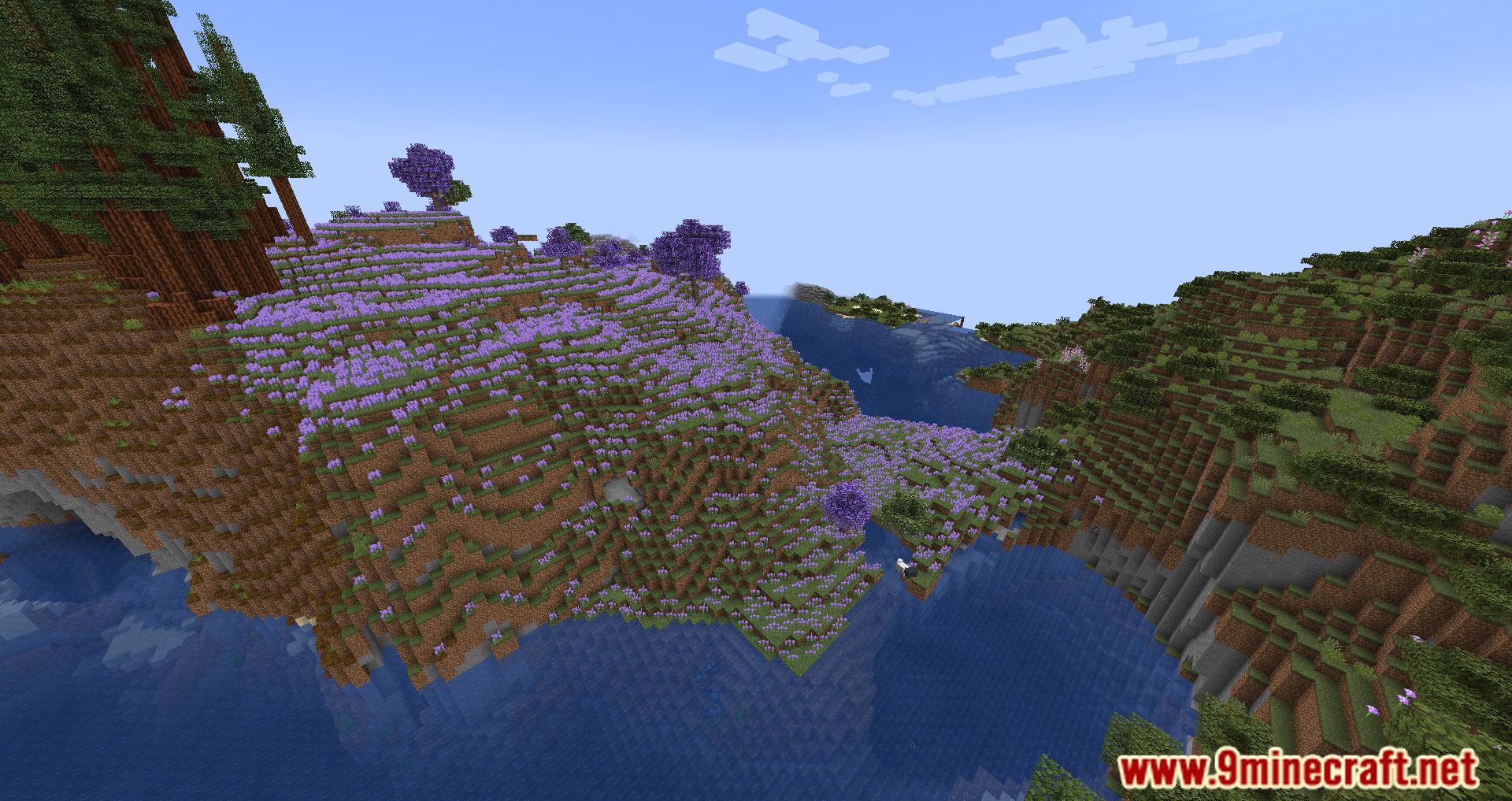
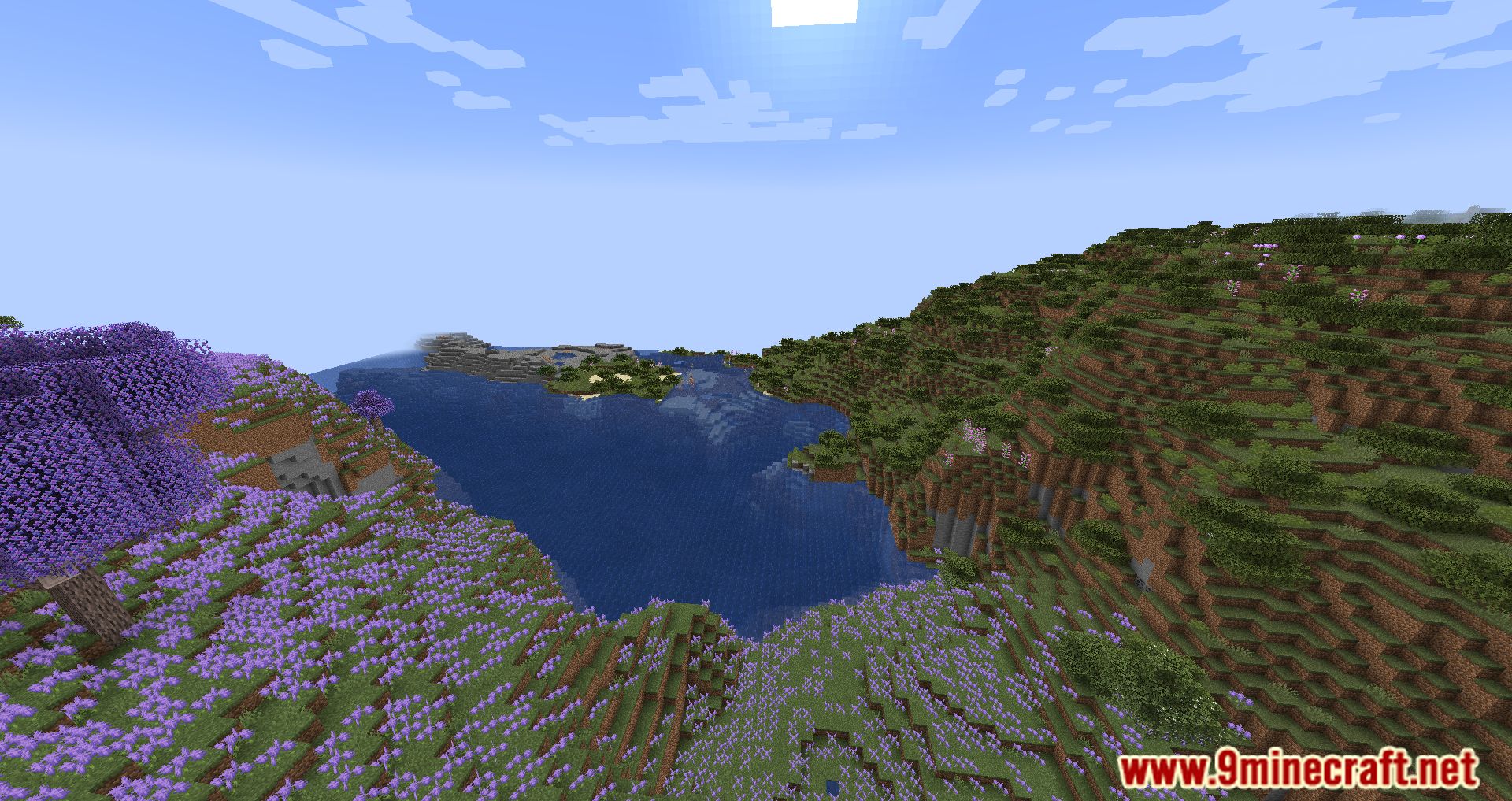
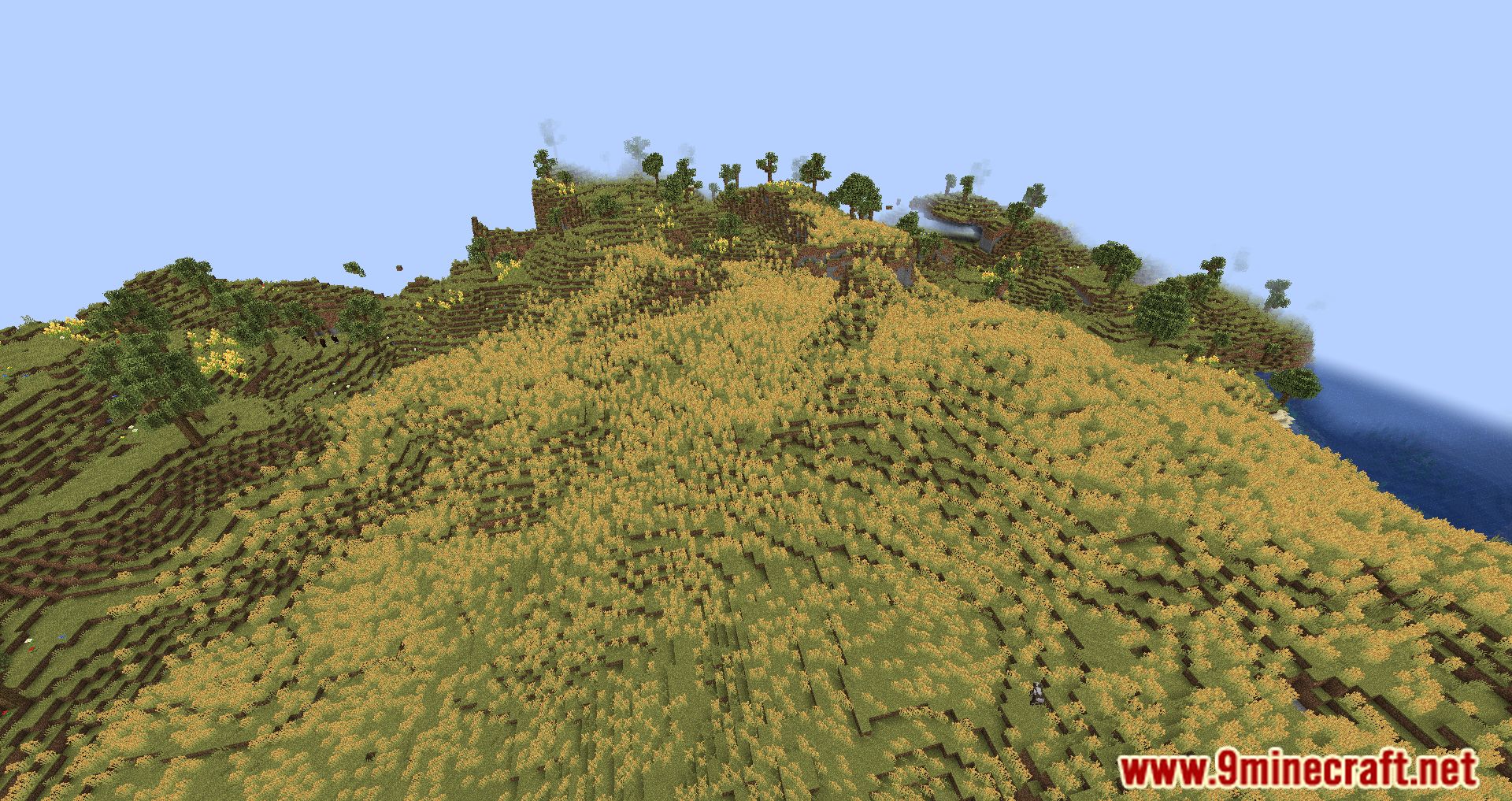
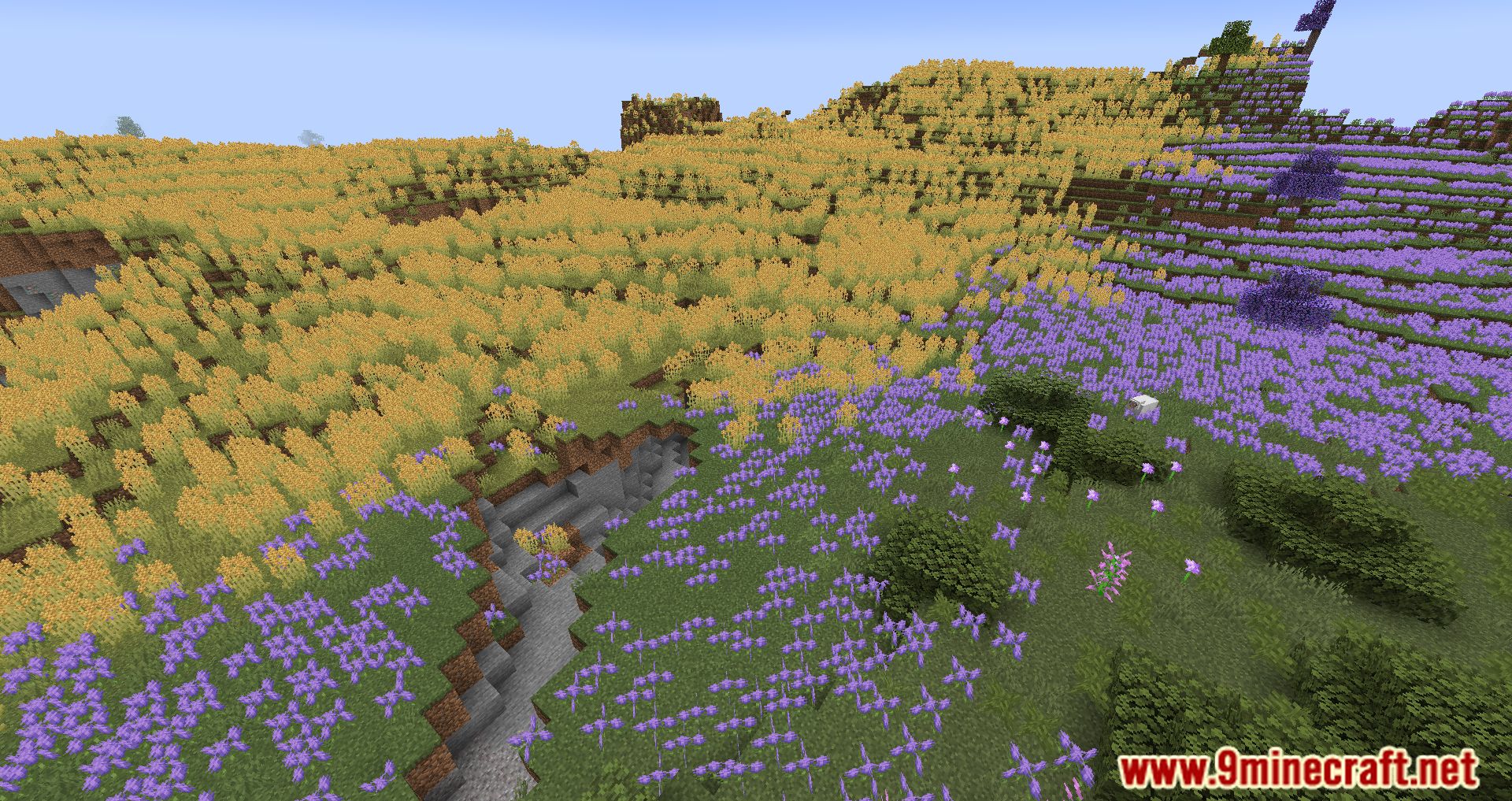
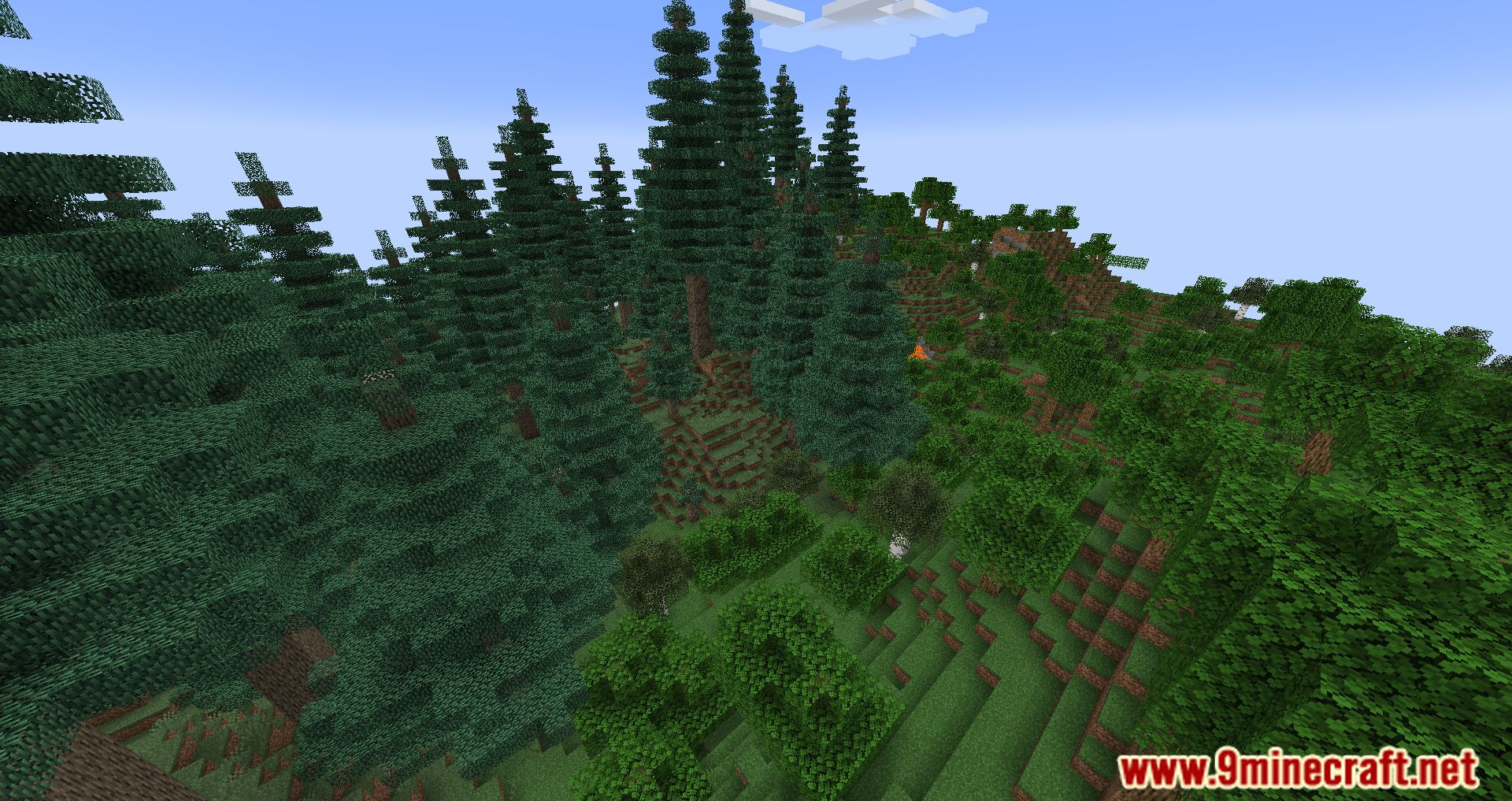
Valhelsia Volatile Modpack is a Modpack that rapidly changes the Minecraft Vanilla experience, and It won’t change the game much like other Modpacks. If other Modpacks focus on adding new weapons, monsters, bosses, and structures to the game, Valhelsia Volatile Modpack focuses on the quality and experience of the game. The added Mods have been customized, changing the features to match the specific criteria set by the developer. Of course, there will also be new items, equipment, and lands for players to explore. But all have been edited and balanced to suit what Modpack aims for. They want to create a quality Modpack, so the developer always listens to the player’s opinions and makes an assessment, then edits to improve the Modpack. However, this is also a pretty capable Modpack compared to normal Modpacks. It would be best if you had an average or good computer to get a good experience using this Modpack.
Features:
- Change the Minecraft playing experience.
- Add a few new features to the game.
- Some Mods have been adjusted and re-edited to fit Modpack.
Screenshots:
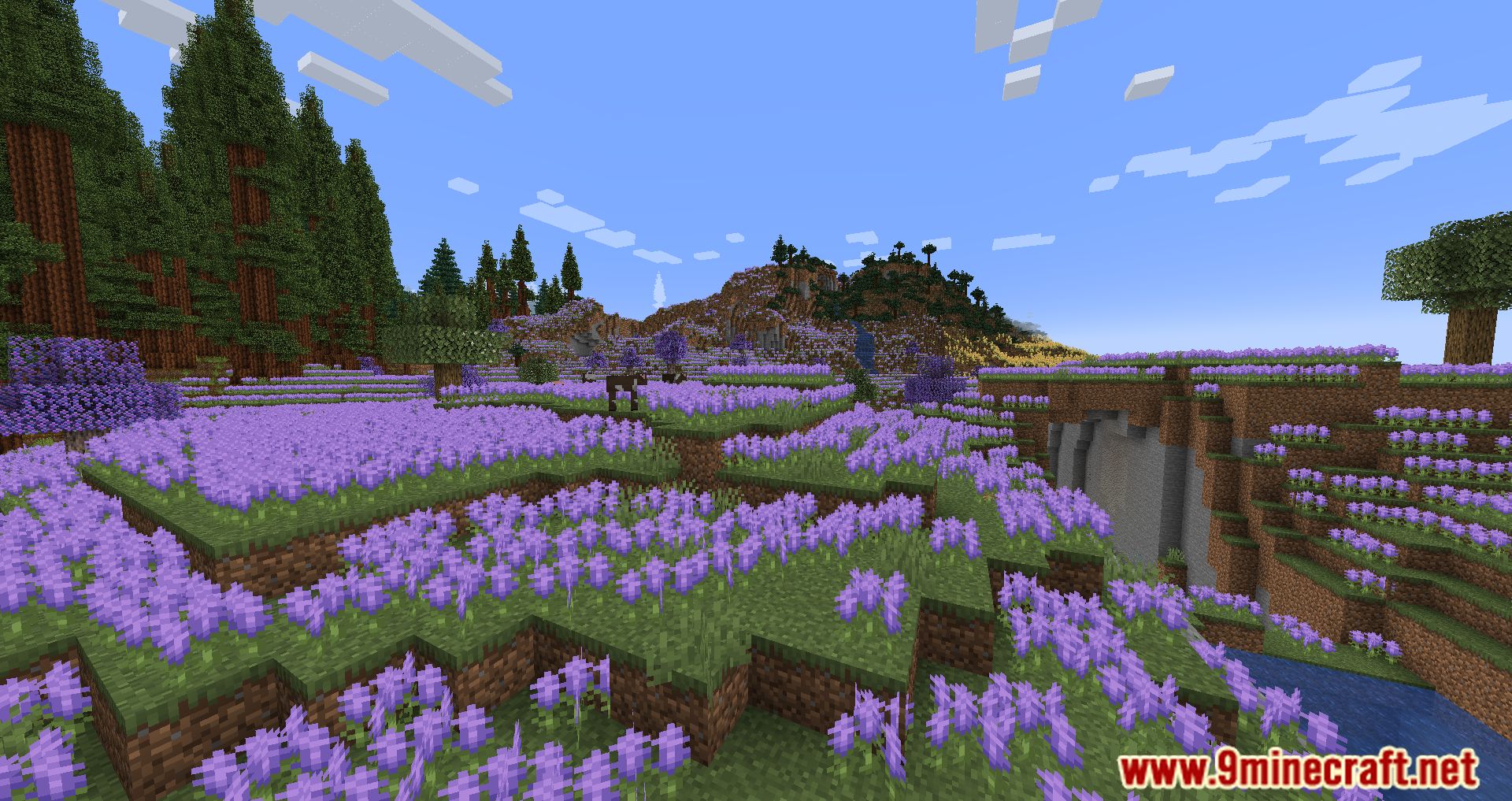
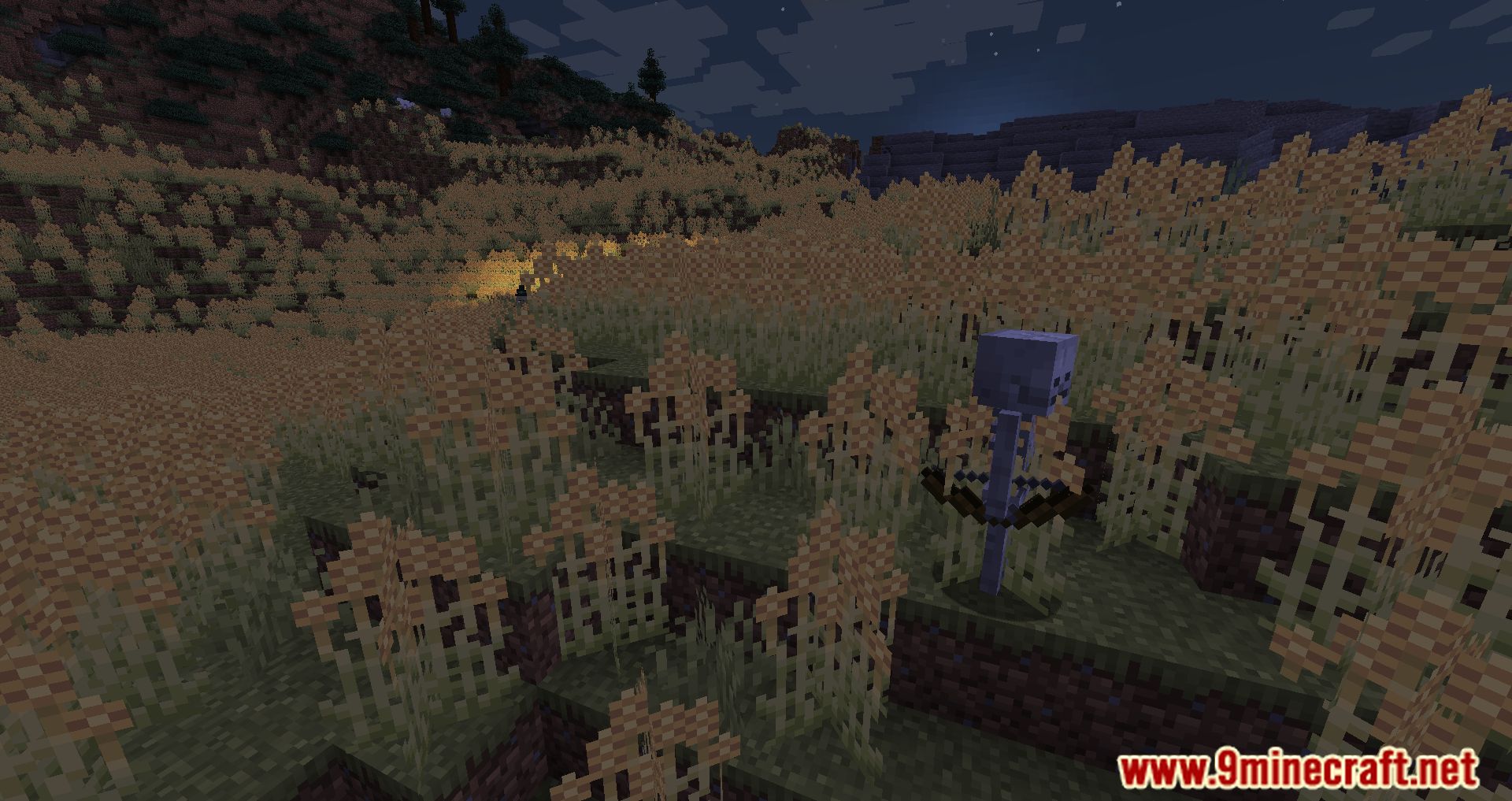
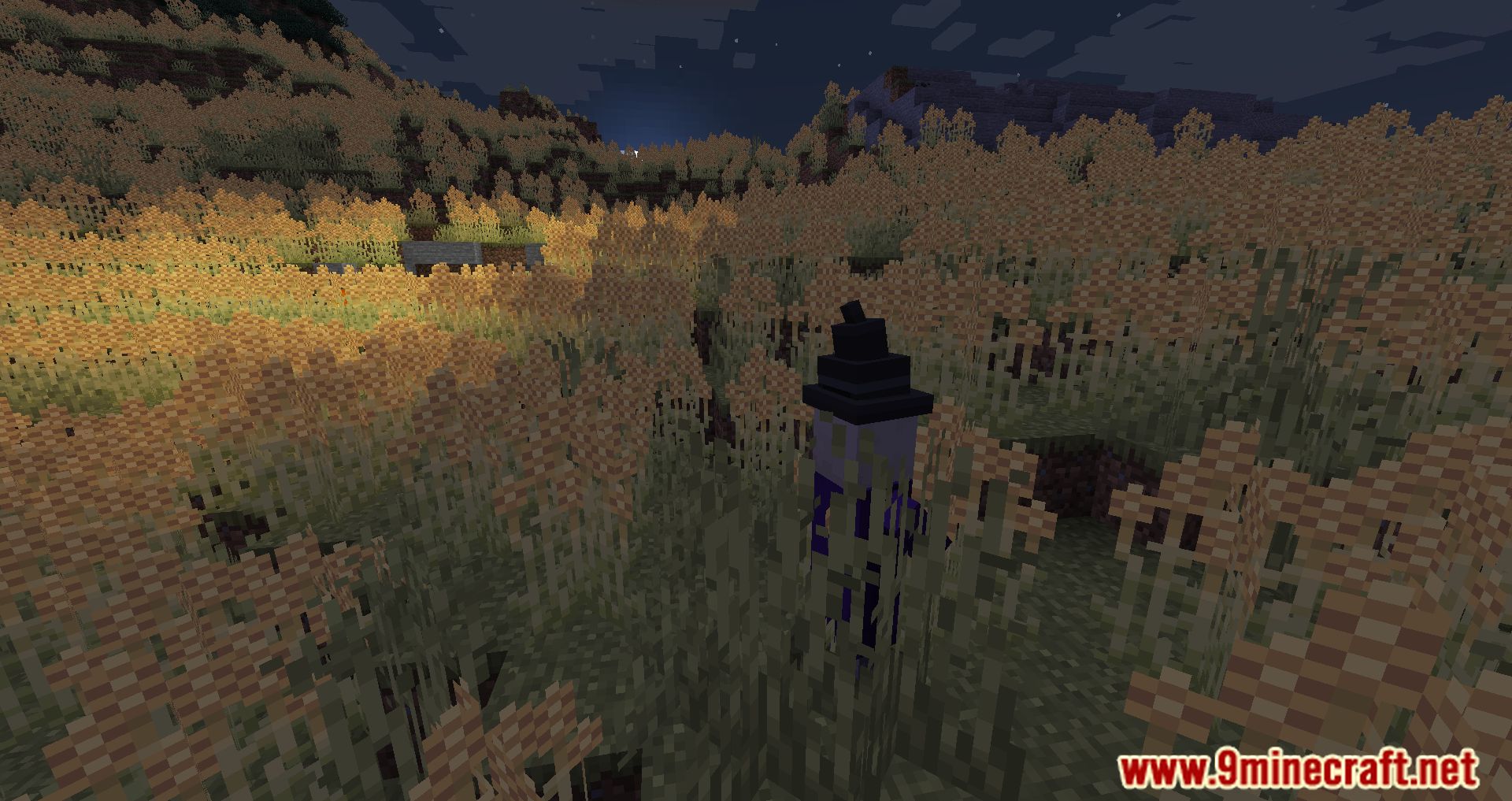
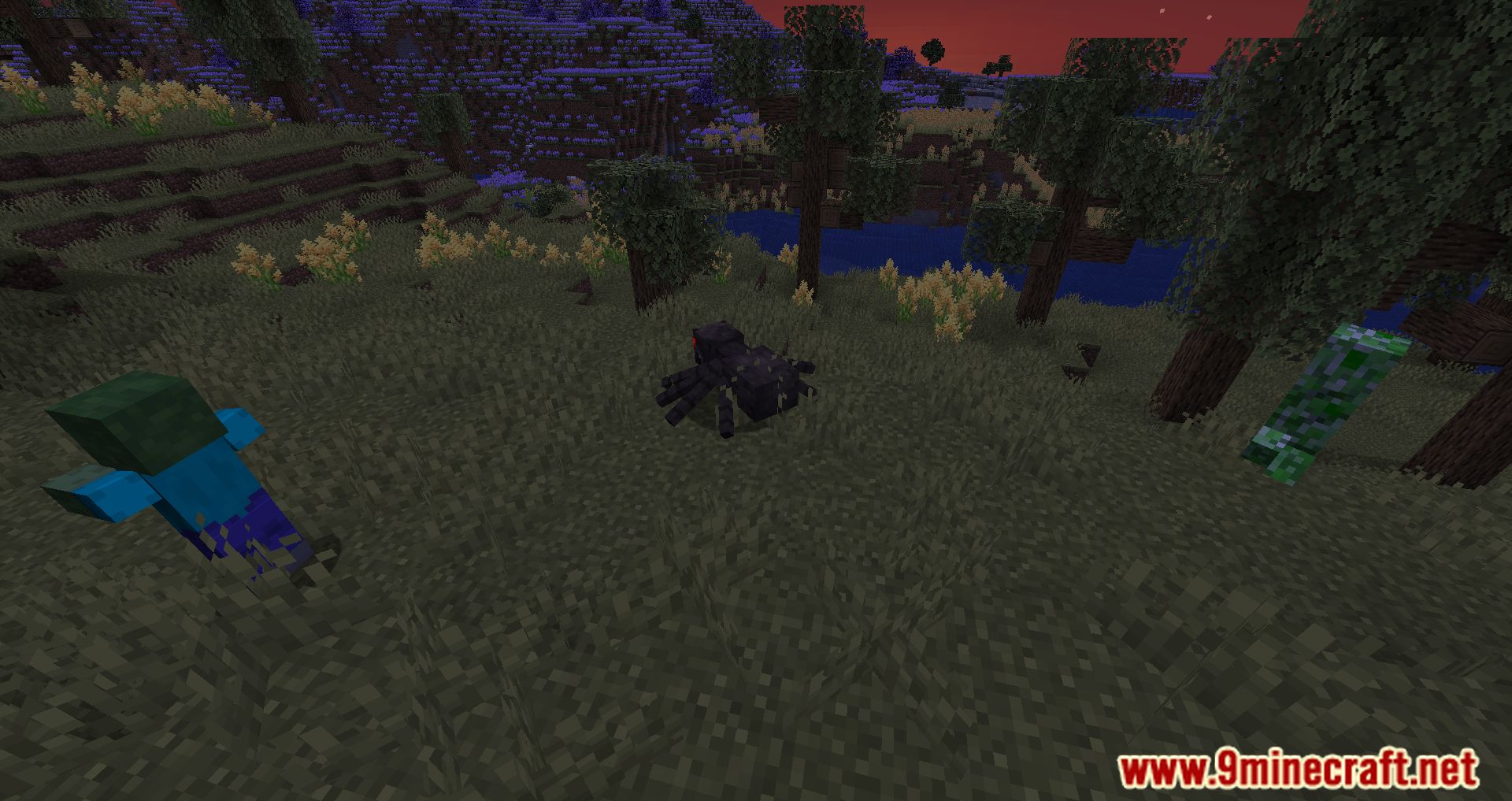
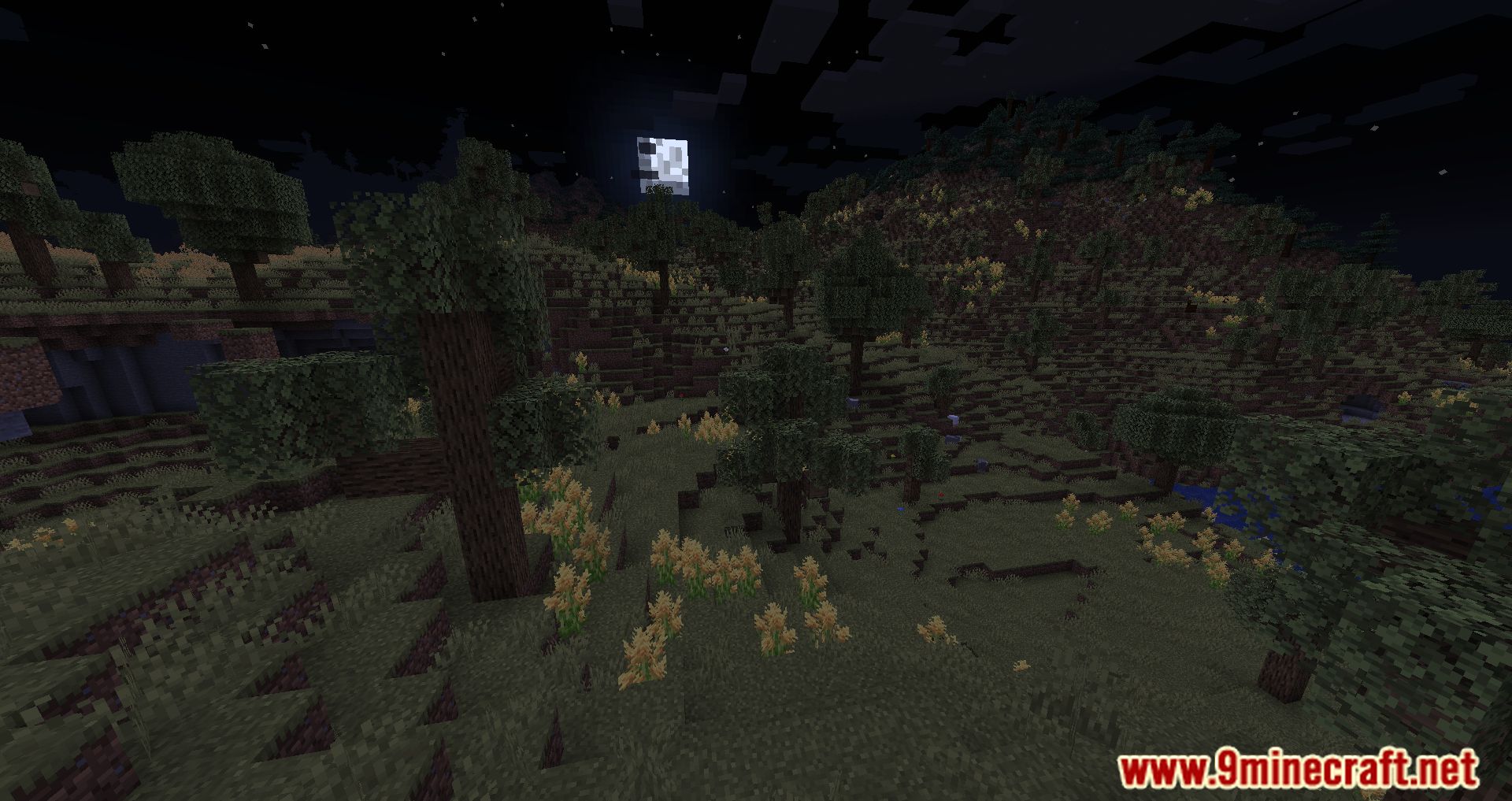
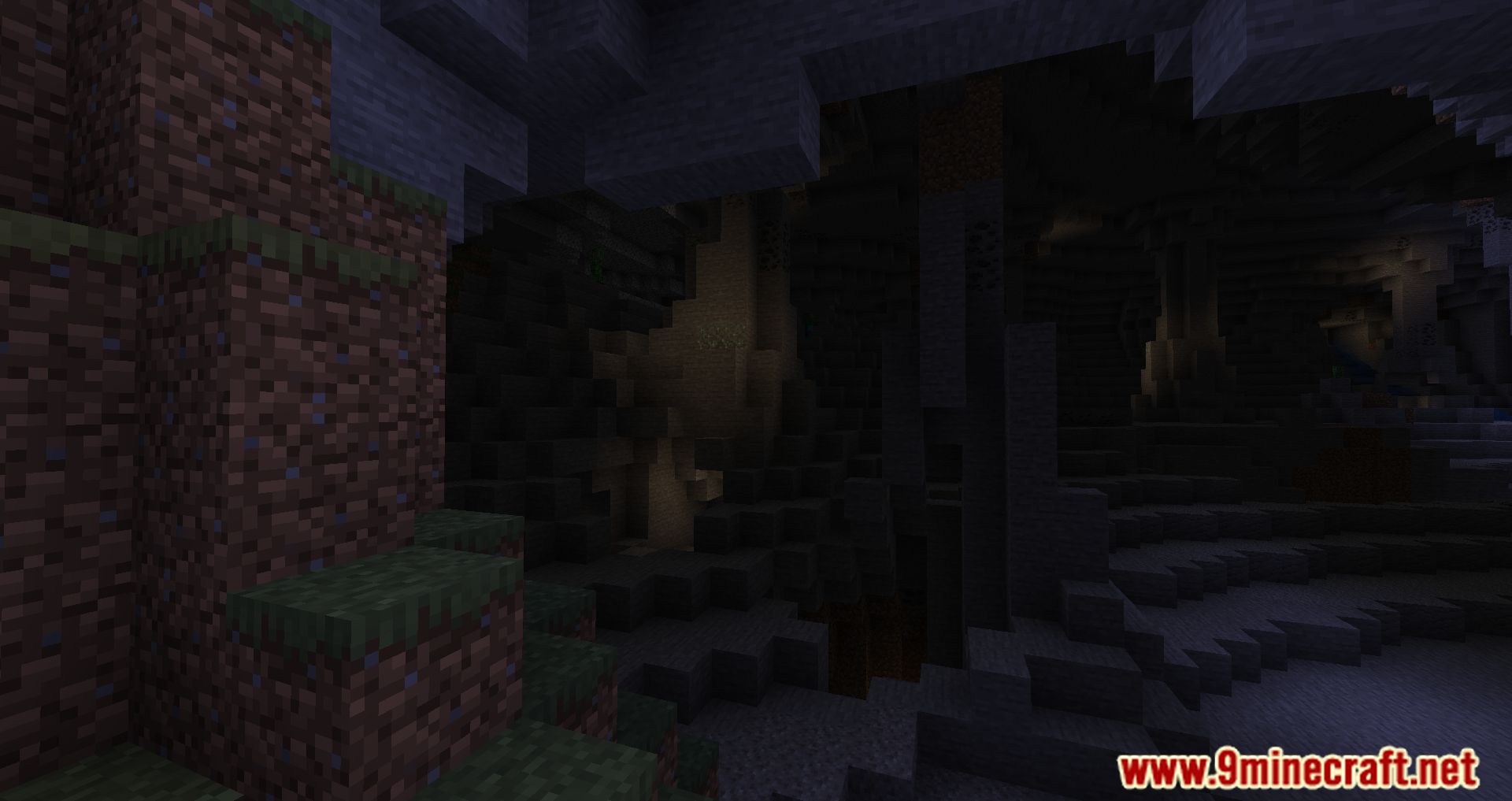
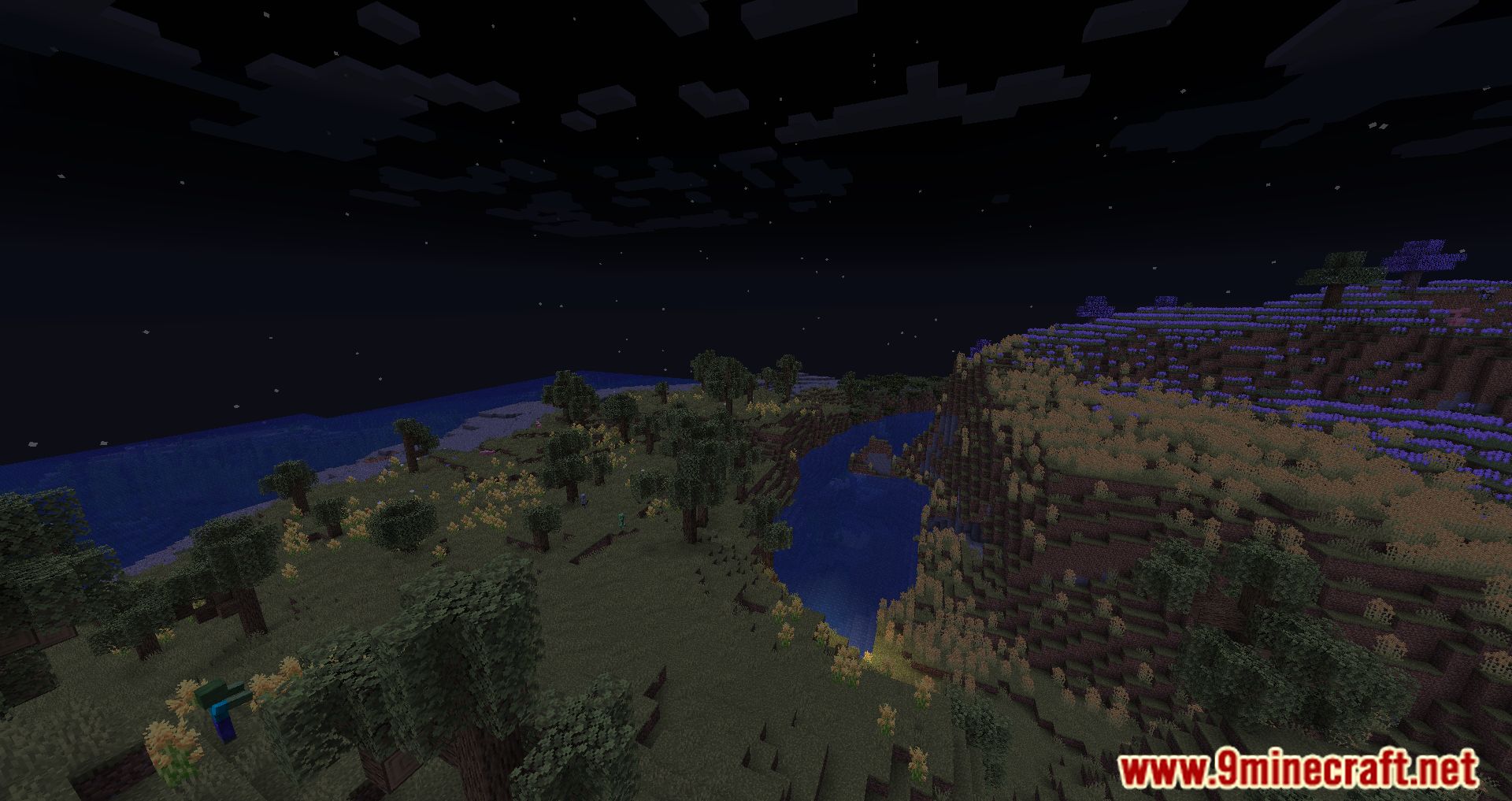
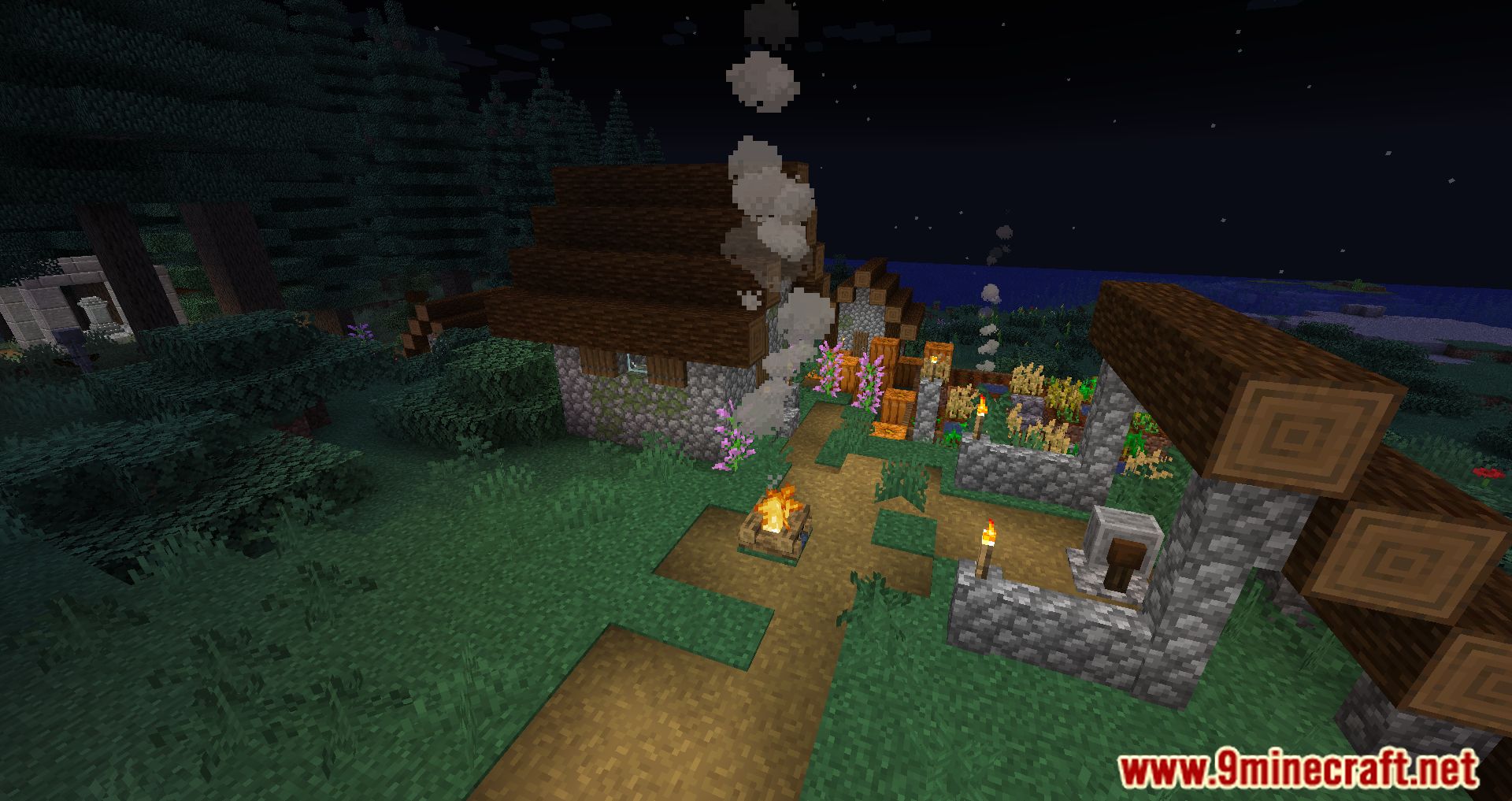
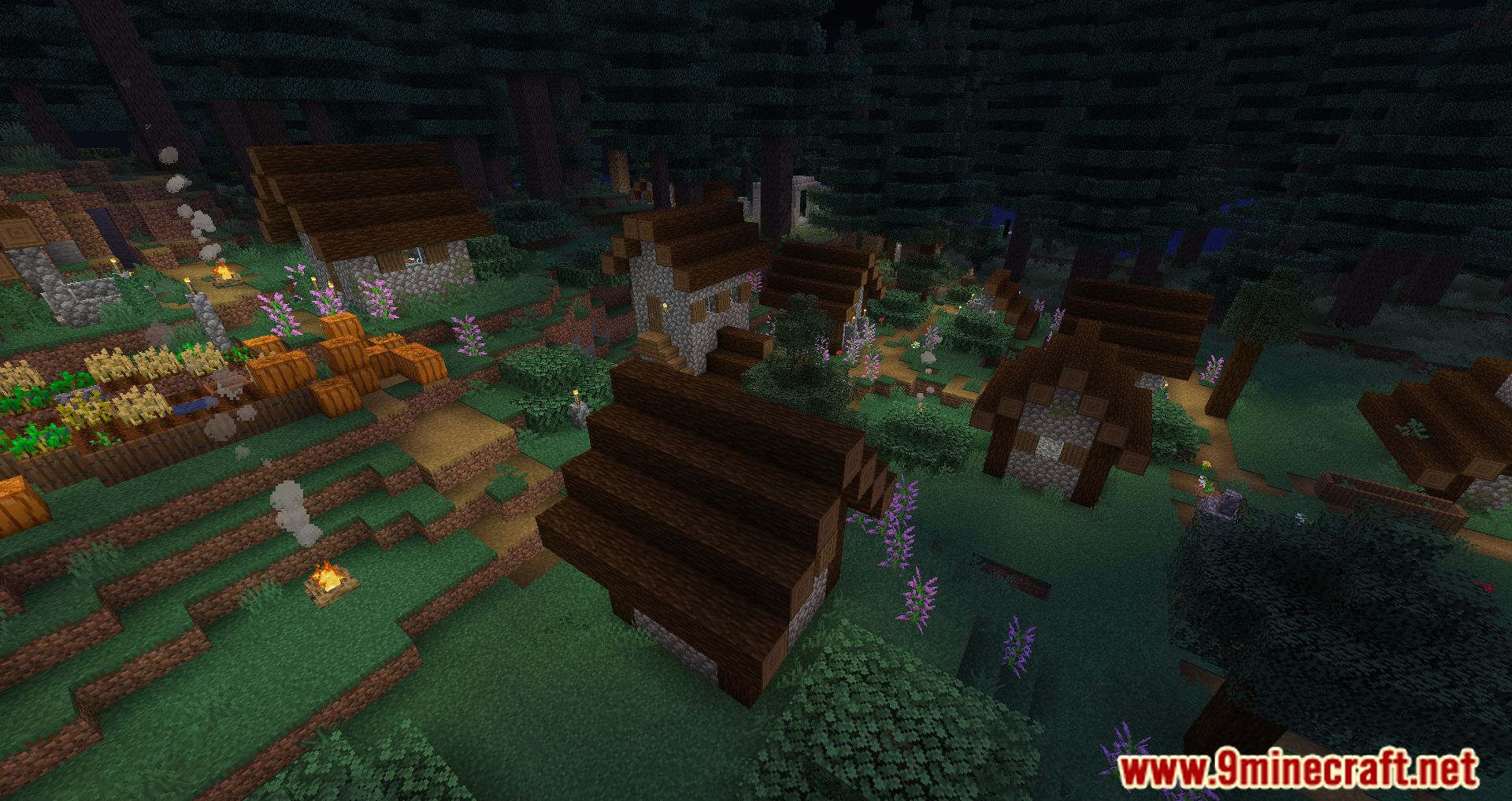
Valhelsia Volatile Modpack Download Links
For Minecraft 1.19
Forge Version: Download from Server 1 – Download from Server 1
- Edition: Minecraft Java
- File type: .jar
- Minecraft version listed: 1.19
- How to install: Install the matching mod loader (Forge, Fabric or NeoForge) for your Minecraft version. → Download the .jar. → Put it in the .minecraft/mods folder and launch that loader profile.
- Where to get it: Opens on the file's original source — not every file is mirrored on our own servers.
Install steps are the general flow for this file type — How to install Minecraft Java mods & modpacks walks through it step by step.
Valhelsia Volatile Modpack (1.19) – Rapidly Changing Experimental is a free Minecraft Java modpack. Compatible with Minecraft 1.19. Download it and open it directly in the game.