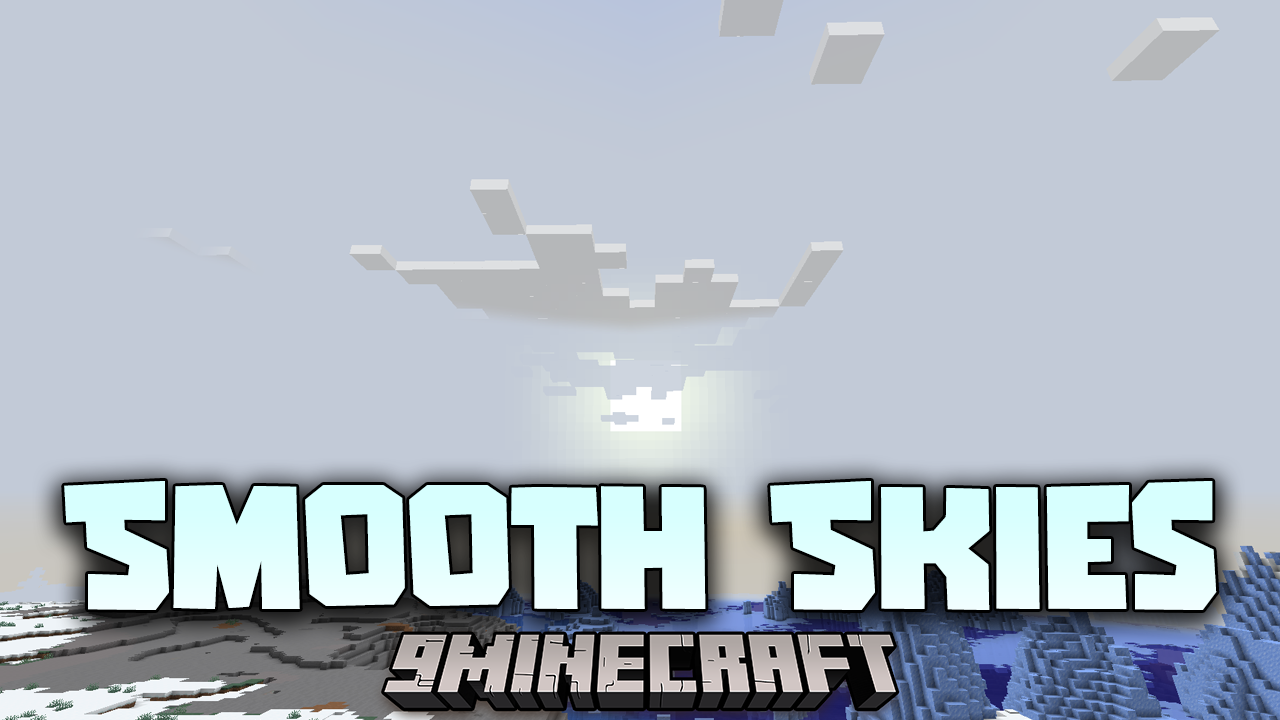
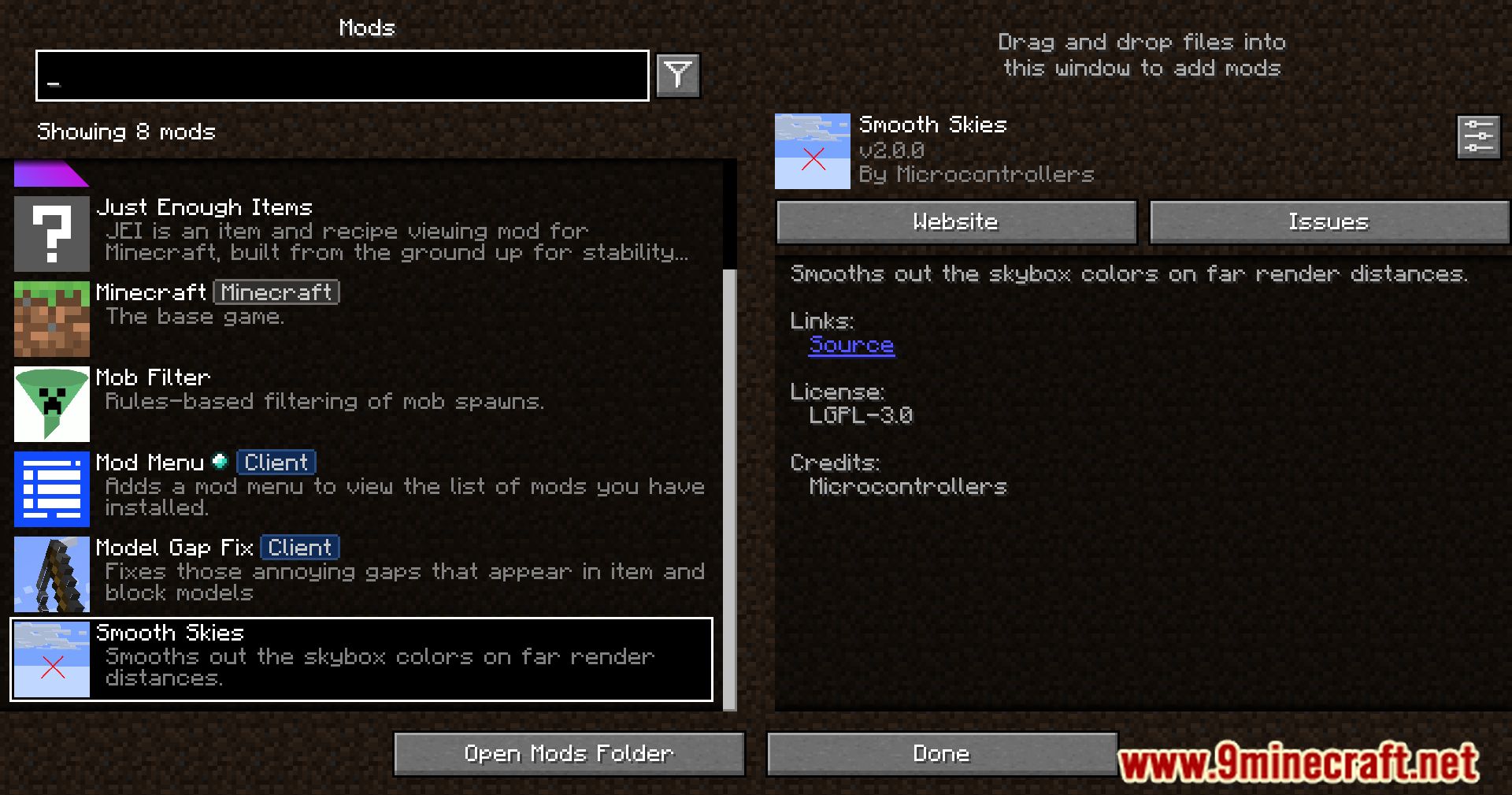
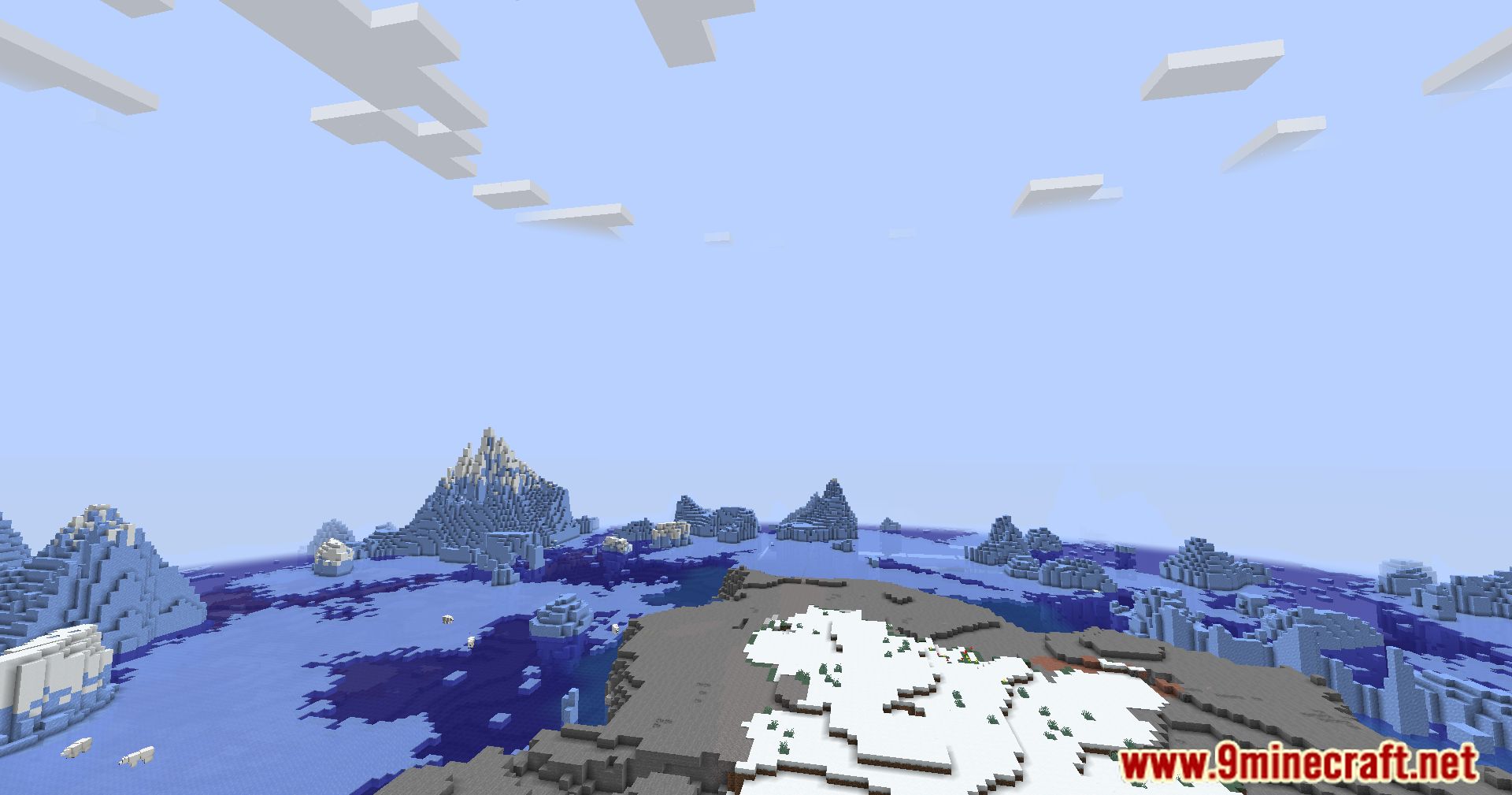
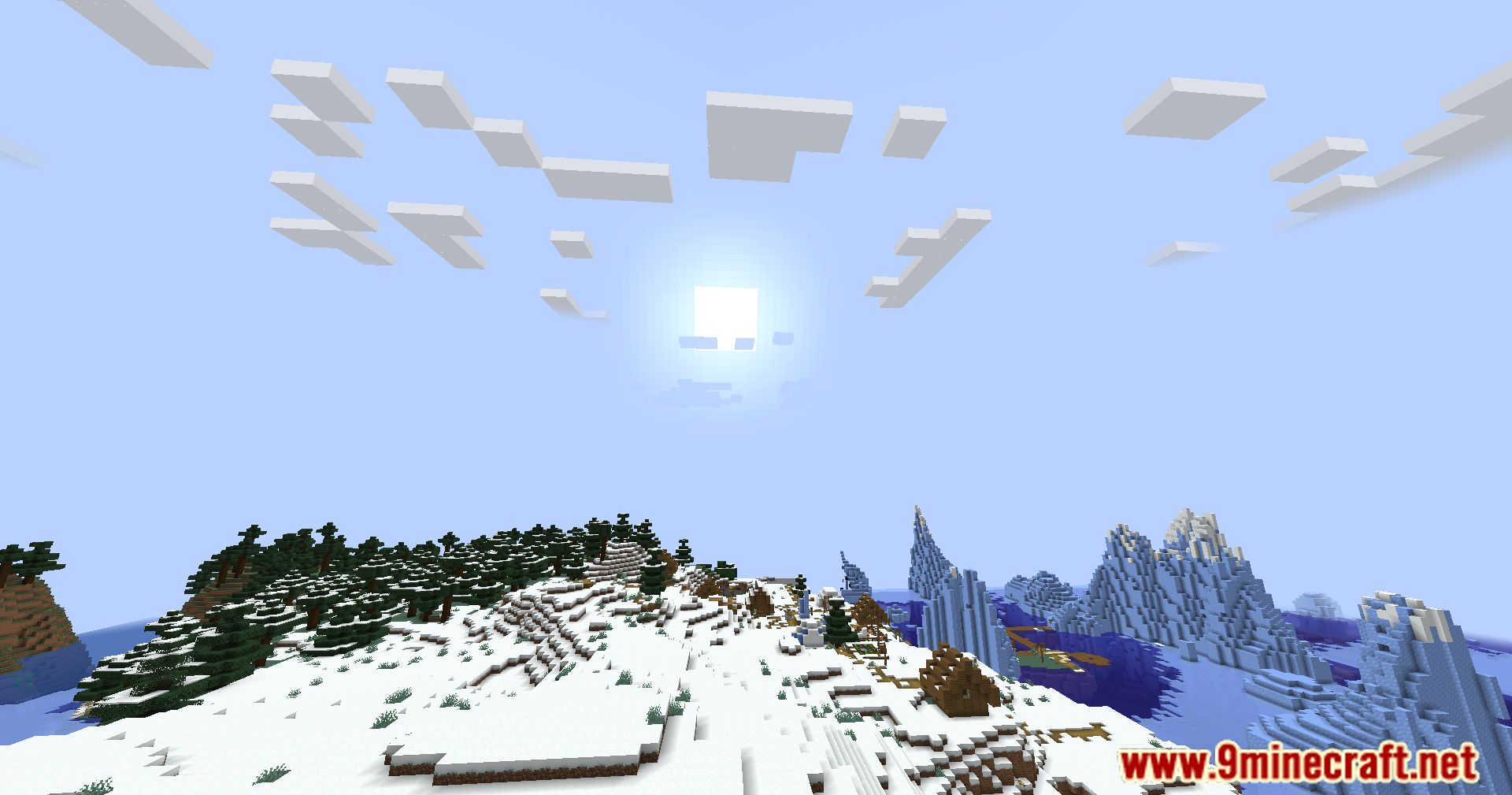
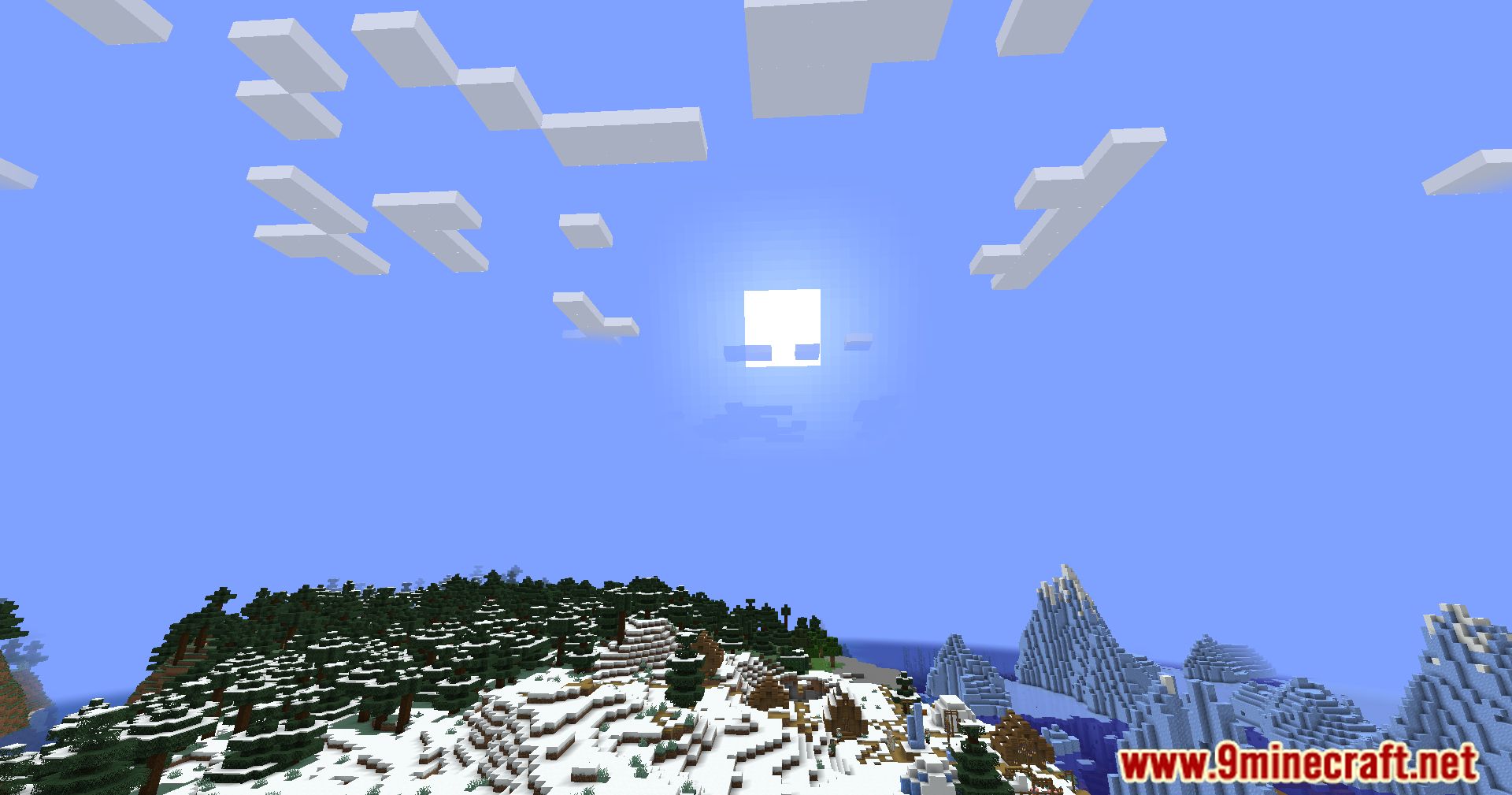
Smooth Skies Mod enhances the visual experience by smoothing out the fog color when using high render distances. This mod is especially useful for players with powerful graphics setups, like Nvidium, and offers additional customizable features to improve the overall aesthetics of the game.
Features:
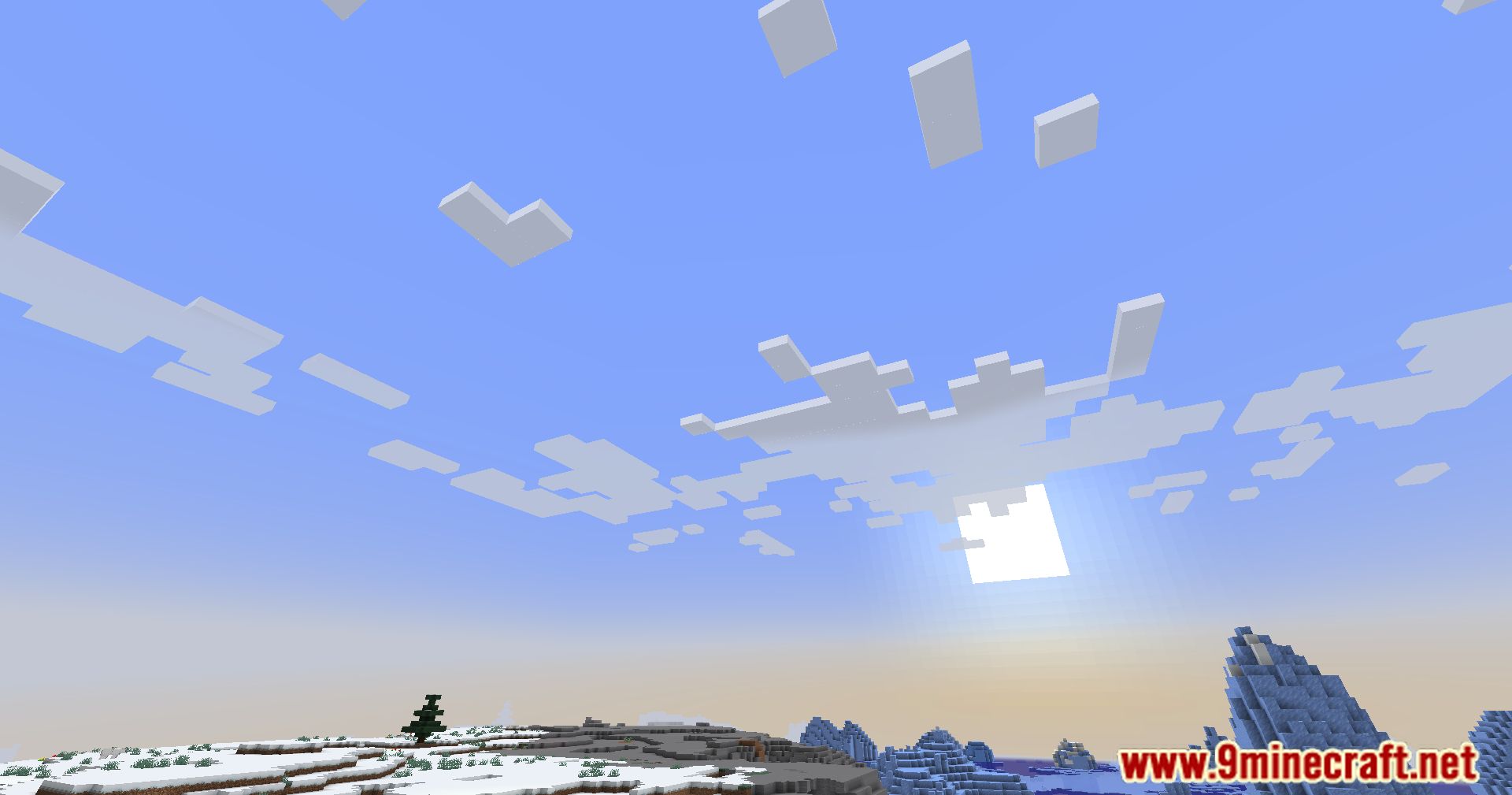
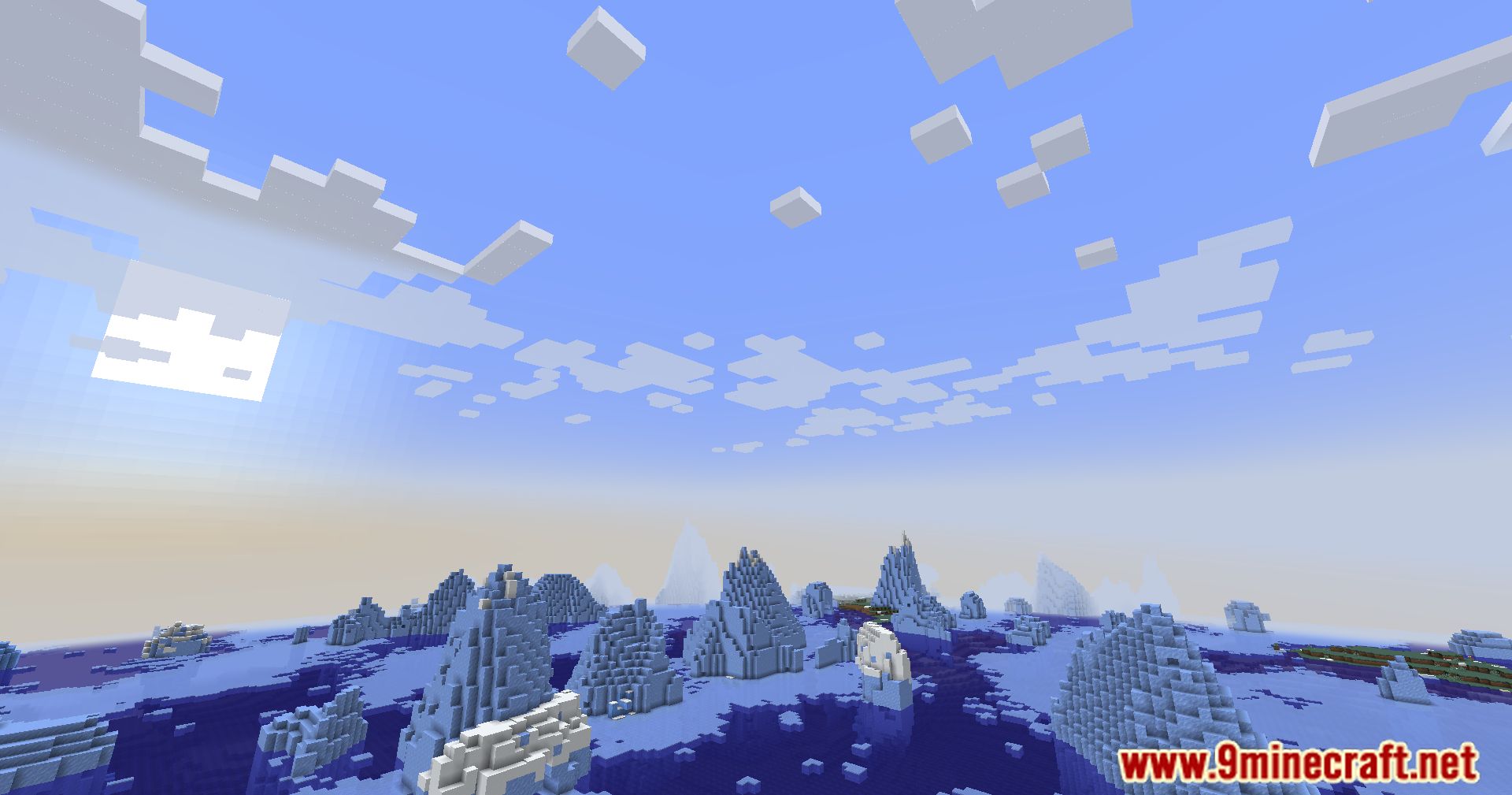
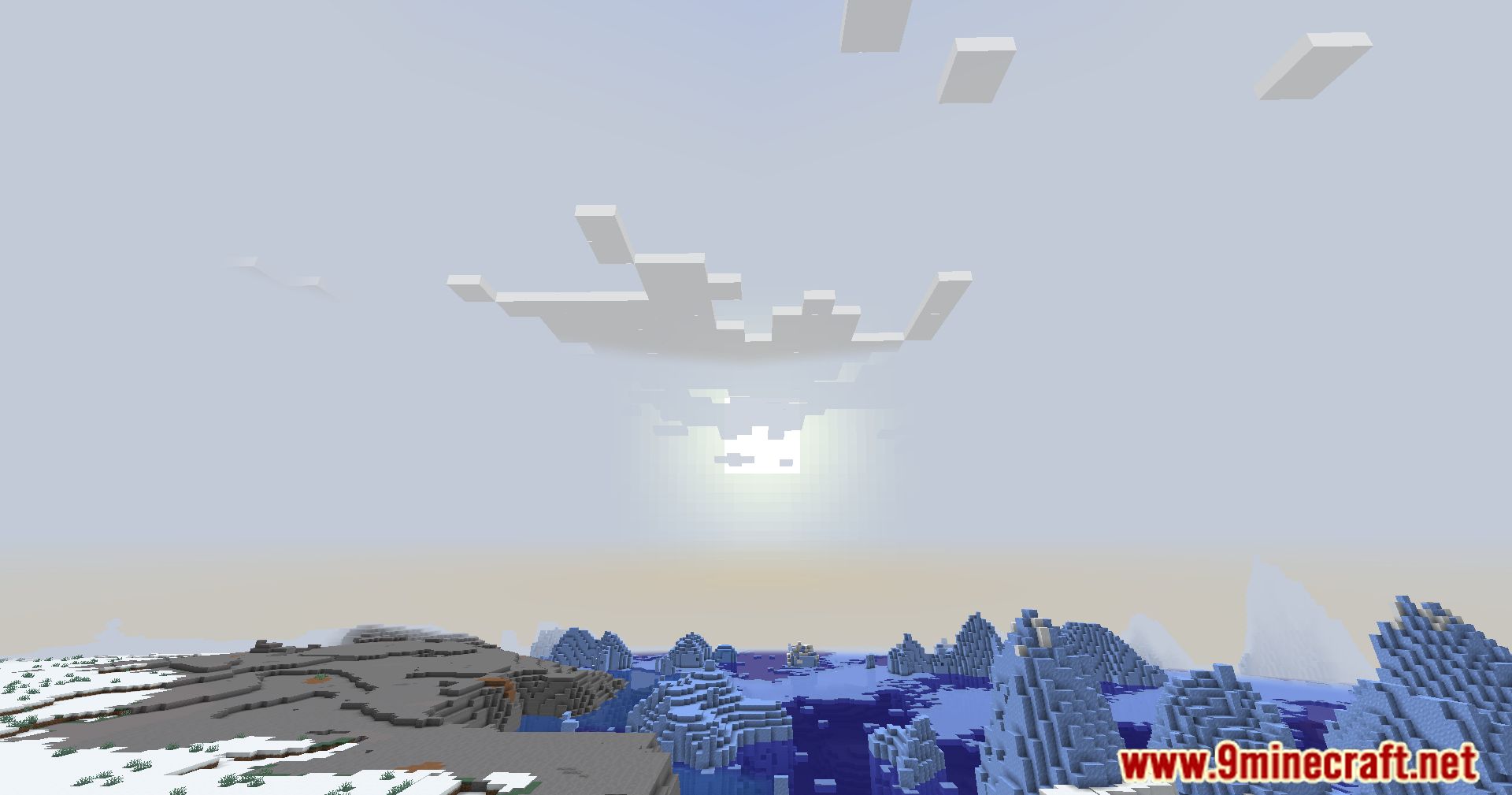
- Smoothed Fog Color: Ensures that fog colors transition smoothly, providing a more visually pleasing experience at high render distances.
- High Render Distance Support: Optimized for players using high render distances, making large landscapes look more natural and cohesive.
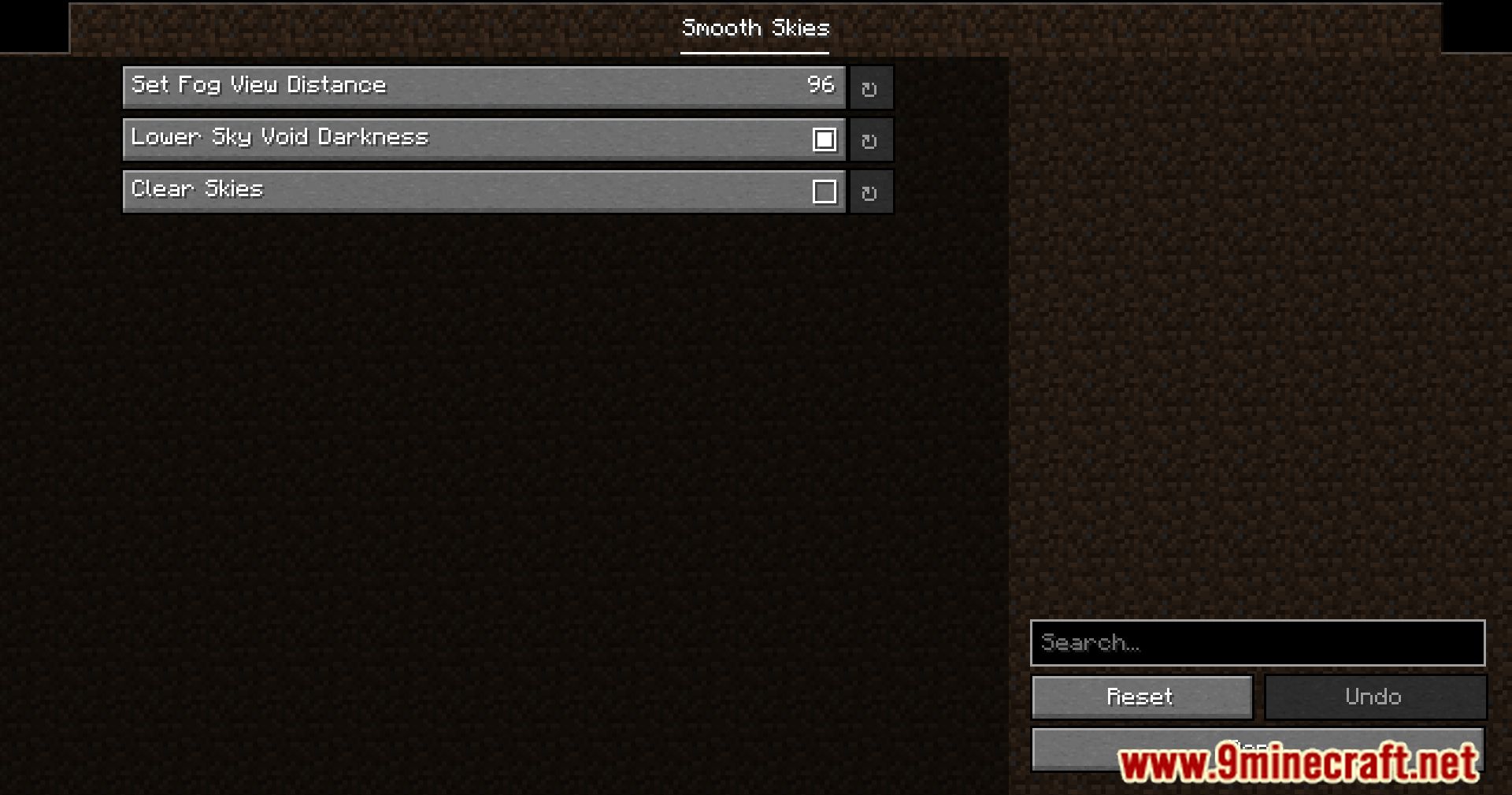
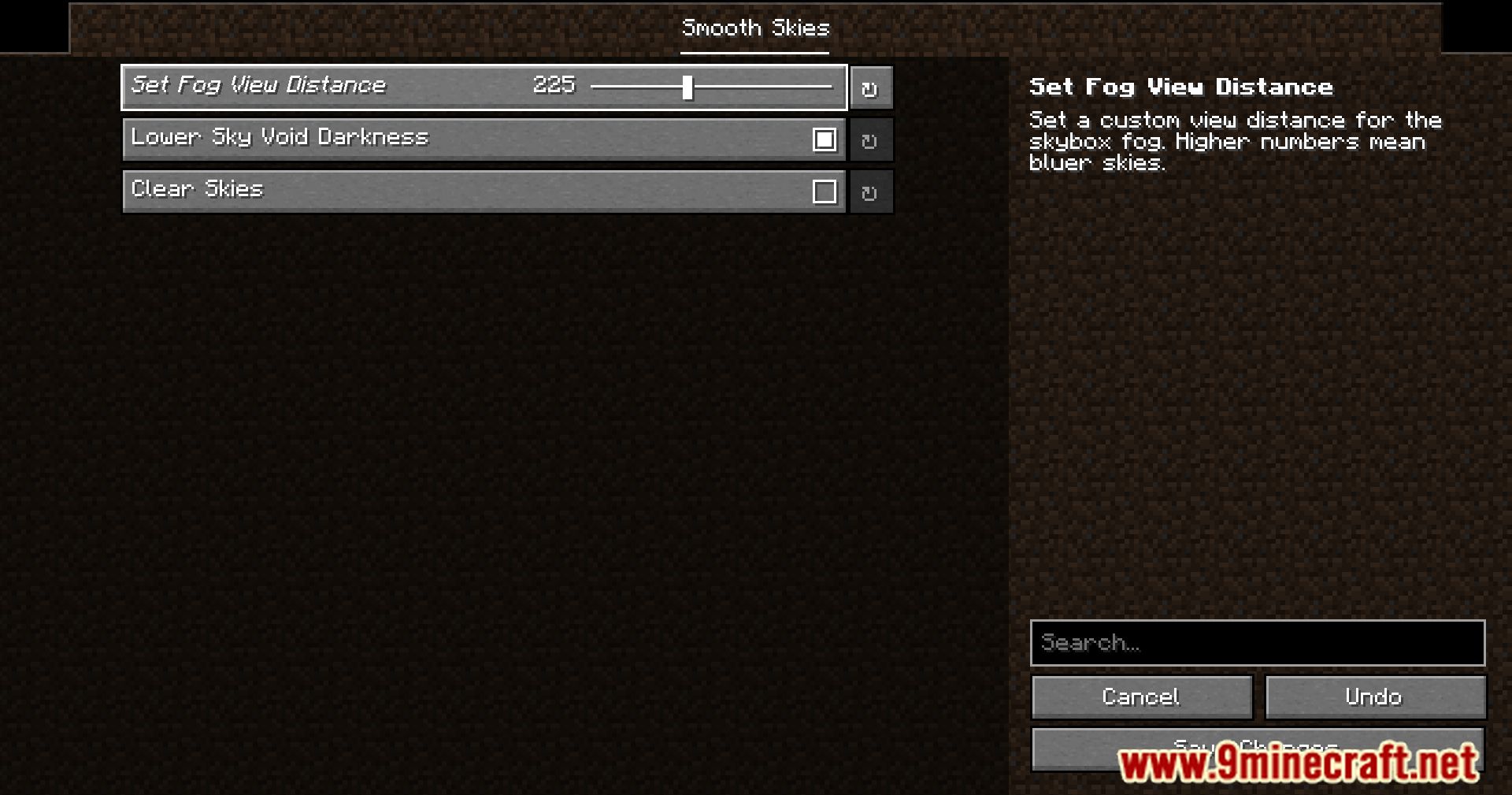
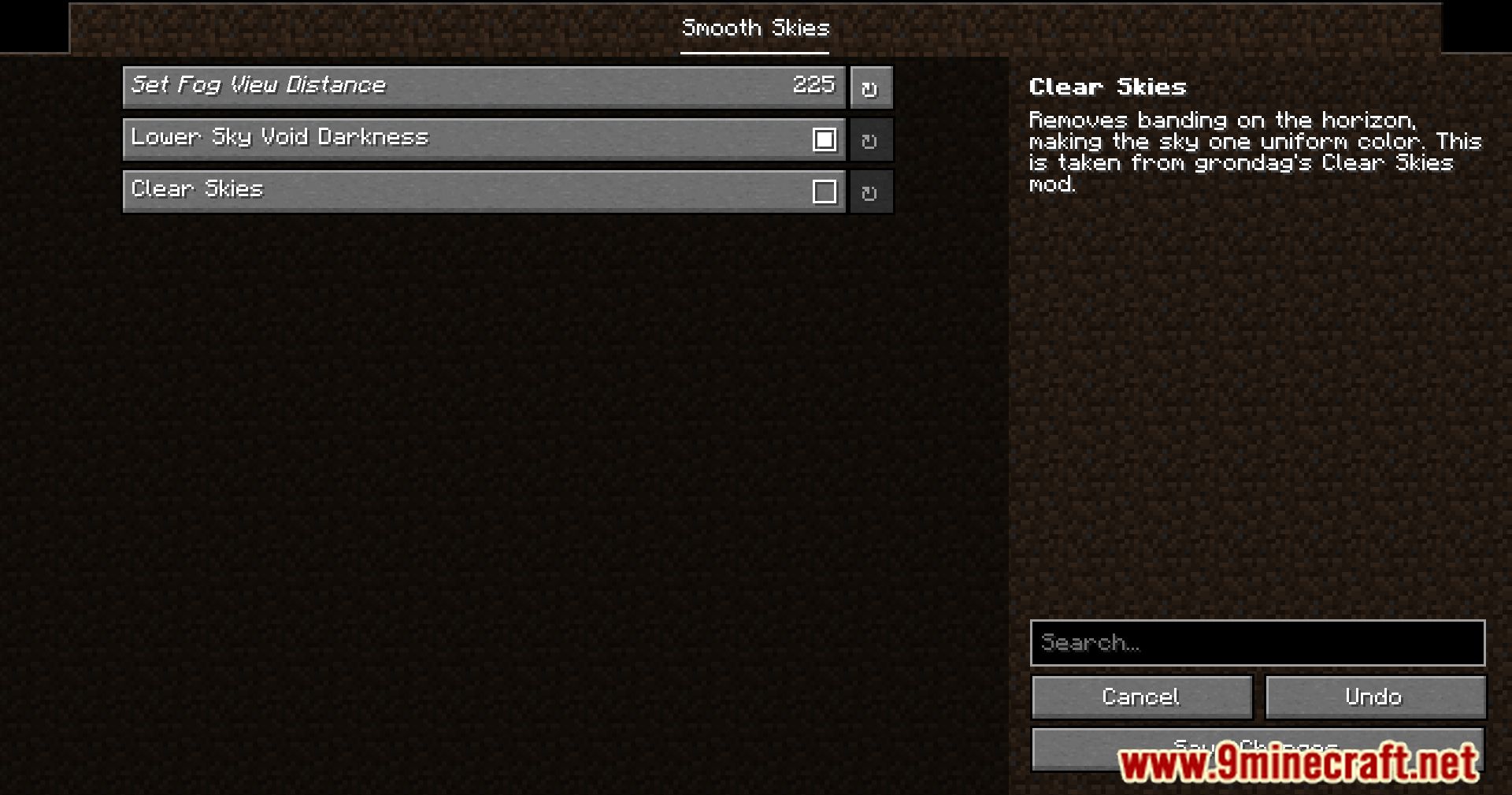
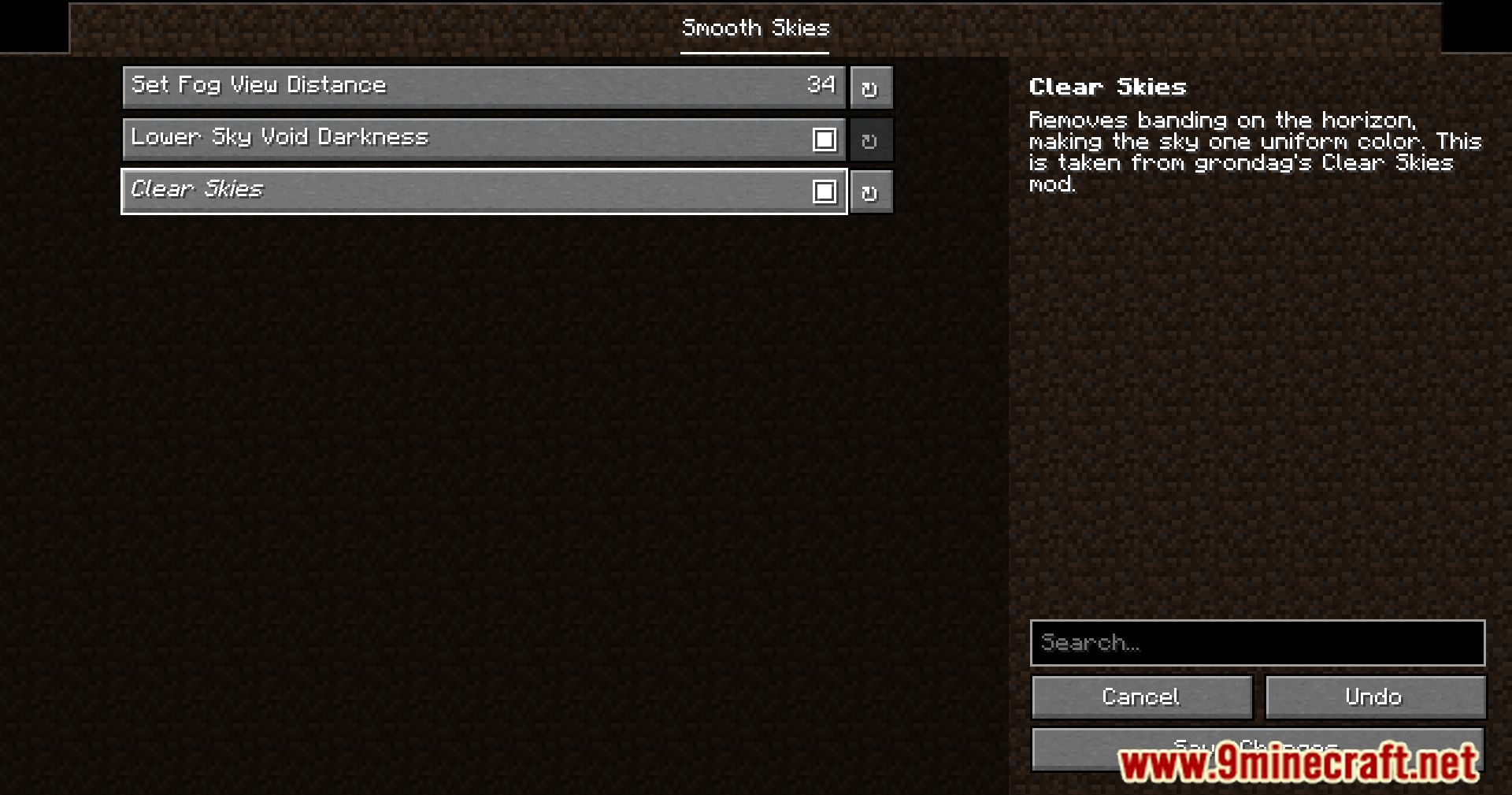
- Customizable Options: Includes various settings that allow players to tweak the visual aspects to their liking, enhancing personalization.
- Enhanced Visuals: Improves the overall look of the game by addressing fog color issues, leading to a more immersive and enjoyable experience.
Screenshots:
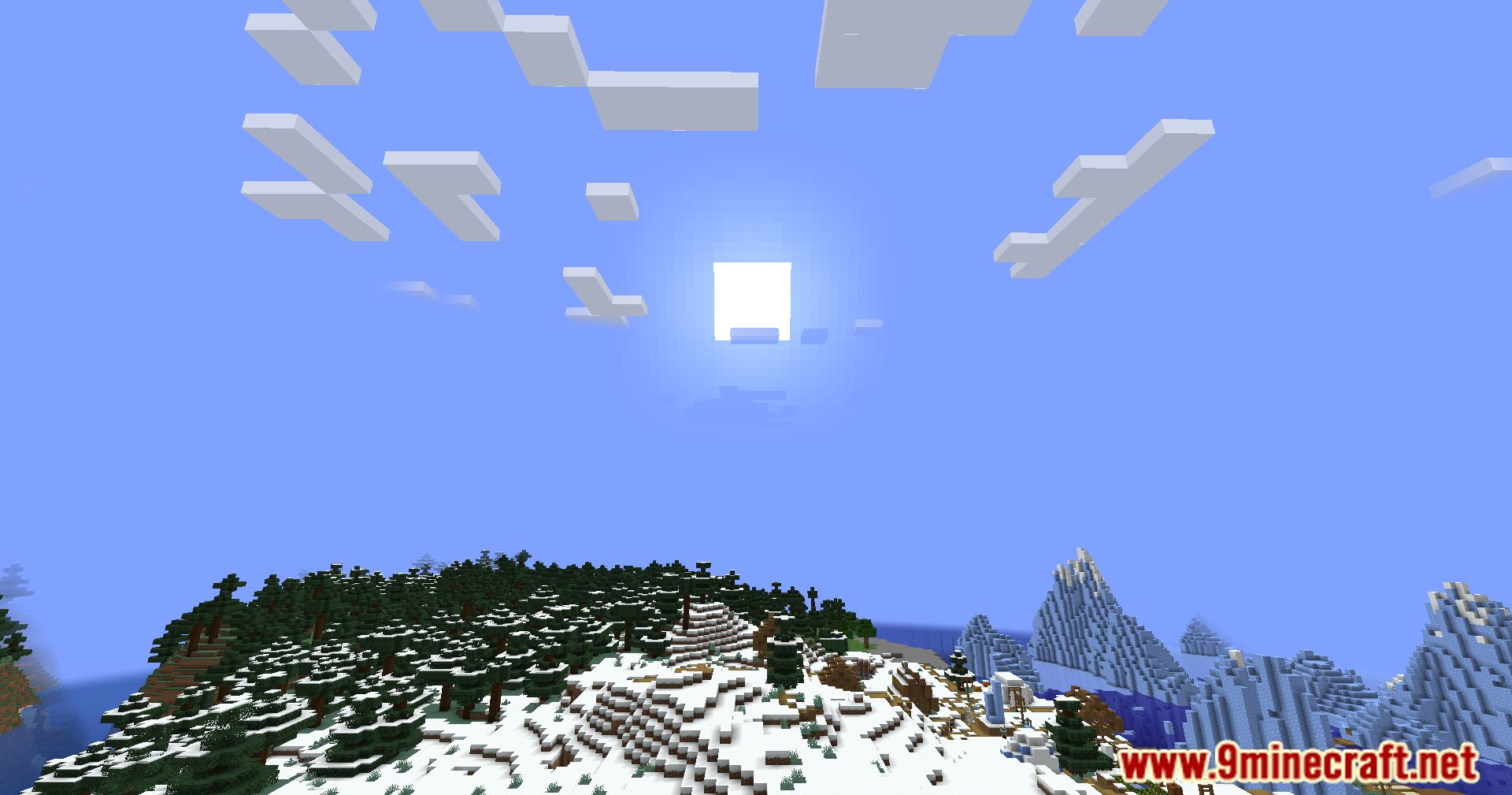
Smooth Skies Mod Download Links
Quick facts
- Edition: Minecraft Java
- File type: .jar
- Minecraft version listed: 1.20.1
- How to install: Install the matching mod loader (Forge, Fabric or NeoForge) for your Minecraft version. → Download the .jar. → Put it in the .minecraft/mods folder and launch that loader profile.
- Where to get it: In MC Java Mods, or directly above on this page.
Install steps are the general flow for this file type — How to install Minecraft Java mods & modpacks walks through it step by step.
Verified by MCModsHub
- Downloads as 64057.mcaddon
- Download size: 20 KB
- Download link checked 25 Sept 2026 — working
- Mirrored on our own servers — the download does not depend on the original host
These come from our own check of the pack file, not from the source page.