

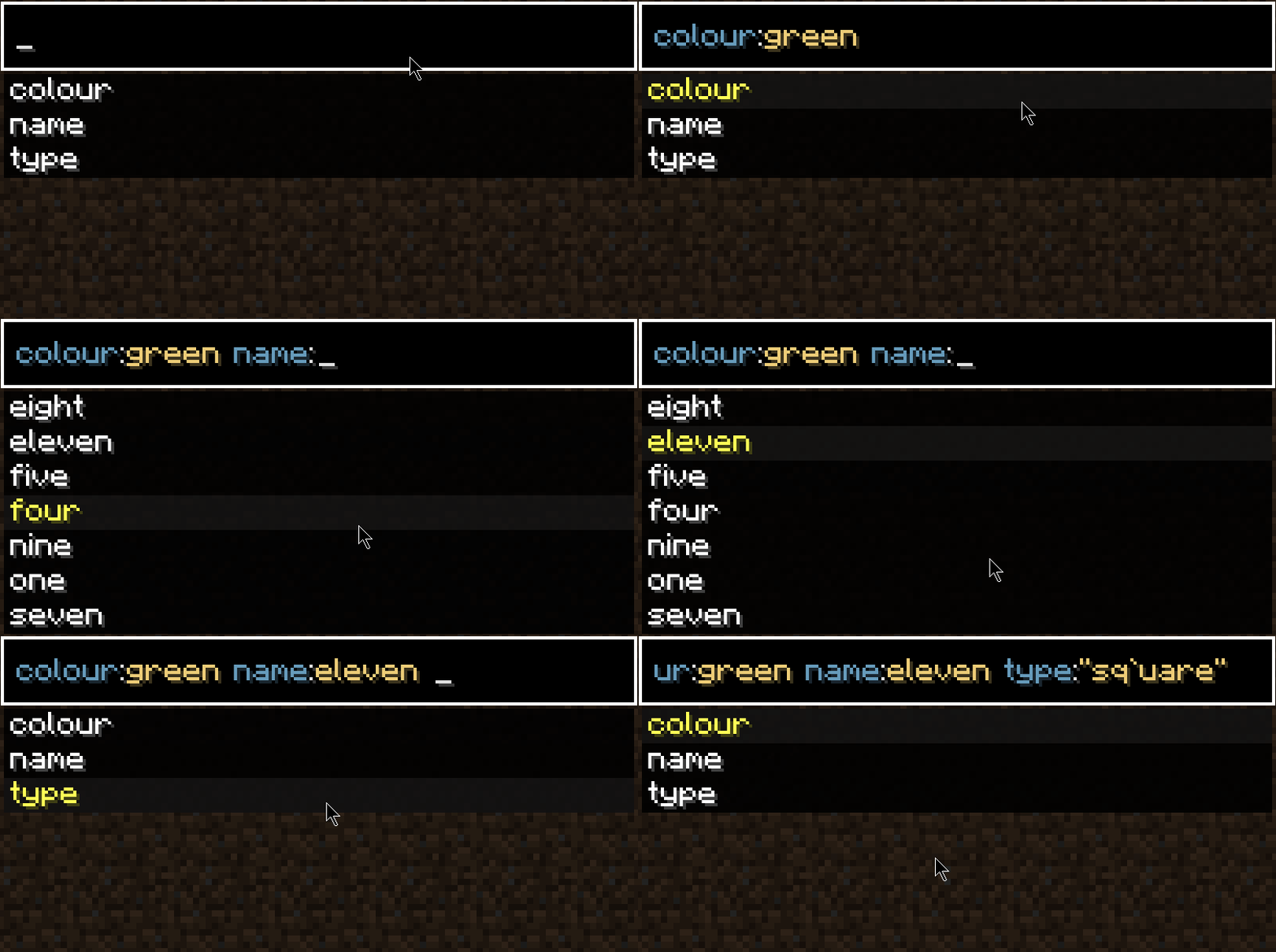
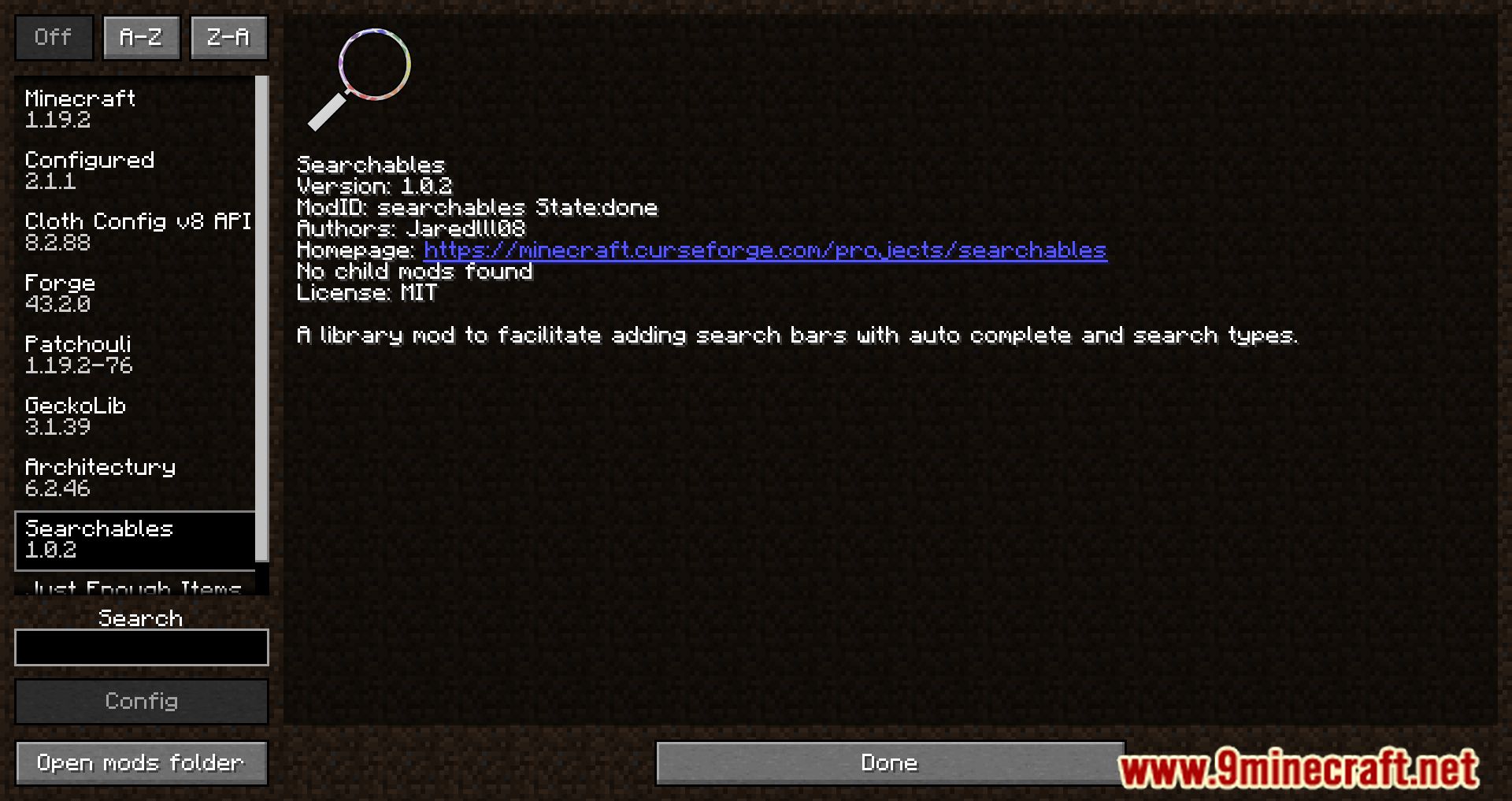


Searchables Mod adds powerful new ways to search for items in other mods. You can filter things by their specific parts, like typing “shape:square color:red” to find exactly what you need. It also includes an auto-complete feature to make searching much faster. Please note that this is a library mod, which means it doesn’t add any features on its own but is used by other mods to improve their search functions.
Features:
- Lets you search and filter items based on their components, such as color or shape.
- Offers built-in auto-complete suggestions to help you find things quicker.
- Allows other mods to add their own custom and detailed search options.
Screenshots:

Searchables Mod Download Links
Quick facts
- Edition: Minecraft Java
- File type: .jar
- Minecraft version listed: 1.20.1
- How to install: Install the matching mod loader (Forge, Fabric or NeoForge) for your Minecraft version. → Download the .jar. → Put it in the .minecraft/mods folder and launch that loader profile.
- Where to get it: Opens on the file's original source — not every file is mirrored on our own servers.
Install steps are the general flow for this file type — How to install Minecraft Java mods & modpacks walks through it step by step.
Searchables Mod (26.2, 1.20.1) – Find Any Item in Modpacks is a free Minecraft Java mod. Compatible with Minecraft 1.20.1. Download it and open it directly in the game.