FPS Reducer Mod reduces unnecessary GPU and CPU load by reducing the frame rate automatically when you are not operating the Minecraft for a certain period of time. As soon as the user performs any operation, it returns to the original frame rate.
This is a client-side mod, so it is not necessary to install it on the server.
Features:
- Reduce FPS automatically under the following conditions.
- No user operation for the specified time.
- The game window is inactive or minimized.
- Suppress sound volume if the game window is inactive or minimized.
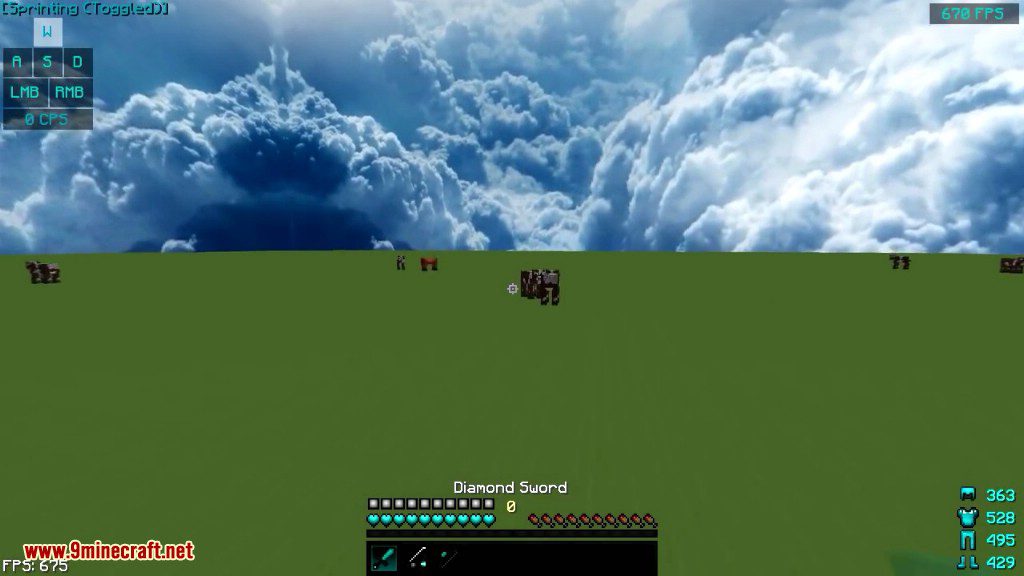
- Display the current FPS on the screen edge.
Recommended in the following cases:
- When leaveing the game running without the operation, for example with automated agriculture and/or industry.
- When doing other work concurrently with running Minecraft in background.
- When you want to extend the lifespan of your PC even a little.
- When you want to save unnecessary power.
- When the room is hot…
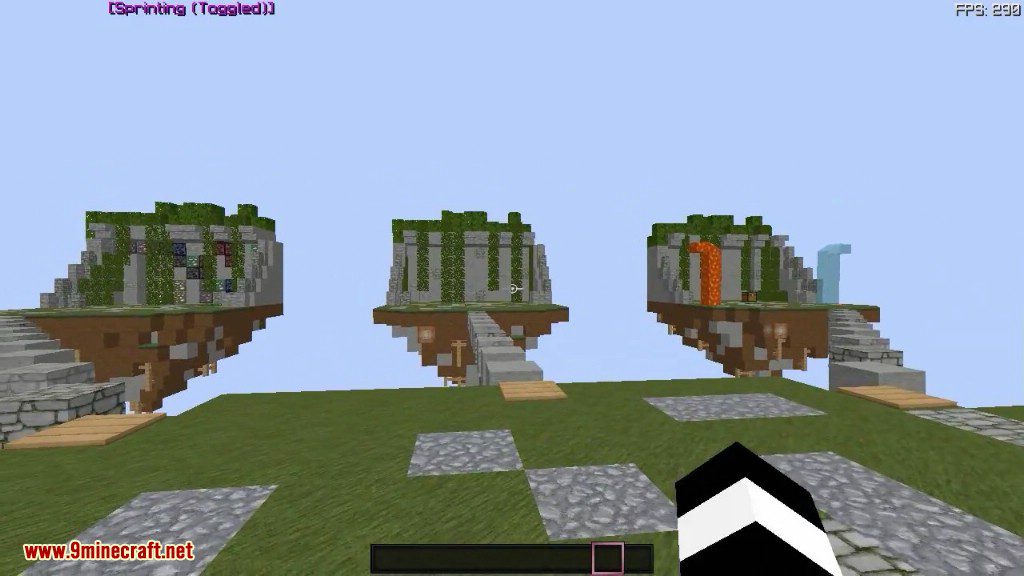
Screenshots:
How to use:
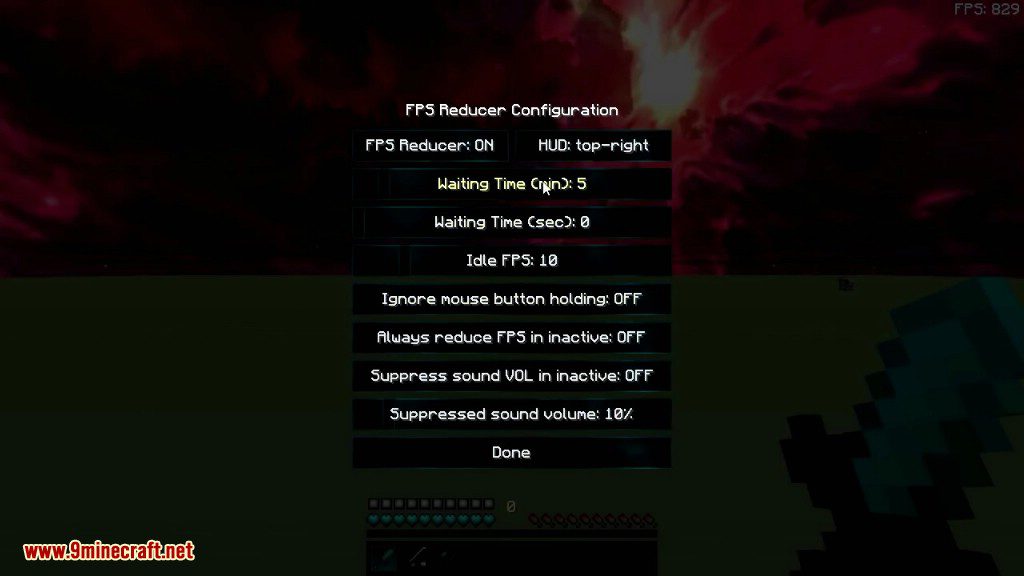
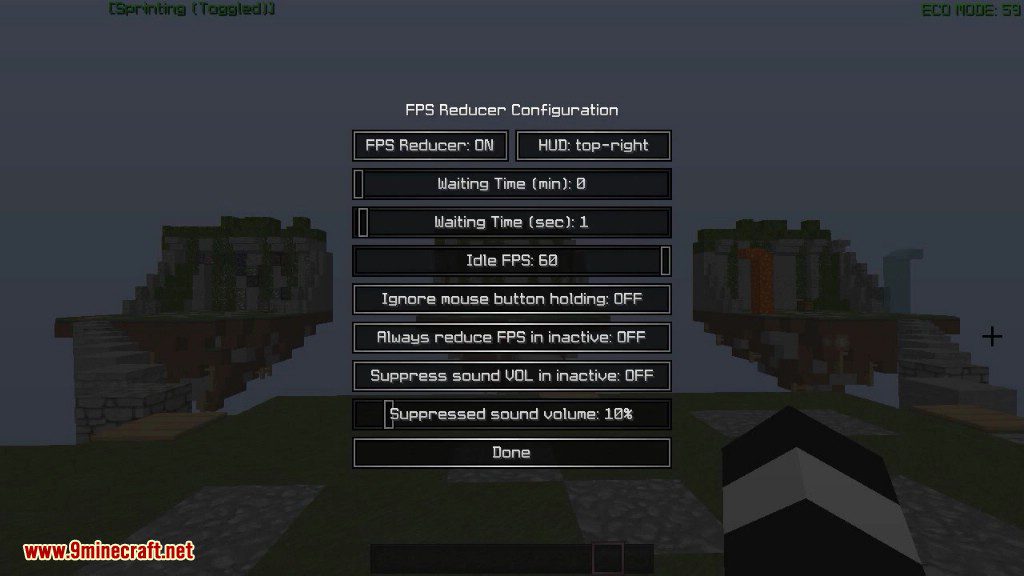
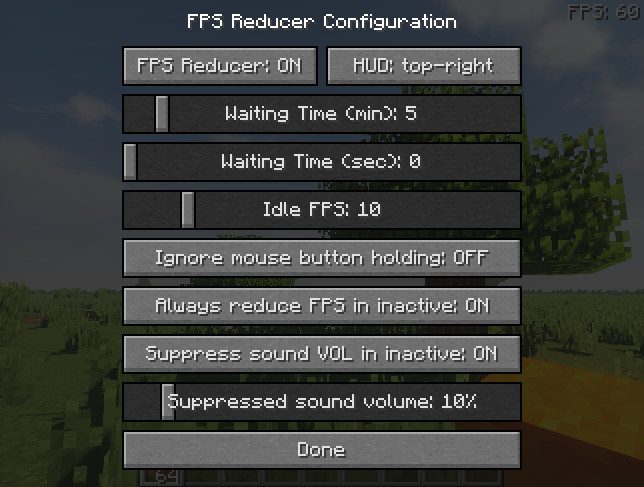
- By default, if there is no operation for 5 minutes the frame rate will drop to 10.
- Pressing [END] key opens the configuration GUI by default.
FPS Reducer Mod Download Links
Quick facts
- Edition: Minecraft Java
- File type: .jar
- Minecraft version listed: 1.20.1
- How to install: Install the matching mod loader (Forge, Fabric or NeoForge) for your Minecraft version. → Download the .jar. → Put it in the .minecraft/mods folder and launch that loader profile.
- Where to get it: In MC Java Mods, or directly above on this page.
Install steps are the general flow for this file type — How to install Minecraft Java mods & modpacks walks through it step by step.
Verified by MCModsHub
- Downloads as 64061.mcaddon
- Download size: 133 KB
- Download link checked 25 Sept 2026 — working
- Mirrored on our own servers — the download does not depend on the original host
These come from our own check of the pack file, not from the source page.