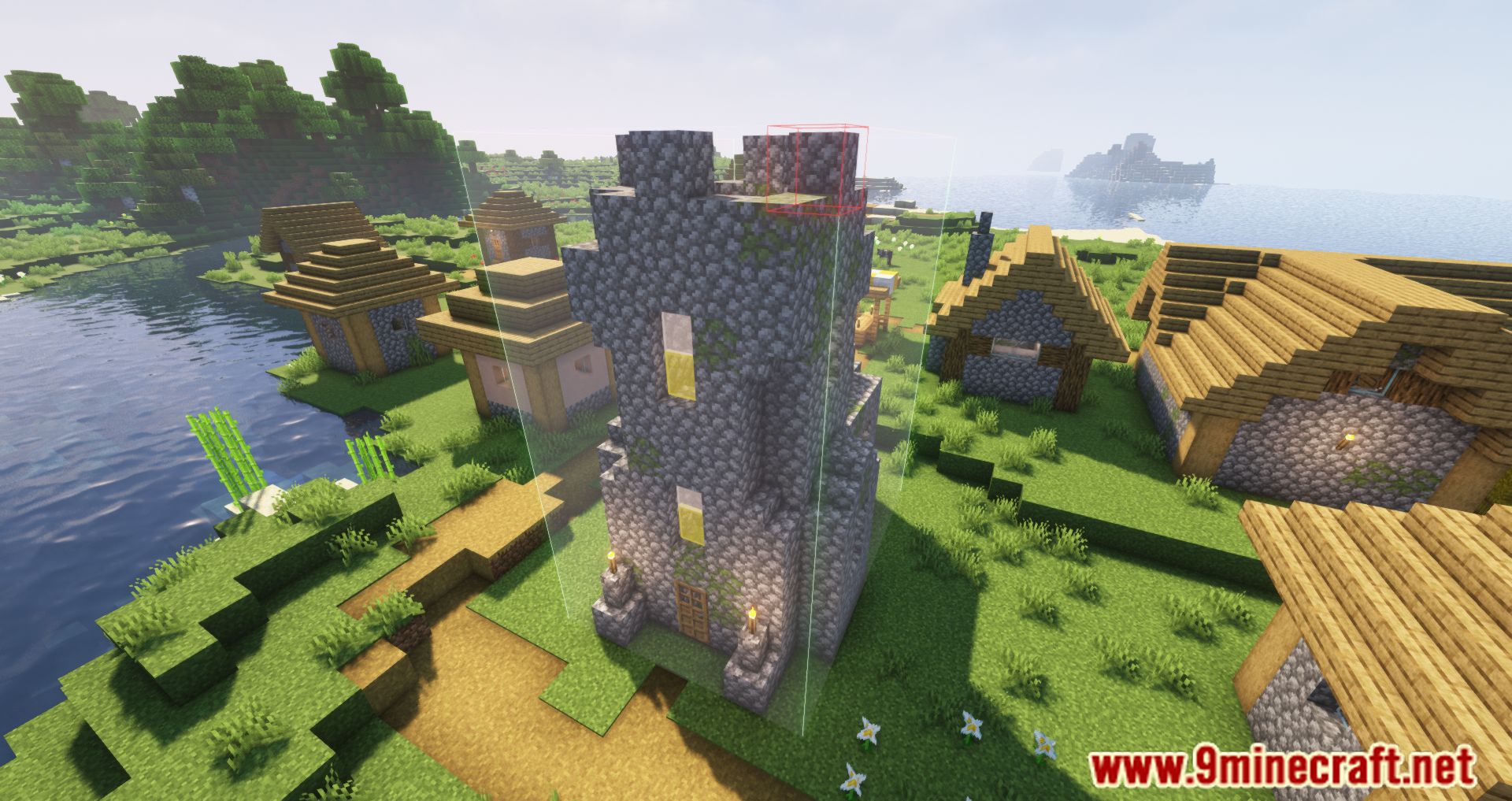
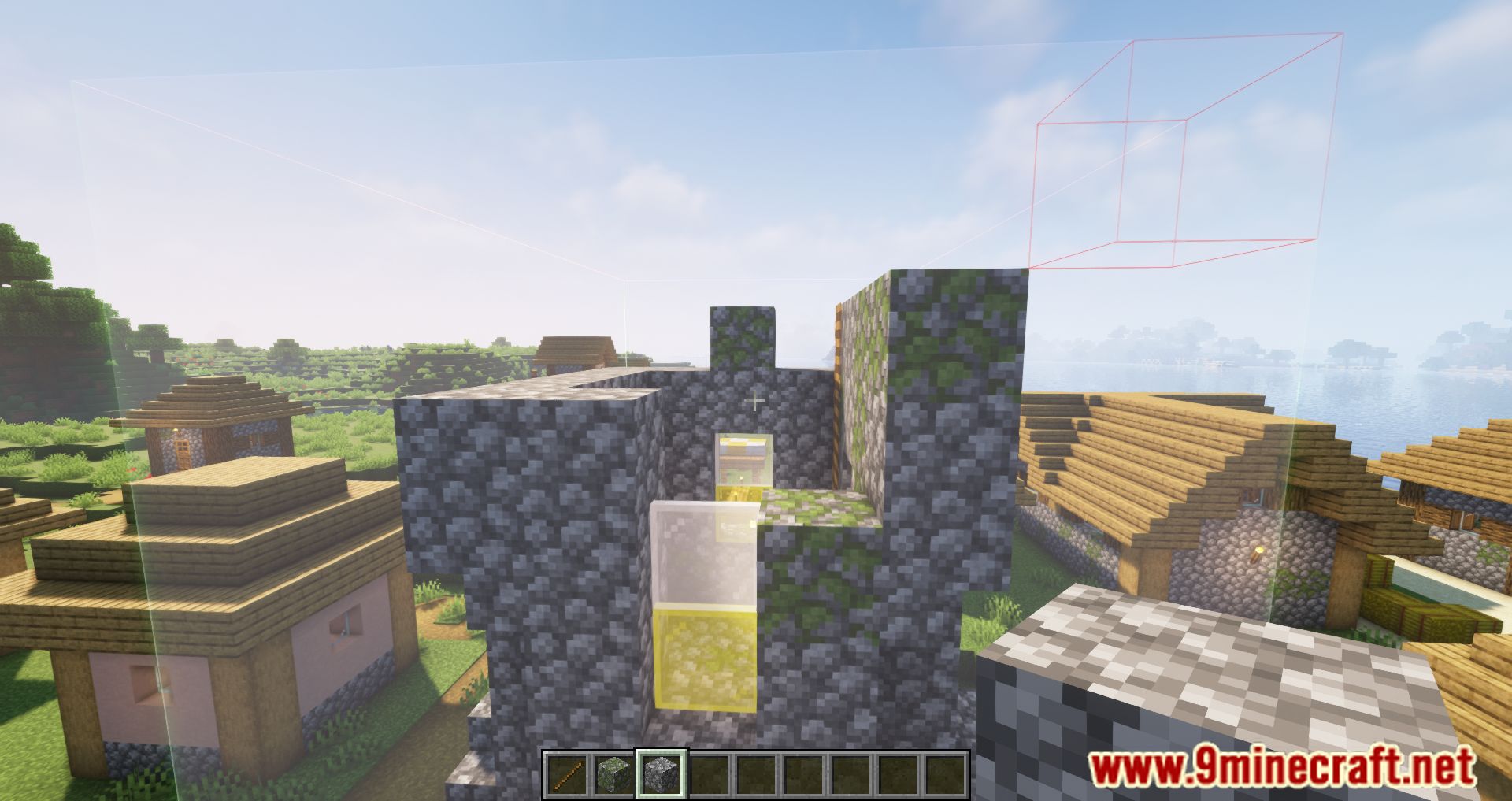
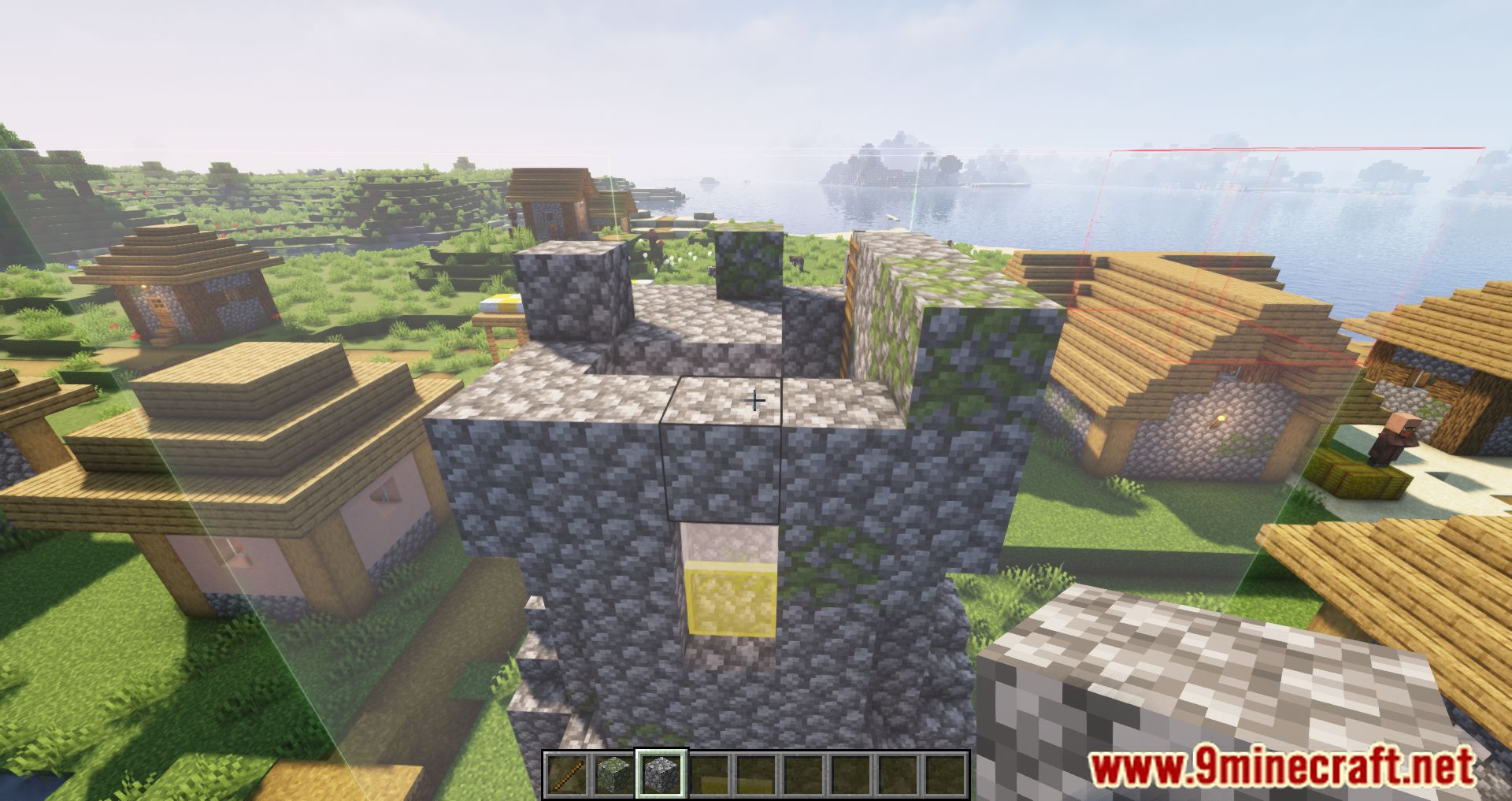
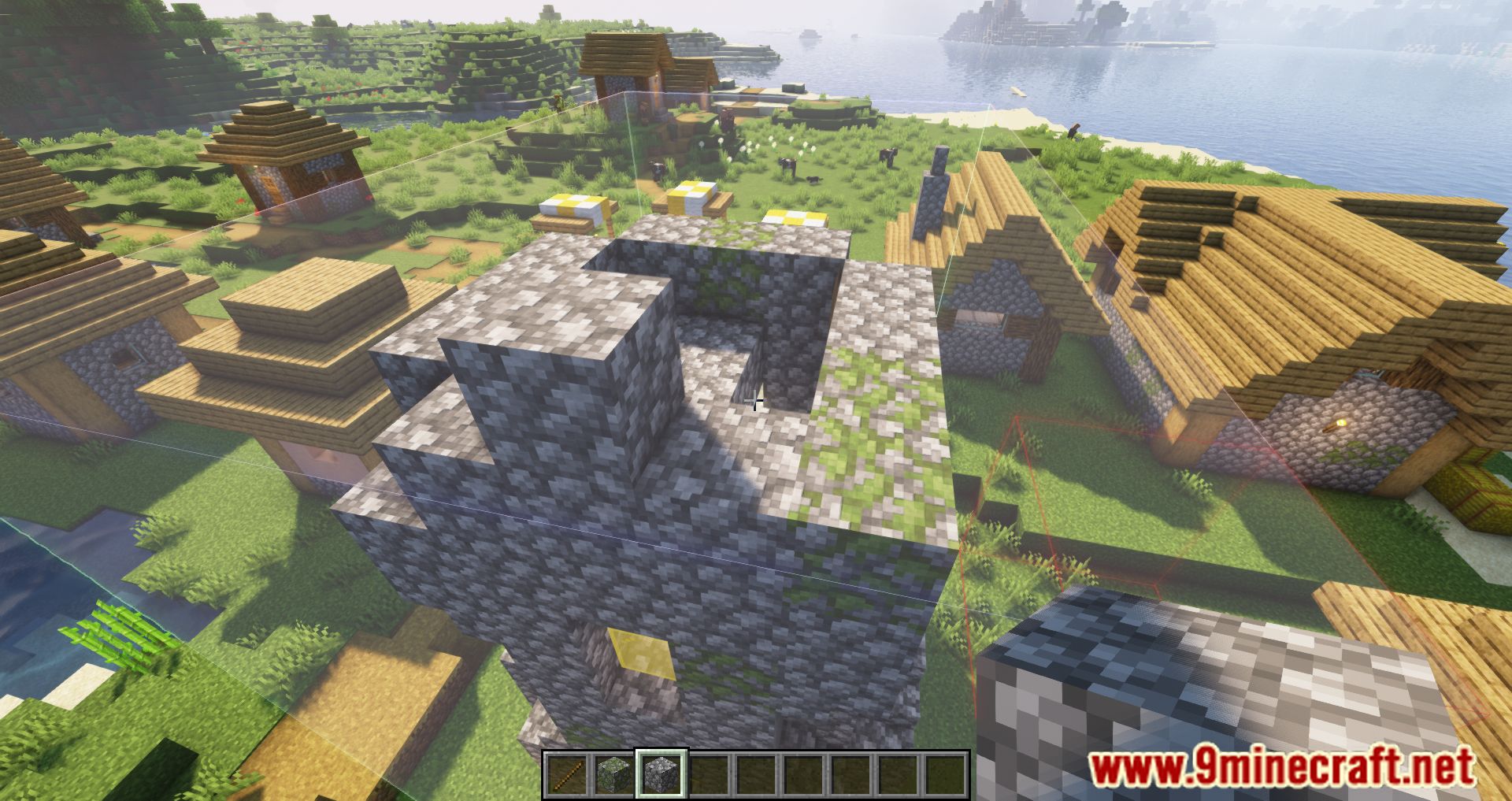
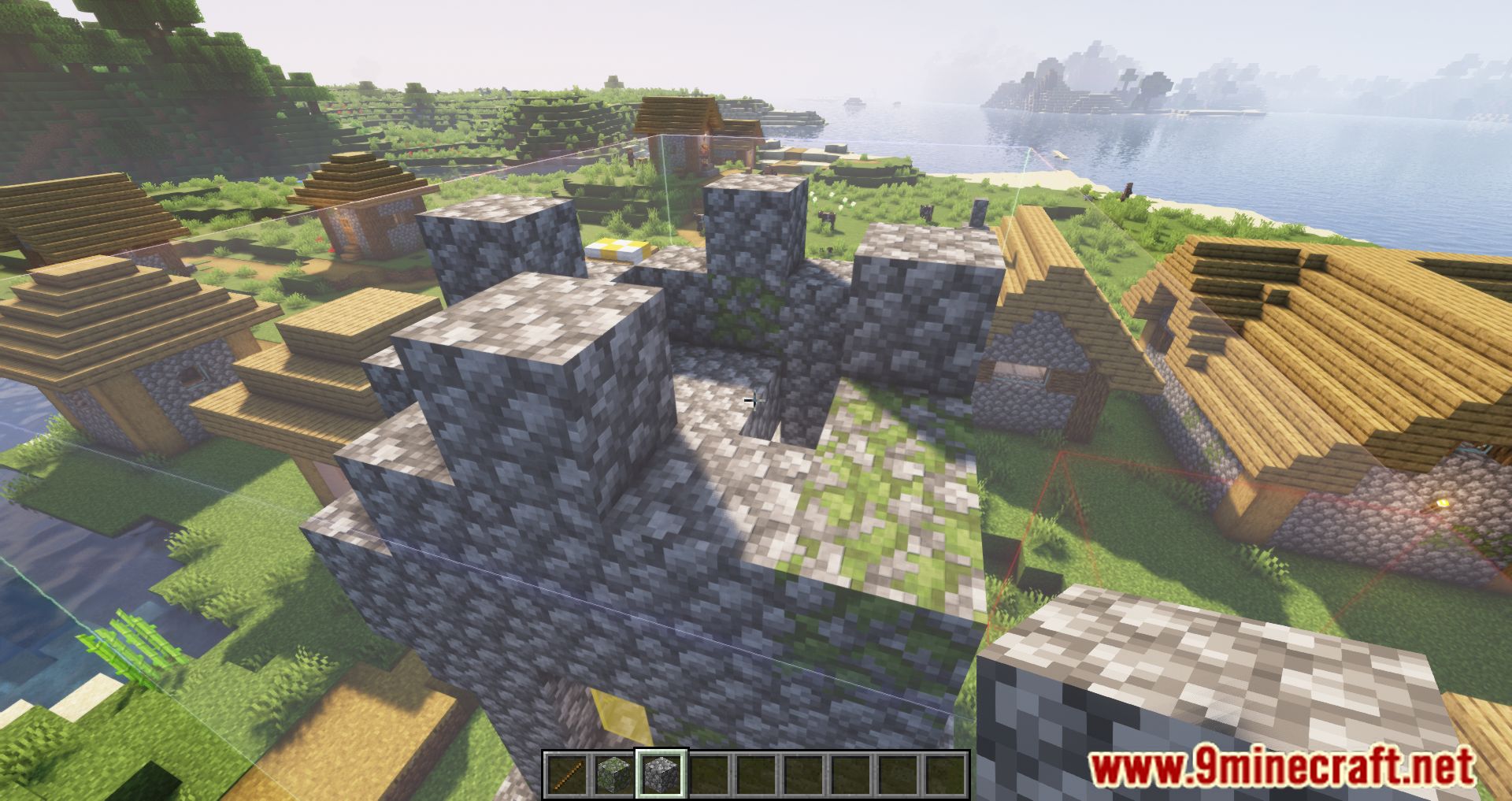
Litematica Printer Mod adds a printer to the Litematica mod that instantly places blocks at the press of a button. This allows you to build structures quickly and easily in Creative Mode. It’s recommended to enable EasyPlaceMode.
Features:
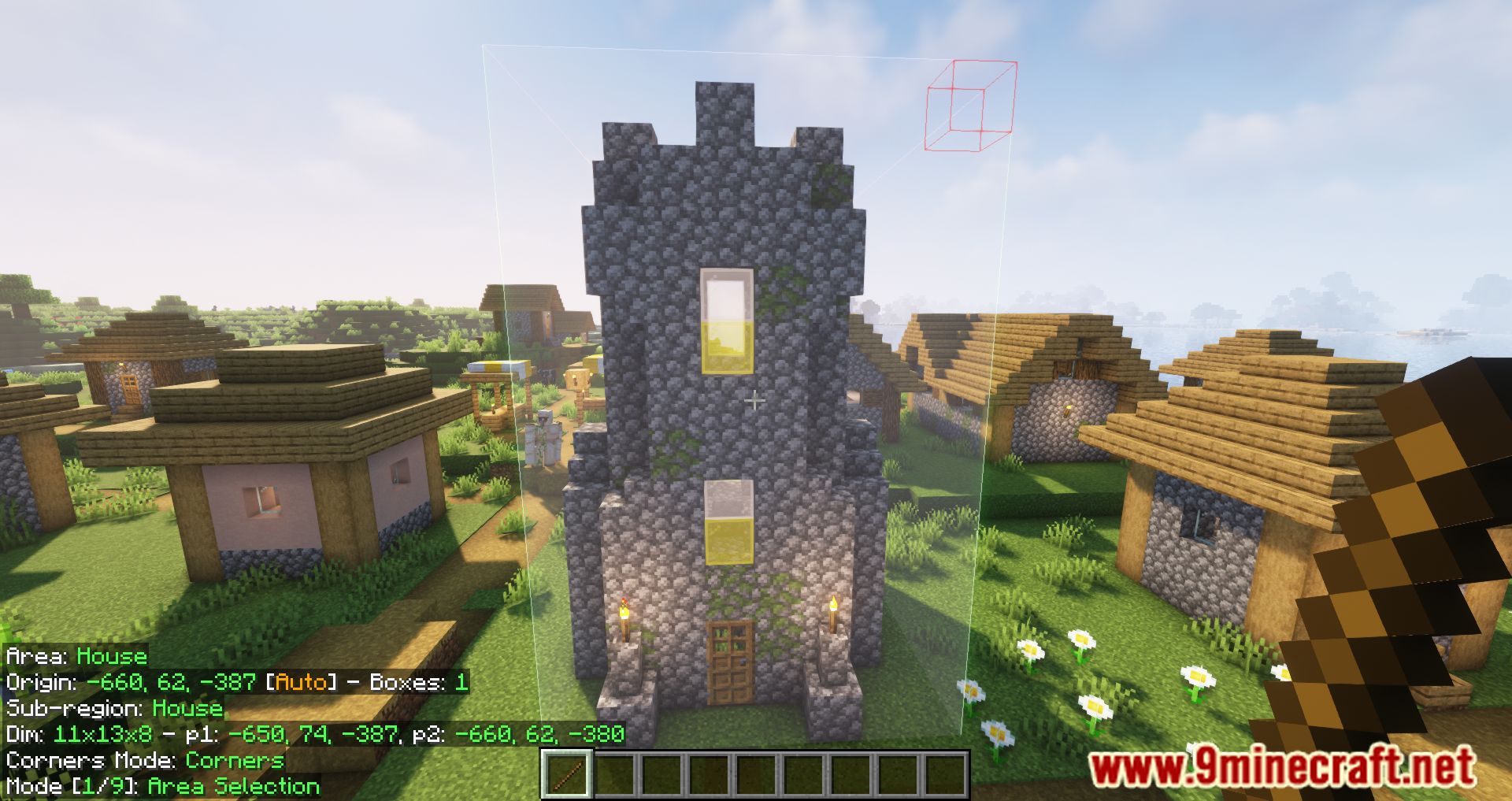
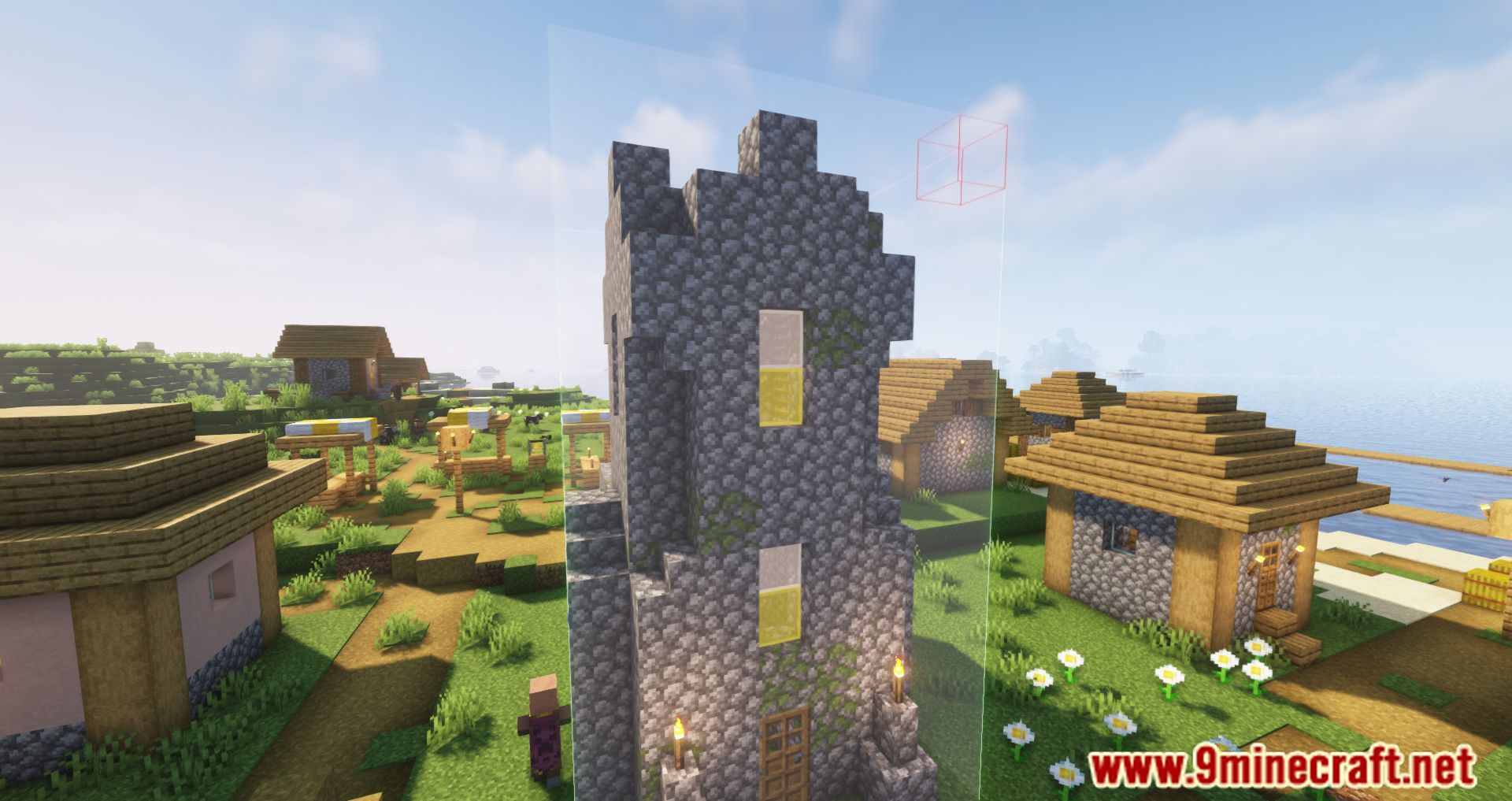
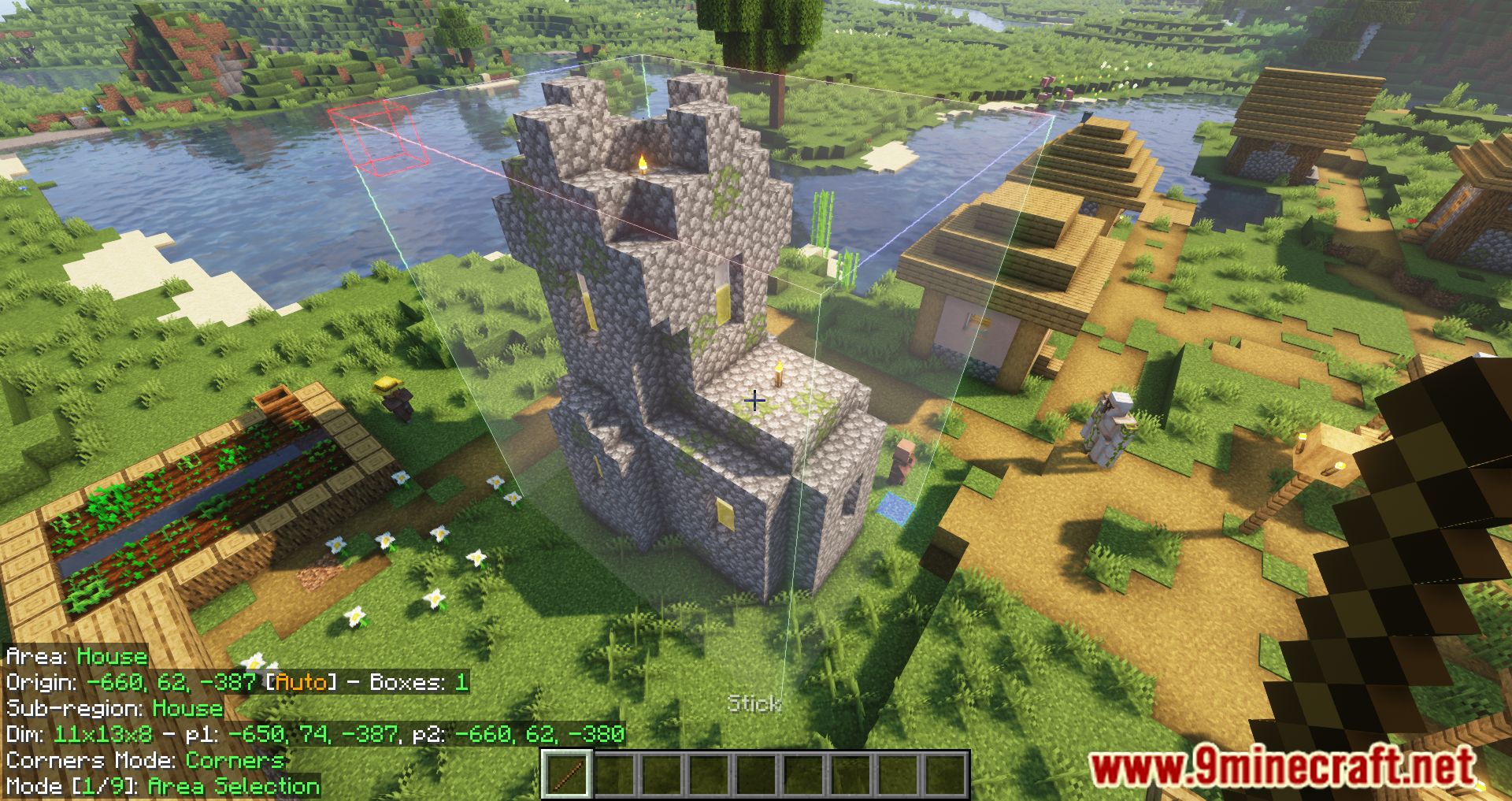
- Schematic Visualization: Load and view schematics directly in-game, giving you a clear blueprint of your build.
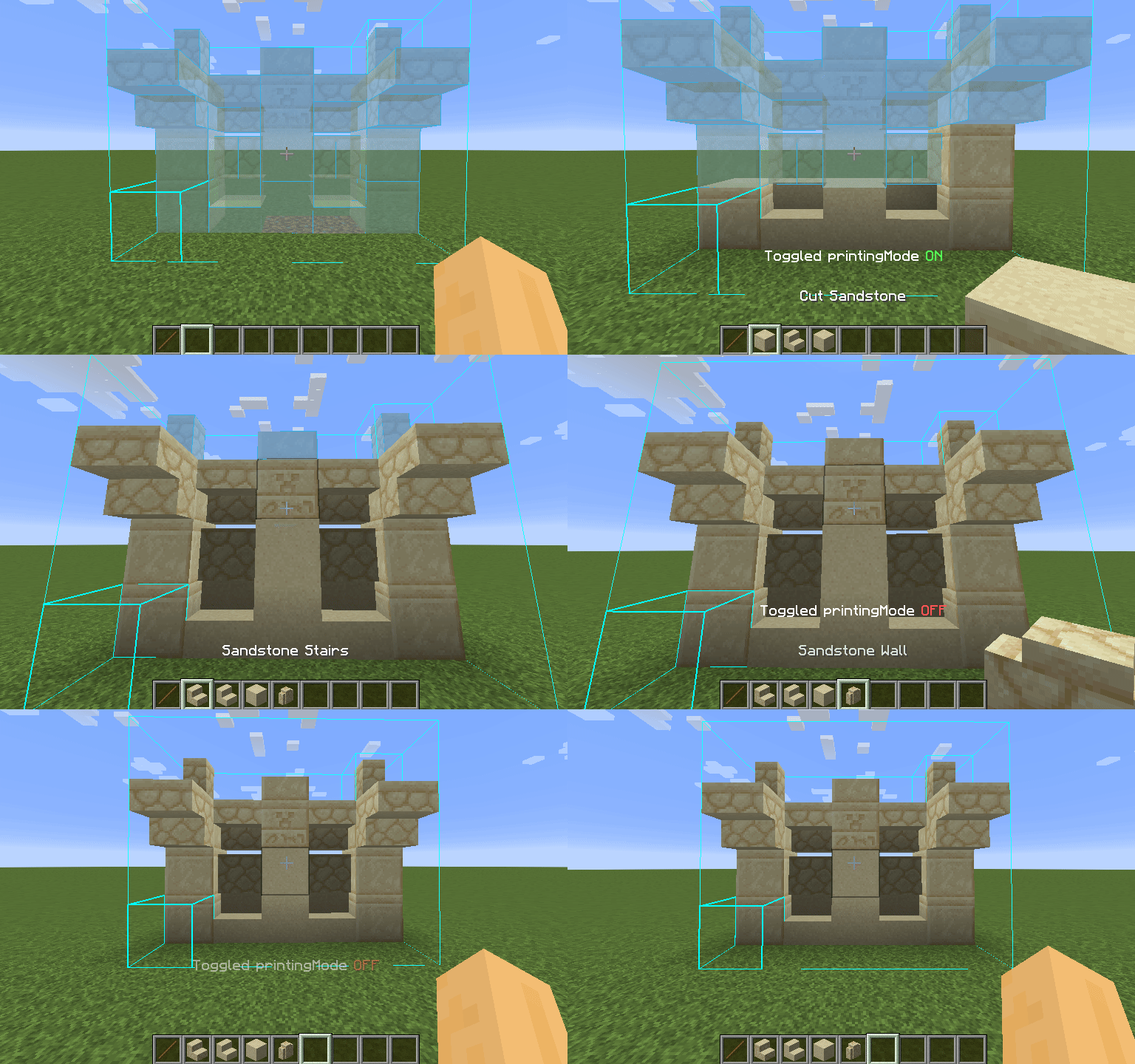
- Printer Mode: Automatically places blocks around you based on the loaded schematic-just press CAPS_LOCK to toggle it.
- Customizable Settings: Adjust placement speed and radius in the “Generic” tab of Litematica’s settings (M + C by default).
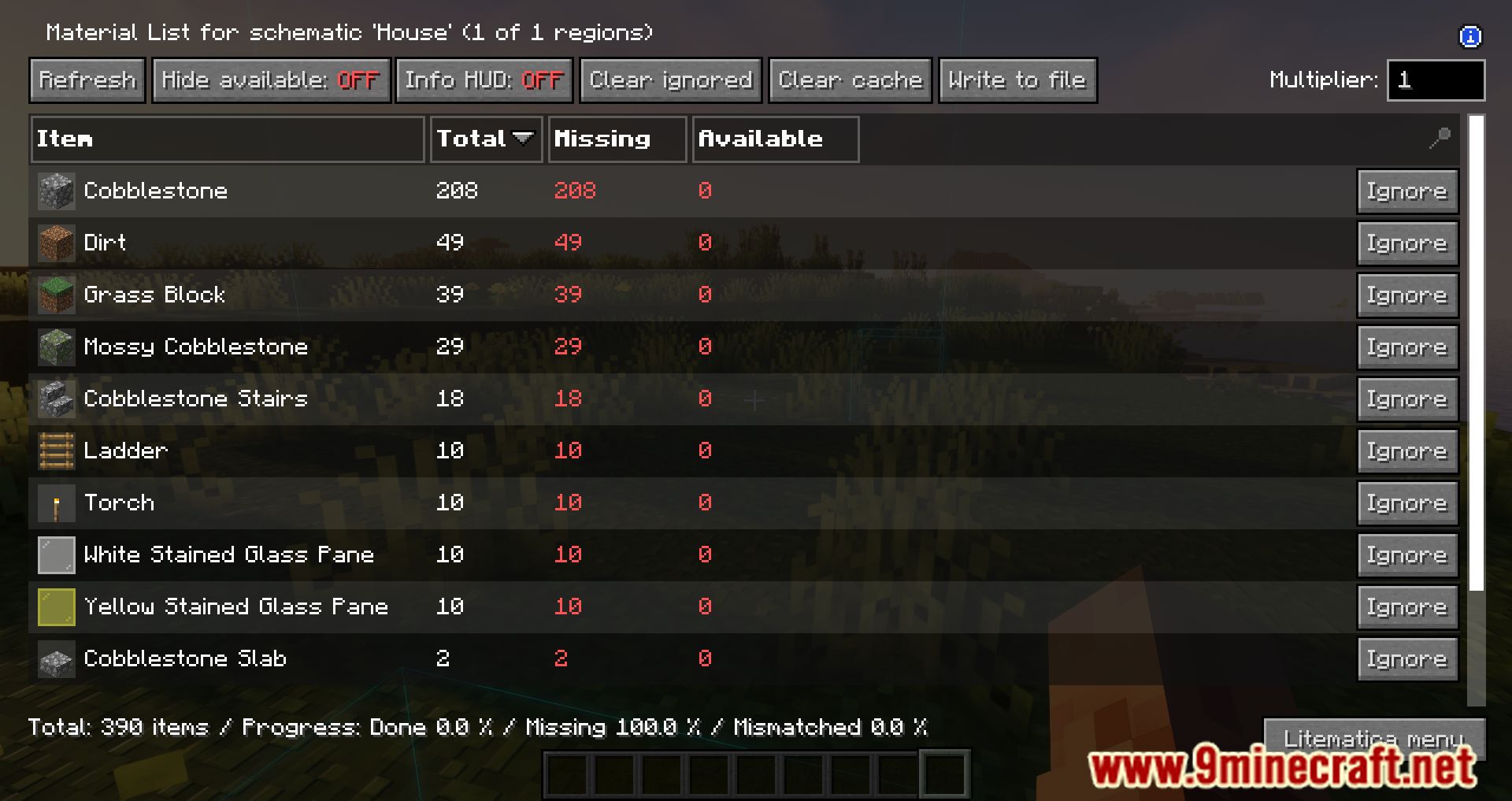
- Material Management: Helps track required materials for your build.
- Undo/Redo Functions: Easily correct mistakes during construction.
- Real-Time Editing: Make changes to your schematic on the fly.
How To Use:
- It’s very simple-press CAPS_LOCK to activate the mode. You can adjust the placement radius and speed in the Litematica settings under the “Generic” section.
Screenshots:
Litematica Printer Mod Download Links
Quick facts
- Edition: Minecraft Java
- File type: .jar
- Minecraft version listed: 1.20.1
- How to install: Install the matching mod loader (Forge, Fabric or NeoForge) for your Minecraft version. → Download the .jar. → Put it in the .minecraft/mods folder and launch that loader profile.
- Where to get it: In MC Java Mods, or directly above on this page.
Install steps are the general flow for this file type — How to install Minecraft Java mods & modpacks walks through it step by step.
Verified by MCModsHub
- Downloads as 64071.mcaddon
- Download size: 151 KB
- Download link checked 26 Sept 2026 — working
- Mirrored on our own servers — the download does not depend on the original host
These come from our own check of the pack file, not from the source page.