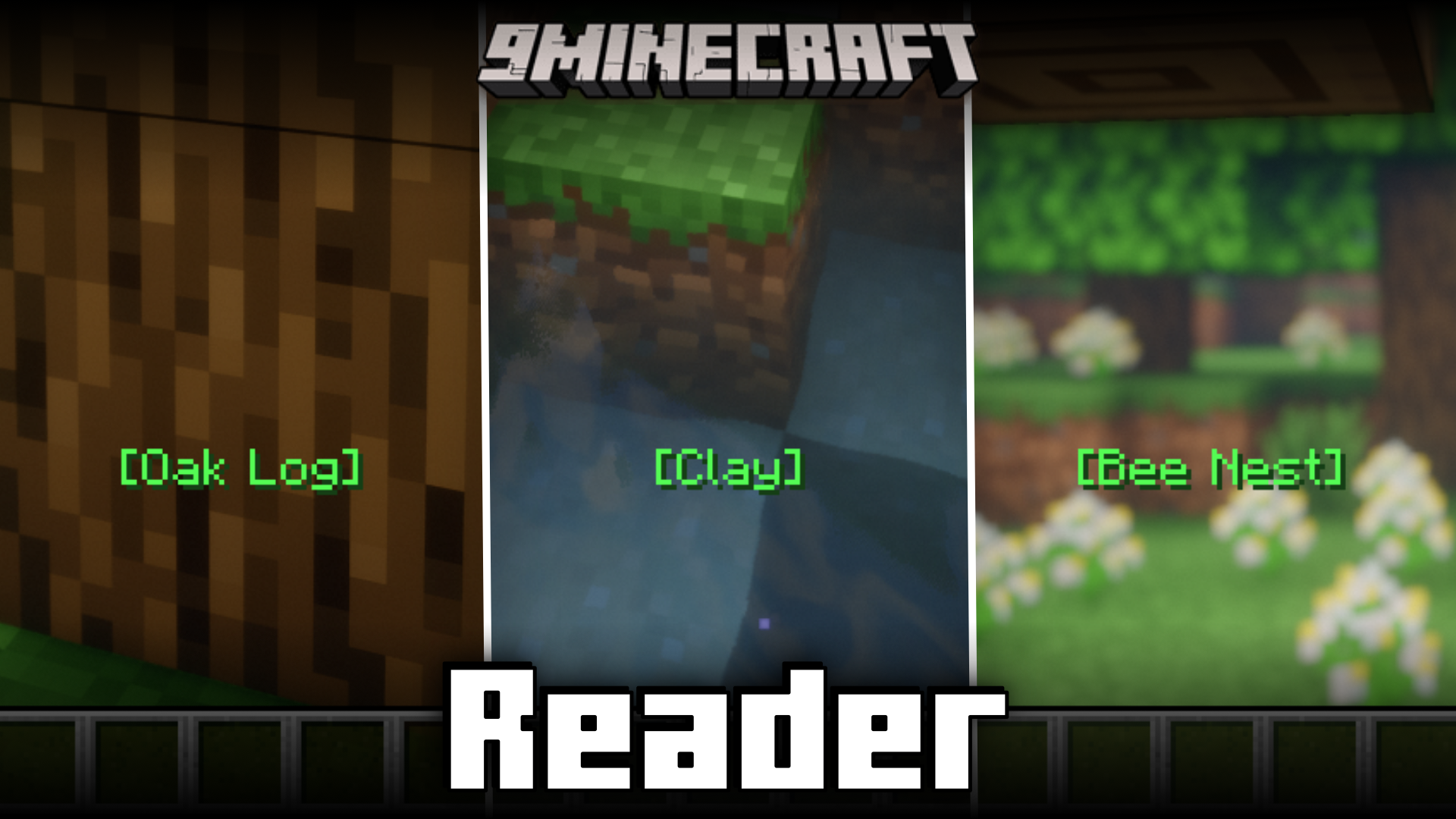
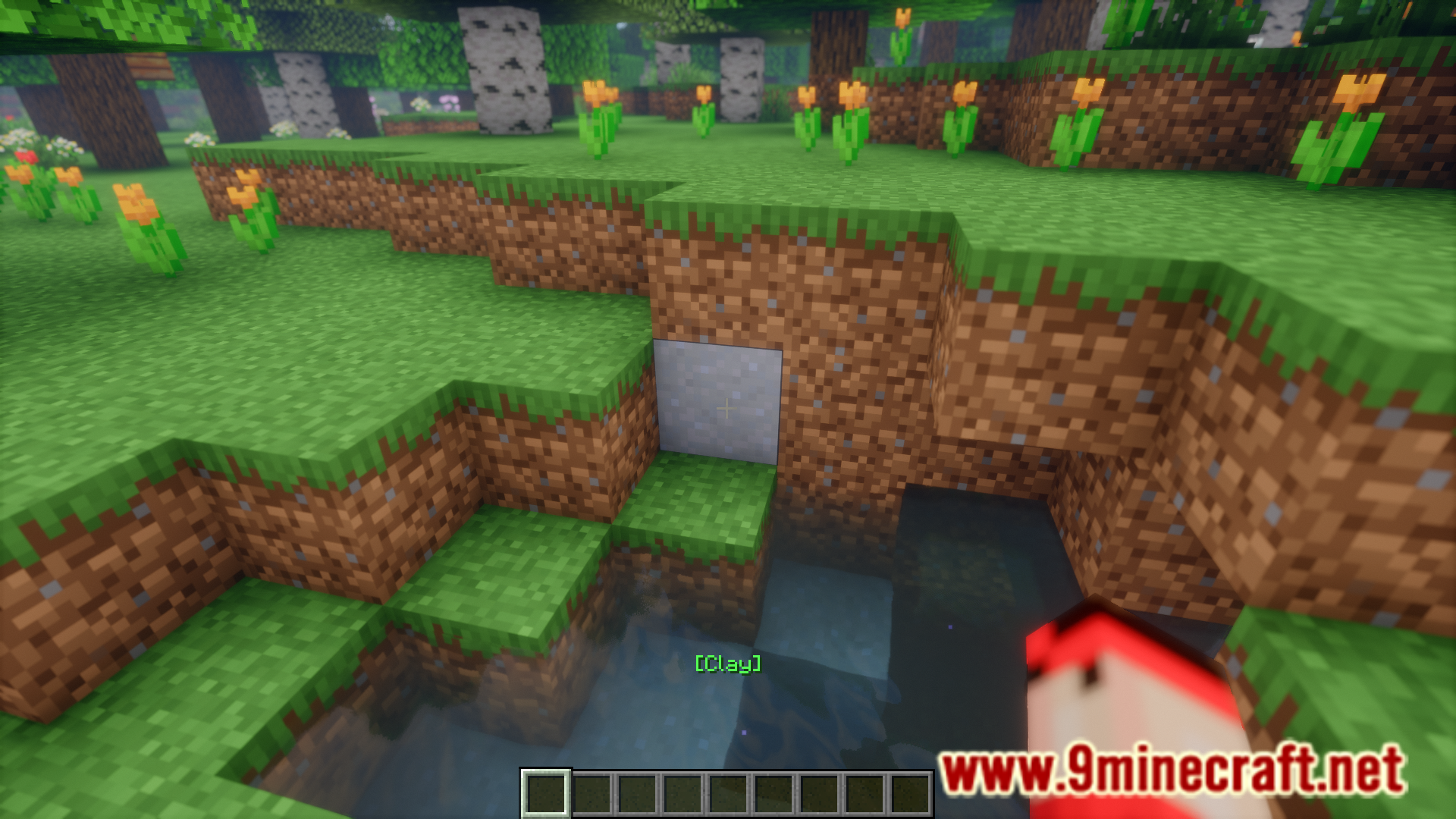
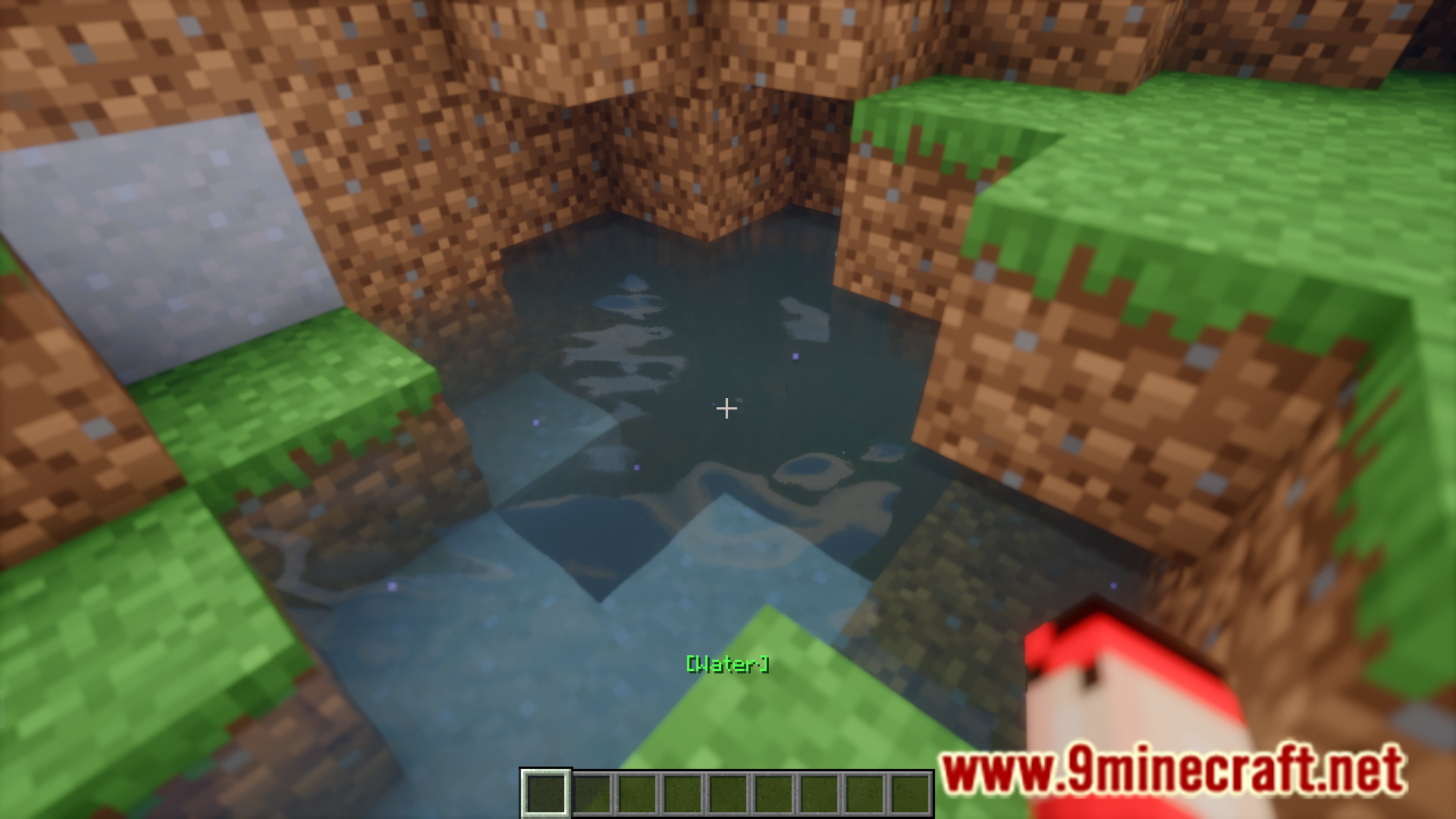
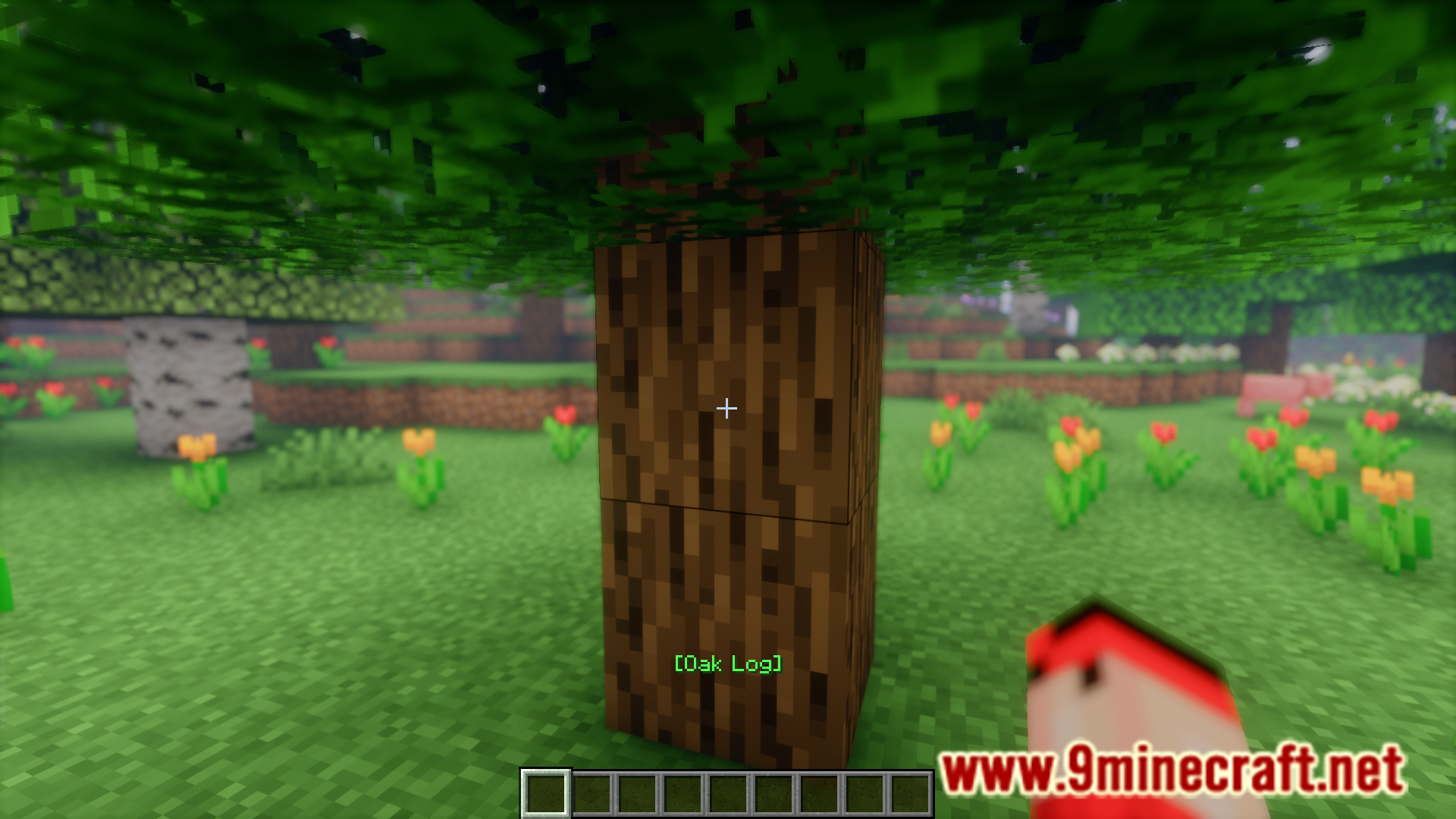
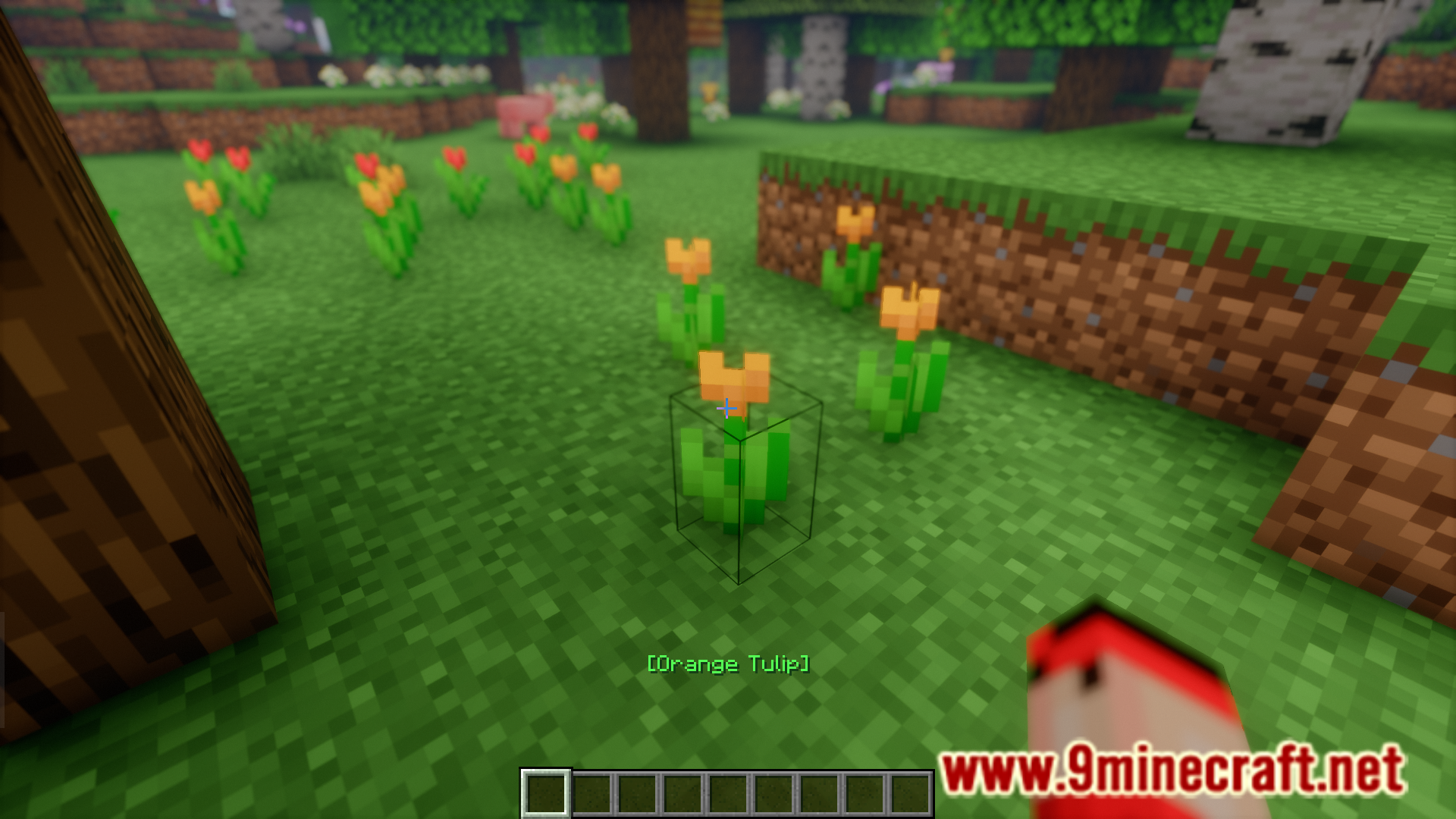
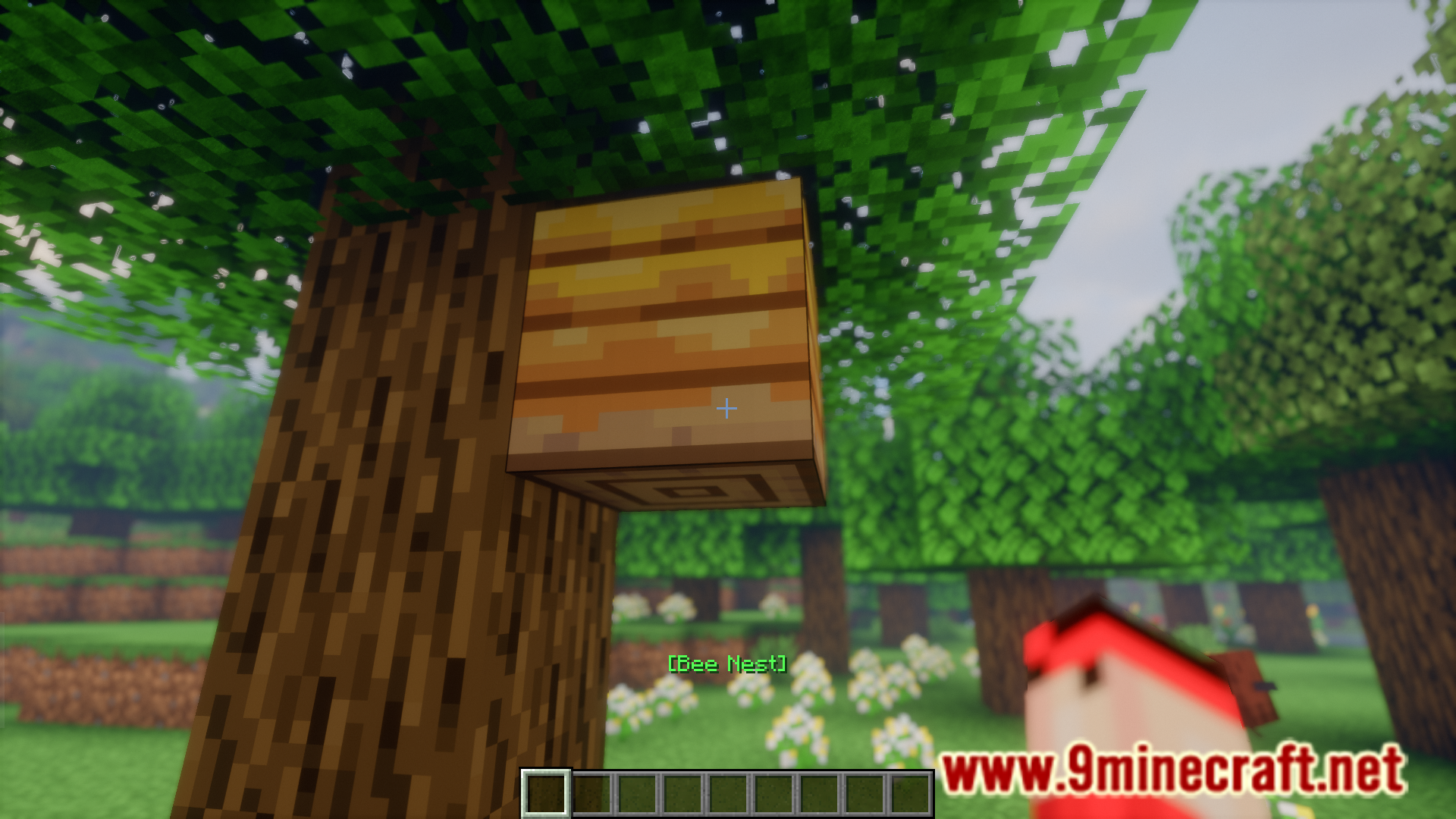
Have you ever had this experience where you opened the game after a long break and was overwhelmed with a bunch of new blocks and items? It so happened that a major game update occurred when you were away, and this update introduces a lot of new blocks that you don’t know about. In situations where you are faced with a specific block or item that you do not know about, Reader Mod is your best friend. To put it simply, this mod allows you to identify different blocks/items. Simply point your crosshair at a block and an overlay showing the name of the block will appear on your screen.
Features:
- Helps identify unknown blocks and items in the game.
- The names of blocks/entities are displayed on your action bar when pointing at them.
Screenshots:
Reader Mod Download Links
- Edition: Minecraft Java
- File type: .jar
- Minecraft version listed: 1.20.1
- How to install: Install the matching mod loader (Forge, Fabric or NeoForge) for your Minecraft version. → Download the .jar. → Put it in the .minecraft/mods folder and launch that loader profile.
- Where to get it: In MC Java Mods, or directly above on this page.
Install steps are the general flow for this file type — How to install Minecraft Java mods & modpacks walks through it step by step.
- Downloads as 64077.mcaddon
- Download size: 465 KB
- Download link checked 25 Sept 2026 — working
- Mirrored on our own servers — the download does not depend on the original host
These come from our own check of the pack file, not from the source page.