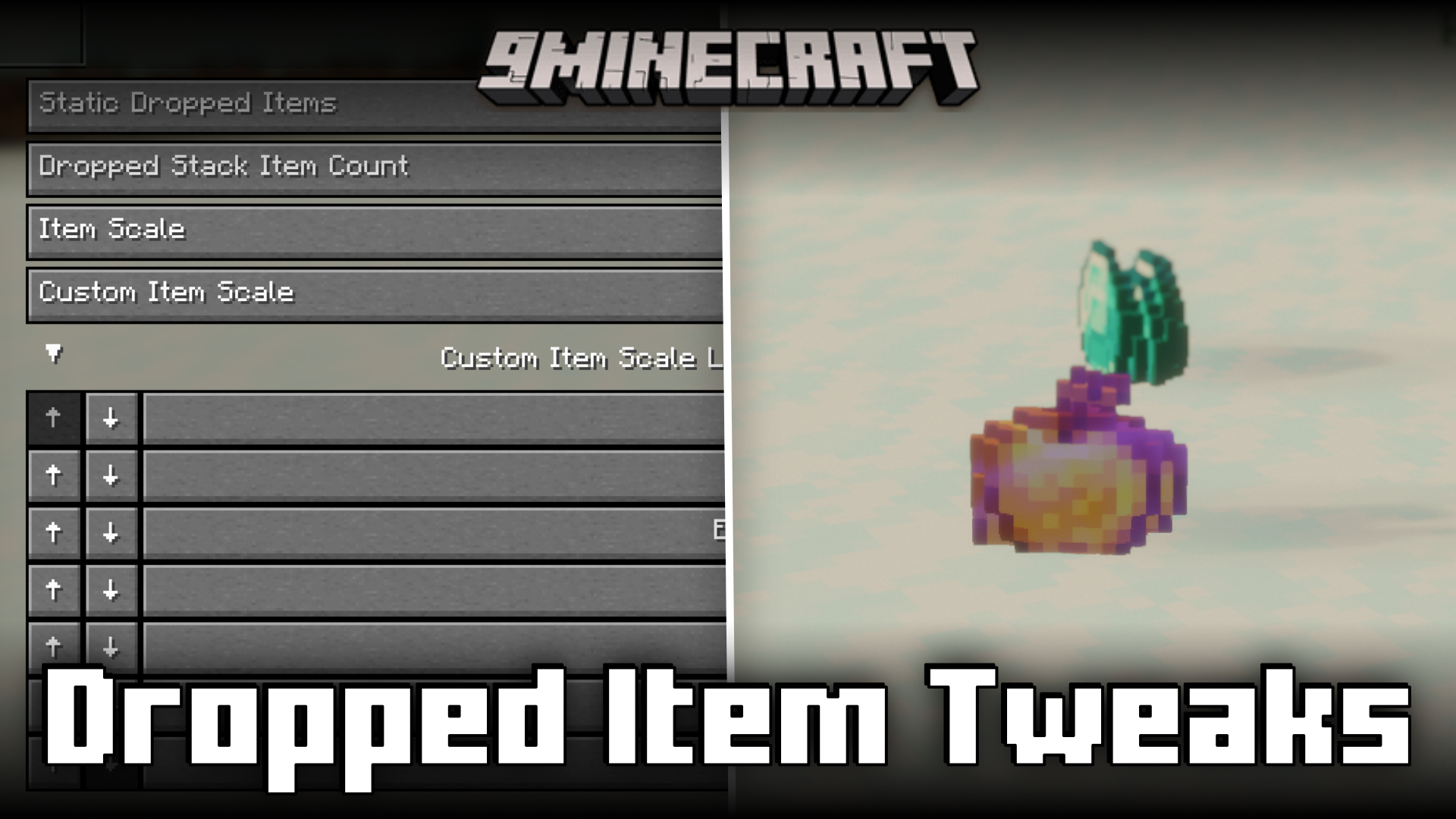
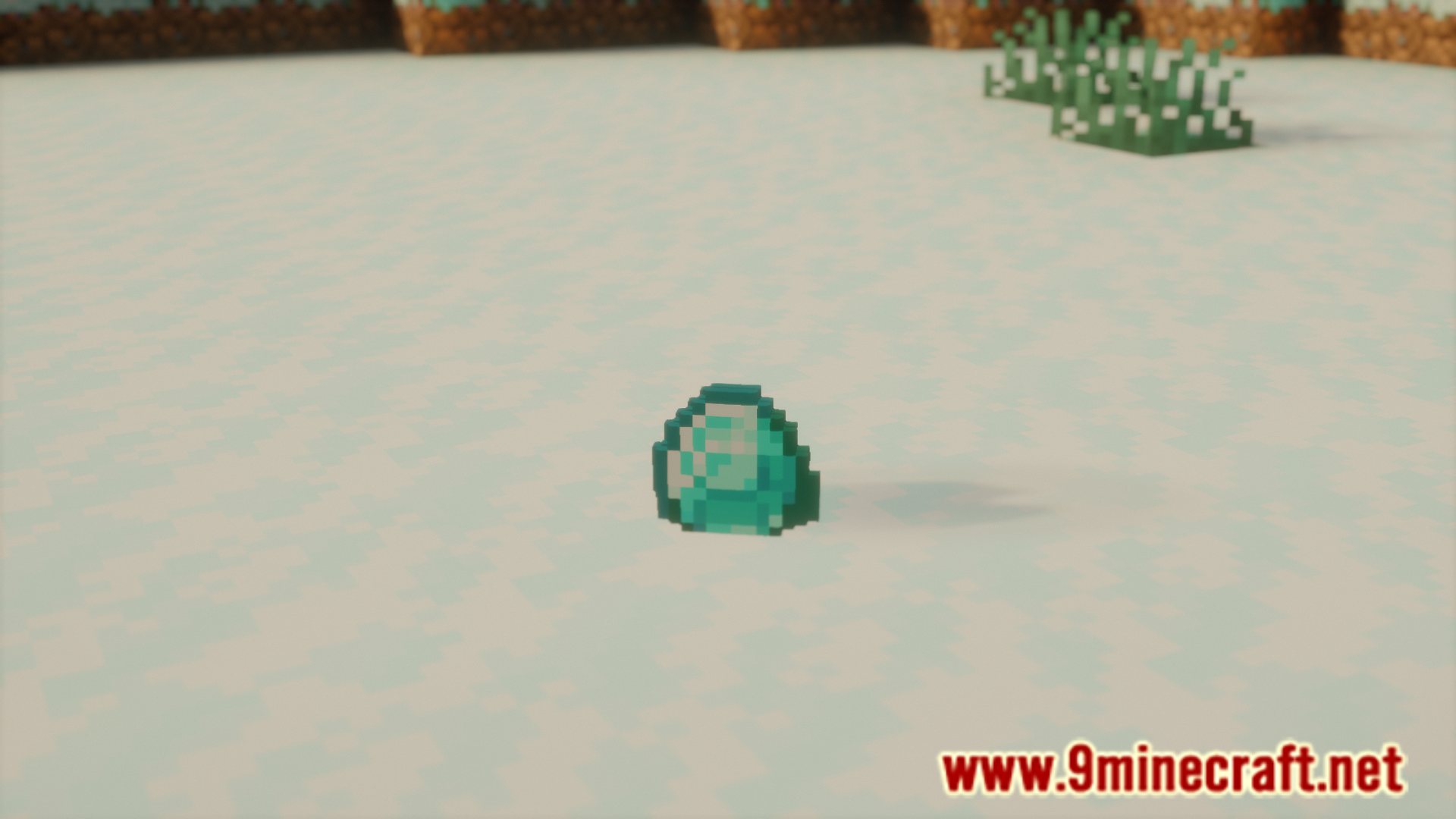
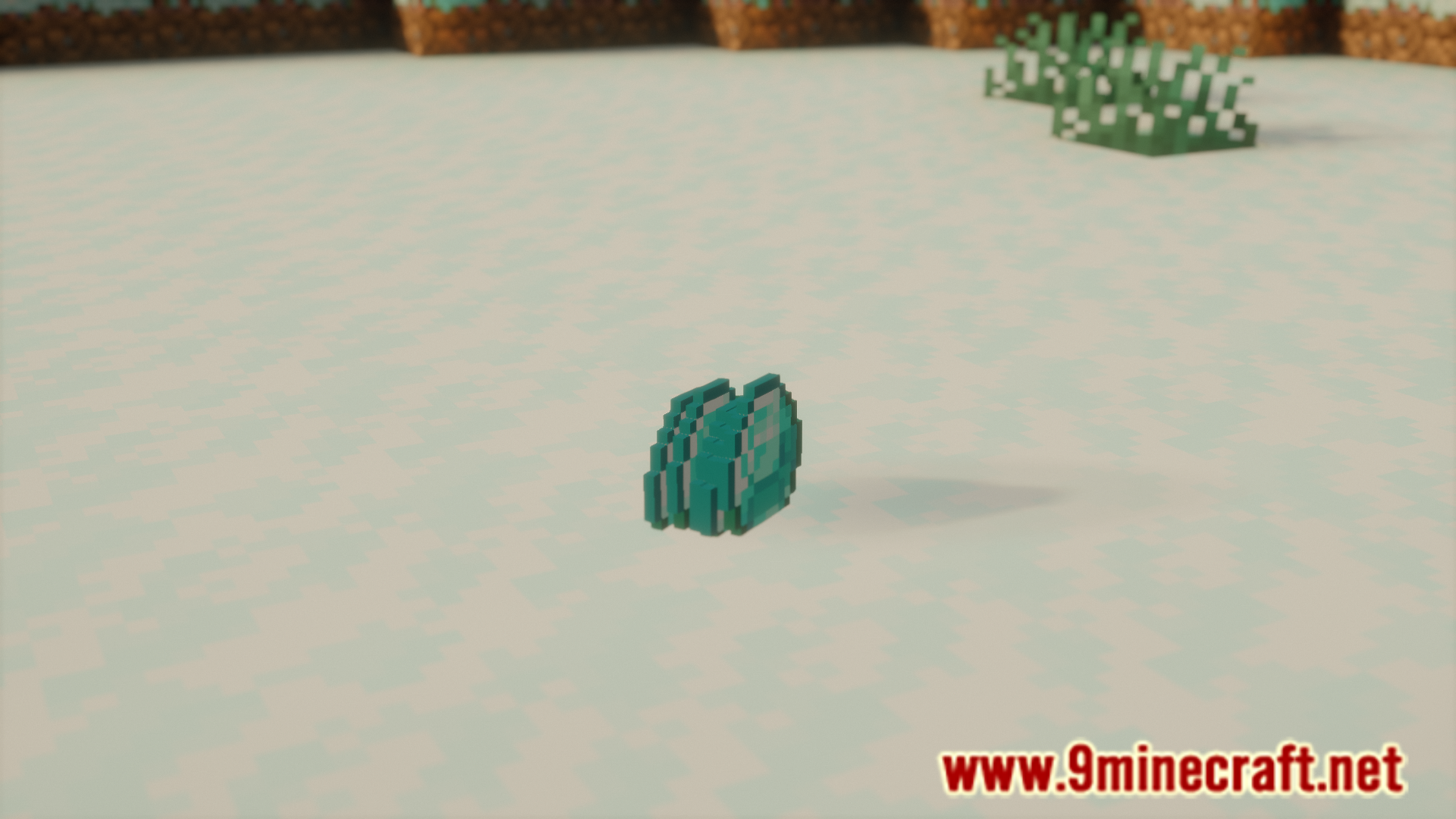
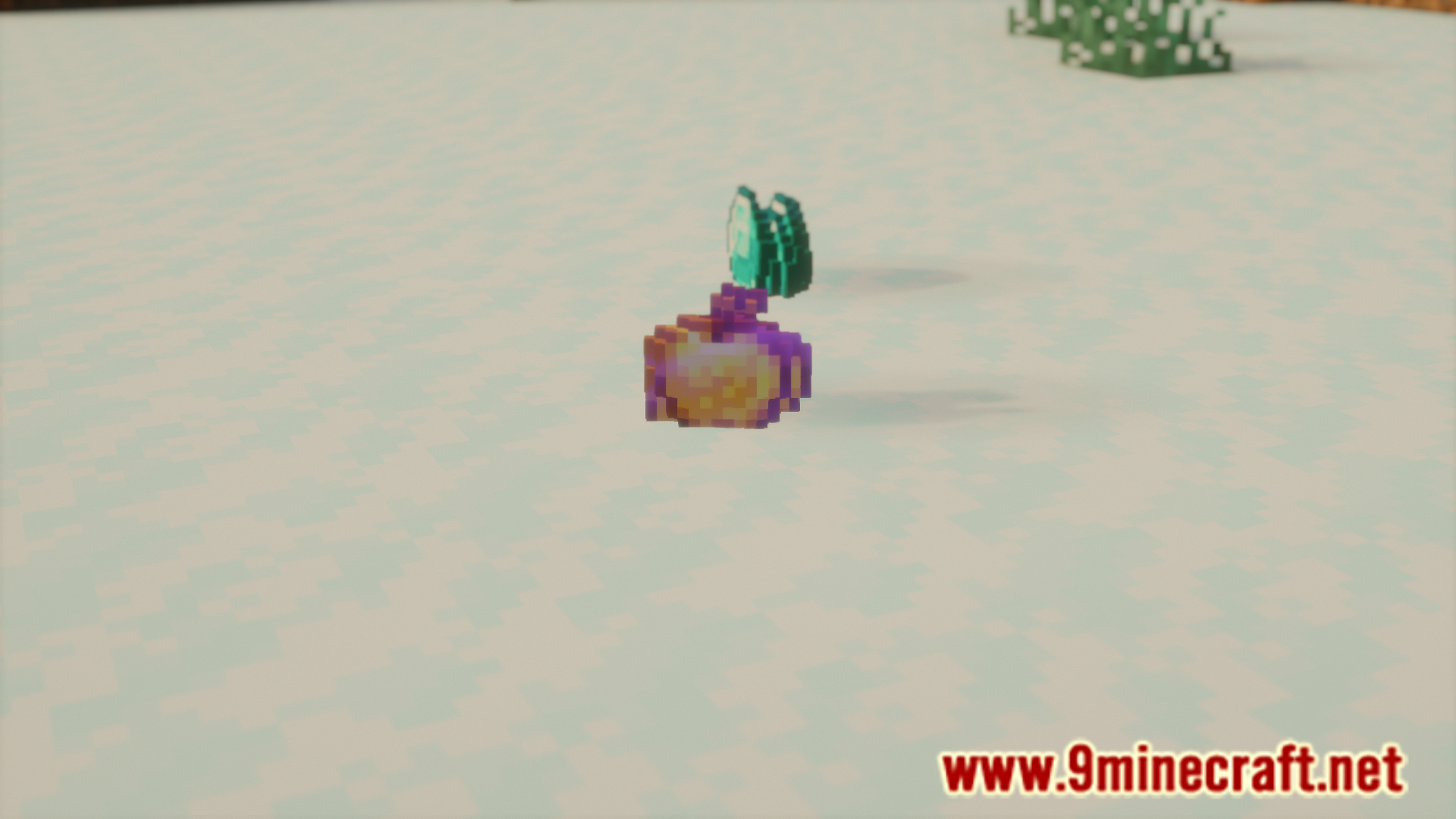
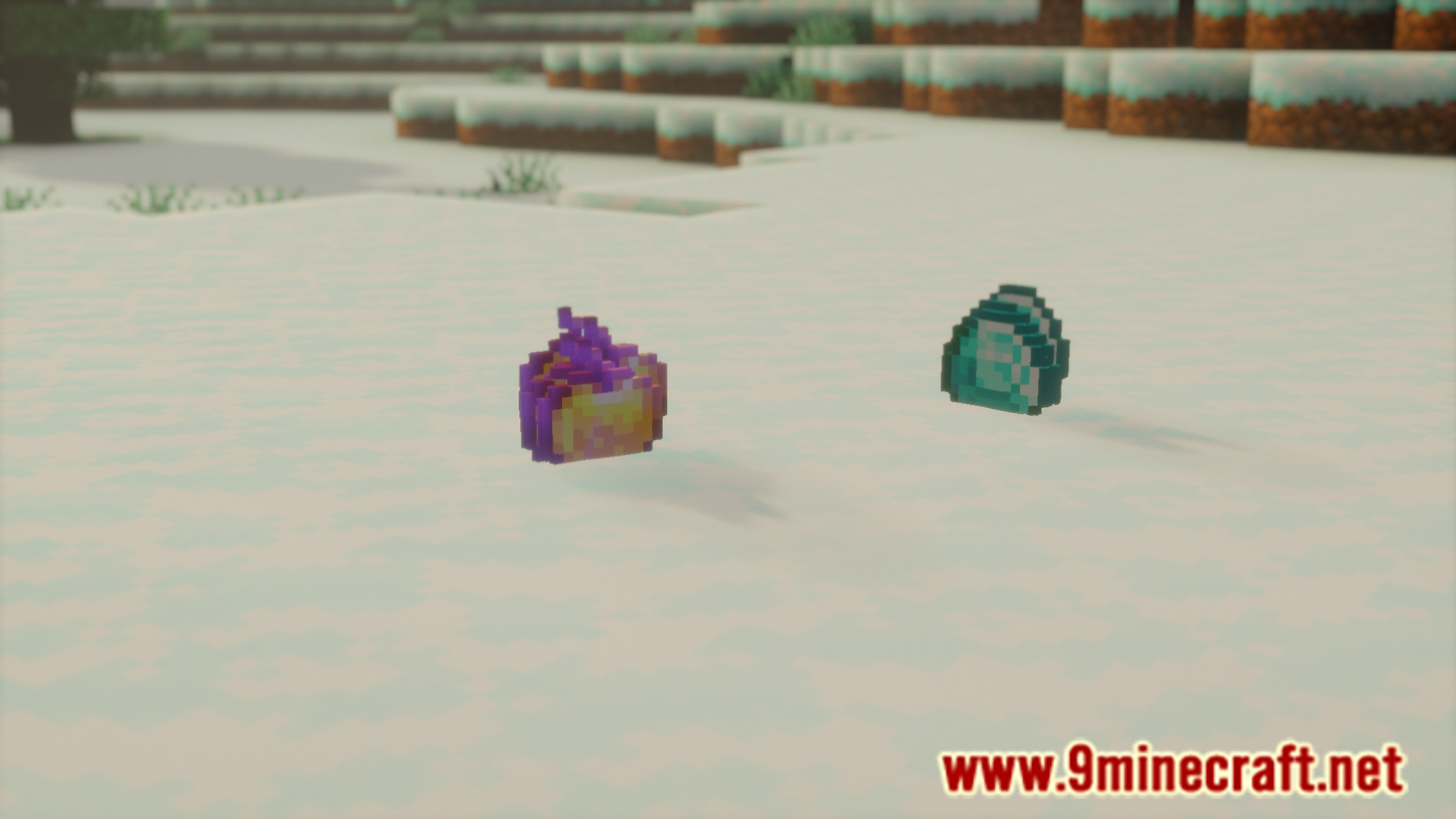
Dropped Item Tweaks Mod allows you to configure various different aspects of how a dropped item renders. You can toggle the item bobbing, item scale, etc. The configuration menu can be accessed with the help of Mod Menu. A list of configuration options, as noted by the developer, is given below.
Features:
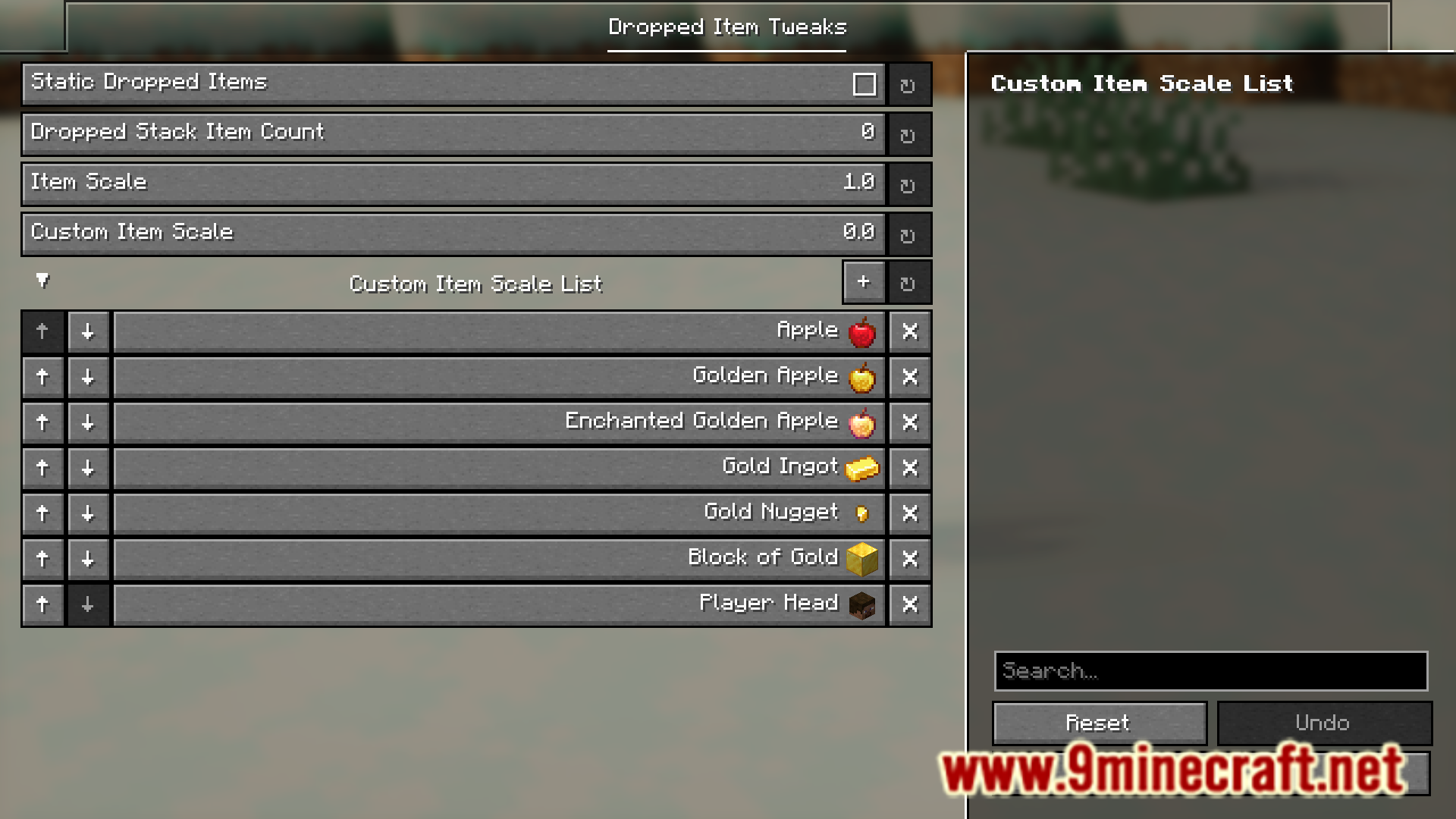
Static Dropped Items
- Removes the bobbing up/down effect, making dropped items only rotate in place.
Dropped Stack Item Count
- Allows customizing the amount of dropped items of a stack shown. Vanilla only shows up to 5 at a time depending on the amount of items, while this can allow you to go up to 64.
- Unlike vanilla, this will show the exact number of items specified, while vanilla scales the amount of items shown depending on how many items are in the stack. This can still be disabled in config.
Item Scale
- The default scale of dropped items.
Custom Item Scale
- A secondary item scale for a custom list of items. Commonly used for UHC overlays, as you can set a custom scale for heads, gold, etc.
Screenshots:
Dropped Item Tweaks Mod Download Links
Quick facts
- Edition: Minecraft Java
- File type: .jar
- Minecraft version listed: 1.20.1
- How to install: Install the matching mod loader (Forge, Fabric or NeoForge) for your Minecraft version. → Download the .jar. → Put it in the .minecraft/mods folder and launch that loader profile.
- Where to get it: In MC Java Mods, or directly above on this page.
Install steps are the general flow for this file type — How to install Minecraft Java mods & modpacks walks through it step by step.
Verified by MCModsHub
- Downloads as 64090.mcaddon
- Download size: 248 KB
- Download link checked 22 Sept 2026 — working
- Mirrored on our own servers — the download does not depend on the original host
These come from our own check of the pack file, not from the source page.