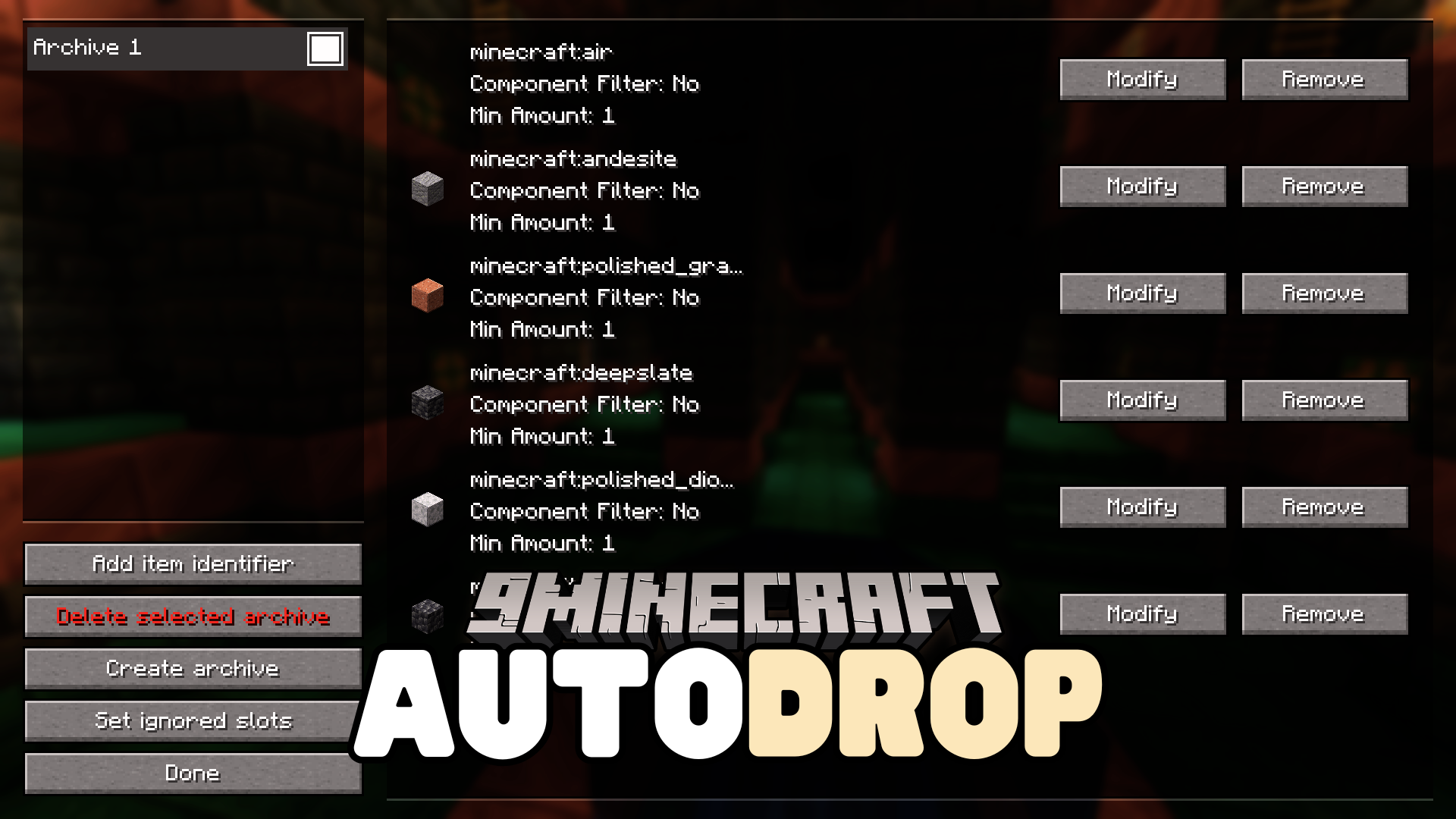
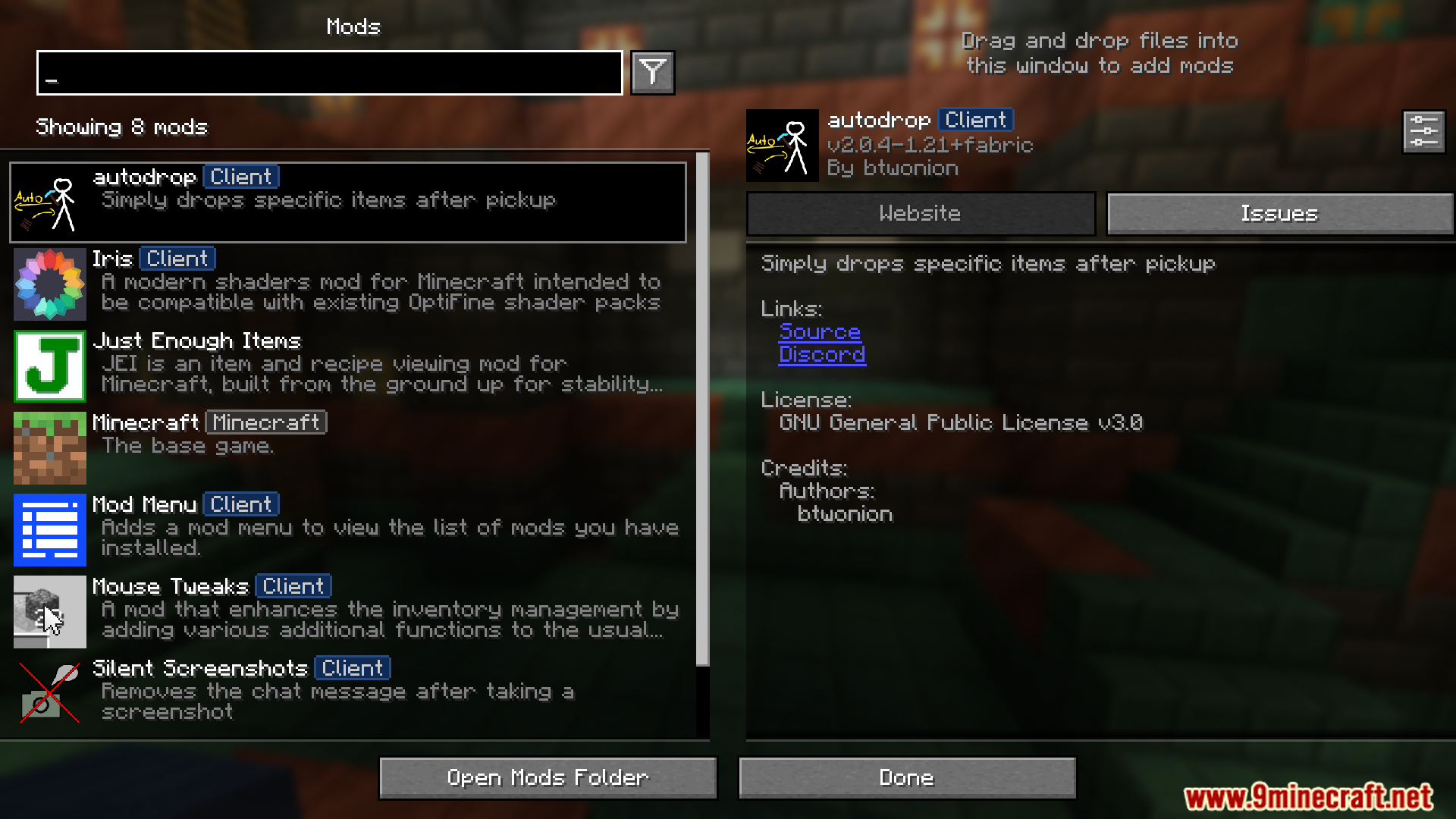
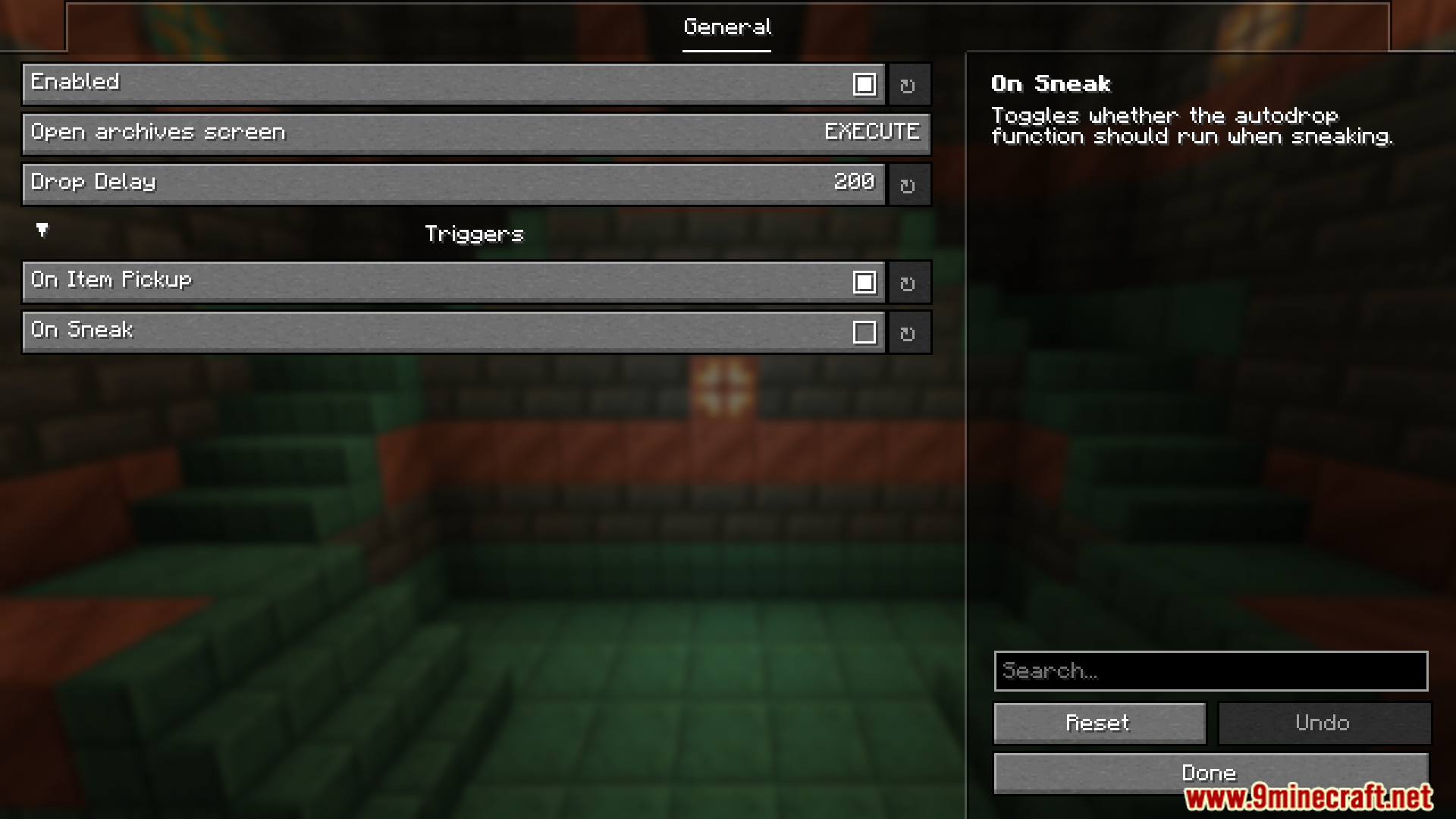
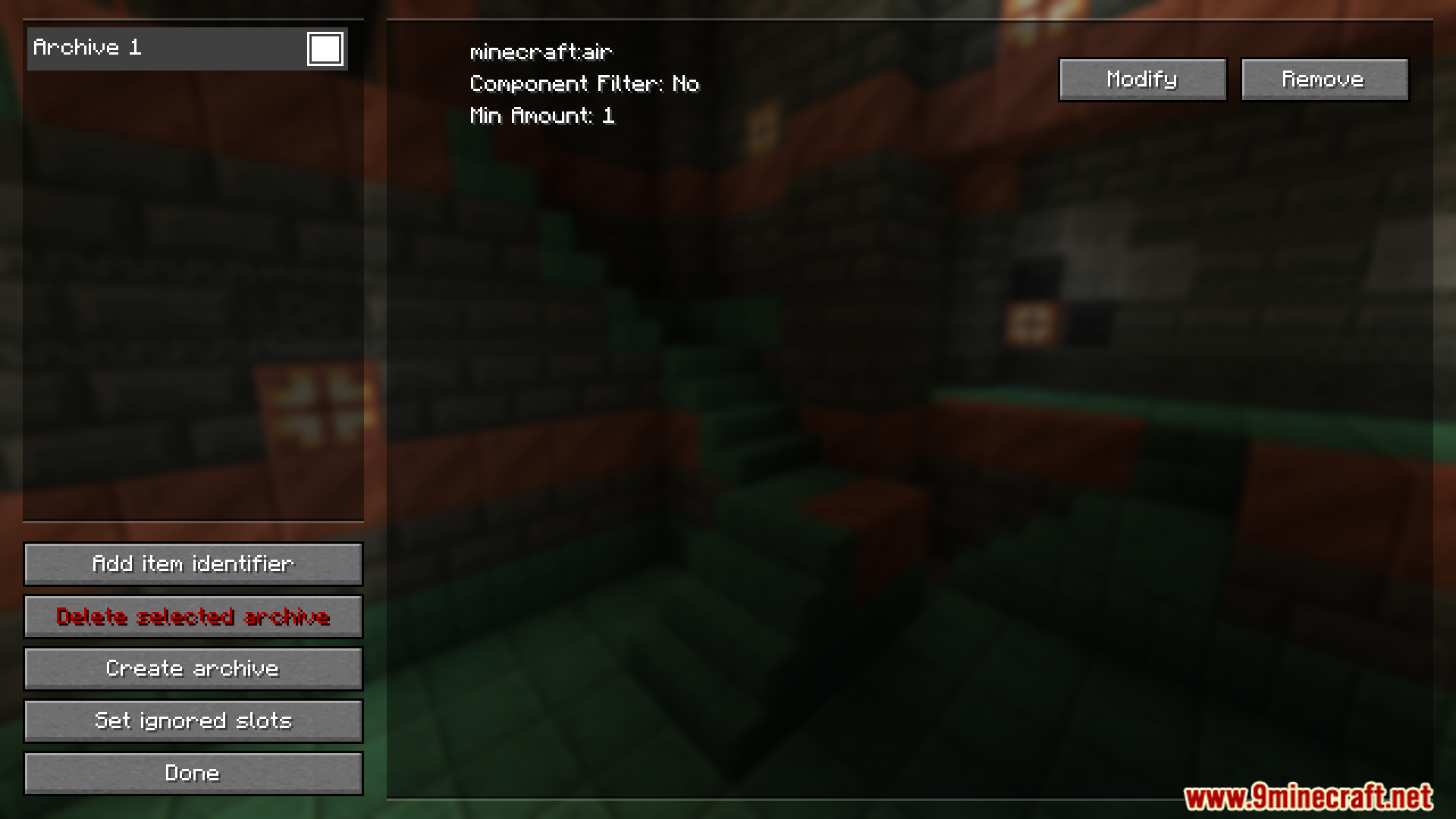
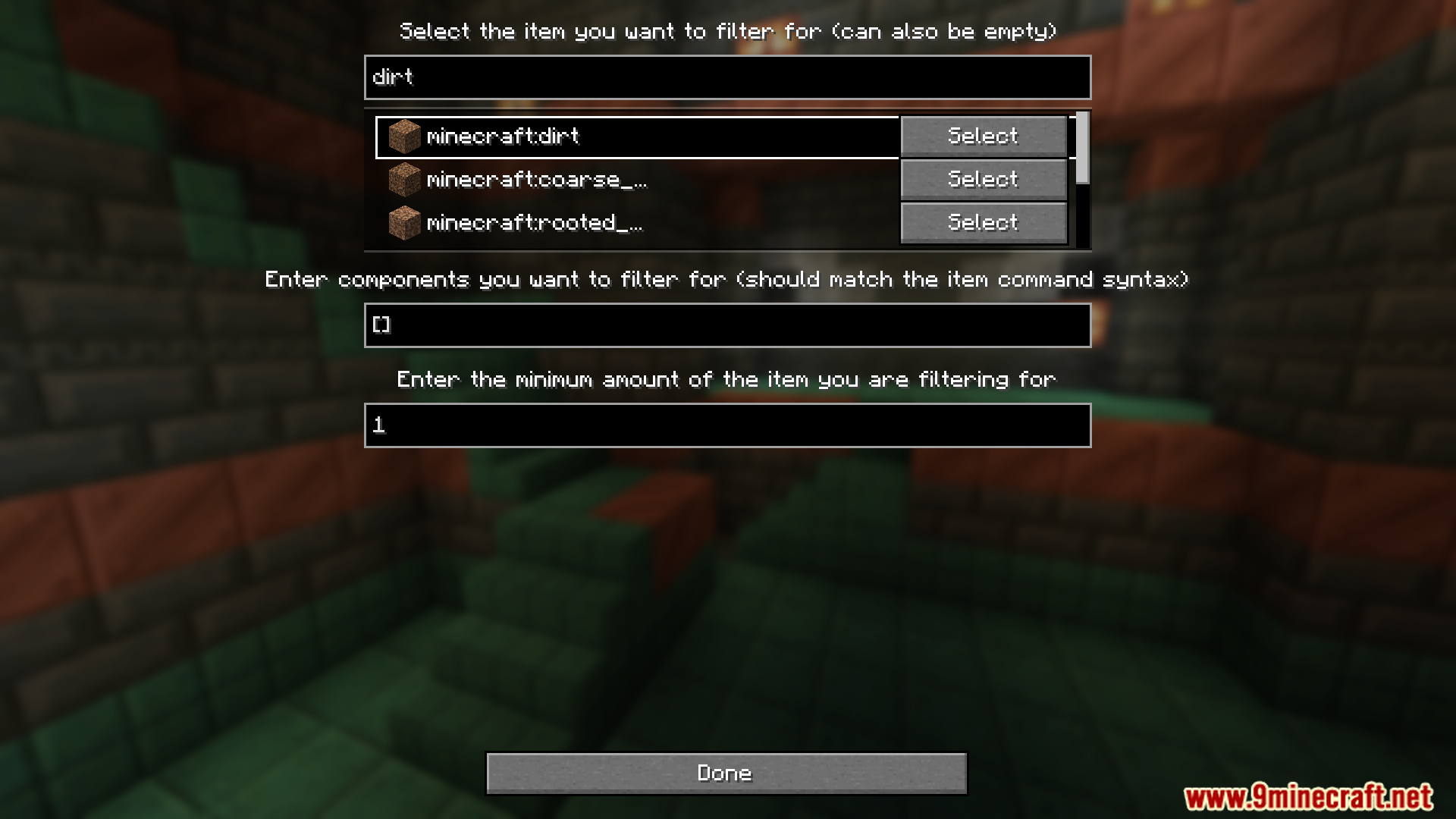
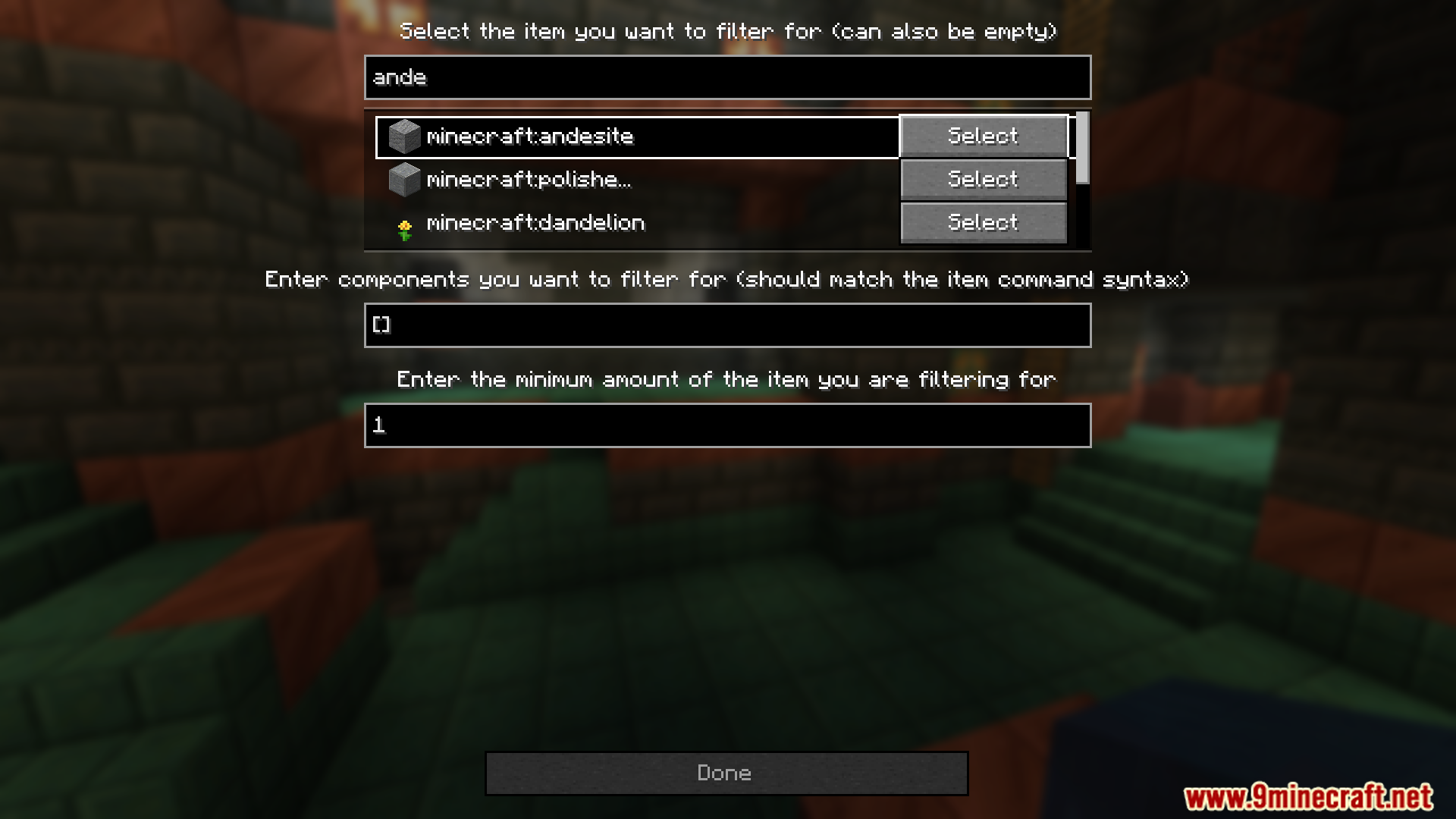
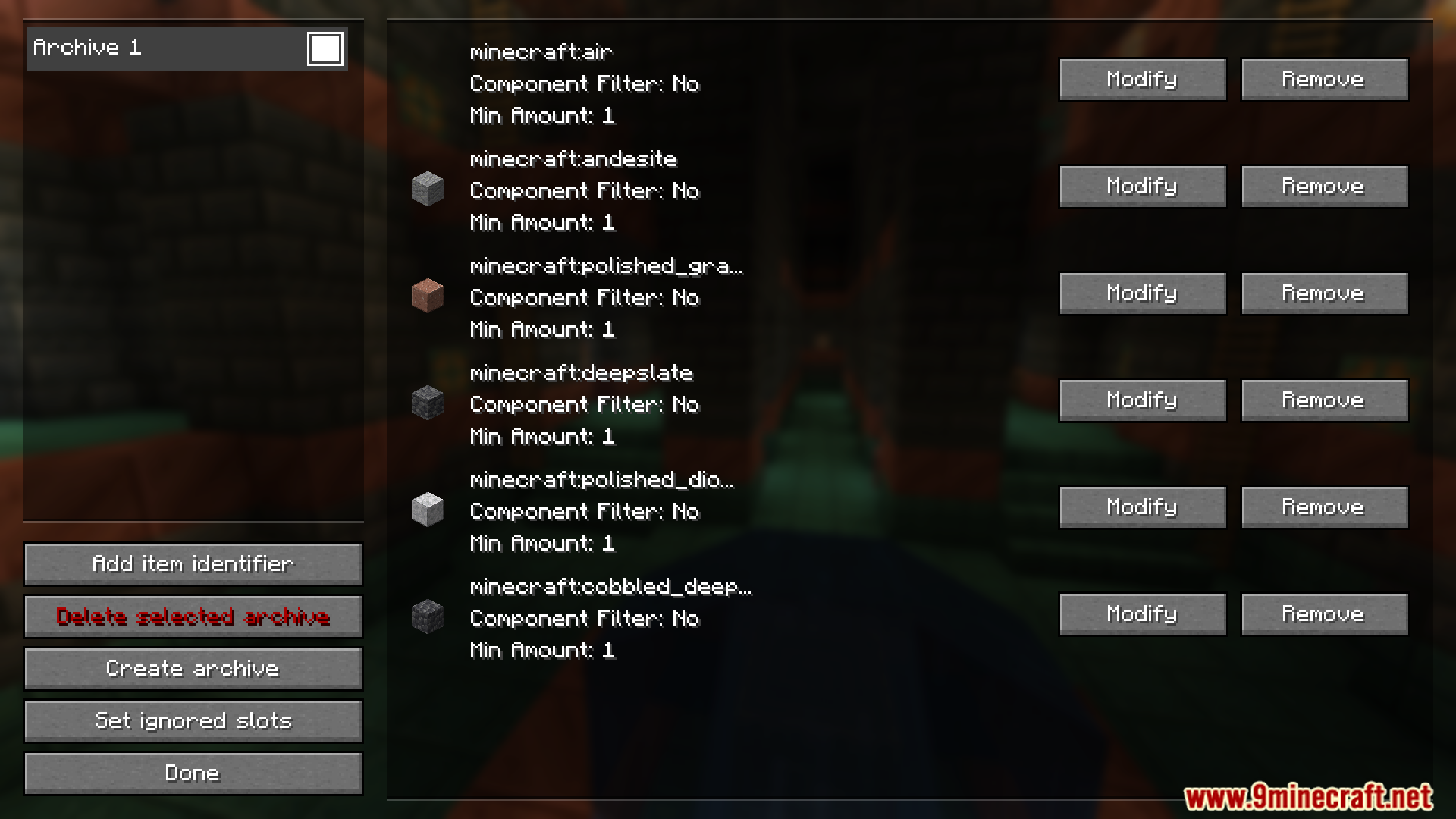
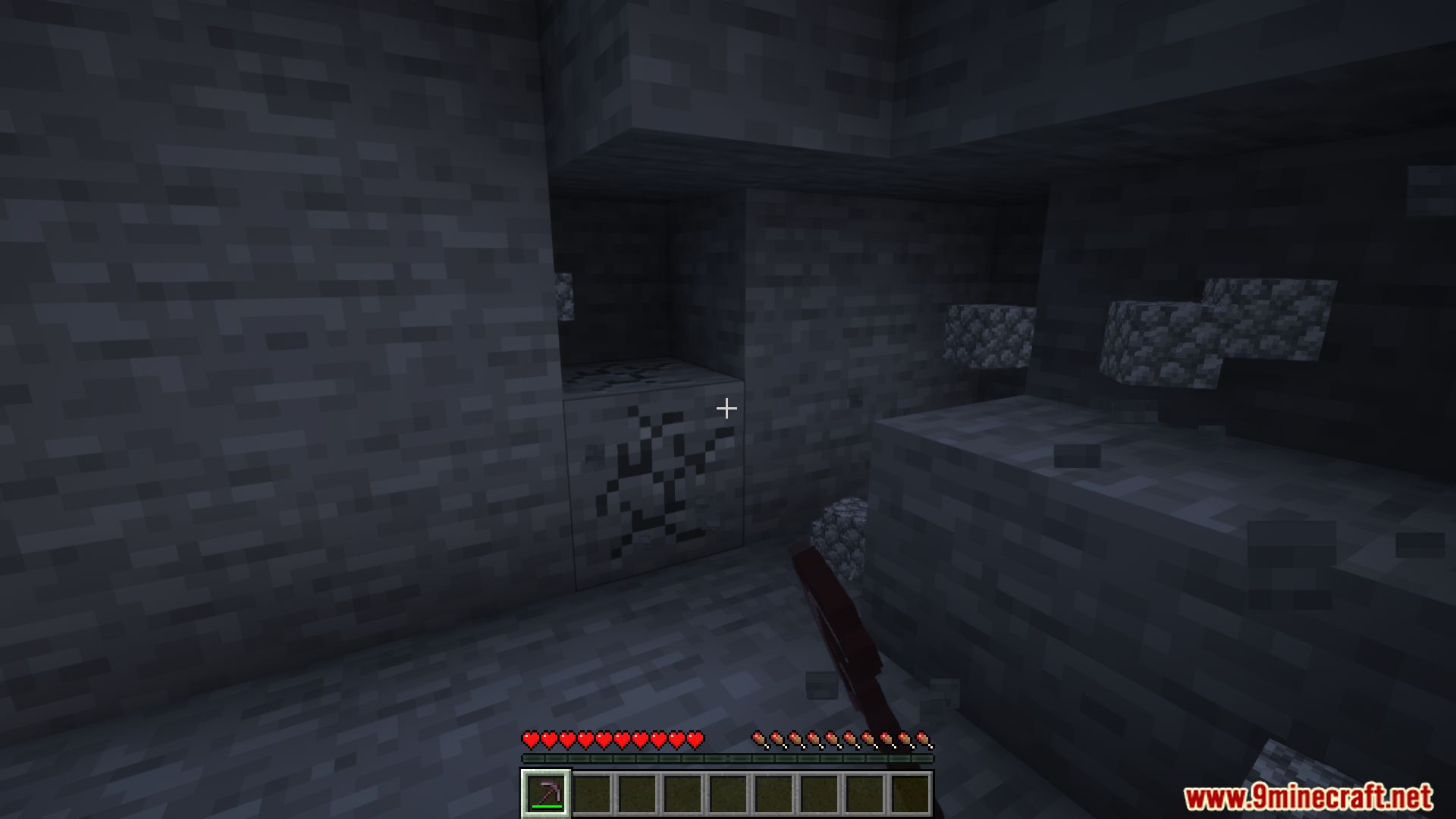
Autodrop Mod automatically removes unwanted items from your inventory by blacklisting them. Players can easily turn this feature on or off by pressing a hotkey (default: “j”). The mod also provides a simple configuration menu (default key: “o”) for managing the blacklist, and items can be organized or archived with a quick double-click in the GUI.
Features:
- Automatically drops blacklisted items from inventory.
- Hotkey to enable or disable the feature (default: “j”).
- Configuration menu for managing item blacklists (default key: “o”).
- Easy item archiving with double-click in the GUI.
Screenshots:
Autodrop Mod Download Links
Quick facts
- Edition: Minecraft Java
- File type: .jar
- Minecraft version listed: 1.20.1
- How to install: Install the matching mod loader (Forge, Fabric or NeoForge) for your Minecraft version. → Download the .jar. → Put it in the .minecraft/mods folder and launch that loader profile.
- Where to get it: In MC Java Mods, or directly above on this page.
Install steps are the general flow for this file type — How to install Minecraft Java mods & modpacks walks through it step by step.
Verified by MCModsHub
- Downloads as 64093.mcaddon
- Download size: 177 KB
- Download link checked 22 Sept 2026 — working
- Mirrored on our own servers — the download does not depend on the original host
These come from our own check of the pack file, not from the source page.