ModsJava
BizCub MineChess Mod (26.2, 1.21.1) – Play Chess In Minecraft
Java mod listed for Minecraft 1.21. Downloads from the MC Java Mods app on Android.
⬇ Download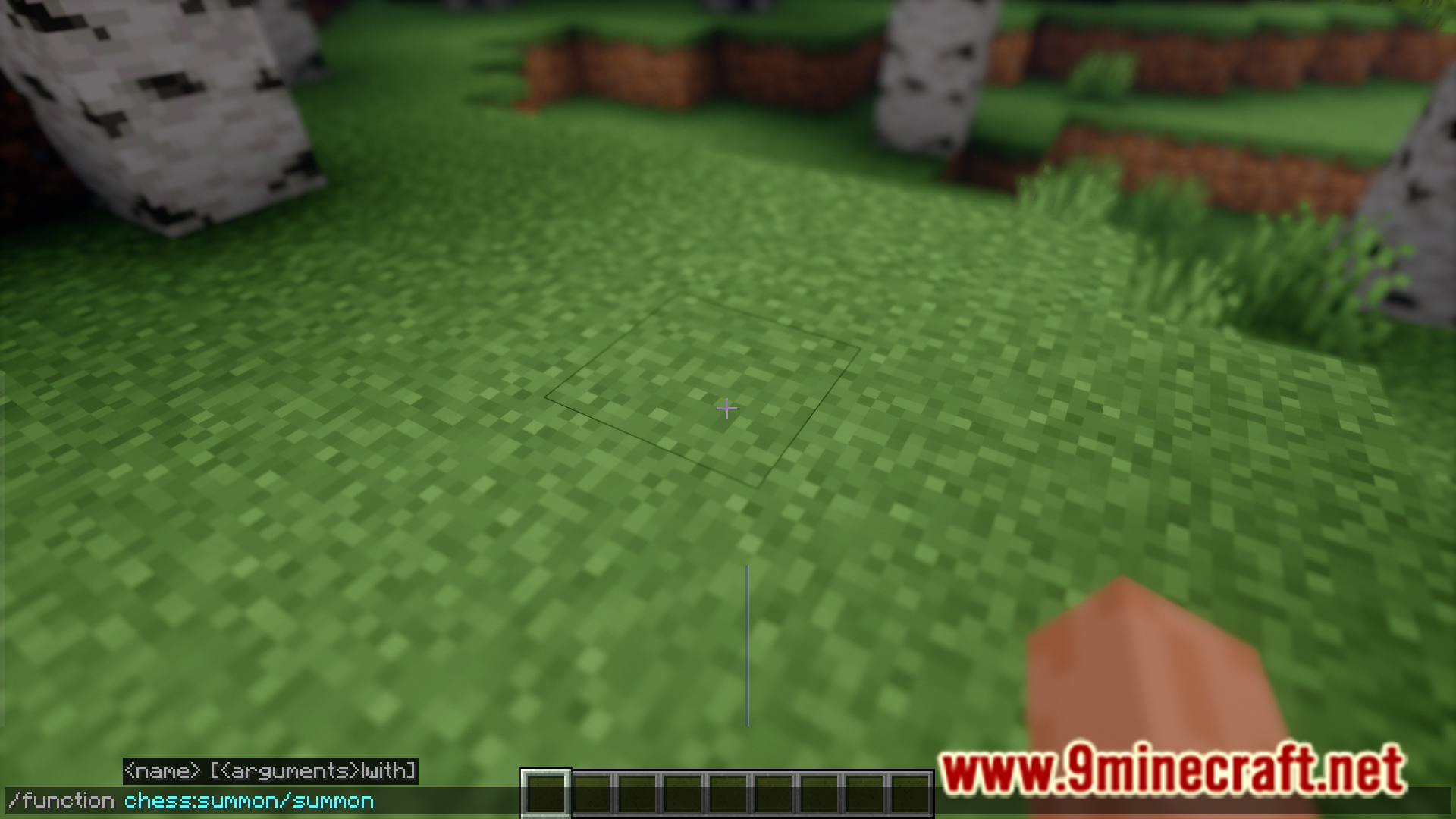
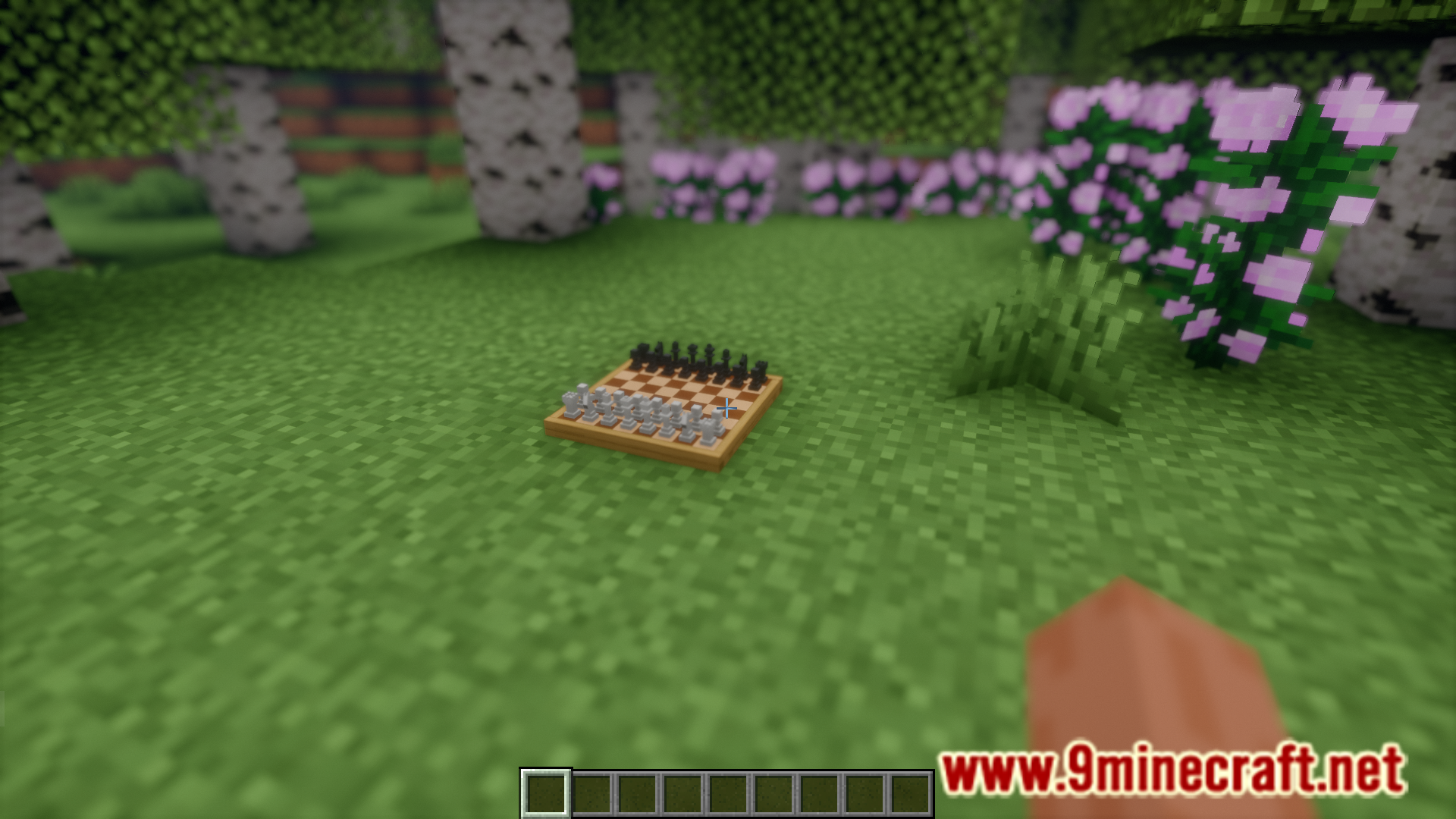
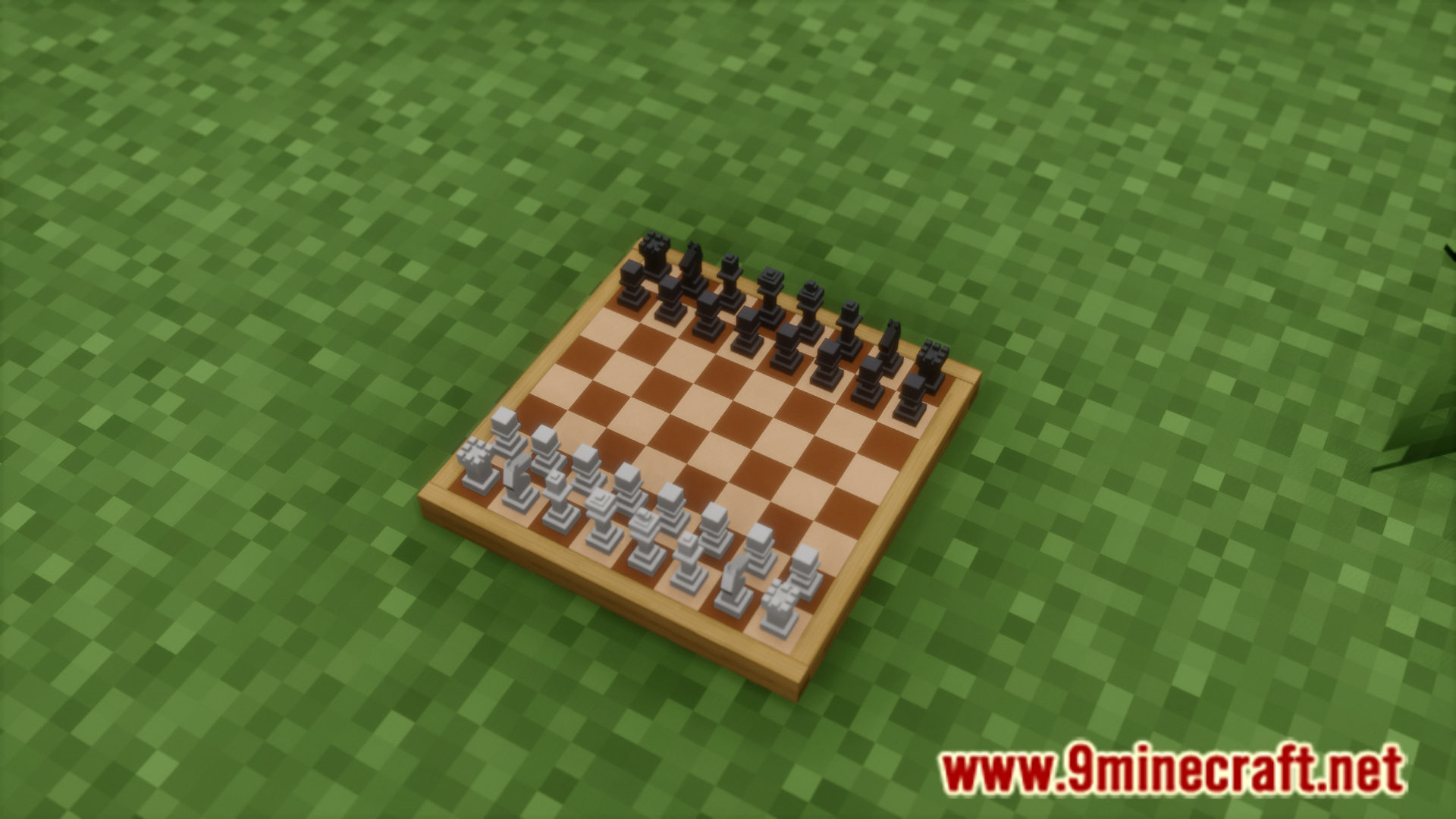
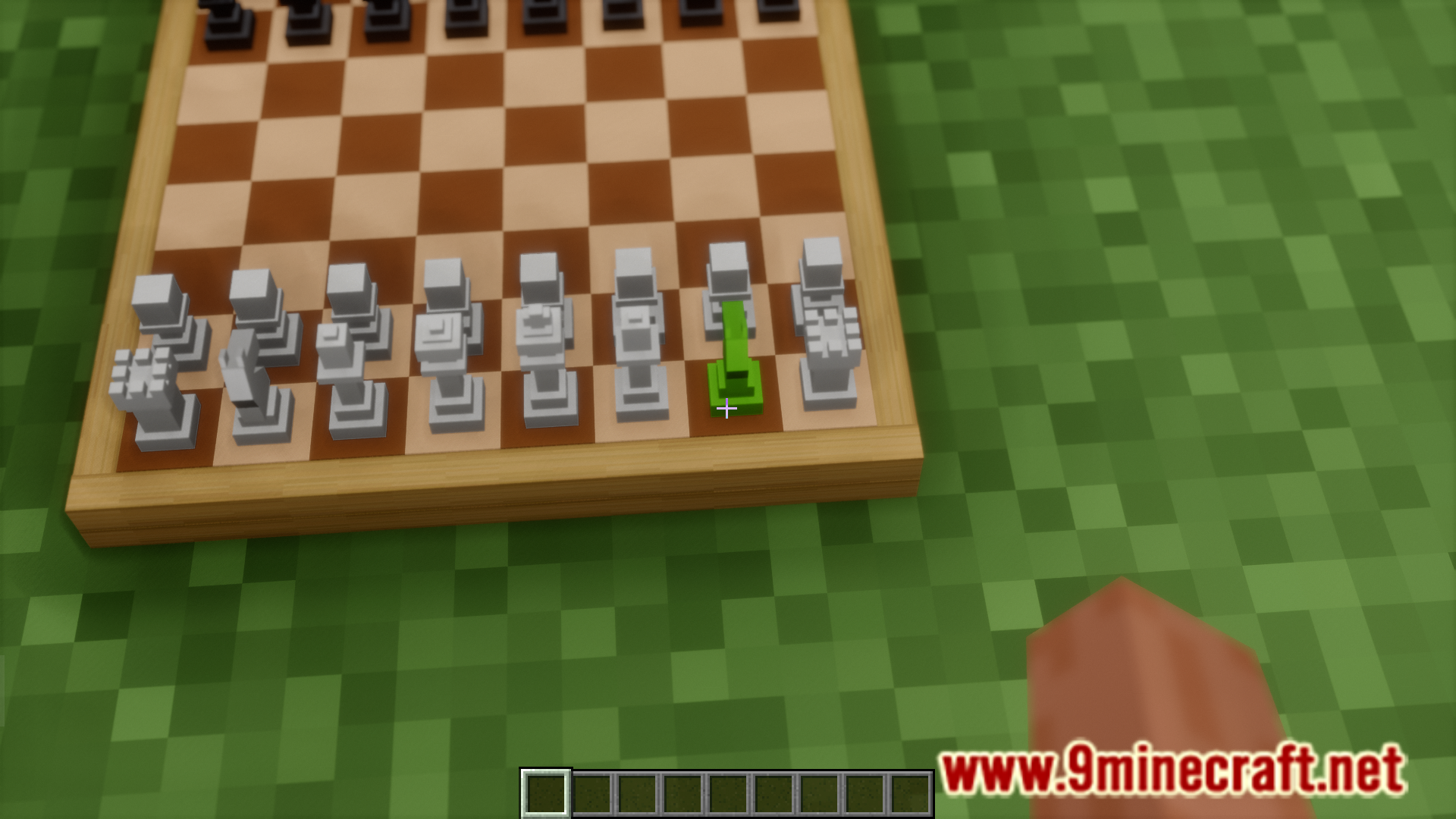
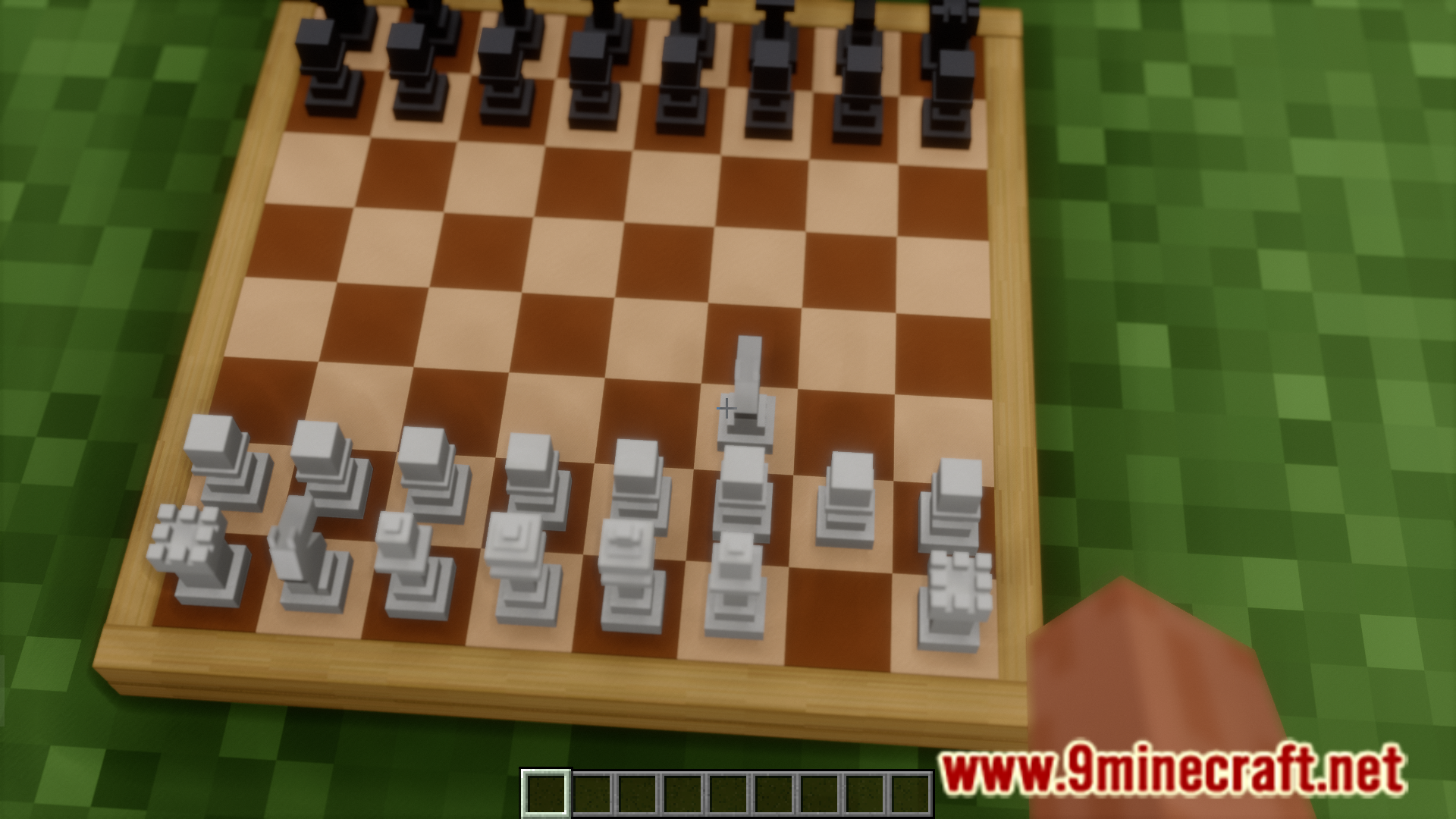
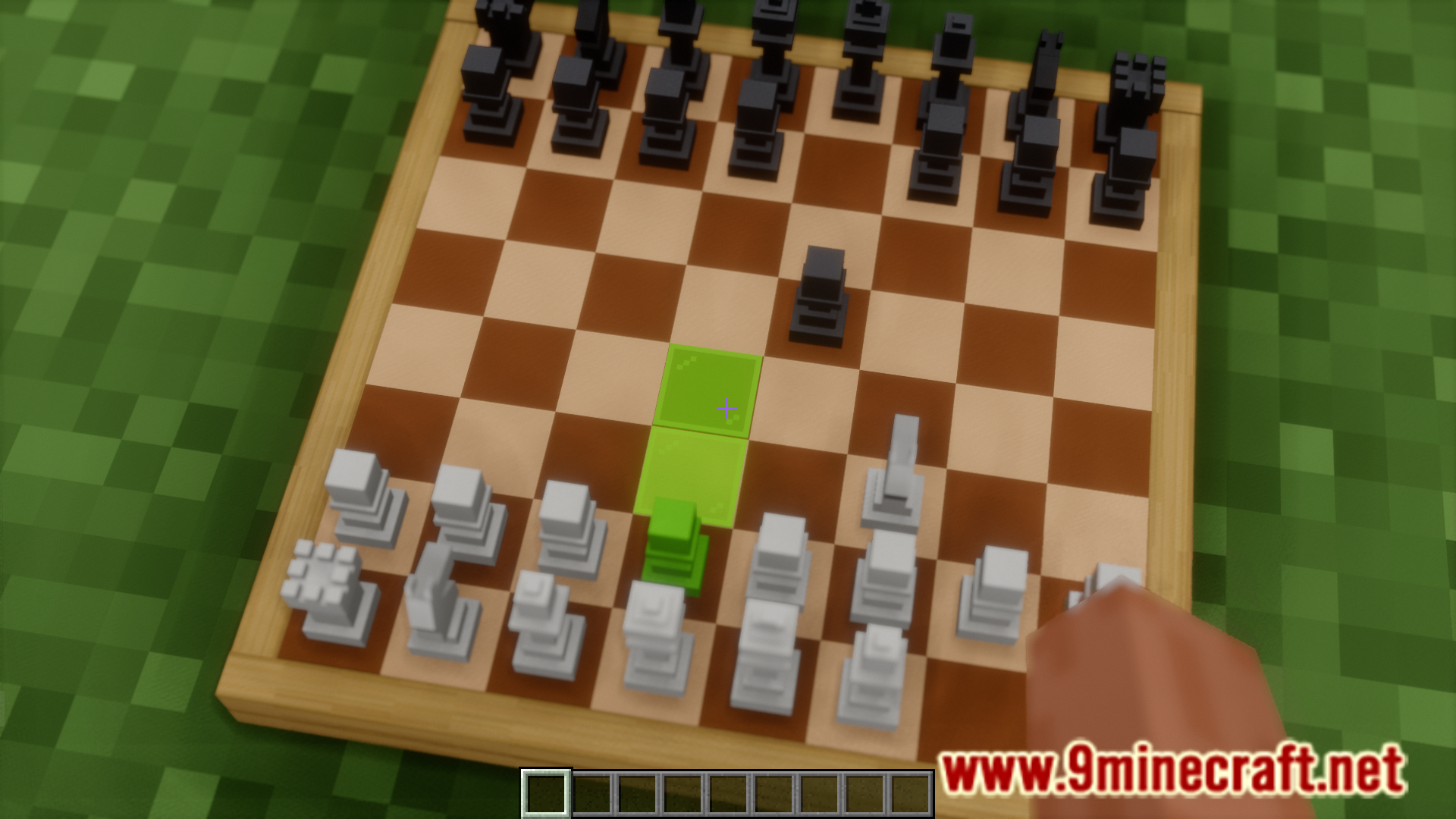
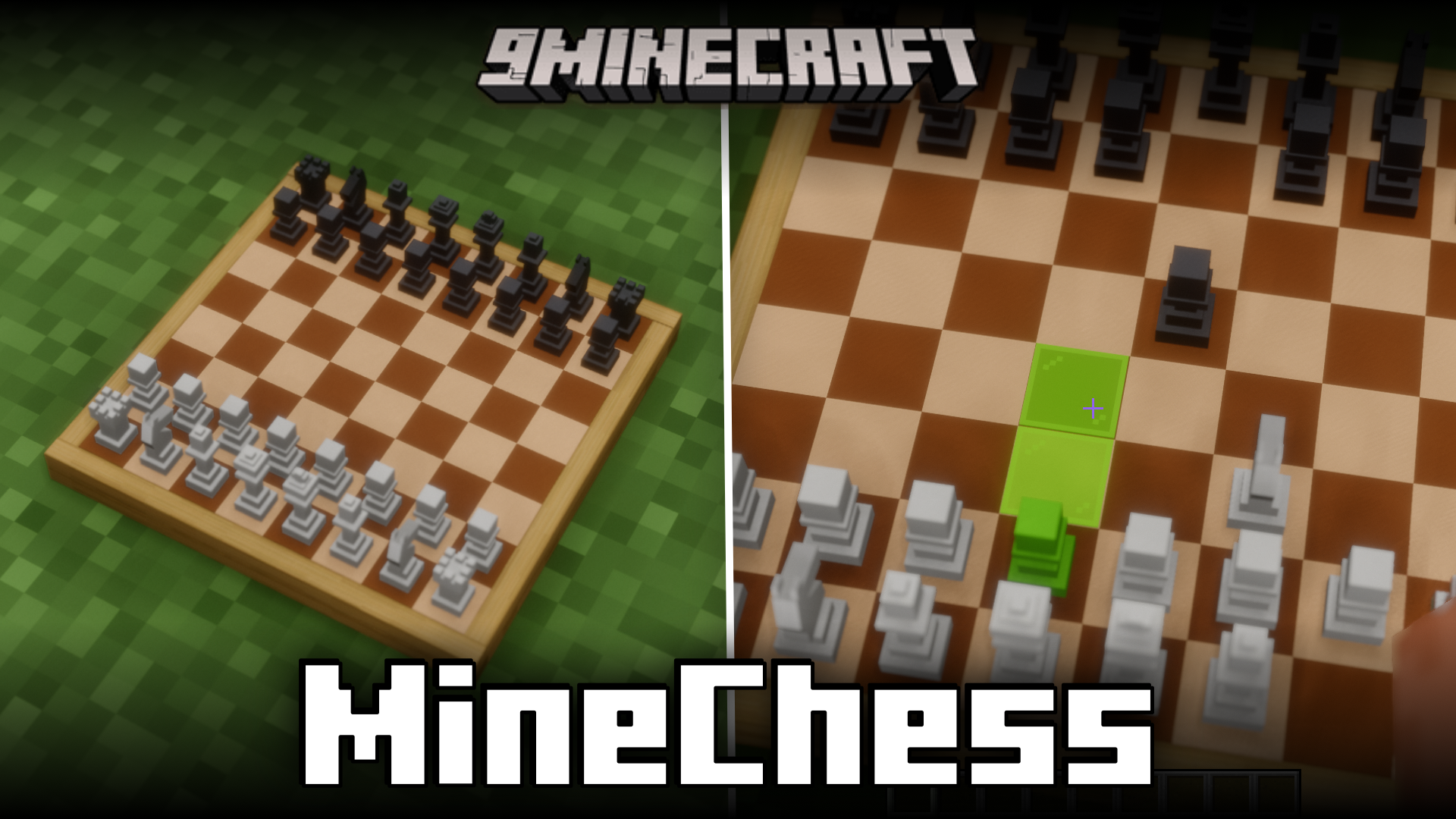
Have you ever wished you could play a game of chess in Minecraft? If the answer is yes, BizCub MineChess Mod is for you. Using the /function chess:summon/summon command, you can place down a chess board into your world. Players can then choose their sides and make moves on the board using their crosshair. The mechanics are very intuitive and easy to use.
Features:
- Adds chess into Minecraft.
- Summon a chess board using the /function chess:summon/summon command.
- Intuitive and easy to use.
Screenshots:
BizCub MineChess Mod Download Links
Quick facts
- Edition: Minecraft Java
- File type: .jar
- Minecraft version listed: 1.21.1
- How to install: Install the matching mod loader (Forge, Fabric or NeoForge) for your Minecraft version. → Download the .jar. → Put it in the .minecraft/mods folder and launch that loader profile.
- Where to get it: In MC Java Mods, or directly above on this page.
Install steps are the general flow for this file type — How to install Minecraft Java mods & modpacks walks through it step by step.
File checked by MCModsHub
- Downloads as 64113.mcaddon
- Download size: 302 KB
- Download link checked 22 Sept 2026 — working
- Mirrored on our own servers — the download does not depend on the original host
These come from our own check of the pack file, not from the source page.