Better Trees - Azalea Tree Update
Bedrock add-on listed for Minecraft 1.21–26.x (behavior + resource pack). File opened and checked on 19 Oct 2026; installs from the MC Bedrock Mods app on Android.
[Achievement Compatible] Make your Minecraft world come alive with Better Trees! This add-on improves the look of trees, making forests feel more natural…
I don't know my version

v1.4.3
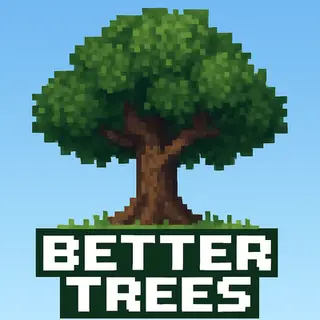
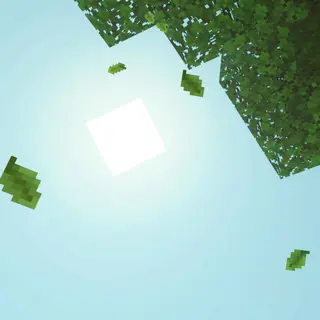
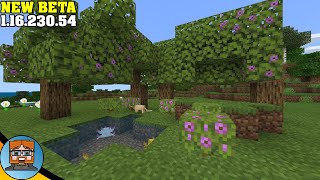
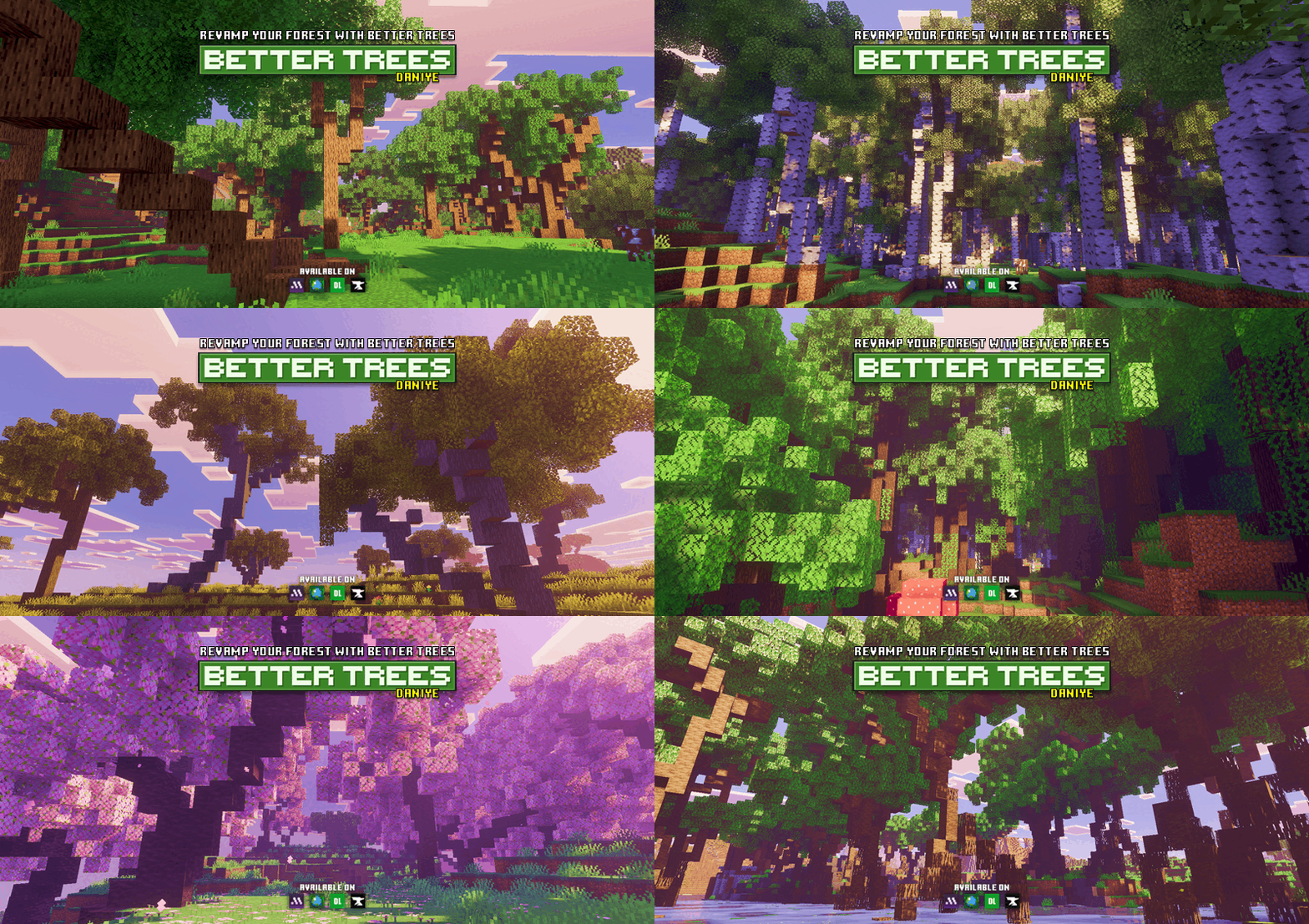
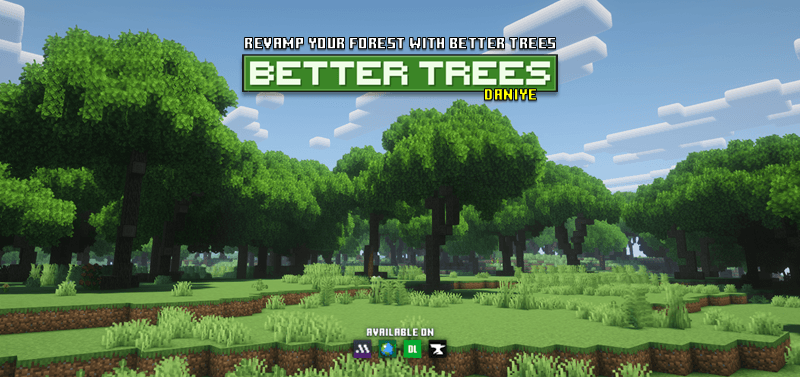
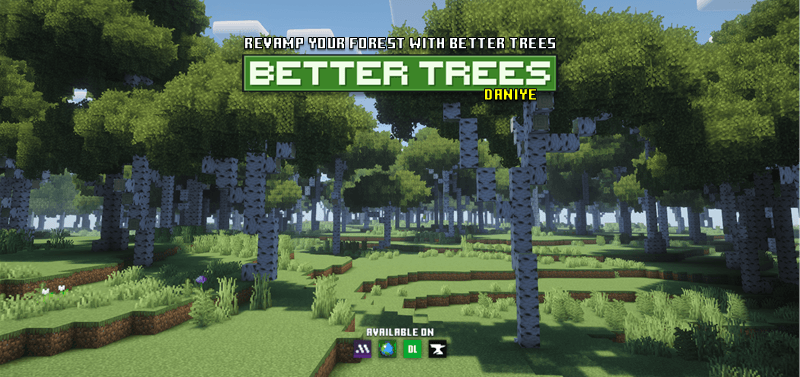
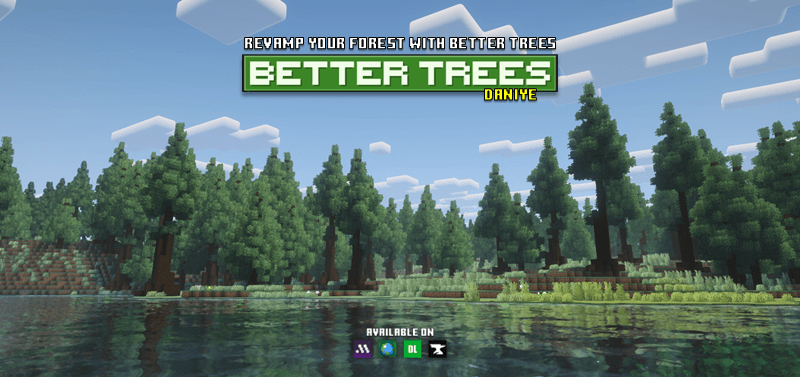
Better Trees transforms Minecraft’s forests into lush, detailed landscapes. Each tree is redesigned to look more natural, with improved shapes, thicker leaves, and realistic branches. Explore your world and see classic biomes come to life with more variety and beauty, without losing the original Minecraft feel.
Whether you’re exploring jungles, oak forests, or birch groves, every tree feels fresh and full of life. Perfect for builders, explorers, and anyone who wants a more immersive world.
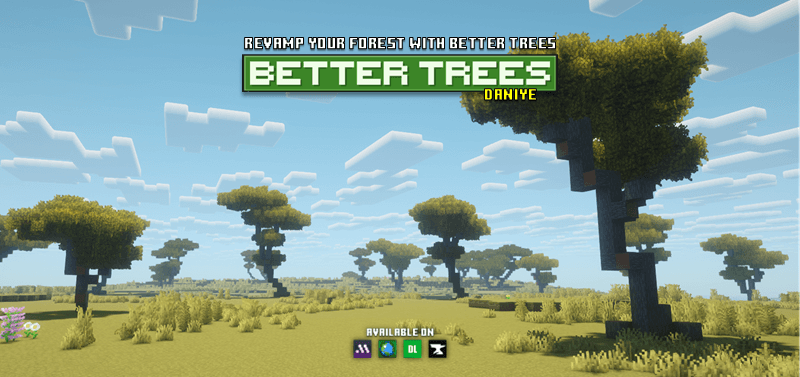
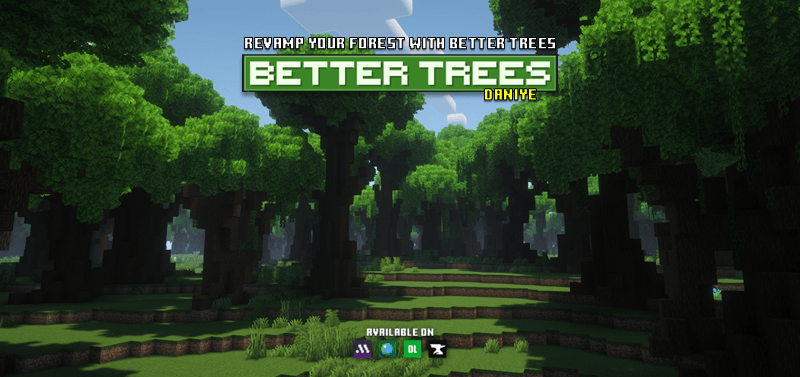
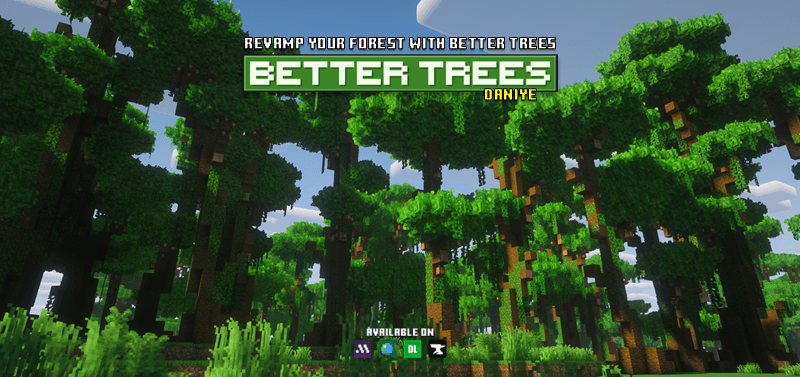
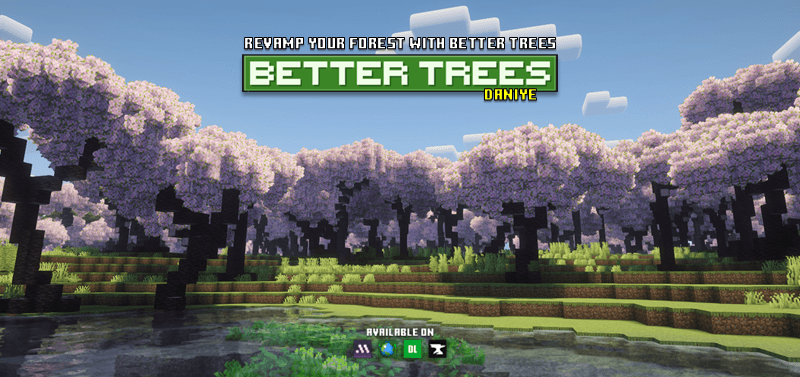
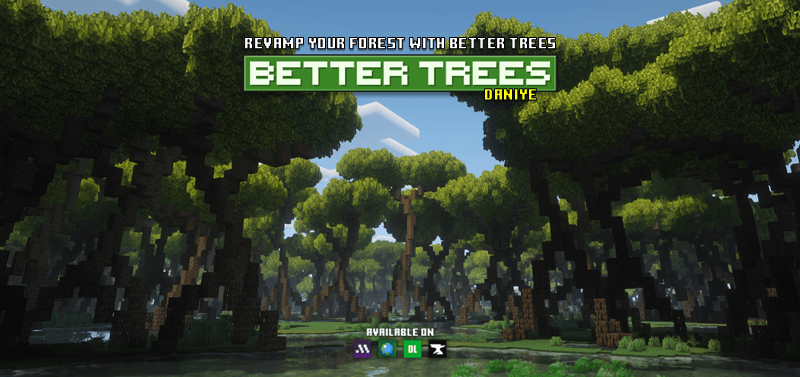
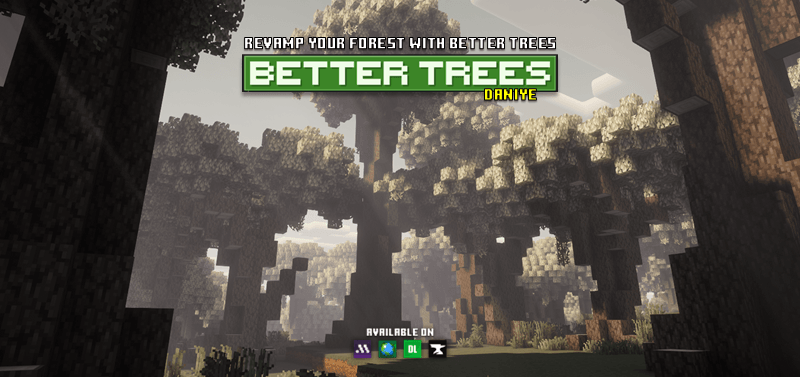
How to Use:
Just create a new world with the add-on activated, and the new trees will automatically generate in your world.🌳 Make sure your world type is set to Infinite, as the add-on only works there.
There are two download options available: Better Trees and Instant Trees.
Better Trees
- Removes vanilla trees and replaces them with Better Trees, including custom sapling generation.
- Designed mainly for Survival and Hardcore gameplay.
- Achievement-friendly.
Instant Trees
- Does not replace vanilla trees or vanilla saplings.
- Adds Instant Sapling items that let you spawn trees instantly in Creative mode with a single tap.
- Perfect for builders.
Note: Do not combine the Better Trees add-on with the Instant Trees Only version. The full Better Trees add-on already includes Instant Tree items along with world generation changes. If you want both features, only install Better Trees.
🌳 New Video: Better Trees - v1.2.8
Enjoy this relaxing walkthrough showcasing the beauty of all the trees across different biomes. A perfect look at the variety of trees in Better Trees!
Better Trees + Vibrant Visual + Prizma
Note for Java Edition Users!
If you want to use Better Trees for building or terrain design in WorldPainter, WorldEdit, or Litematica (Java Edition), you can download the compatible tree schematics here:
🔗 https://www.curseforge.com/minecraft/customization/daniyes-tree-bundle
These schematics are intended for manual placement and are perfect for custom maps, terrain projects, and detailed builds.
- Edition: Minecraft Bedrock
- File type: .mcpack or .mcaddon
- Minecraft versions listed: 26.10, 26.0, 1.21.132
- How to install: Download the .mcpack or .mcaddon file. → Open it — Minecraft imports it. → In your world: Behavior Packs → Available → Activate, then the same under Resource Packs.
- Where to get it: Opens on CurseForge — not every file is mirrored on our own servers.
Install steps are the general flow for this file type — How to install Minecraft Bedrock addons & mods walks through it step by step.
- Pack type: .mcaddon — behaviour and resource pack in one file
- Manifest requires Minecraft 1.21.90 or newer
- Complete pack — everything it depends on is inside the file
- Download size: 810 KB
- Download link checked 7 Oct 2026 — working
These come from our own check of the pack file, not from the source page.