Blurry's Java PvP
Bedrock add-on listed for Minecraft 1.21–26.x (behavior + resource pack). File opened and checked on 20 Oct 2026; installs from the MC Bedrock Mods app on Android.
A recreation of Java's combat system for Minecraft Bedrock Includes timed hits, cooldowns, improved knockback, and QOL features. Created by Catalyst…
I don't know my version

(Click the image to head to their website)
Sponsored by Purpify
Blurry’s Java PvP is proudly sponsored by Purpify. Host your own Minecraft server with fast setup, reliable performance, and 24/7 access for you and your friends. By using the code "BLURRY" in checkout you will support the addon and its development.
Java Combat in Bedrock
This addon recreates the most important Java mechanics inside Minecraft Bedrock Edition.
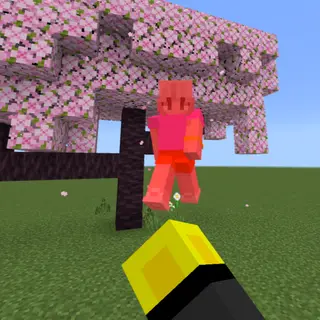
Sprint hits deal Java-like knockback, the attack indicator shows when your next hit is ready, and swords can perform sweep attacks to hit multiple nearby entities.
It fixes many issues people have with Bedrock combat to make it feel sharper, more skill-based, and closer to the Java experience, all while keeping everything inside Bedrock.
Community Discord
https://discord.gg/cEZNbuNzE9
Frequent updates about new versions and meet other people who use the addon!!!
Early Access
https://patreon.blurrypvp.net/
Get early access to new updates and support the development of the addon!!!
Attack Indicator & Knockback Hits
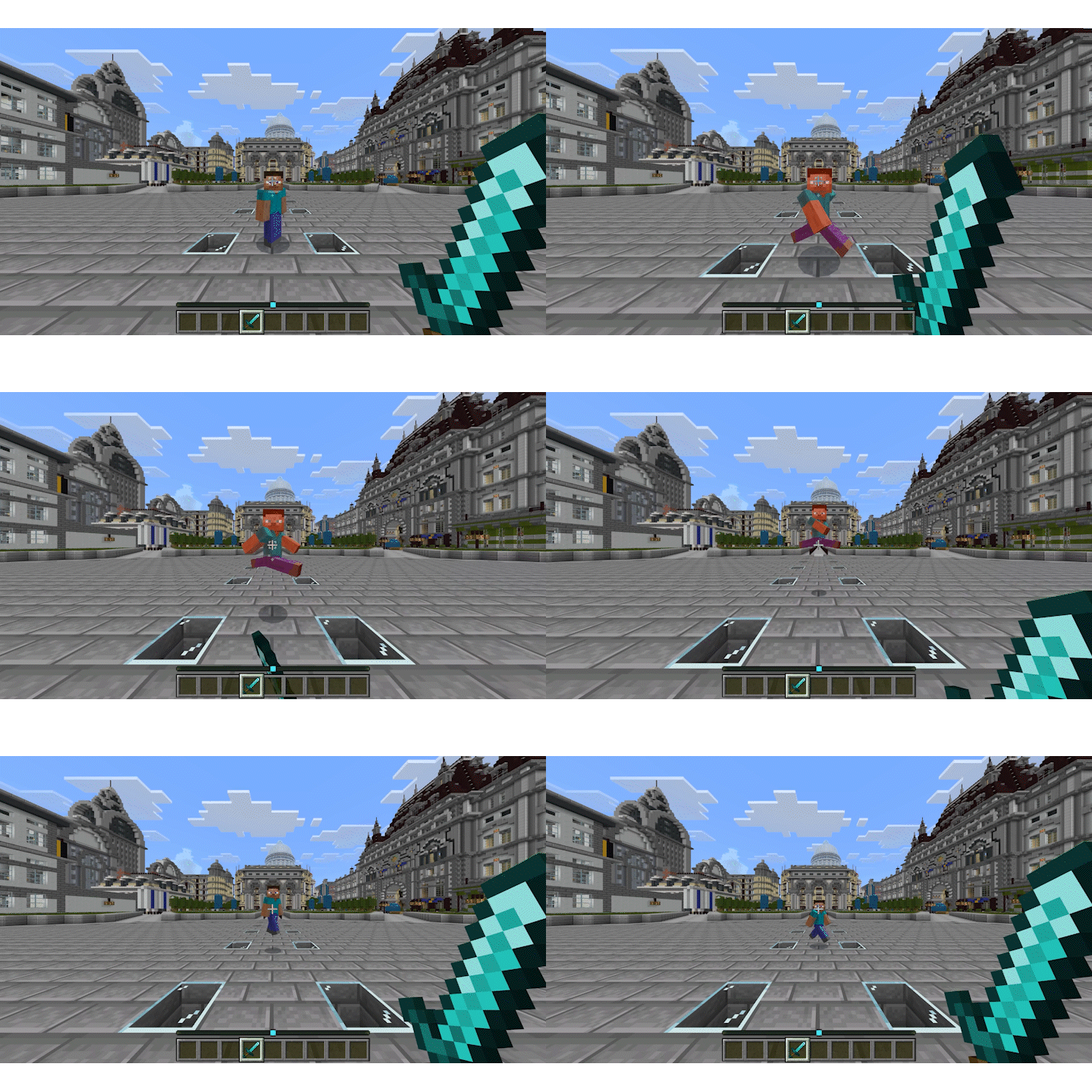
The attack indicator will show how long you need to wait before your next fully charged hit, and landing a hit while sprinting gives the same knockback as Java.
Sweeping Edge
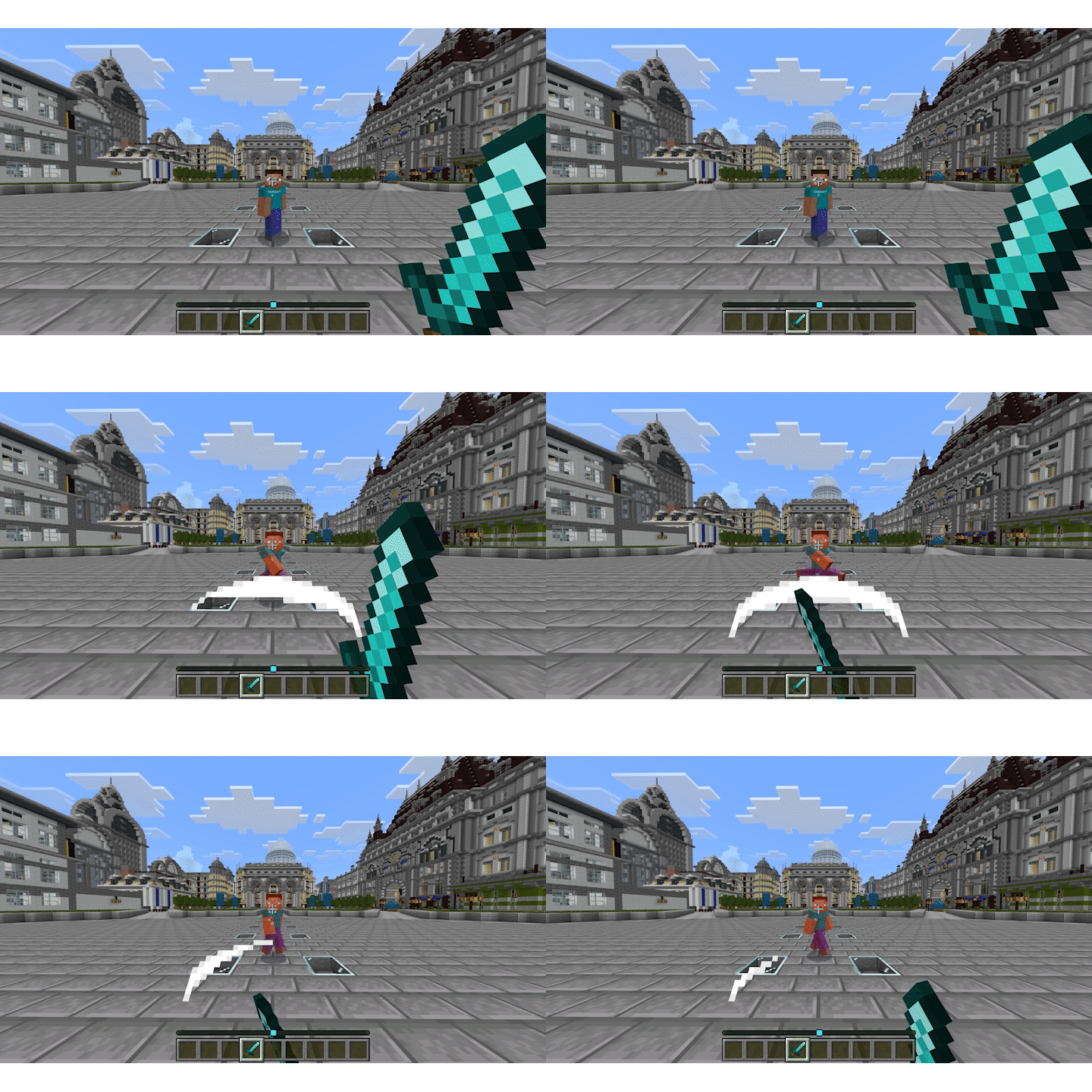
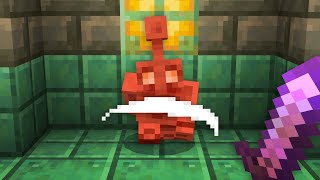
Sweeping Edge lets swords perform a sweep attack, which can hit multiple nearby entities.
Right Click Shield
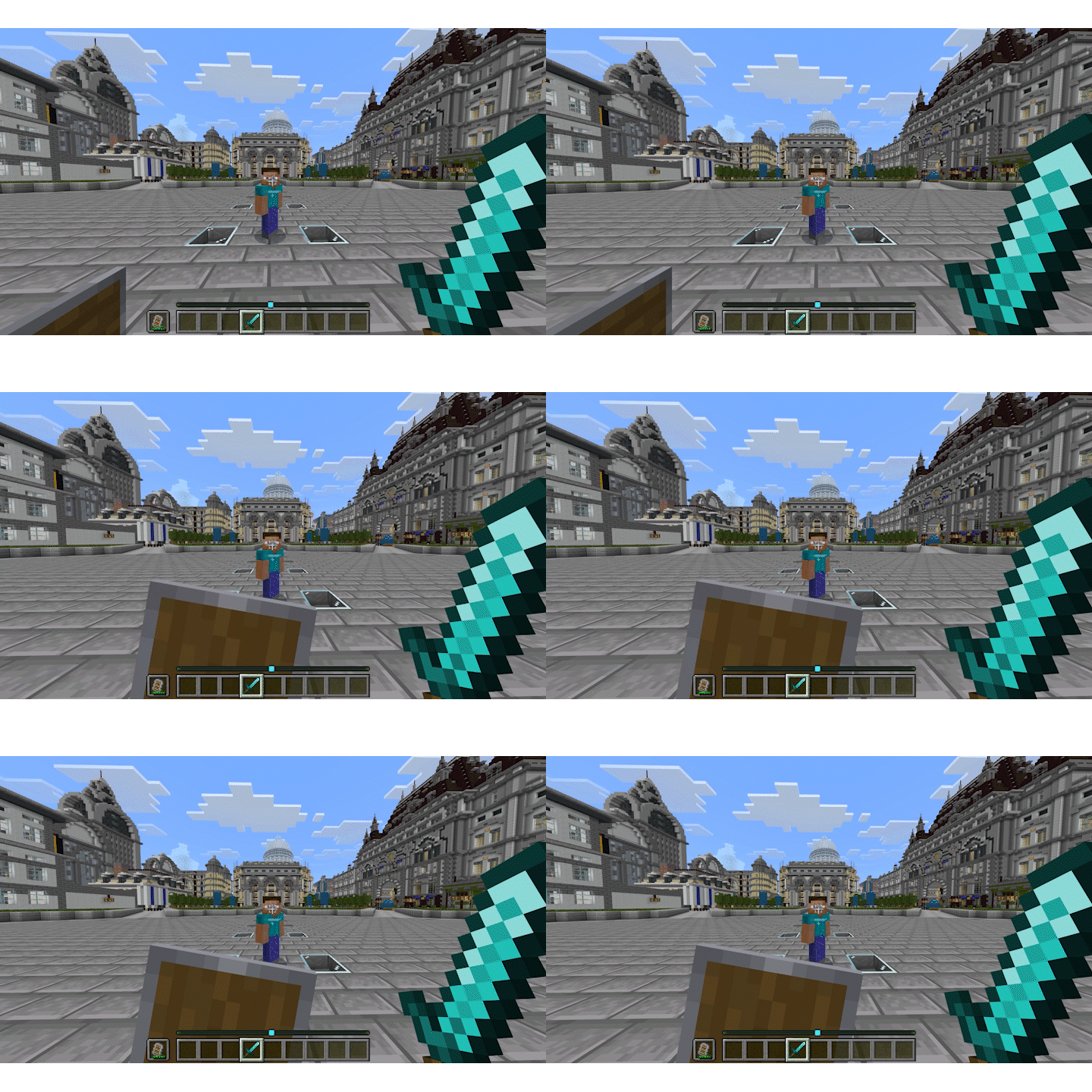
You can instantly raise the shield without needing to crouch.
| Input Device | Shield Input |
|---|---|
| Mouse & Keyboard | Right Mouse Button |
| Controller | Left Trigger |
| Mobile | Interact Button |
Java Saturation
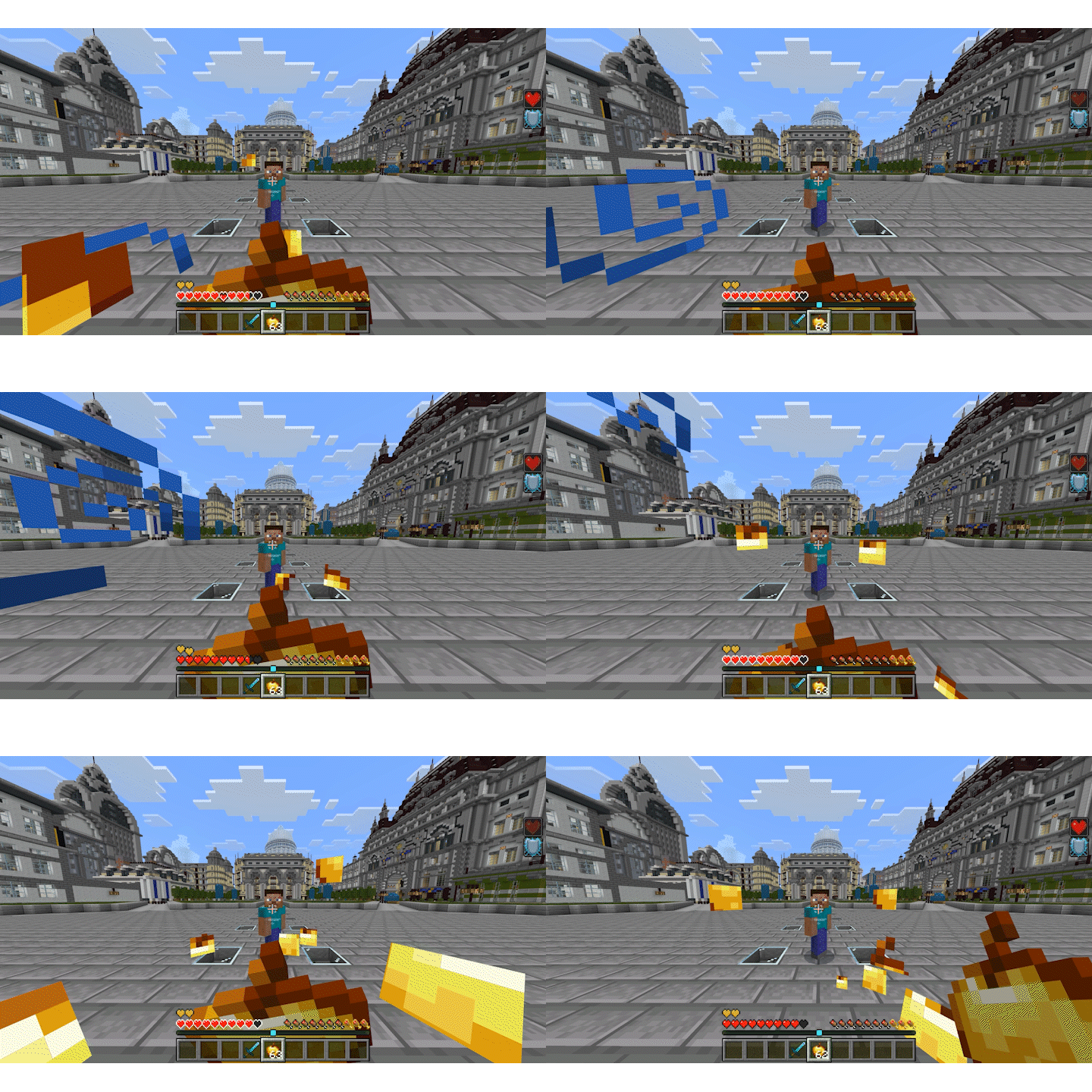
Food heals for more, and faster. There is a built in bar to see how much saturation you have left.
Offhand Food
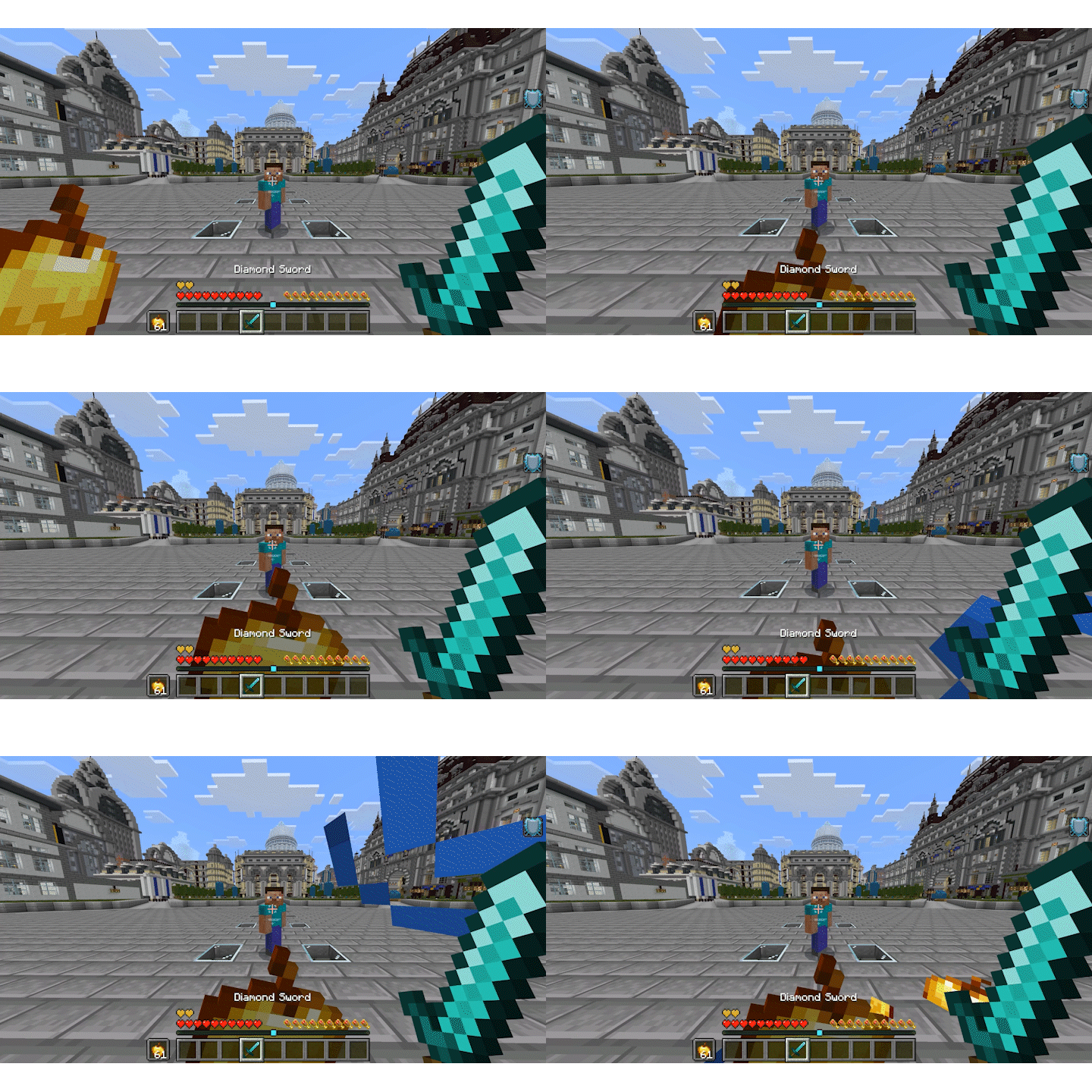
You are also able to put food in your offhand and eat it directly from there.
| Action | Mouse & Keyboard | Controller | Mobile |
|---|---|---|---|
| Put food in offhand | Double Crouch | Double Crouch | Double Crouch |
| Eat from offhand | Right Mouse Button | Left Trigger | Interact Button |
Double crouch is the default offhand input.
Attribute Swapping
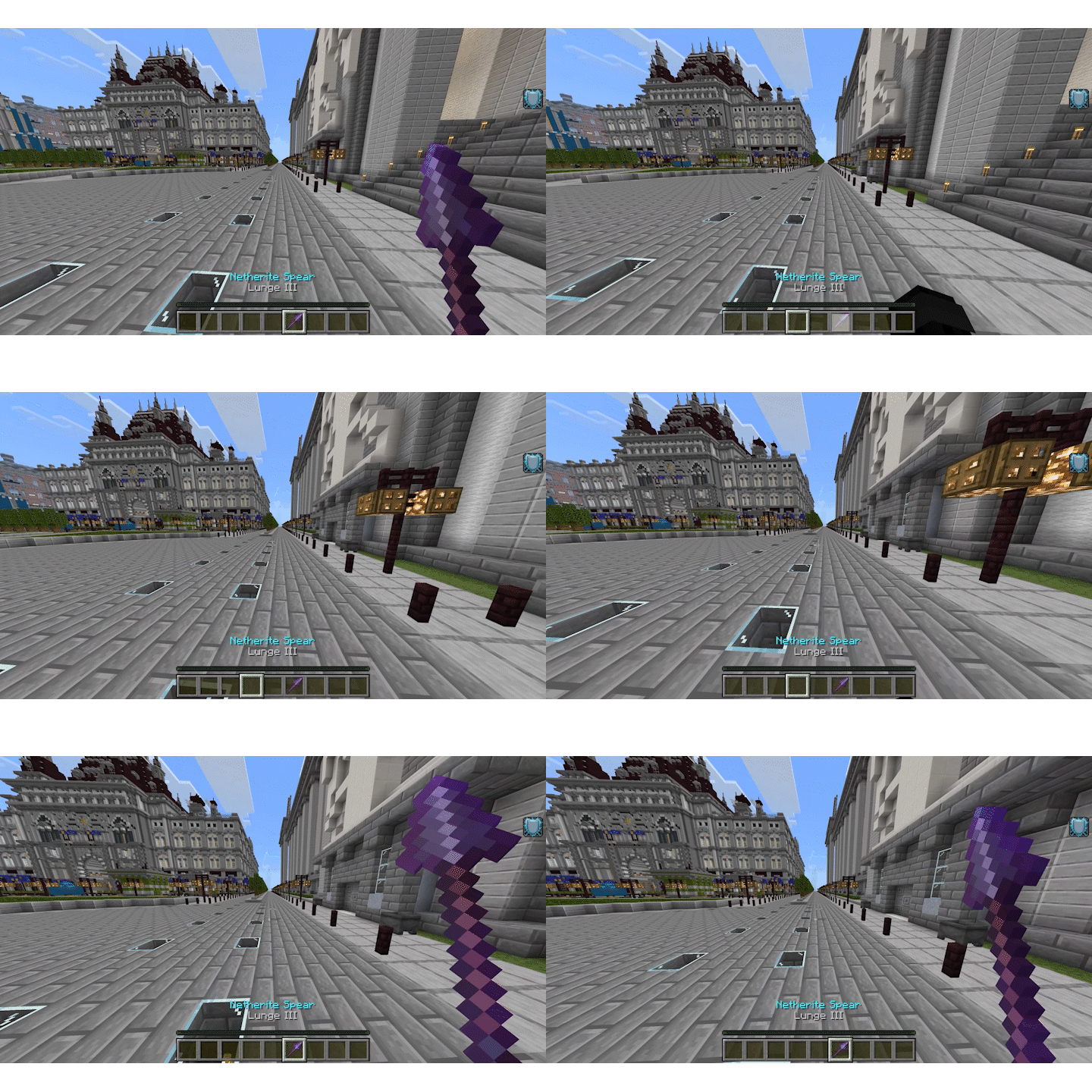
Switching from a spear back to any hotbar slot fast enough will allow you to use the attributes of the spear while holding a different item.
Configuration Menu
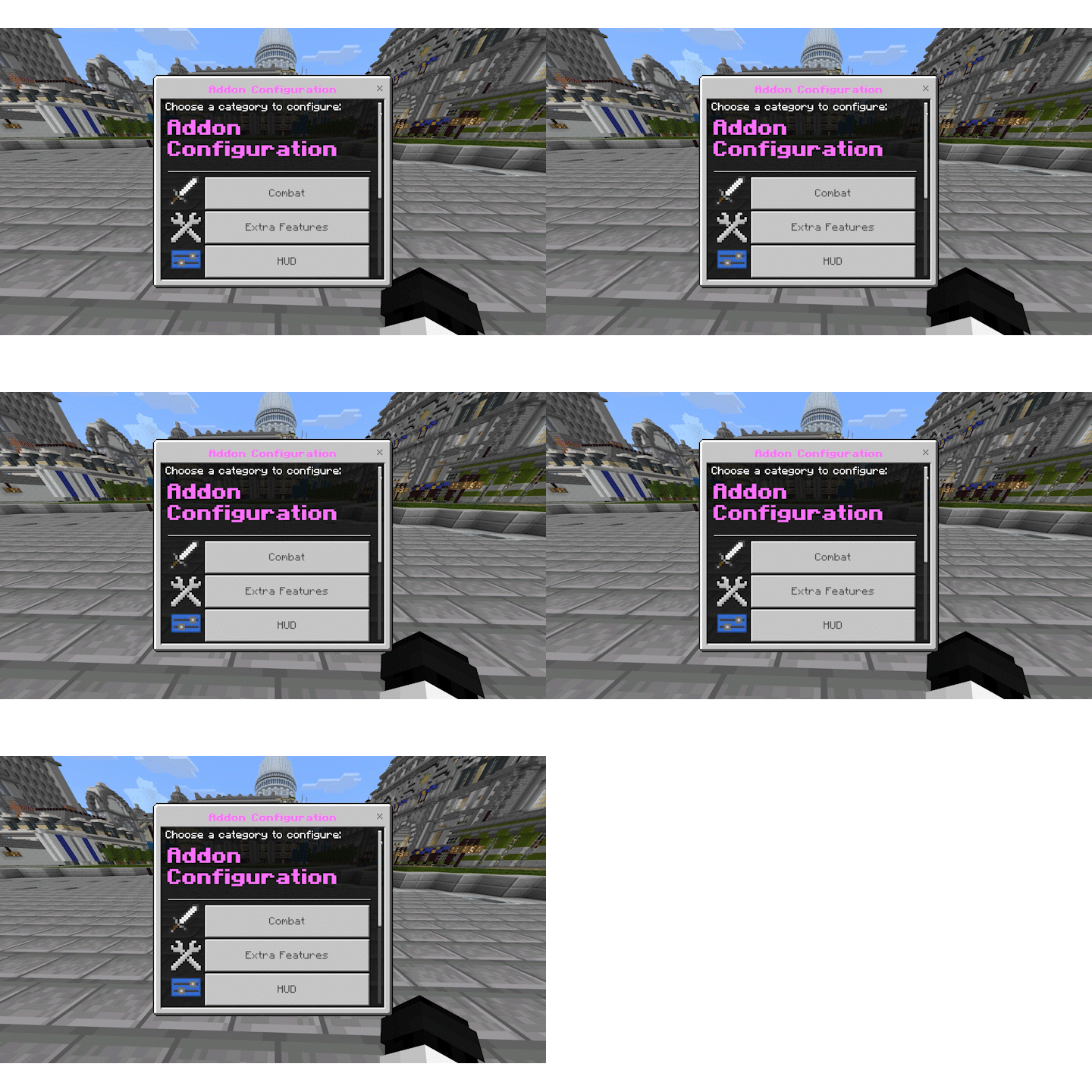
| Command | Configuration | Affects |
|---|---|---|
/admin_config |
World Config | Server-wide features |
/config |
Personal Config | Client-side features |
Additional Features
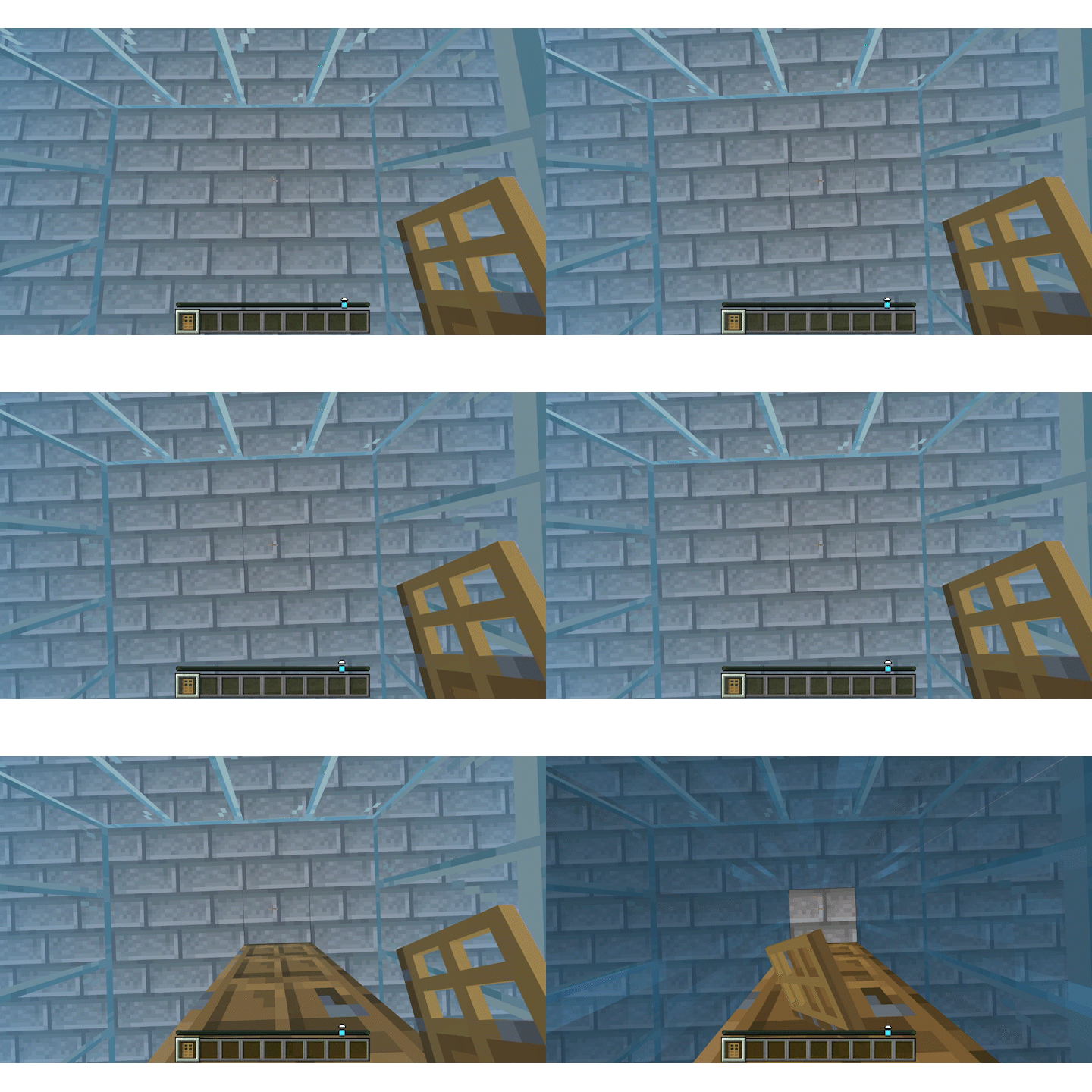
Doors create air pockets like Java
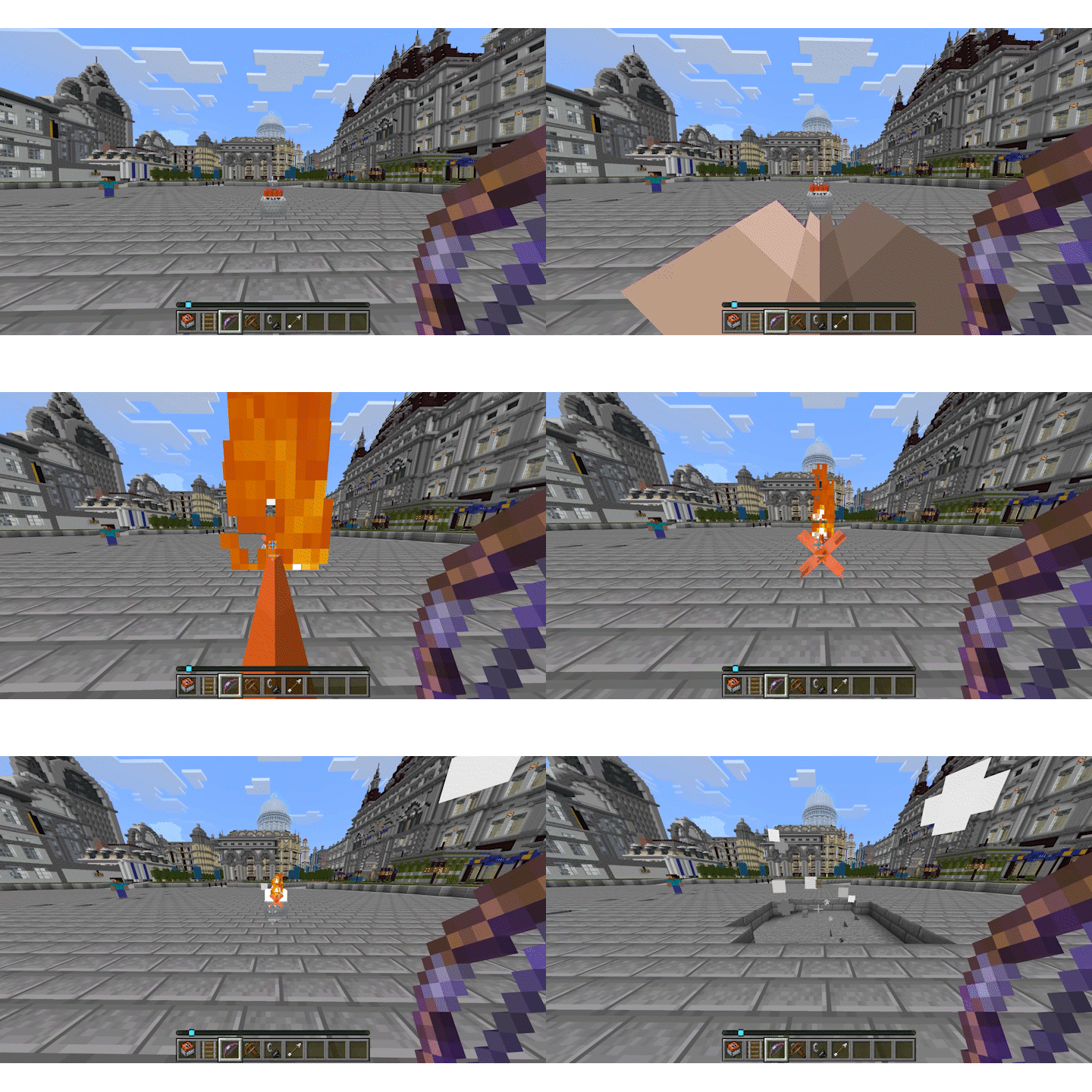
TNT Minecarts instantly explode
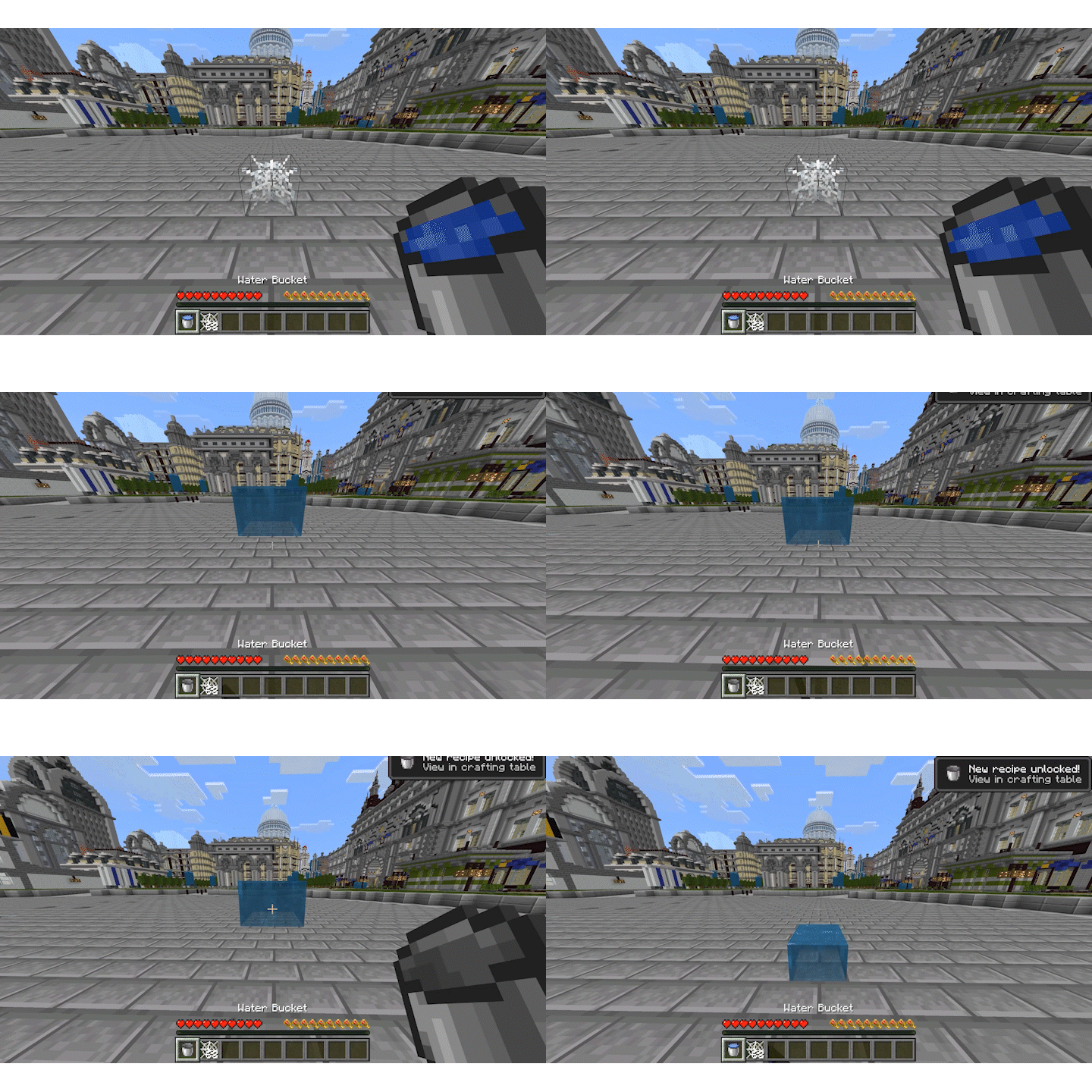
Cobwebs automatically get cleared by water
Bedrock bug fix
Requirements
| Requirement | Needed |
|---|---|
player.json |
No |
| Experimental Features | No |
⚠️ WARNING: Removing the addon will delete all weapons. Test this on a backup or seperate world first. Use at your own caution ⚠️
- Edition: Minecraft Bedrock
- File type: .mcpack or .mcaddon
- Minecraft versions listed: 26.10, 1.21.130
- How to install: Download the .mcpack or .mcaddon file. → Open it — Minecraft imports it. → In your world: Behavior Packs → Available → Activate, then the same under Resource Packs.
- Where to get it: Opens on CurseForge — not every file is mirrored on our own servers.
Install steps are the general flow for this file type — How to install Minecraft Bedrock addons & mods walks through it step by step.
- Pack type: .mcaddon — behaviour and resource pack in one file
- Manifest requires Minecraft 1.21.0 or newer
- Complete pack — everything it depends on is inside the file
- Download size: 741 KB
- Download link checked 26 Oct 2026 — working
These come from our own check of the pack file, not from the source page.