Physics Glue Create
The "Super Glue" addon (BETA) features a custom physics engine inspired by the popular Create mod. It allows you to "weld" standard Minecraft blocks…
⬇ Download on CurseForge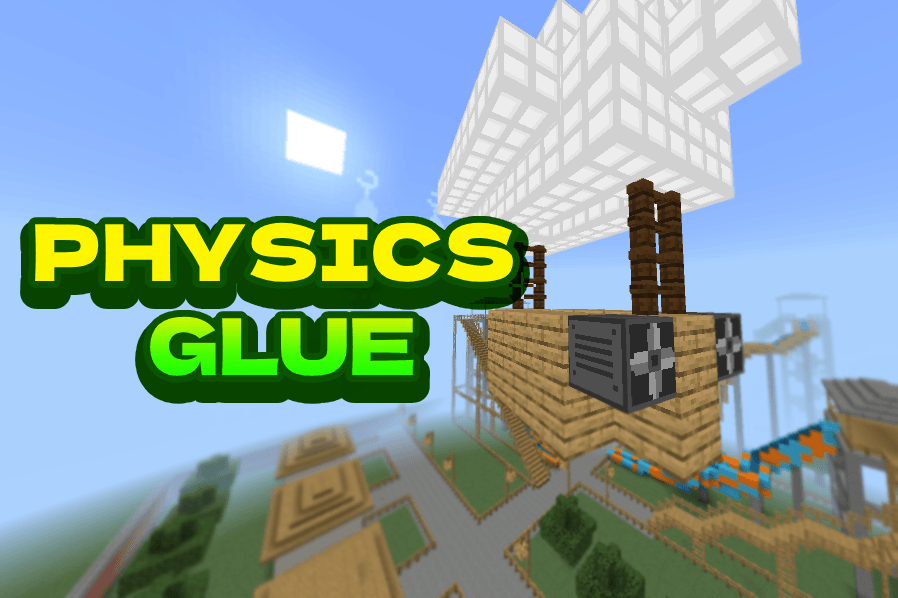
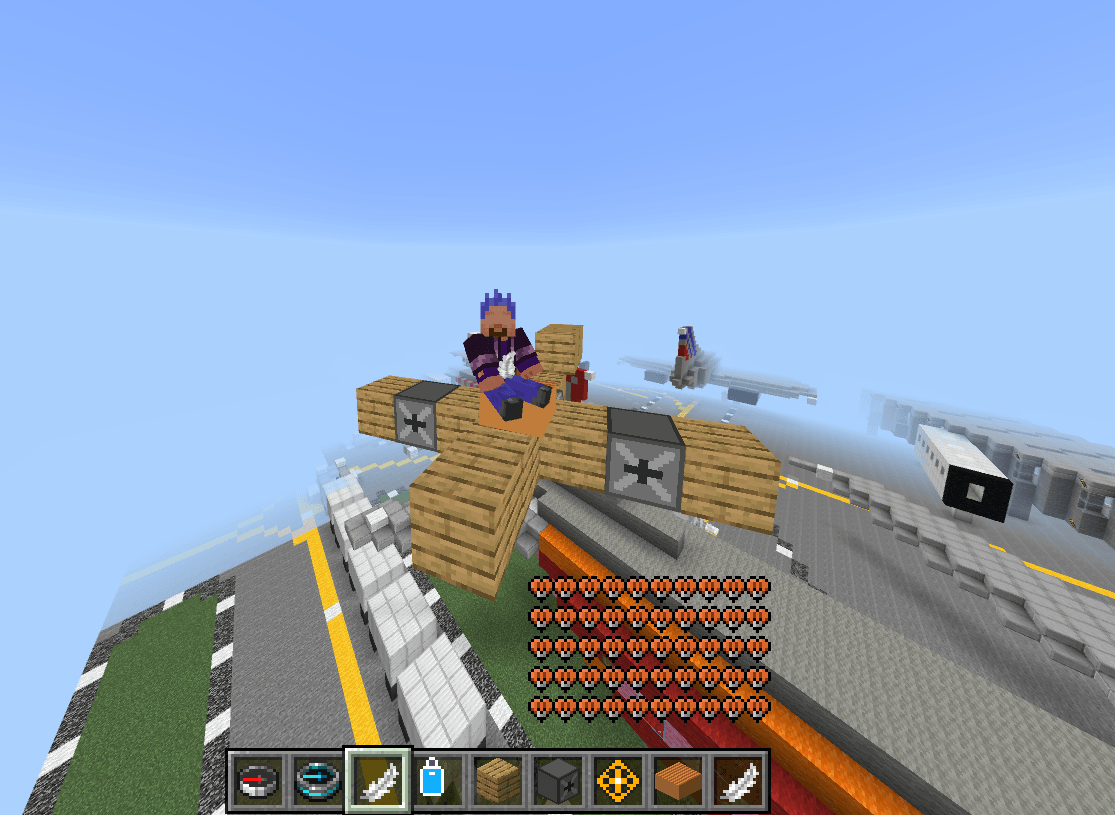
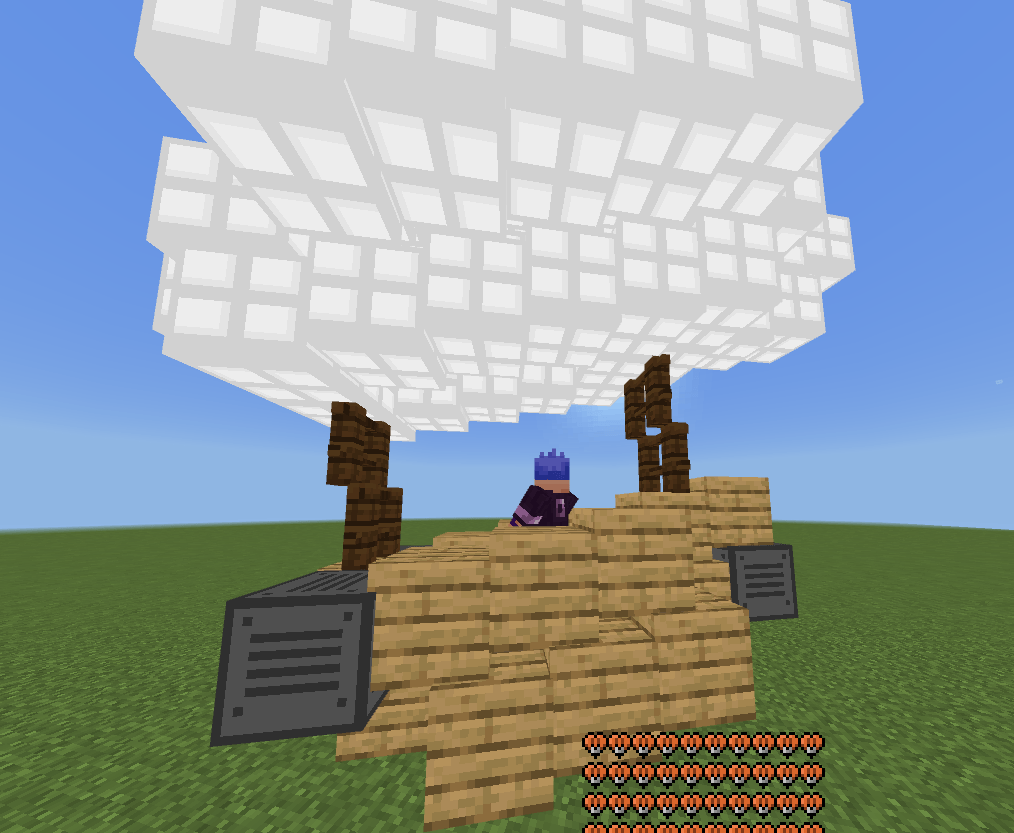
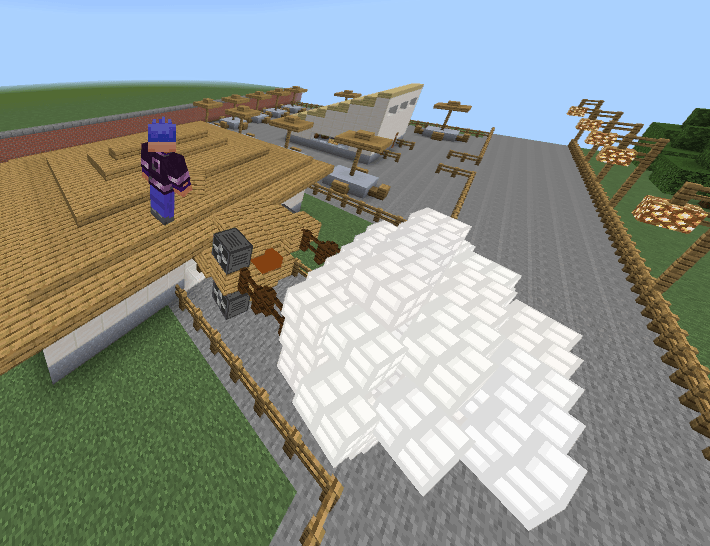
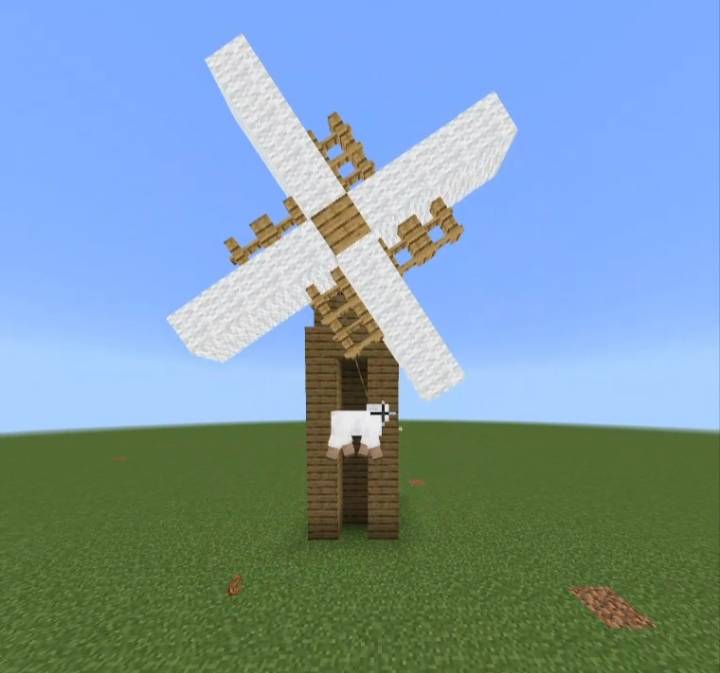
[THIS ADDON IS STILL IN BETA AND MAY CONTAIN BUGS. FEEDBACK, BUG REPORTS, AND SUGGESTIONS ARE ALWAYS WELCOME IN THE COMMENTS.]
What is the Super Glue Addon?
Super Glue is a Minecraft Bedrock addon that introduces a fully custom physics engine inspired by mods such as Create Mod, Clockwork, Valkyrien Skies, and Create Aeronautics.
It allows you to weld ordinary Minecraft blocks into fully dynamic physics objects that can move, rotate, float, fly, and interact with the world.
Build creations such as:
- Cars and trucks
- Boats and submarines
- Airships and airplanes
- Helicopters
- Windmills and turbines
- Moving doors and elevators
- Walking machines
- Entire movable houses
If you can build it, you can bring it to life!
Latest Update!
- Camera and Monitor Surveillance: Introducing the Camera, Monitor, and Physics Camera blocks! Assign matching IDs using a Wrench to wirelessly broadcast real time, true color views of your entities, blocks, and environments directly to screens.
- Attuner Precision Steering: Take ultimate control of your flight and driving! The new Attuner block forces your vehicle to face exactly where your camera is looking, including straight up and down.
- Glue Blasting Automation: Mechanize your assembly lines! The Glue Blaster automatically glues or unglues whatever it is attached to upon interaction.
- Dynamic Wheels and Train Tracks: Build better land vehicles with rolling Dynamic Wheels featuring simple suspension, and construct fully guided trains using Railroad Tracks.
- Sonic Tech and Weaponry: Bring advanced echo wave technology and immense firepower to your world with the Sonic Cannon, Sonic Laser, Sonic Armor, and Sonic Handheld Gun.
- Polished Audio and Visuals: Enjoy beautiful new wind streaks on active Propellers, enhanced Thruster particles, better overall textures, and fresh audio for gluing (slime) and grabbing!
- Optimized Physics and Survival Balance: Experience flawlessly smooth Ocean Physics for boats, a complete balance pass on Survival crafting recipes, and zero fall damage when riding a descending physics object.
Tools and How to Weld Objects
- Super Glue (Stick): Best for selecting custom shapes block by block. Break blocks to select them. Use the item while looking at the sky or air to weld the selected blocks into one physics object.
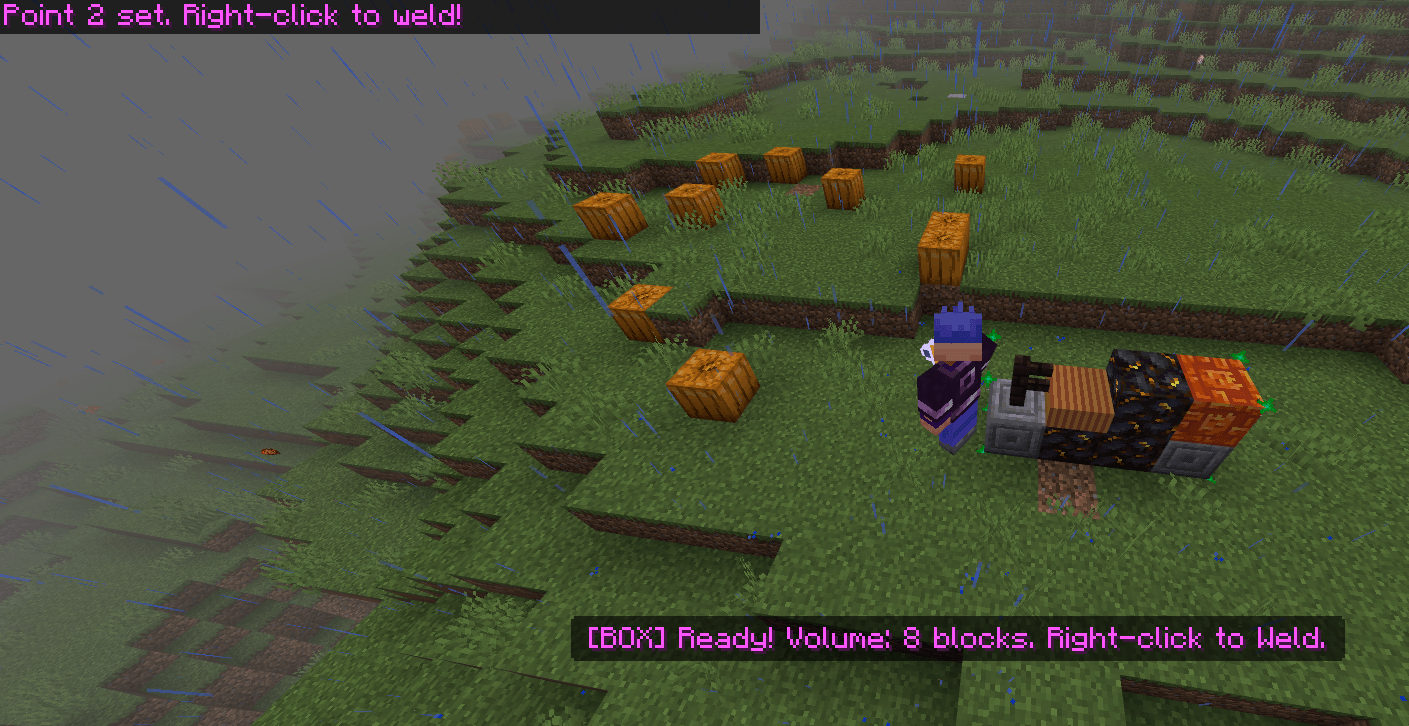
- Box Glue: Best for selecting large areas quickly. Use the item on a block to set Point 1, and another block for Point 2. Use it while looking at the sky to weld. Crouch and use the item to clear your selection.
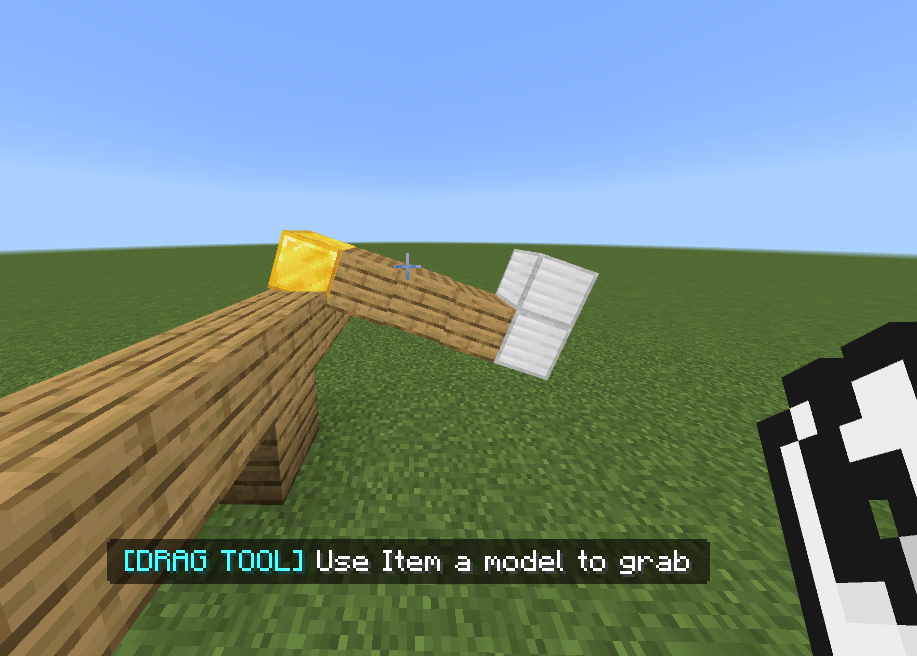
- Drag Tool: Allows you to pick up and move welded creations. Use while aiming at a physics object to grab it, and use it again to release. (Newly Improved: Dragging now supports more advanced movements and object manipulation!)
- UnGlue Glue: Converts a physics object back into normal Minecraft blocks. Use while aiming at a welded creation to snap it back to the grid.
- Ropes and Springs: Creates dynamic physical connections between two points. Use the item on the first point, then on the second point to connect. The Rope Tool creates standard cables with tension, while the Spring Tool creates bouncy, elastic connections.
- Signal Remote: Pairs with Signal Receivers to wirelessly toggle your electrical systems and Current from a distance.
- Sonic Handheld Gun: Throws an Echo Wave Attack. The output power determines how far the attack is thrown. The higher the power, the more EXP it requires to fire.
Special Physics Blocks
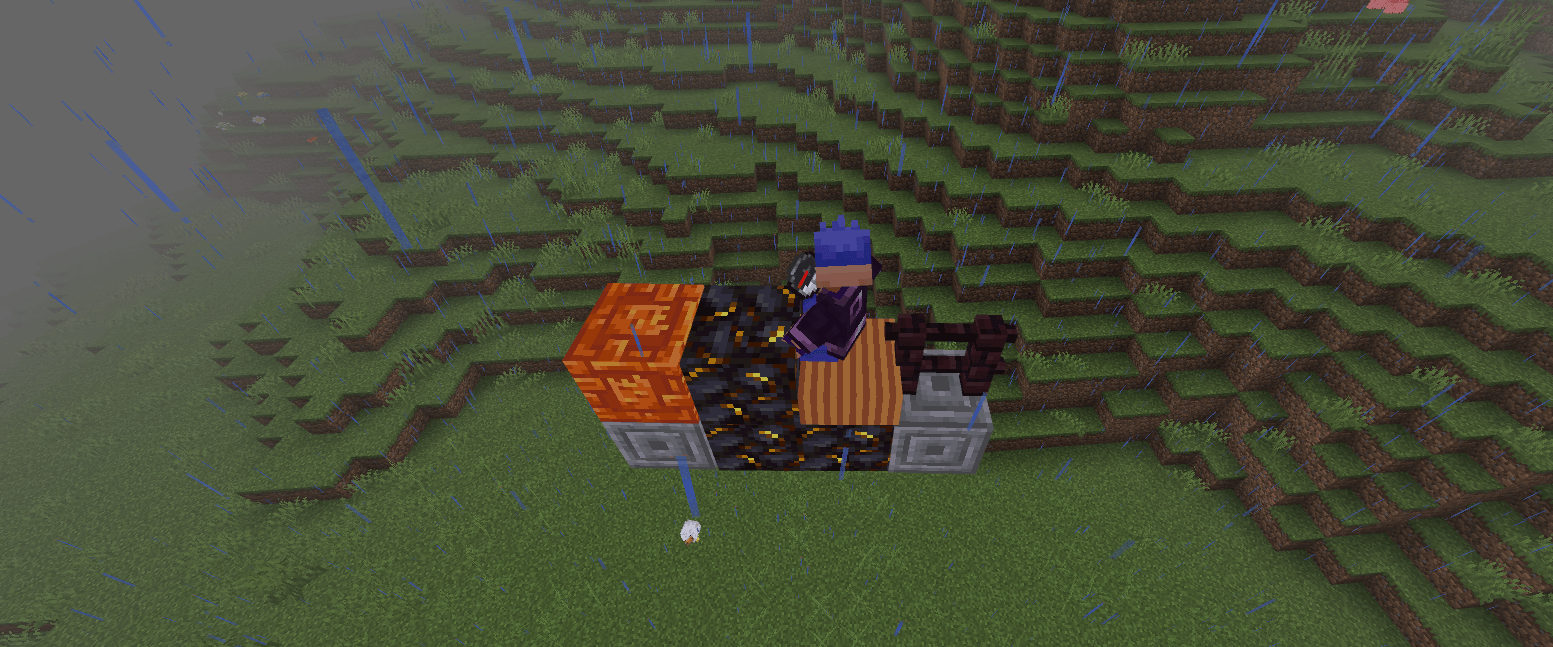
- Seat: Allows you to sit and control your creation. Use the item on the Seat to ride it.
- Attuner [NEW]: Forces the vehicle to seamlessly rotate and face exactly where your player camera is aiming, including vertically up and down.
- Glue Blaster [NEW]: An interactive block that automatically glues or unglues the grid structure it is attached to when triggered.
- Camera Block [NEW]: A stationary surveillance block. Use a Wrench to write its broadcast ID.
- Monitor Block [NEW]: Displays a live, true color feed from any Camera block sharing its assigned ID.
- Physics Camera [NEW]: A mobile camera that can be glued to vehicles and entities to broadcast a portable video feed back to your Monitor blocks.
- Balloon Burner: Allows ships to float with adjustable altitude. Interact to raise the altitude, and Shift and Interact to lower it.
- Dynamic Wheel: A true circular wheel for land vehicles. They physically roll around and feature built in simple suspension for a smoother ride. (Now correctly saves its state!)
- Wheel: Adds standard traction for land vehicles. Can be powered autonomously via Current.
- Railroad Track: Place these for your Train Anchors to ride on, allowing you to build fully functional, track guided trains.
- Train Anchor: Creates precise connection offsets for minecarts and trains. Essential for making aligned train cars that track properly on Railroad Tracks.
- Motor: Continuously spins attached blocks. Useful for rotors, fans, and mechanical systems. Motors feature advanced configurations for expanded capability. Note: A single motor can only glue and spin a maximum of 256 blocks.
- Sonic Cannon: An advanced directional dispenser. Choose exactly where you want it to fire! Great for launching Atomic Bombs. In Place Mode, it will place blocks instead of shooting them. Place a barrel or chest on top of it to feed it the items you want to shoot.
- Sonic Laser: Fires a laser towards a chosen coordinate, breaking any blocks it hits.
- Sonic Armor: Advanced defensive plating. Takes up to 5 hits and outputs all the accumulated damage directly back at your enemies.
- Atomic Bomb: A devastating explosive payload that blows up a massive radius on impact.
- Floater: Provides buoyancy and keeps builds afloat in water.
- Propeller: Generates lift for flying machines. Can be powered manually by a pilot or autonomously via Current. Features updated wind streak particle effects.
- Rotate Toggle: Rotates attached blocks to a target angle based on redstone signal strength.
- Extended Piston: Acts as a smooth mechanical actuator that extends and retracts physically.
- Saw: Cuts through wood, logs, leaves, and plants 5x faster. Safely skips over unbreakable blocks, air, and liquids.
- Driller: Breaks through stone, dirt, ores, and most building blocks 5x faster. Safely skips over unbreakable blocks, air, and liquids.
- Helium Balloon: Provides passive vertical lift. Heavier builds require more balloons.
- Gyroscope: Stabilizes your creation and keeps it level, preventing rollovers and excessive tilting.
- Physics Chest: Access inventories even when they are moving! Weld a chest into a vehicle to open a Virtual Chest UI while driving.
- Physics Dispenser: Acts as a mounted cannon for your physics models. It fires explosive Big Bullets when activated.
- Signal Receiver: Acts as a togglable power source for your Current, allowing remote activation of vehicle systems.
Advanced Physics Mechanics
- Player Physics Movement: Players now move smoothly alongside physics objects! No more slipping off the deck or phasing through your moving airship or train.
- Live Placing and Breaking: You can now modify your vehicles on the go! Dynamically add or remove blocks from an active physics model without dropping it back into a standard block grid.
- Electricity and Current: Power your creations without a pilot! Providing Current (via Redstone Blocks or Signal Receivers) to Wheels or Propellers will make them operate autonomously. Perfect for conveyor belts, drones, or self driving carts.
- Dynamic Lighting: Your vehicles can light up the night! Place light emitting blocks (Torches, Glowstone, Sea Lanterns, Campfires, Froglights) on your creations, and they will actively emit dynamic light as they move.
- Mass, Weight and Center of Gravity: The materials you use matter! Heavy blocks like Obsidian require more lift or buoyancy than wood. Propulsion systems like Thrusters will properly fail to lift your ship if it exceeds maximum weight thresholds. Placement also shifts your true center of gravity, causing unbalanced builds to tip over.
- Terrain Protection: By default, natural terrain blocks (grass, dirt, sand, flowers) are protected to prevent accidentally gluing the ground. You can change this via the settings menu.
How to Drive and Fly
- Sit in a Seat block to pilot your creation.
- Your vehicle automatically steers toward the direction your camera is facing (or locks directly to your camera angles if using an Attuner block).
- Hold Drive Wheels to drive forward at normal speed.
- Hold a Propeller Button to drive faster and activate Propellers for flight.
- Hold a Fly Button to apply upward thrust for hovering and vertical takeoff.
Note: If you are not holding a control item, the vehicle gradually slows down due to friction. (Alternatively, use Current to power Wheels and Propellers automatically without needing to hold anything!)
Ocean Physics
The addon includes dynamic ocean waves that interact with your creations. Boats and floating objects rise, fall, and tilt naturally with the water. You can activate and tweak Ocean Physics via the Glue Settings Tool (/scriptevent glue:settings).
Bug Fixes and Optimizations
- Fixed Dynamic Wheels failing to save their state properly.
- Fixed a bug where stone textures displayed incorrectly on custom Physics Objects.
- Resolved texture glitches when ungluing objects.
- Fixed player desynchronization and jittering on fast moving vehicles.
- Stopped stationary physics blocks from slowly drifting or jittering on their own.
- Fully optimized physical collision hitboxes for significantly less lag during crashes.
- Fixed structural breaking, re improved block placing, and ensured Physics Dispensers operate correctly.
Installation Requirements
To use this addon, ensure you follow these steps exactly:
- Create a new world or edit an existing one.
- Open the Experiments section.
- Turn on Beta APIs. (The addon will not work without this enabled!)
- For players around versions 1.21.20+, you must also enable the Upcoming Creator Features toggle.
- For MCPEDL Players: The app can sometimes be buggy with caching. Make sure to completely delete your old downloaded addon from your device files first before downloading and importing the new version.
Community and Support
Join the Discord community to share your amazing creations, report bugs, and suggest new features!
- Discord: discord.gg/ynzyjeYy3F
- Edition: Minecraft Bedrock
- File type: .mcpack or .mcaddon
- Minecraft version listed: 1.21.132
- How to install: Download the .mcpack or .mcaddon file. → Open it — Minecraft imports it. → In your world: Behavior Packs → Available → Activate, then the same under Resource Packs.
- Where to get it: Opens on CurseForge — not every file is mirrored on our own servers.
Install steps are the general flow for this file type — How to install Minecraft Bedrock addons & mods walks through it step by step.
- Pack type: .mcaddon — behaviour and resource pack in one file
- Manifest requires Minecraft 1.21.120 or newer
- Needs Beta APIs switched on in the world settings
- Complete pack — everything it depends on is inside the file
- Download size: 858 KB
- Download link checked 15 Sept 2026 — working
These come from our own check of the pack file, not from the source page.