Lunac Shaders 3.1.2 | Vibrant Visuals Shader
Bedrock add-on listed for Minecraft 1.20–26.x (resource pack only). File opened and checked on 9 Oct 2026; installs from the MC Bedrock Mods app on Android.
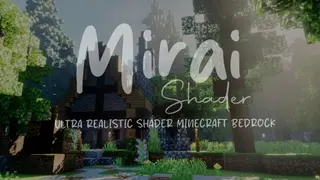
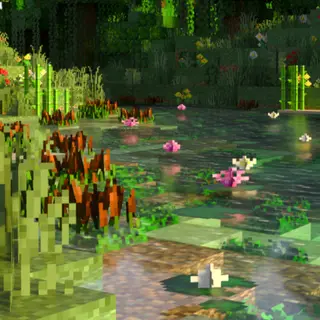
Lunac Shader Adds realistic RTX like graphics without needing to have RTX GPU. It Adds Ultra relistic water, shadows, reflections, shadows and lighting…
⬇ Download on CurseForgeThe author built this one for Minecraft 1.21.20–26.20. On other versions it may install and then do nothing.
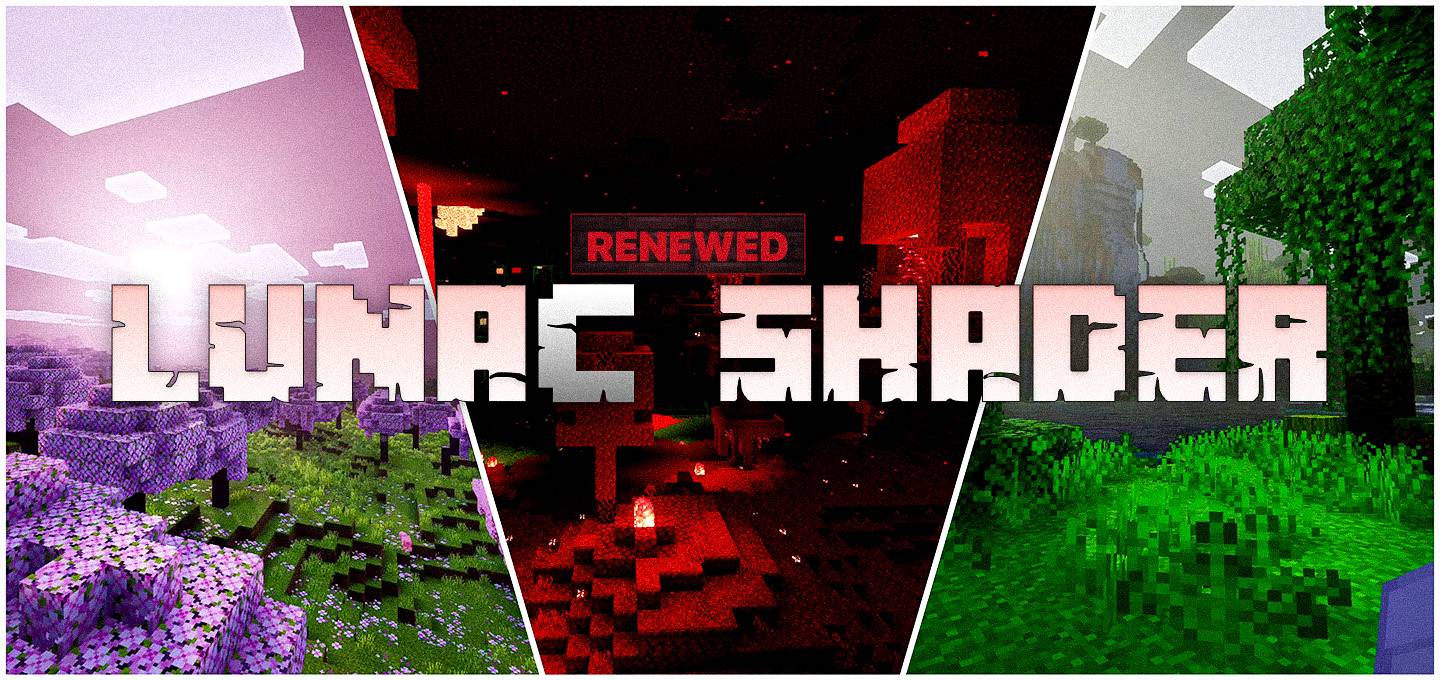
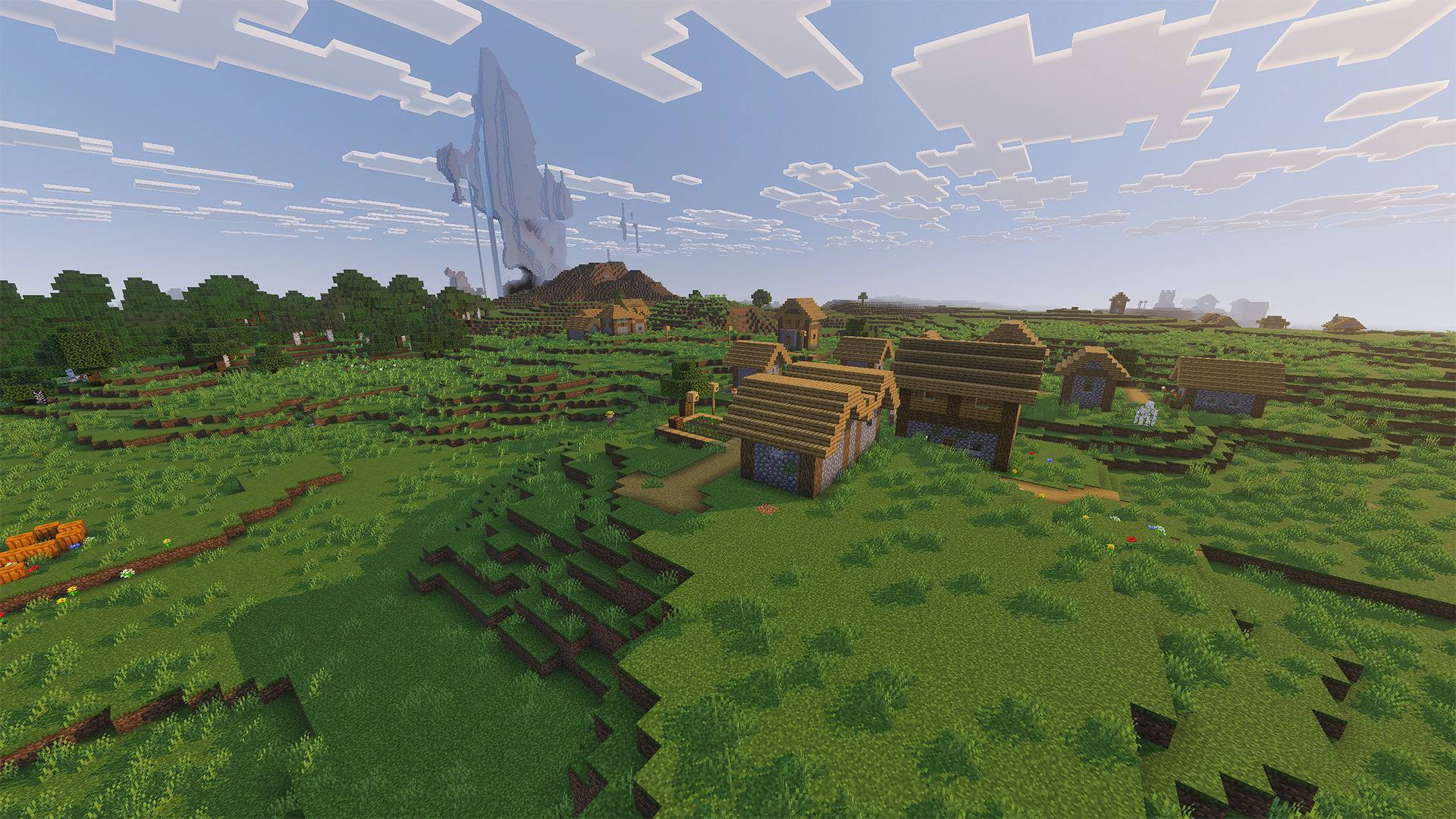
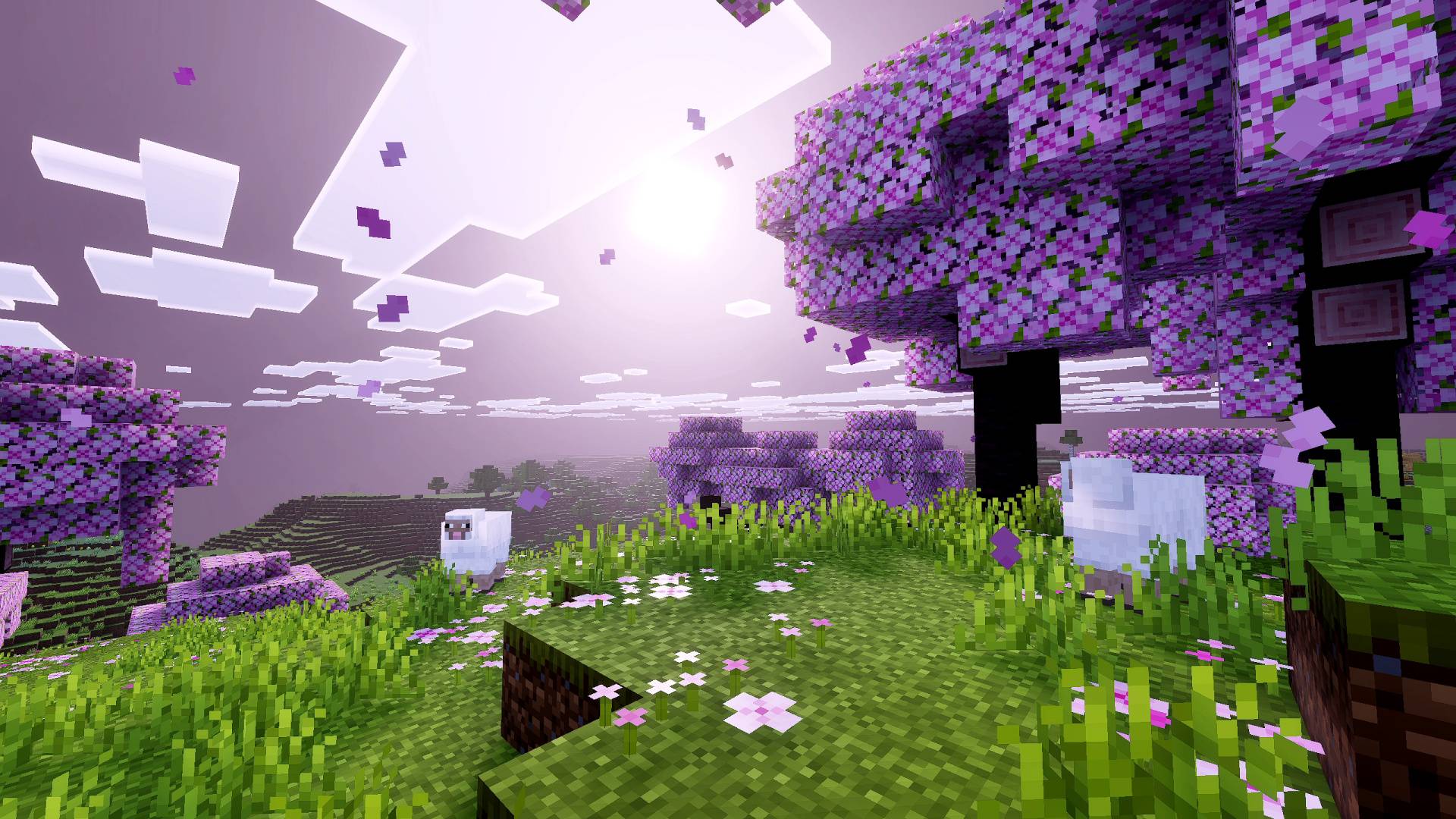
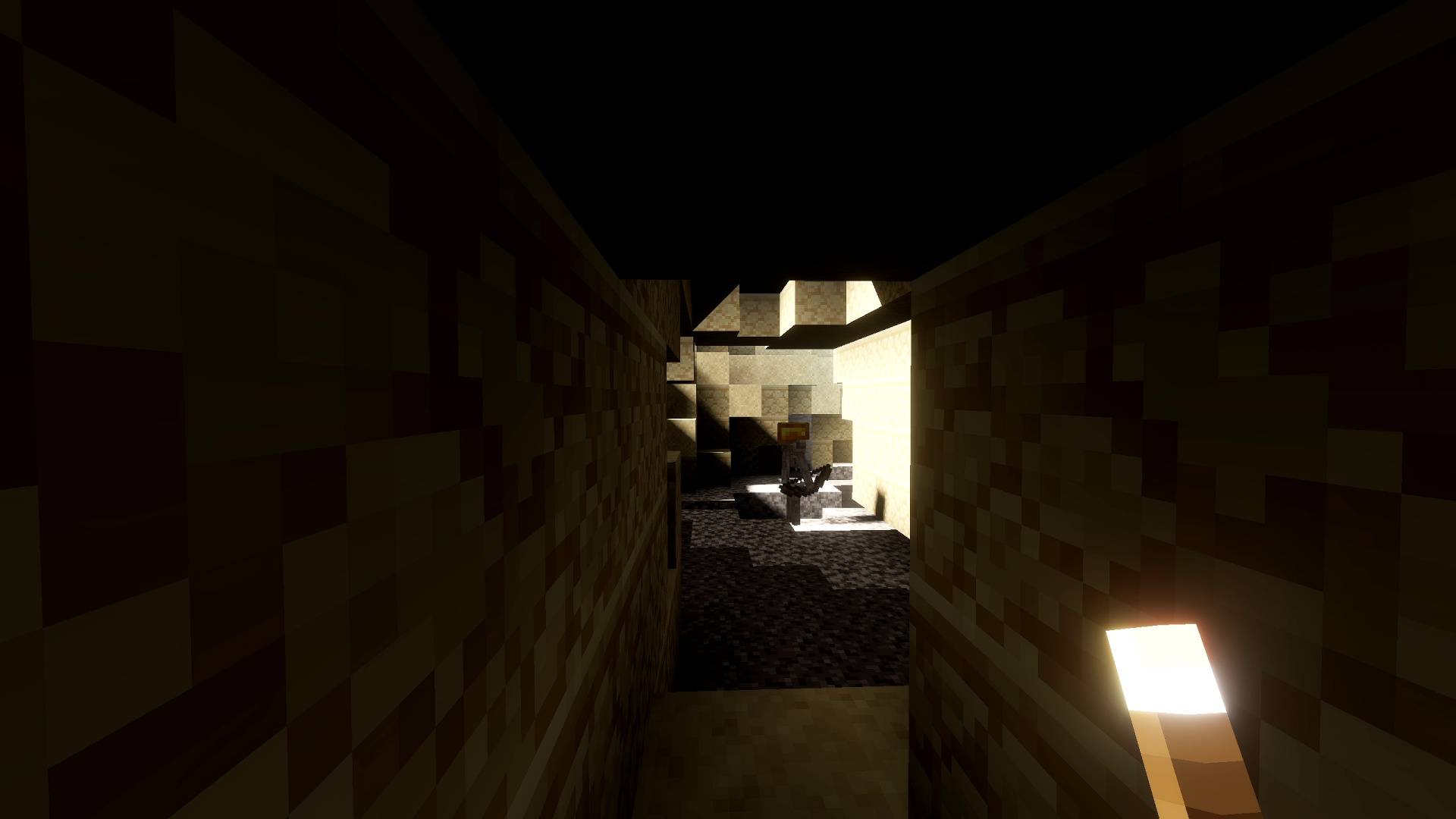
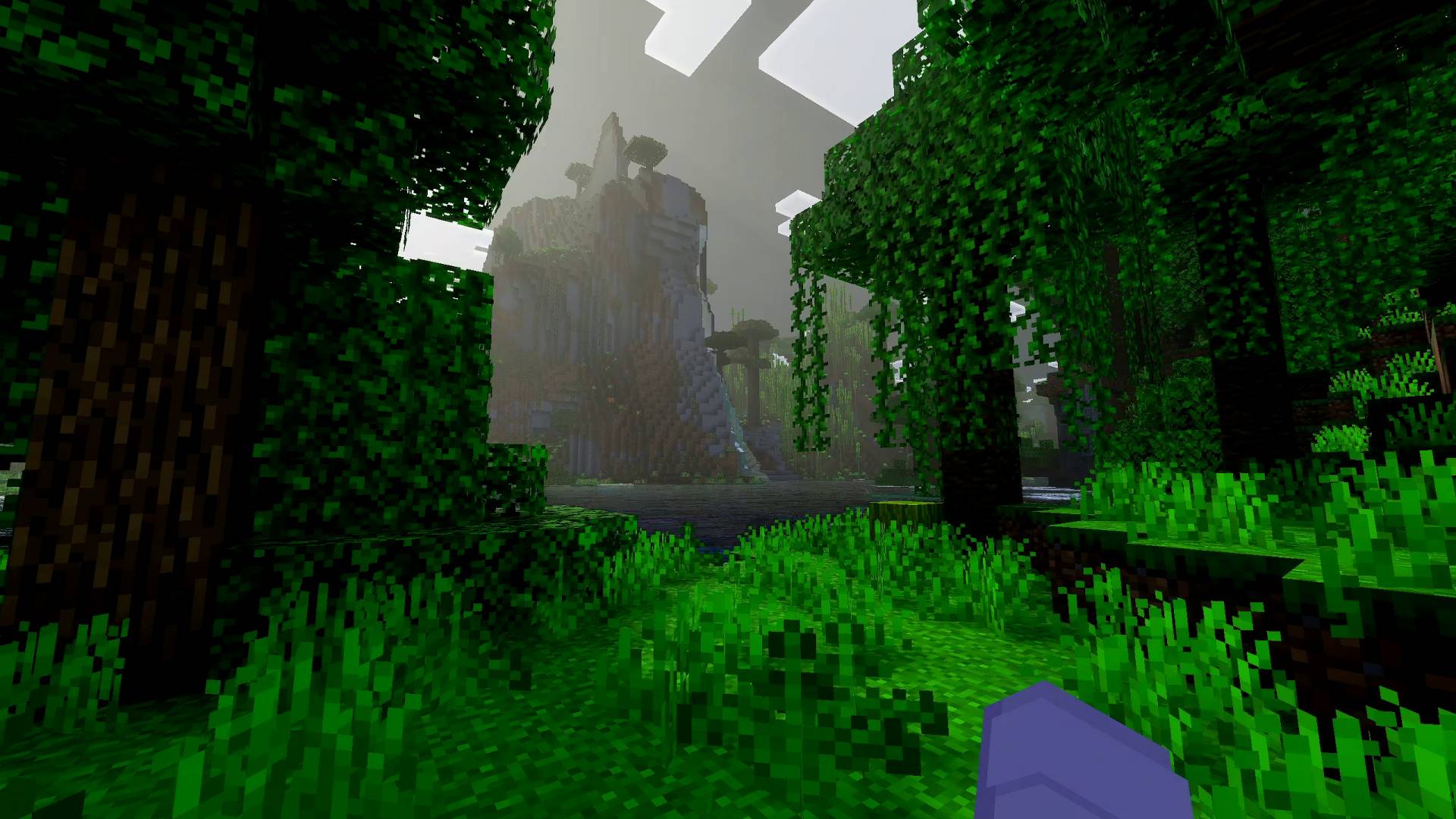
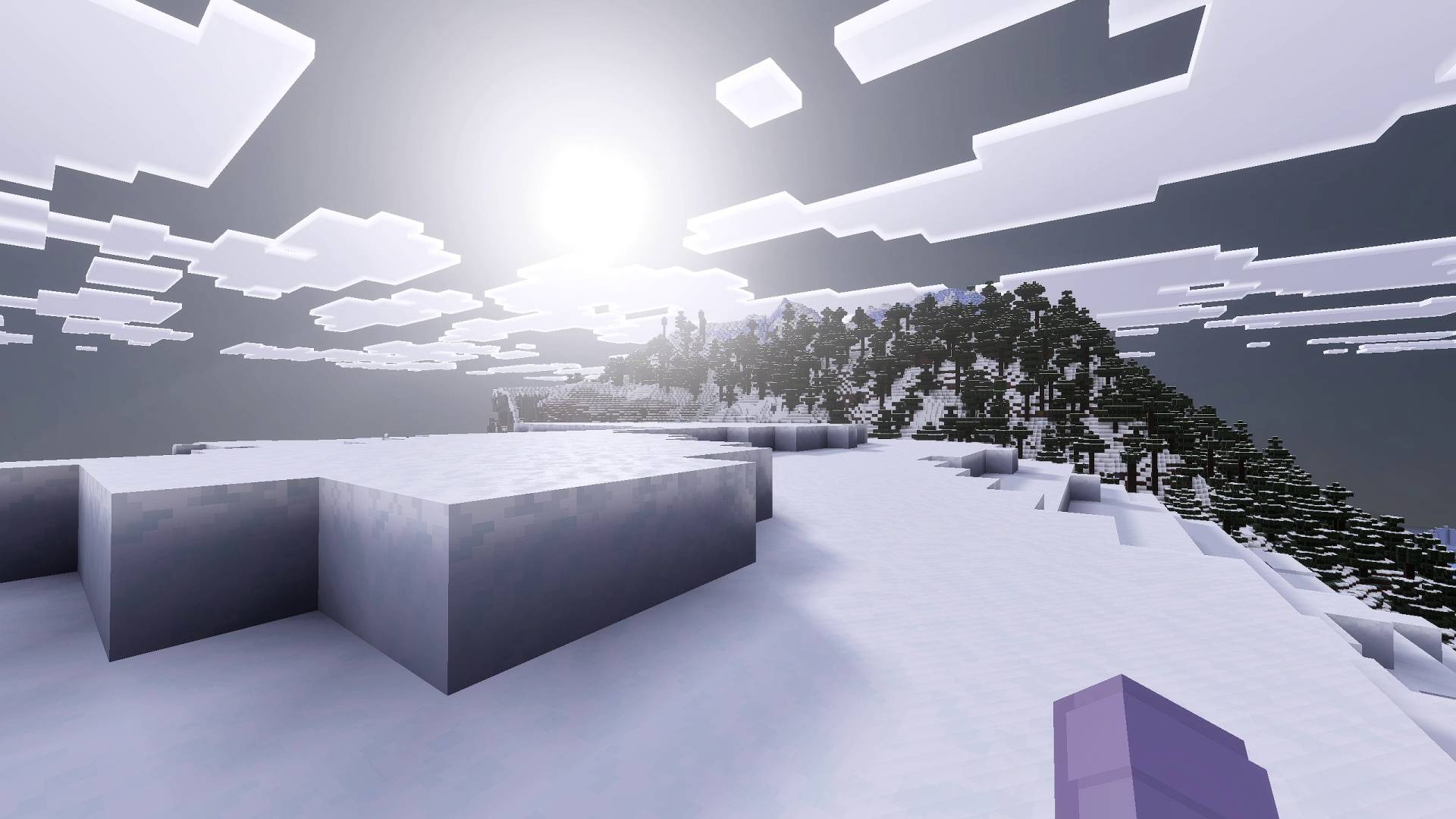
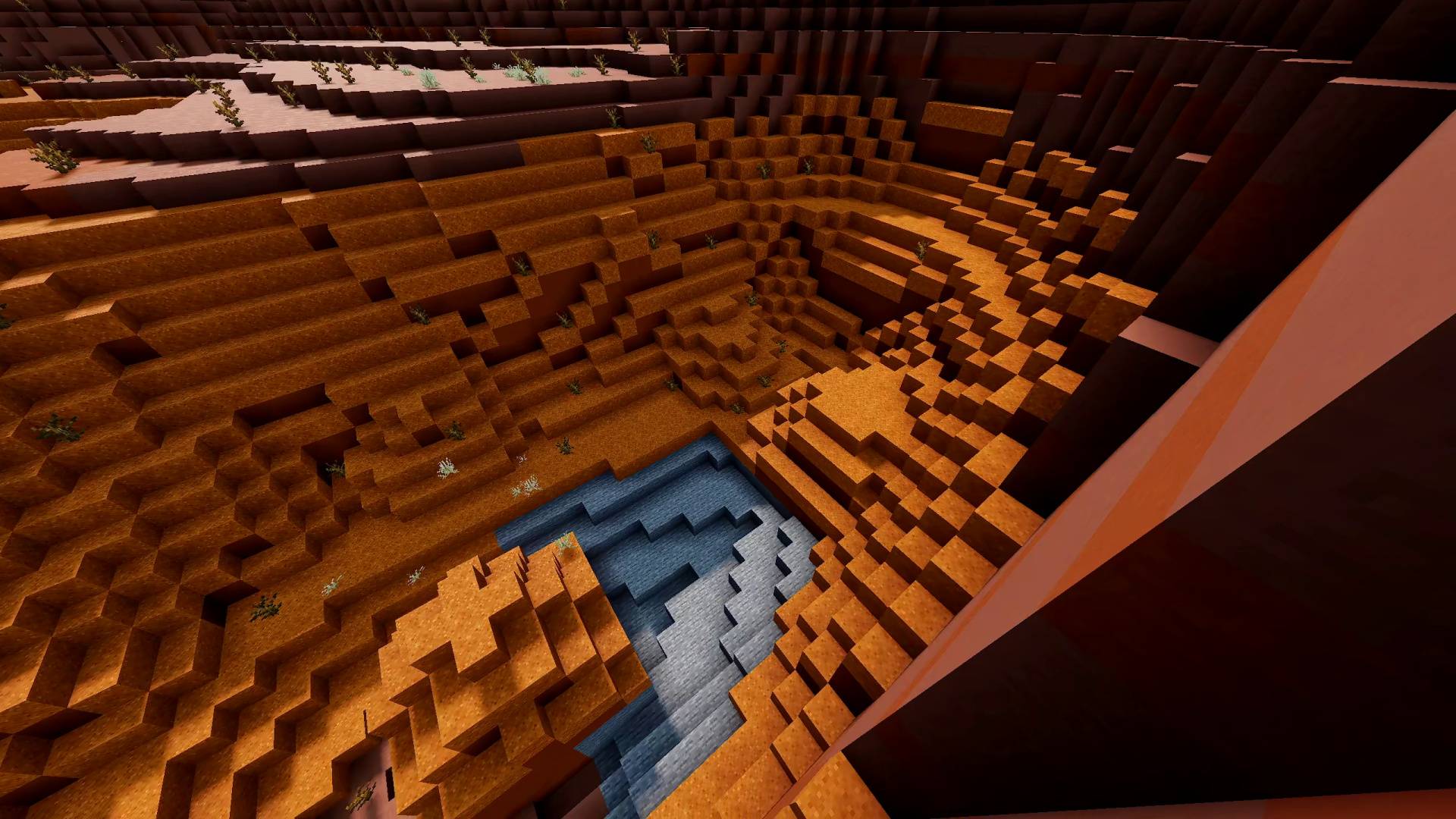
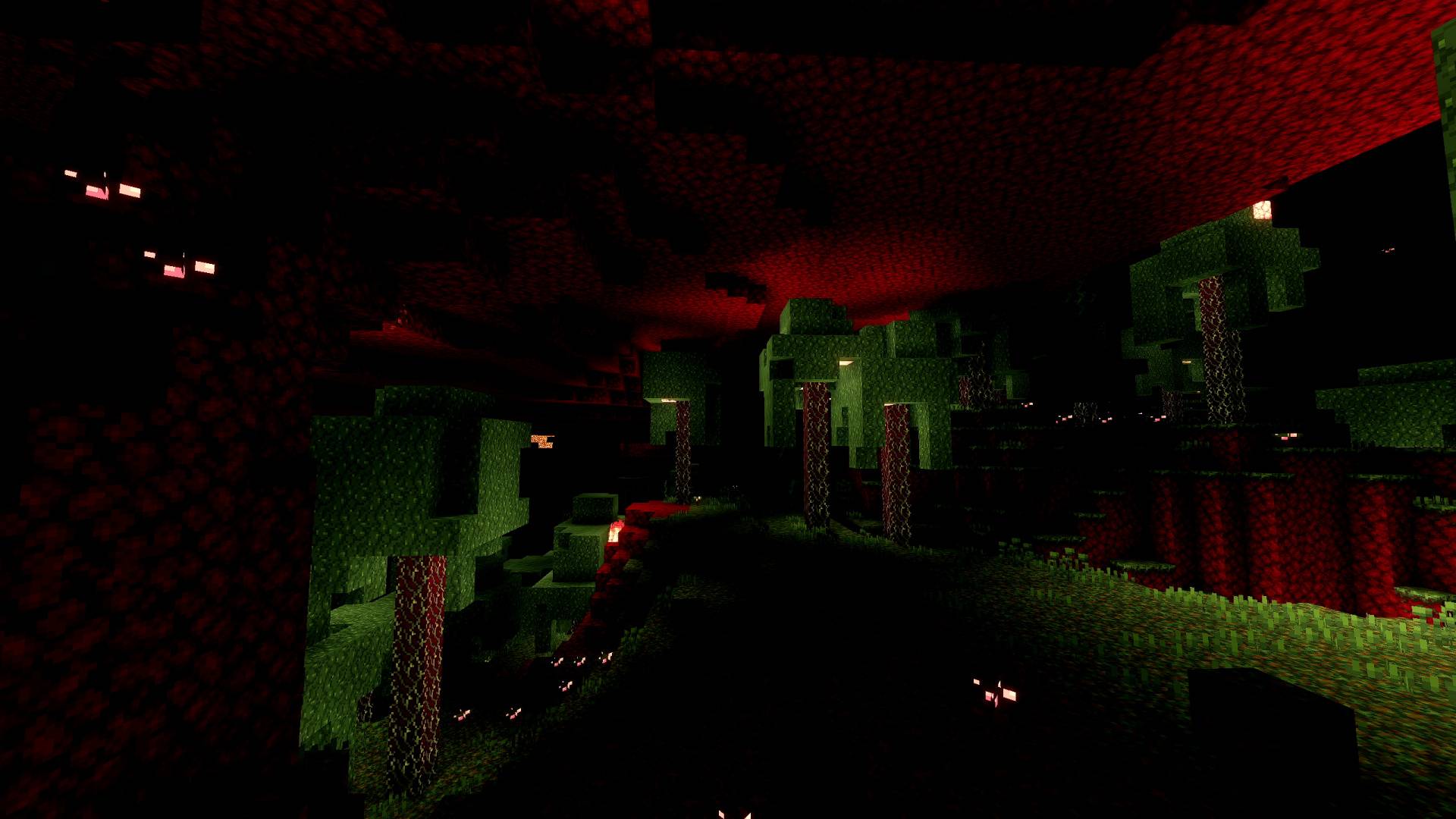

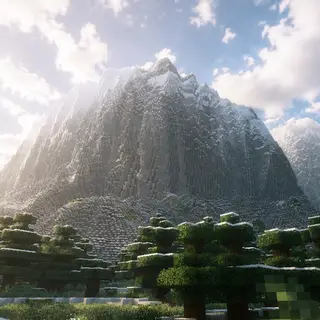
Welcome to Lunac Shader's page. Lunac Shader Adds realistic RTX like graphics without needing to have RTX GPU. It Adds Super relistic water, shadows, reflections, shadows, global illumination and lighting.
Want to host a powerful and reliable Minecraft or Hytale server?
Get started with Godlike click here
✨ Ray Tracing like Graphics without a Ray Tracing Card!
You'll be amazed at how much better the graphics look just after installing this shader. The lighting, reflections, everything becomes more realistic and visually stunning. And all of this without needing an RTX GPU! A strong device is still required, of course... it's a shader, after all. But the performance cost is much lower.
🌈 The Beatutiful And fantasical Skies!
Minecraft's new deferred rendering technique gives shaders much more control over the environment and graphics. With this shader, you can see how dynamically the sky changes its color and appearance. Each time of day has its own unique sky and lighting. Lunac shaders Version 2 also bring dynamic Skies and lighting. Each Biome has it'a own unique atmosphere and lighting presets.
🔦 Lighting & Reflections!
Lighting is an important part of any shader or the overall aesthetic of games, and Lunac shaders truly excel at it. They provide precise control over lighting throughout the day. Reflections are handled in a way that ensures no object looks dull or lifeless from low reflections, and no object looks plastic from overuse. Striking that balance has always been my main goal.
🌊 Ultra Realistic Water And Blocks Shadows
Update 3.0 Brings not only waves to the water but fixes a long time problem of water being dark, not anymore. The Water is now clear and yet realistic looking with waves. Each Biome will have it's own different kind of water, both in terms of waves and color.
Added New 3D Version Lunac Shaders with heightmaps, better lighting and shadows.
Check it out here: https://mcpedl.com/lunac-shaders-3d/
Didn't Like Lunac Shaders? Here's Another one! DIfferent Than Lunac!
https://www.curseforge.com/minecraft-bedrock/addons/vibrance-shader
Recommended Video Settings:
- First, activate the Lunac shaders in your world.
- Make sure you're inside the world, then go to Settings > Video Settings.
- In Graphics Mode, make sure "Vibrant Visuals" is selected.
Note: If You are not satisfied with predefined brightness of the shader. You can adjust the brightness in the video settings for the game.
Use "Favor Performance" mode is the recommended over "Favor Visuals" mode unless you have a powerful machine that can easily handle it
Set The Resolution as "Native" by moving the slider. Or else Quality becomes really bad. (Keep it Auto if you have performance issues)
Video Showcase
1. You are allowed to make video on the texture but give credits in video description. Please Only give original MCPEDL/CurseForge link.
2. You are not allowed to edit and publish it on the internet.
3. You are not allowed to publish the texture on any other website and claim it as yours
Join My Discord Server: https://discord.gg/Wvst4znsgk
Download the New Bedrock Manager application to easily install and manage your minecraft addons, worlds and more!
Download Now! (Windows only, android in future) 
Enjoy!
 👉 Click the banner or [start here] to get going. Use code MODMCPE40 for 40% off!
💬 Curious what players think? Check out the community discussion on [Best Minecraft Server Hosting].
- Edition: Minecraft Bedrock
- File type: .mcpack or .mcaddon
- Minecraft versions listed: 1.21.30, 1.21.50, 1.21.81
- How to install: Download the .mcpack or .mcaddon file. → Open it — Minecraft imports it. → In your world: Behavior Packs → Available → Activate, then the same under Resource Packs.
- Where to get it: Opens on CurseForge — not every file is mirrored on our own servers.
Install steps are the general flow for this file type — How to install Minecraft Bedrock addons & mods walks through it step by step.
- Pack type: .mcpack — a single pack
- Manifest requires Minecraft 1.21.120 or newer
- Complete pack — everything it depends on is inside the file
- Download size: 1.7 MB
- Download link checked 7 Oct 2026 — working
These come from our own check of the pack file, not from the source page.