Instant Structures v7
Bedrock add-on listed for Minecraft 1.21 (behavior + resource pack). File opened and checked on 14 Oct 2026; installs from the MC Bedrock Mods app on Android.
⬇ Download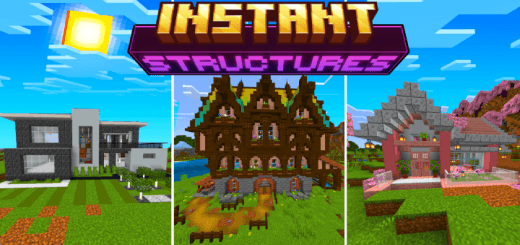
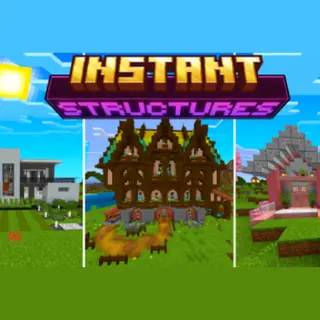
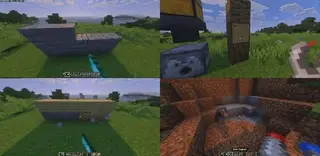
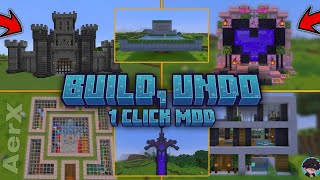
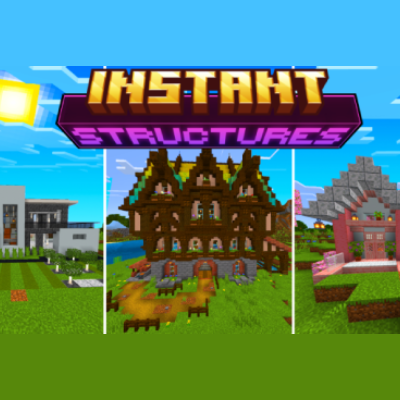
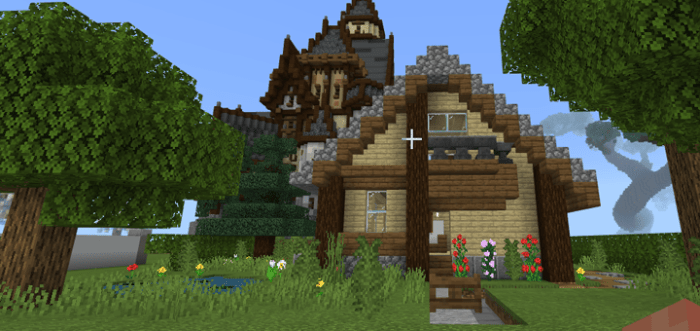
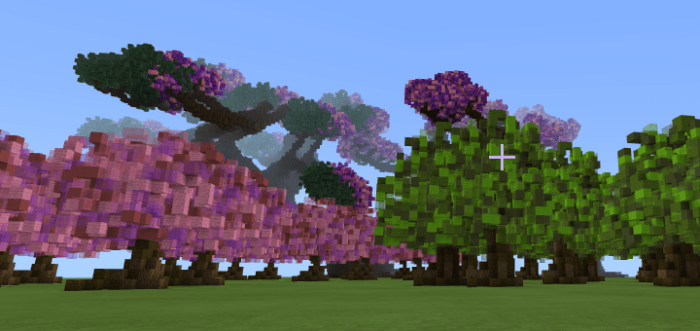
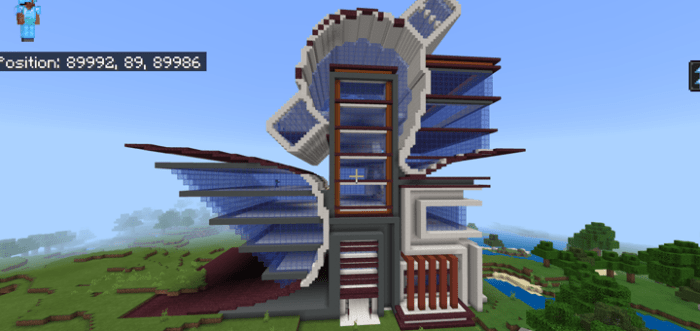
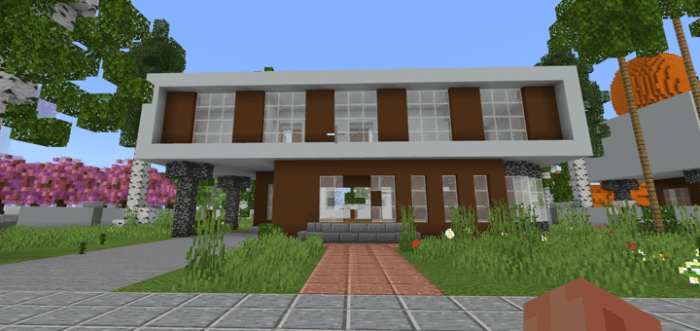
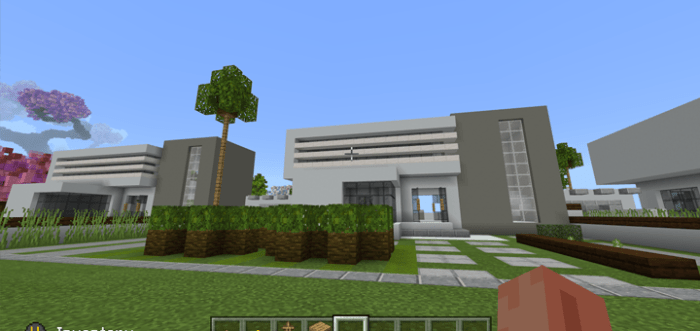
This add-on allows you to spawn in pre built structures instantly using a craftable item, There are currently 100+ different structures with different styles you can spawn in including houses, trees and farms.
This add-on requires Minecraft version 1.21+
DOWNLOAD AND INSTALL BOTH PACKS BEHAVIOR AND RESOURCE PACKS
HOW TO SPAWN IN STRUCTURES:
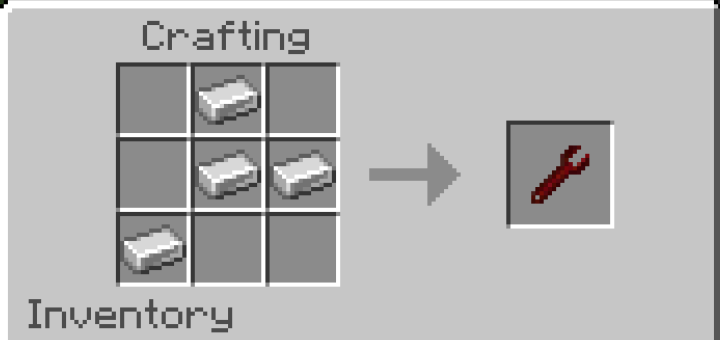
-You will need the structure selector item, You can obtain this item in the creative inventory or you can also craft it in survival using 4 iron ingots

- First click on the "Select Structure" button and select the type of structure you want to spawn.
- For every structure you will be able to adjust how it gets placed vertically, the mirror mode, and animation mode and time.
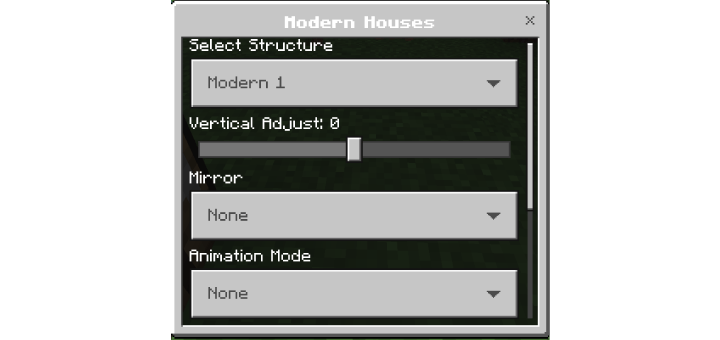
- Onece the structure is selected while holding the item in your hand a particle outline will appear to help you place the structure.
- To rotate the structure simply look in a different direction and the structure will rotate.
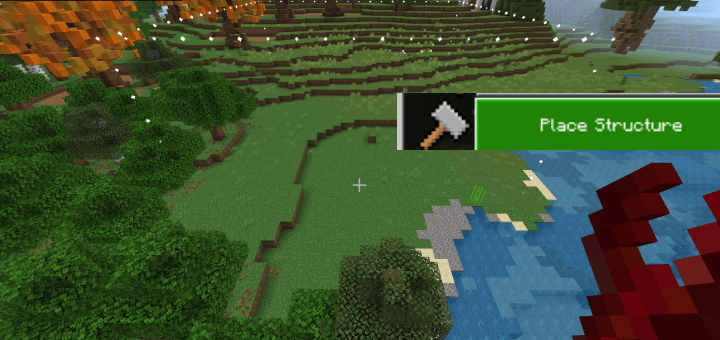
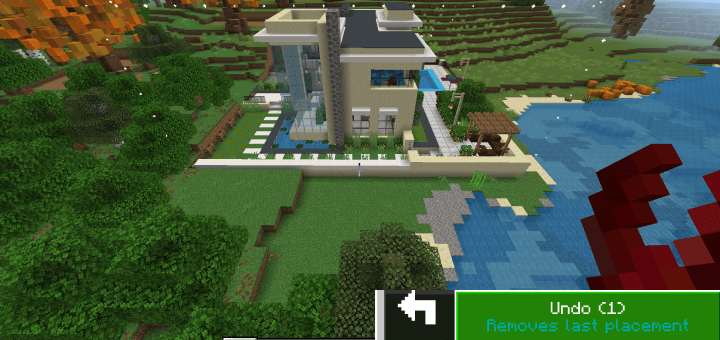
- To place the structure interact with the item again and select the optin "Place Structure"
- To remove the structure open the menu and select the "Undo" button, this will remove the
structure you just placed.
HOW TO PLACE MULTIPLE STRUCTURES:
- First select a structure.
- Once you seect a structure in the menu select "Place Multiple"
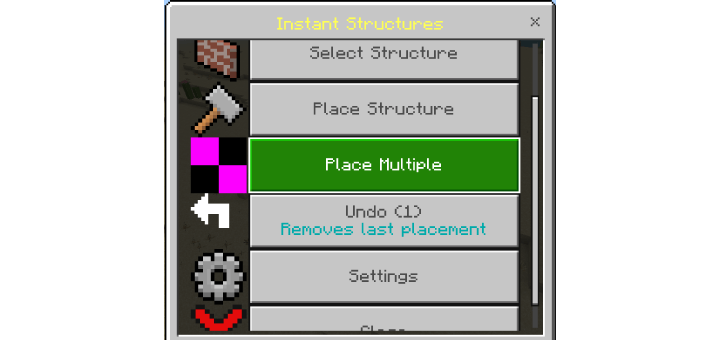
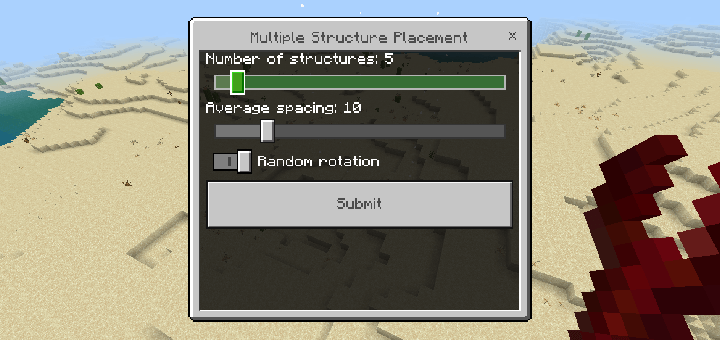
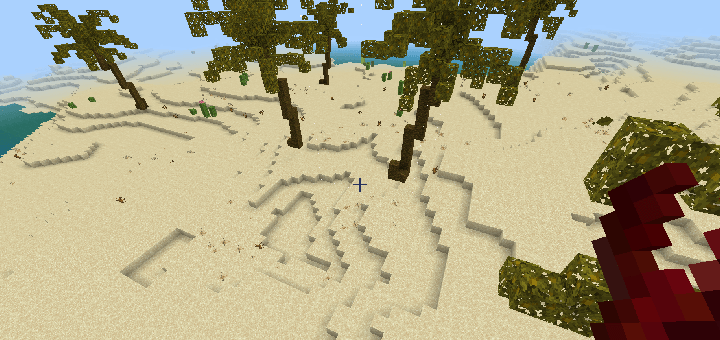
- You will be able to adjust the amount of structures to spawn using the slider and the spacing between each of the structures that it spawned.
HOW TO CHANGE PRICE MODE:
- First you will need to be in creative mode.
- Open the menu and select "Settings" and then "Placement Mode"
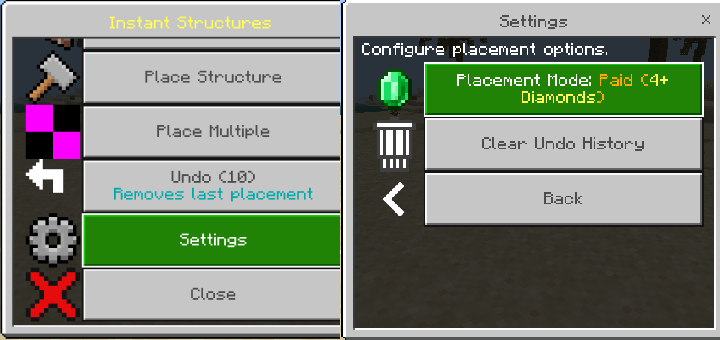
Here you will have a few options
- "Free": Structures can be spawned infinitly without requiring any item.
- "Paid Mode": Each structure will be sold for a set price reuiring an item emeralds/diamond.
- "Required Blocks": Will require player to have the blocks in there inventory before it gets built.
- "XP": Each structure will cost a set amount of XP levels.
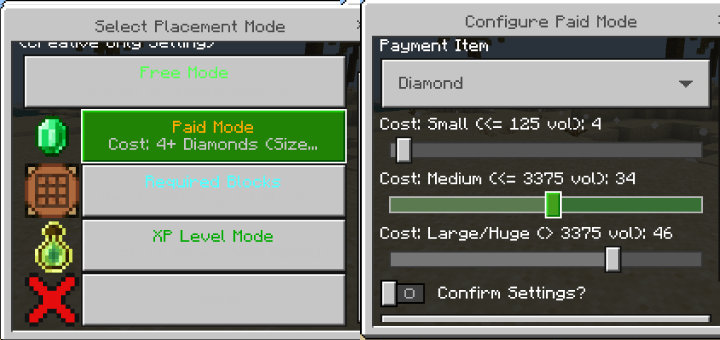
- The price for every structure size will be adjustable.
<figure class="image">
 </figure>
There is currently 100+ different structures but more will be added
<figure class="image"> </figure> <figure class="image image_resized" style="width: 33.89%;">
 </figure> <figure class="image image_resized" style="width: 33.47%;">
 </figure> <figure class="image image_resized" style="width: 33.53%;">
 </figure> <figure class="image image_resized" style="width: 33.19%;">
 </figure>
 </figure>

- Edition: Minecraft Bedrock
- File type: .mcpack or .mcaddon
- Minecraft versions listed: 1.21.30, 1.21.50, 1.21.81
- How to install: Download the .mcpack or .mcaddon file. → Open it — Minecraft imports it. → In your world: Behavior Packs → Available → Activate, then the same under Resource Packs.
- Where to get it: In MCModsHub, or directly above on this page.
Install steps are the general flow for this file type — How to install Minecraft Bedrock addons & mods walks through it step by step.
- Pack type: .mcaddon — behaviour and resource pack in one file
- Complete pack — everything it depends on is inside the file
- Download size: 4.8 MB
- Download link checked 30 Jun 2026 — working
These come from our own check of the pack file, not from the source page.