Fabulous Furniture (Bedrock)
Bedrock add-on listed for Minecraft 26.x (behavior + resource pack). File opened and checked on 14 Oct 2026; installs from the MC Bedrock Mods app on Android.
⬇ Download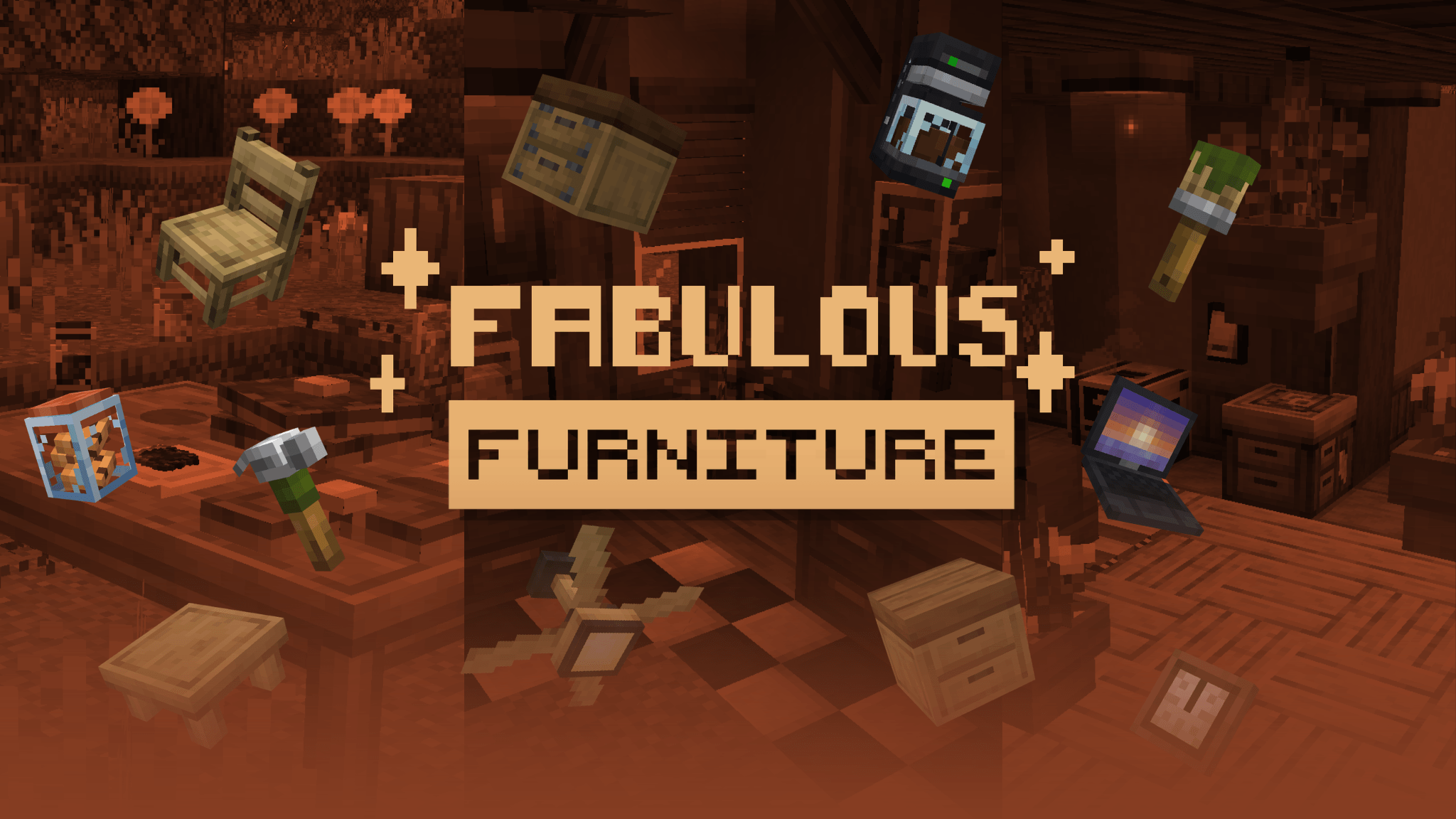
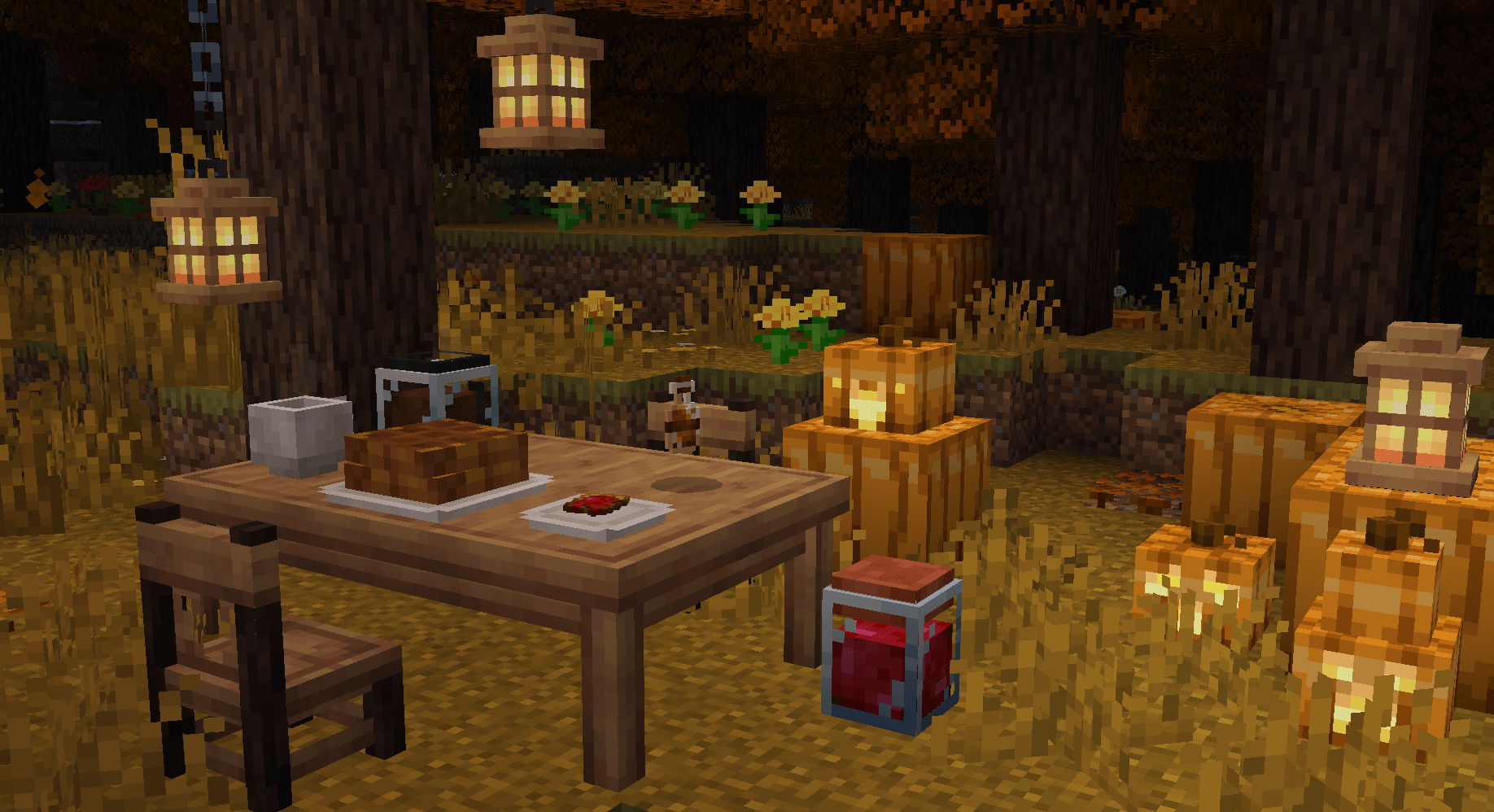
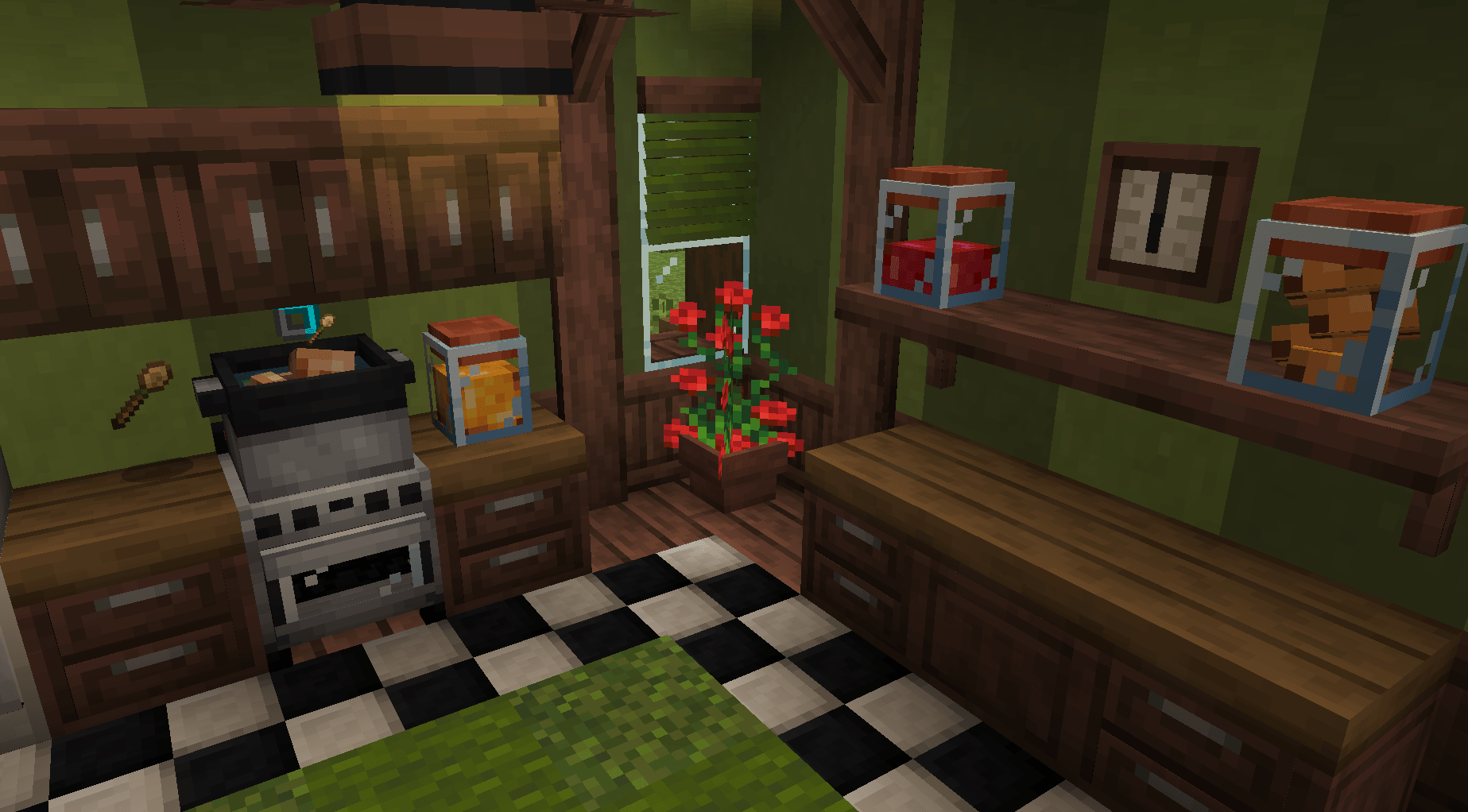
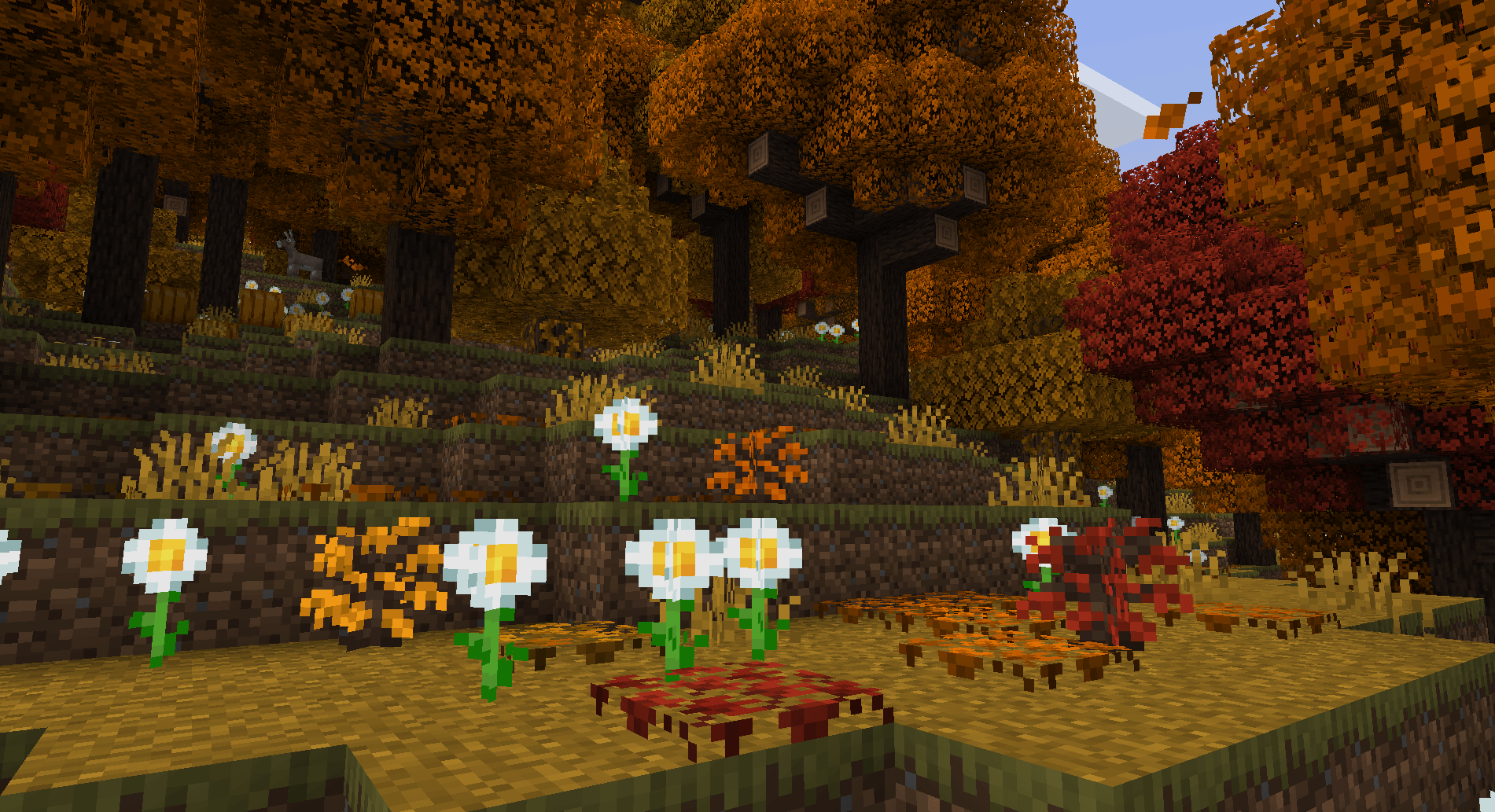
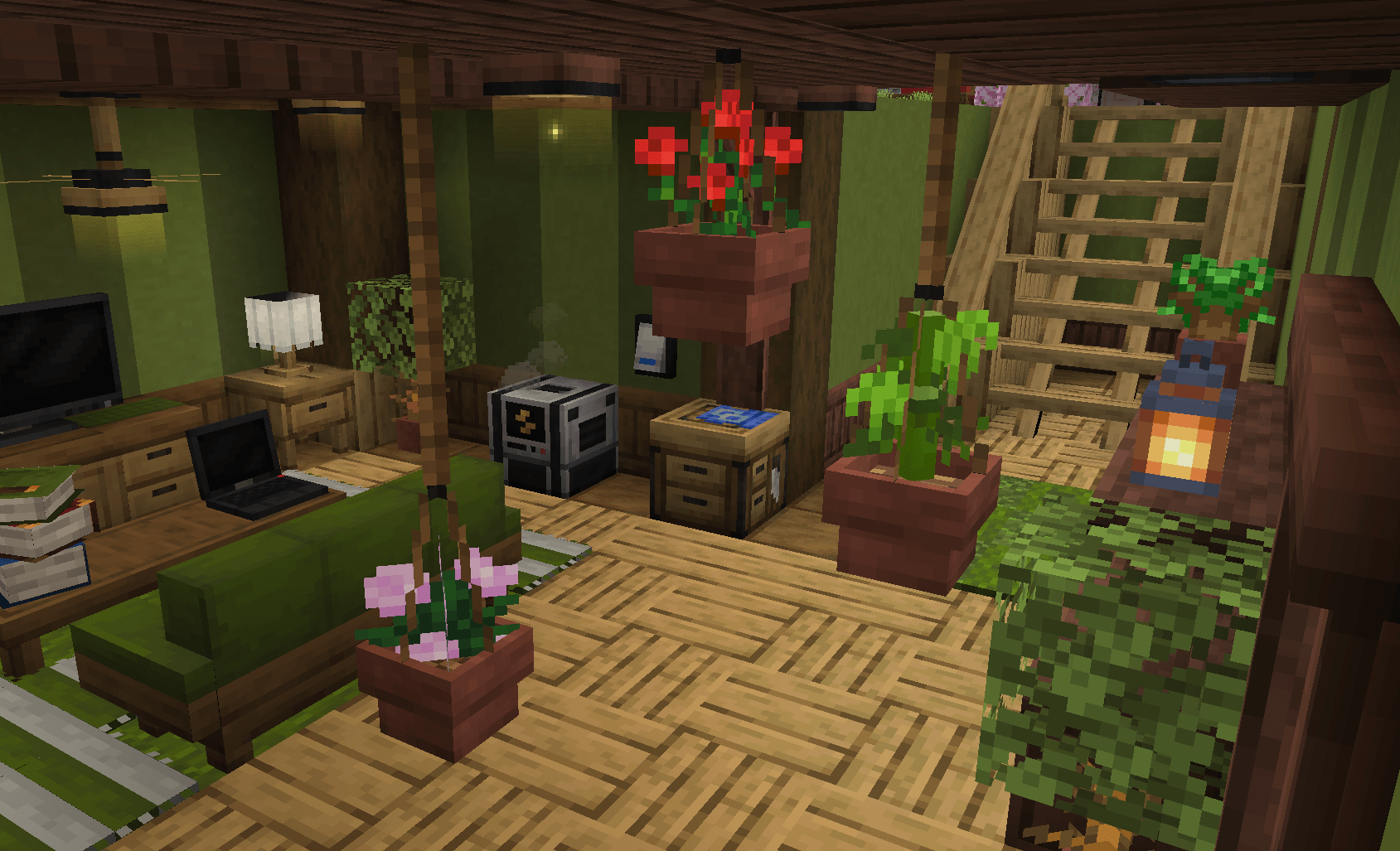
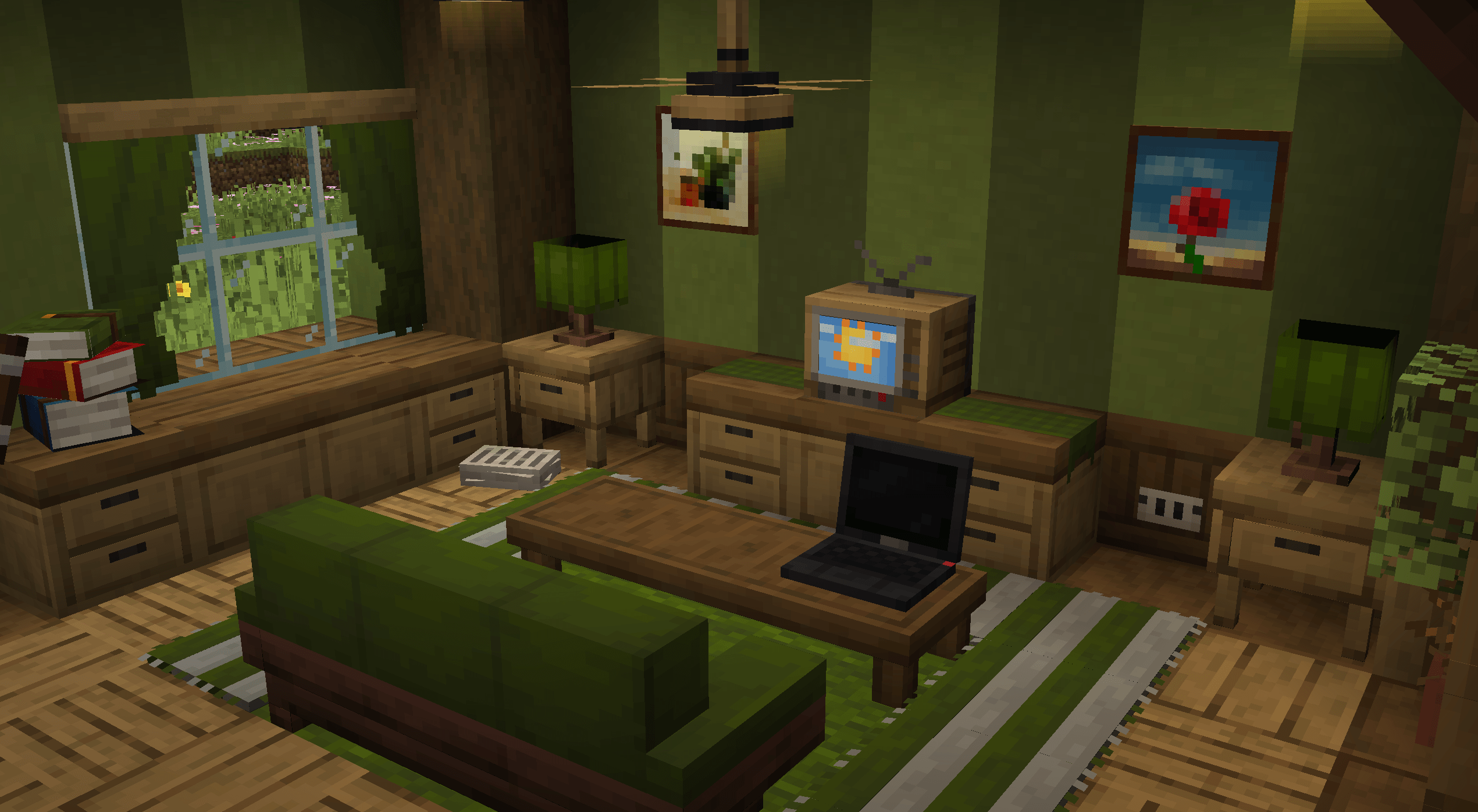
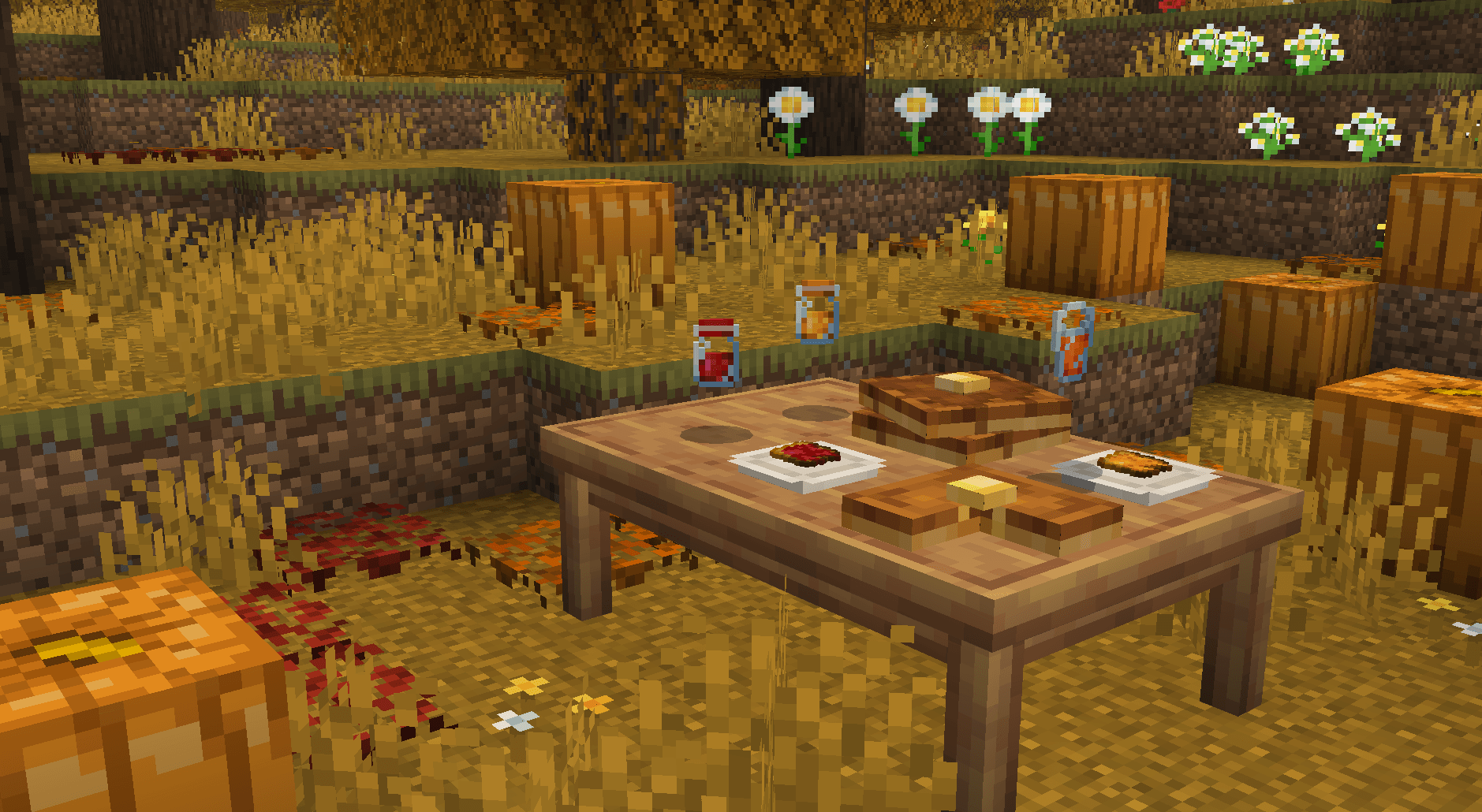
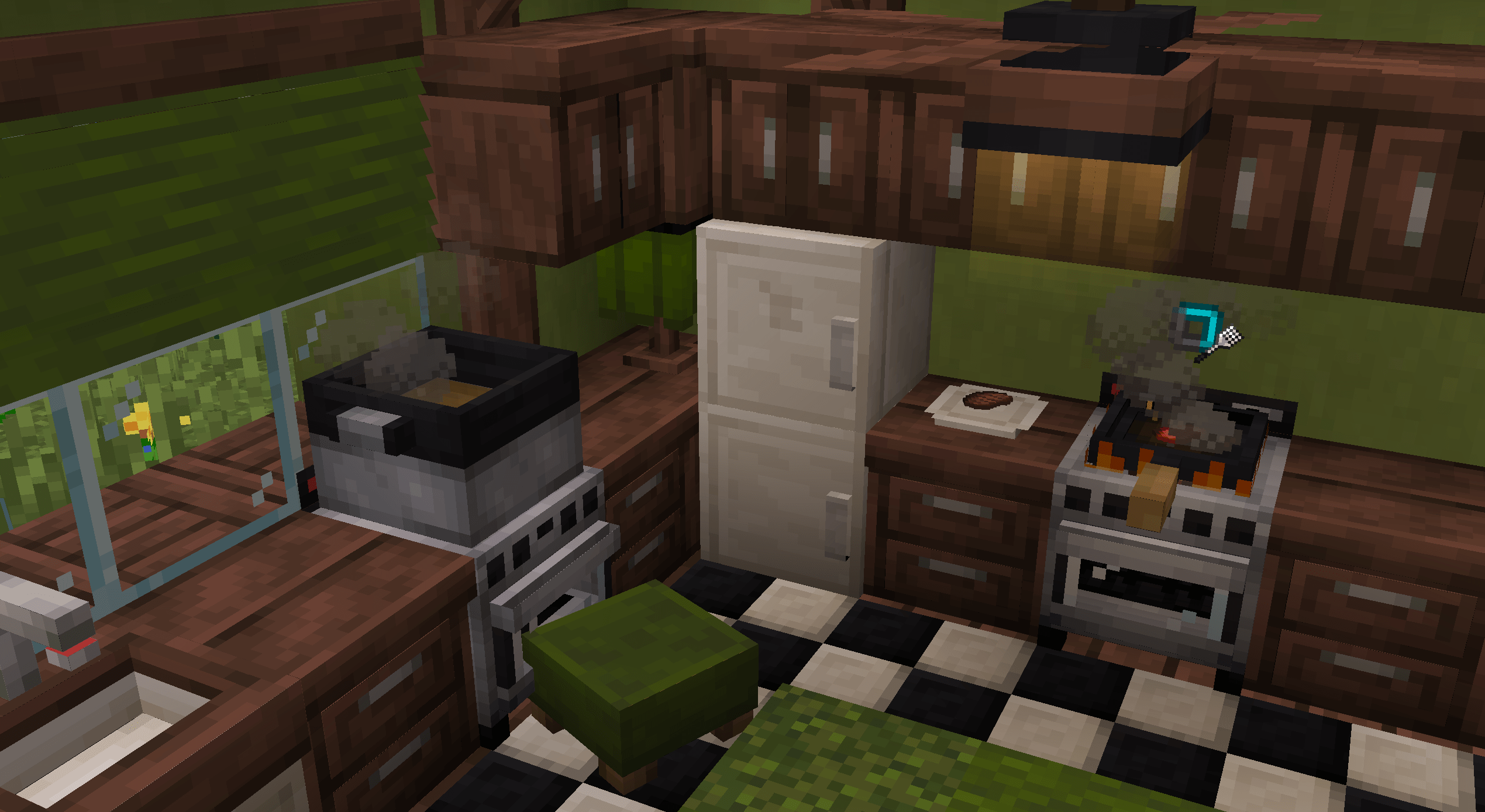



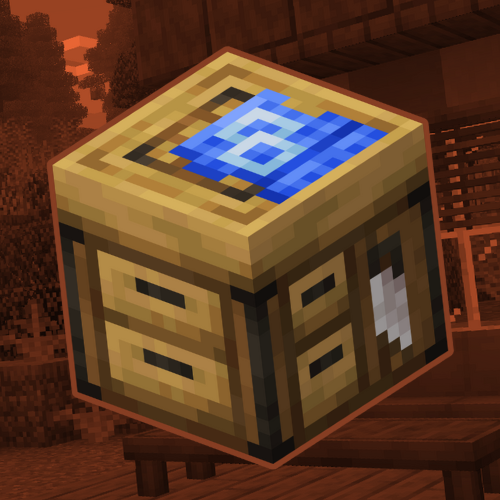
Make your world fabulous with fabulous furniture! More than 150+ blocks with more than 250+ variations available!




📕 DESCRIPTION
Have you ever searched for a furniture add-on which would give you the possibility to decorate your MC survival or creative base in a better way, and even better, for free!, Welcome to Fabulous Furnished, an add-on which allows you to explode your imagination and creativity in a better way
And no, this is not just a furniture add-on, it is an add-on which has the function of giving you extensive customization of your furniture and decorations, with support for the 16 vanilla MC colors, VFX effects on some blocks, connectable blocks and much more
- 📌 The add-on no requires experimental features and also has support for MC achievements!
✨ FEATURES
- Original designs "adapted" to the vanilla style, no inspirations, just based on real objects!
- More than 250+ decoration and furniture
- Customizing blocks with paint
- Compatible with more furniture add-ons -Survival friendly
- Functional interactive blocks with special functions
- Friendly with MC achievements and vanilla experience
🔧 INTERACTIONS ~
- Interaction is essential for the use of furniture, making it more useful than just useless blocks
⚡ ENERGY YOUR HOUSE ~
- Using the generator, you can power light blocks and devices! It's just a matter of filling it with carbon and making it functional
🪑 CRAFT & DECORATE ~
- Interactions are not the only purpose of the add-on, it also has the purpose of being able to be used in survival either by adding recipes which you can use to craft the items
📦 STORAGE & COOKING ~
- The add-on is not only limited to being useful but also tries to be dynamic and "aesthetic" at first glance, something you really didn't expect to see in a free add-on
🎨 CUSTOMIZATION ~
- And last but not least, customization, a key piece in the development of the add-on, making the largest number of items customizable

💻 FULL SHOWCASE ~
- View it!
- Edition: Minecraft Bedrock
- File type: .mcpack or .mcaddon
- Minecraft versions listed: 26.0, 26.50
- How to install: Download the .mcpack or .mcaddon file. → Open it — Minecraft imports it. → In your world: Behavior Packs → Available → Activate, then the same under Resource Packs.
- Where to get it: In MCModsHub, or directly above on this page.
Install steps are the general flow for this file type — How to install Minecraft Bedrock addons & mods walks through it step by step.
- Pack type: .mcaddon — behaviour and resource pack in one file
- Complete pack — everything it depends on is inside the file
- Download size: 6.3 MB
- Download link checked 25 Aug 2026 — working
These come from our own check of the pack file, not from the source page.