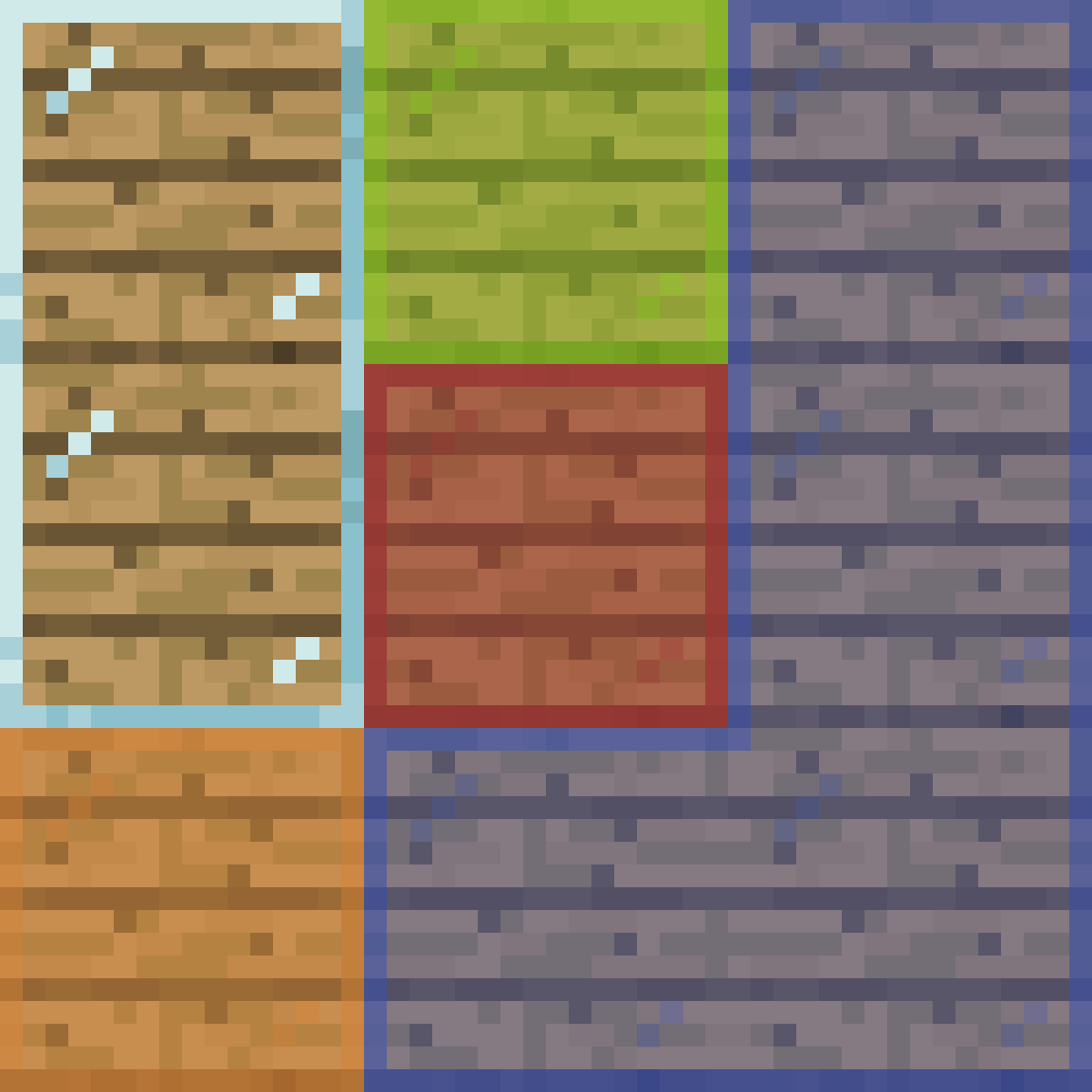
AddonsBedrock
Connected Glass
I don't know my version
Open Minecraft and look at the bottom-left corner of the main screen — the version is printed there, like v1.26.30.
The game writes a 1. in front; the buttons above leave it off. v1.26.30 in the game is 26.30 here.
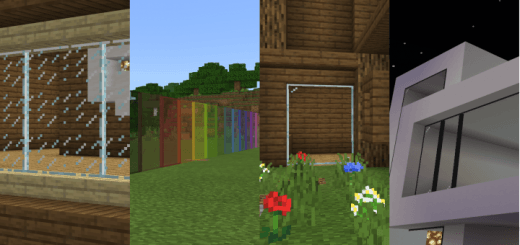
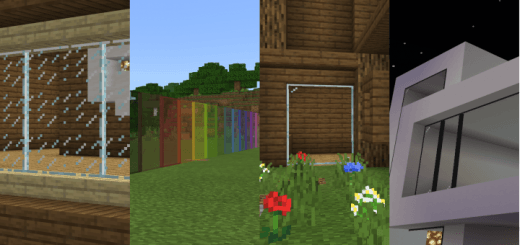
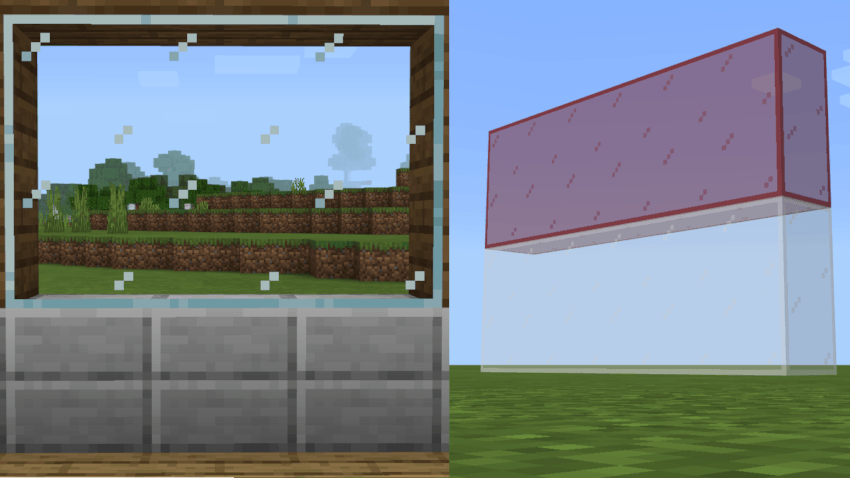
Images Preview :
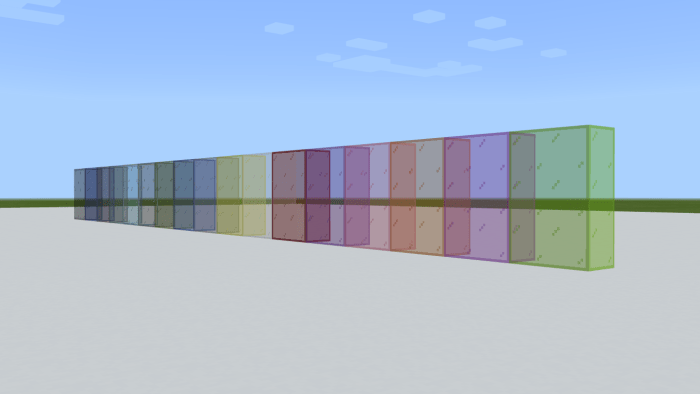
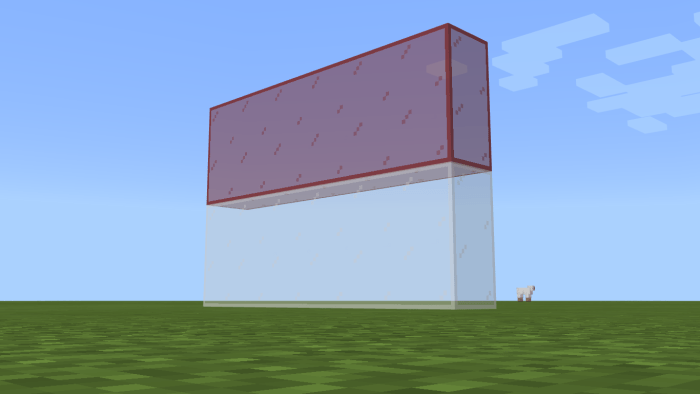
How to get them:
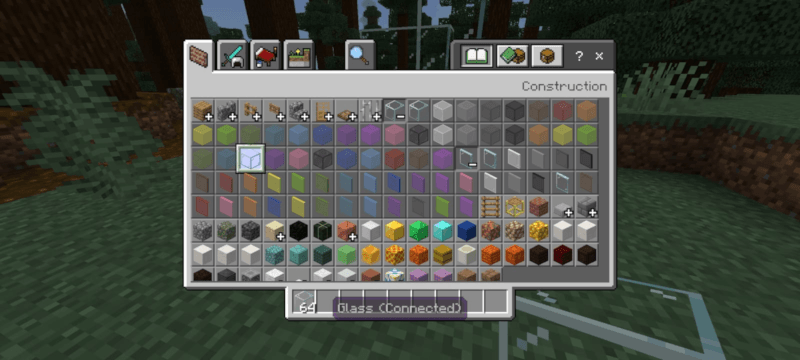
In creative mode, open inventory and navigate to "construction" panel, then expand the glass/glass pane item group. Just like how you would do with the vanilla glass.
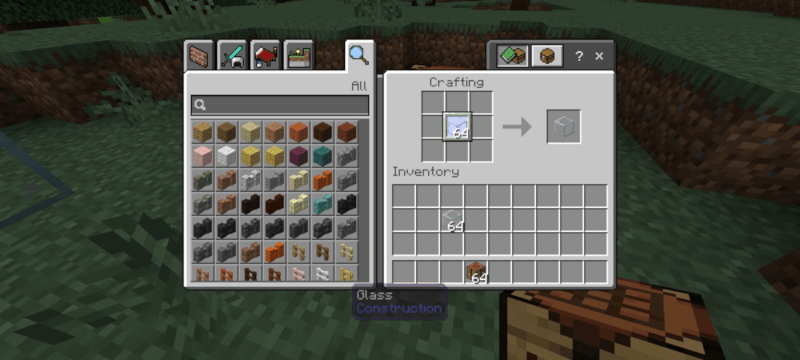
In survival mode, crafting vanilla glass will yield the connectable glass
Disclaimer ! ! !
1. Don't repost this addon on any website (even on mcpedl/curseforge)
2. Don't modify this pack without permission (modify this pack for personal use only, don't share the modification)
3. If you want to review this pack on YouTube, please provide a link to this web, it will support the creator of this content :))
4. Encounter any problem? reach me out via social media:
- habibanwash1447 (discord)
- @habib_anwash (instagram)
- @HabibAnwash (X, fka Twitter)
Quick facts
- Edition: Minecraft Bedrock
- File type: .mcpack or .mcaddon
- Minecraft versions listed: 1.21.131, 1.21.132, 26.0.02
- How to install: Download the .mcpack or .mcaddon file. → Open it — Minecraft imports it. → In your world: Behavior Packs → Available → Activate, then the same under Resource Packs.
- Where to get it: Opens on CurseForge — not every file is mirrored on our own servers.
Install steps are the general flow for this file type — How to install Minecraft Bedrock addons & mods walks through it step by step.
Verified by MCModsHub
- Pack type: .mcaddon — behaviour and resource pack in one file
- Manifest requires Minecraft 1.21.113 or newer
- Complete pack — everything it depends on is inside the file
- Download size: 1.8 MB
- Download link checked 25 Aug 2026 — working
These come from our own check of the pack file, not from the source page.


