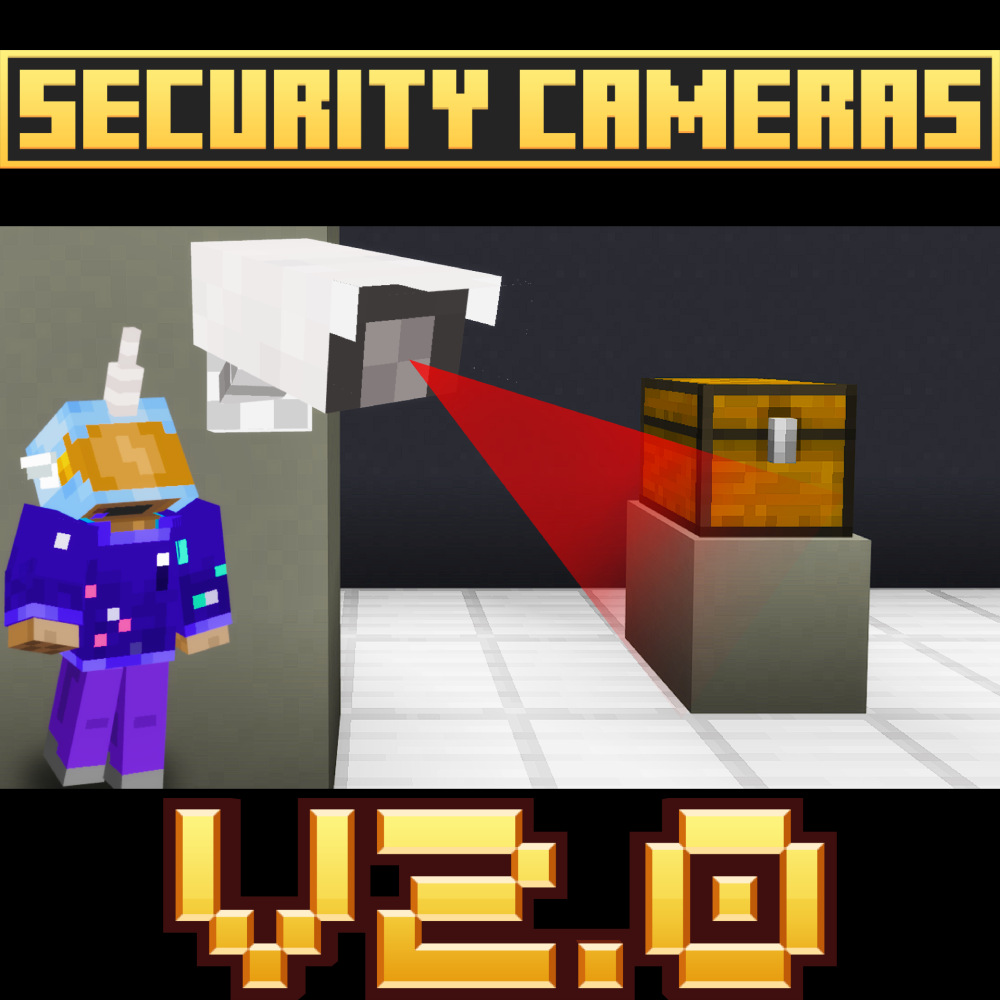
Security Cameras
Bedrock add-on listed for Minecraft 1.21–26.x (behavior + resource pack). File opened and checked on 18 Oct 2026; installs from the MC Bedrock Mods app on Android.
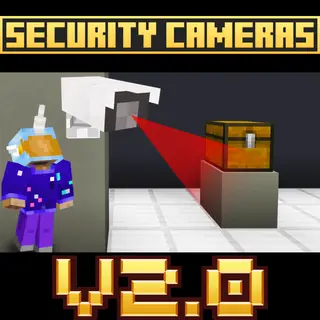
Discover the Security Camera Addon for Minecraft Bedrock! Place cameras, view live feeds, and monitor your world from anywhere using a special tablet.
⬇ Download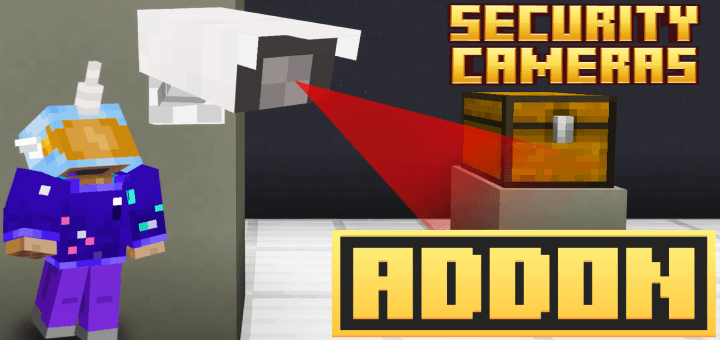
Transform your world into a high-tech surveillance hub with this innovative addon. Place customizable security cameras throughout your realm and monitor them from anywhere using a special tablet item. View live feeds, toggle between cameras.
Key Features: • Easy camera placement and management • Real-time camera viewing with player head movement • Creative mode requirement option for admin control
Perfect for server admins, roleplay enthusiasts, or anyone looking to add a layer of security and intrigue to their Minecraft experience. Set up surveillance in your base, monitor player activity in specific areas, or create immersive spy missions.
This addon seamlessly integrates with Minecraft's gameplay, offering a unique and engaging way to interact with your world. Whether you're safeguarding your treasures, keeping an eye on mischievous players, or simply exploring new ways to experience Minecraft, the Security Camera Addon opens up a world of possibilities.
Elevate your Minecraft experience – see your world through a new lens with the Security Camera Addon!
IMPORTANT: Download and install both files Behavior and resource packs
HOW TO USE:
-Activate the behavior and resource pack.
-To use this addon first you will have to craft two items the security camera and the tablet.
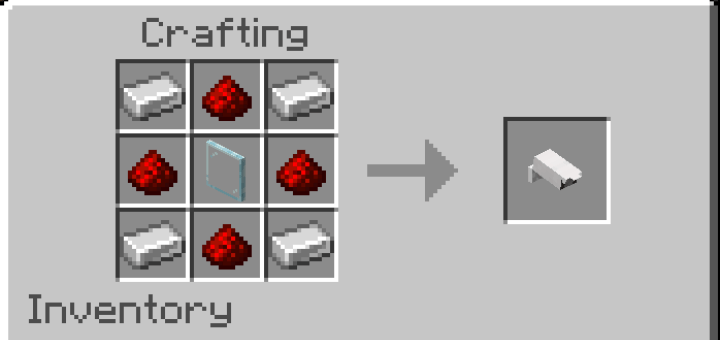
Security Camera Recipe:
-4x Iron Ingot
-4x Redstone
-1x Glass Pane
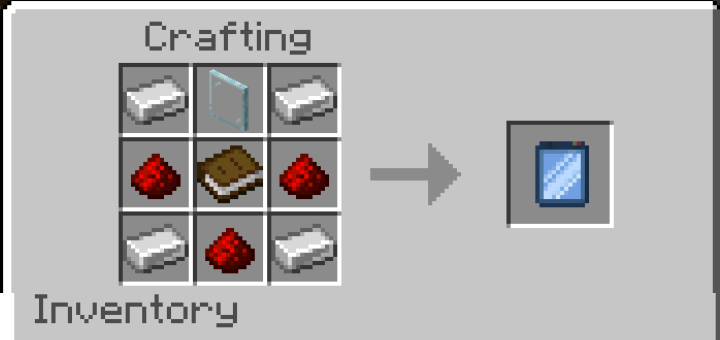
Tablet Recipe:
-4x Iron Ingot
-3x Redstone
-1x Glass Pane
1x Book
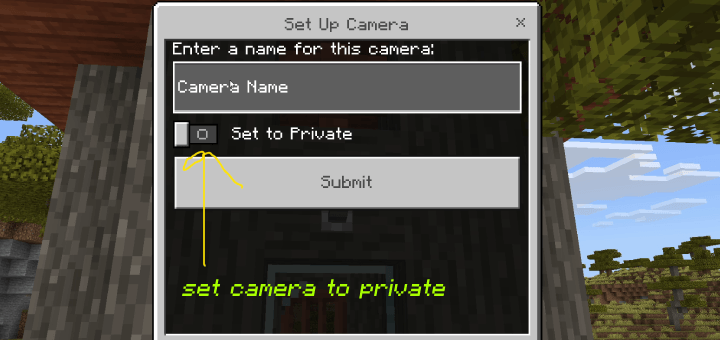
To add a new camera simply place the camera block anywhere you like, this will show a menu where you can name your camera and toggle on or off if you want to set it to private.
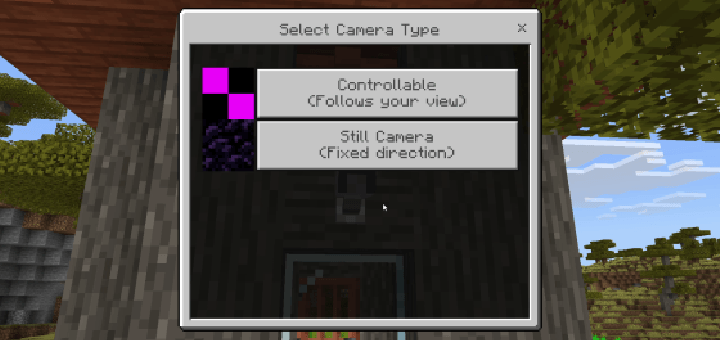
Then a menu will appear with two options "Controllable" or "Still Camera"
- "Controllable": will allow you to control the camera when viewing trough it.
- "Still Camera": Will face towards a specified coordinate and will not move.
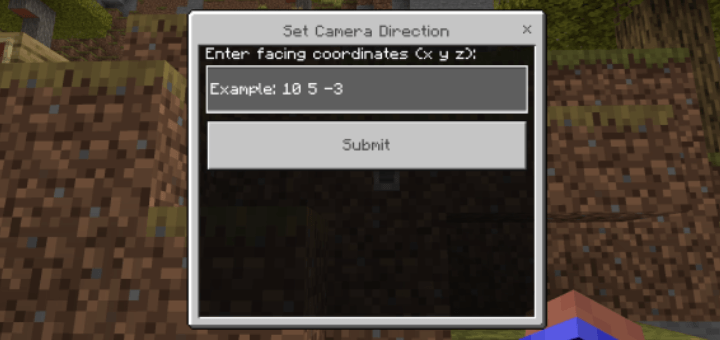
- If you select "Still camera" you will have to input the coordinates of where you want it to be facing
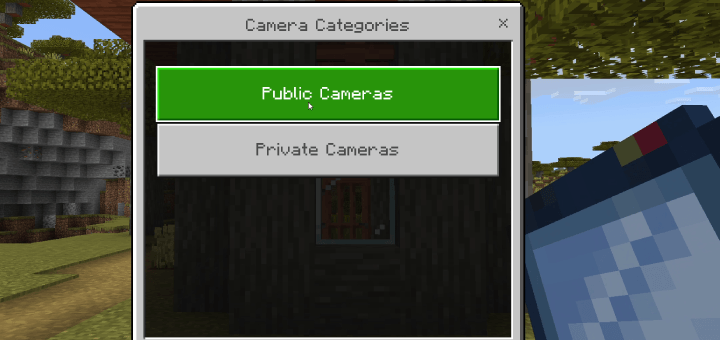
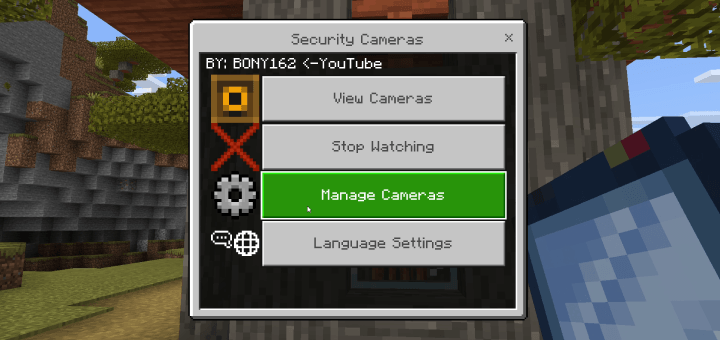
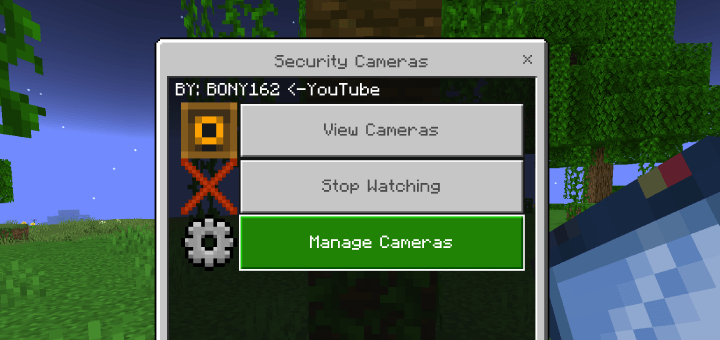
To view the cameras you have placed hold the tablet in your hand and activate it, this will bring up a menu and select "View Cameras" then select wether to view the public or private cameras.
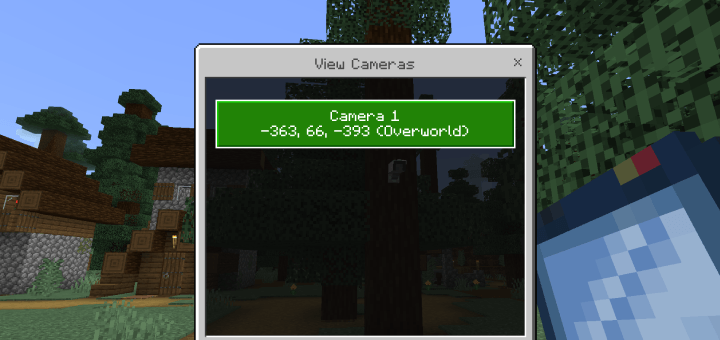

To stop looking trough the camera open the menu and select "Stop Watching"

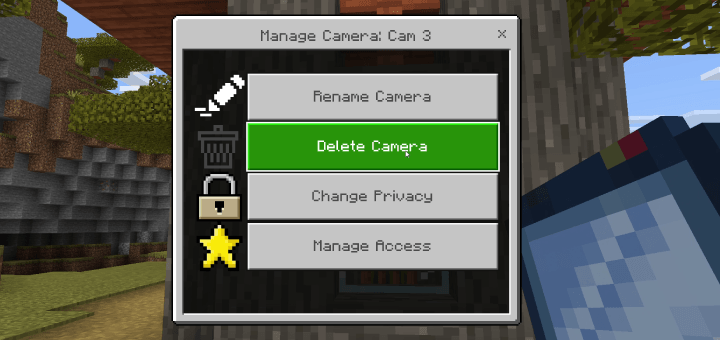
To edit the cameras you have placed open the menu and select "Manage Cameras" then select "List Cameras" and select the camera you want to edit, here you will get the options to rename, delete, change privacy or manage access.
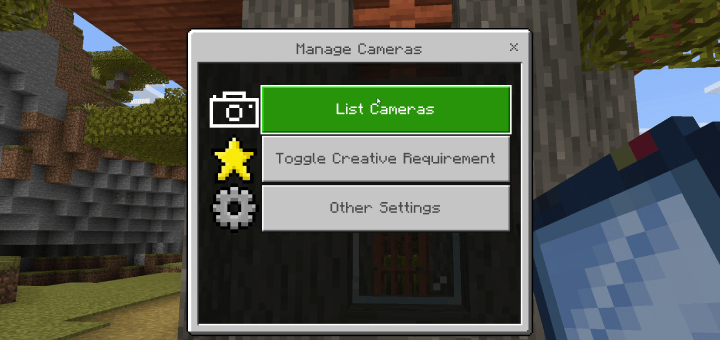
- "Toggle Creative Requierement" what this option will do is require creative mode in order to edit the cameras rename/remove, with this feature turned on if you are in survival you will not have access to the "Manage Cameras" option, to turn this feature off you will have to go into creative and toggle it off.
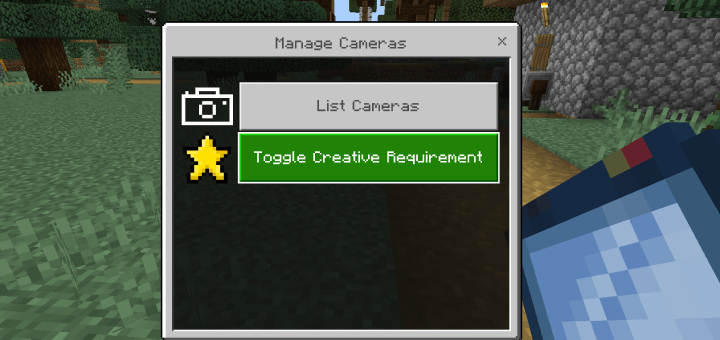
- If you want to give access to your cameras to other players select 'Manage Cameras' and select the camera you want to give players access to
- Select 'Add Player' to give a new player permission to your camera, select their name from the drop down menu and select submit, select 'Remove Player' to remove their access to the camera

CHANGES:
- Experimental toggle added to load chunks that are far from the player.
- Can now remove cameras by breaking them.
- Can now switch cameras by jumping or sneaking.
- Can now show or hide the coordinates and biome of where the camera is placed.
- Can now switch languages from the menus.
- Added option to set cameras to private.
- Can add or remove player access to private cameras.
- Destroying camera block now removes it from the list.
IMPORTANT: Download and install both files Behavior and resource packs

- Edition: Minecraft Bedrock
- File type: .mcpack or .mcaddon
- Minecraft versions listed: 1.21.30, 1.21.50, 1.21.81
- How to install: Download the .mcpack or .mcaddon file. → Open it — Minecraft imports it. → In your world: Behavior Packs → Available → Activate, then the same under Resource Packs.
- Where to get it: In MCModsHub, or directly above on this page.
Install steps are the general flow for this file type — How to install Minecraft Bedrock addons & mods walks through it step by step.
- Pack type: .mcaddon — behaviour and resource pack in one file
- Complete pack — everything it depends on is inside the file
- Download size: 8.1 MB
- Download link checked 16 Jul 2026 — working
These come from our own check of the pack file, not from the source page.

![THE BEST SECURITY ADDON, Lockable Chests and Doors for Minecraft Bedrock Edition [Review]](https://i.ytimg.com/vi/HpEk2Rk44mc/mqdefault.jpg)


